
1. How many photos can I upload at once?
This template uses one image per render to keep the voxel layout clean.
Turn one photo into a Minecraft-style voxel portrait with blocky pixels and game lighting.
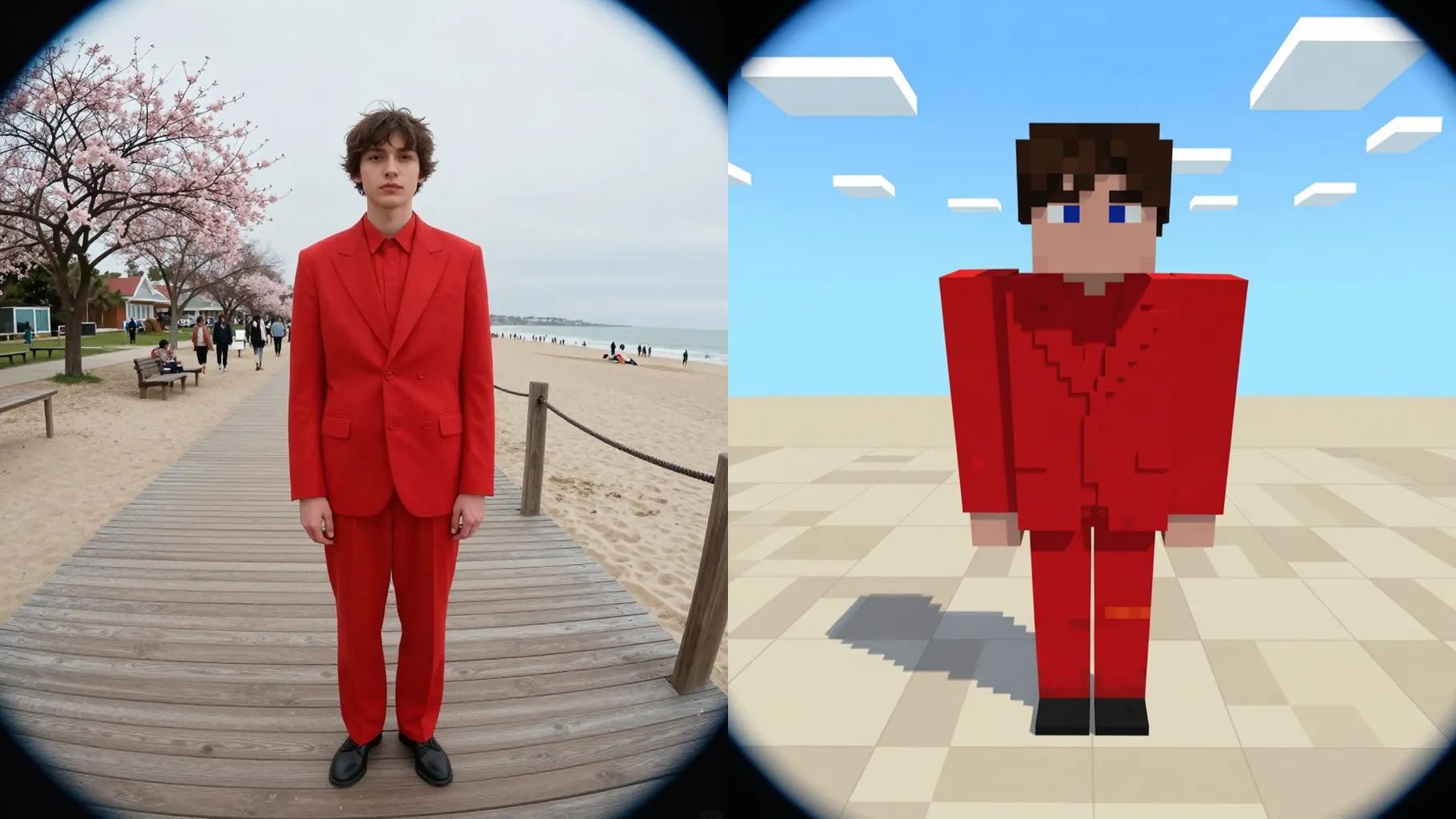
Upload one photo to rebuild it with Minecraft-style voxel blocks, crisp pixels, and soft game lighting.
Examples show the target style. Your result depends on the chosen model and reference photo.
Turn one photo into a Minecraft-style render with voxel cubes, chunky pixels, and bright game lighting.
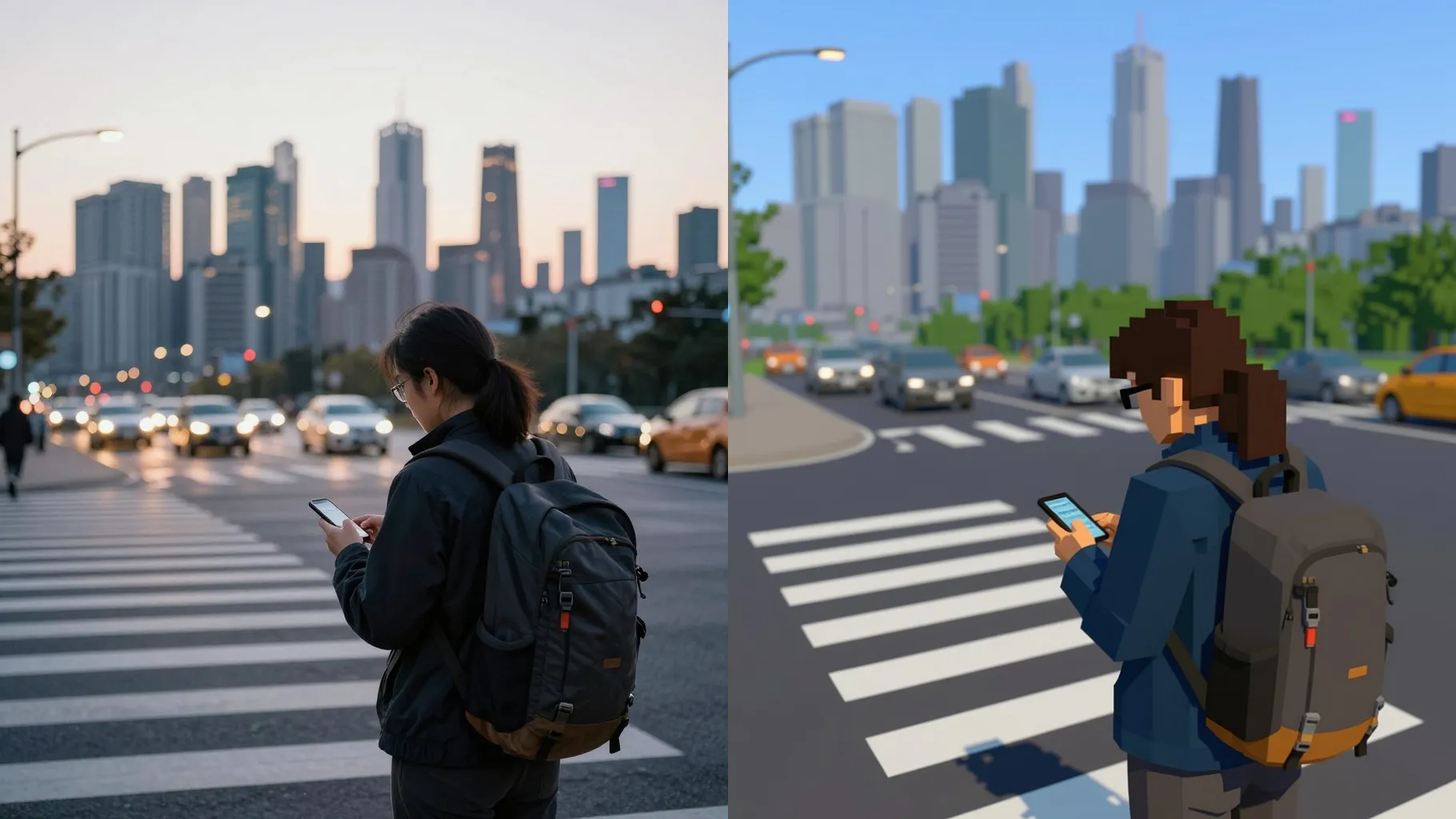
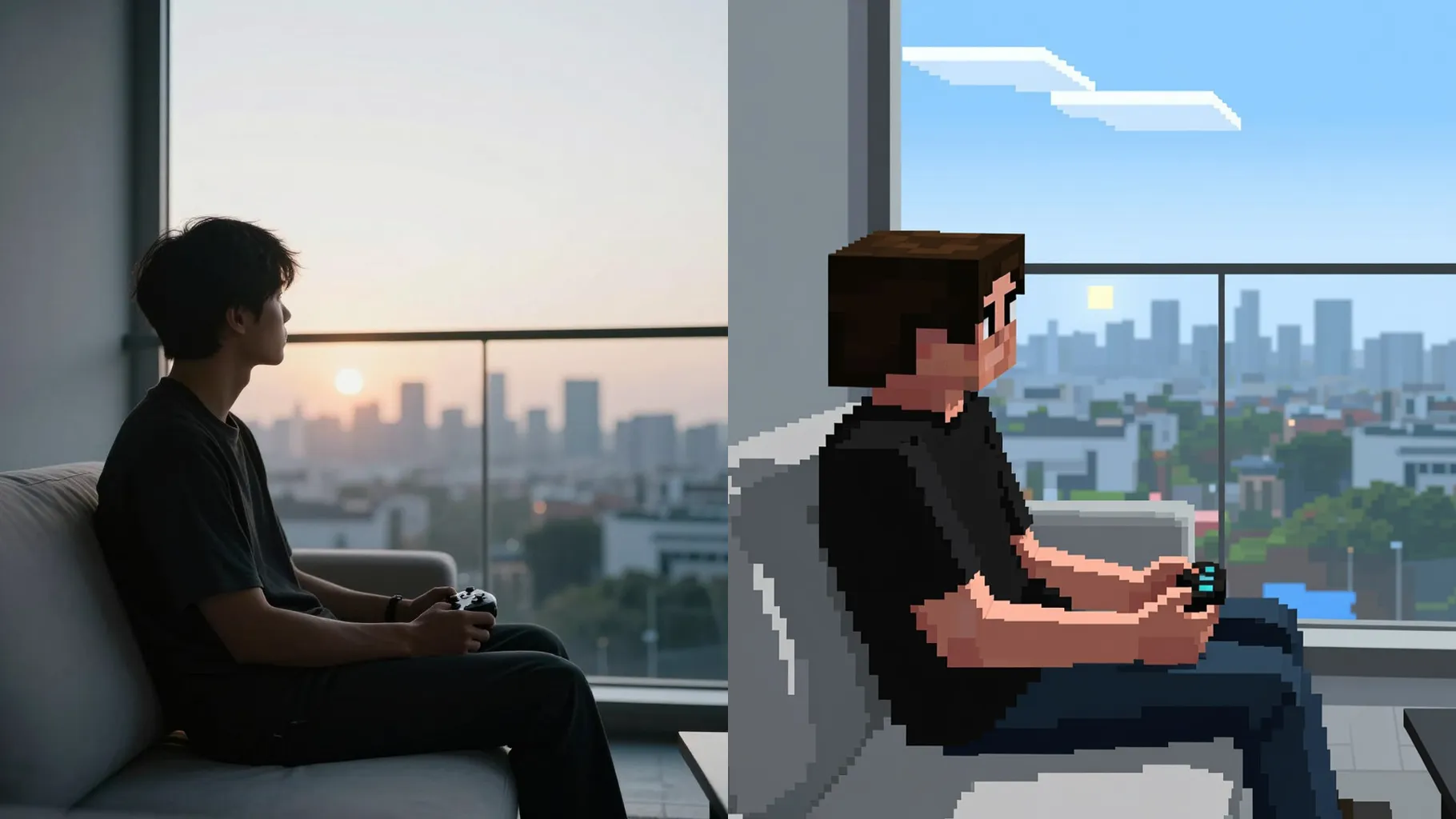
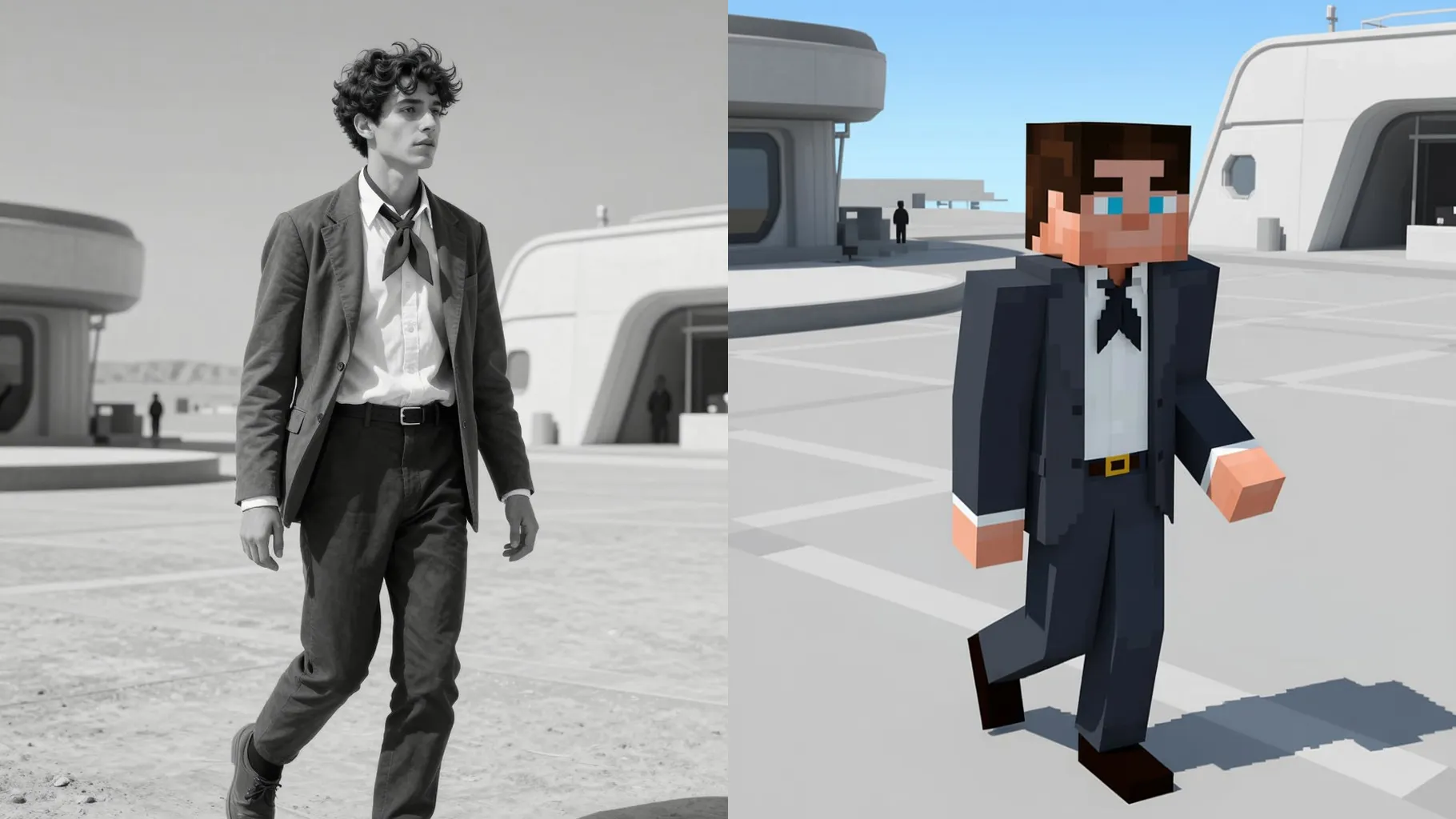
Rebuilds faces, outfits, and props as cube stacks while keeping proportions and color accents.
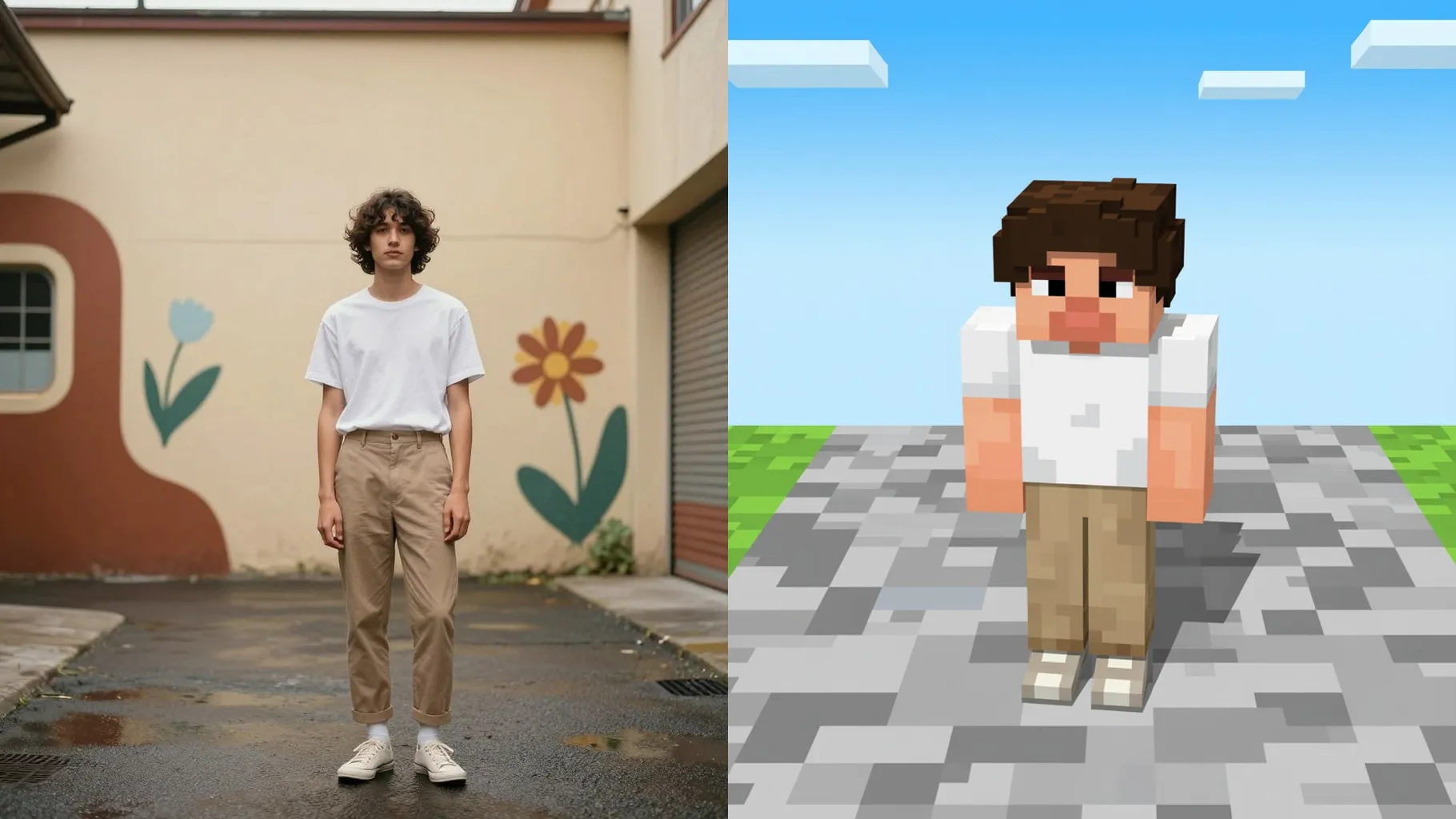
Adds simple shadows, rim light, and biome-inspired colors like plains sunrise or nether glow.
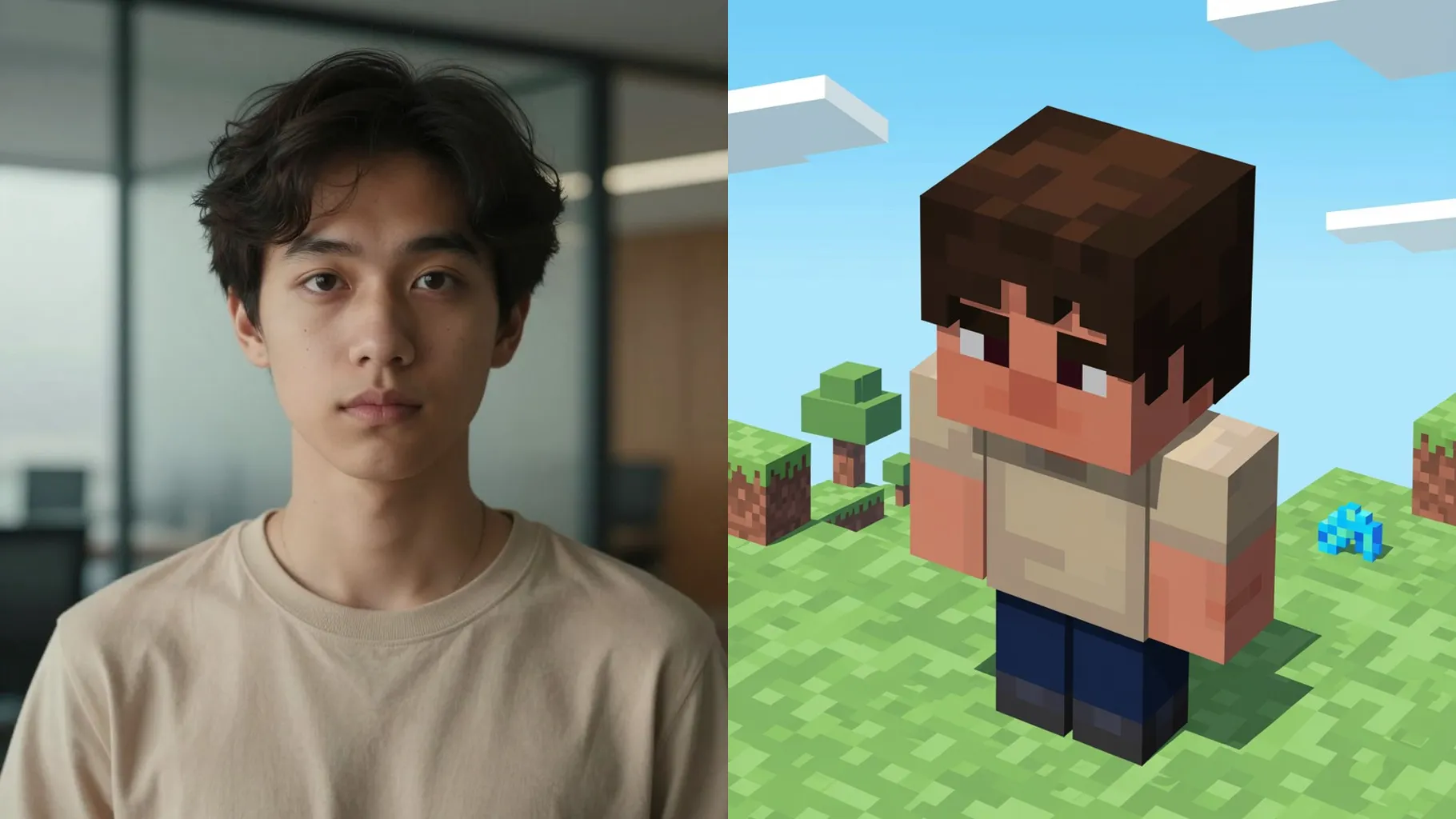
Front-facing portraits or full-body shots with clean backgrounds voxelize best.
Mention the biome or prop you want—village street, forest base, torch-lit cave, or castle yard.
Render the Minecraft look, rerun for variations, then save the sharpest blocky version.
This template uses one image per render to keep the voxel layout clean.
A short prompt is optional but helps pick a biome, props, or lighting mood.
Yes. It keeps your pose and expressions while translating them into cubes and pixels.
Aspect ratio control is off to avoid stretching blocks; crop before upload if you need a specific ratio.
Model switching is disabled to preserve the Minecraft-style texture and lighting.
Yes. Keep subjects centered with clear edges so voxel outlines stay sharp.
JPG, PNG, or WebP under 10MB render fastest and keep pixel edges clean.
No. It's an image-to-image Minecraft filter and needs one uploaded photo to start.

Upload one photo, add a quick vibe, and get a voxel render with blocky pixels and bright lighting.