
1. How many images can I upload?
This template uses one photo per run to keep the pillow cutout and stitching accurate.
Upload one photo to turn it into a cozy plush pillow render with stitched edges and soft studio lighting.
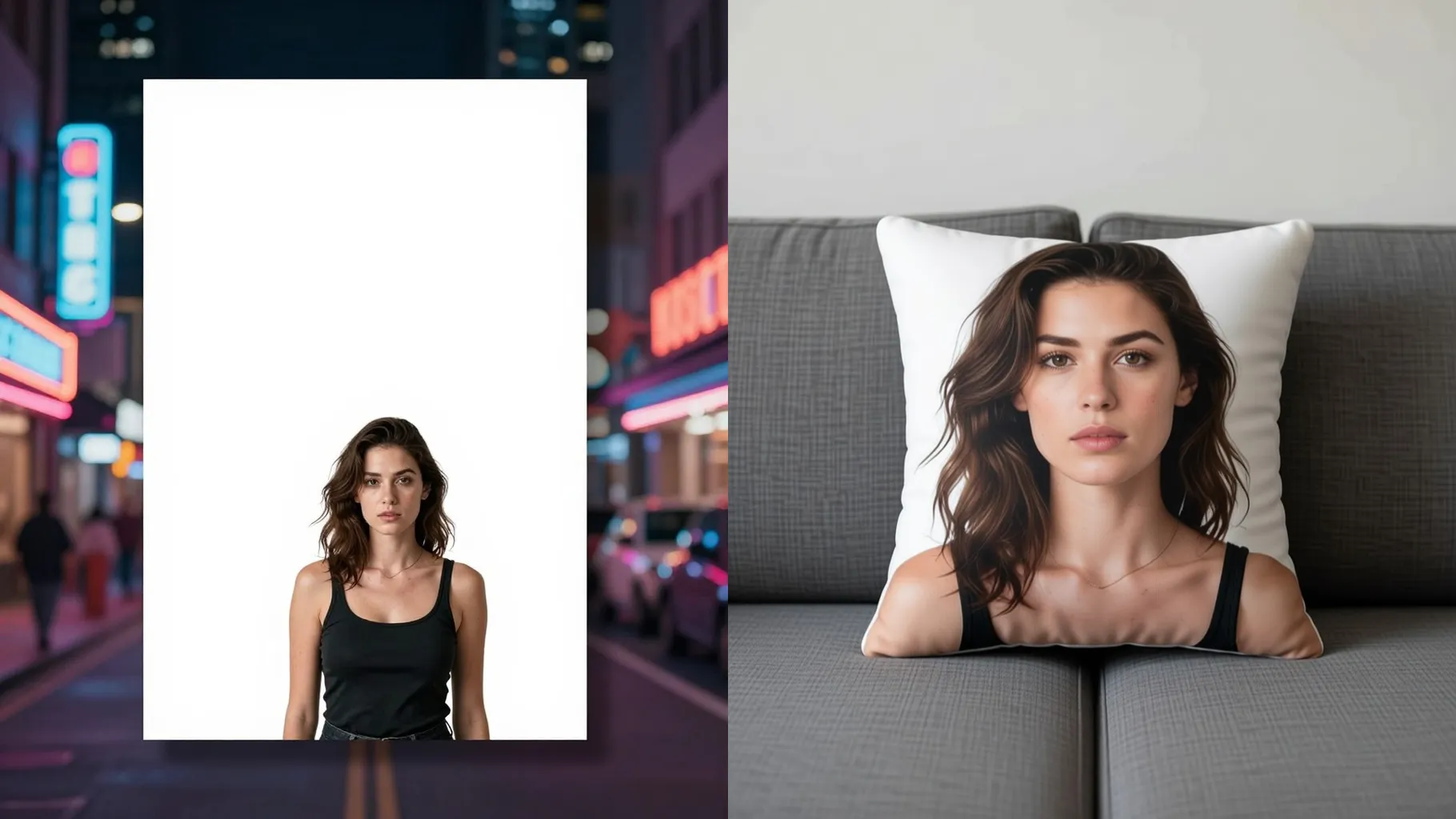
Upload one photo to turn it into a plush pillow render with stitched edges, soft stuffing, and studio light.
Examples show the target style. Your result depends on the chosen model and reference photo.
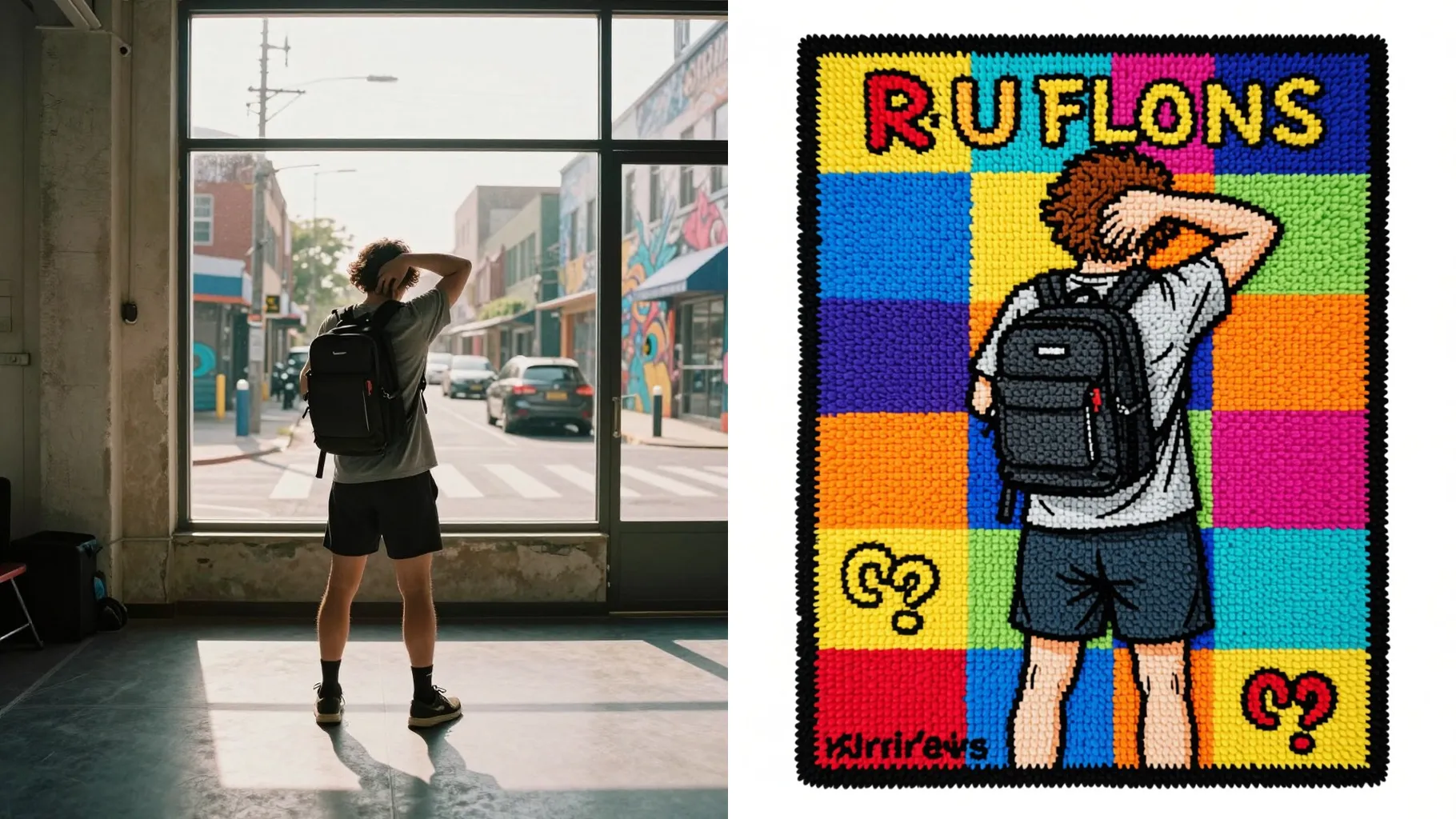
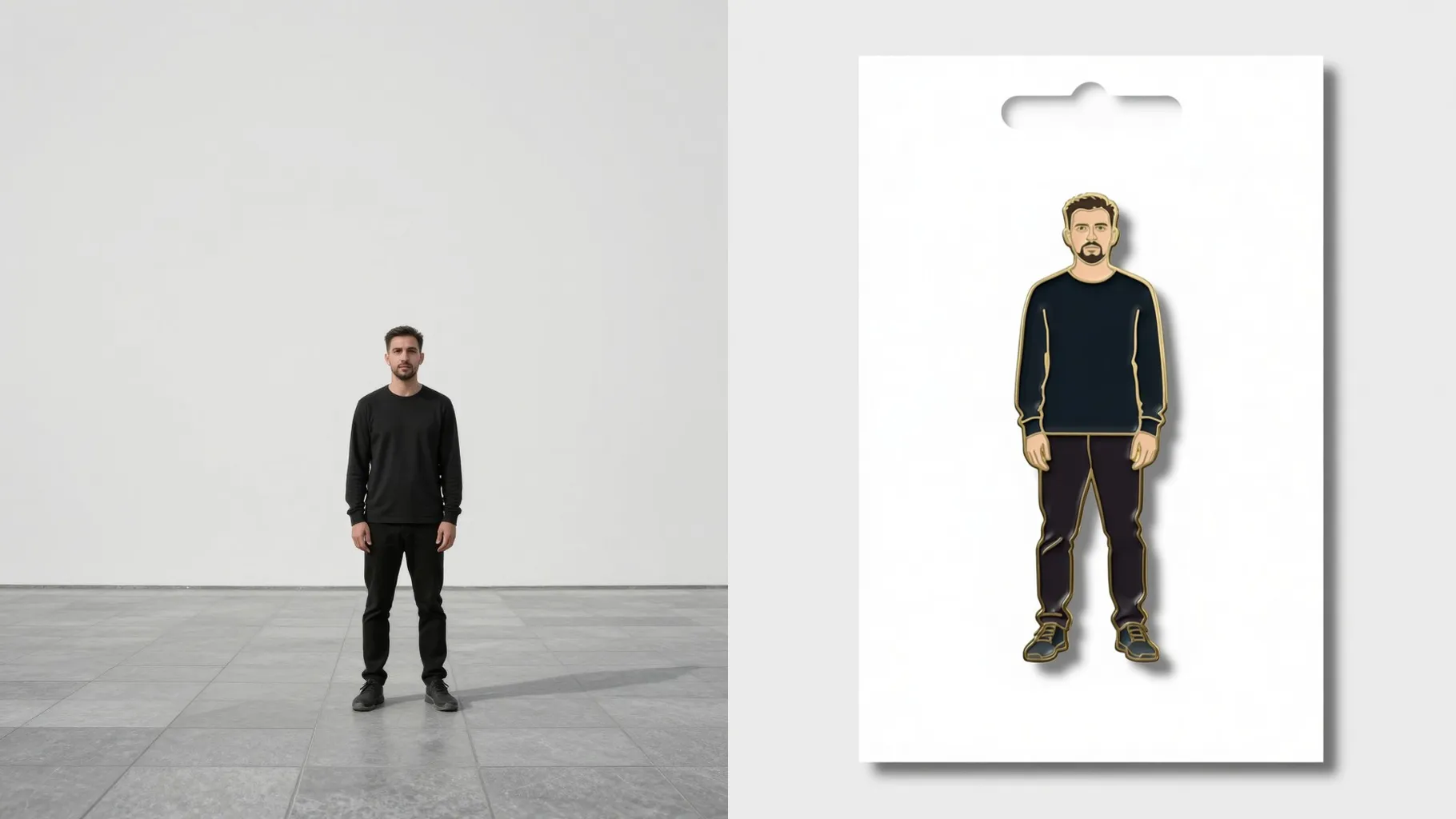
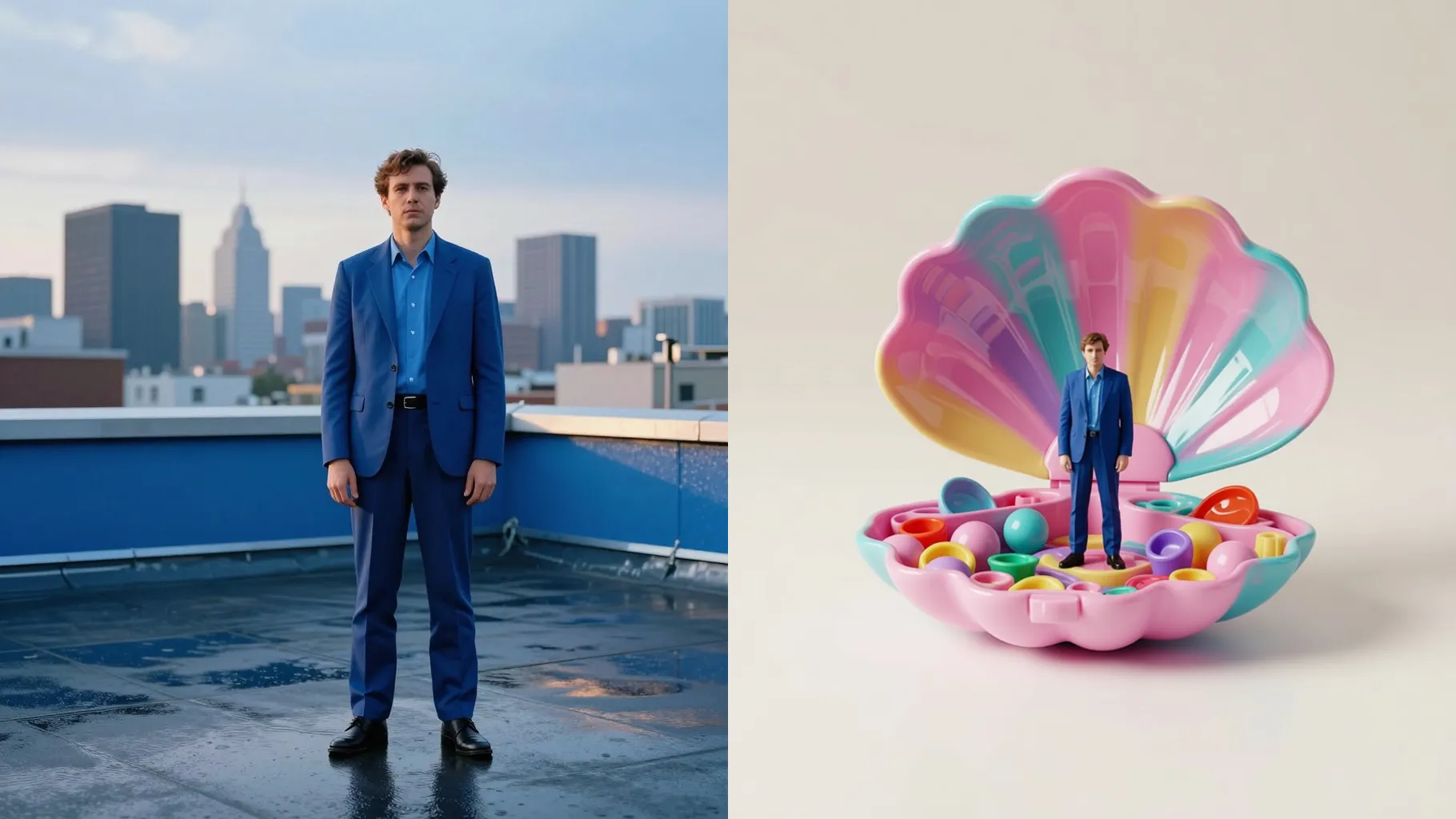
Upload one image and get a squishy pillow render shaped like your character, pet, or logo with stitched seams and soft light.
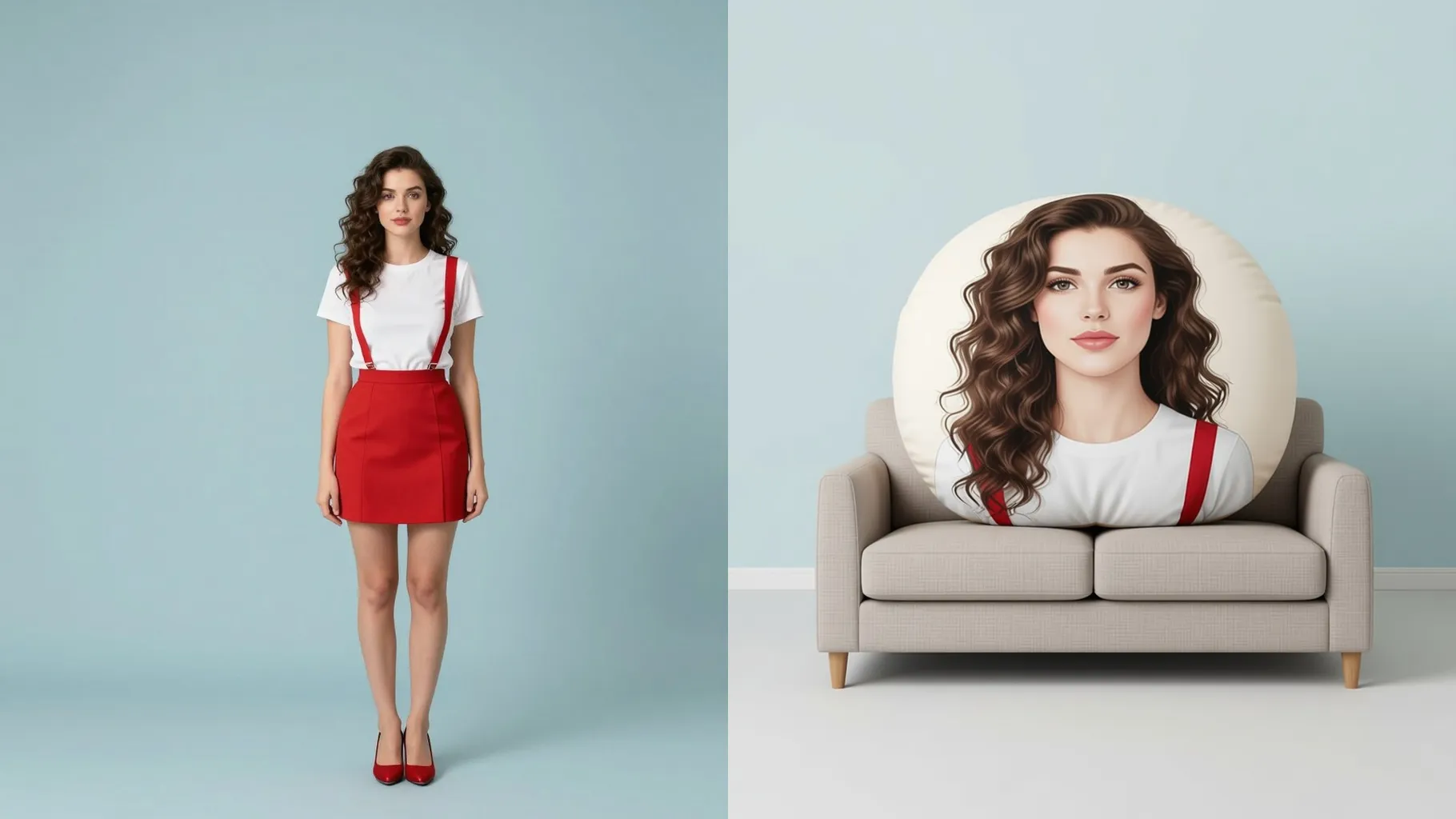
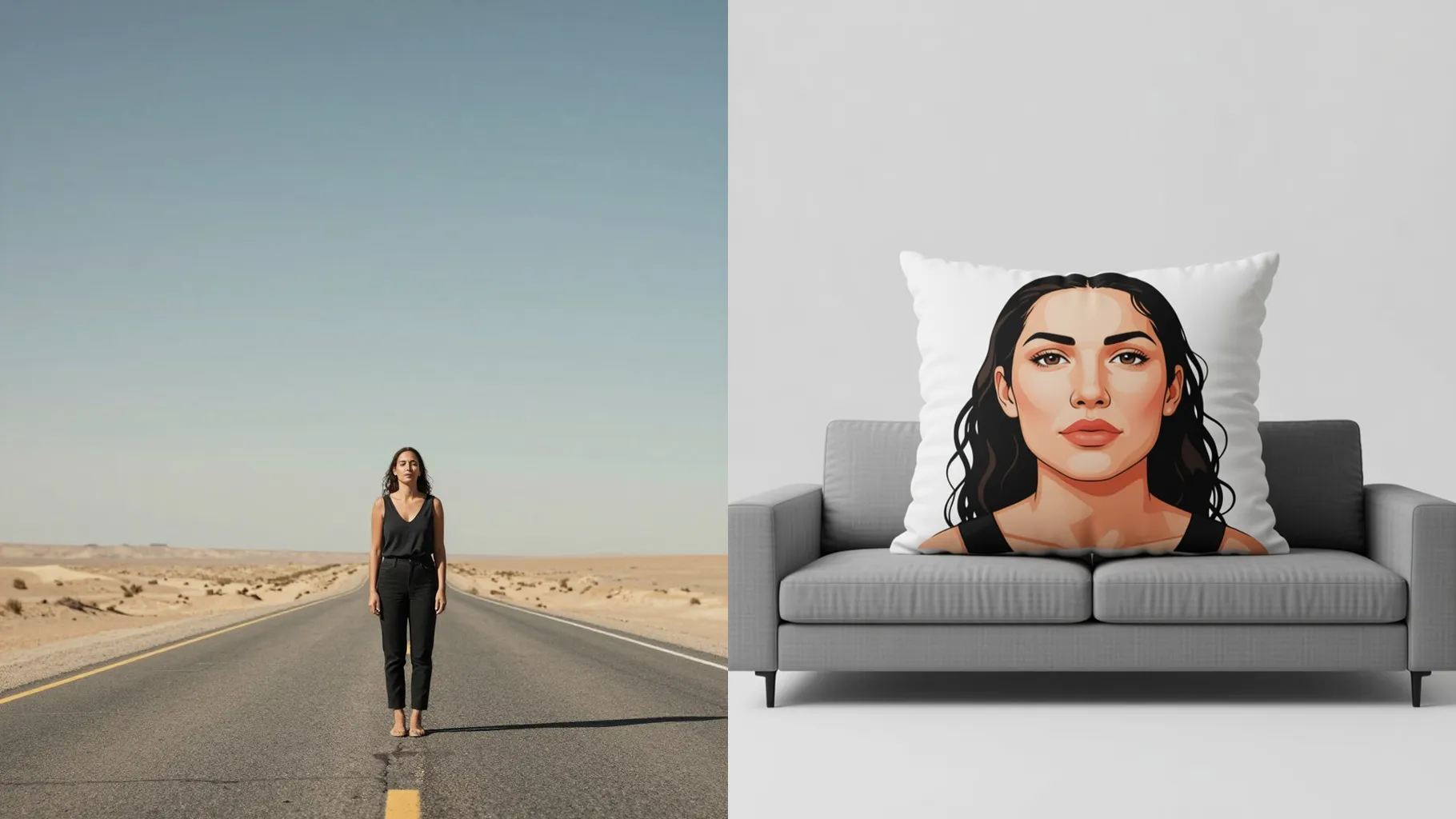
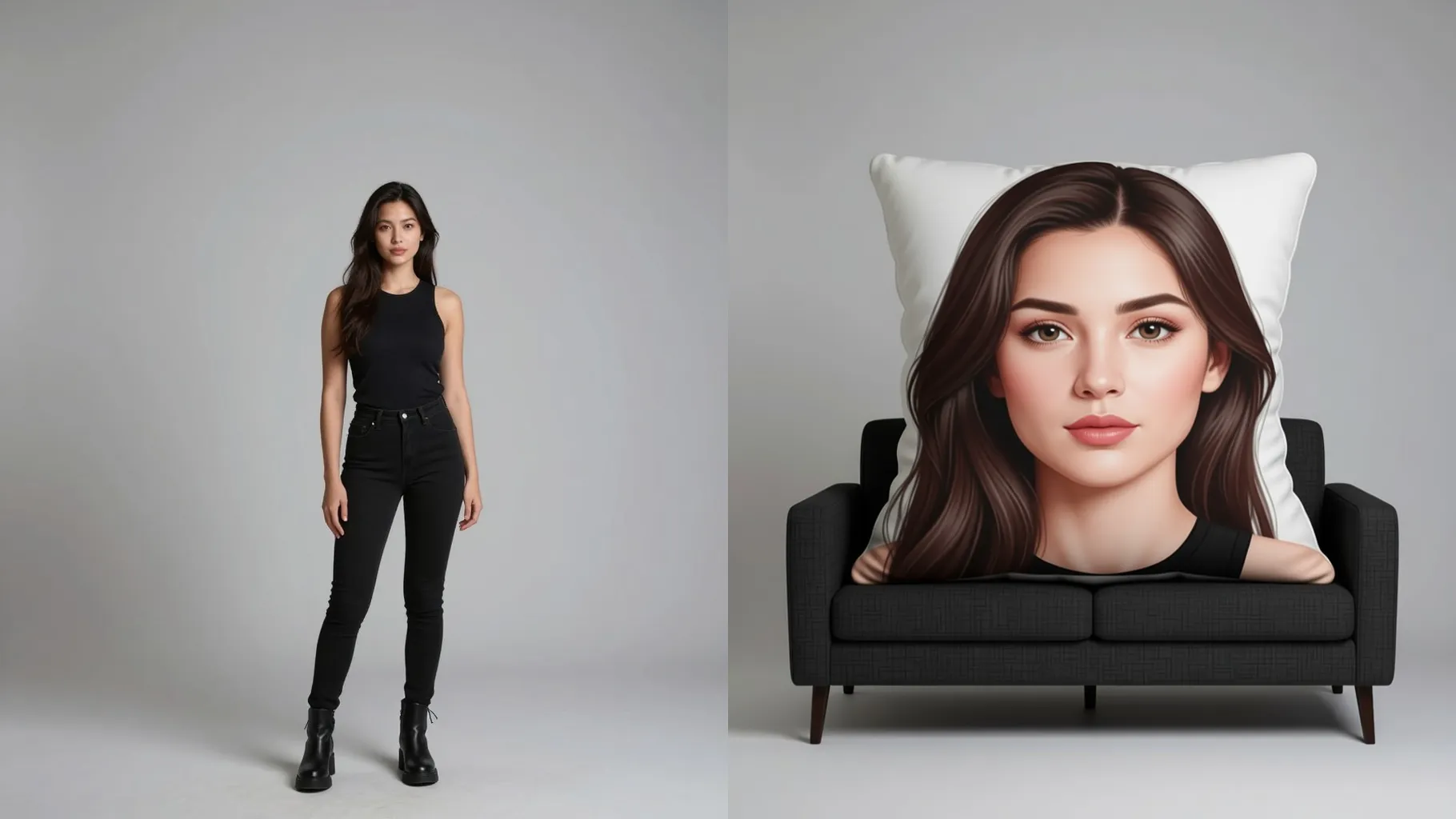
Transforms your subject into a plump pillow with velvety fabric, embroidered edges, and gentle shading without extra setup.
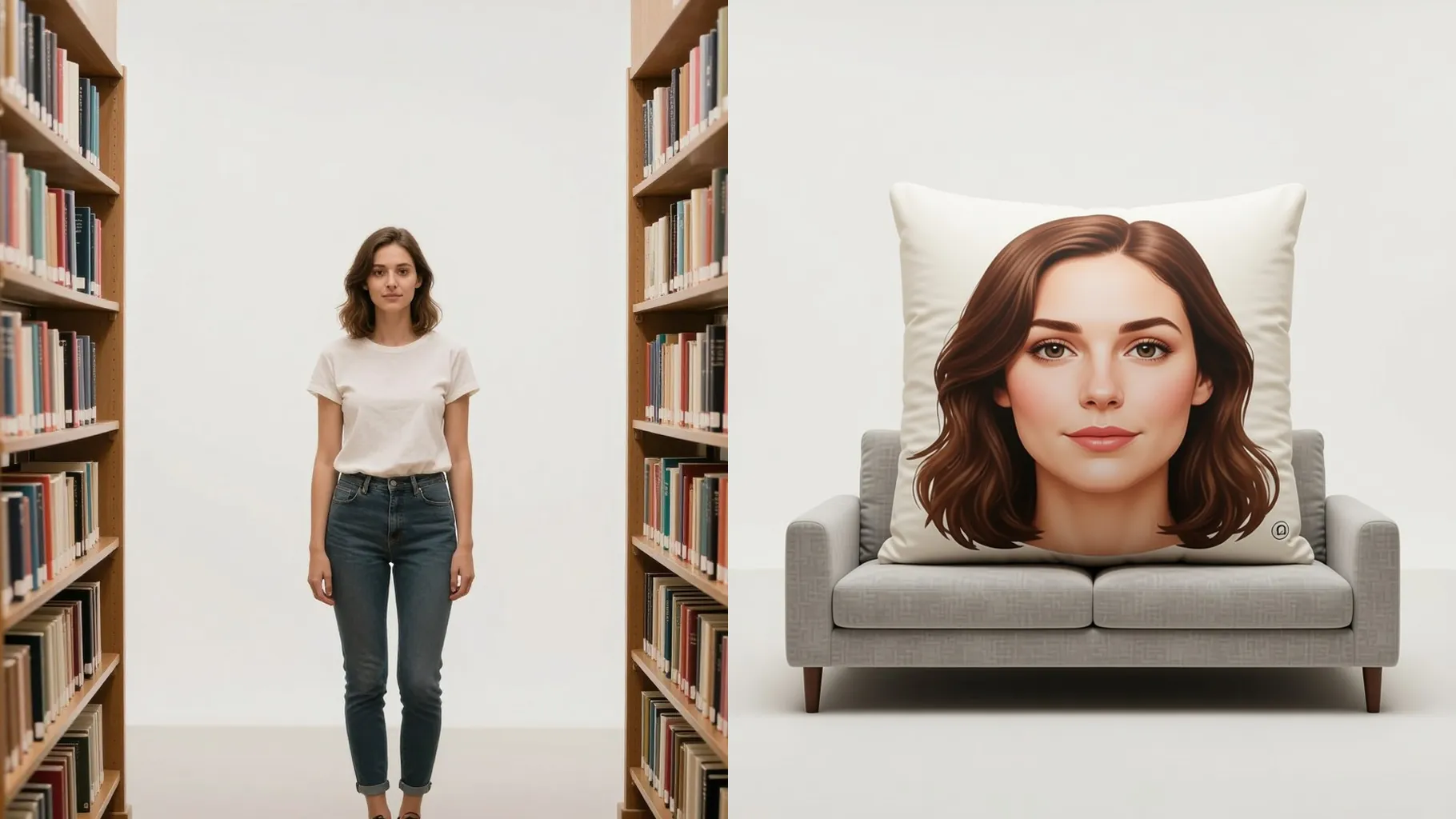
Adds studio lighting, shadows, and clean backgrounds so your plush pillow preview is ready to share or sell.
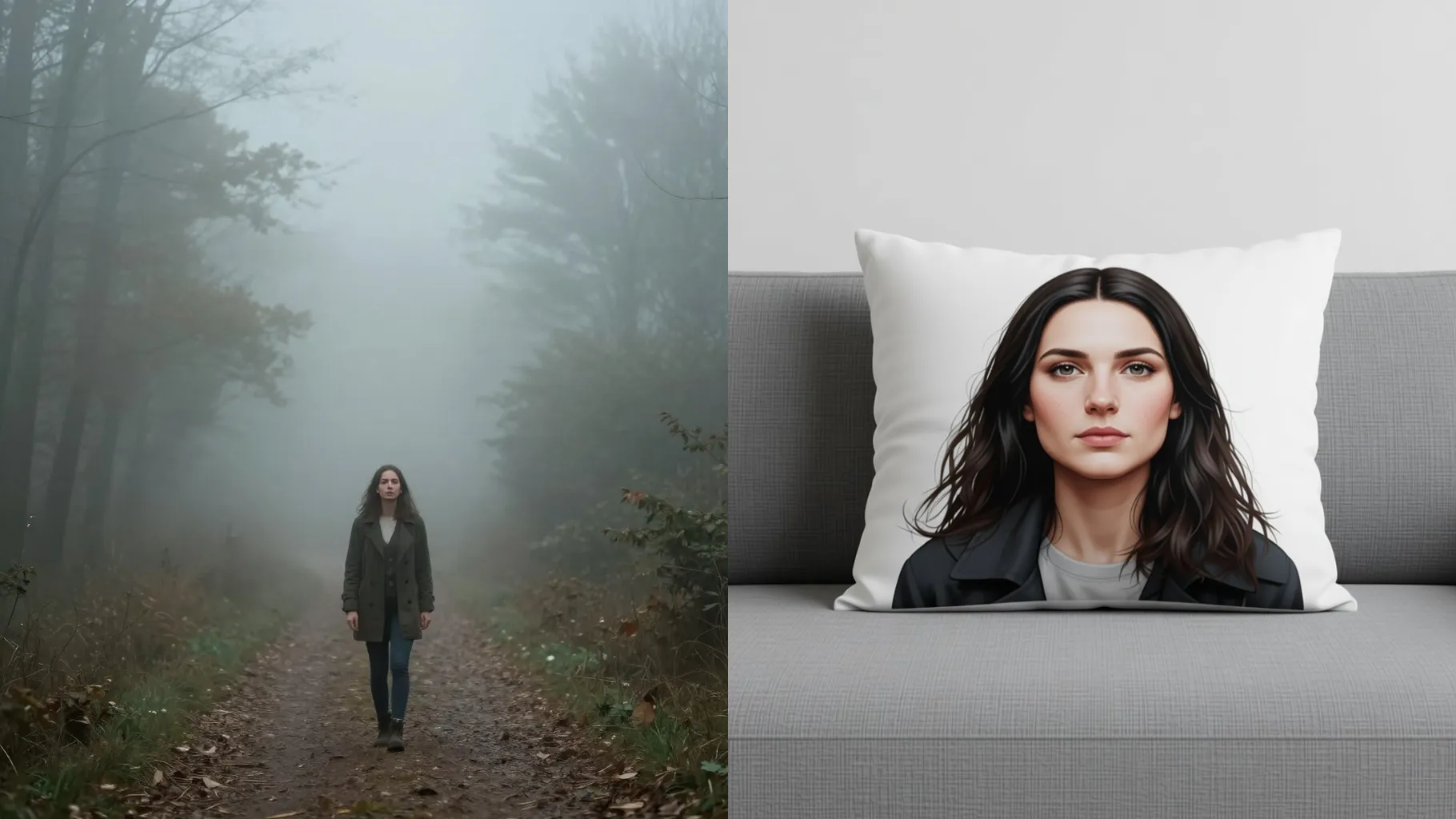
Centered faces, pets, or logos keep the pillow shape clean and readable.
Mention colors, fabric vibe, or accessories like bows or buttons to guide the style.
Review the plush pillow renders, rerun for variants, then save your favorite output.
This template uses one photo per run to keep the pillow cutout and stitching accurate.
No. A short line about fabric texture, colors, or accessories is enough alongside your upload.
Use JPG, PNG, or WebP under 10MB for fast processing and cleaner fabric detail.
Aspect ratio is fixed to keep the pillow balanced. Crop your photo first if you need a different shape.
Model switching stays off so the plush texture and lighting stay consistent.
Yes. It keeps your main palette while adding stitched outlines, shading, and soft stuffing.
Yes. Centered logos, mascots, and simple objects convert cleanly into pillow shapes.
No. This is an image-to-image effect and needs one upload to start.

Upload one image, add a quick style note, and download a cozy pillow render with stitched edges.