
1. How many photos can I upload?
This template supports one photo at a time to keep the cutout clean.
Upload one photo to cut it into a die-cut sticker with a white border, bright colors, and a soft shadow.
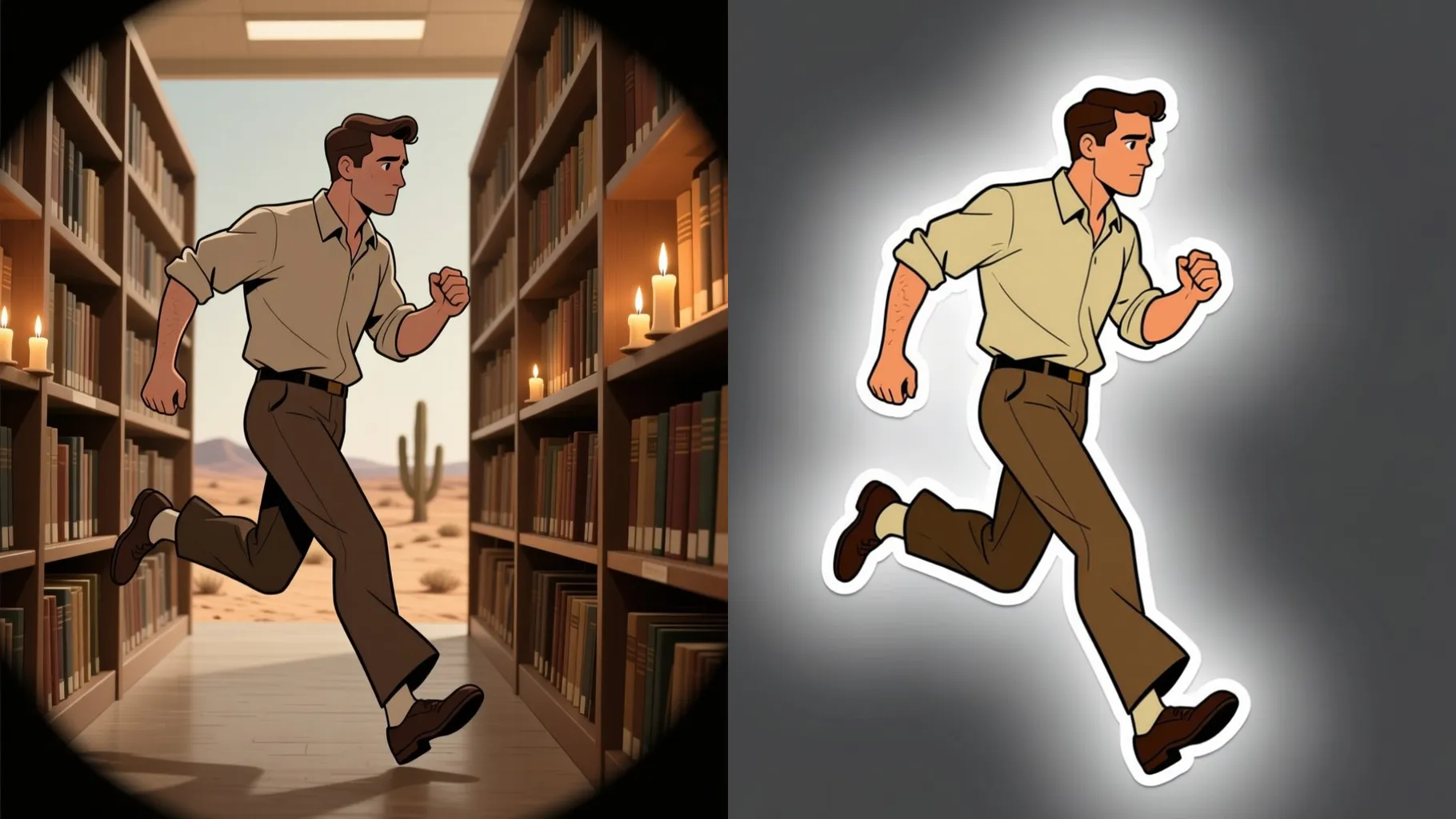
Cuts your uploaded photo into a die-cut sticker with clean outlines and a white border while keeping the subject centered.
Examples show the target style. Your result depends on the chosen model and reference photo.
Generation time depends on the model, image size, and queue. Check the task status on this page.
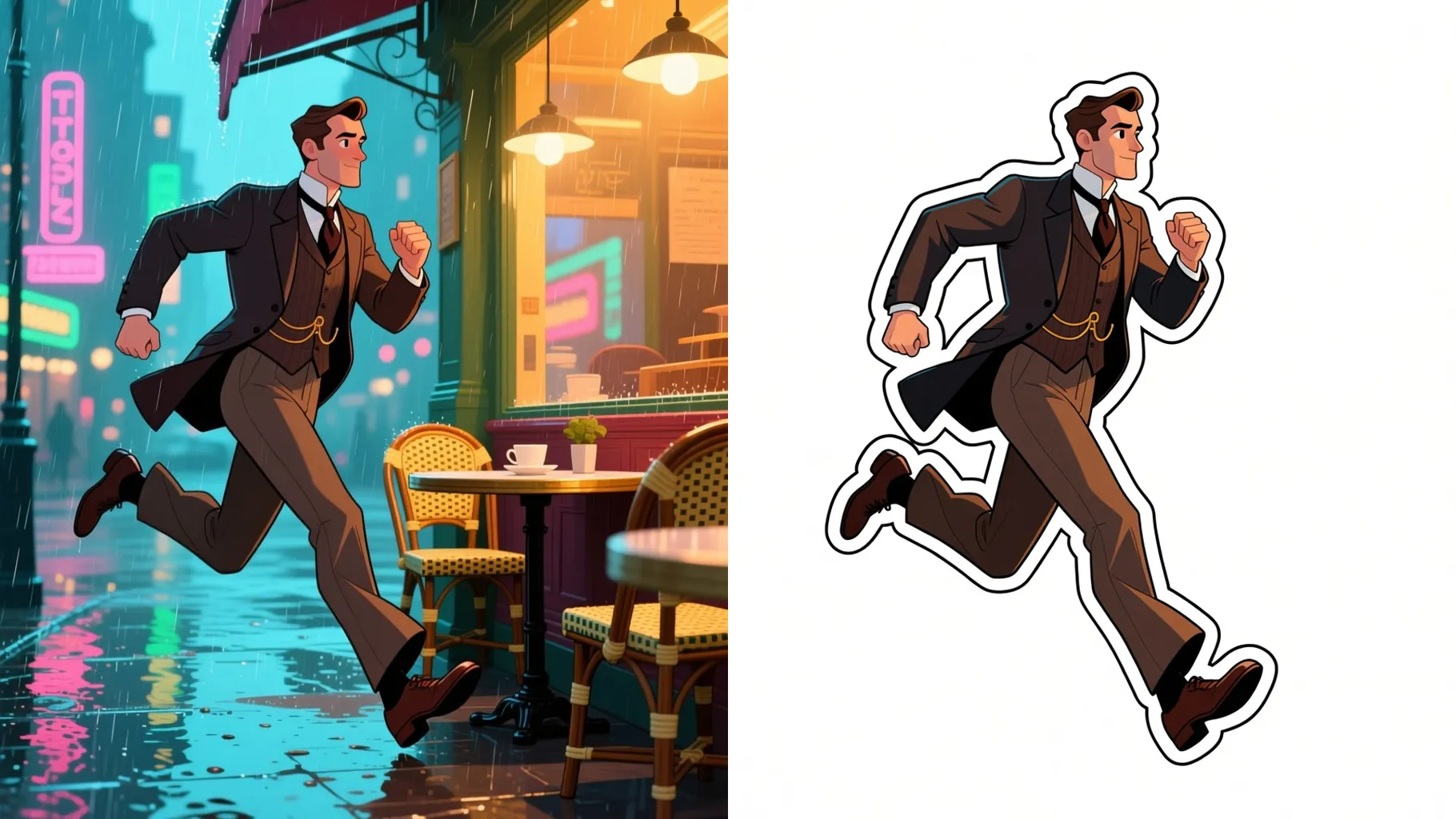
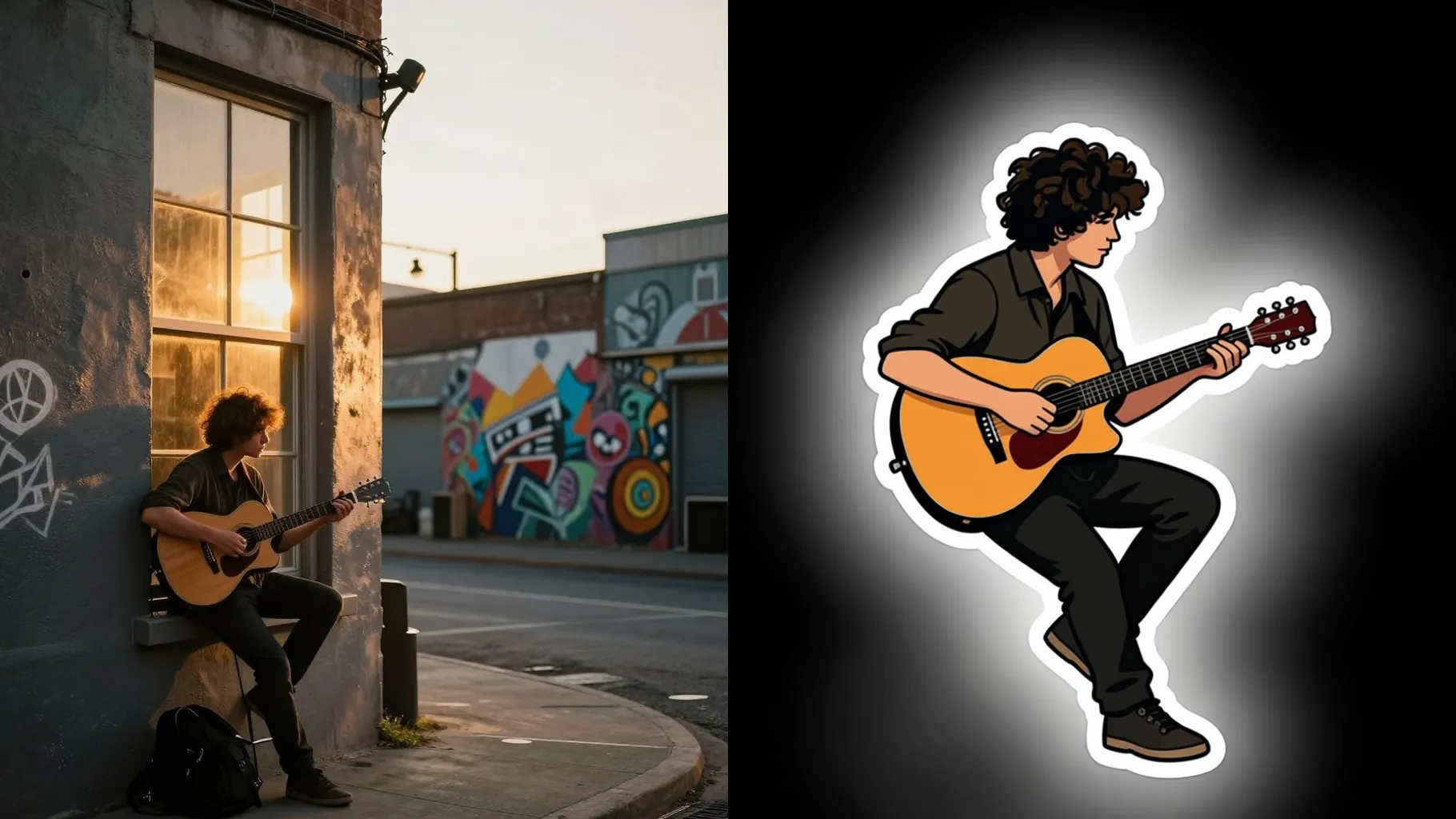
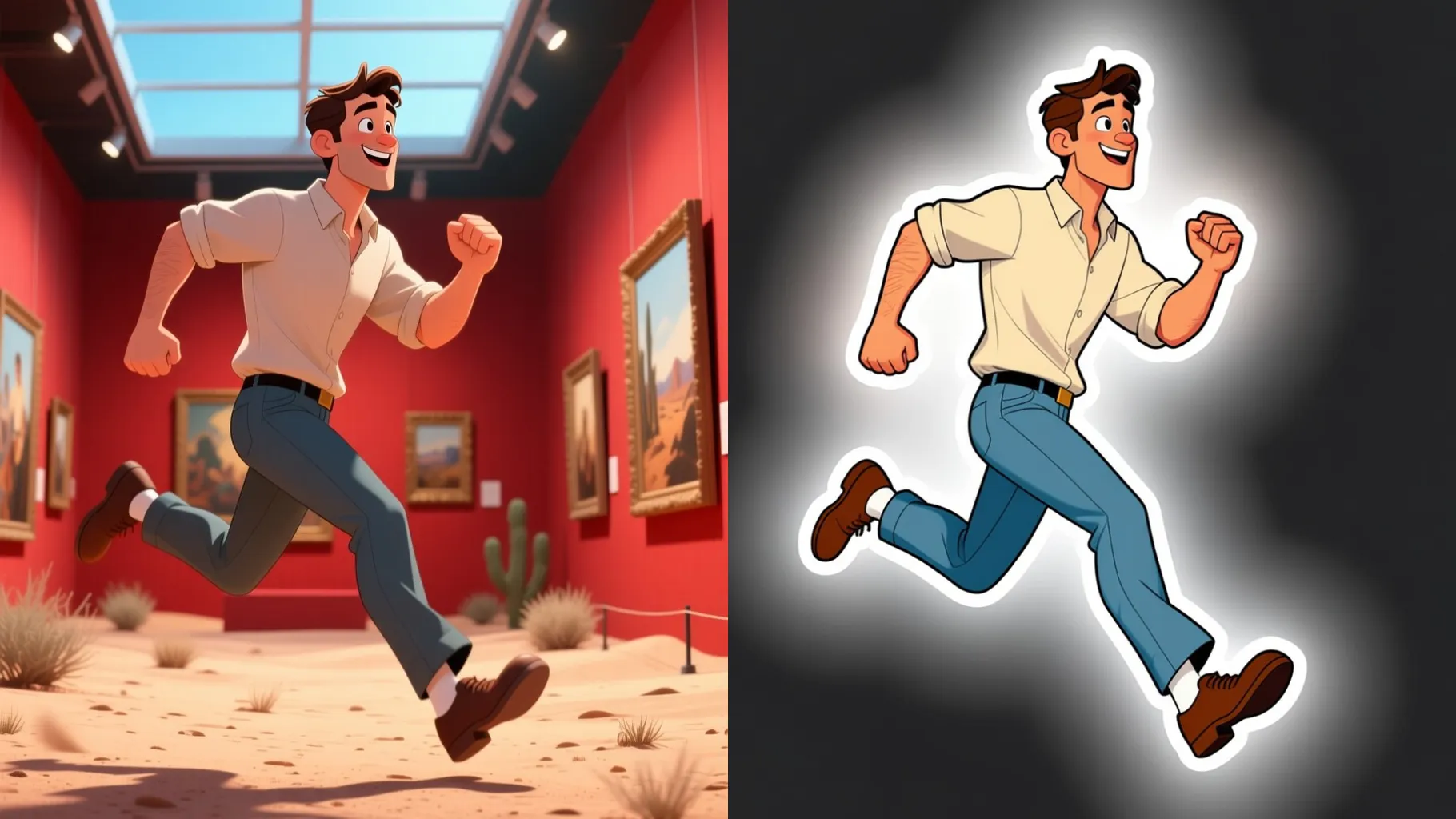
Background is removed automatically and the generator draws a neat white outline so the sticker looks print-ready.
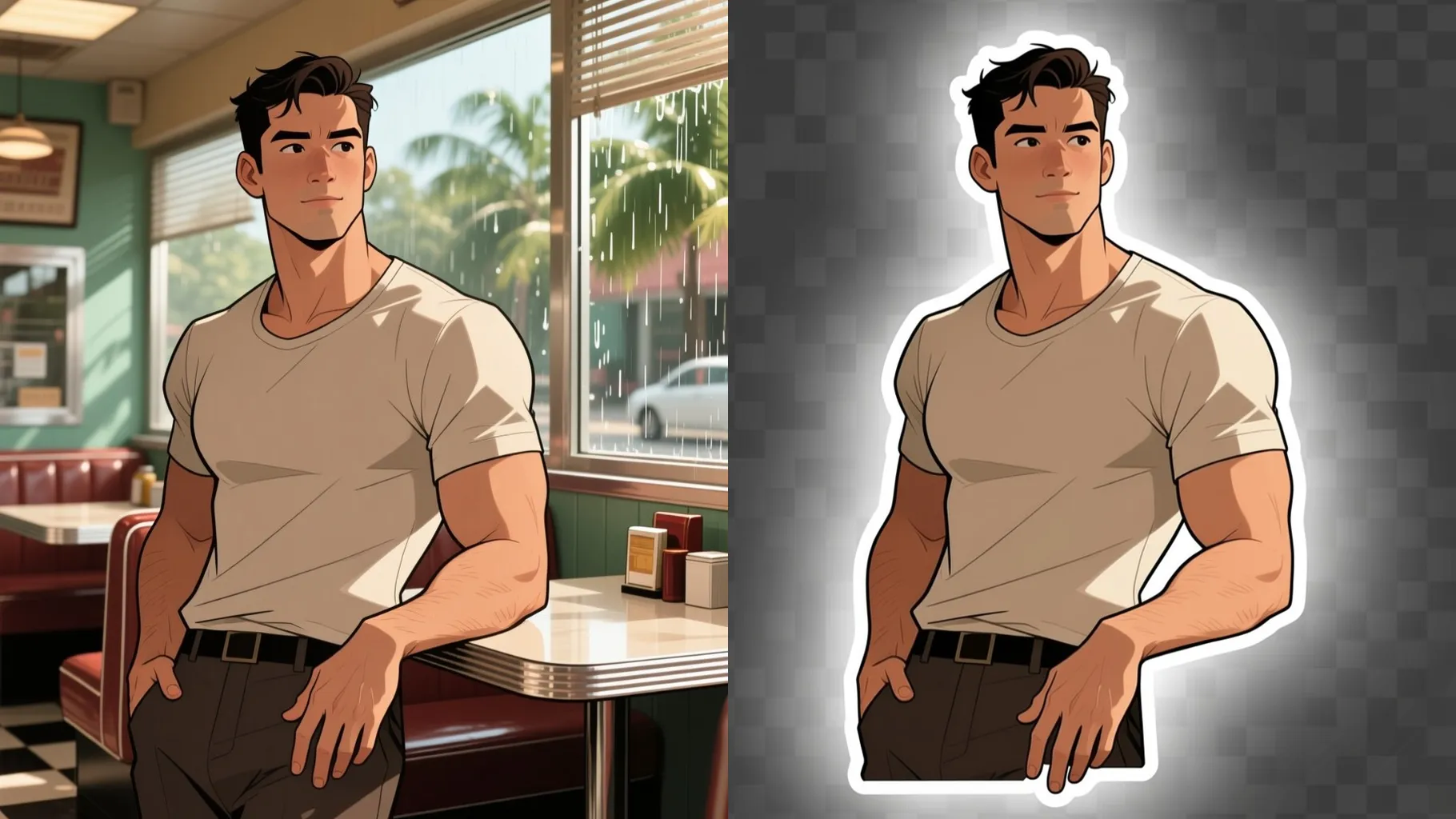
Add a short cue for props or mood; the AI keeps your subject clear while adjusting colors or shading.
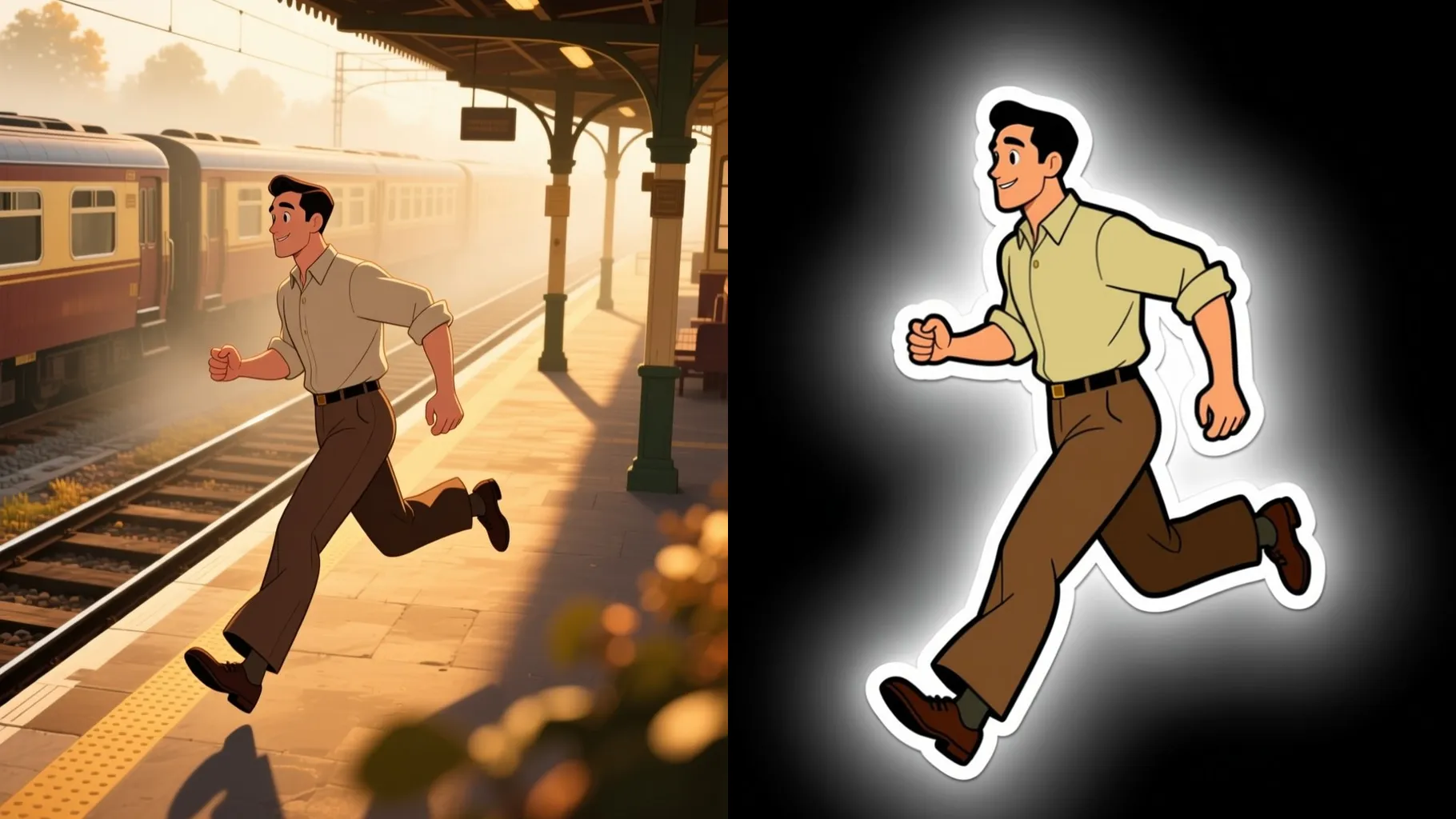
Centered subjects with simple backgrounds yield crisp edges and outlines.
Mention vibe, props, or background color to steer the sticker look.
Review the sticker render, rerun for variations, then save your favorite.
This template supports one photo at a time to keep the cutout clean.
Yes. Leaving the prompt blank works; a short cue just nudges colors or props.
Yes. It cuts out the subject and adds a white border automatically.
Ratio and model switching are disabled to keep a consistent sticker format.
No. It is image-to-image, so please upload a photo to generate the sticker.
Use JPG, PNG, or WebP under 10MB for fast uploads and sharp outlines.

Upload one photo, add a quick note, and download a die-cut sticker with a crisp outline.