
1. How many photos can I upload per render?
This template supports one photo at a time to keep the adventure card layout aligned.
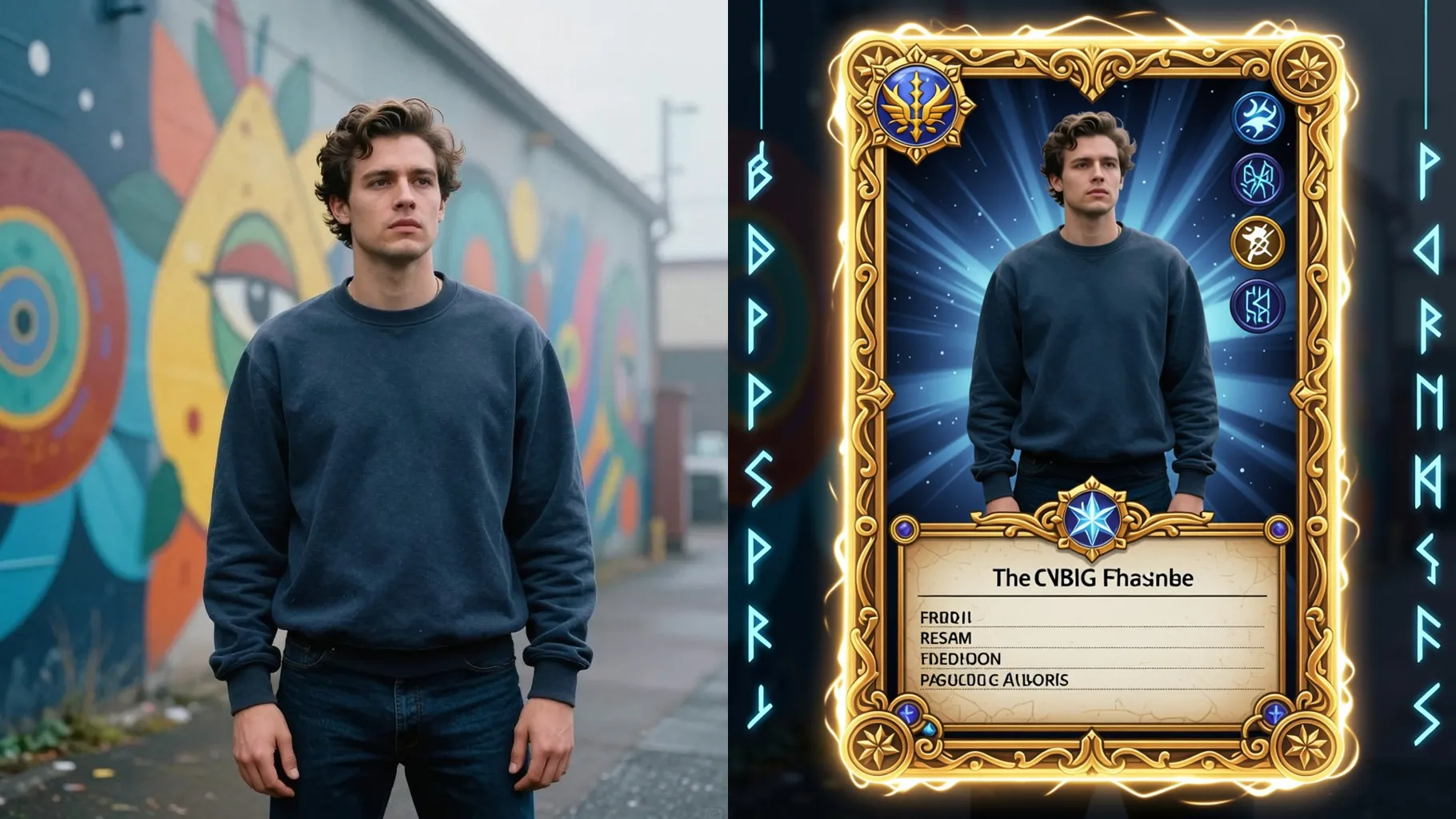
Turn one photo into a rugged tomb raider adventure card with relic accents and cinematic lighting.
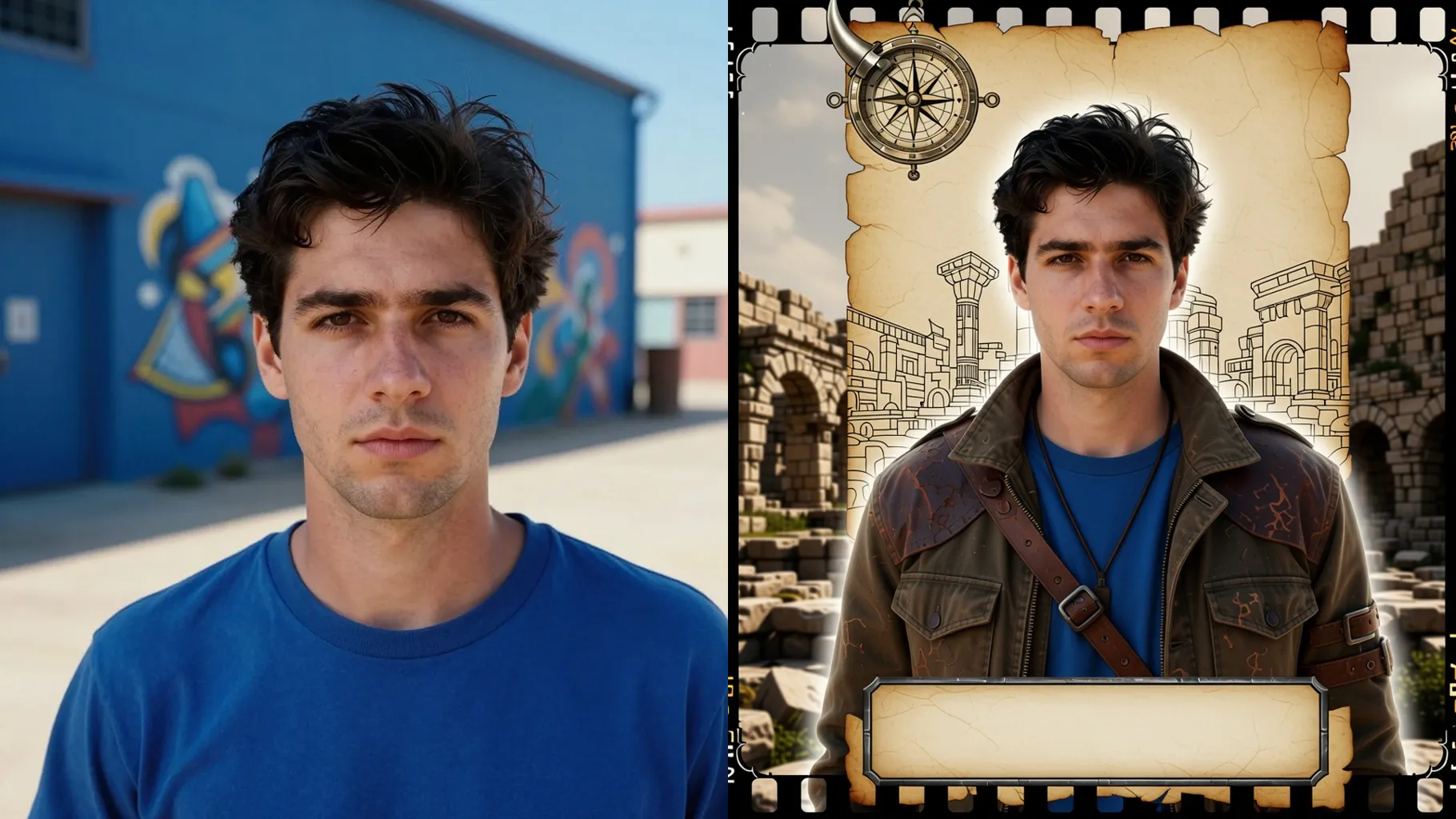
Upload one photo to get a Tomb Raider-inspired adventure card with relic icons and worn textures.
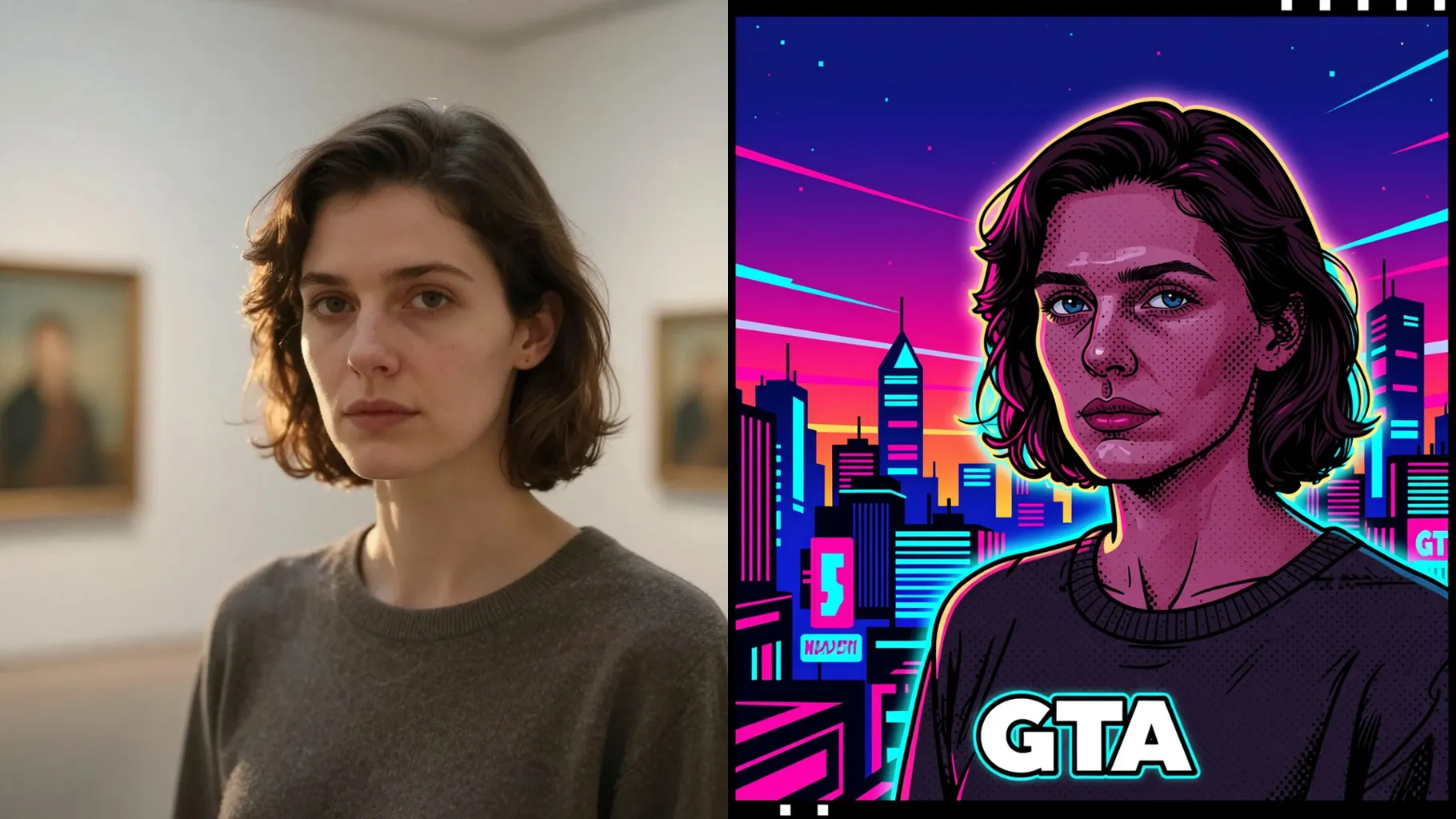
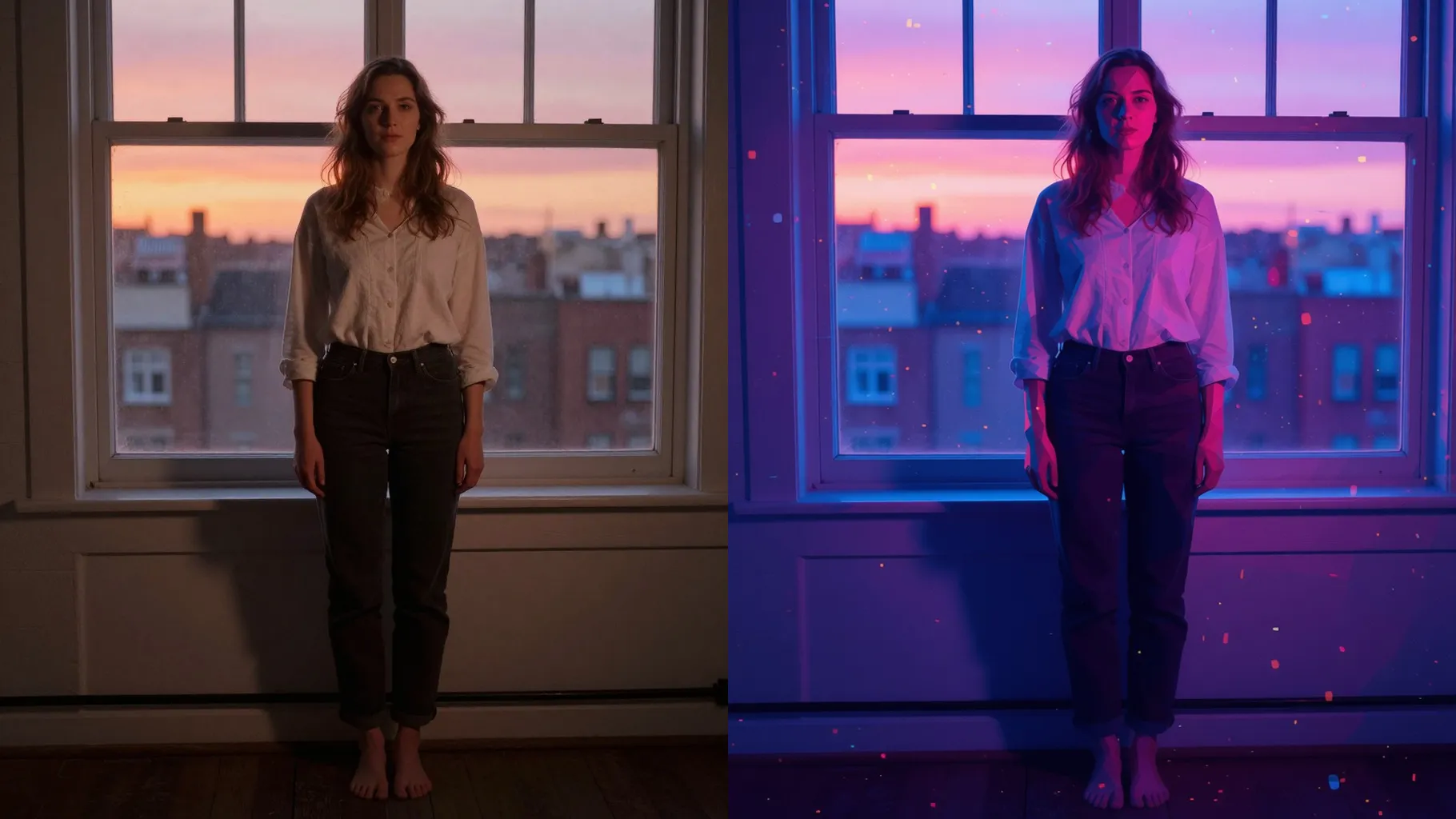
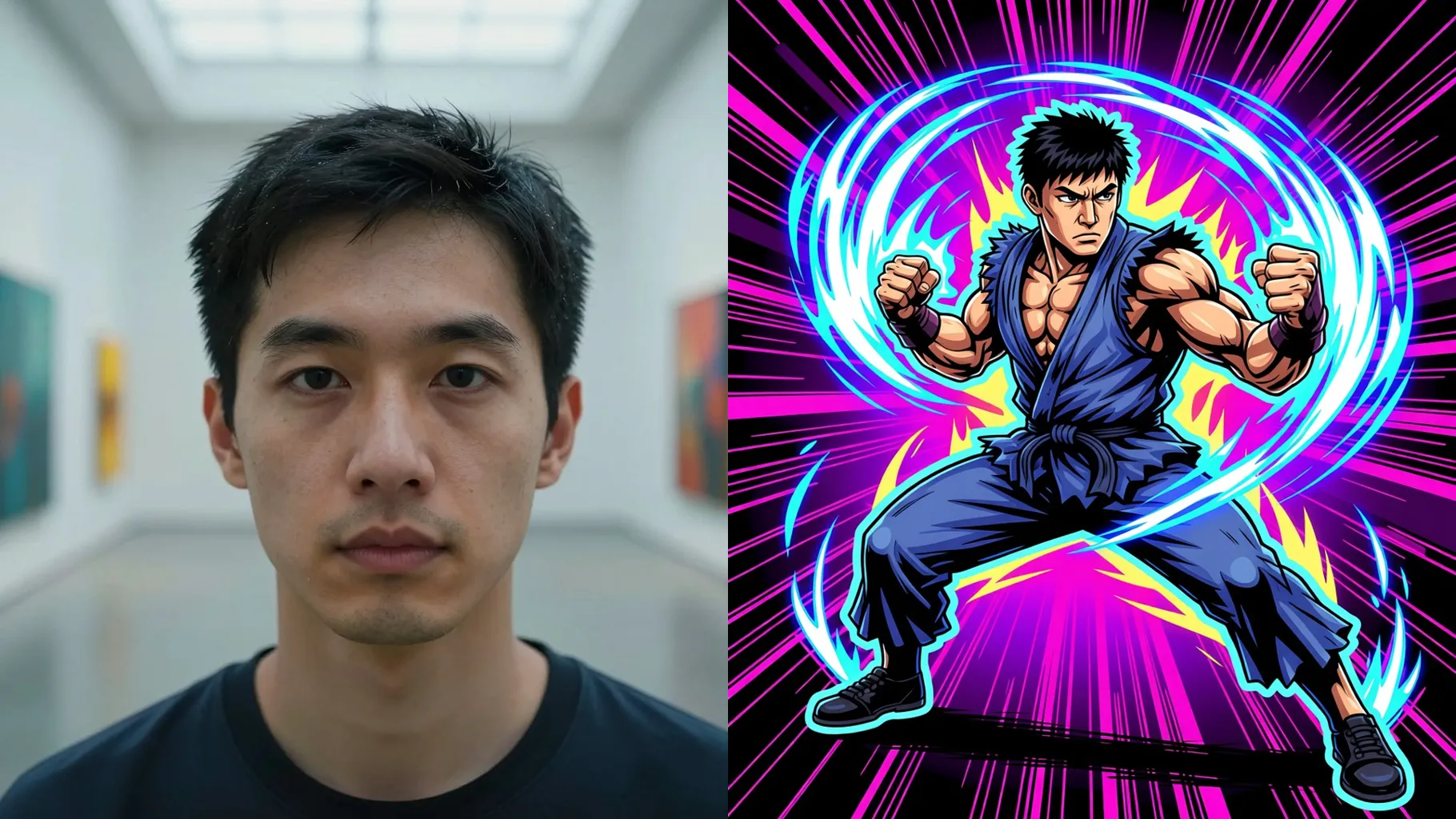
Examples show the target style. Your result depends on the chosen model and reference photo.
Turn one portrait into a rugged tomb raider-style card with relic motifs and explorer glow.
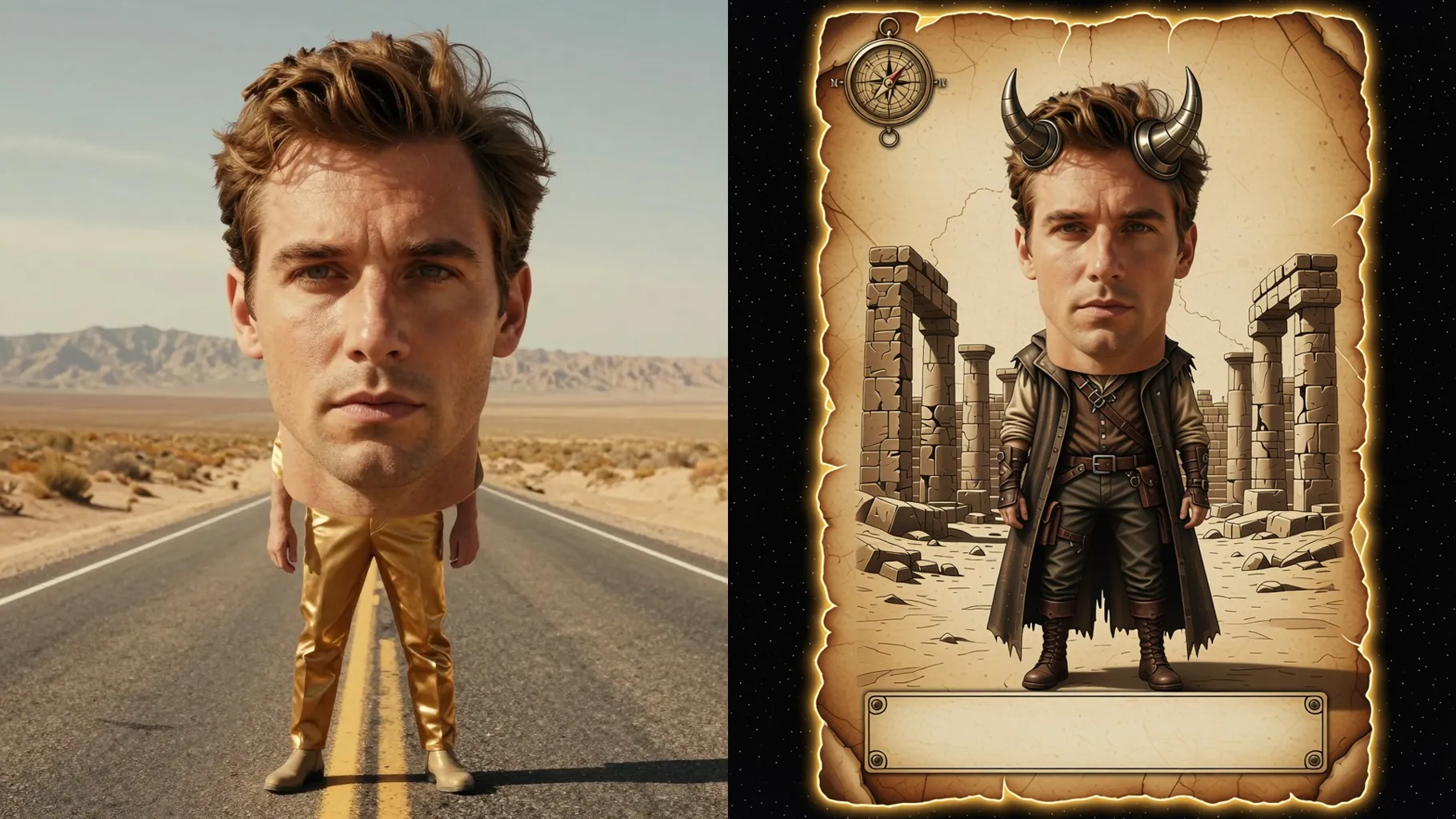
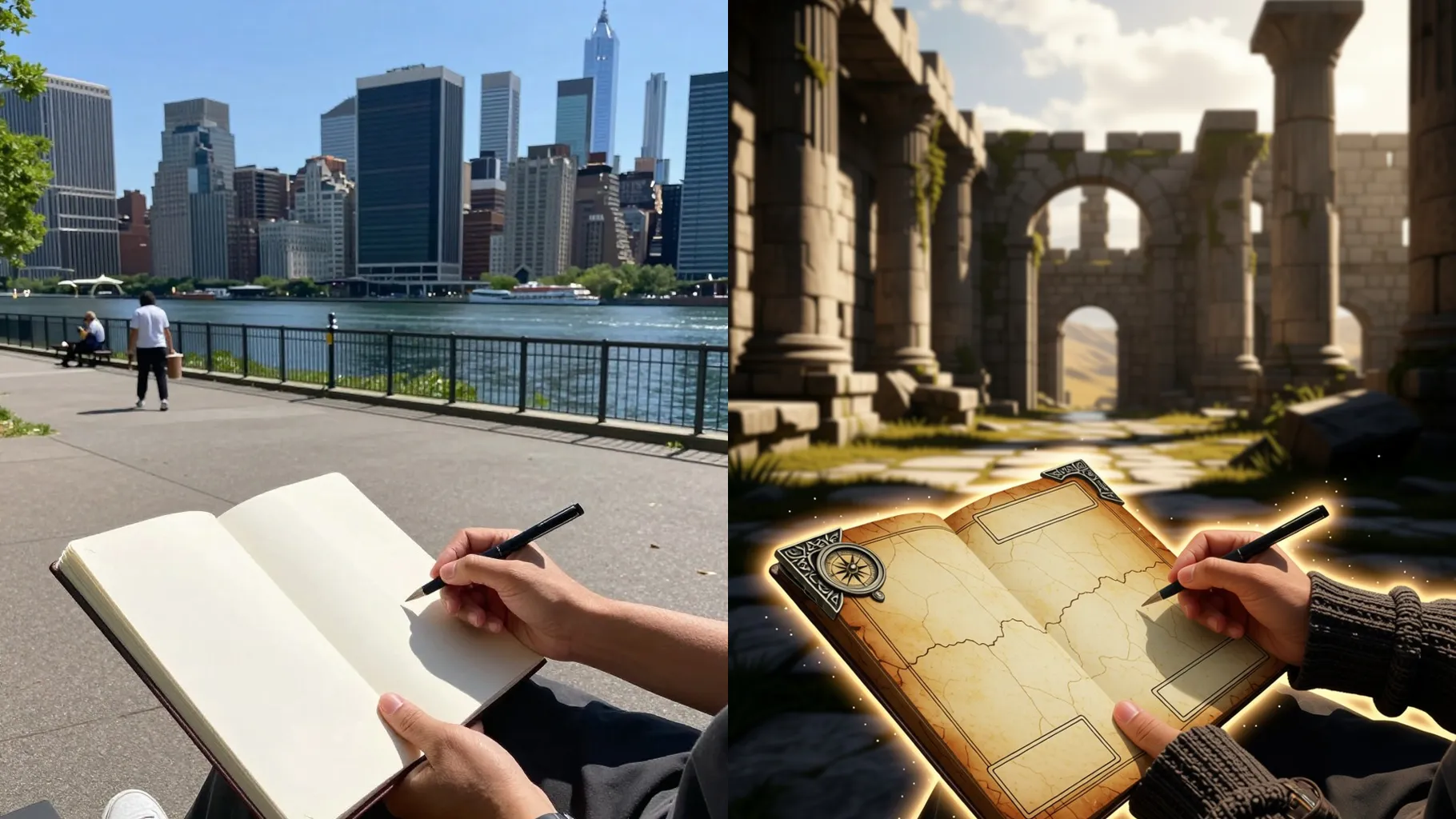
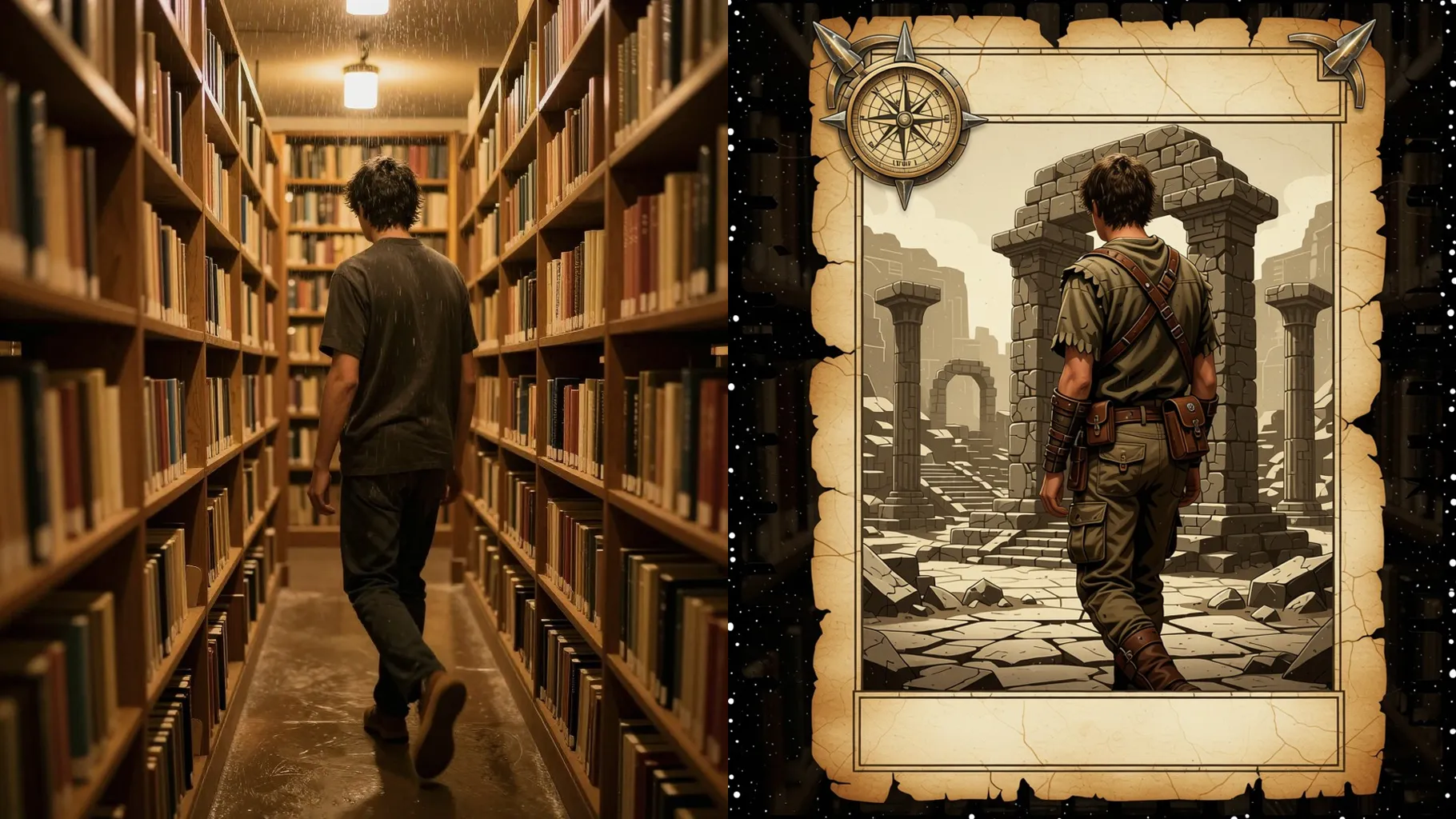
Adds parchment edges, compass corners, and a bold nameplate while keeping your framing.
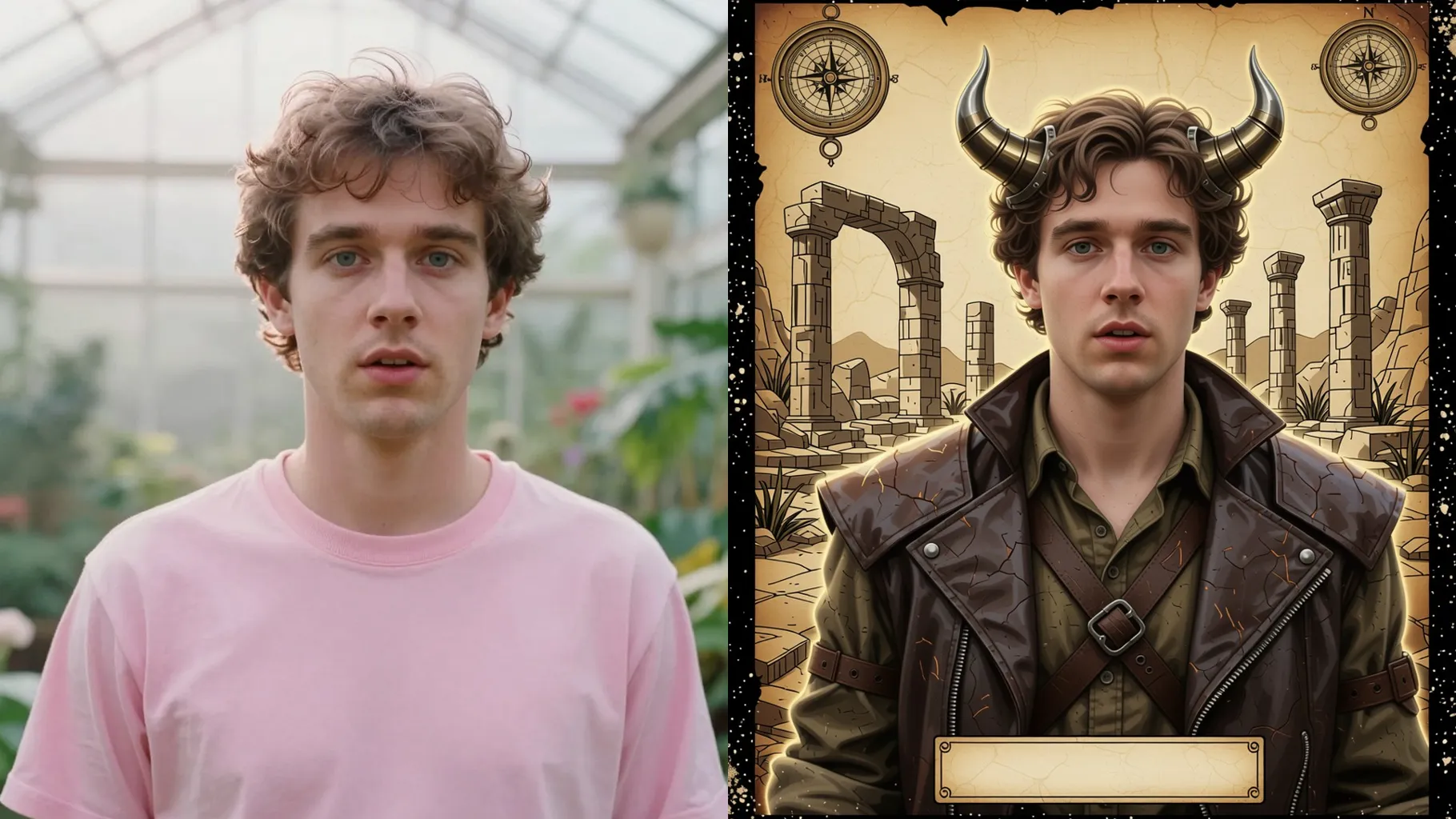
Brings rim light, dust, and jungle ruins so the portrait feels like a daring expedition.
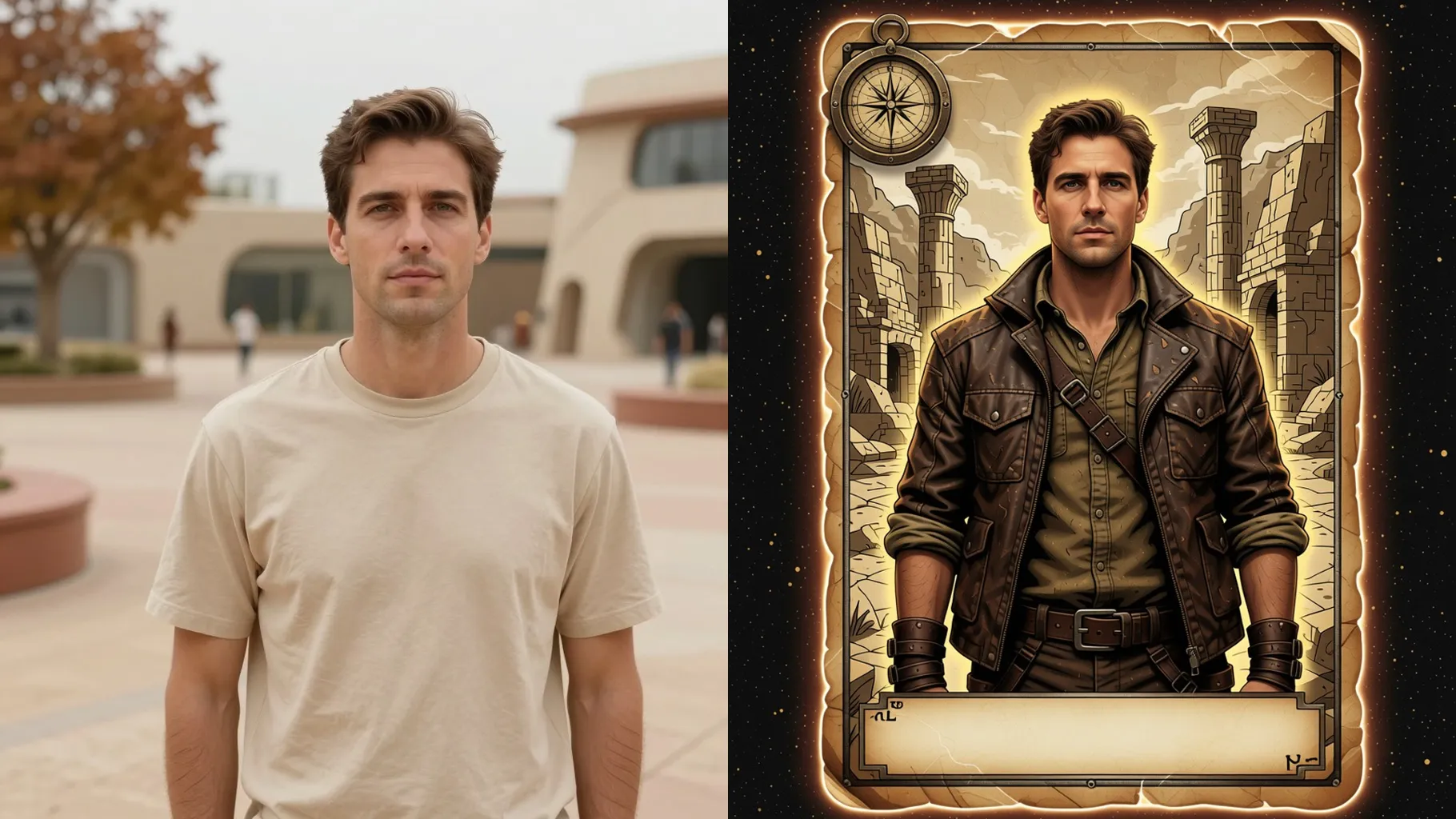
Centered portraits work best to align the card frame and relic accents.
Add details like “jungle ruins”, “ancient relics”, or “stormy skyline” for mood.
Review the render, rerun for variants, and save the sharpest tomb raider card.
This template supports one photo at a time to keep the adventure card layout aligned.
A short prompt is optional; add relics, environments, or mood words if you want more control.
Aspect ratio is fixed off here to prevent stretching the frame. Crop before upload if needed.
Model switching is disabled so the tomb raider look stays consistent.
Yes. It preserves your likeness while adding weathered textures and explorer gear.
No. It is an image-to-image effect and needs one uploaded photo to start.
Use JPG, PNG, or WebP under 10MB for smooth rendering.

Generation time depends on the model, image size, and queue. Check the task status on this page.