
1. How many photos can I upload per render?
This template supports one photo at a time to keep the card layout aligned.
Turn one photo into a fantasy RPG trading card with stats, frame, and painterly lighting.
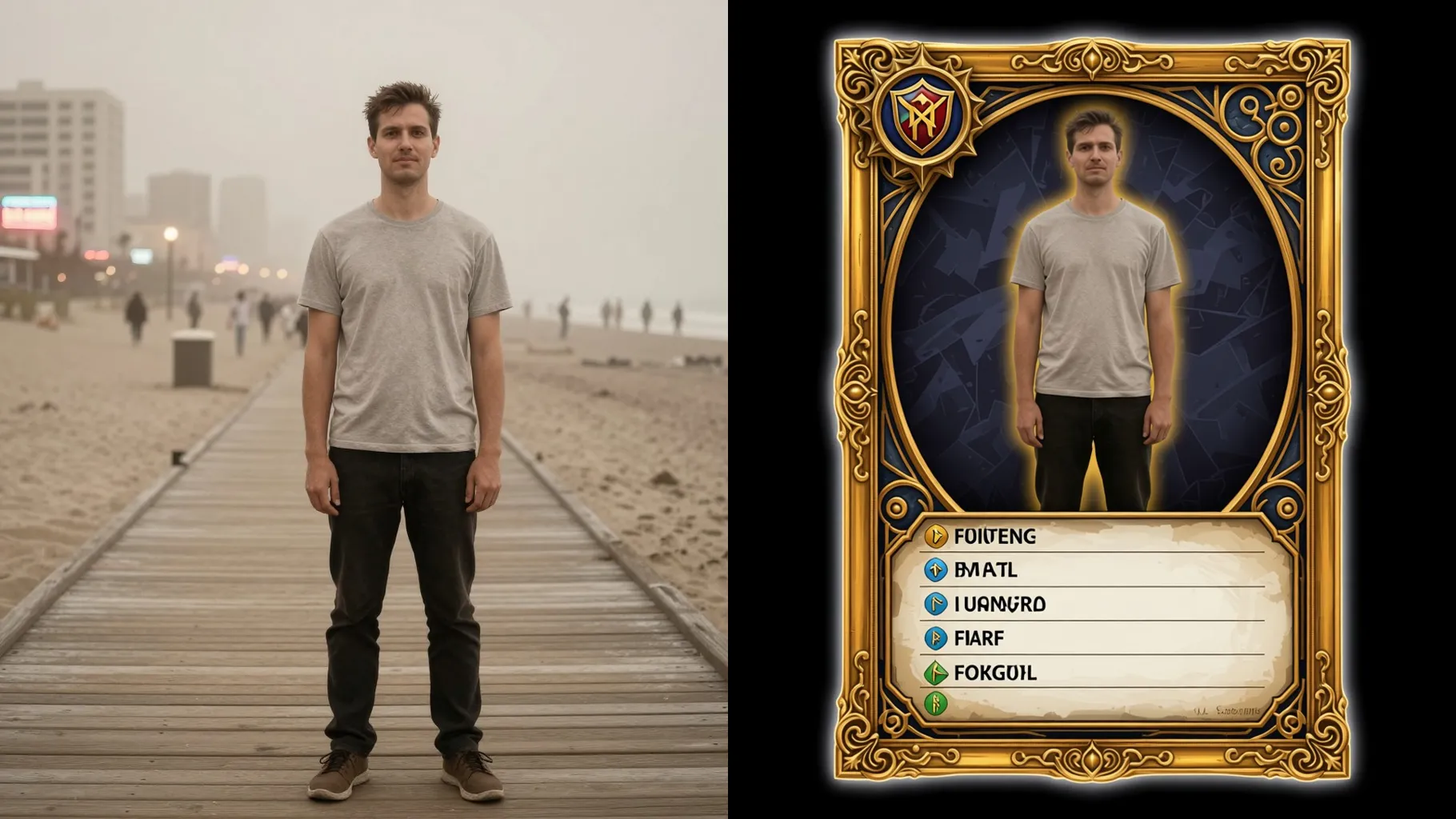
Upload one photo to get a fantasy RPG trading card with ornate frame, class icon, and stat bar.
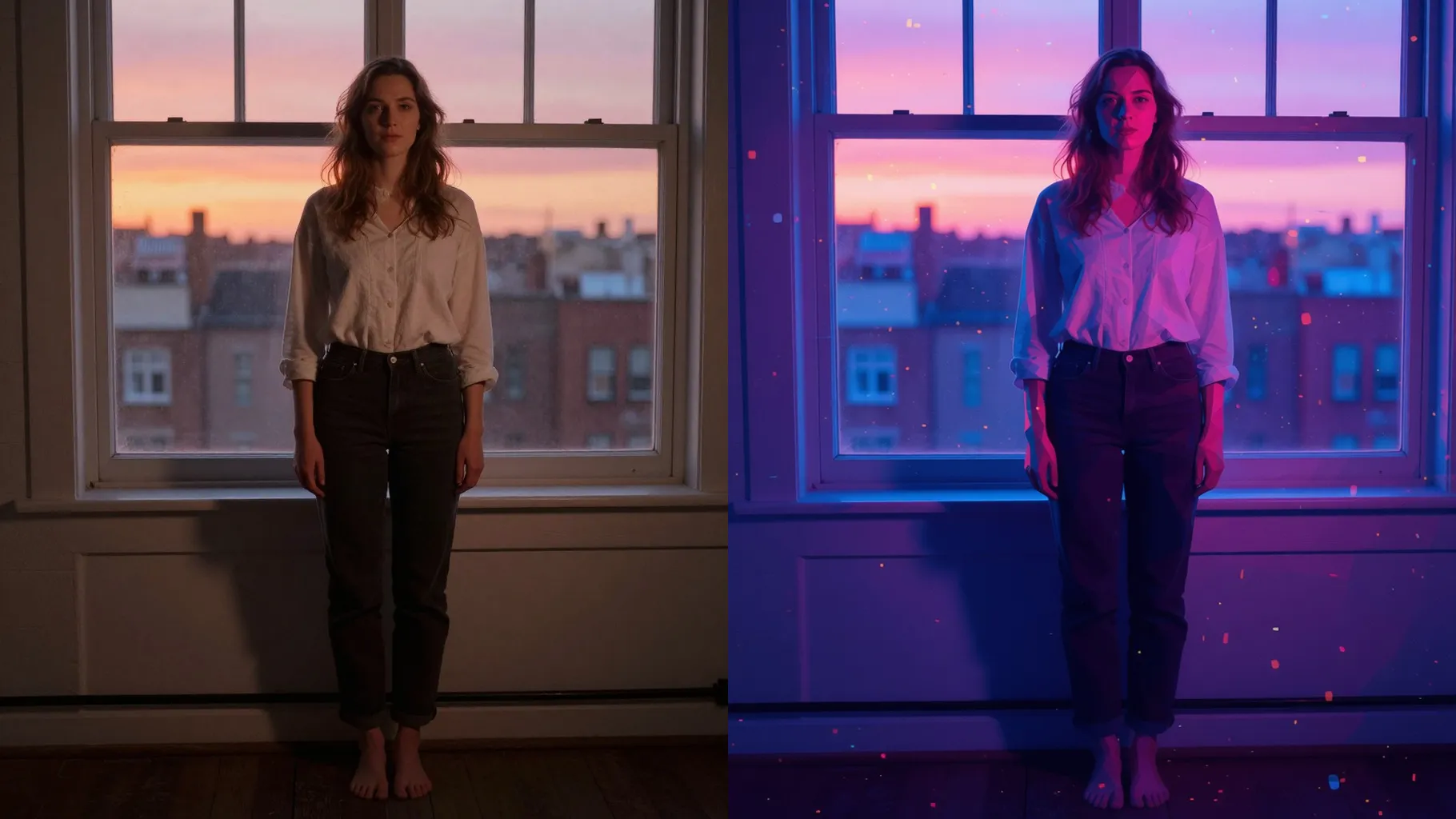
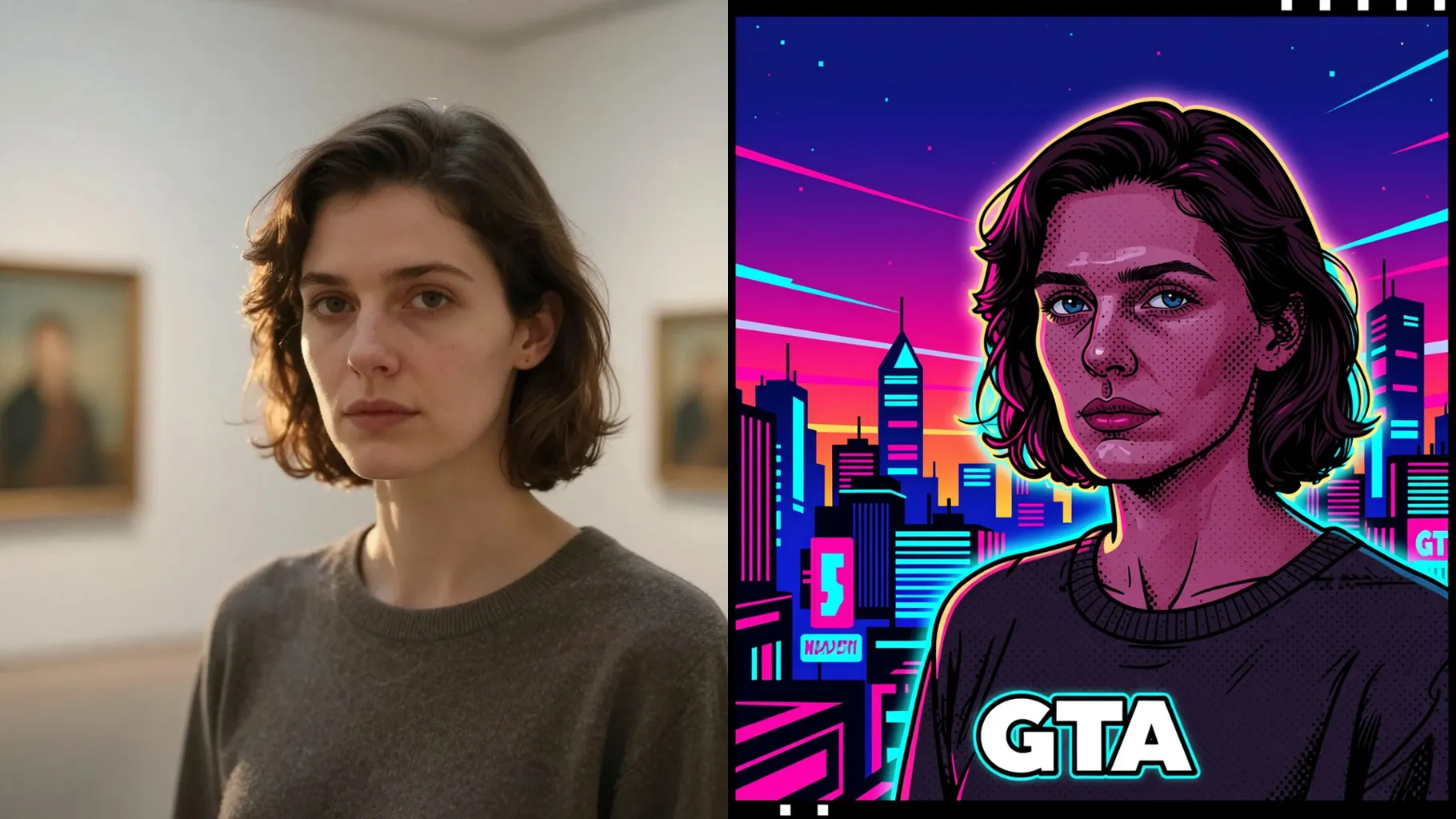
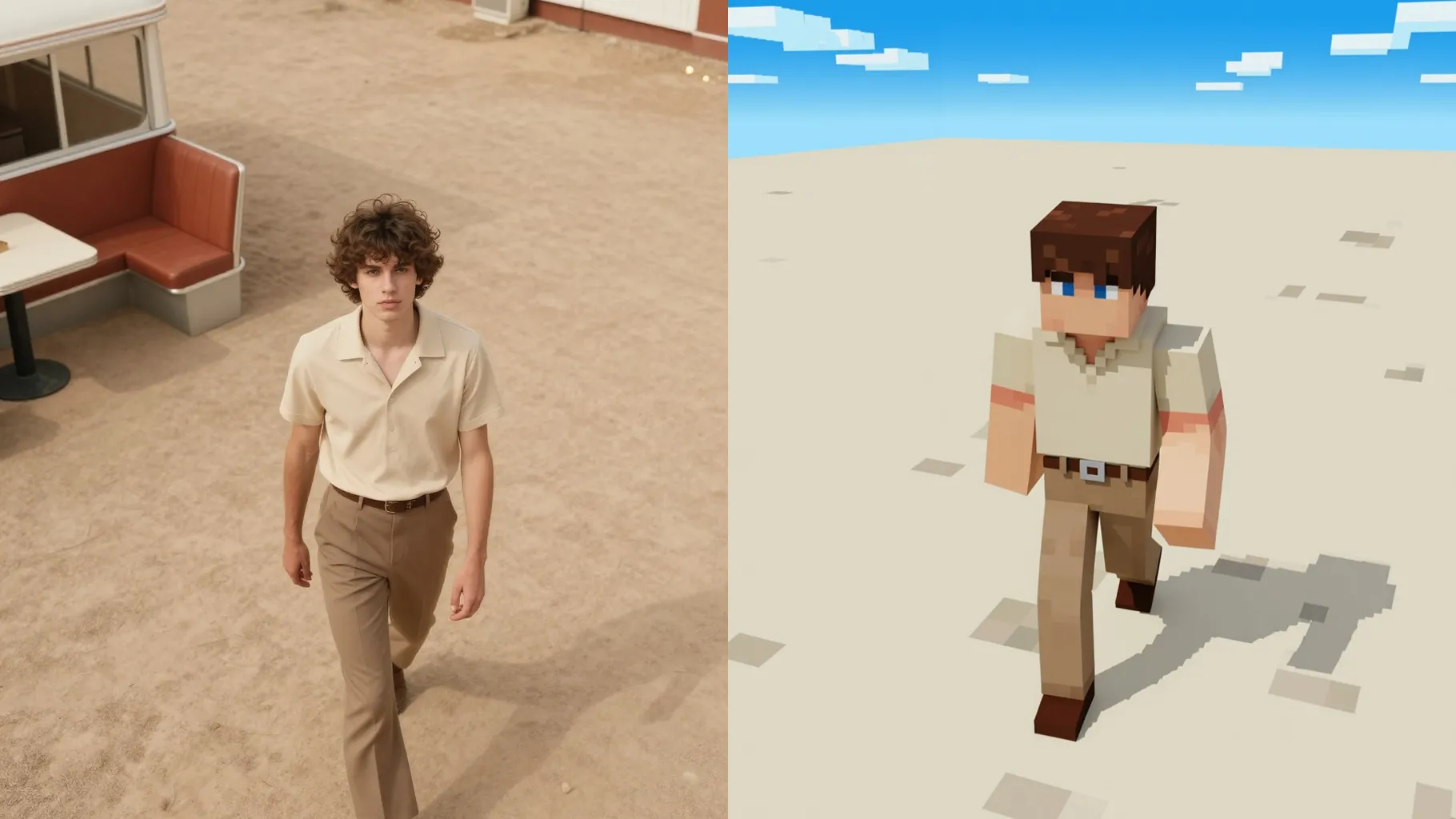
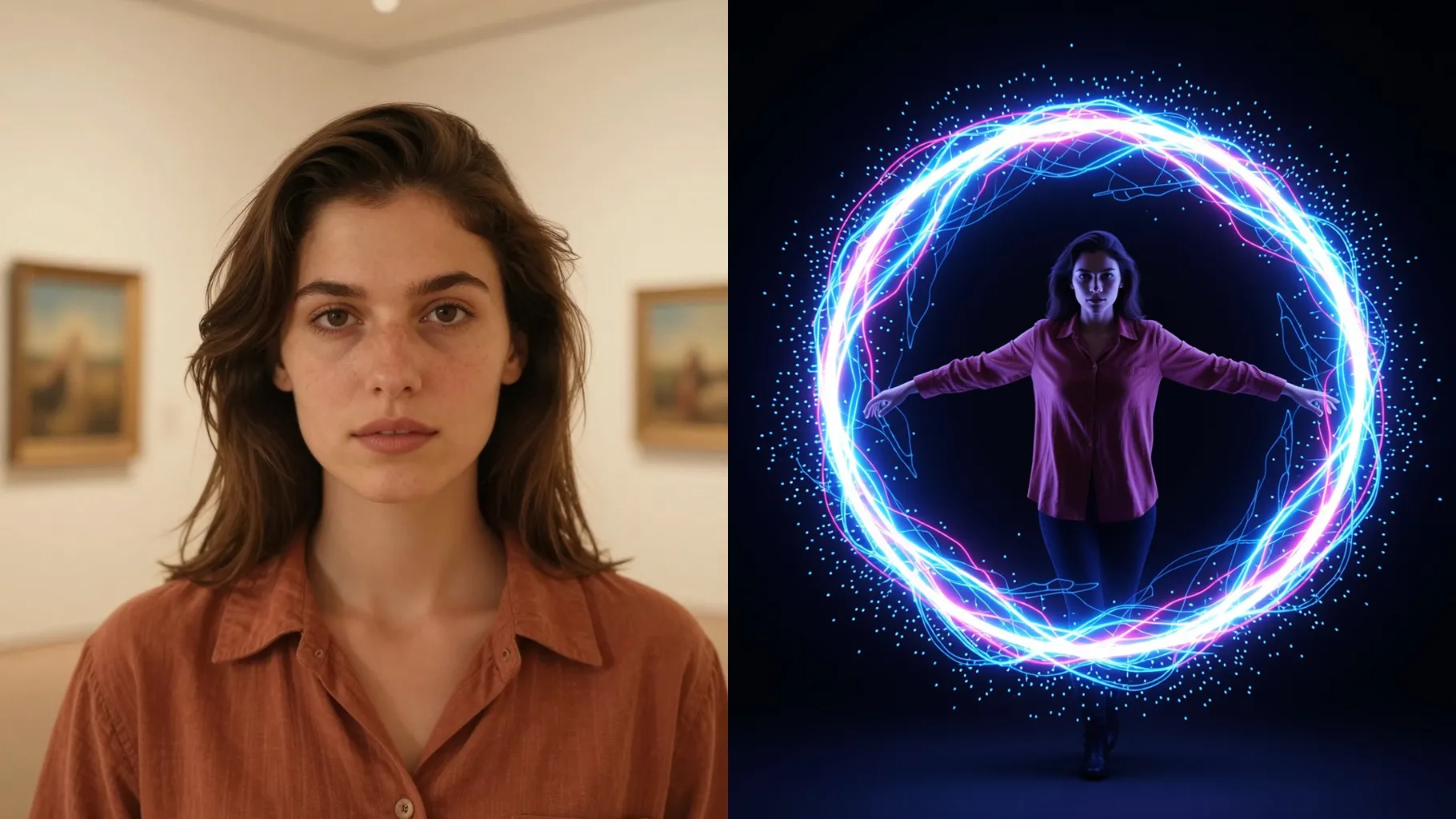
Examples show the target style. Your result depends on the chosen model and reference photo.
Turn one photo into a fantasy RPG card with ornate frames, class icons, and stat panels.
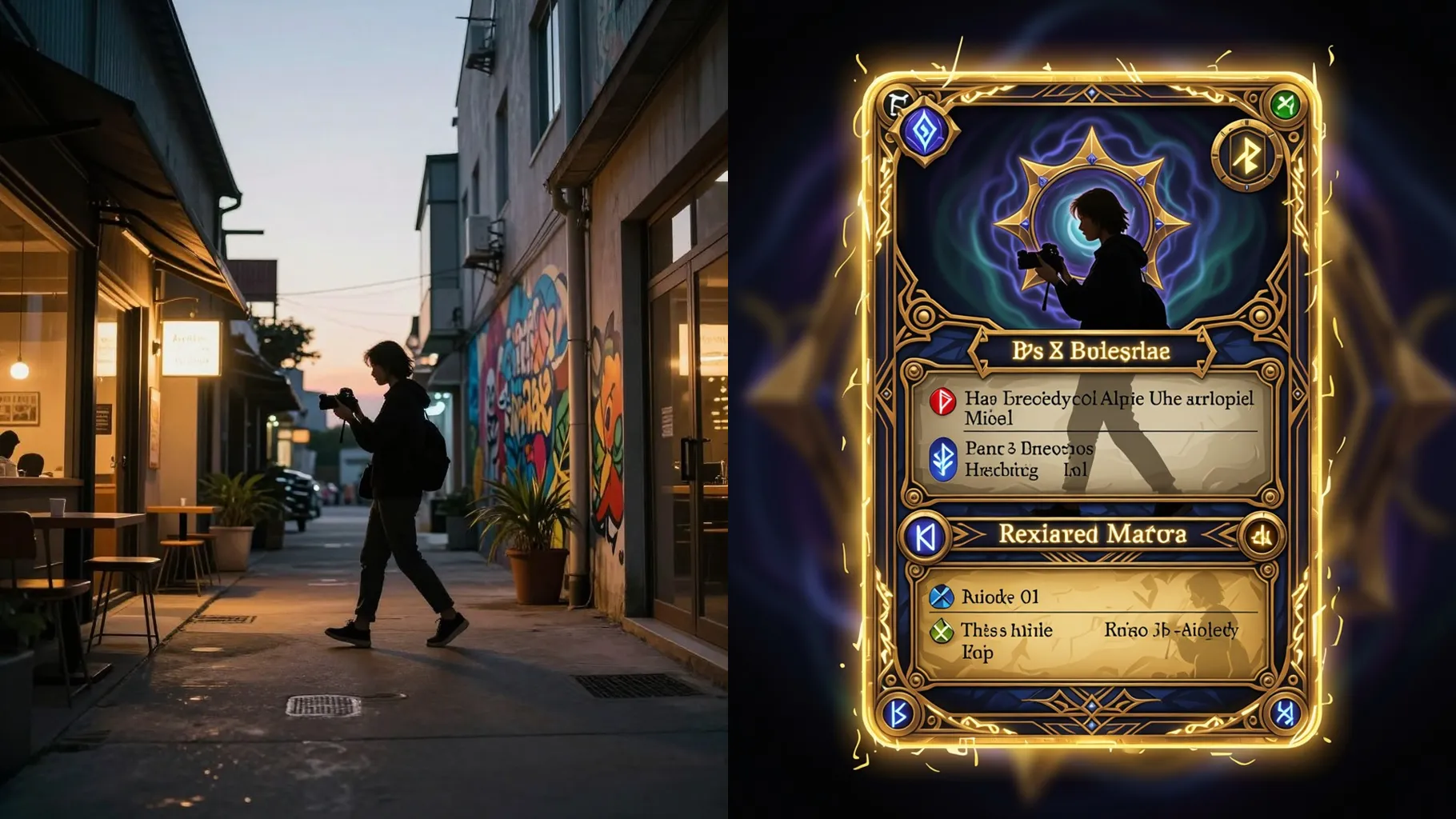
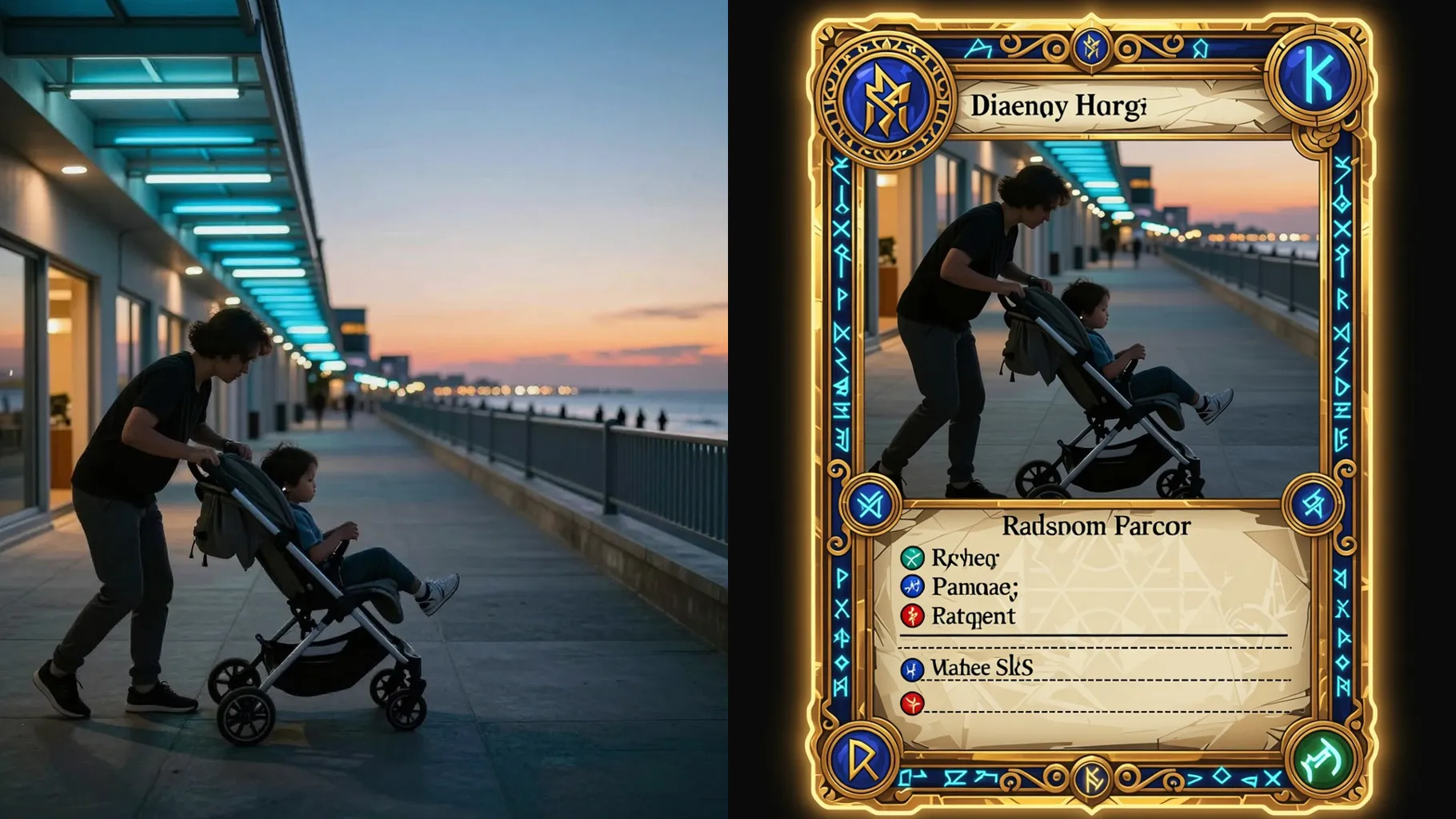
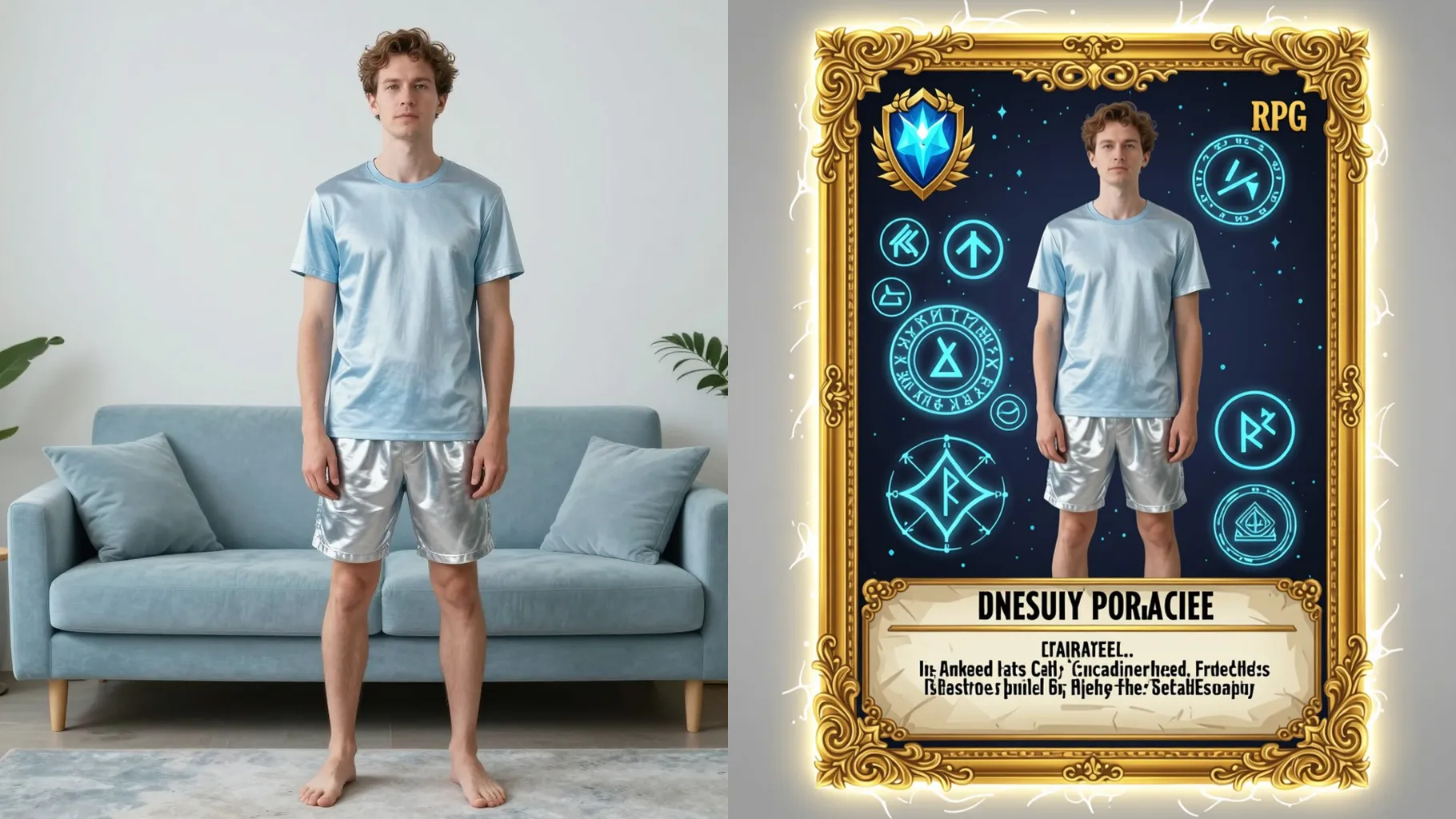
Adds title bar, level badge, and clean stat rows while keeping your pose and silhouette.
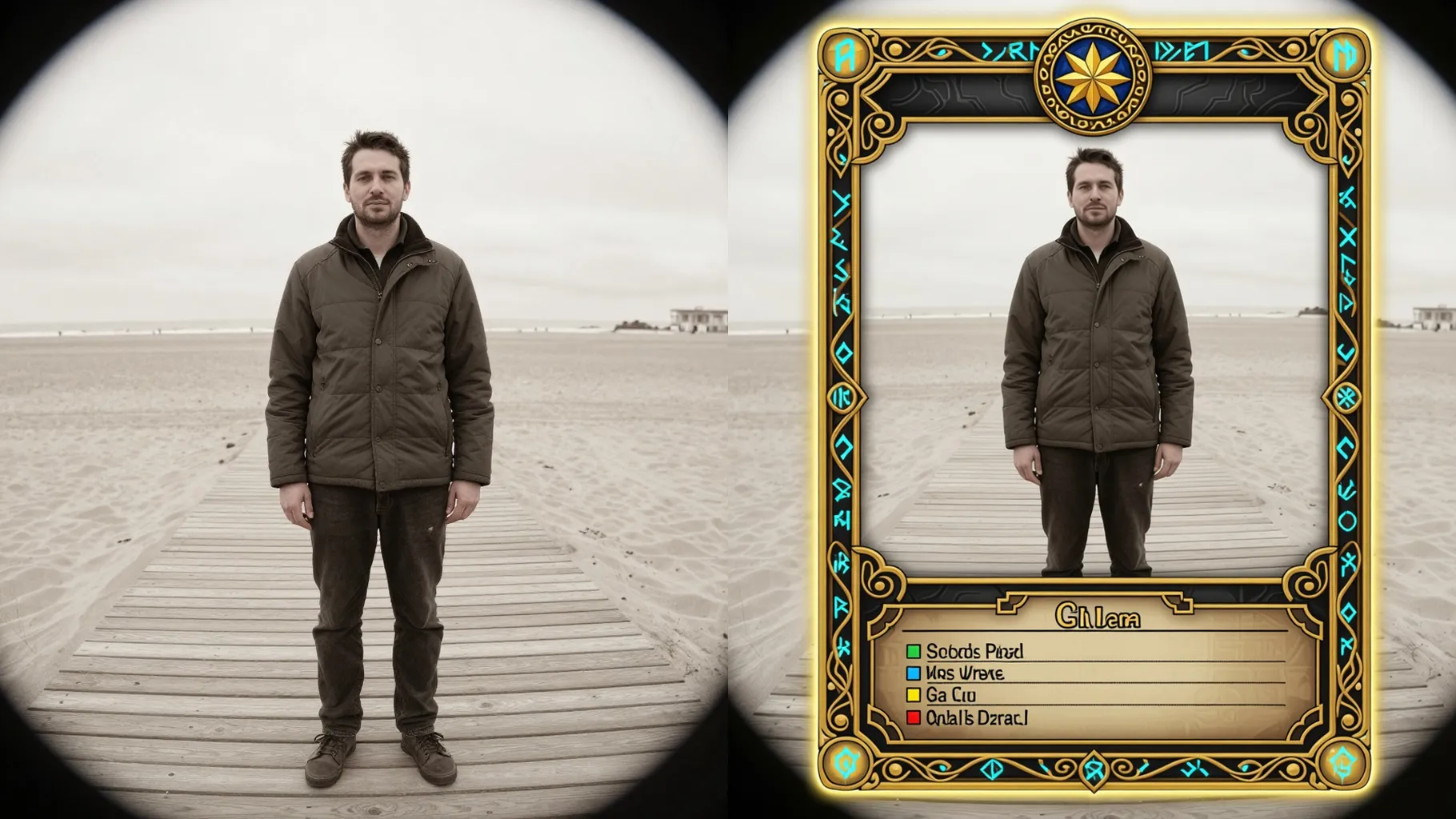
Applies rim light, glow, and magical emblems so the portrait feels like a hero spotlight.
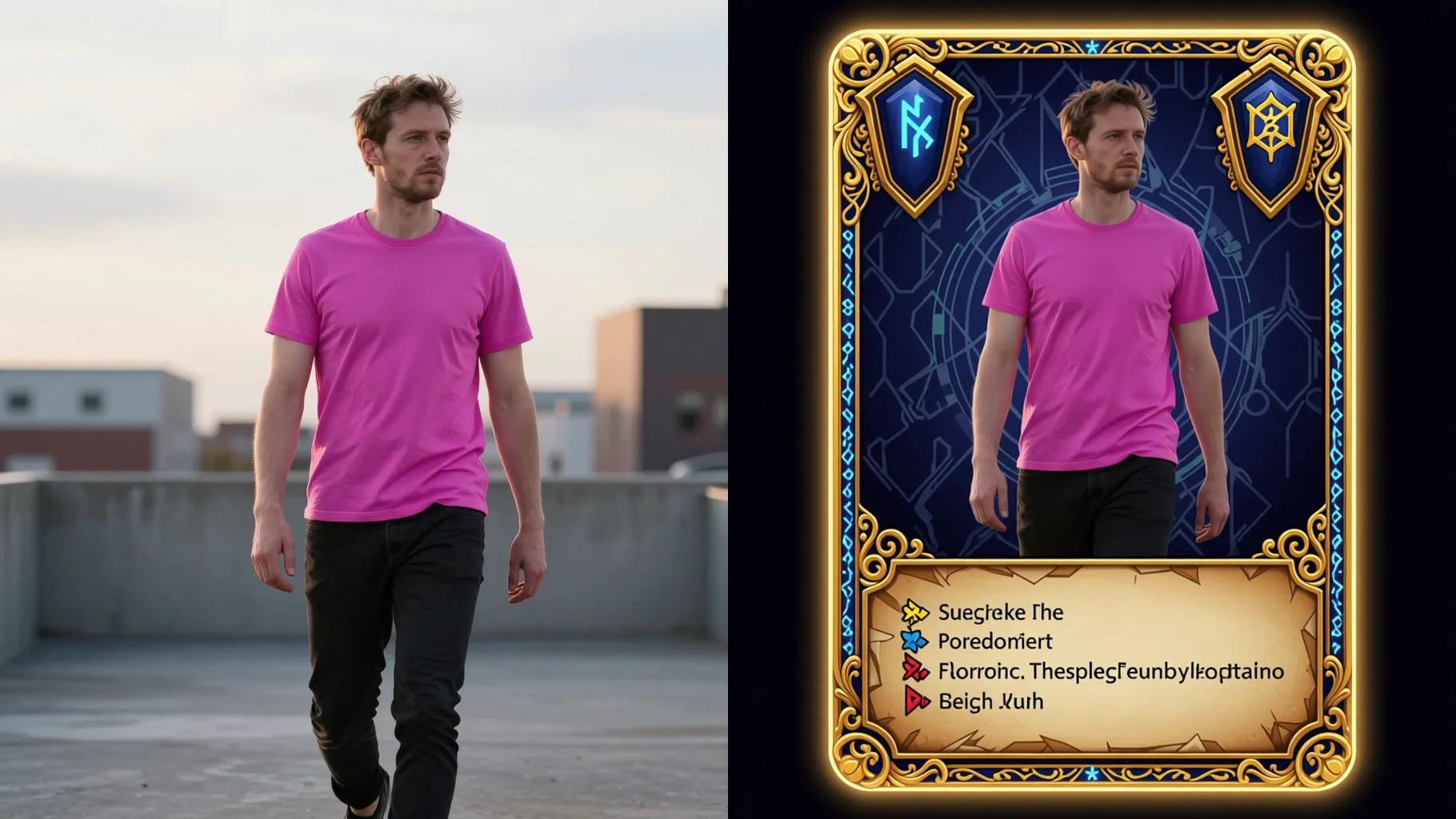
Centered portraits or waist-up shots work best for clean framing.
Mention knight, mage, or rogue plus mood like “ember glow” or “ice aura”.
Review the RPG card, rerun for variants, and download the sharpest render.
This template supports one photo at a time to keep the card layout aligned.
A short prompt is optional; add your class, element, or pose idea if you want.
Aspect ratio is fixed off here to avoid stretching the card frame. Crop before upload if needed.
Model switching is disabled so the RPG card look stays consistent.
Yes. It keeps your likeness and wardrobe while adding the fantasy frame and glow.
No. It is an image-to-image effect and needs one uploaded photo to start.
Use JPG, PNG, or WebP under 10MB for smooth rendering.

Generation time depends on the model, image size, and queue. Check the task status on this page.