
1. How many images can I upload per render?
Upload one image at a time so the crayon strokes and paper grain stay aligned.
Generation time depends on the model, image size, and queue. Check the task status on this page.
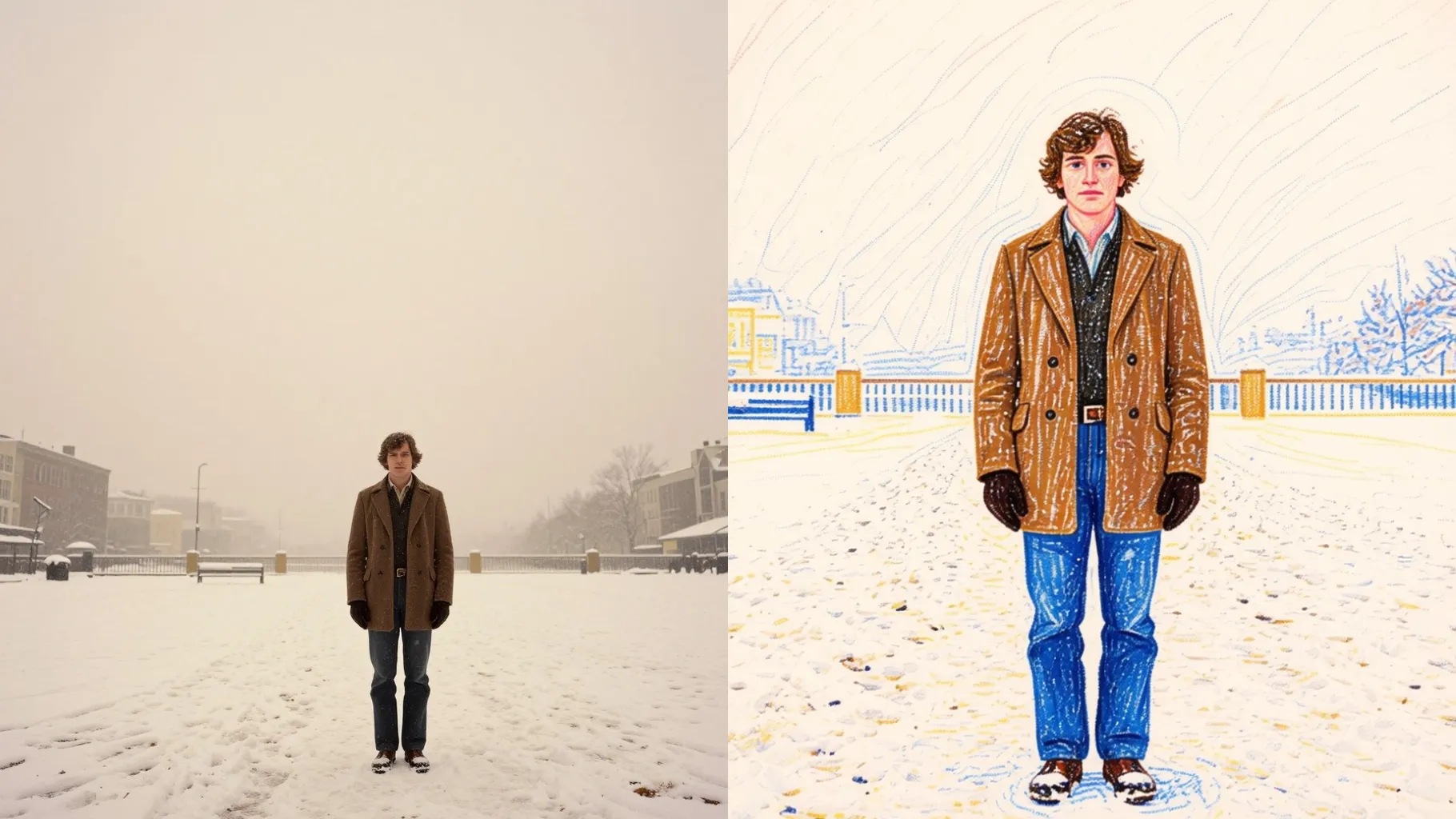
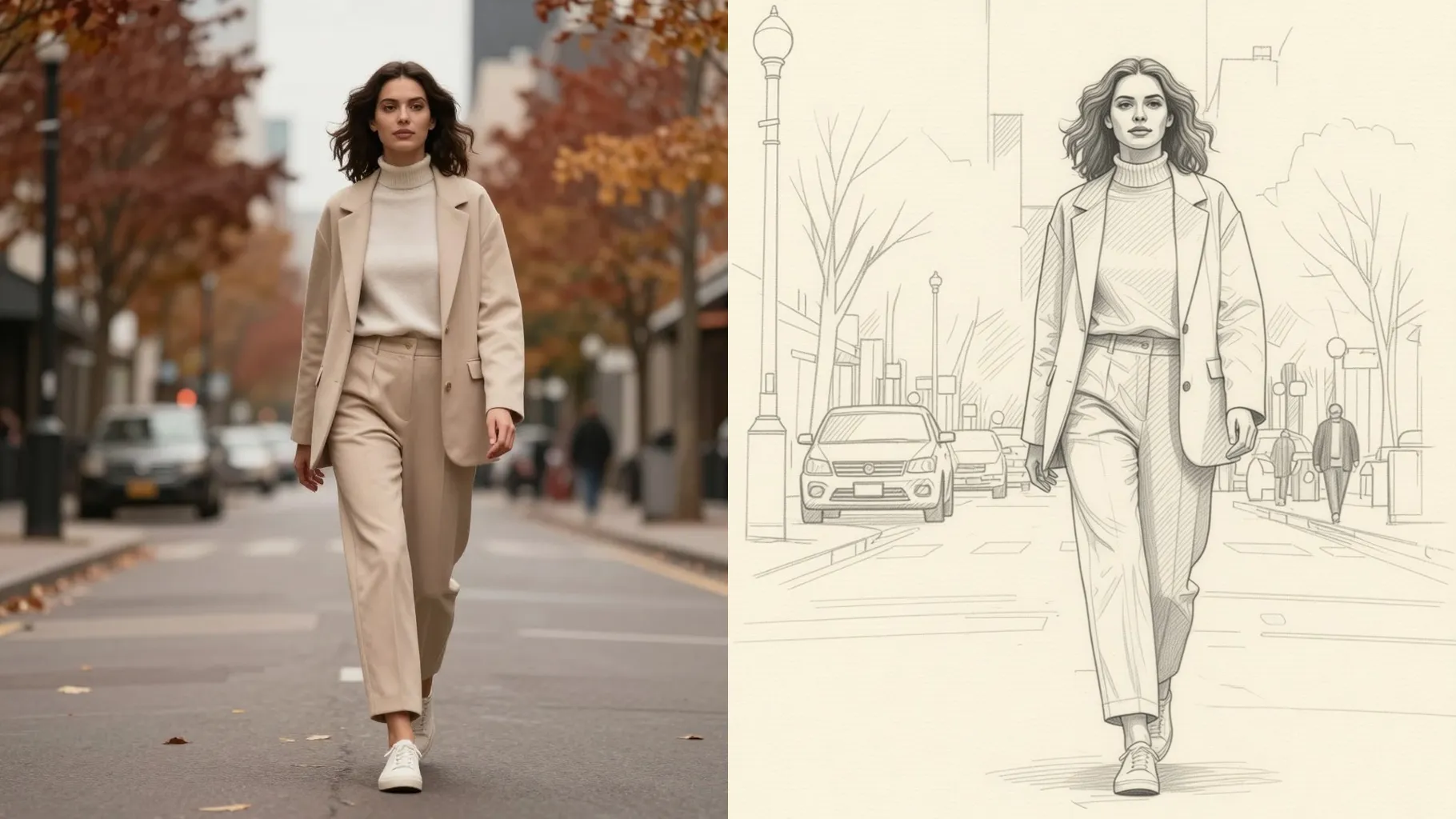
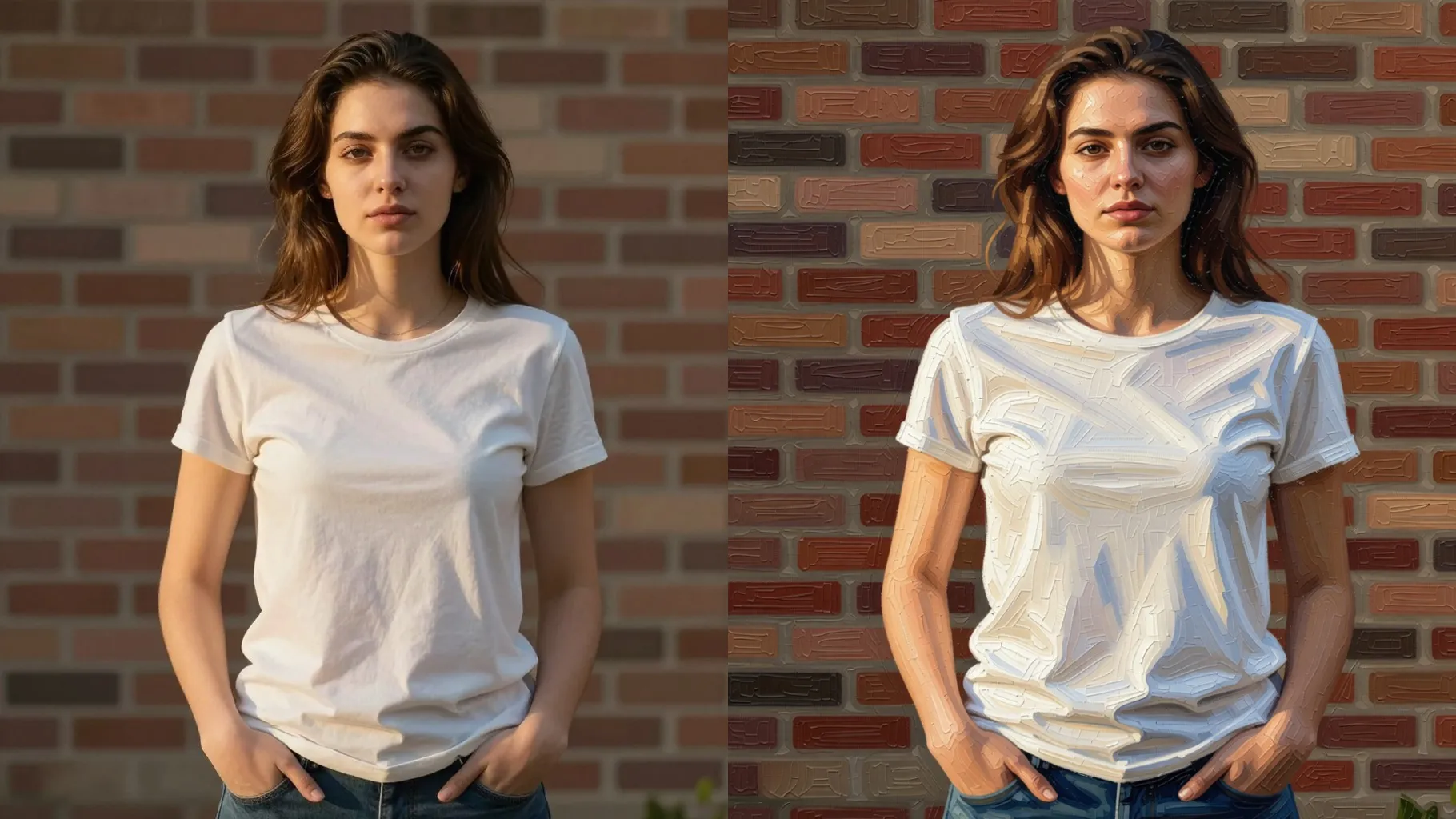
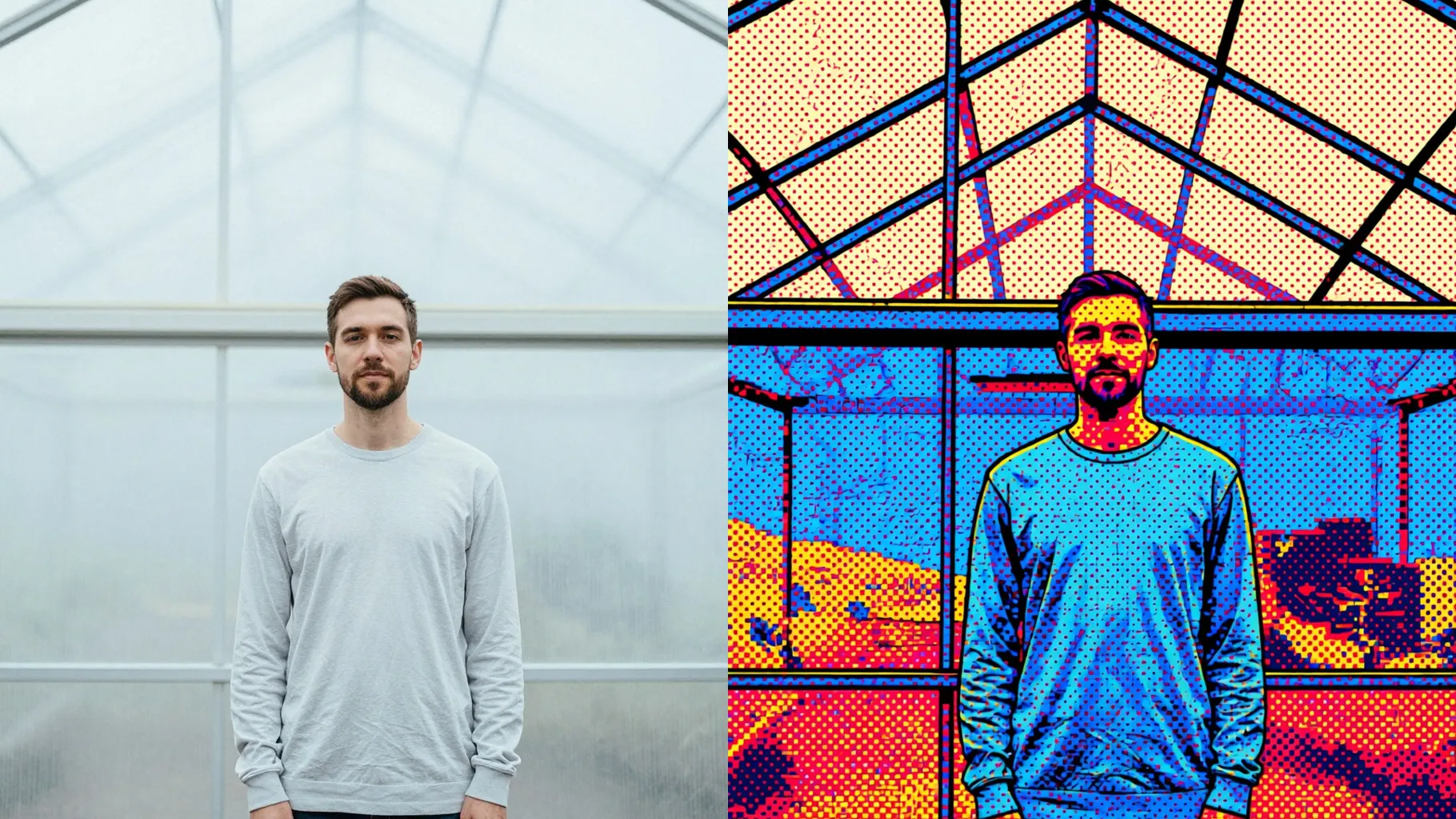
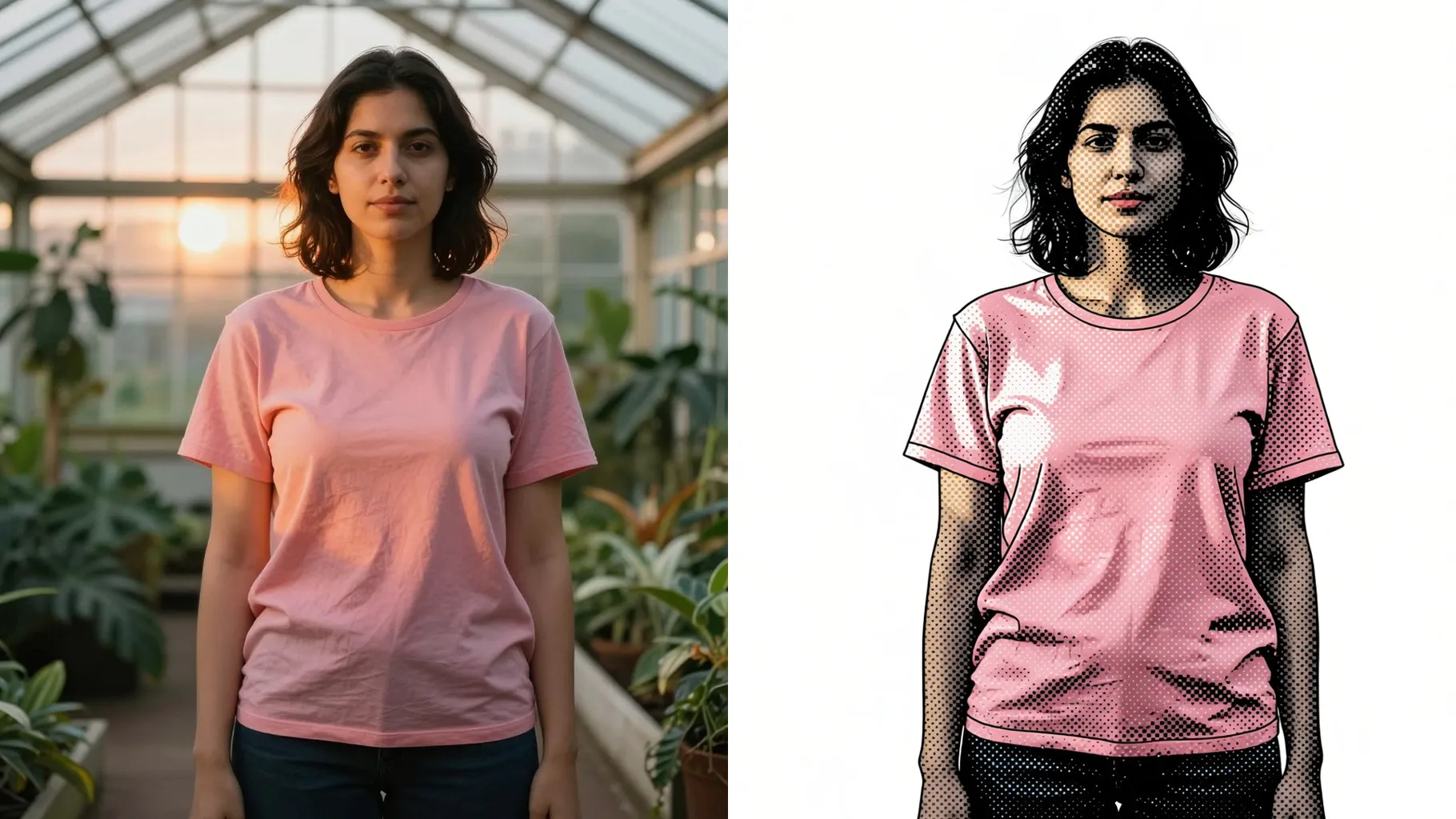
Your uploaded photo is redrawn with waxy crayon strokes, soft edges, and paper grain while keeping your framing intact.
Examples show the target style. Your result depends on the chosen model and reference photo.
Upload one photo to get wax crayon strokes and paper texture while your proportions and pose stay recognizable.
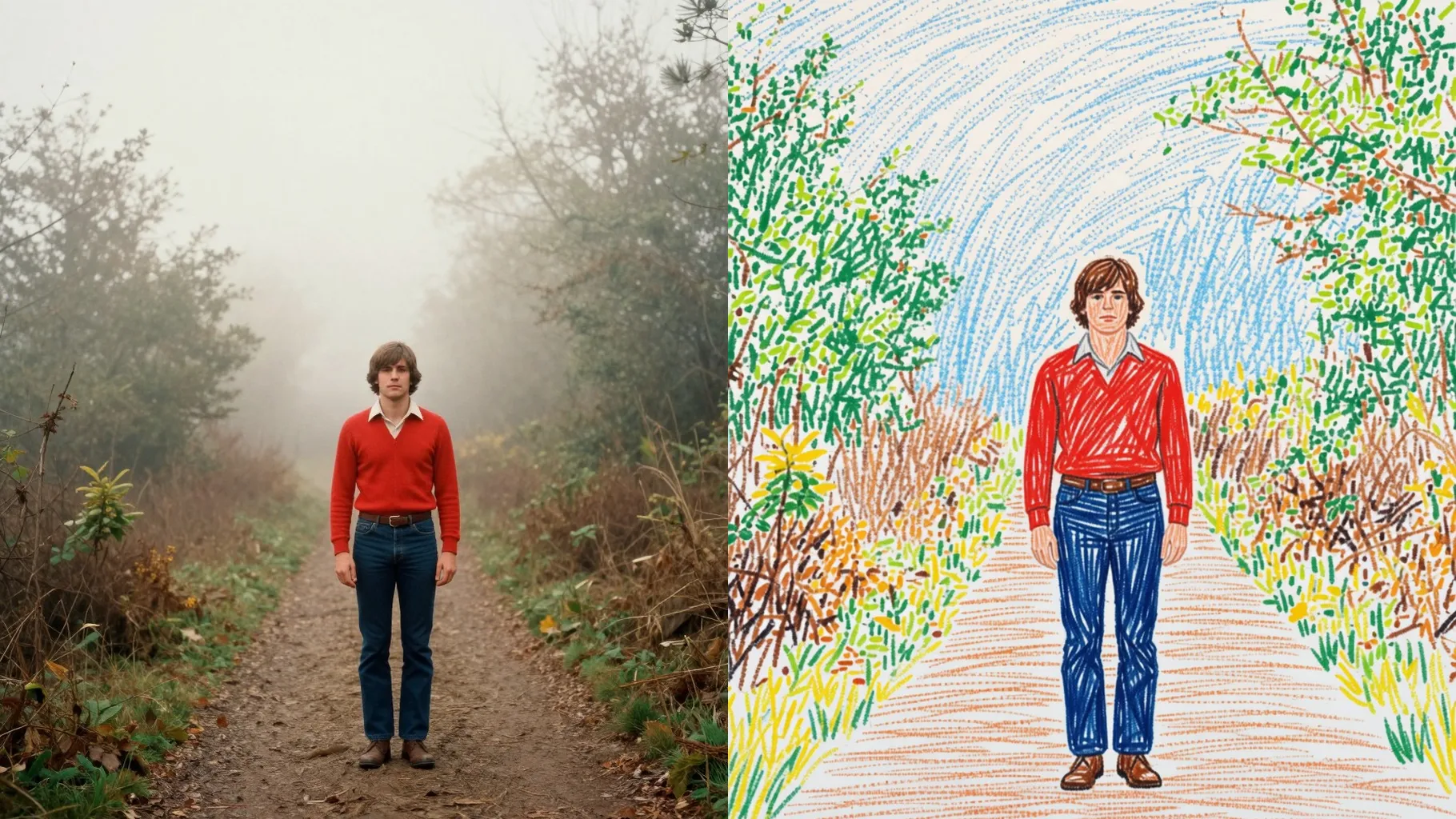
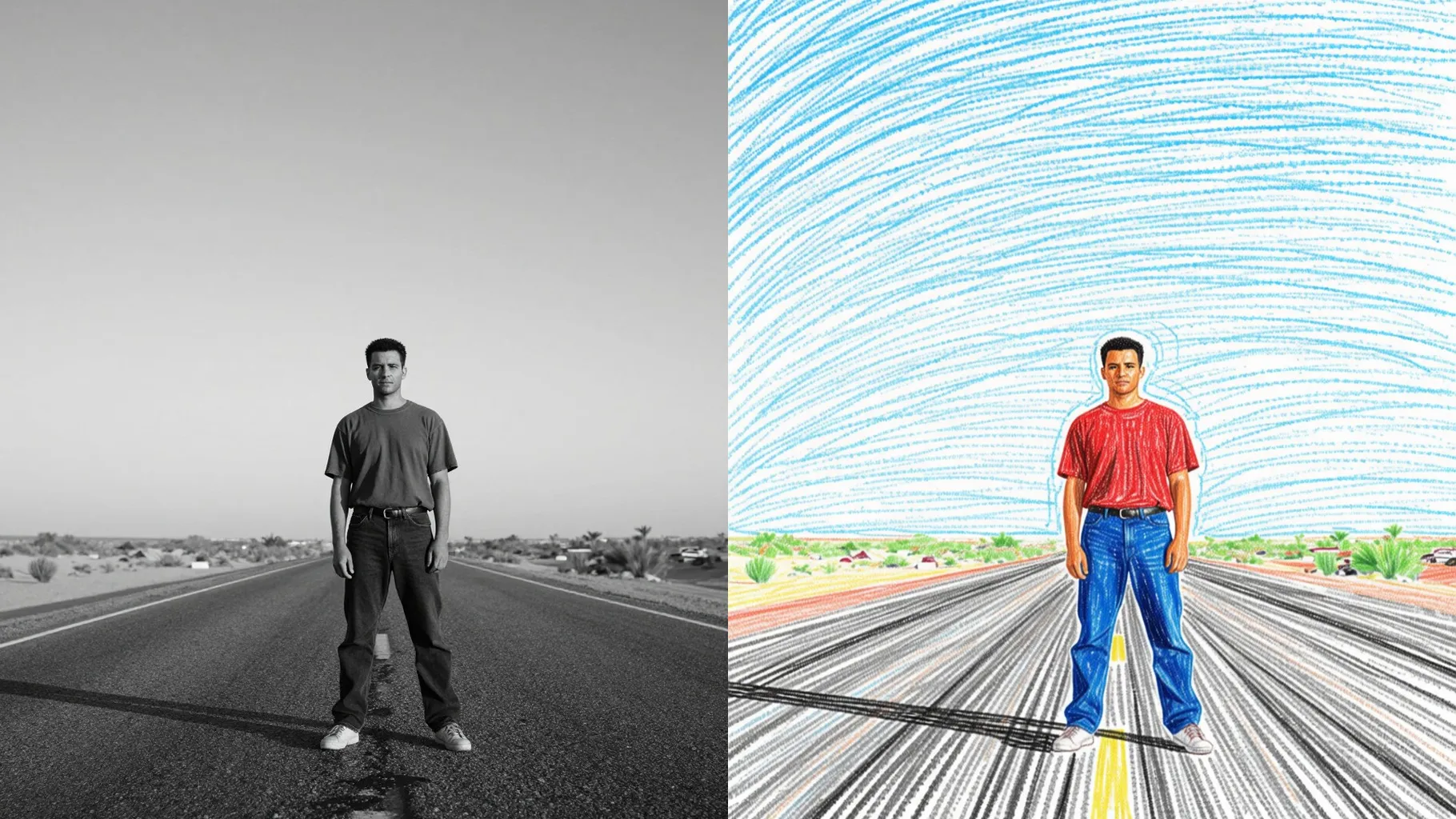
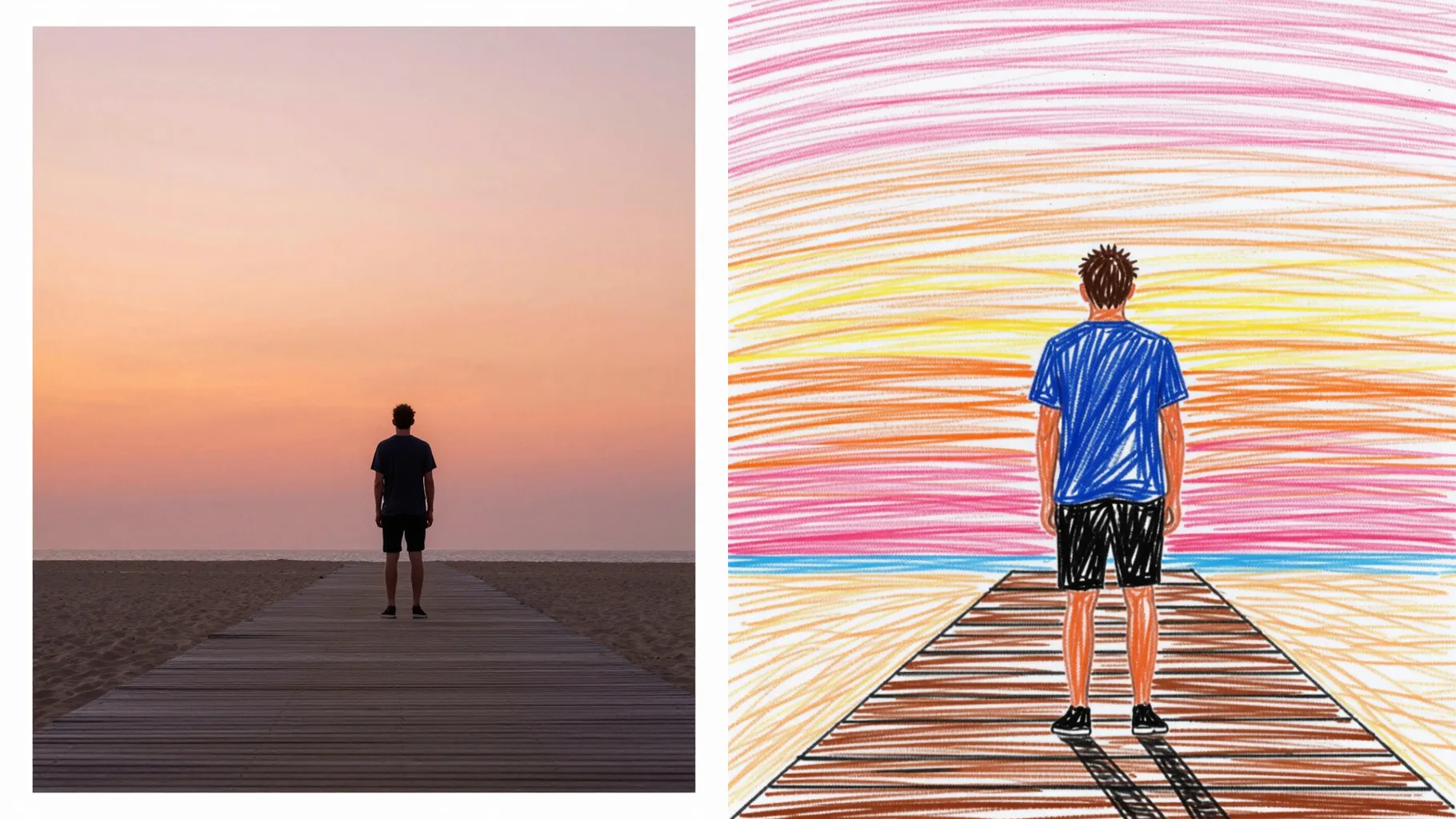
One upload turns outlines into thick crayon marks and textured paper without warping faces or limbs.
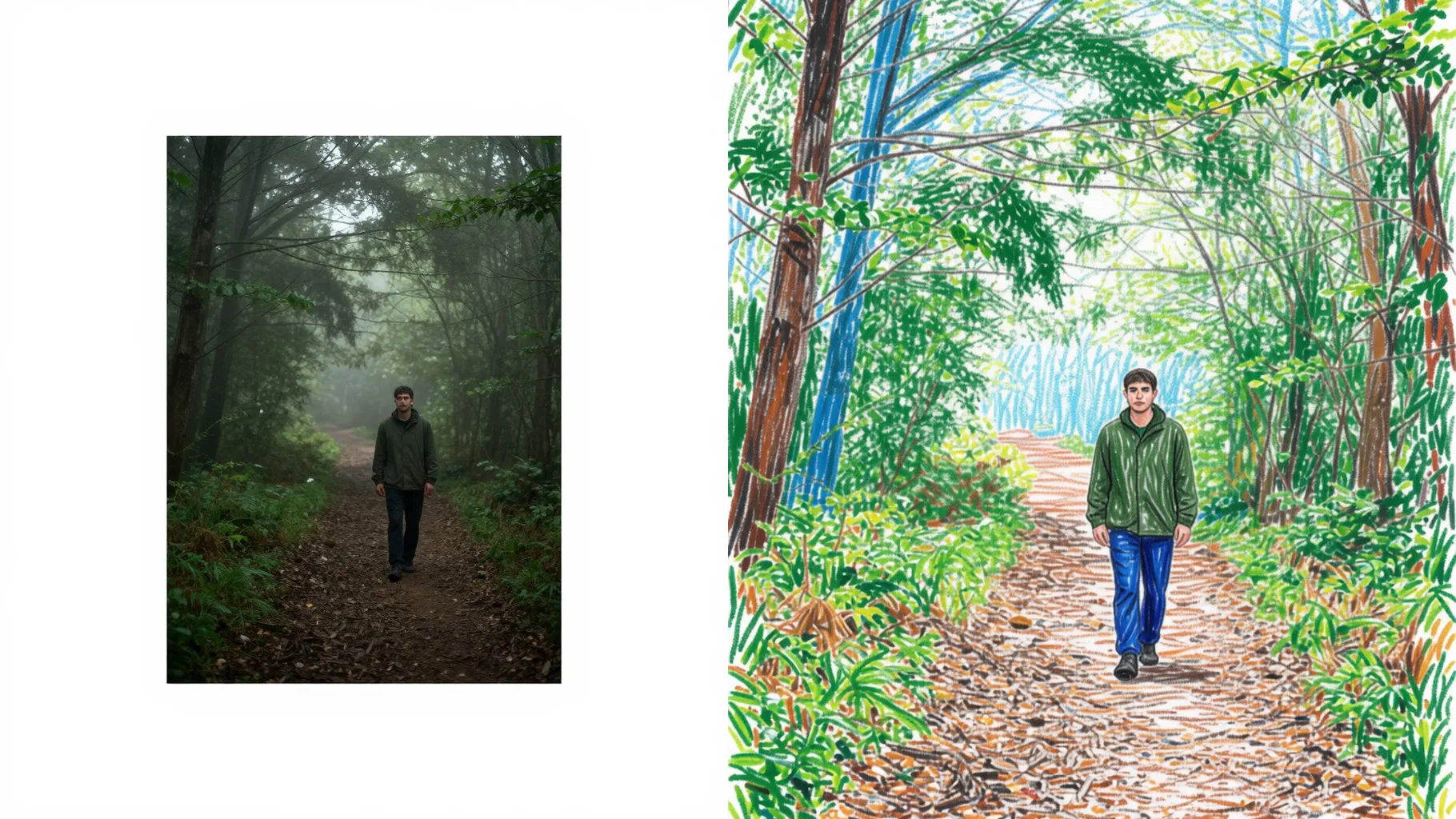
Add a short prompt like \"warm sunset crayons\" to nudge the palette while the hand-drawn style stays consistent.
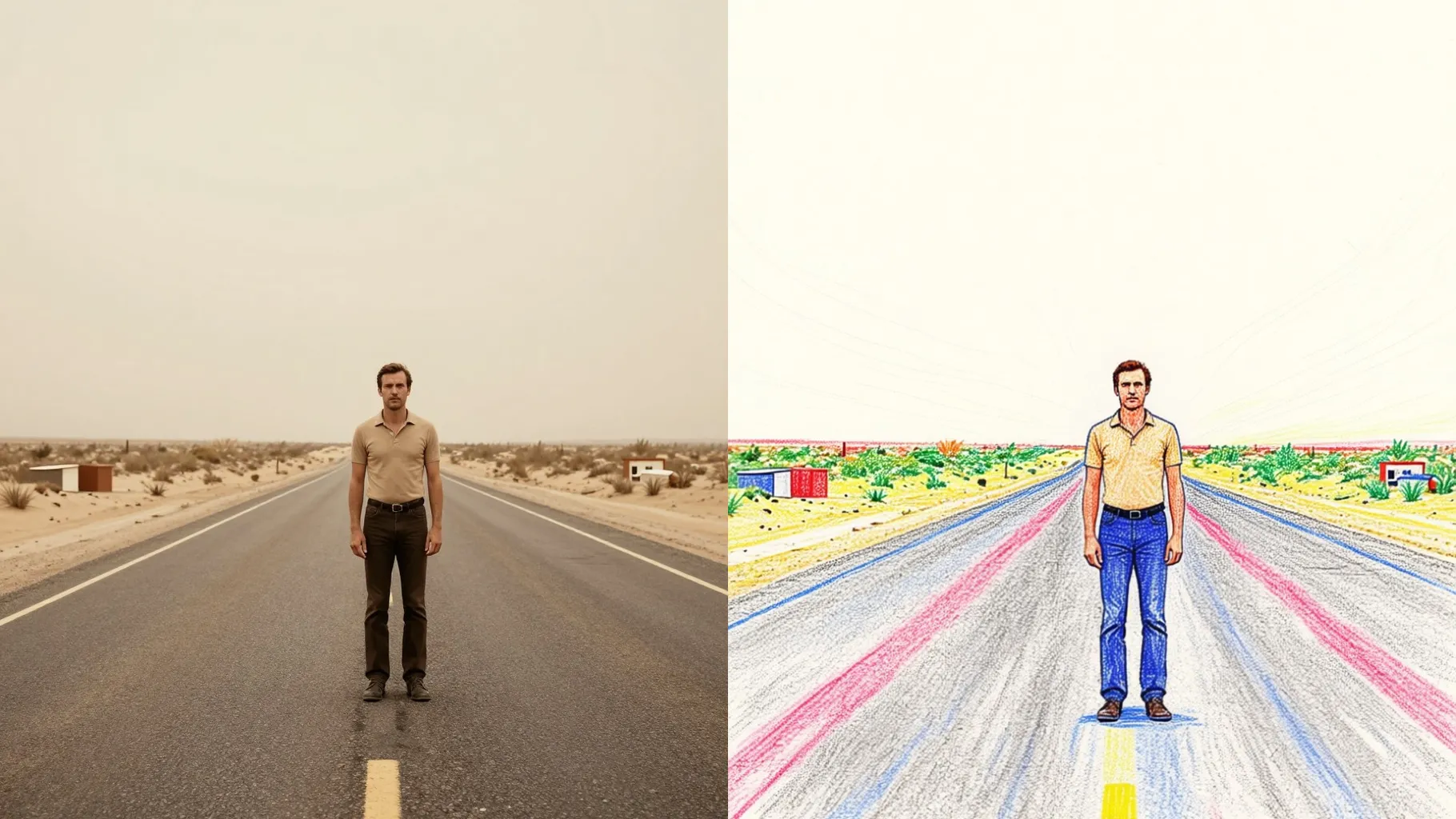
Centered subjects with even light help the crayon strokes stay defined.
Mention colors or mood to tweak the wax crayon palette while the sketch stays true.
Create your crayon drawing, try another prompt variation, and save the result instantly.
Upload one image at a time so the crayon strokes and paper grain stay aligned.
Prompts are optional. Leaving it blank still gives a crayon effect; a short hint only nudges colors or mood.
Aspect ratio and model switching are off to keep the crayon texture consistent.
Front or 3/4 shots with simple backgrounds and clear lighting give clean crayon lines.
Use JPG, PNG, or WebP under 10MB for the fastest uploads.
The effect keeps your framing while adding paper grain and wax strokes; add a prompt if you want a different vibe.

Generation time depends on the model, image size, and queue. Check the task status on this page.