
1. How many photos do I need?
Just one. Upload a single image and the template handles the brush strokes and canvas texture automatically.
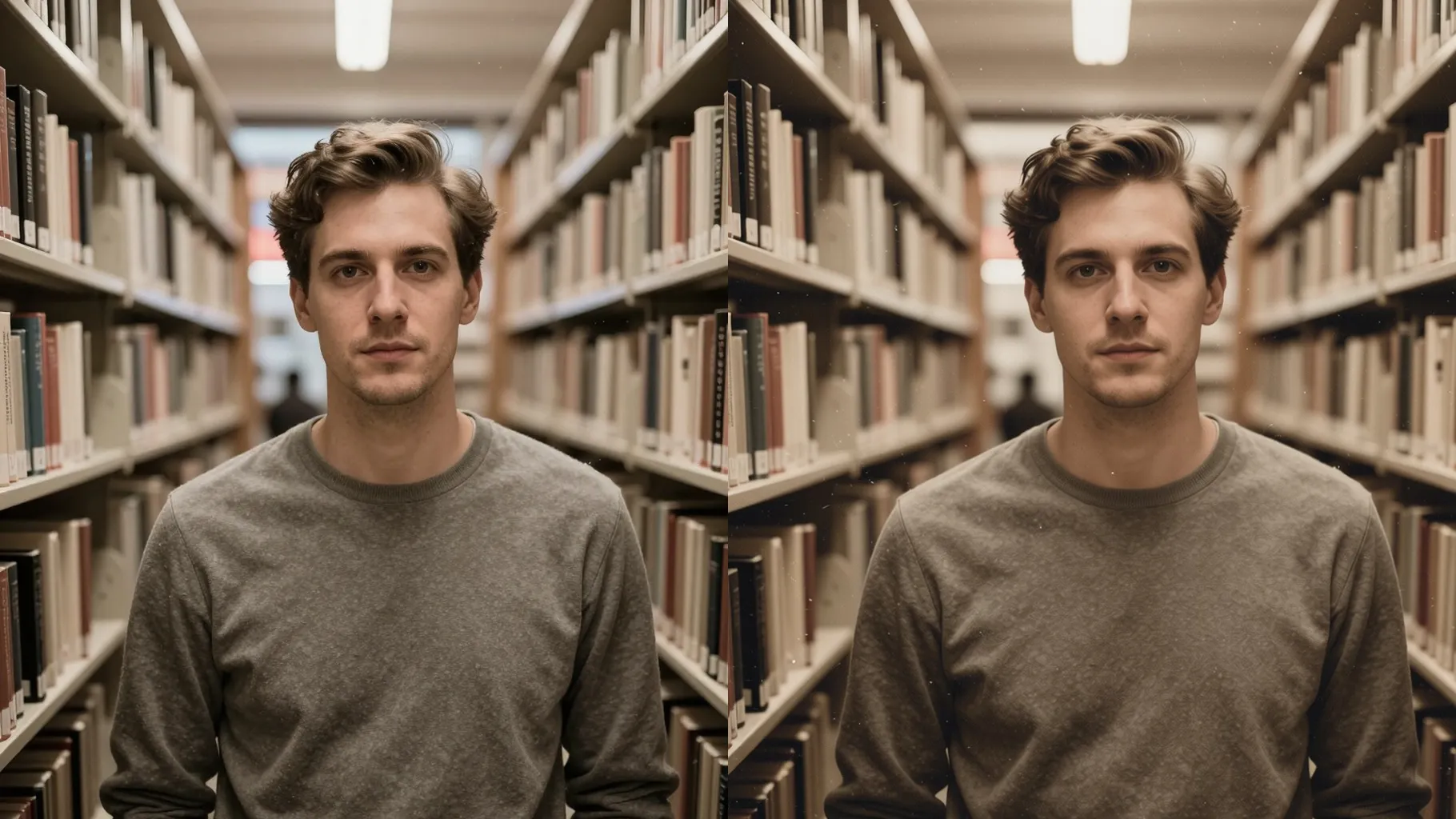
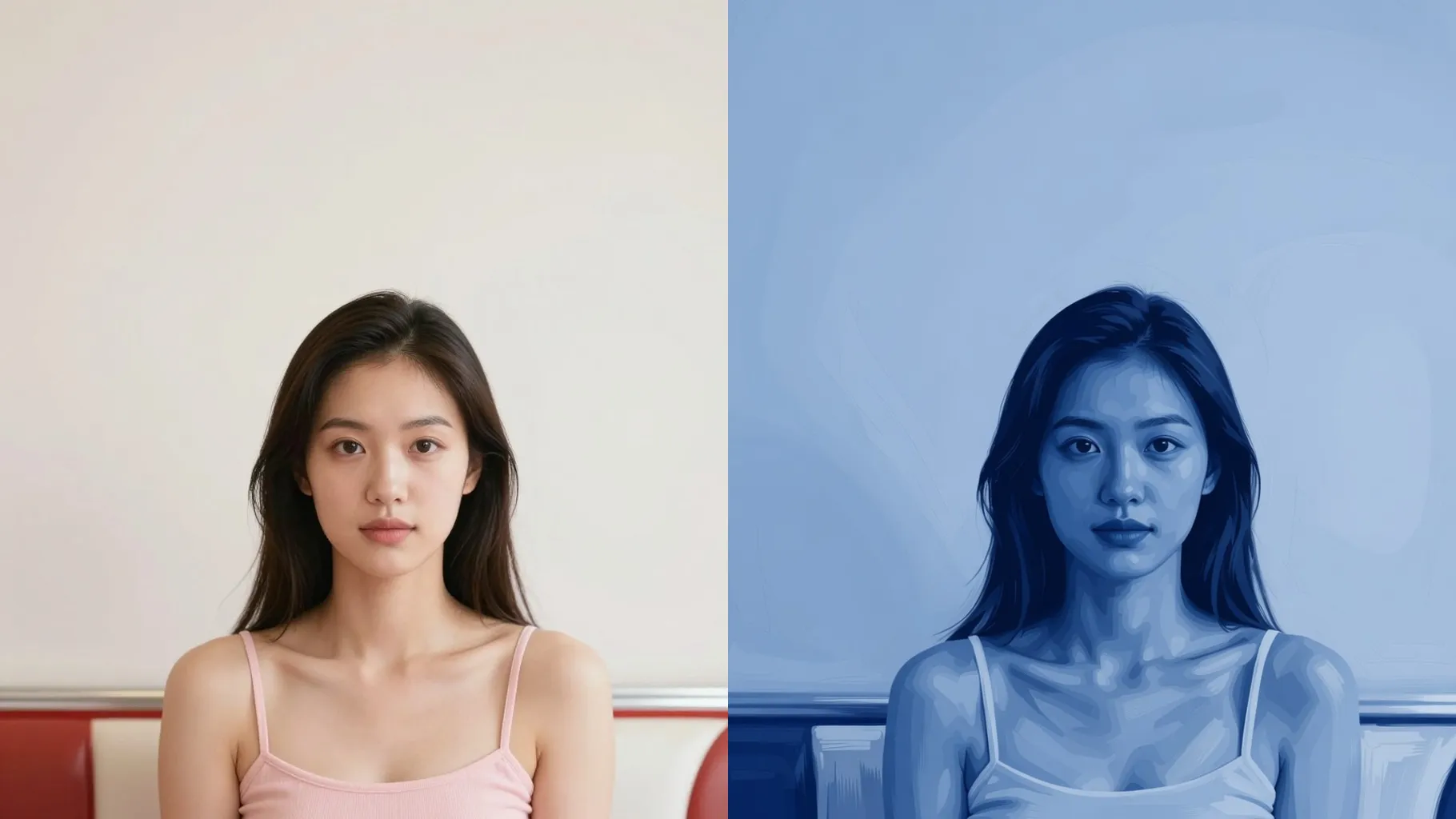
Turn one photo into a hand-painted portrait with canvas texture and natural brush strokes.
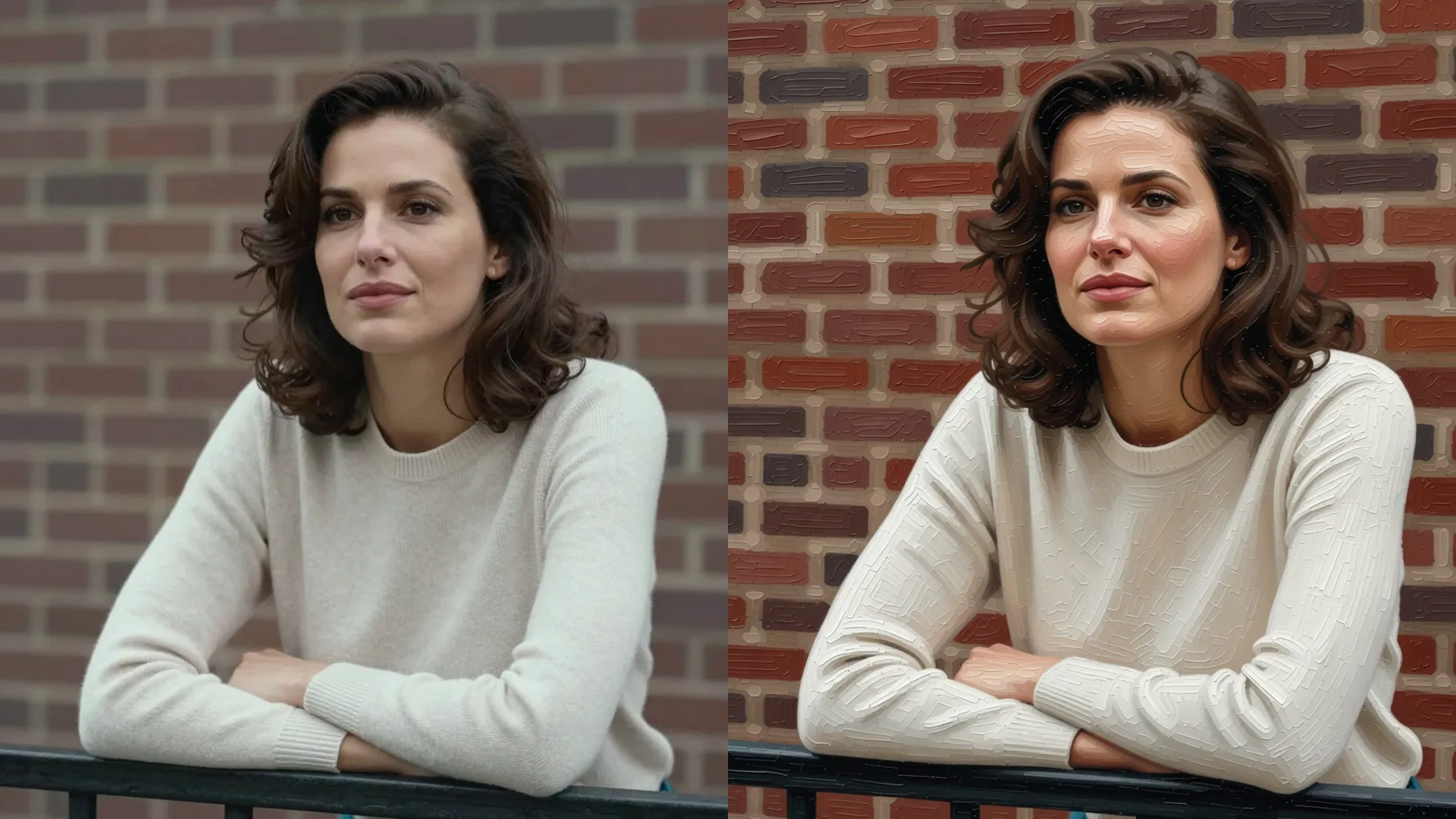
See how one portrait becomes a painted canvas with soft edges, layered brush strokes, and balanced light.
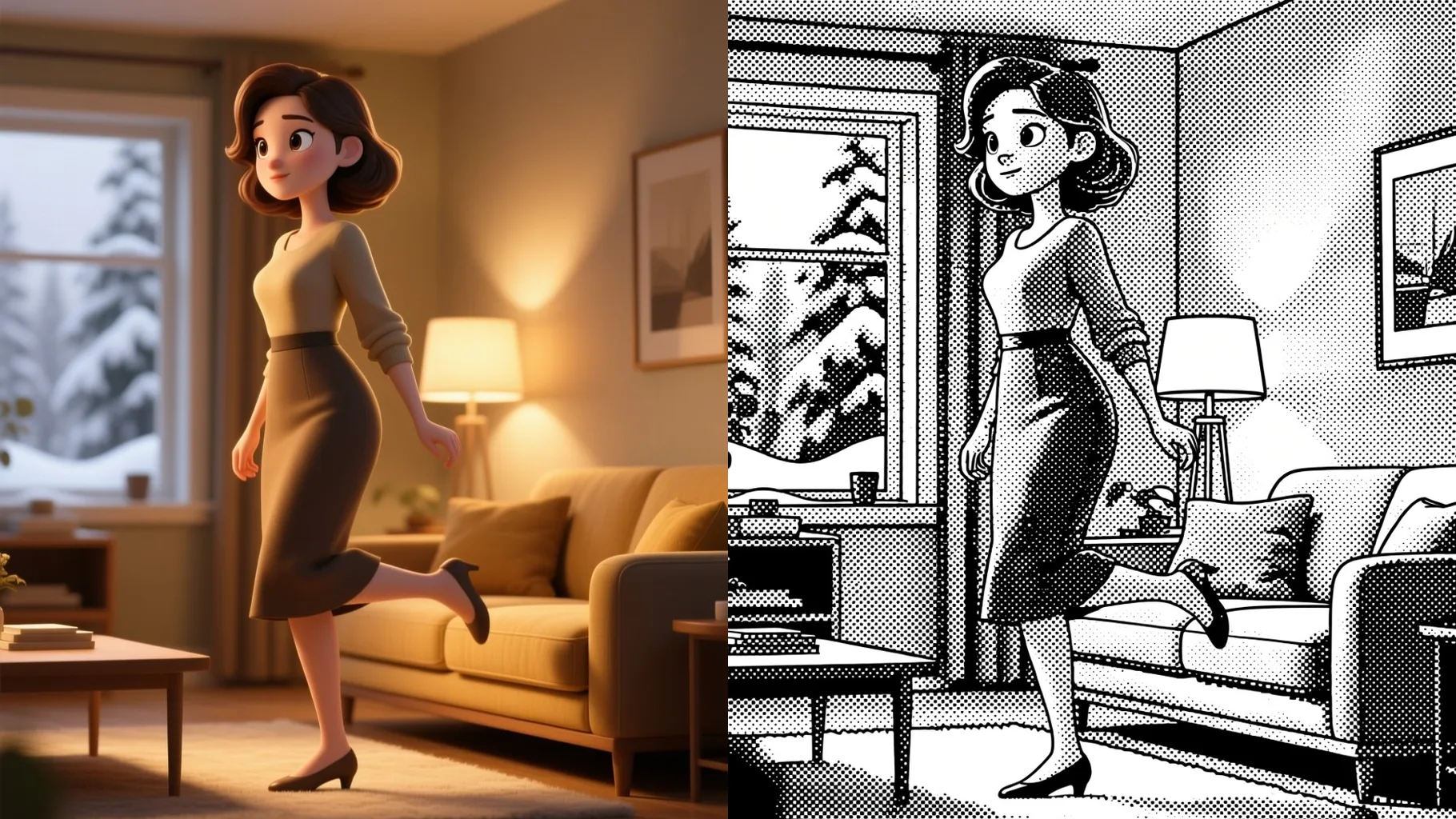
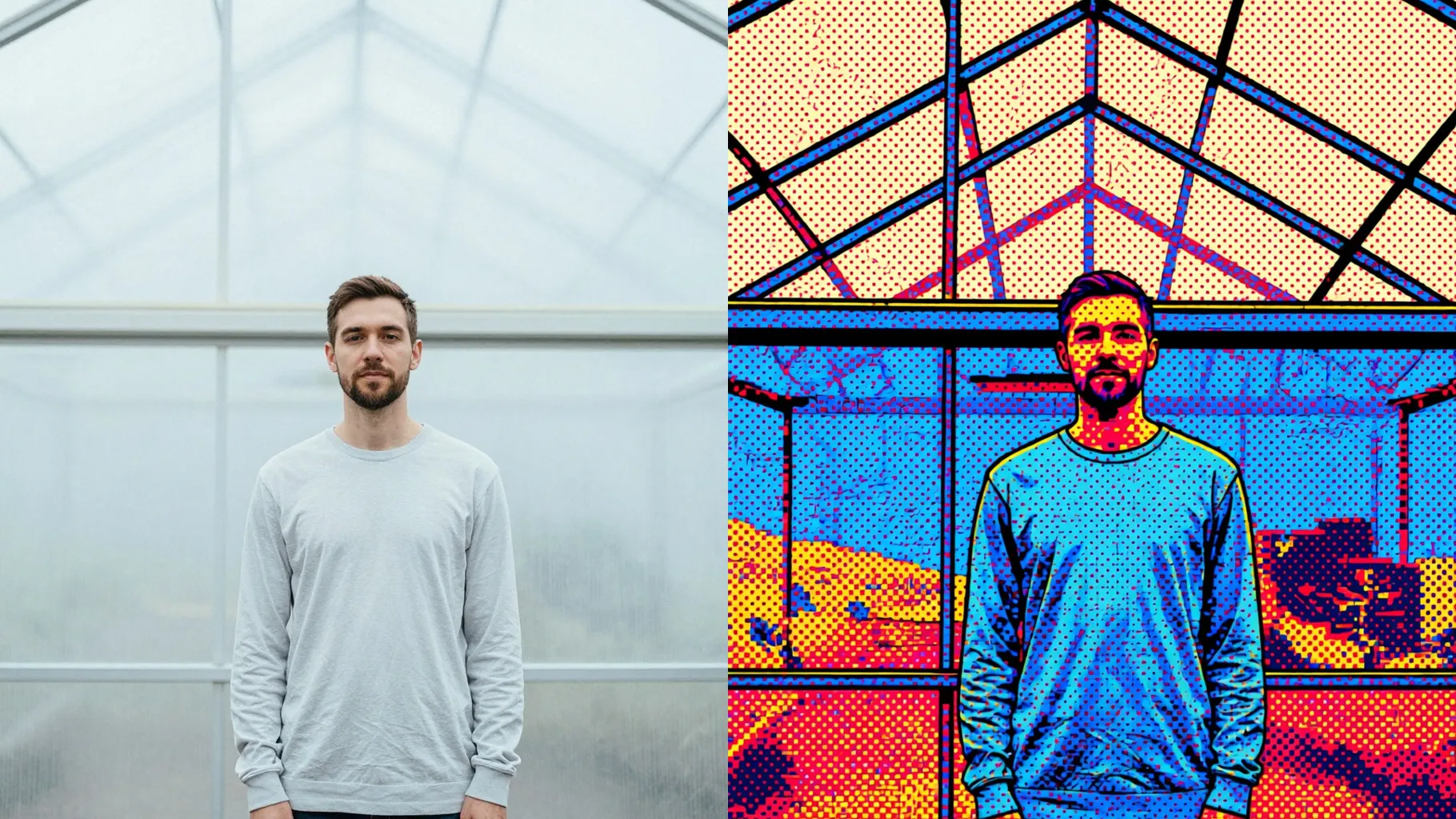
Examples show the target style. Your result depends on the chosen model and reference photo.
Upload one image to get painterly brush strokes, canvas grain, and softened edges while faces stay recognizable.
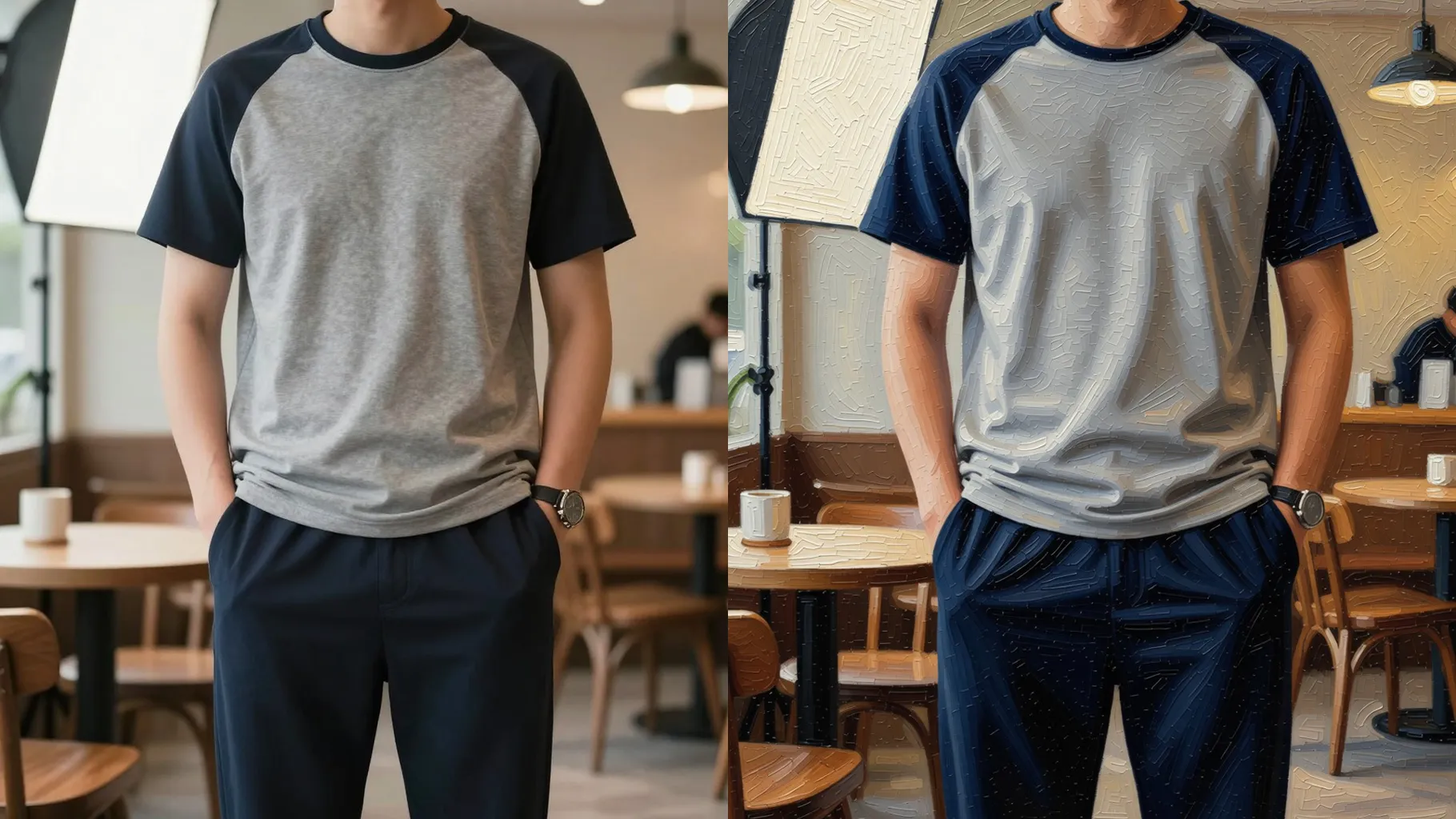
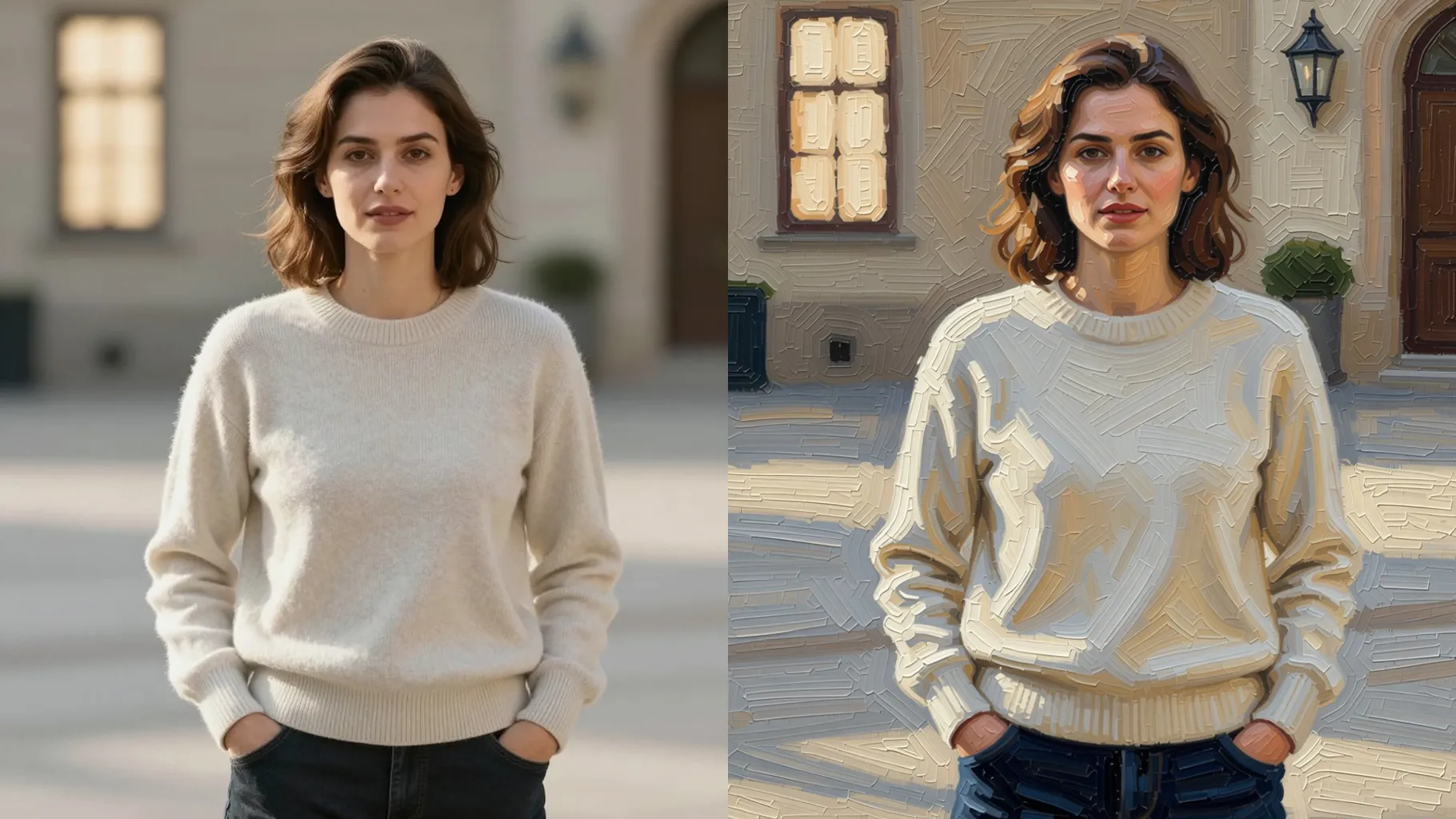
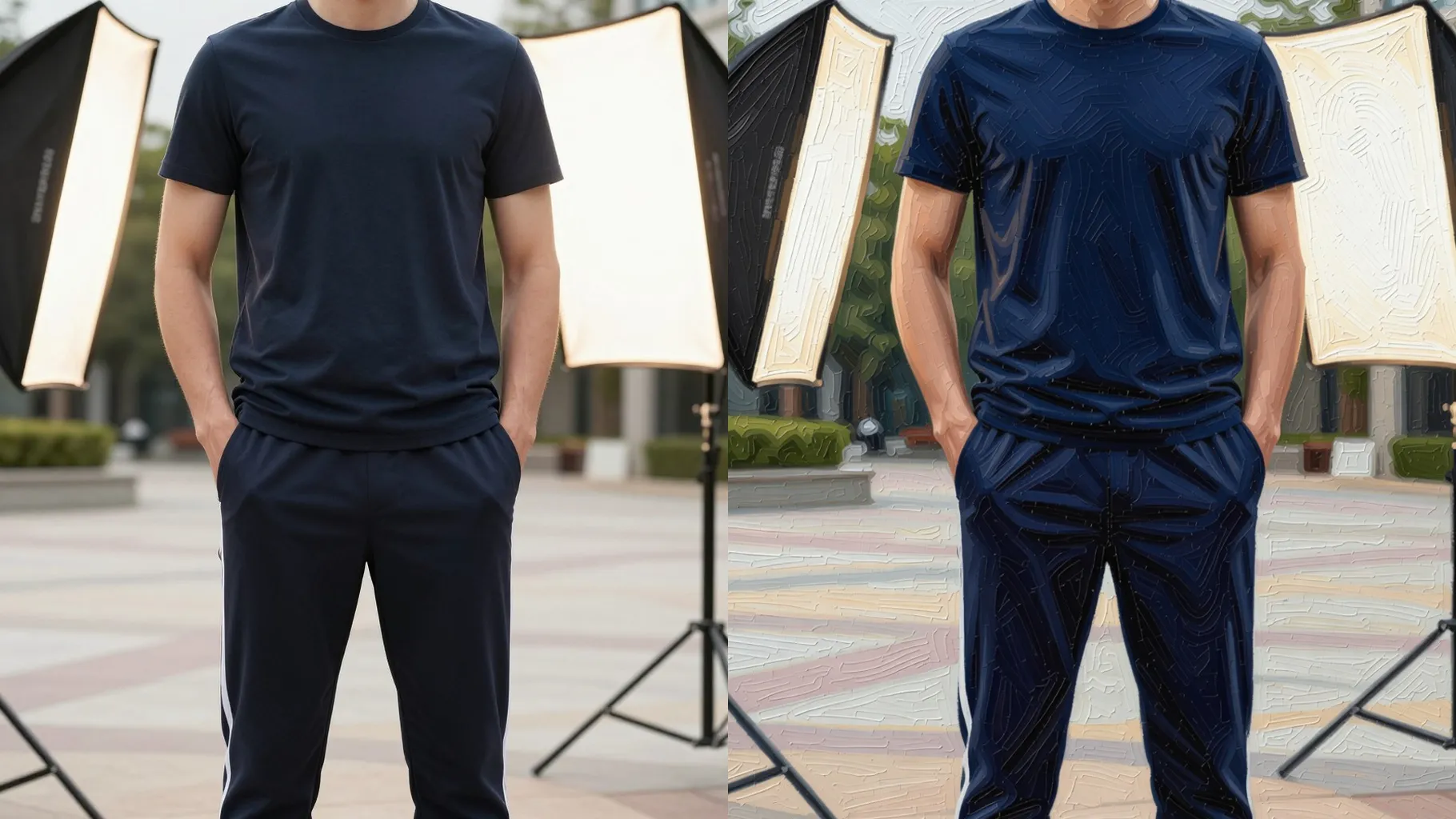
One upload keeps proportions and lighting while adding layered paint texture and color depth for a hand-painted look.
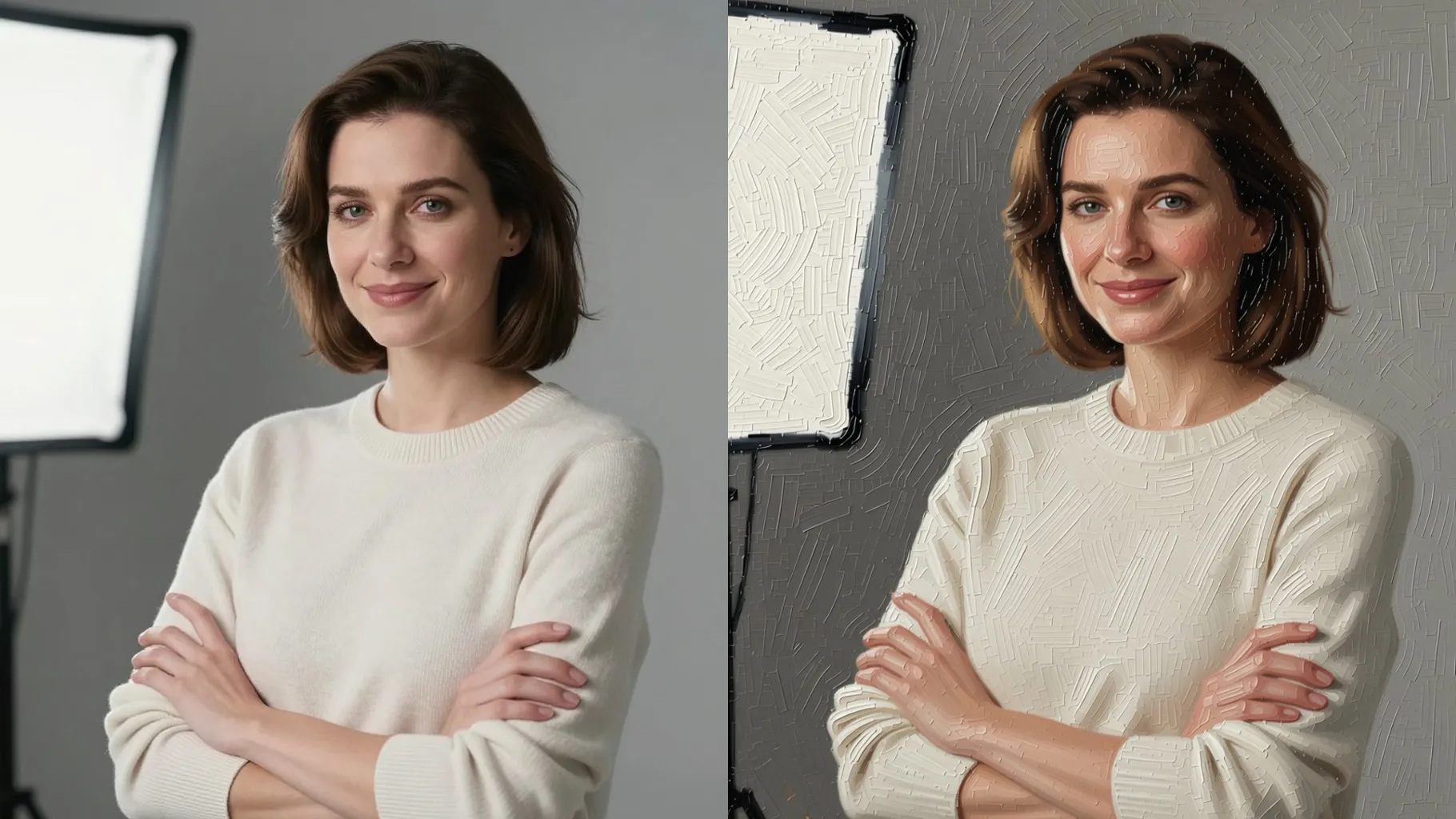
Add cues like oil, watercolor, warm sunset, or studio light; the generator blends them without warping your subject.
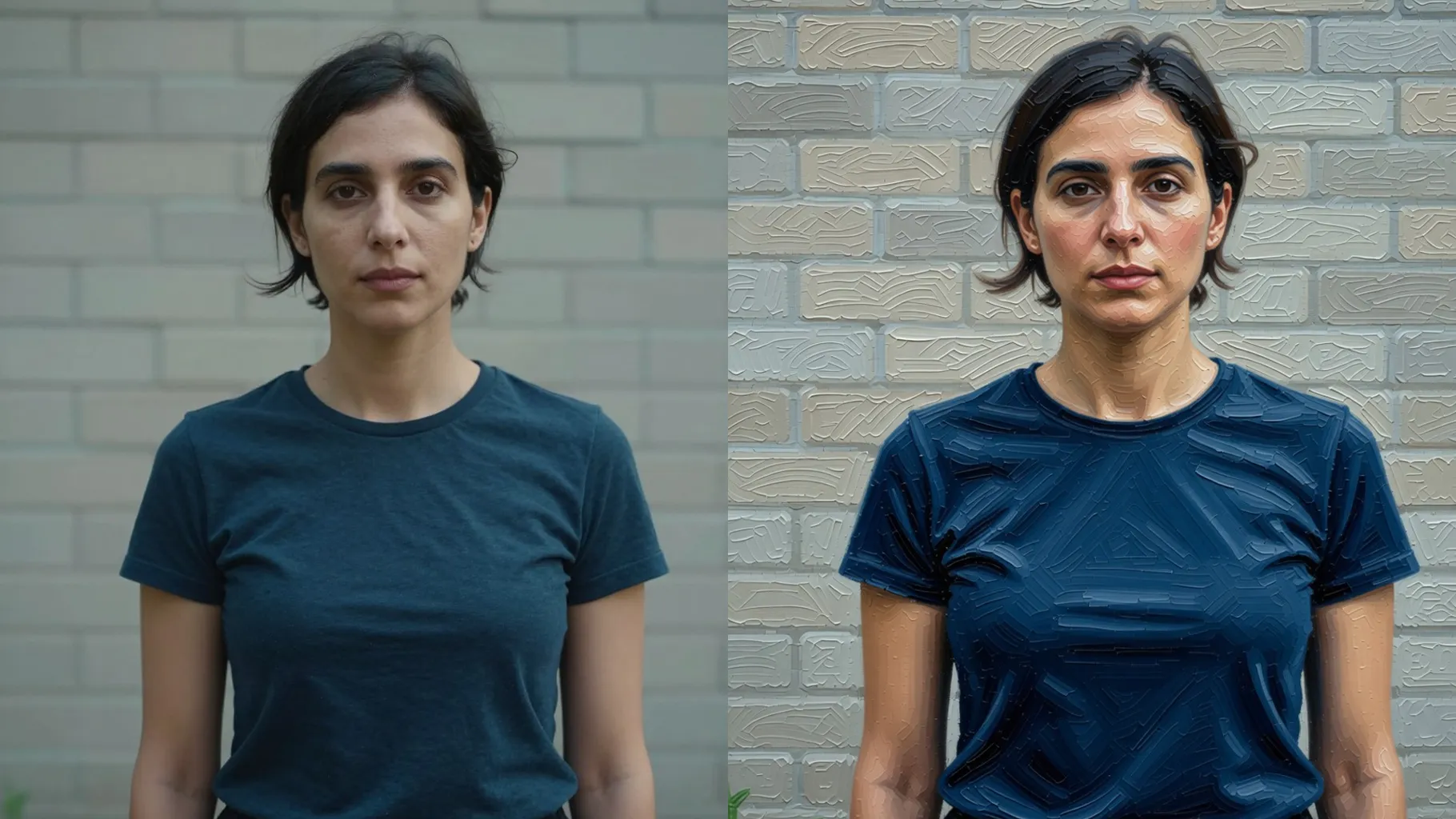
Centered portraits or product shots with even light give the brush strokes clean edges to follow.
Mention oil, watercolor, palette notes, or mood; keep it short for consistent painterly texture.
Preview the painting, rerun if you want another take, and save the version you like best.
Just one. Upload a single image and the template handles the brush strokes and canvas texture automatically.
Yes. Add short cues like oil painting, watercolor wash, or pastel palette and the render follows while keeping your framing.
The generator preserves facial proportions, skin tone, and lighting so the painted result still looks like your original photo.
Aspect ratio and model switching stay off for stability. Crop your image before upload if you need a specific frame.
Generation time depends on the model, image size, and queue. Check the task status on this page.
You can export high-resolution WebP files that suit avatars, posters, or product mockups without manual retouching.

Generation time depends on the model, image size, and queue. Check the task status on this page.