
1. How many photos can I upload per render?
This template supports one image upload at a time to keep outlines and expressions stable.
Generation time depends on the model, image size, and queue. Check the task status on this page.
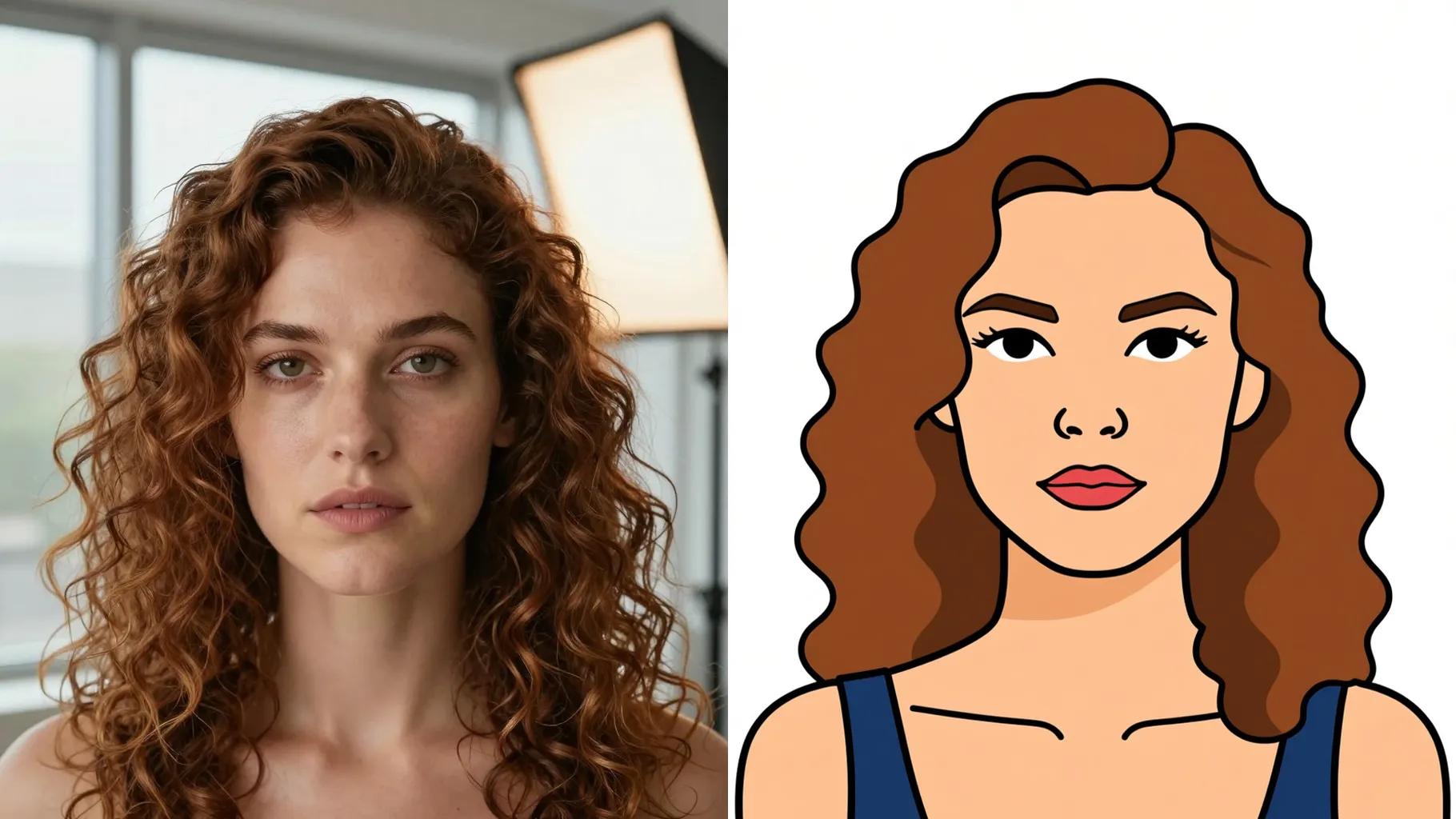
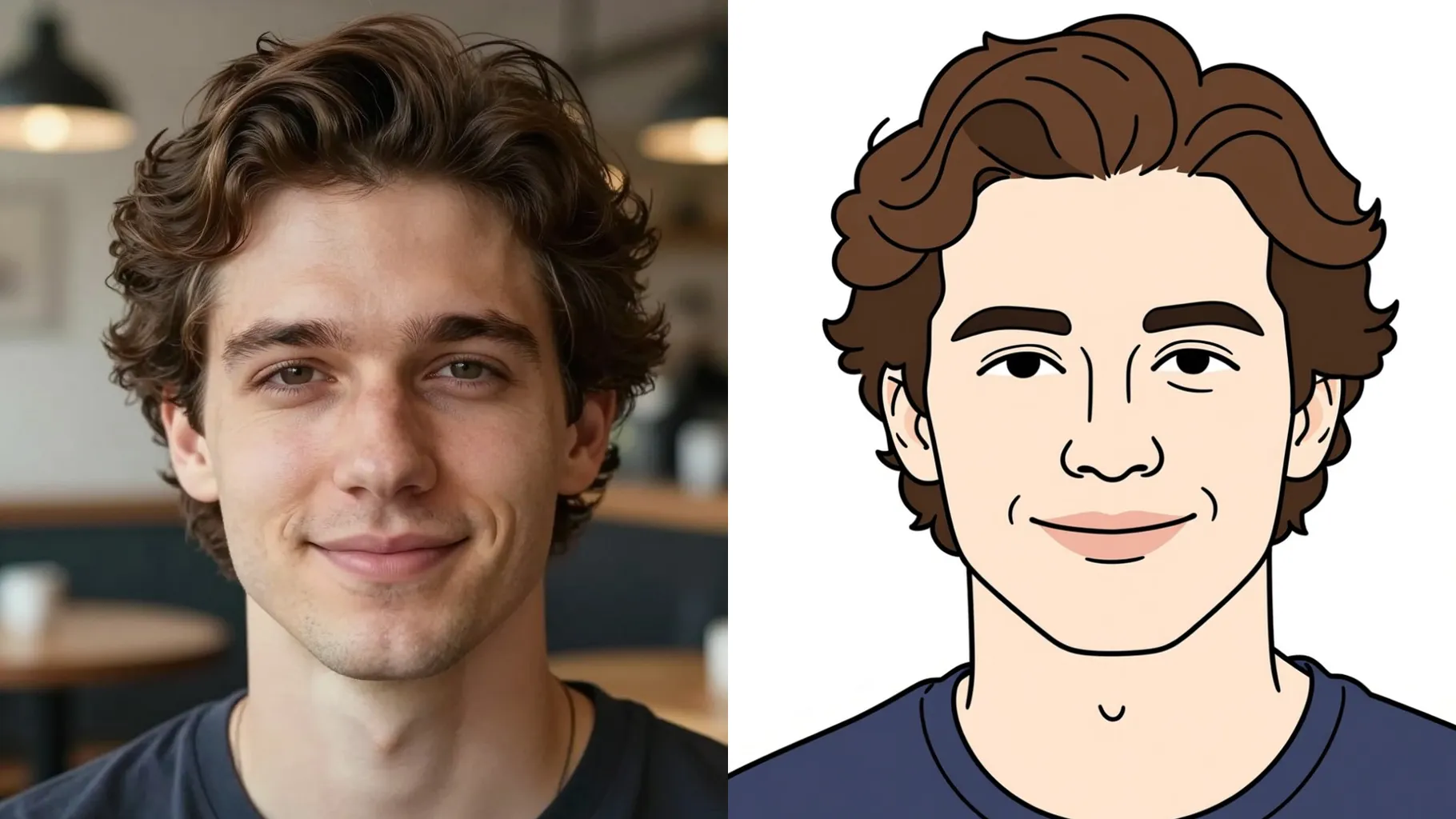
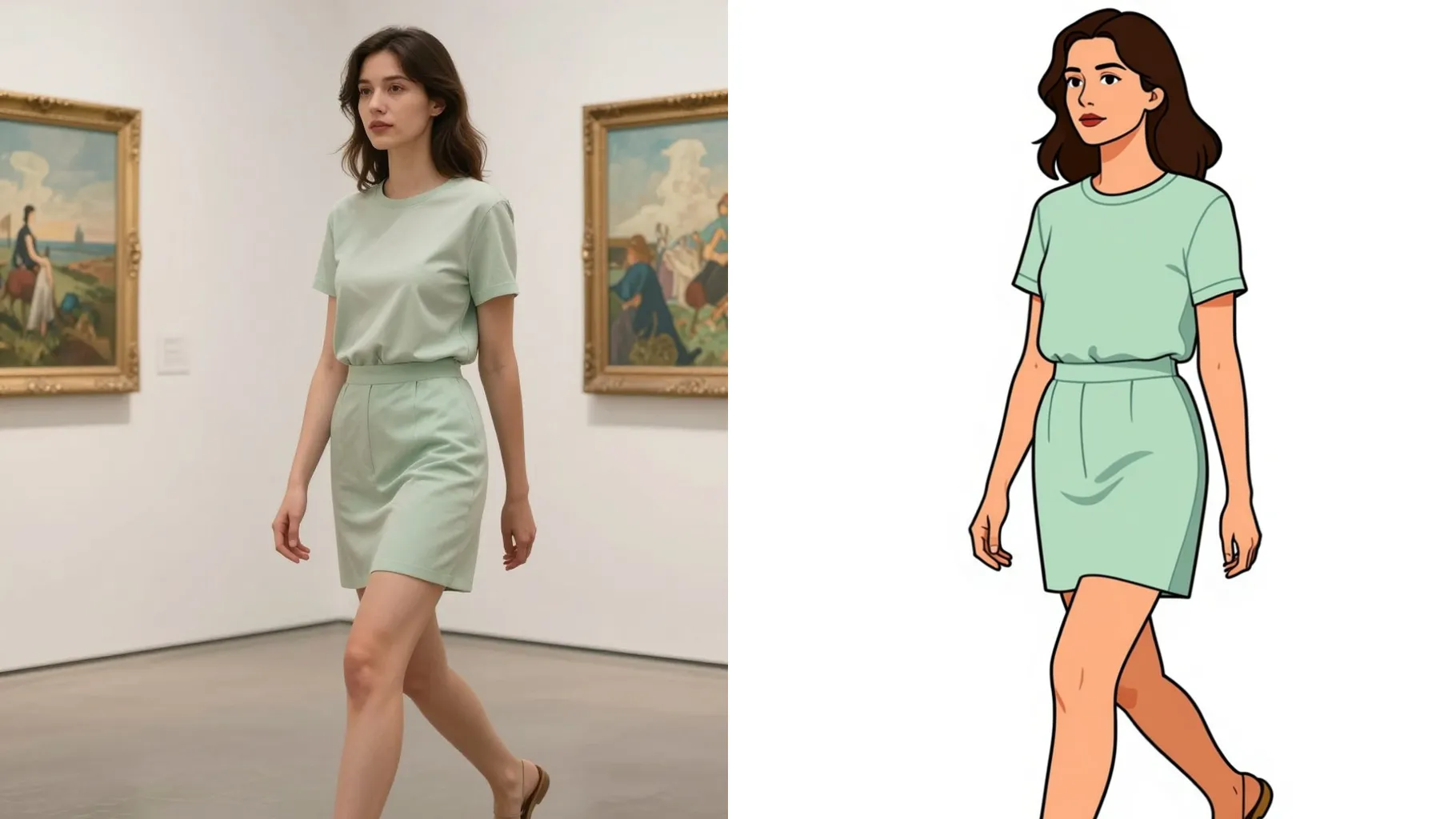
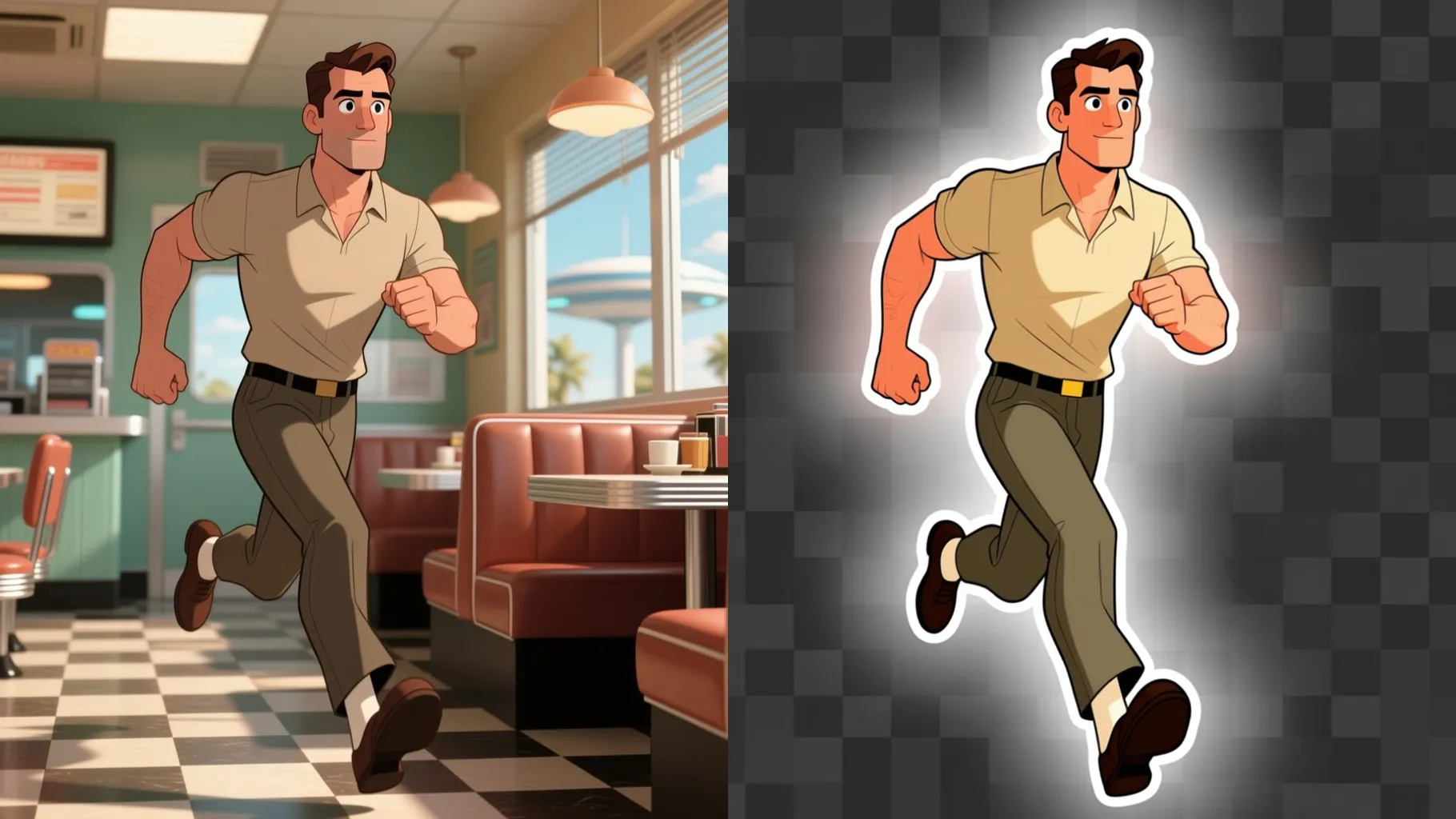
Transform one uploaded photo into an emoji with flat pastel colors, rounded features, and clear outlines while keeping your expression.
Examples show the target style. Your result depends on the chosen model and reference photo.
Generation time depends on the model, image size, and queue. Check the task status on this page.
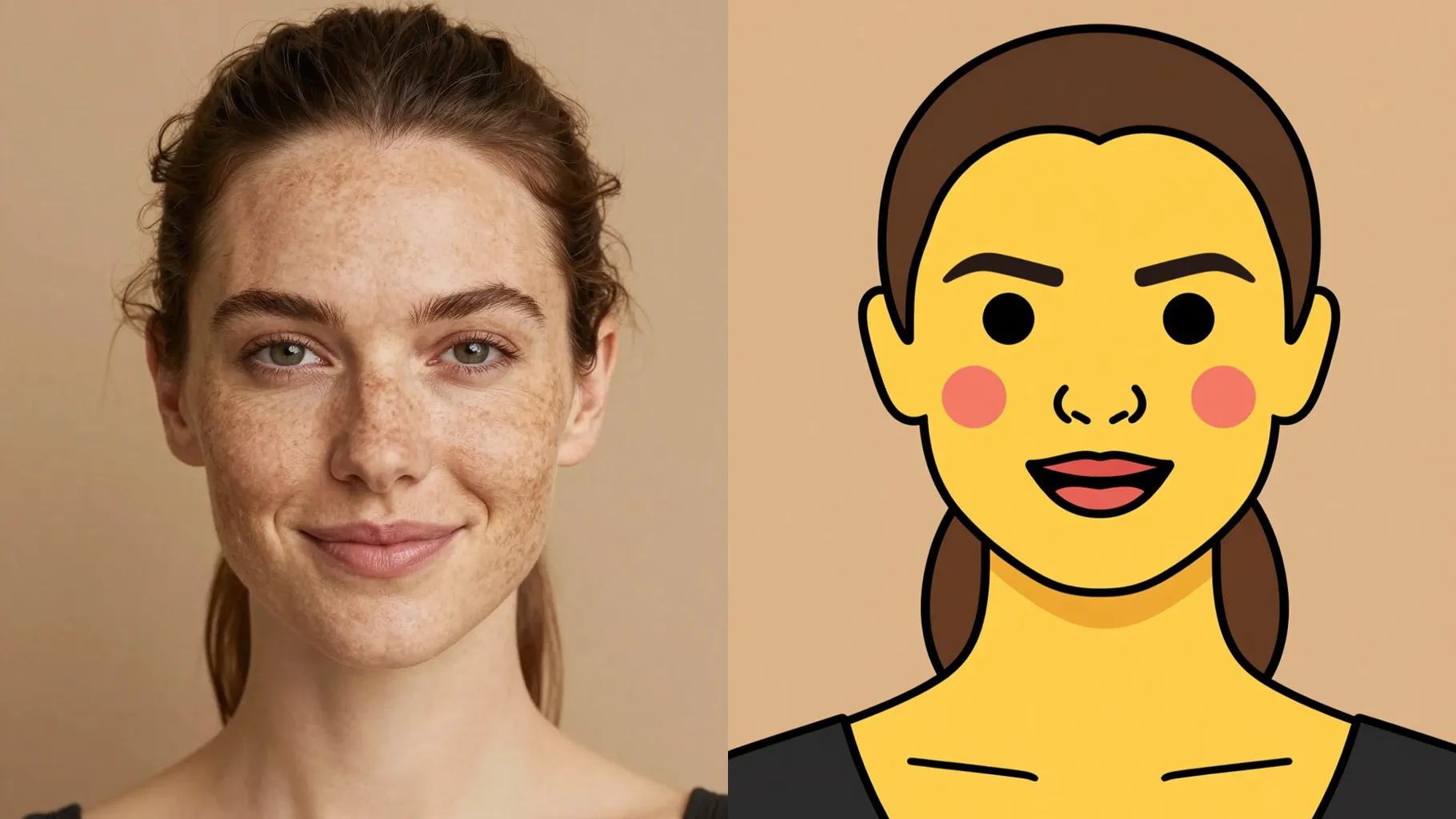
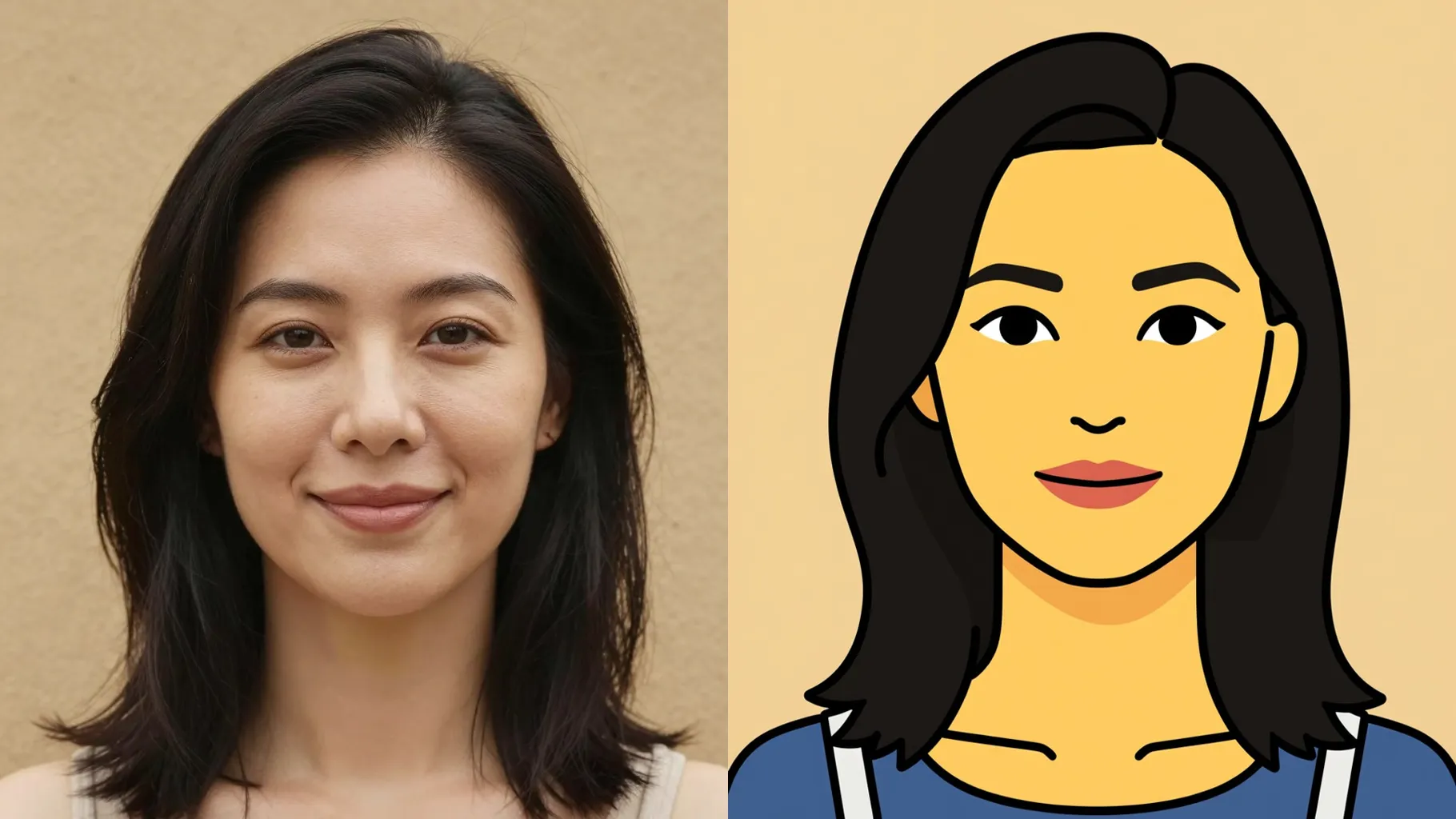
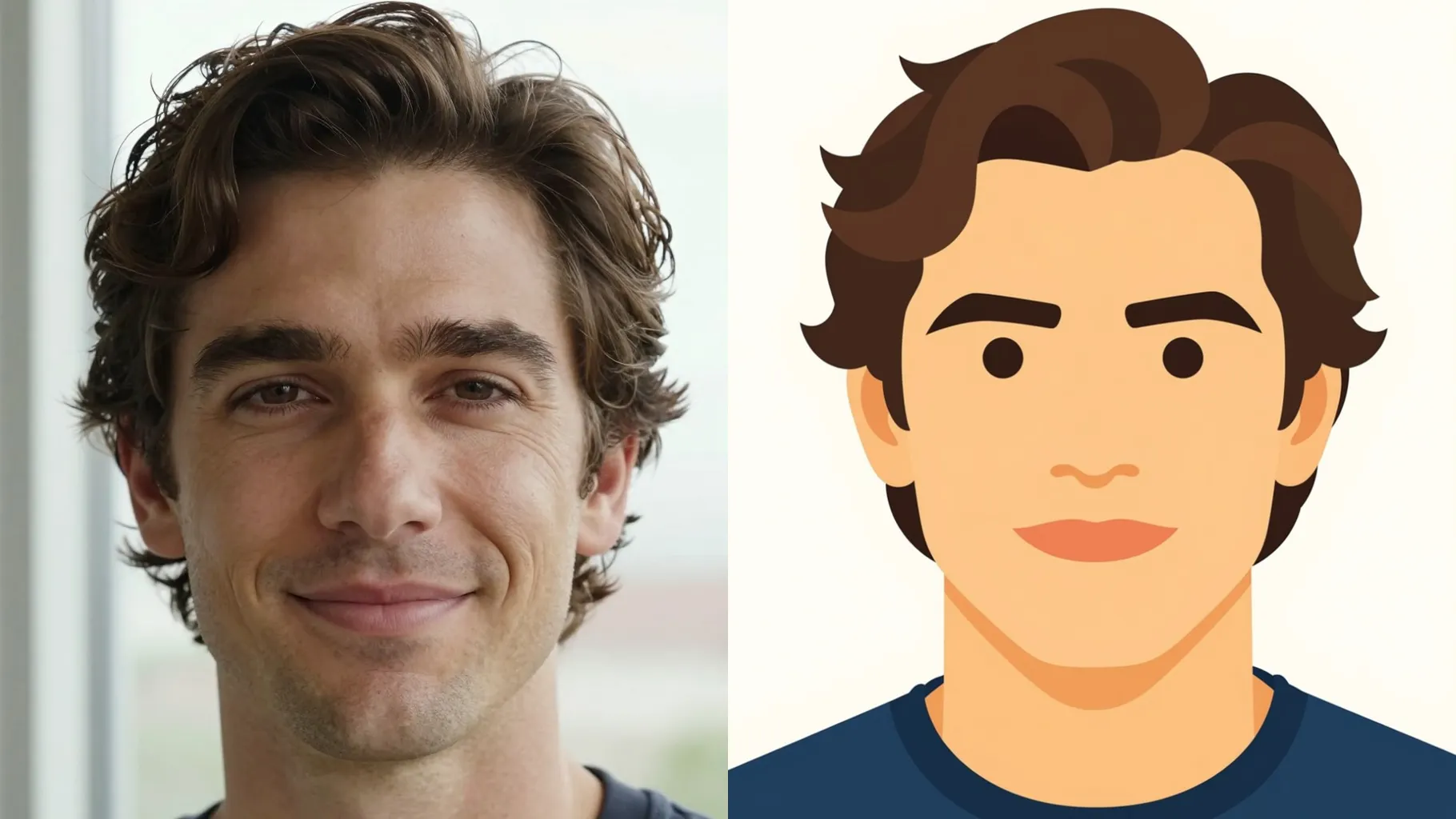
The model traces key facial shapes, smooths textures, and removes busy backgrounds so the emoji stays readable in chat.
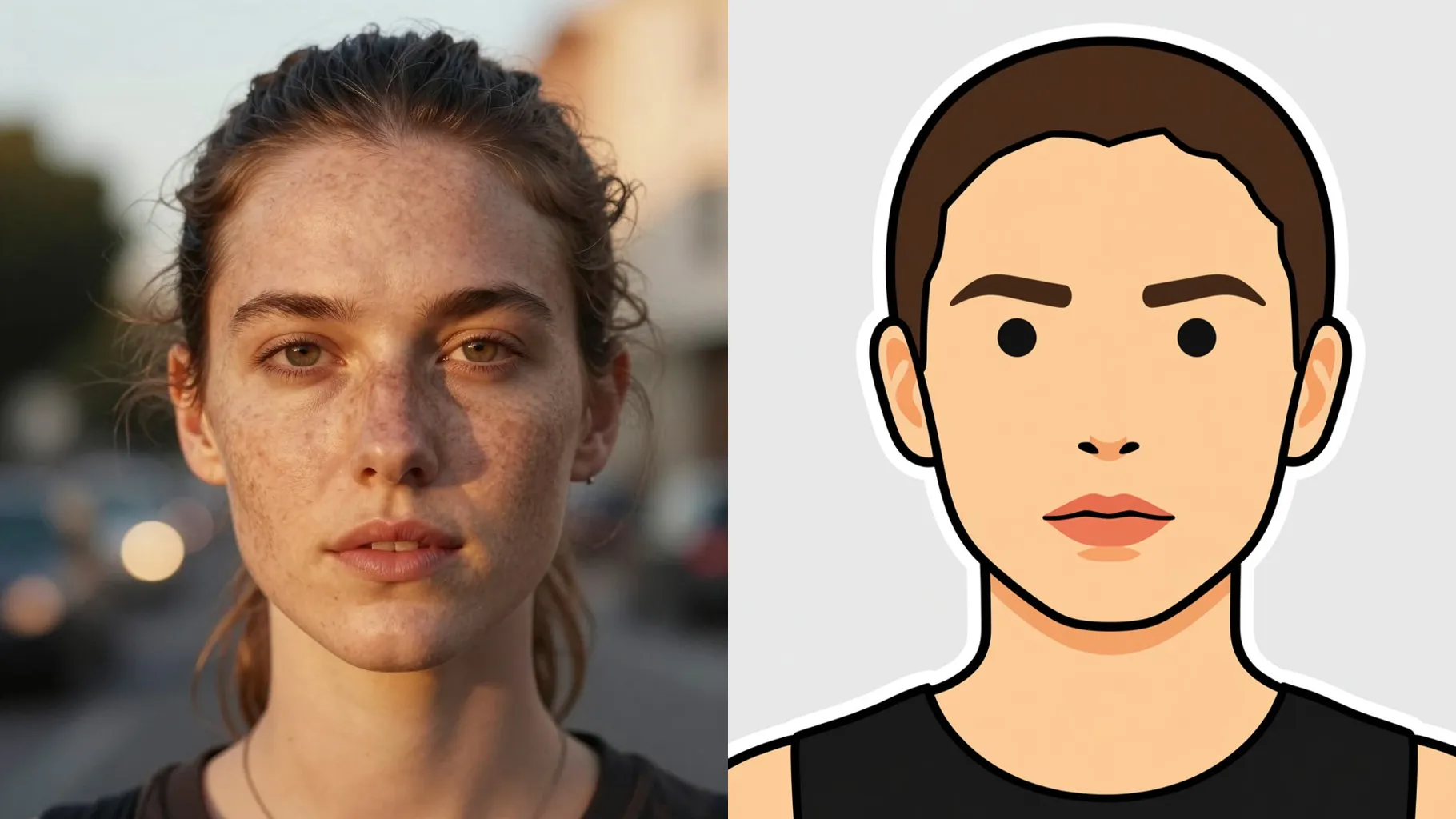
Add a quick cue like \"smiling with heart eyes\" or \"sleepy emoji\" to steer colors and mood while the likeness stays intact.
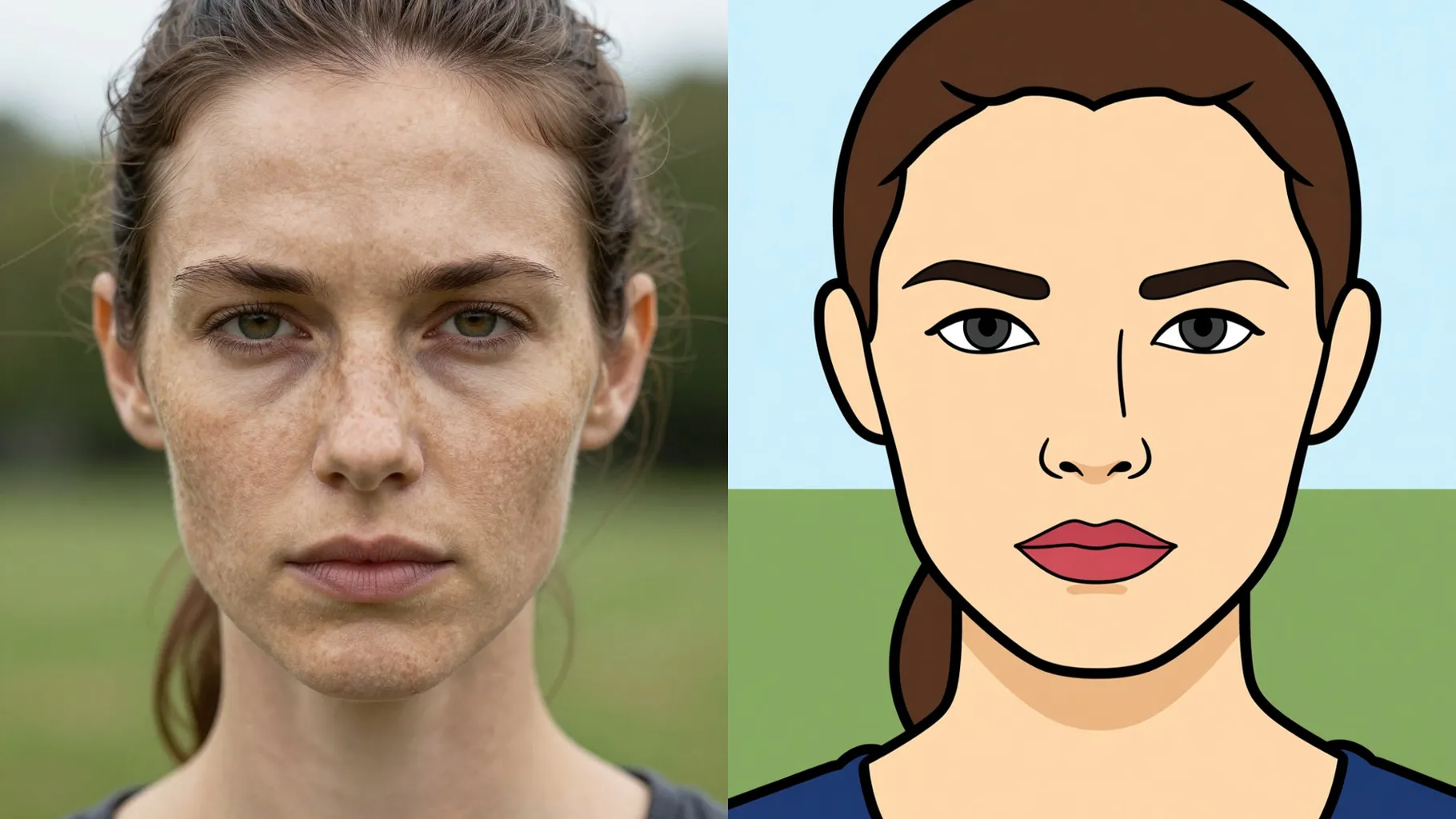
Centered, well-lit selfies keep proportions accurate when converting to emoji shapes.
Mention mood, accessory, or background color for quick styling without long descriptions.
Render the emoji, rerun for variations, and save the sticker-ready version you like.
This template supports one image upload at a time to keep outlines and expressions stable.
Prompts are optional. A short cue can guide mood, but leaving it blank still converts your photo to emoji.
Ratio and model switching stay off to preserve consistent emoji framing and style.
No. It is an image-to-image flow and needs one photo to build the emoji.
Front or 3/4 portraits with clear lighting and simple backgrounds produce the cleanest emoji outlines.
Use JPG, PNG, or WebP under 10MB for faster uploads and crisp results.
The effect simplifies or removes busy backgrounds automatically to keep focus on your face.
Yes. It keeps your expression while flattening textures and turning features into emoji shapes.

Upload a single picture, add an optional cue, and download a sticker-ready emoji version of your face.