
1. How many images can I upload at once?
This template is optimized for one photo per run to keep faces clean and details intact.
Turn photos into soft Studio Ghibli-style frames with hand-drawn colors in one click.
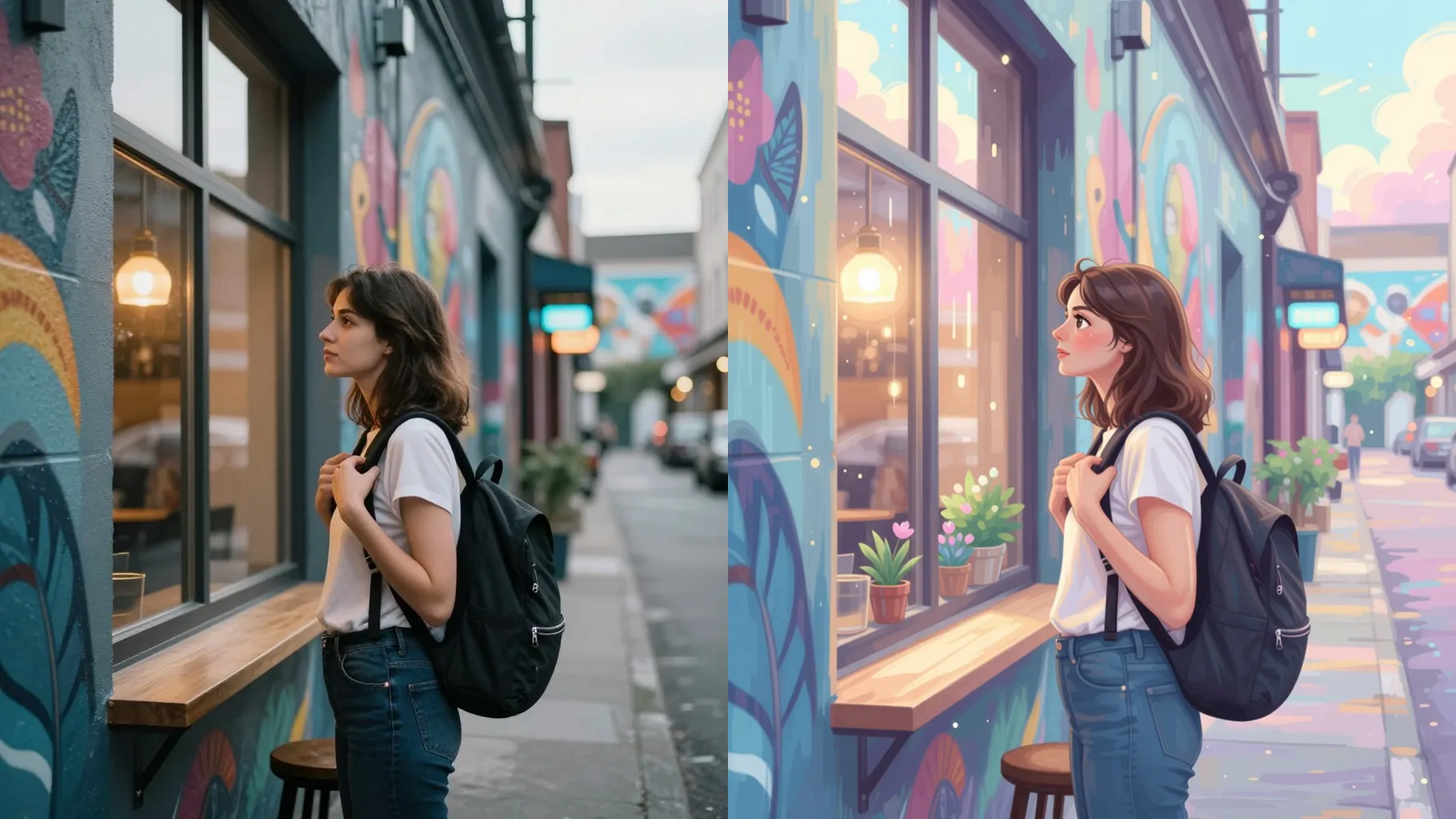
Turn portraits into soft Studio Ghibli frames with watercolor-inspired shading.
Examples show the target style. Your result depends on the chosen model and reference photo.
Upload a photo to turn it into a frame that mirrors Studio Ghibli's warm palettes, gentle lines, and storybook calm.
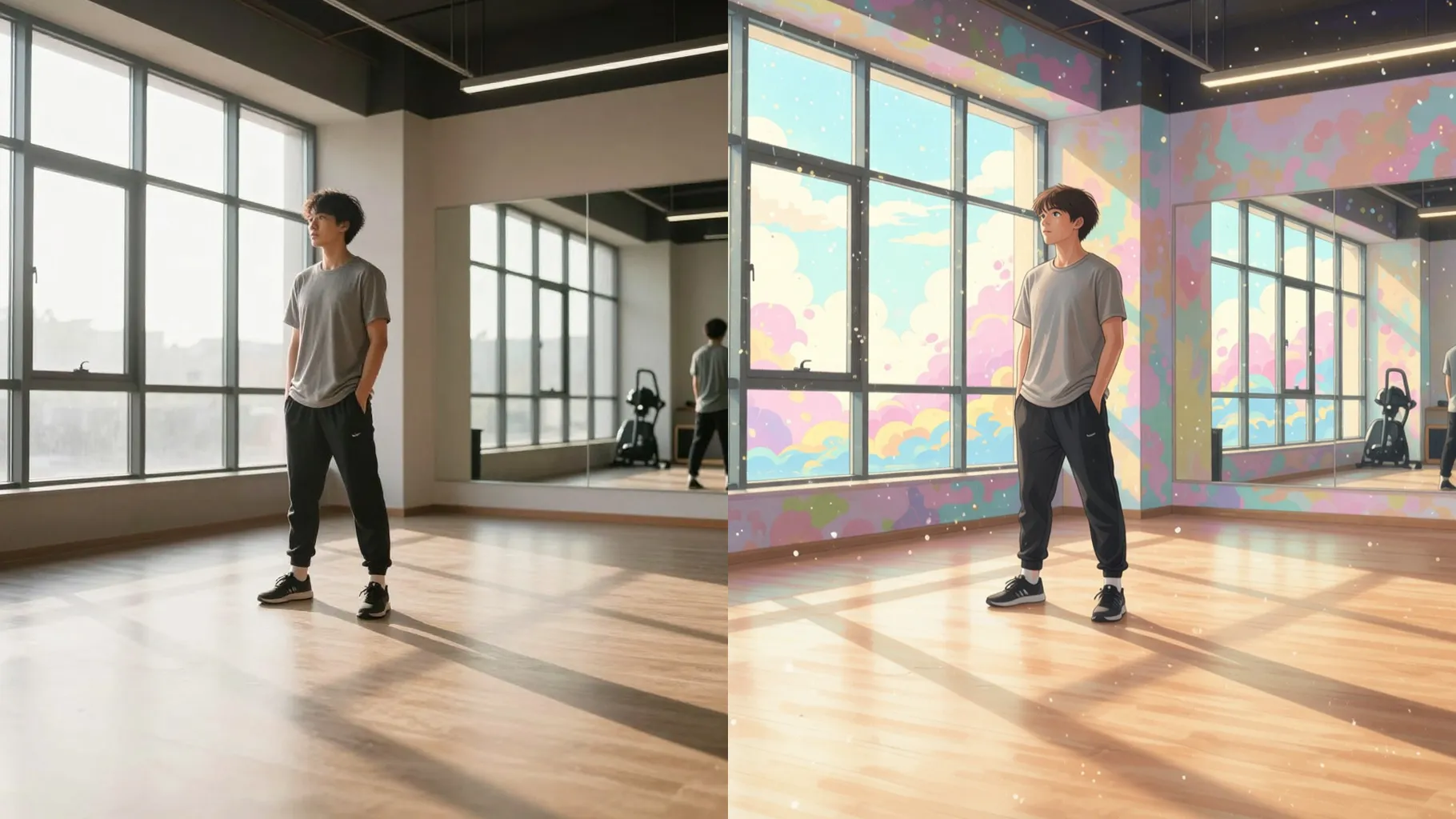
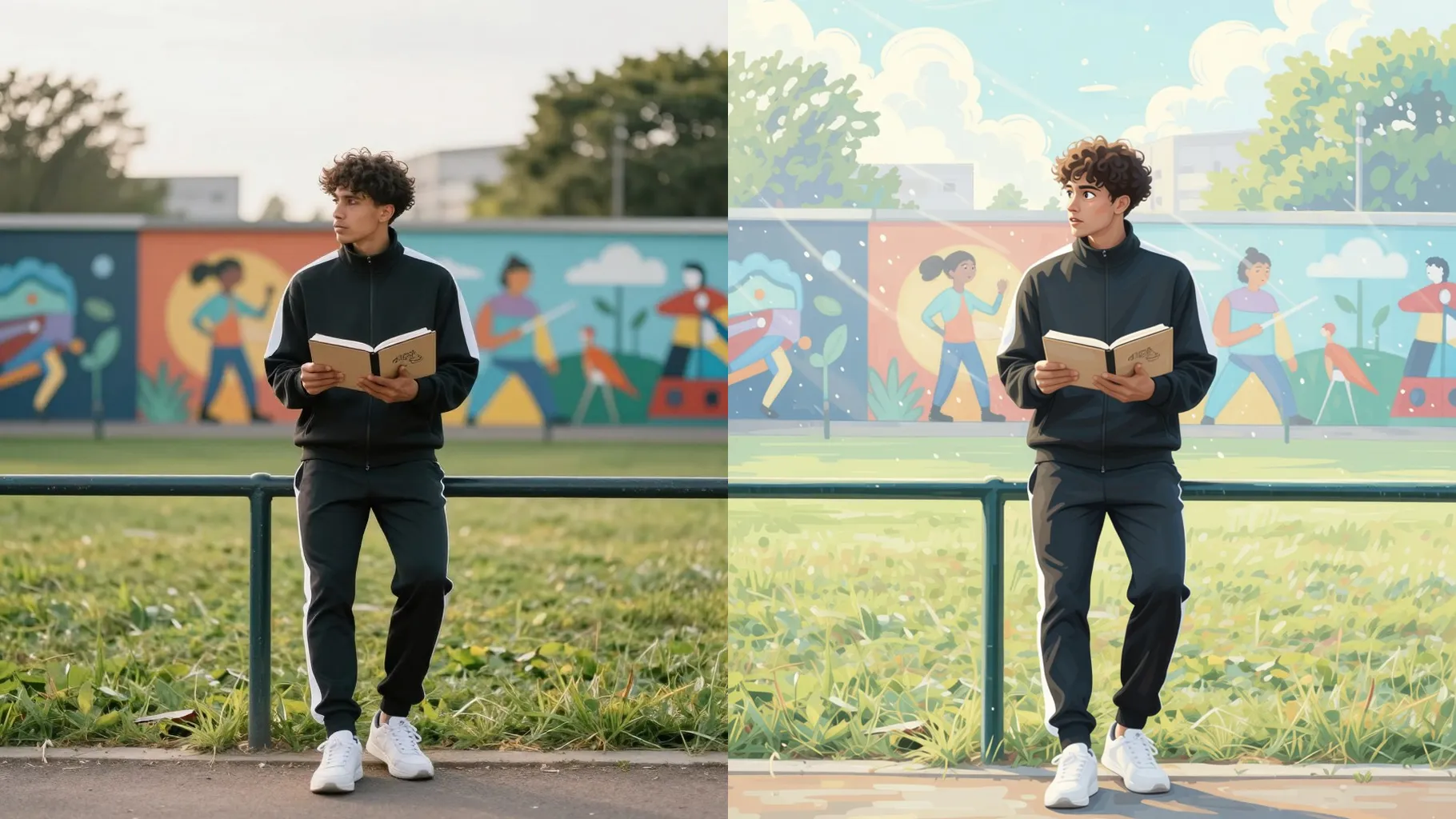
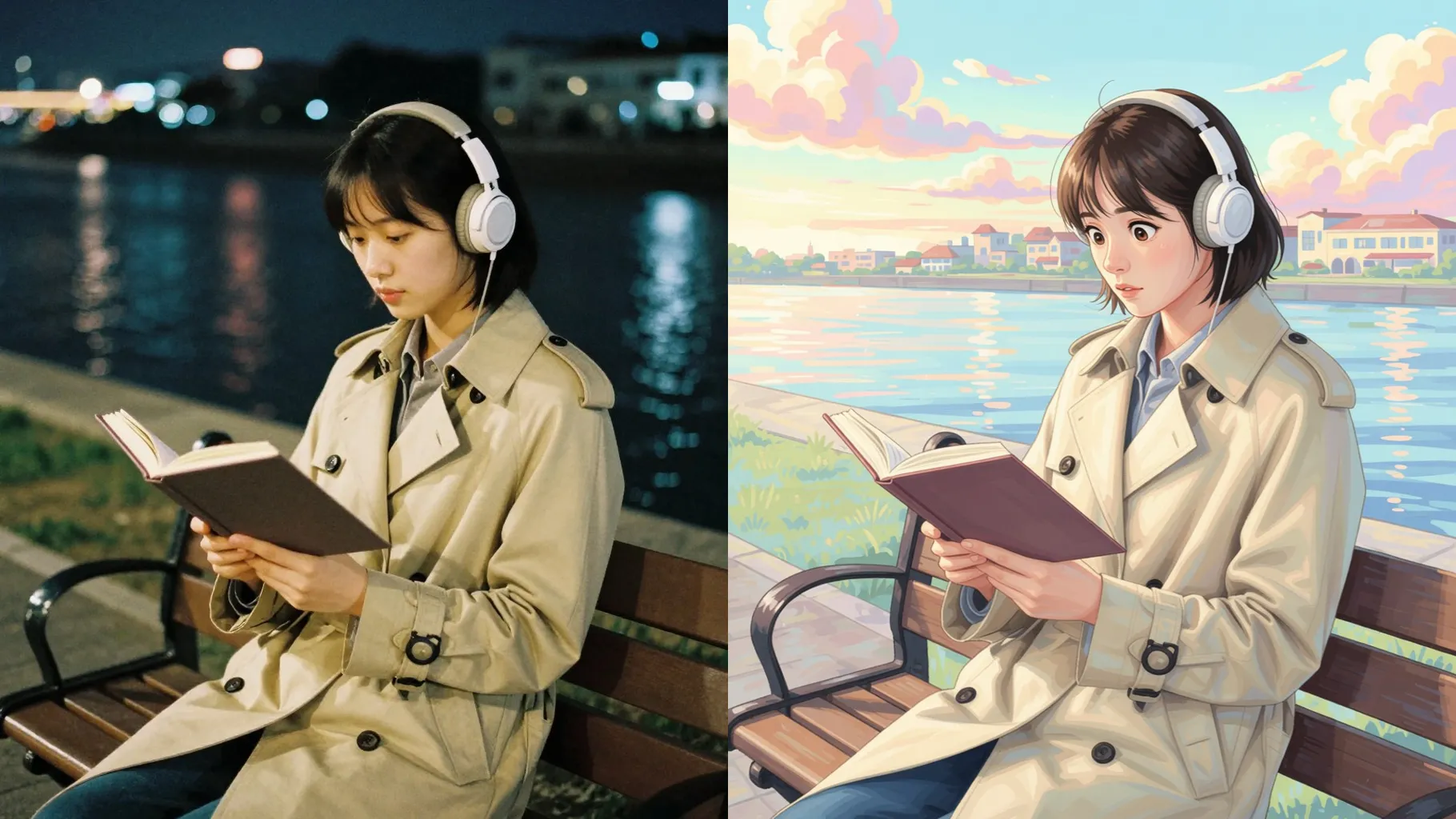
Keep the subject recognizable while smoothing edges, softening shadows, and layering hand-drawn textures inspired by classic Ghibli scenes.
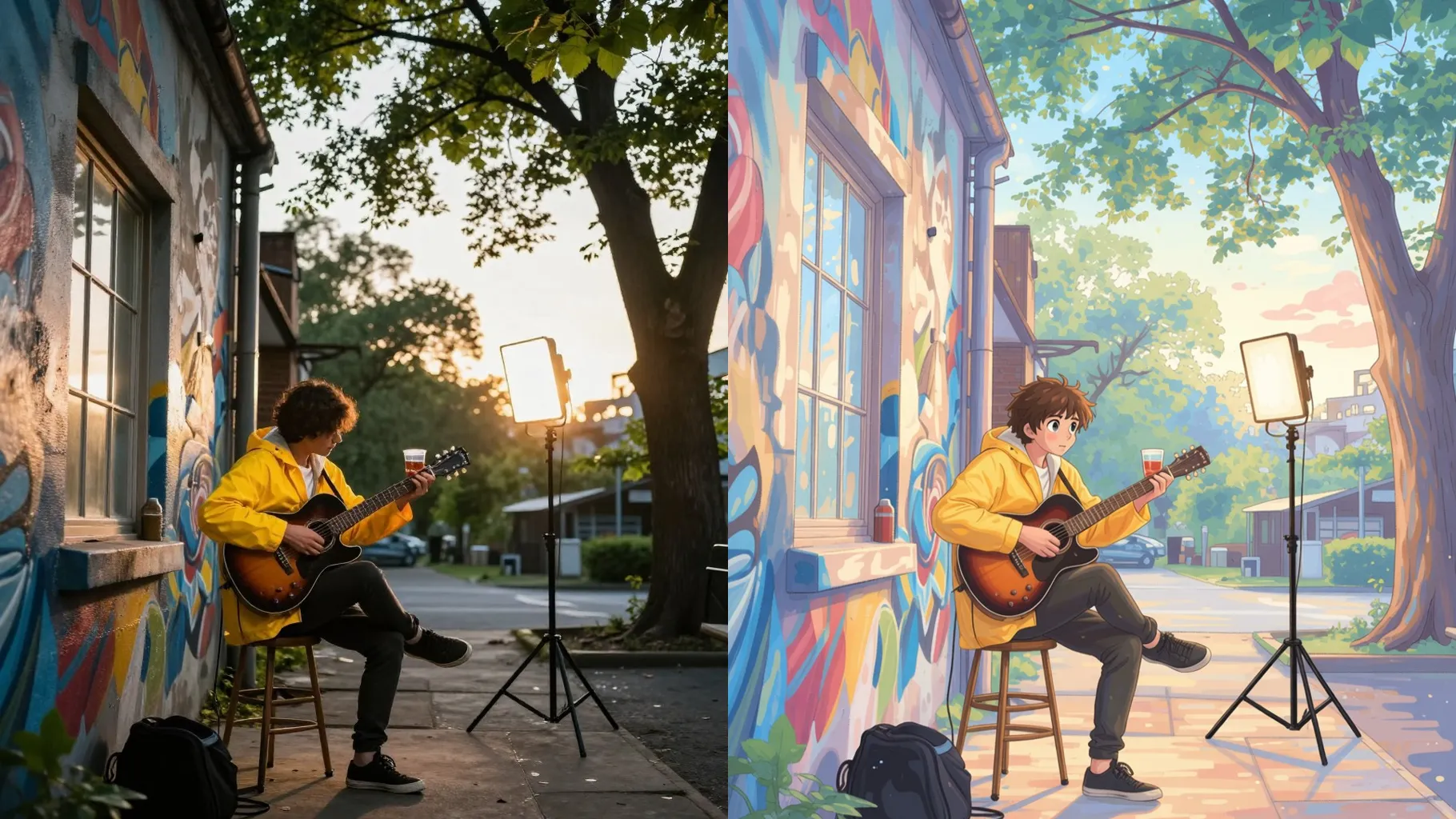
Apply pastel greens, sunlit golds, and dusky blues to match the cozy mood of countryside towns and skyships.
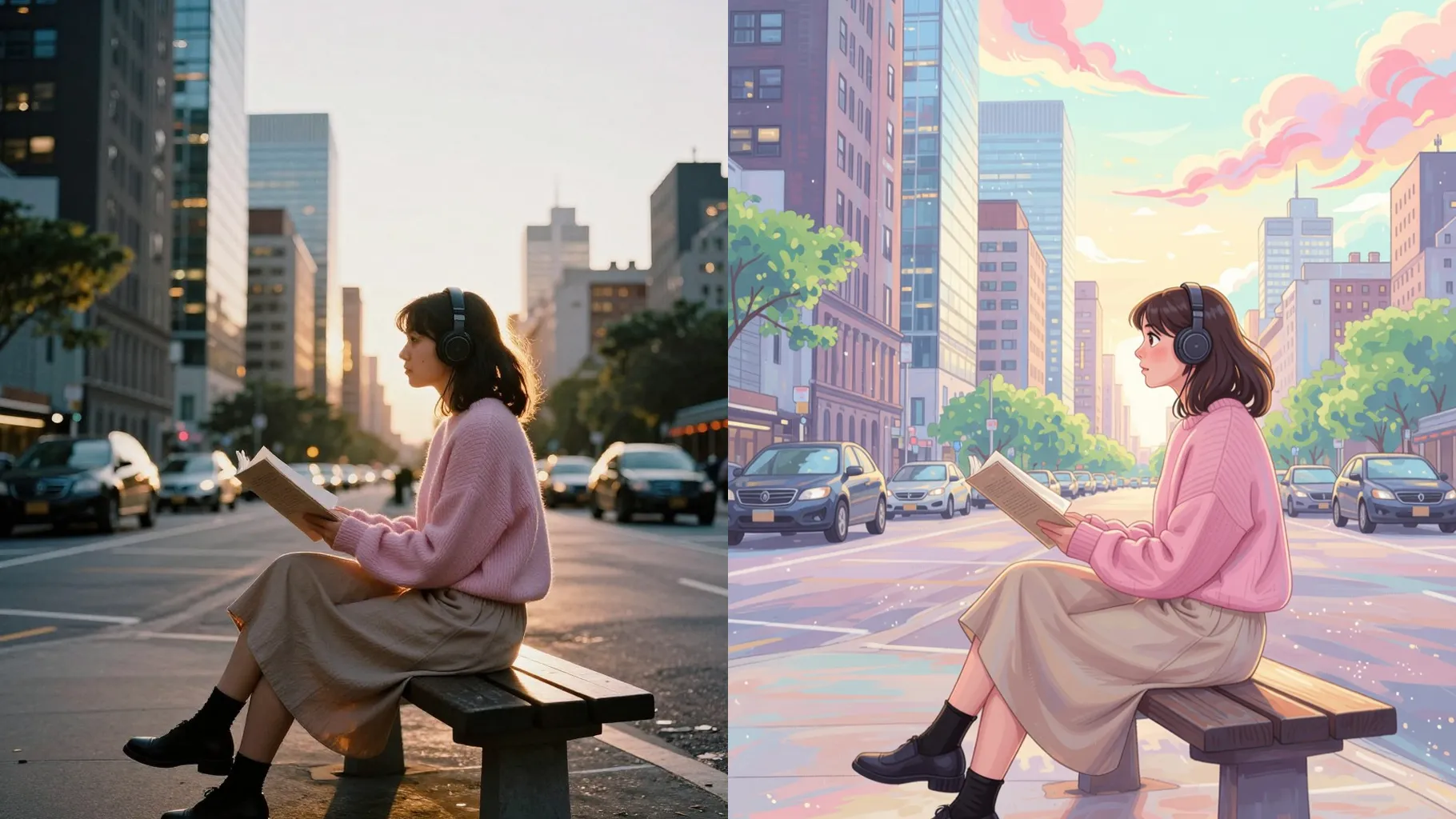
Choose a well-lit portrait or scene so details remain crisp after stylizing.
Add a short prompt about the setting, lighting, or character emotion to guide the rendering.
Preview the stylized frame, then save the image you like best.
This template is optimized for one photo per run to keep faces clean and details intact.
Use a short line about mood or setting; concise prompts keep the style consistent without over-stylizing.
JPG, PNG, or WebP uploads under 10MB usually process fastest while keeping textures smooth.
Images around 1024px on the long edge balance speed and detail; very small files may look blurry after rendering.
This preset keeps a default square frame for stable results; crop your photo before upload if you need a specific ratio.
The template locks to a curated model for consistent Ghibli coloring, so model switching stays disabled here.
Yes. It smooths edges and colors but preserves facial proportions and key features from your upload.
Generation time depends on the model, image size, and queue. Check the task status on this page.
Single-subject photos work best. Multiple faces may merge because the style prioritizes one clear main character.
This effect is image-to-image only, so please provide one photo to start the conversion.

Upload a photo, add a line of direction, and get a soft hand-drawn render ready to download.