
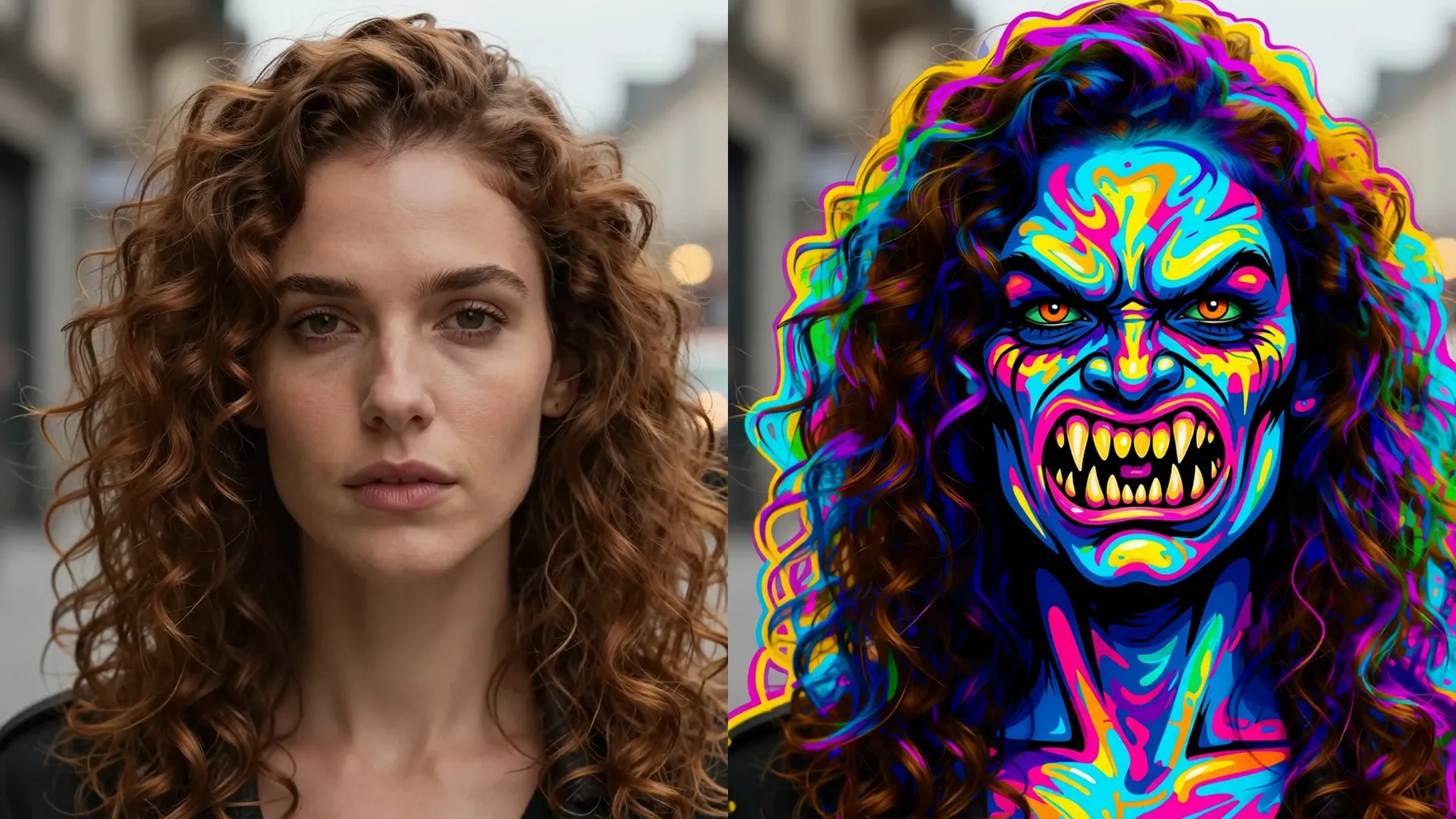
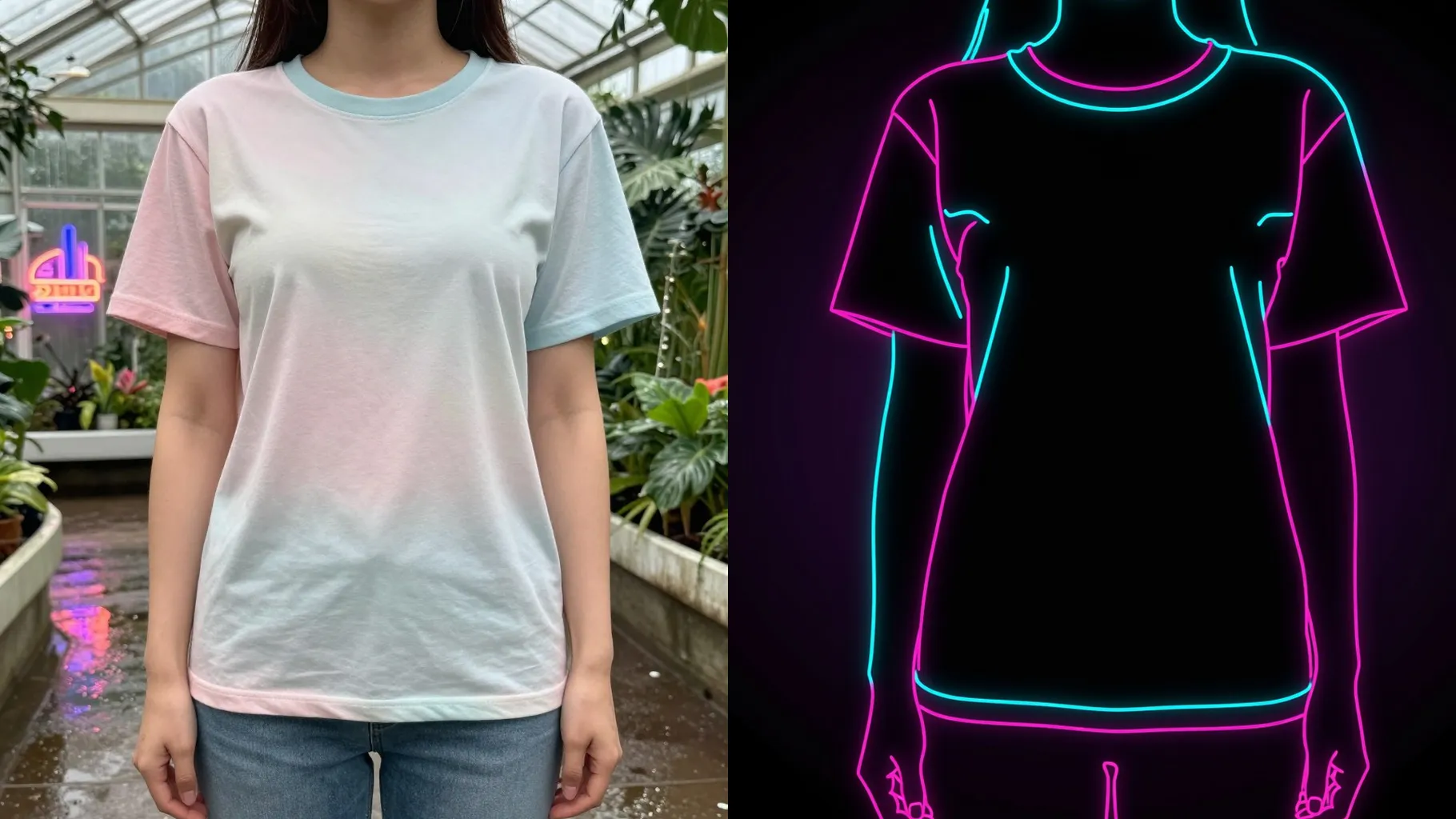
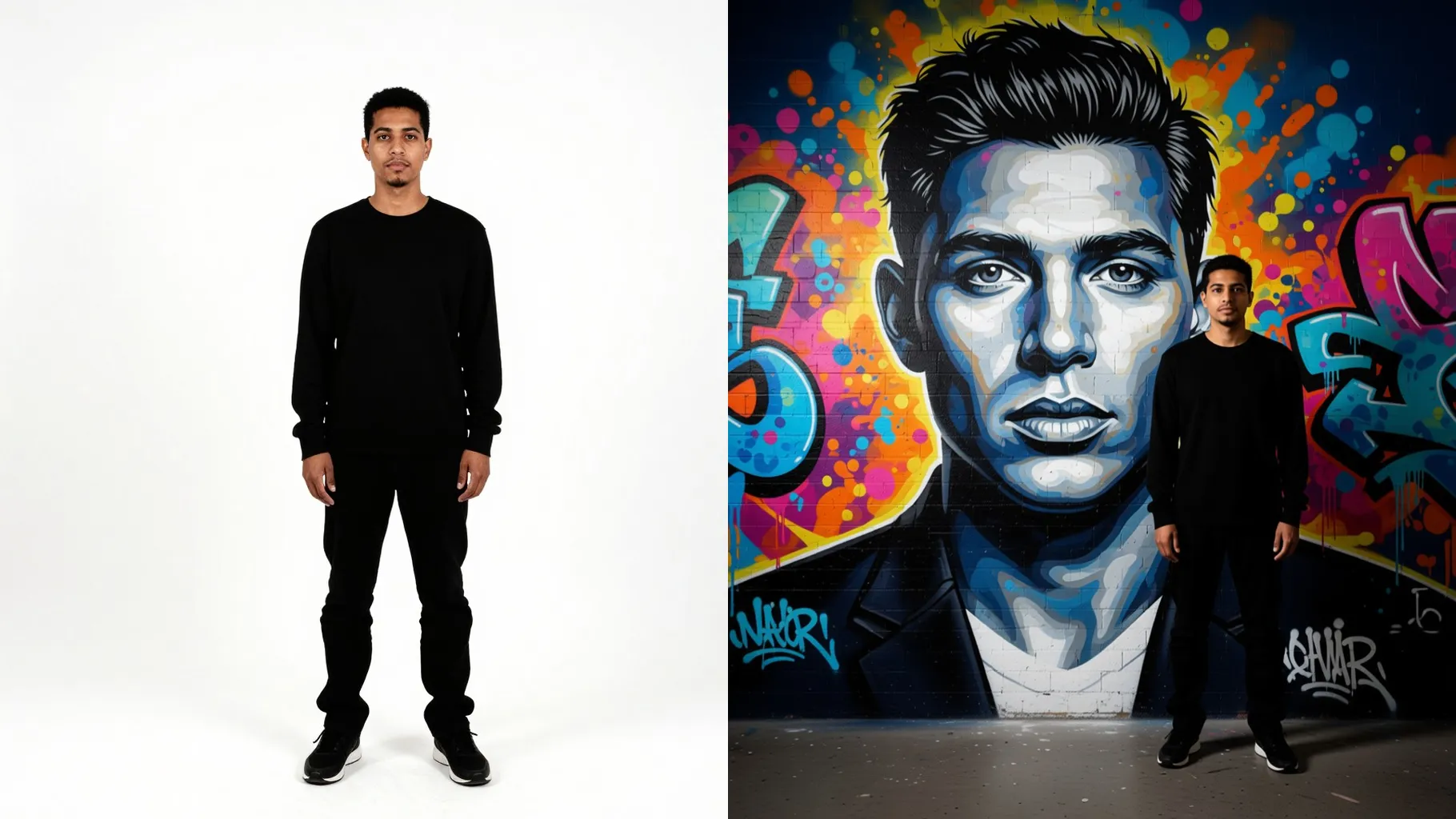
1. How many photos do I upload?
Upload one photo. The scene builds a haunted hotel hallway around a single subject for best composition.
Drop one photo into a fiery haunted hotel scene with neon corridors and smoke.
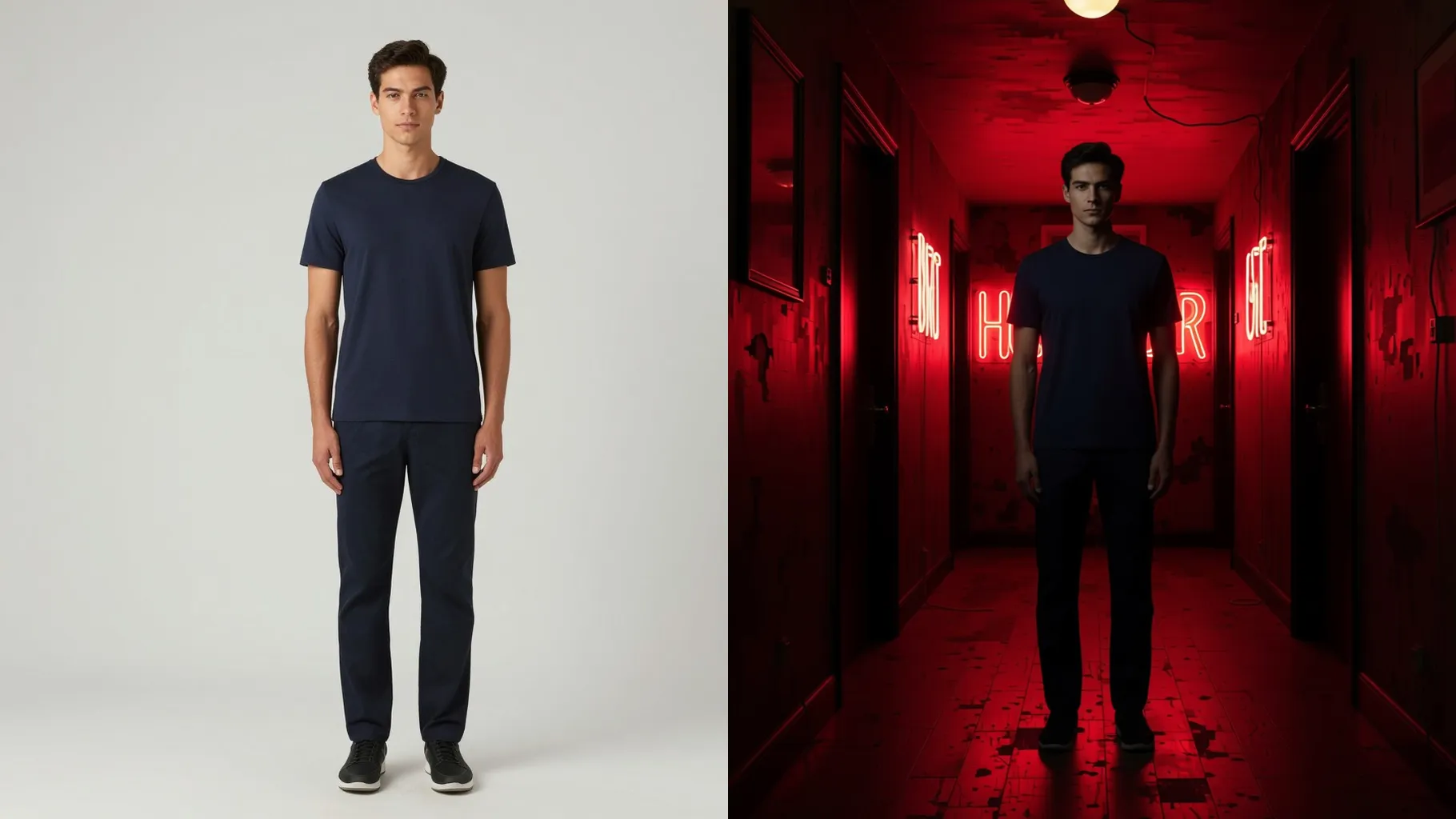
Turns one upload into a haunted hotel corridor with burning neon signs, smoke, and cinematic shadows while keeping your subject clear.
Examples show the target style. Your result depends on the chosen model and reference photo.
Upload one photo to drop yourself into a haunted neon hotel with fiery corridors, smoke, and sinister signage.
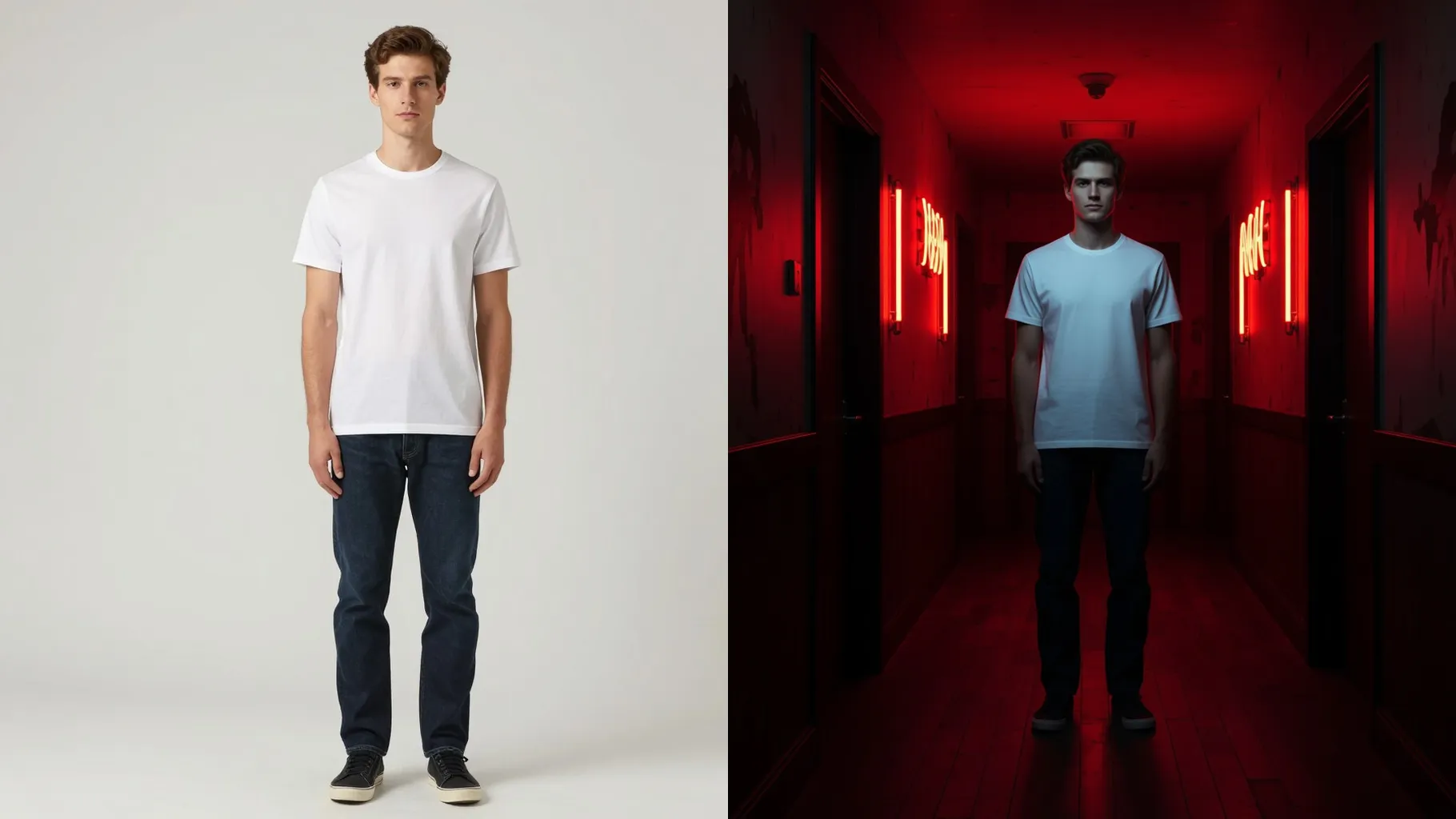
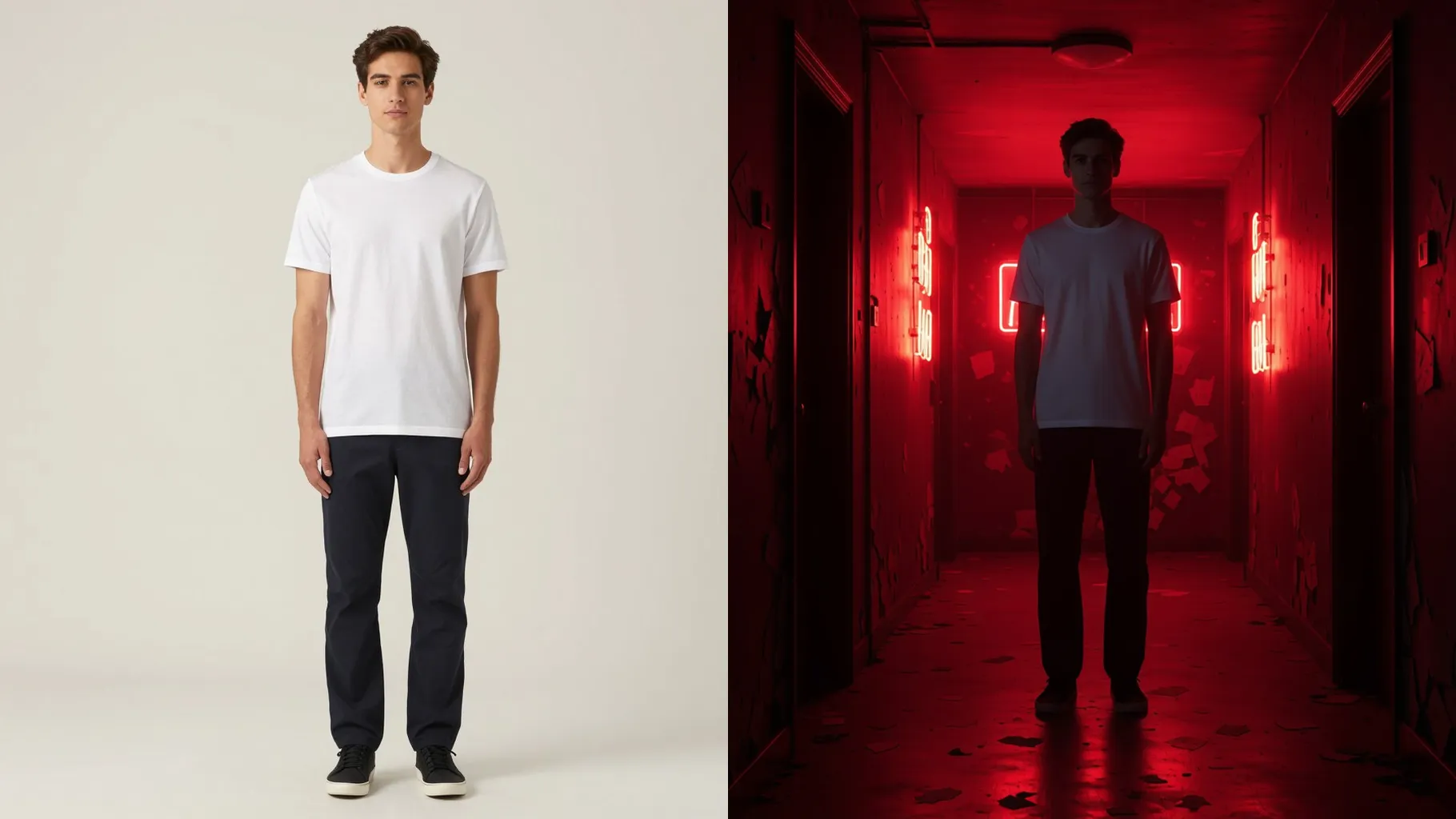
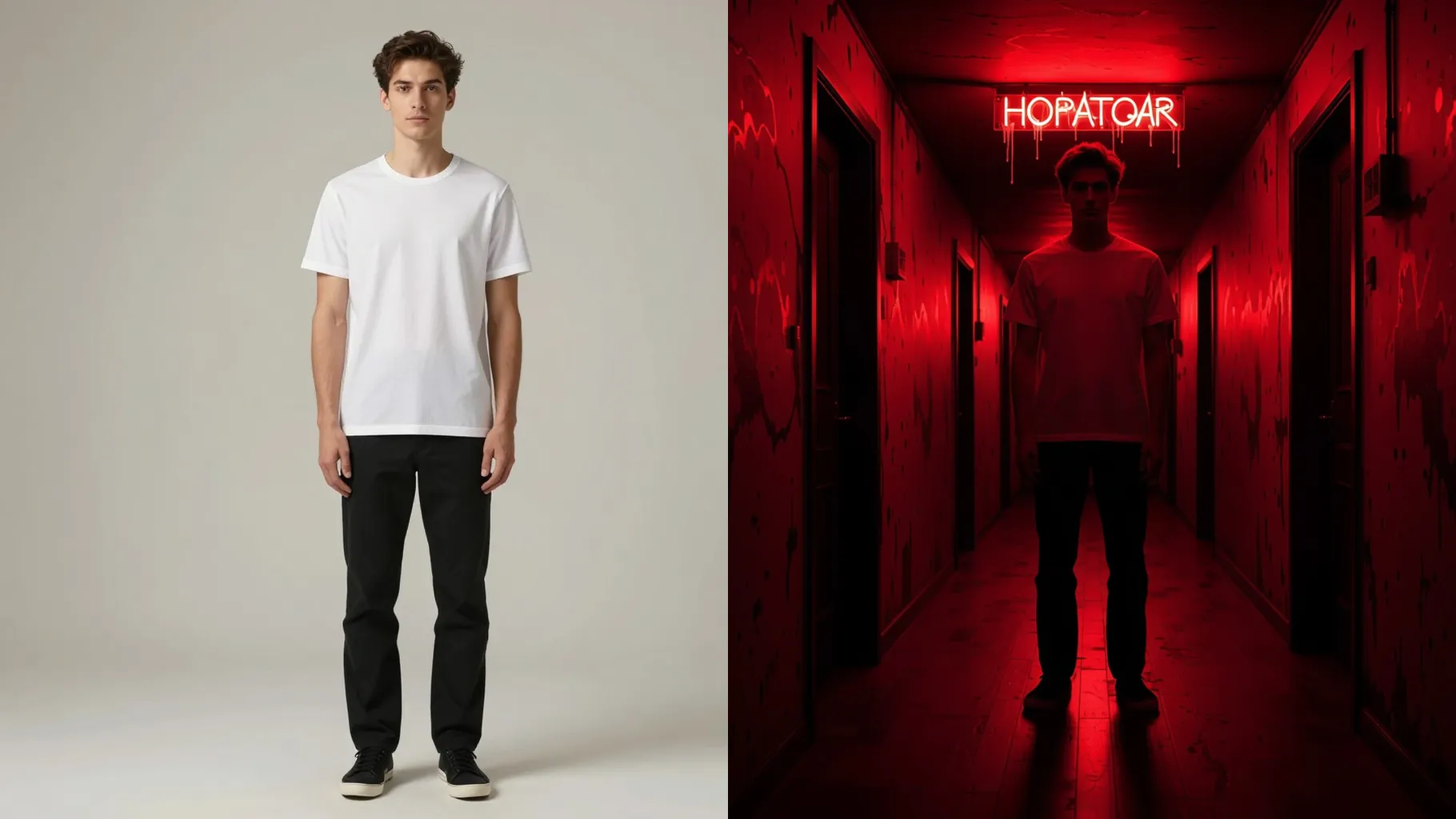
Rim lights keep your face visible while the hallway glows with red neon, sparks, and smoldering walls for a poster-ready frame.
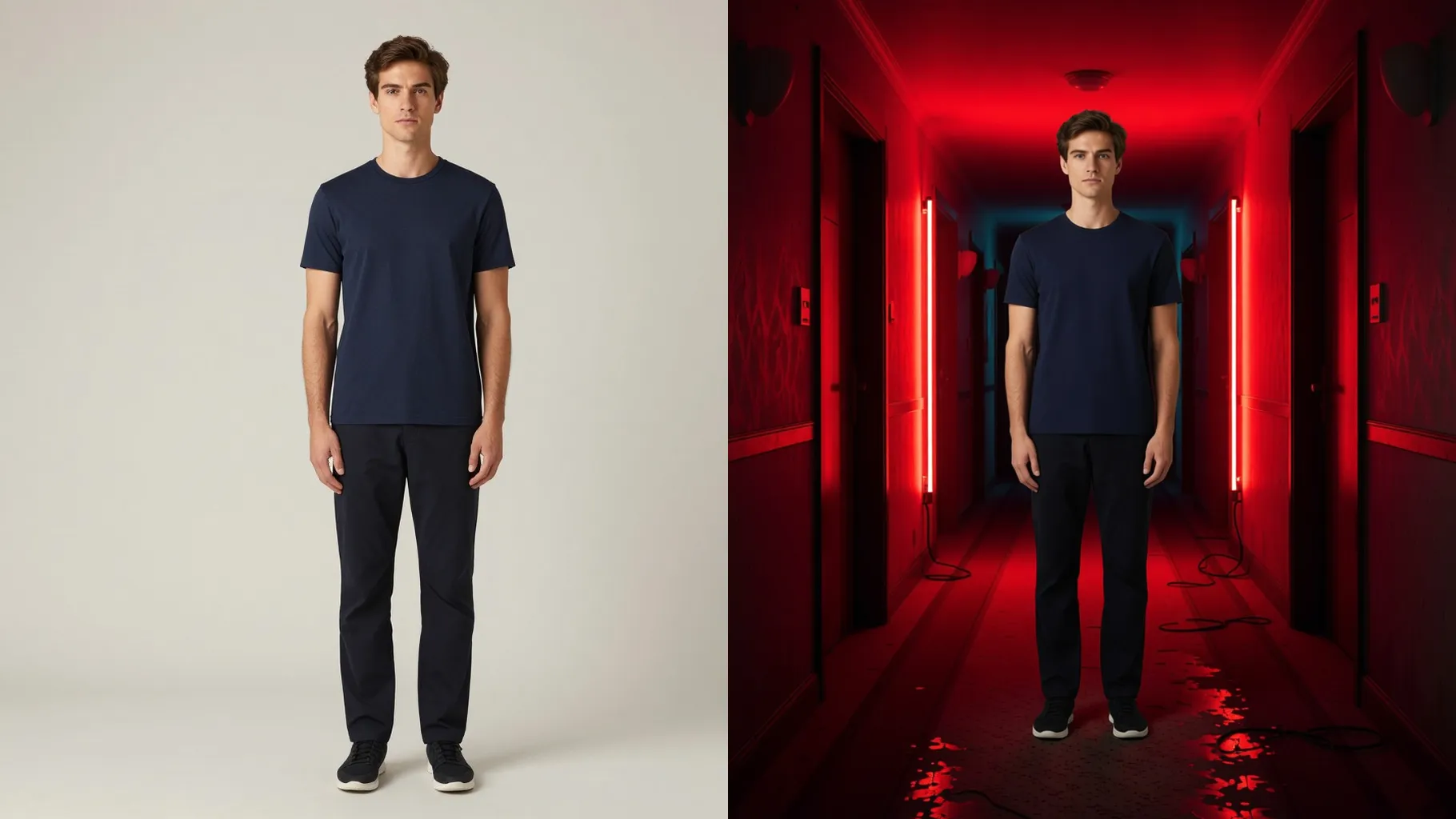
Adds cracked floors, warning signs, and depth-of-field blur so the shot feels like a still from a found-footage horror scene.
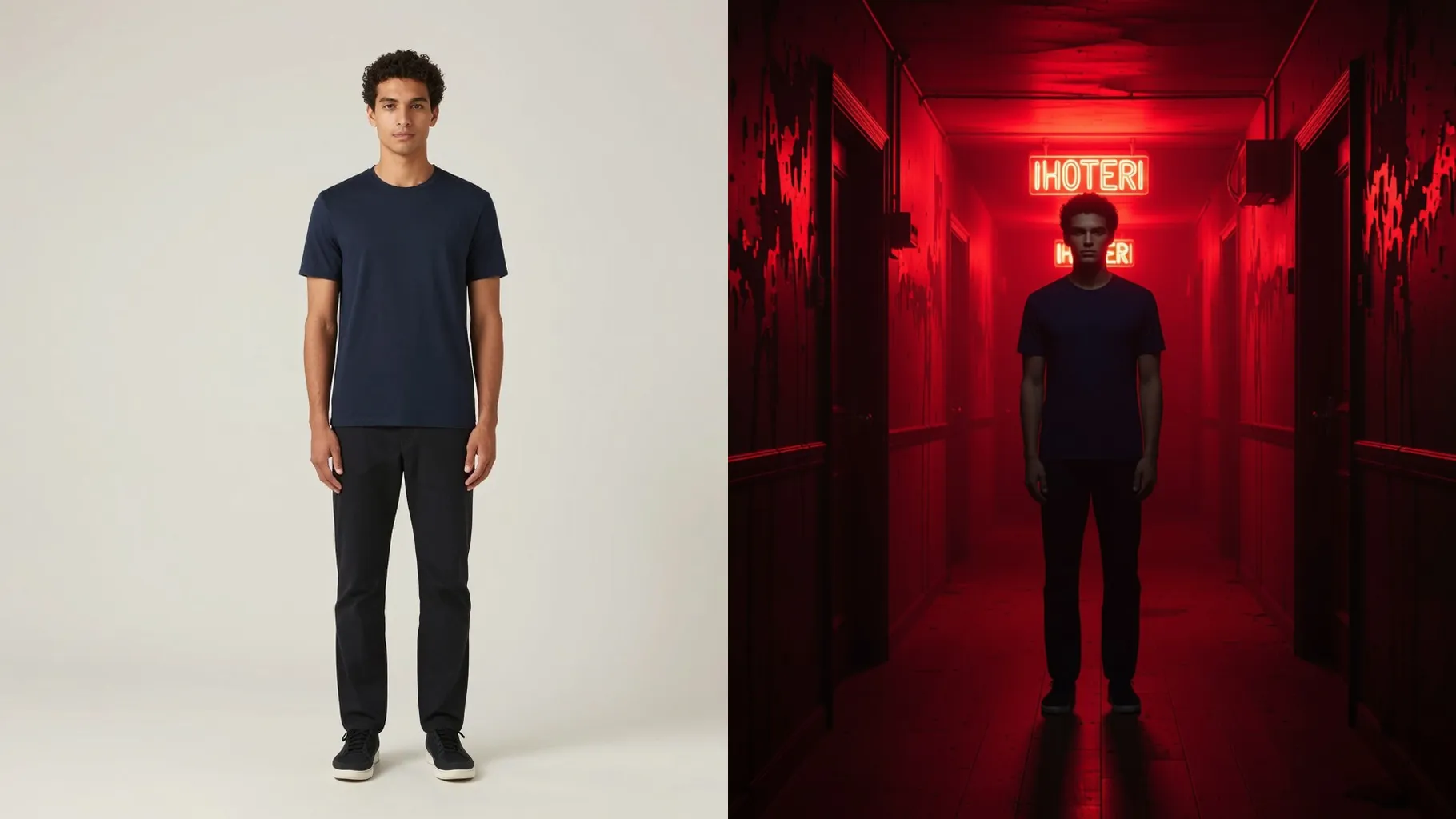
Centered, waist-up photos keep the haunted hallway framing balanced and the subject sharp.
Optional: mention flame color, signage text, or how much smoke you want to steer the look.
Review the render, tweak prompts for more fire or fog, then download the final horror poster.
Upload one photo. The scene builds a haunted hotel hallway around a single subject for best composition.
A prompt is optional. Leave it blank for the default horror look or add a short vibe note for flames or signage.
Aspect ratio stays locked to a cinematic poster frame to keep the hallway perspective consistent.
Single subjects work best. Two people may merge or misalign inside the narrow corridor.
Yes. It removes your original background and rebuilds a burning hotel corridor behind the subject.
Model switching is off to keep the Hell Hotel style consistent across outputs.

Generation time depends on the model, image size, and queue. Check the task status on this page.