
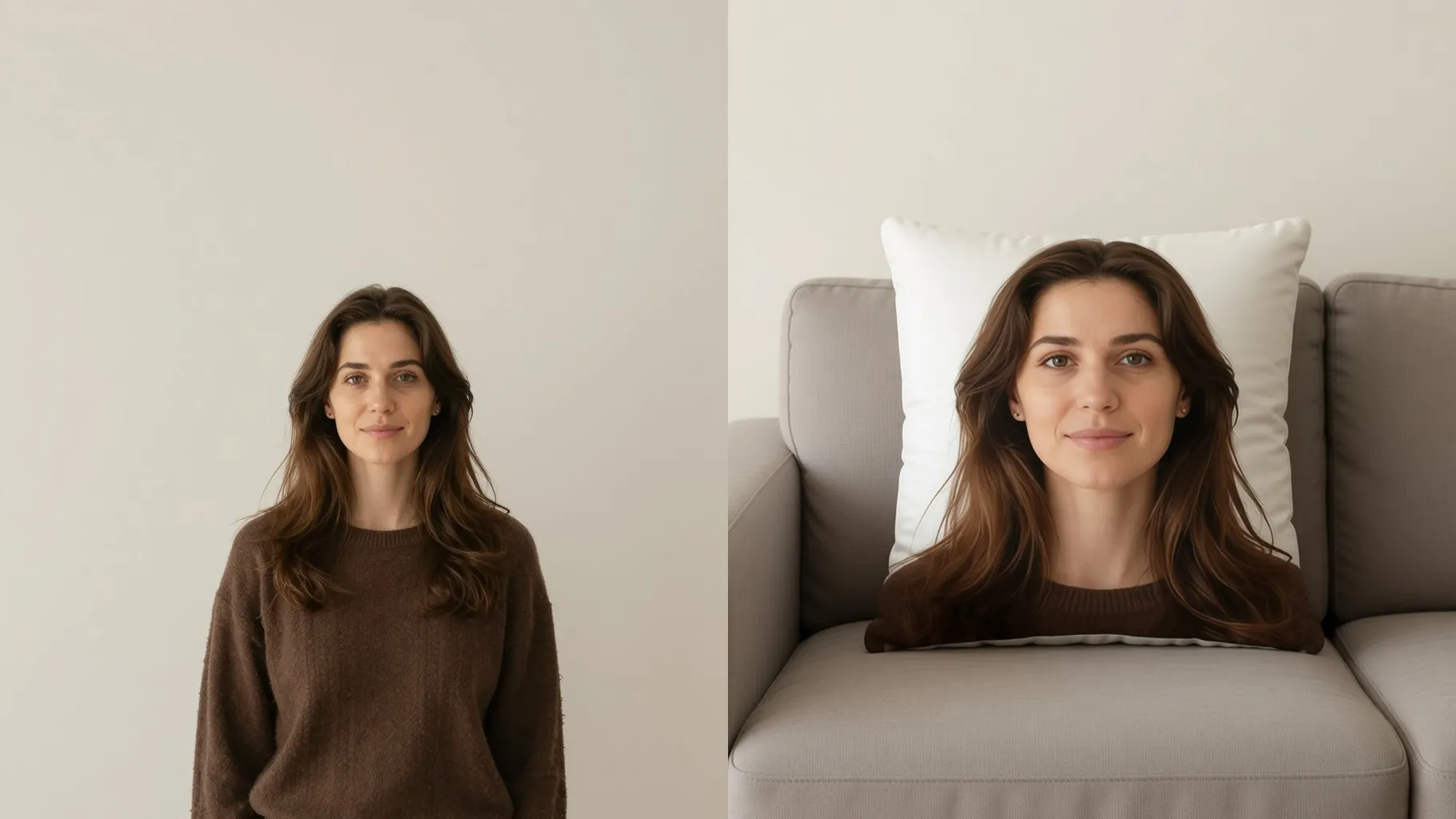
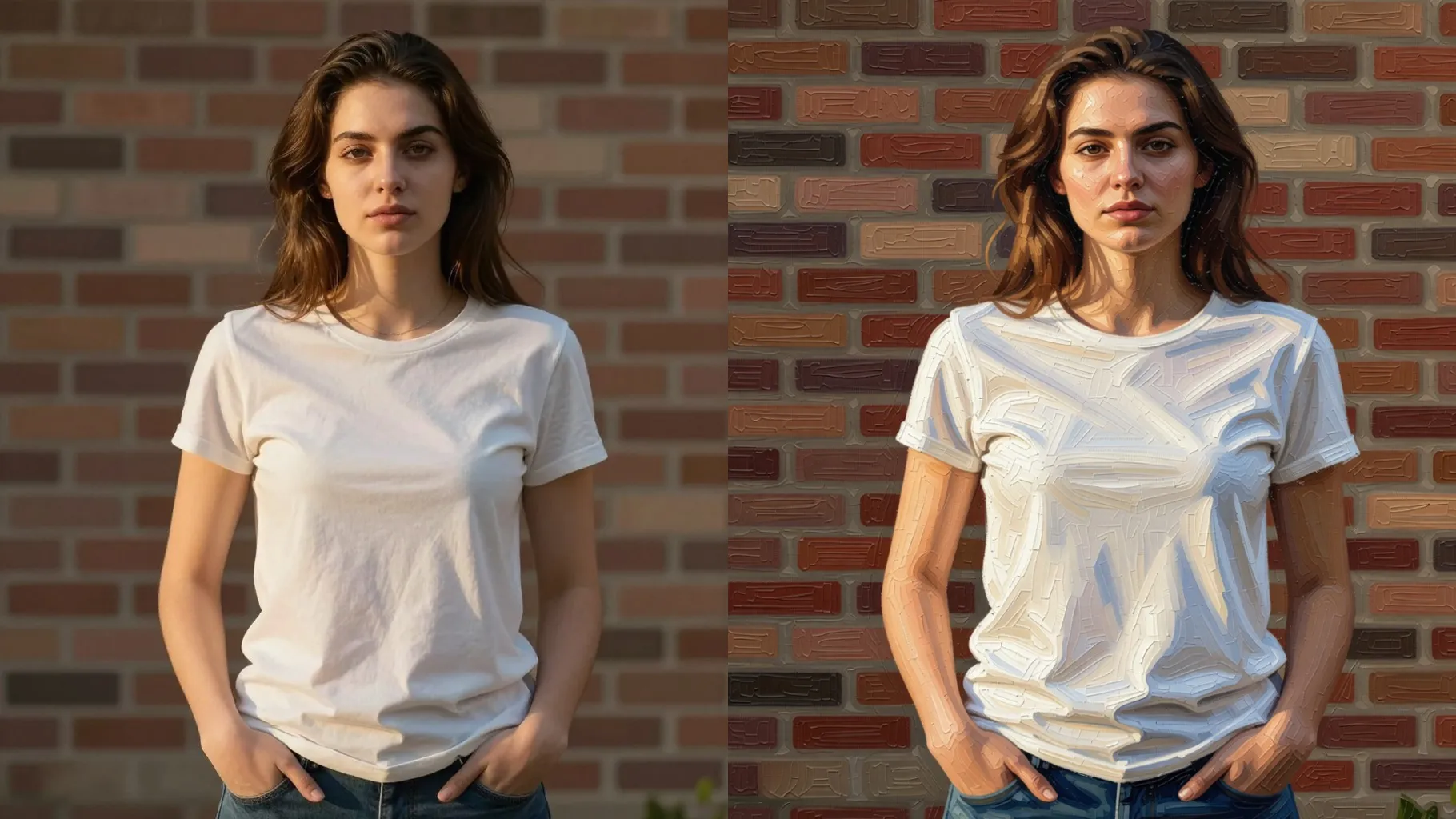
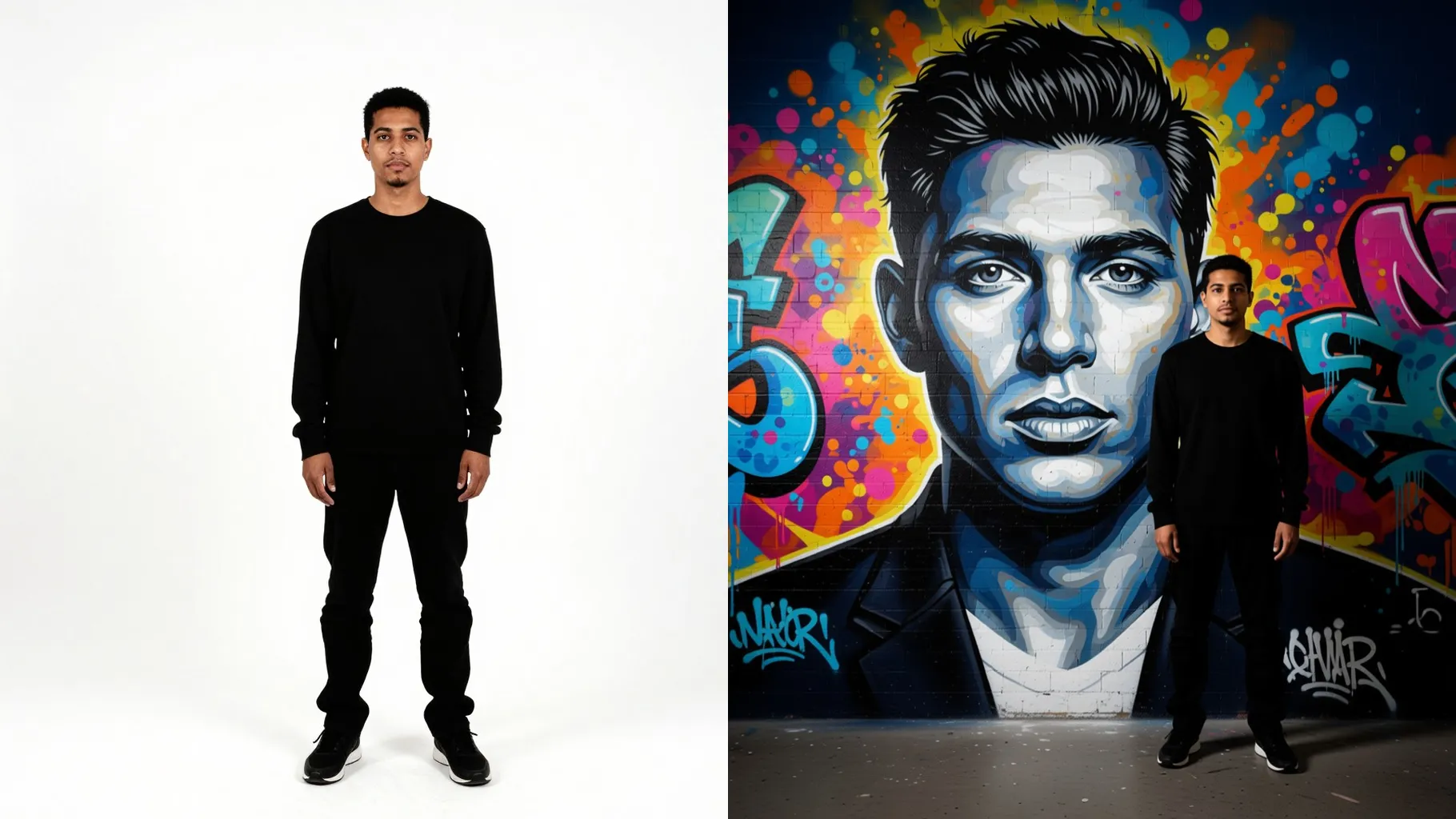
1. How many images can I upload?
Upload one image per render; single-photo input keeps the knit texture consistent.
Upload one photo to turn it into cozy knitted art with yarn stitches and soft woven shading.
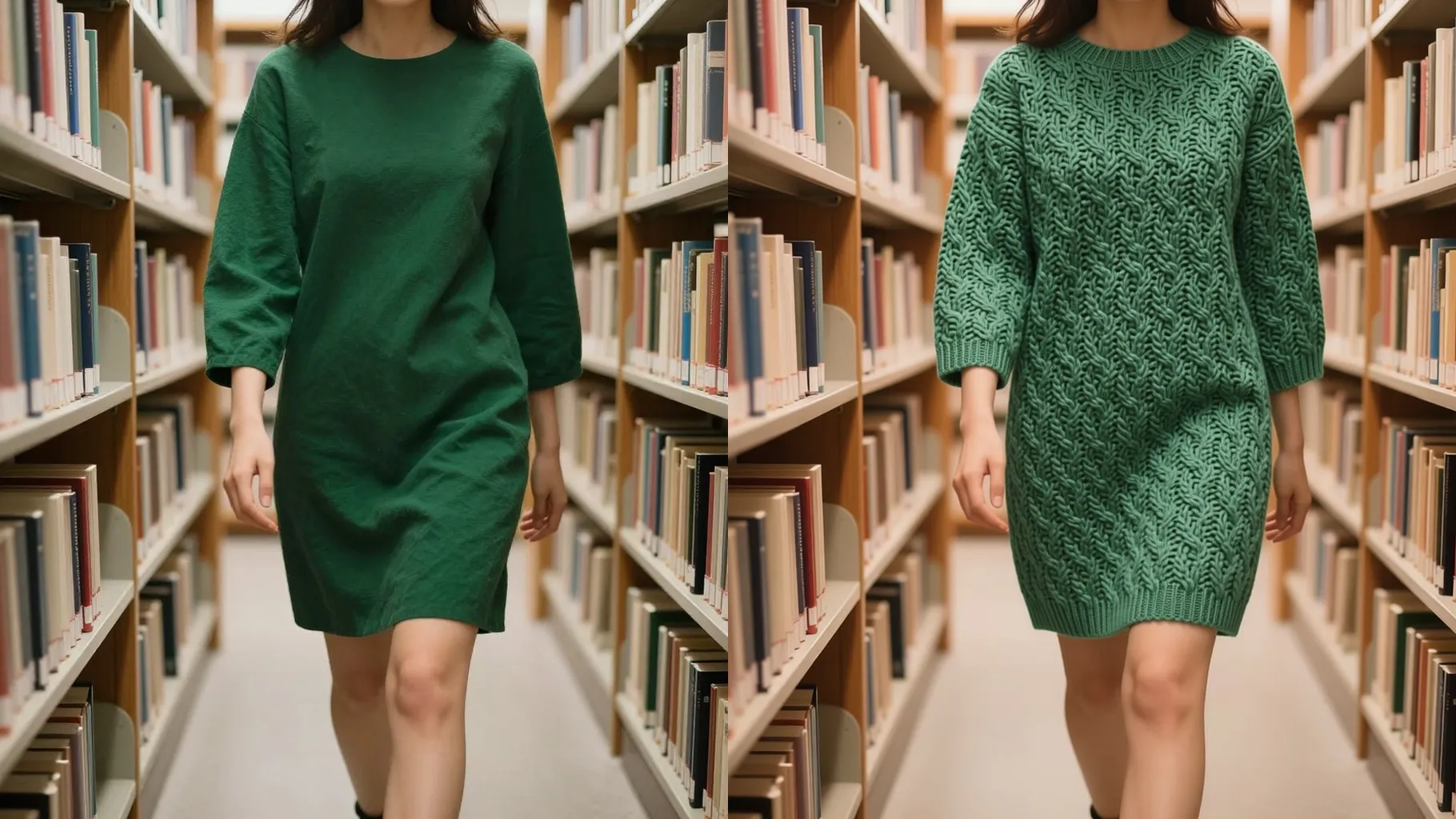
Turns one portrait into knit-textured art with visible yarn loops, soft shading, and warm cozy tones.
Examples show the target style. Your result depends on the chosen model and reference photo.
Upload one photo to re-render it with yarn stitches, woven patterns, and a soft cozy palette.
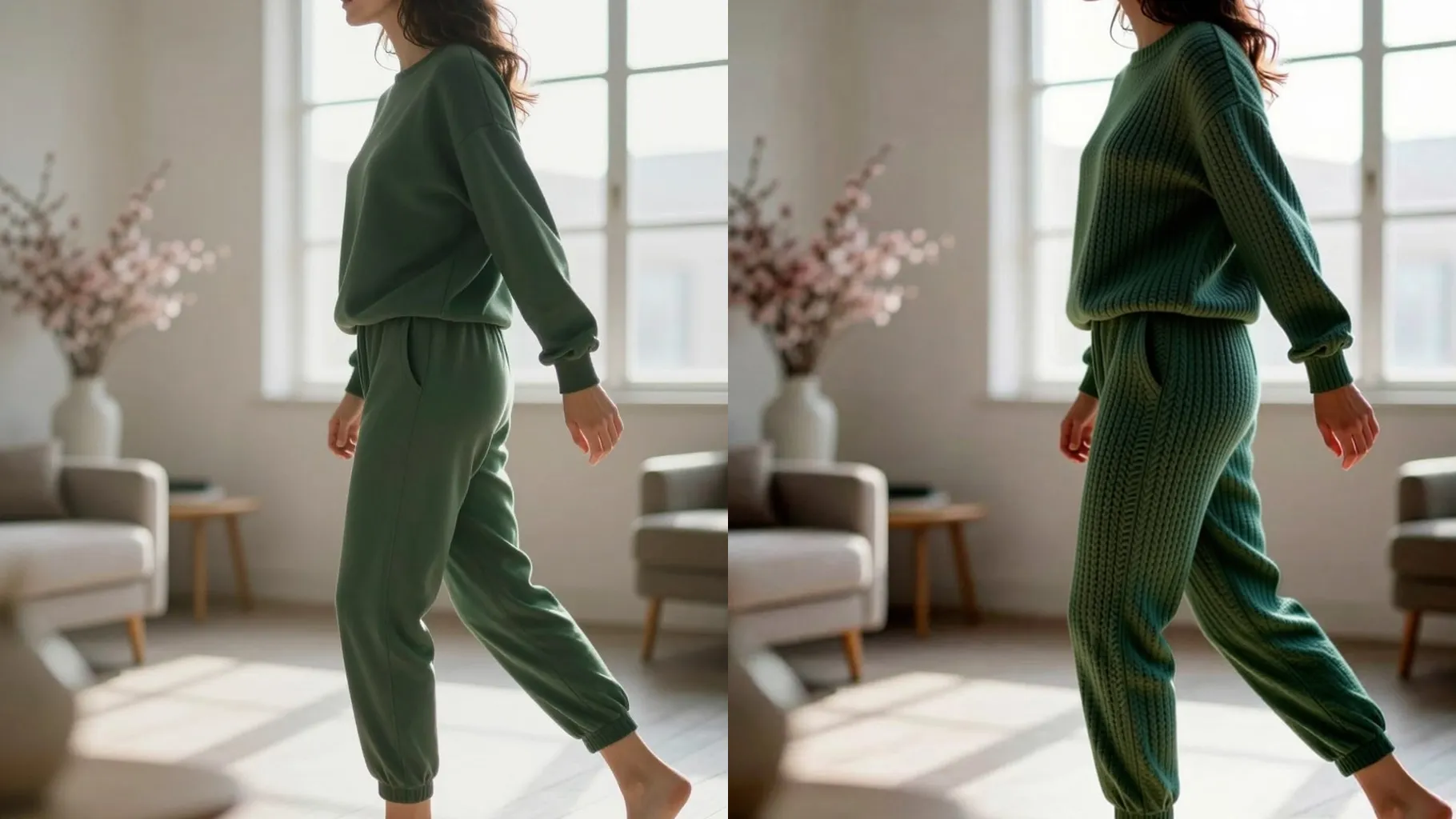
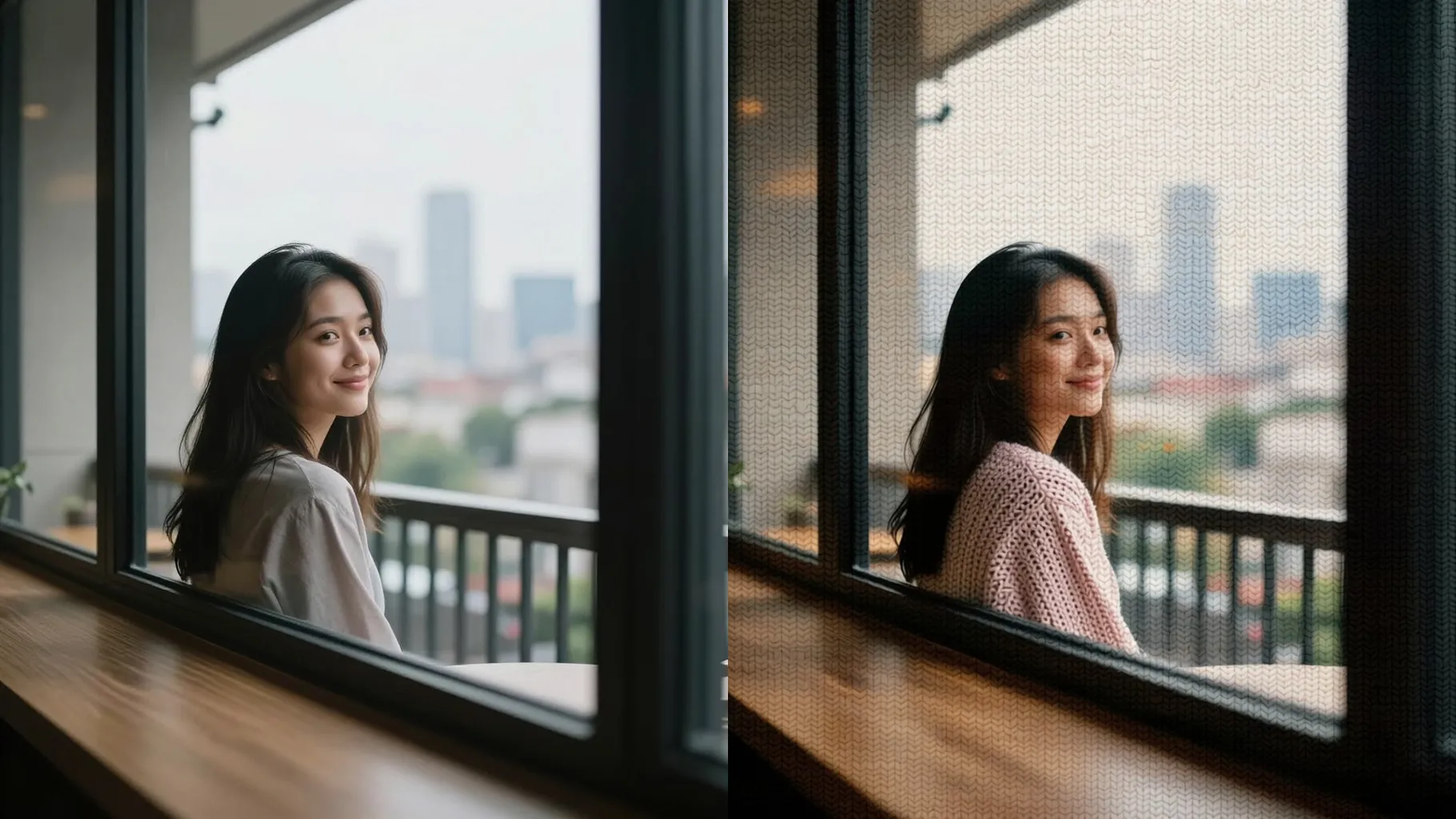
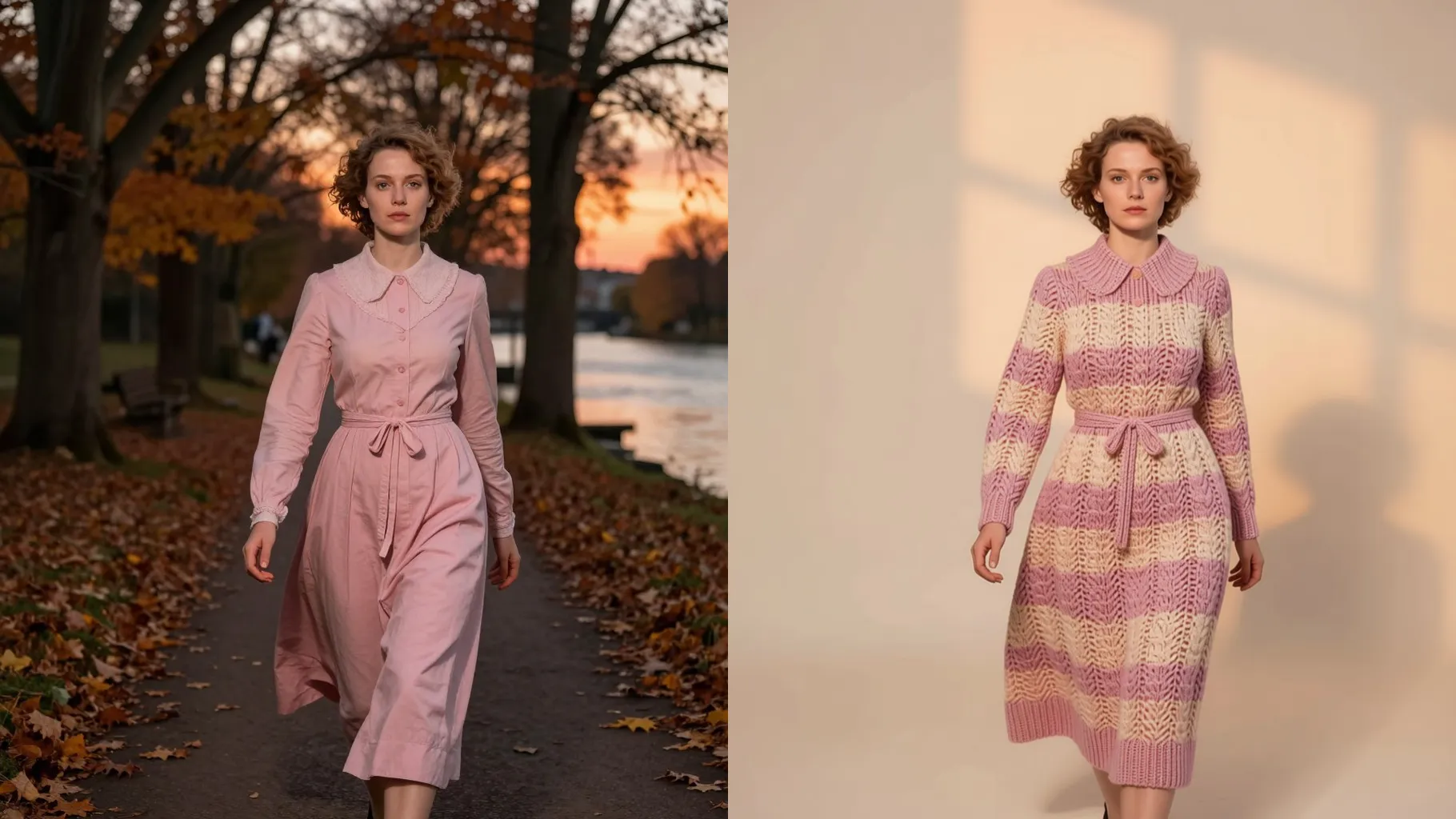
Your facial structure stays recognizable while knit loops, purl lines, and fuzzy edges add a handmade feel.
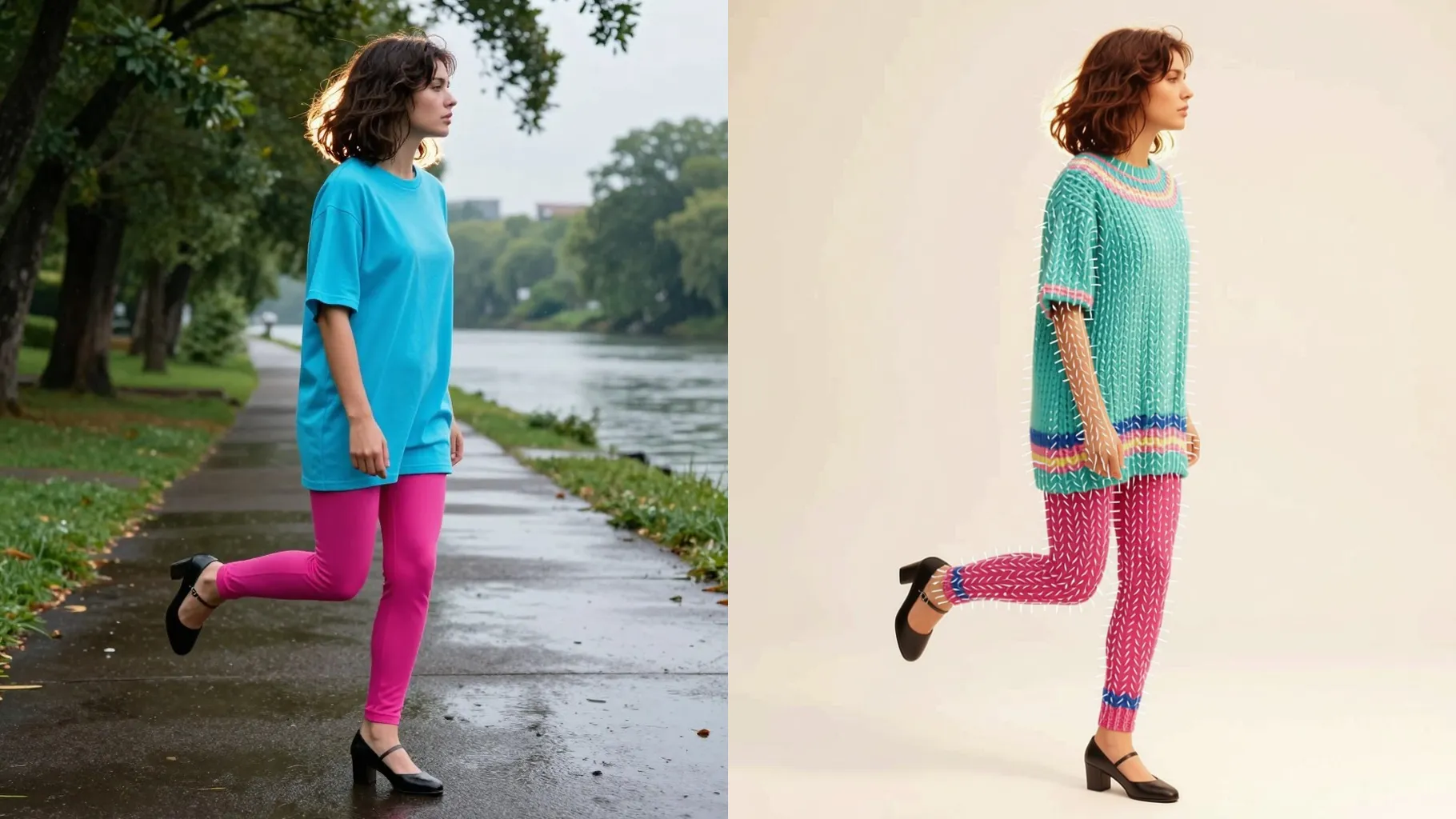
Short prompts can set sweater colors, winter vibes, or simple props like mugs and scarves without breaking the knit effect.
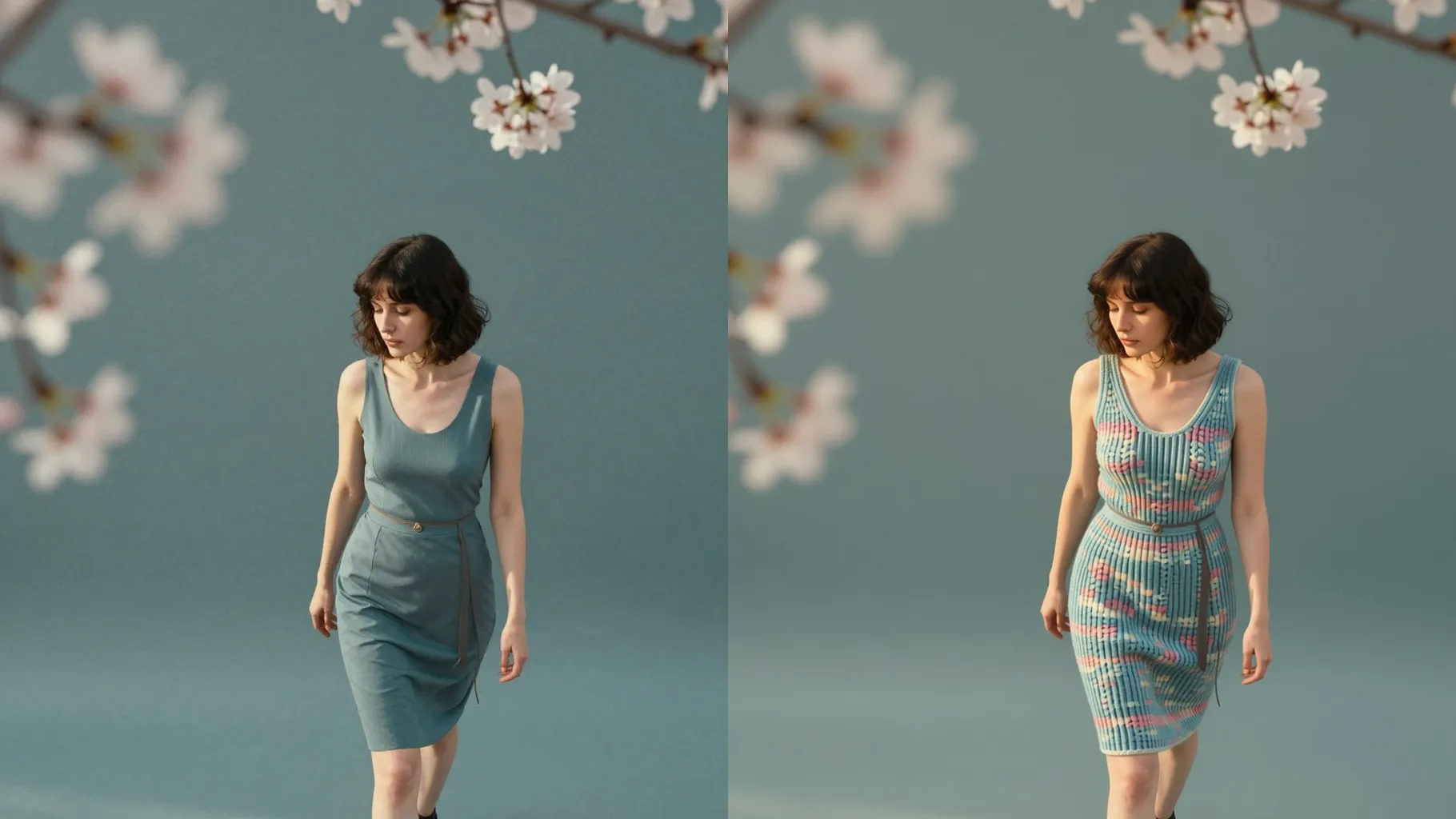
Centered faces or objects with even lighting let the yarn stitches stay sharp.
Mention palette, outfit, or props in one sentence to steer the cozy knit vibe.
Preview the knitted render, rerun for variations, then save your favorite output.
Upload one image per render; single-photo input keeps the knit texture consistent.
Prompts are optional. Keep it short to adjust colors, props, or mood without overpowering the stitches.
Aspect ratio control is off; crop before uploading if you need a specific frame.
Model switching is disabled to keep the knitted pattern and palette stable.
Centered subjects with simple backgrounds and even lighting produce the cleanest woven texture.
Yes. Pets, toys, or objects also translate into cozy knit art when uploaded alone.

Generation time depends on the model, image size, and queue. Check the task status on this page.