
1. How many images can I upload per run?
This template supports one image at a time to keep outlines sharp and shading consistent.
Convert photos into black-and-white manga art with screentones, bold ink lines, and dramatic lighting.
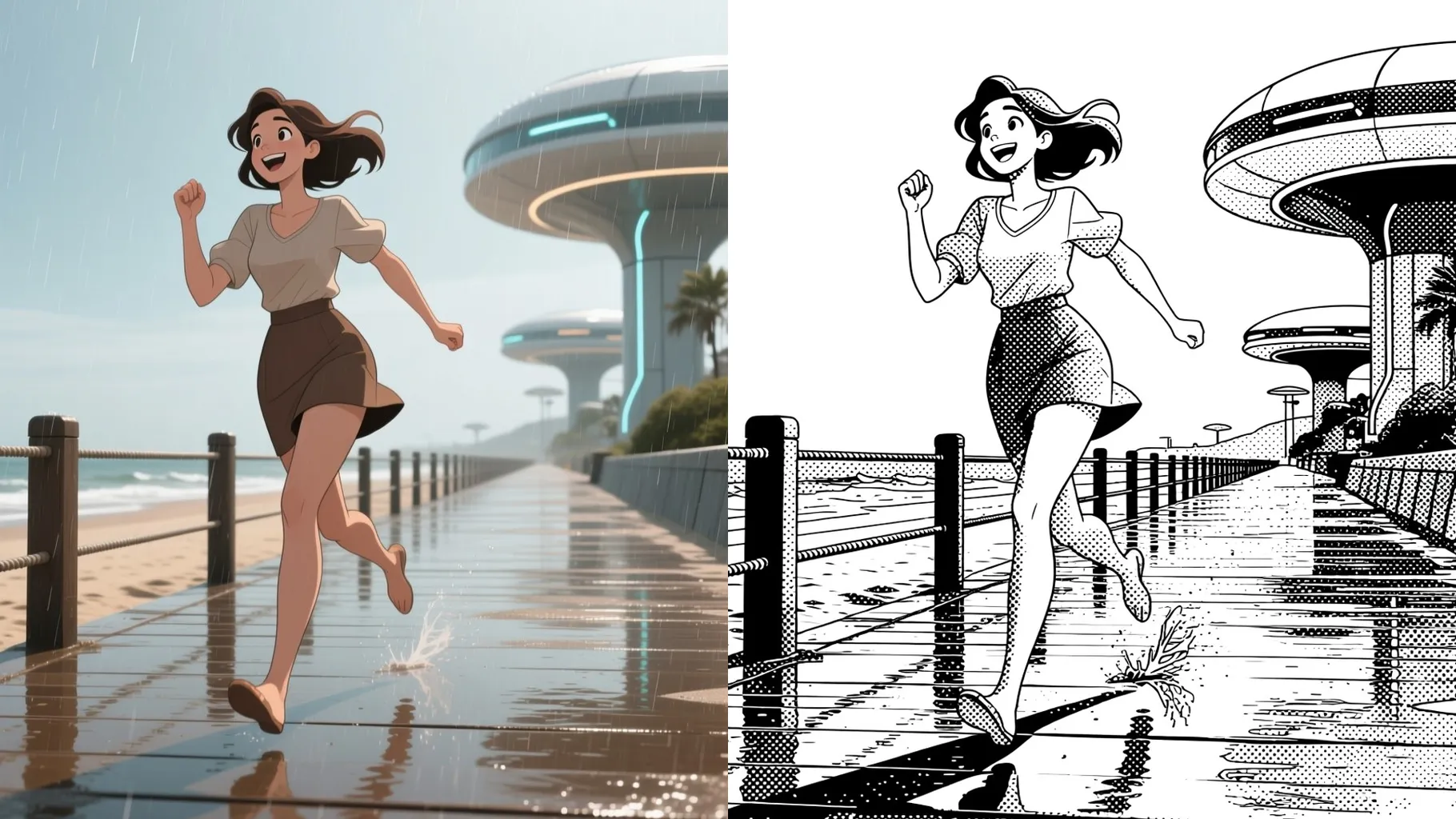
Turn your selfie into bold manga ink with crisp outlines and screentone shading.
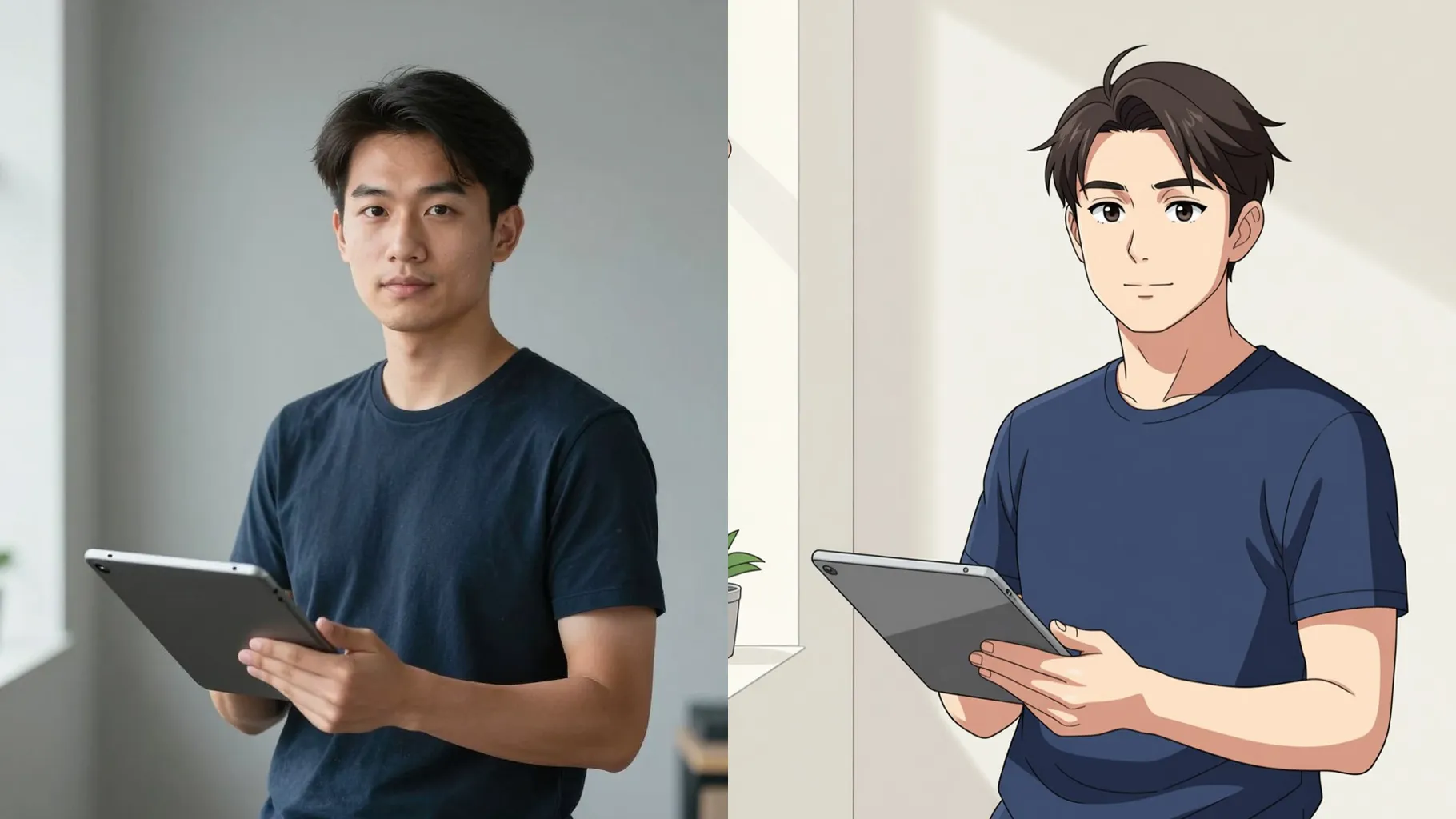
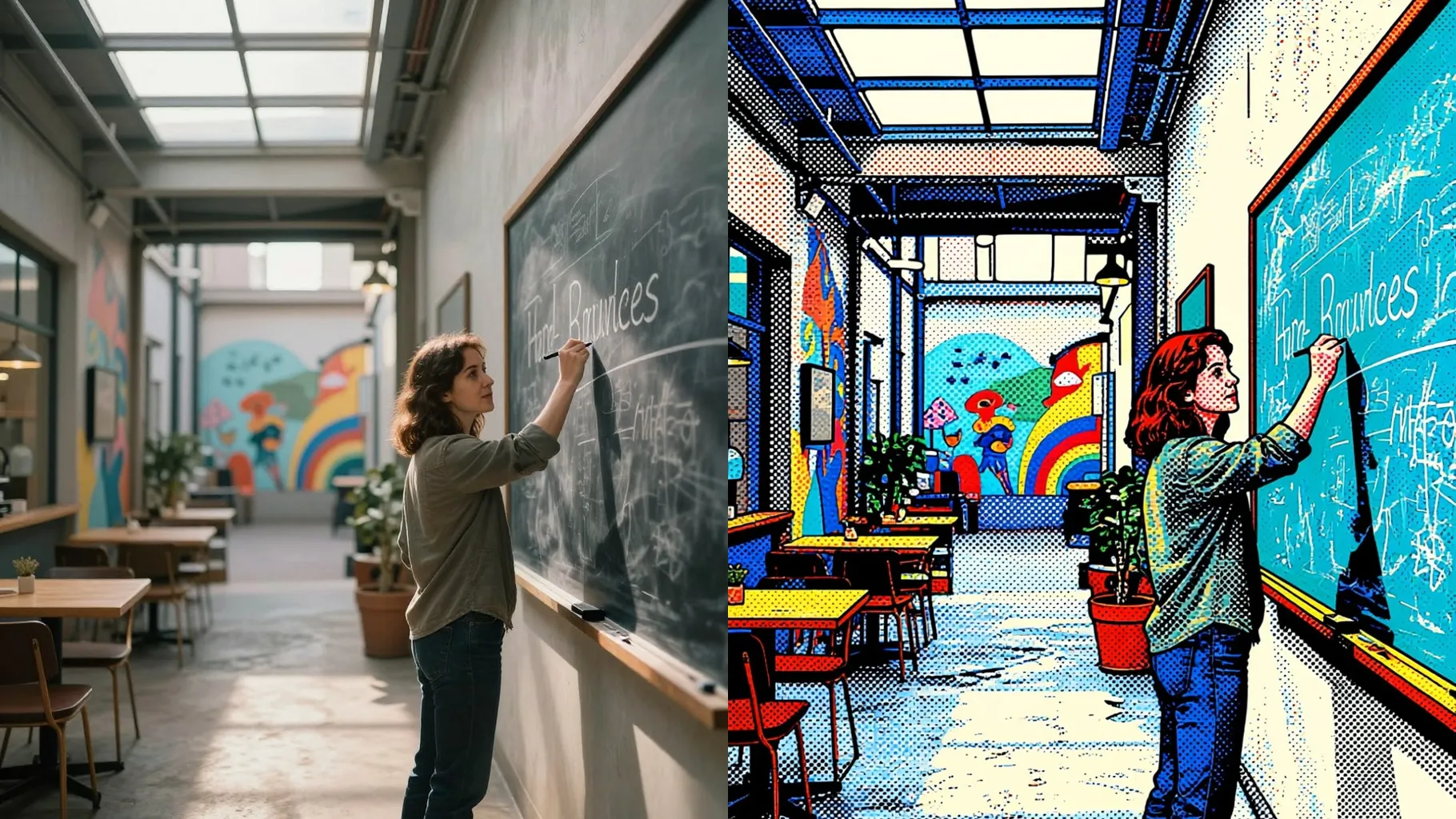
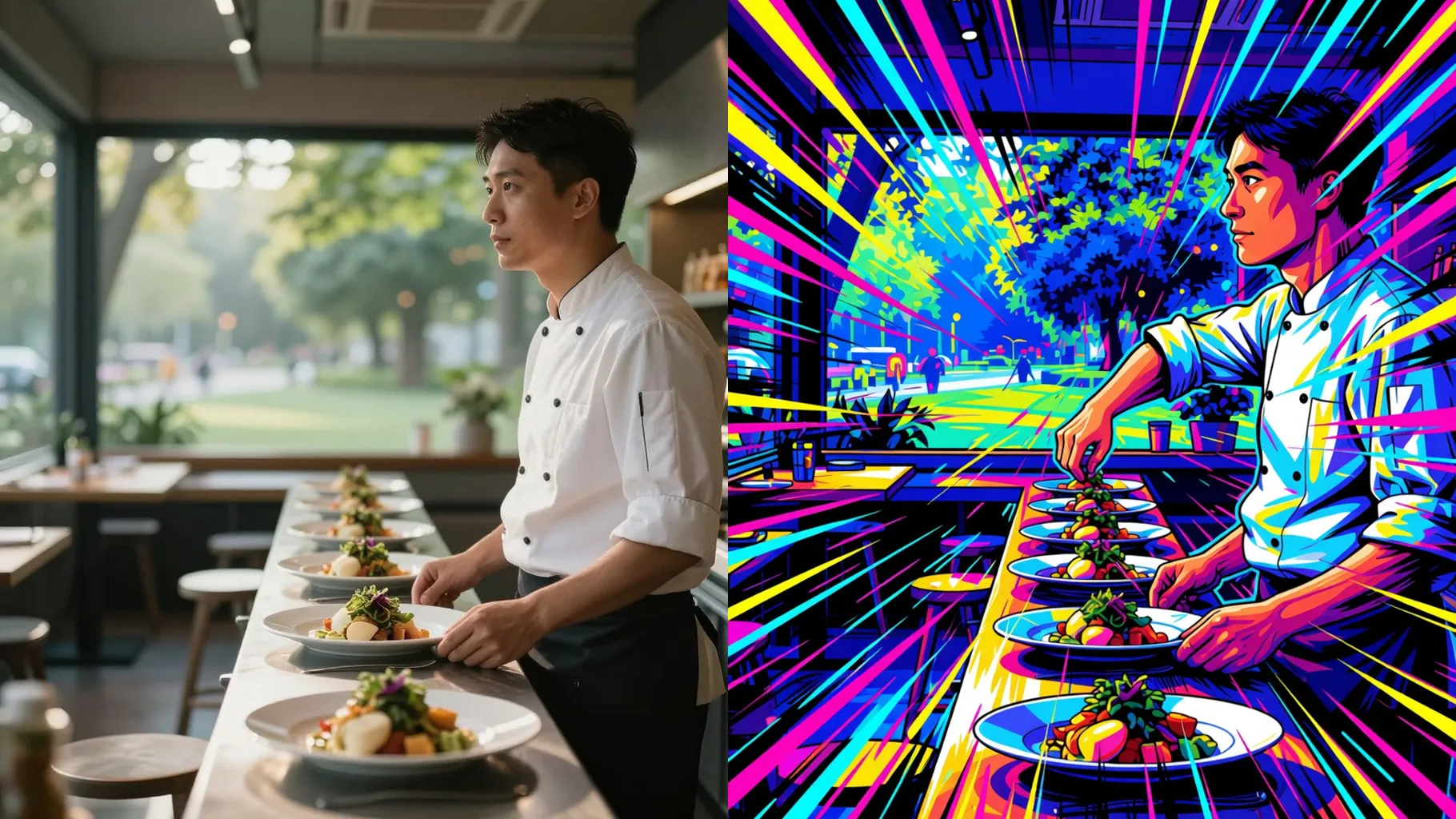
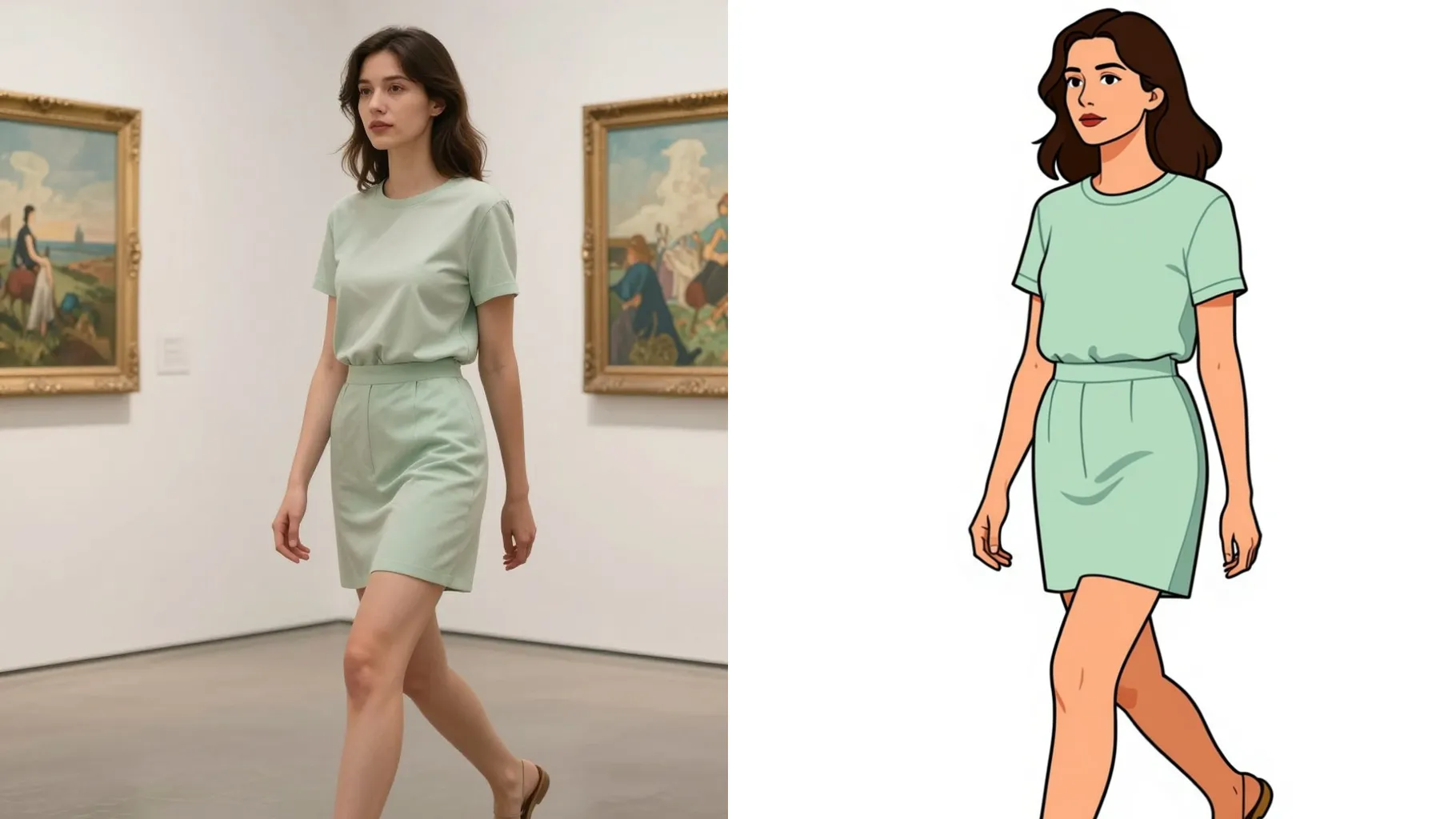
Examples show the target style. Your result depends on the chosen model and reference photo.
Upload one photo to get black-and-white manga art with screentone shading, bold outlines, and dramatic lighting.
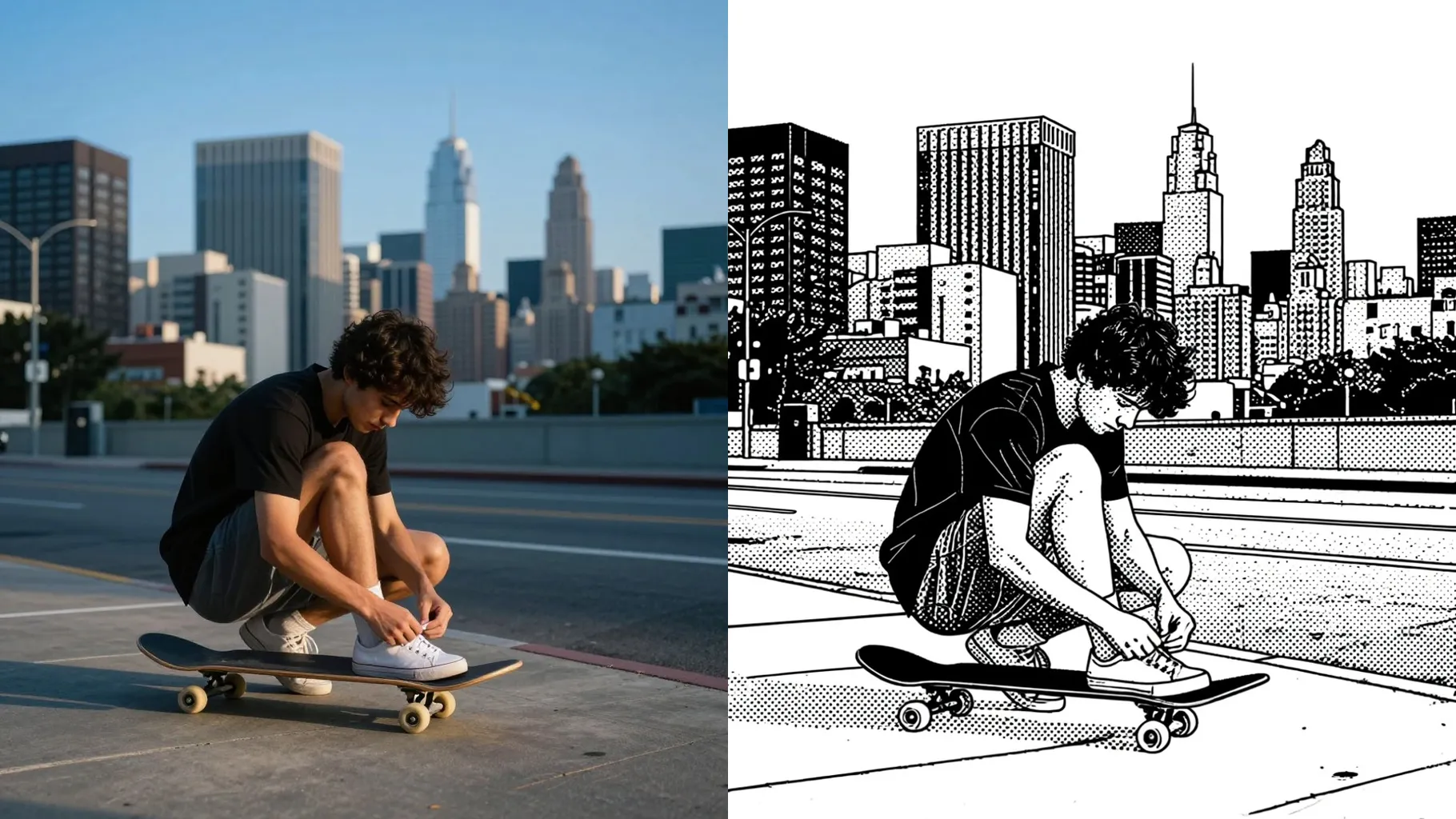
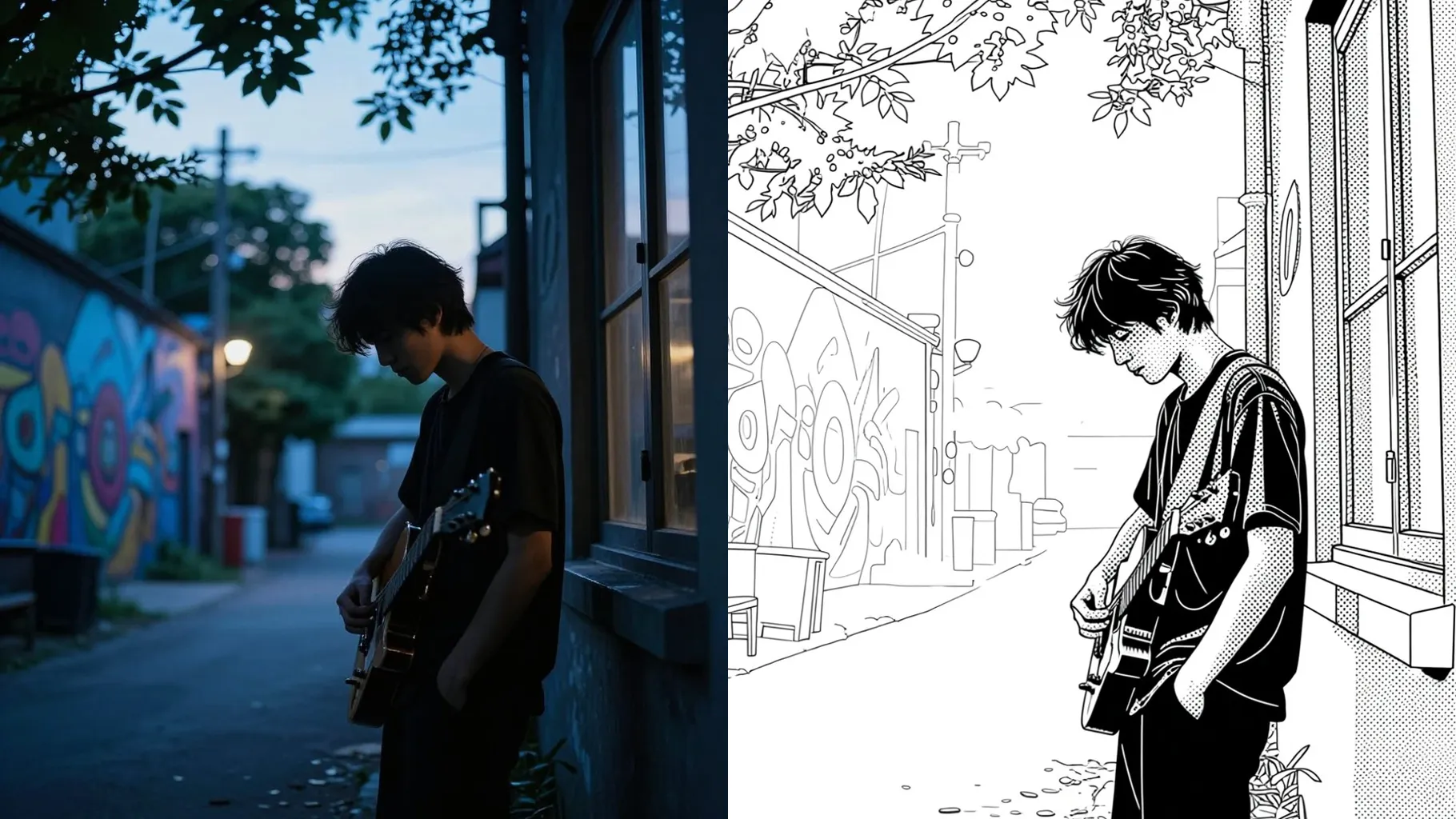
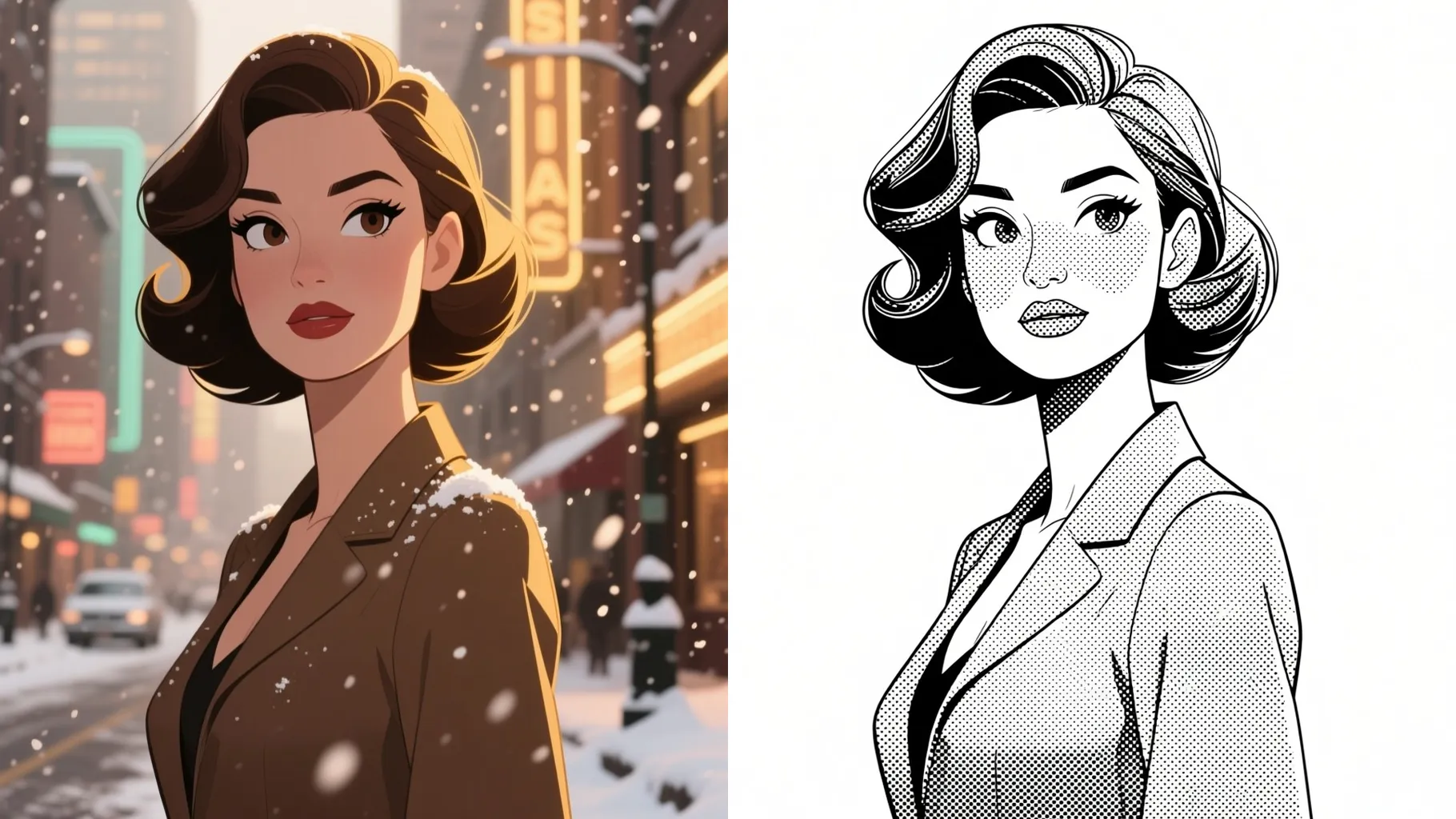
Preserves facial proportions and adds clean outlines plus subtle screentones for a printed manga look.
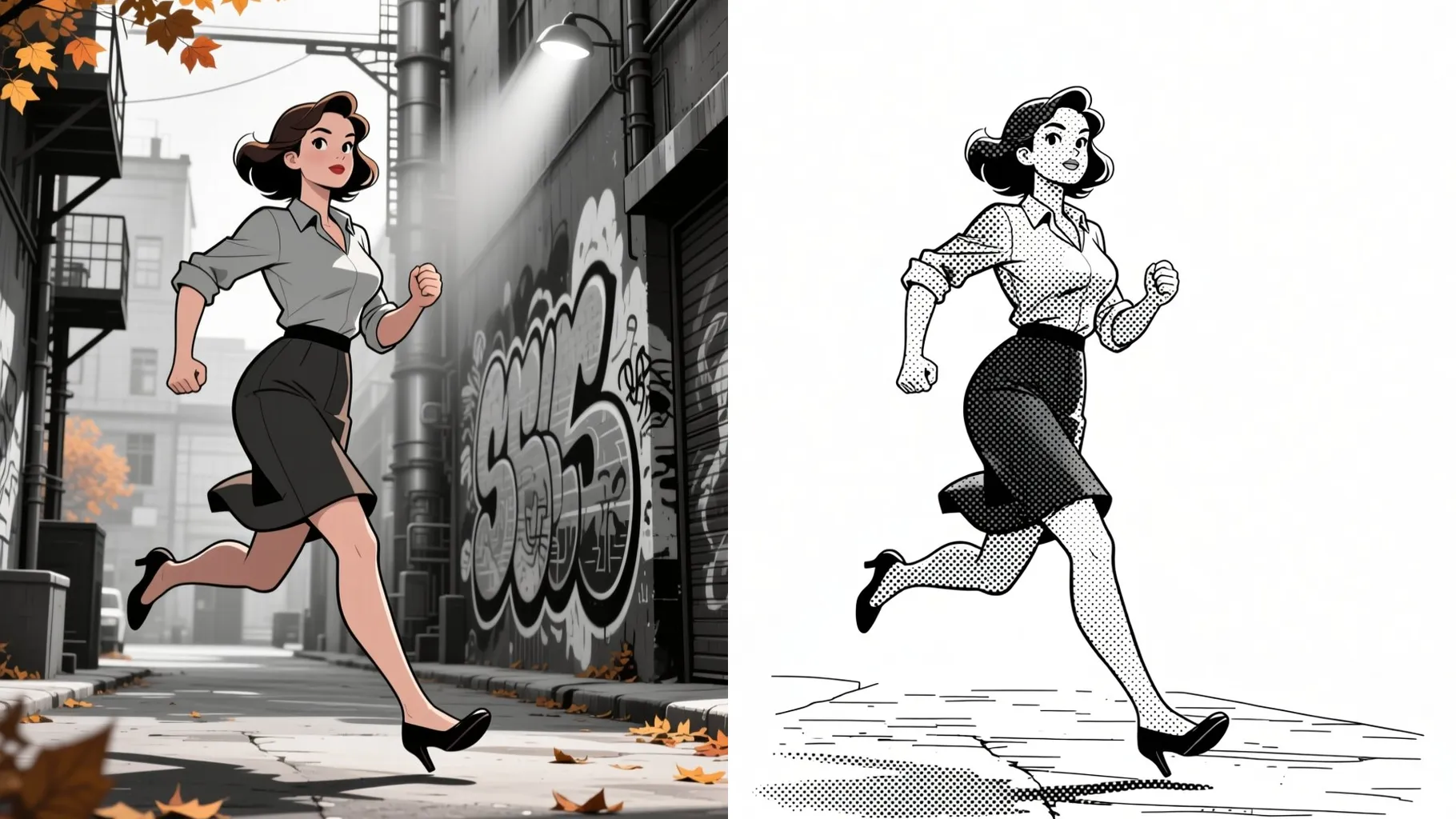
Adds crosshatching, rim light, and monochrome gradients so your photo reads like a manga panel.
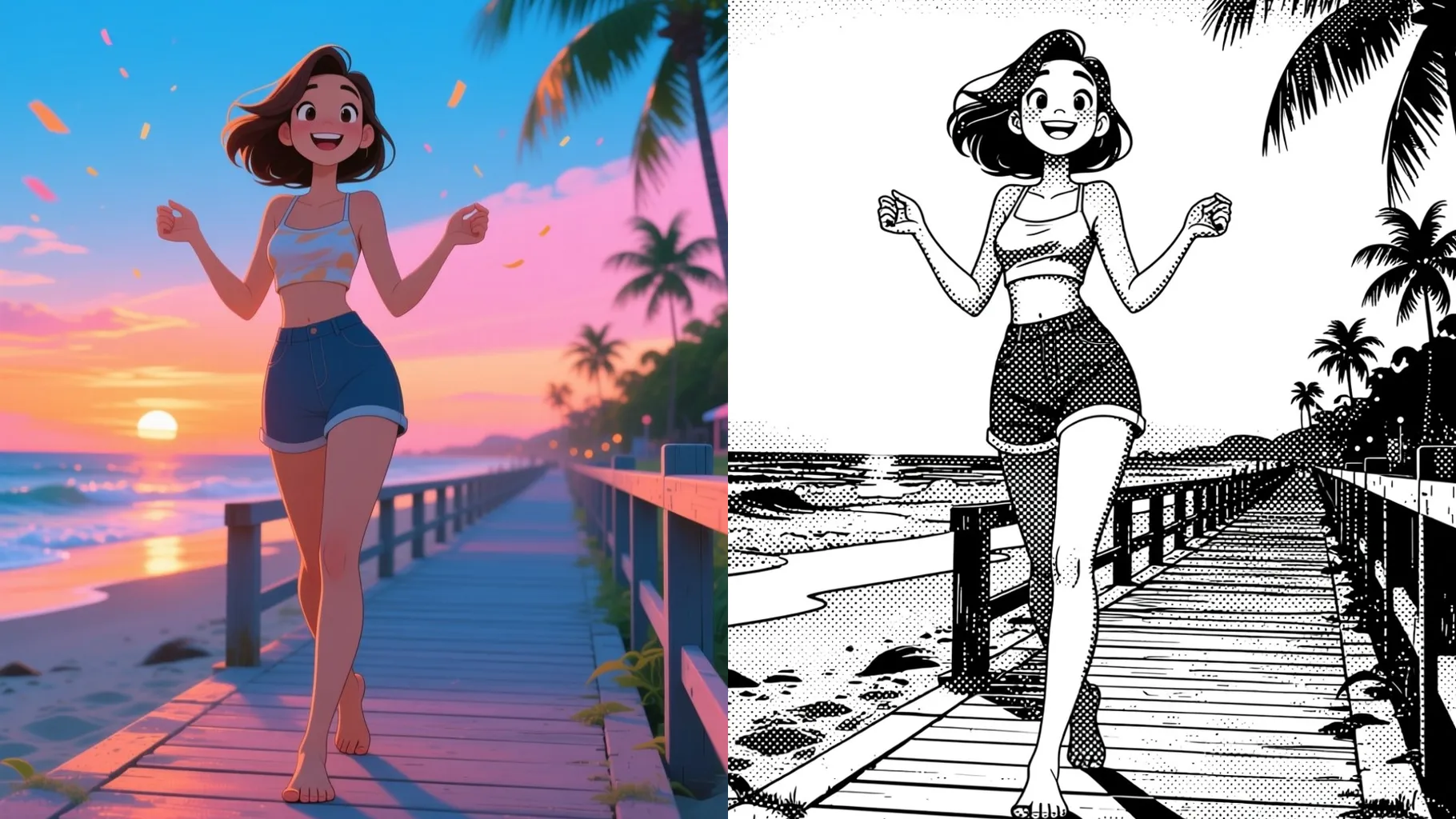
Front-facing portraits with even lighting keep ink lines crisp and screentones balanced.
Mention mood, setting, or expression in a quick line to guide the manga vibe.
Preview the manga render, rerun if needed, and save the version you like best.
This template supports one image at a time to keep outlines sharp and shading consistent.
Prompts are optional. A short hint like “dramatic shadows” or “soft shojo style” is enough.
Single-subject portraits with clear faces and neutral backgrounds convert to manga line art most reliably.
Aspect ratio control is disabled; crop before uploading if you need a specific frame.
Model switching is off to keep ink weight, screentone density, and shading style consistent.
Generation time depends on the model, image size, and queue. Check the task status on this page.
Upload JPG, PNG, or WebP under 10MB for the fastest processing and cleanest lines.
Yes. Objects or pets also convert well as long as the subject is clear and well lit.

Generation time depends on the model, image size, and queue. Check the task status on this page.