
1. How many images can I upload?
This template works with one photo per render to keep the comic shading stable.
Generation time depends on the model, image size, and queue. Check the task status on this page.
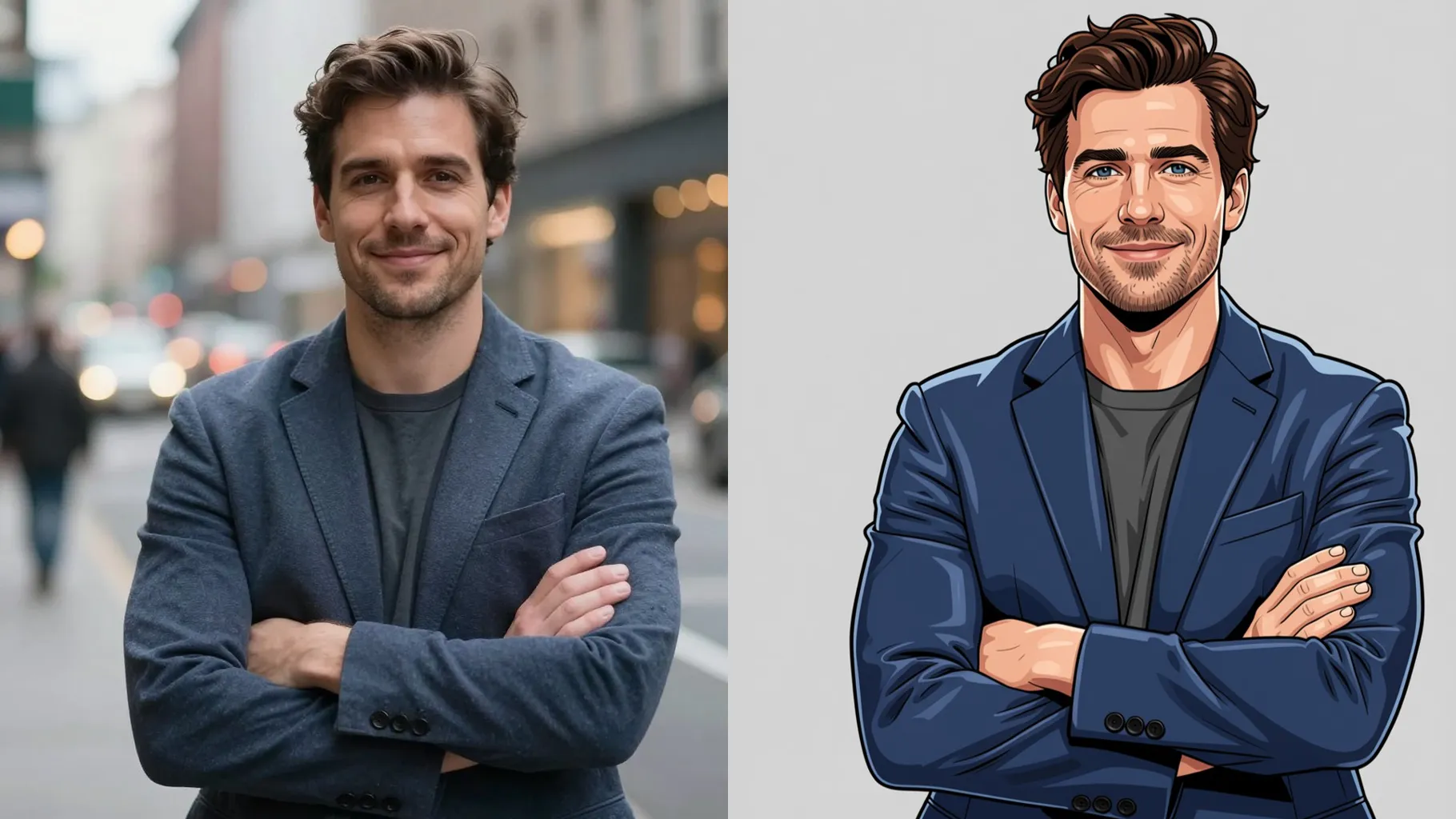
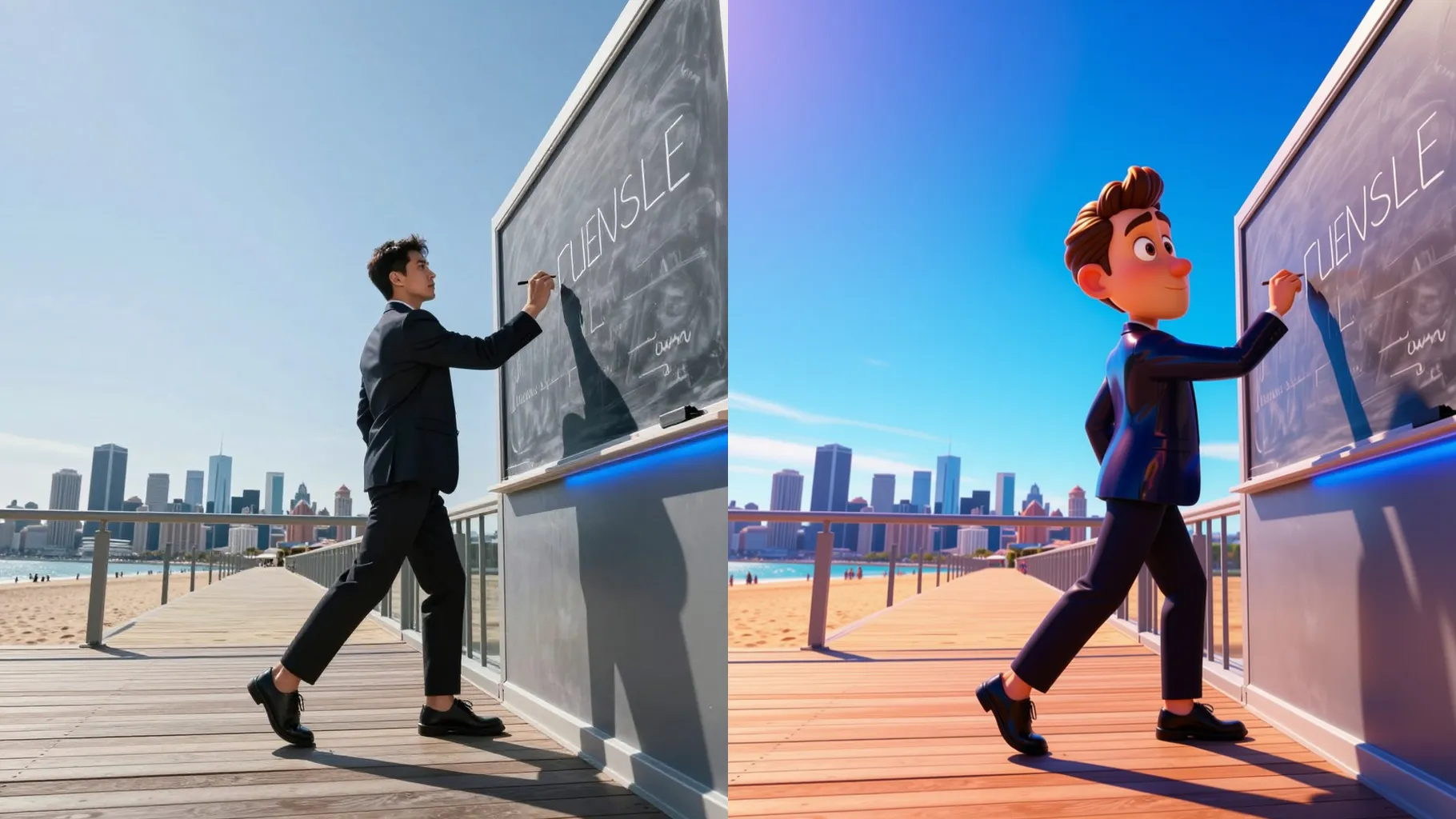
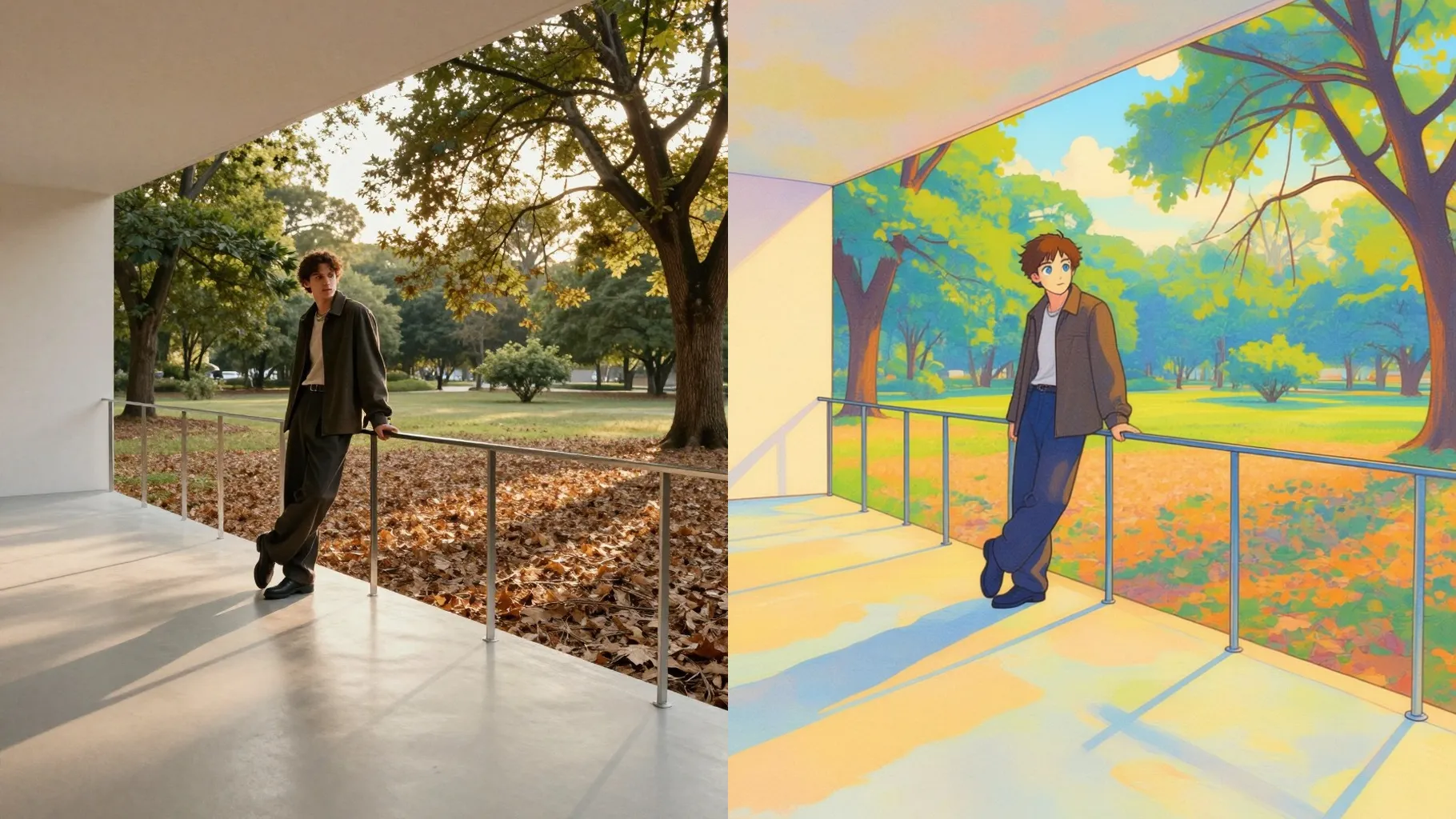
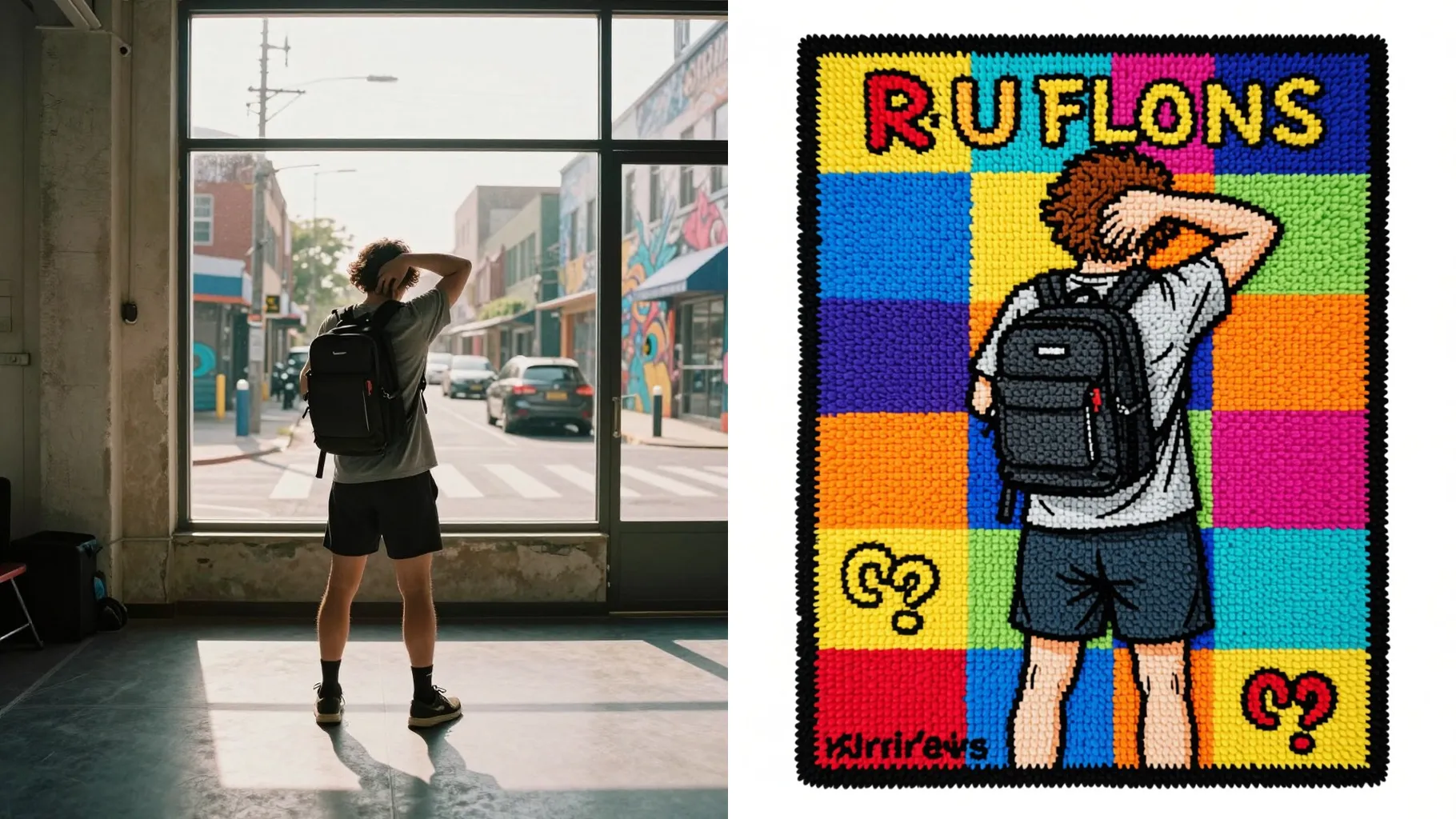
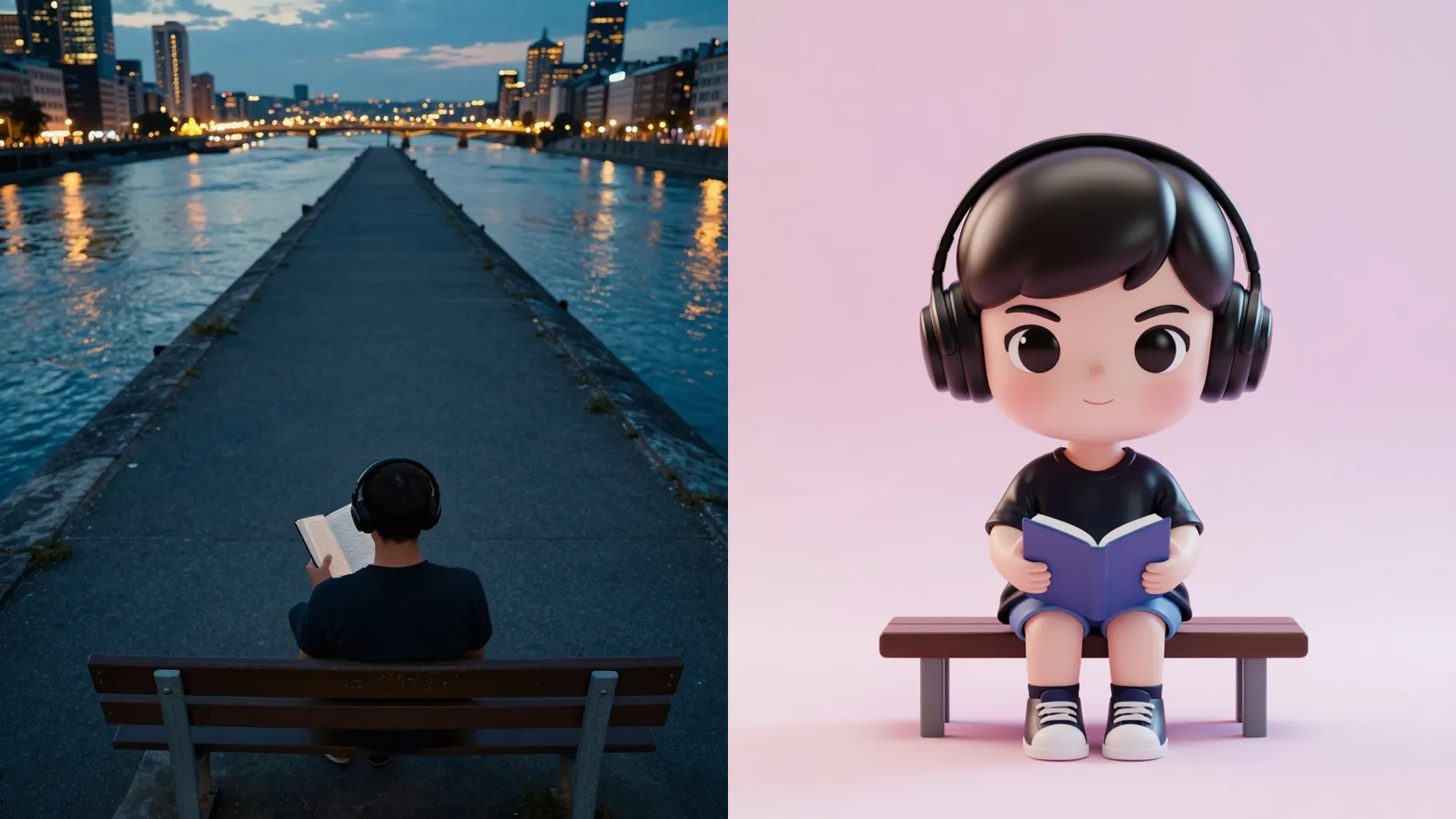
Transform one selfie into a cel-shaded 3D comic hero with sculpted depth, glossy highlights, and bold colors.
Examples show the target style. Your result depends on the chosen model and reference photo.
Upload one photo to get a cel-shaded 3D comic portrait with sculpted depth, glossy highlights, and clean backgrounds.
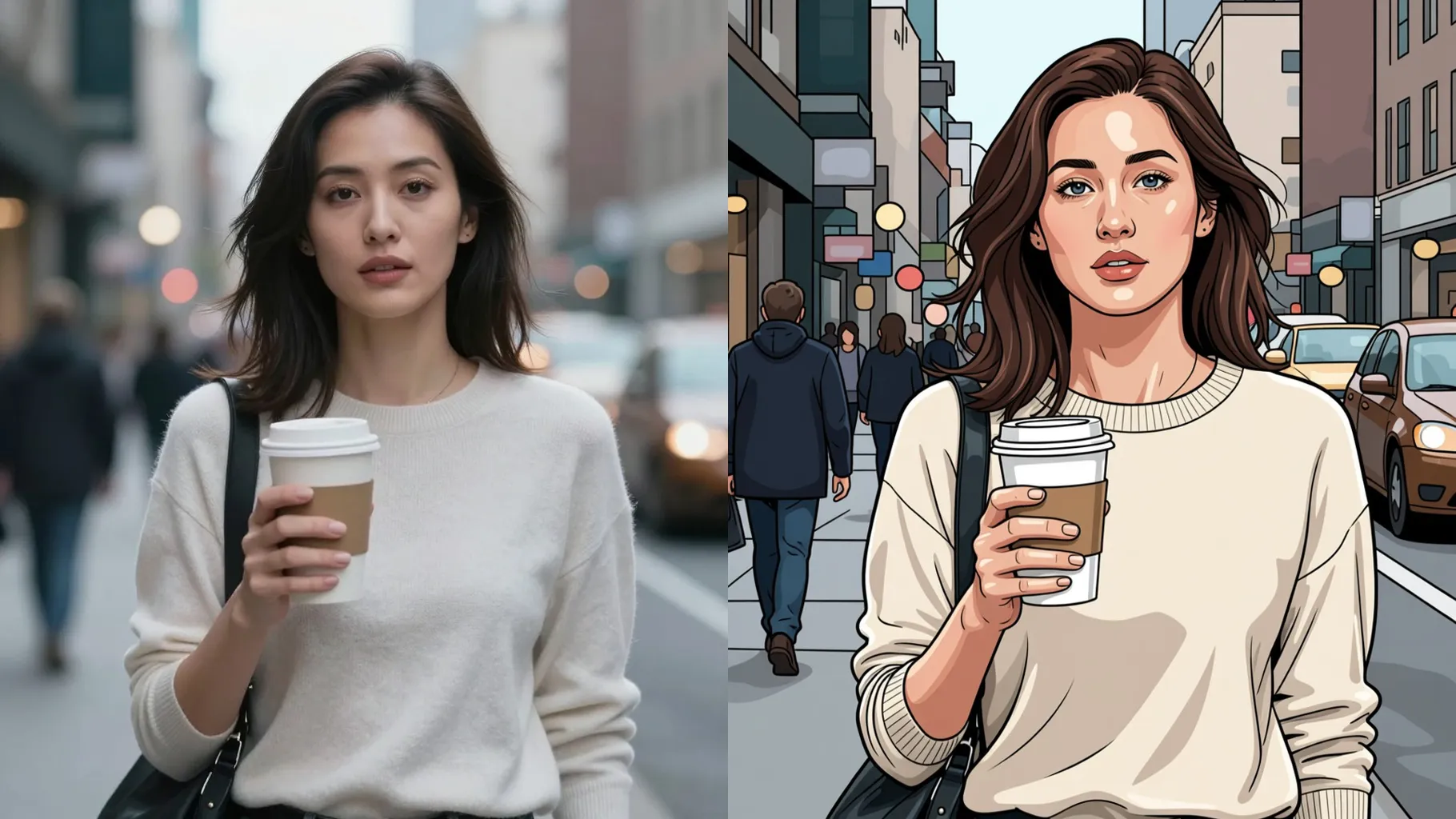
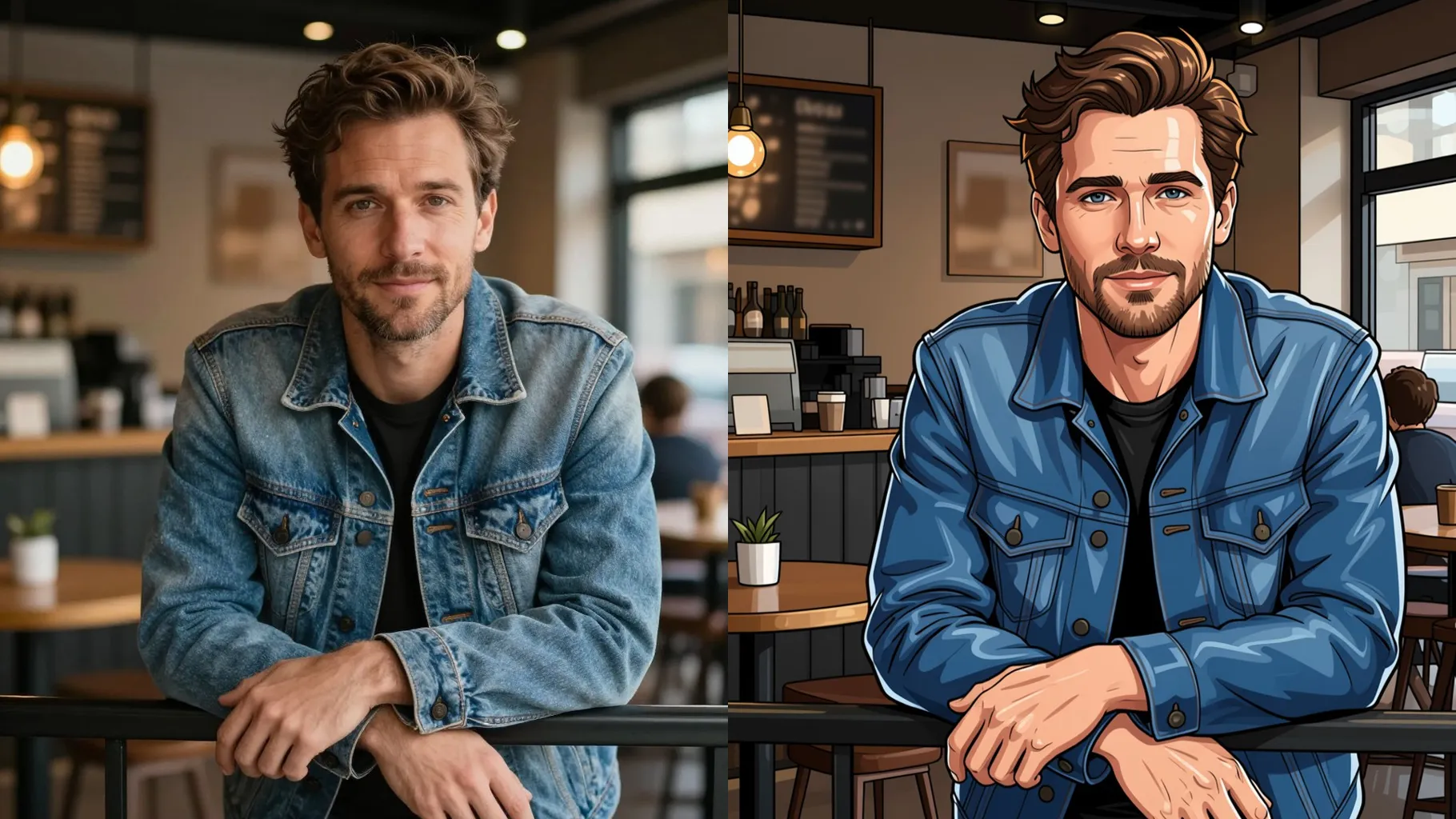
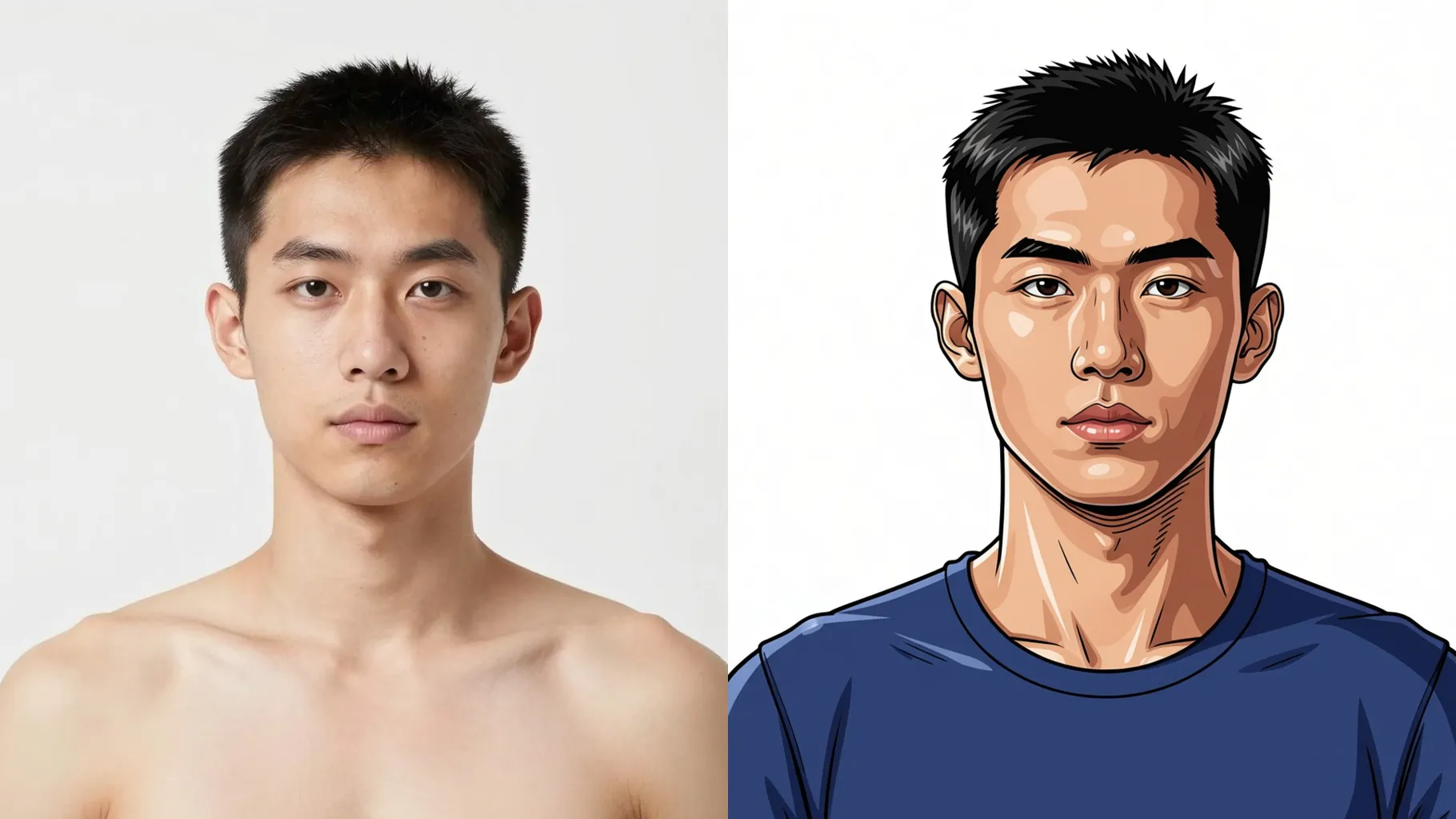
Keep your facial likeness while adding stylized shading, rim lights, and 3D contours that feel collectible.
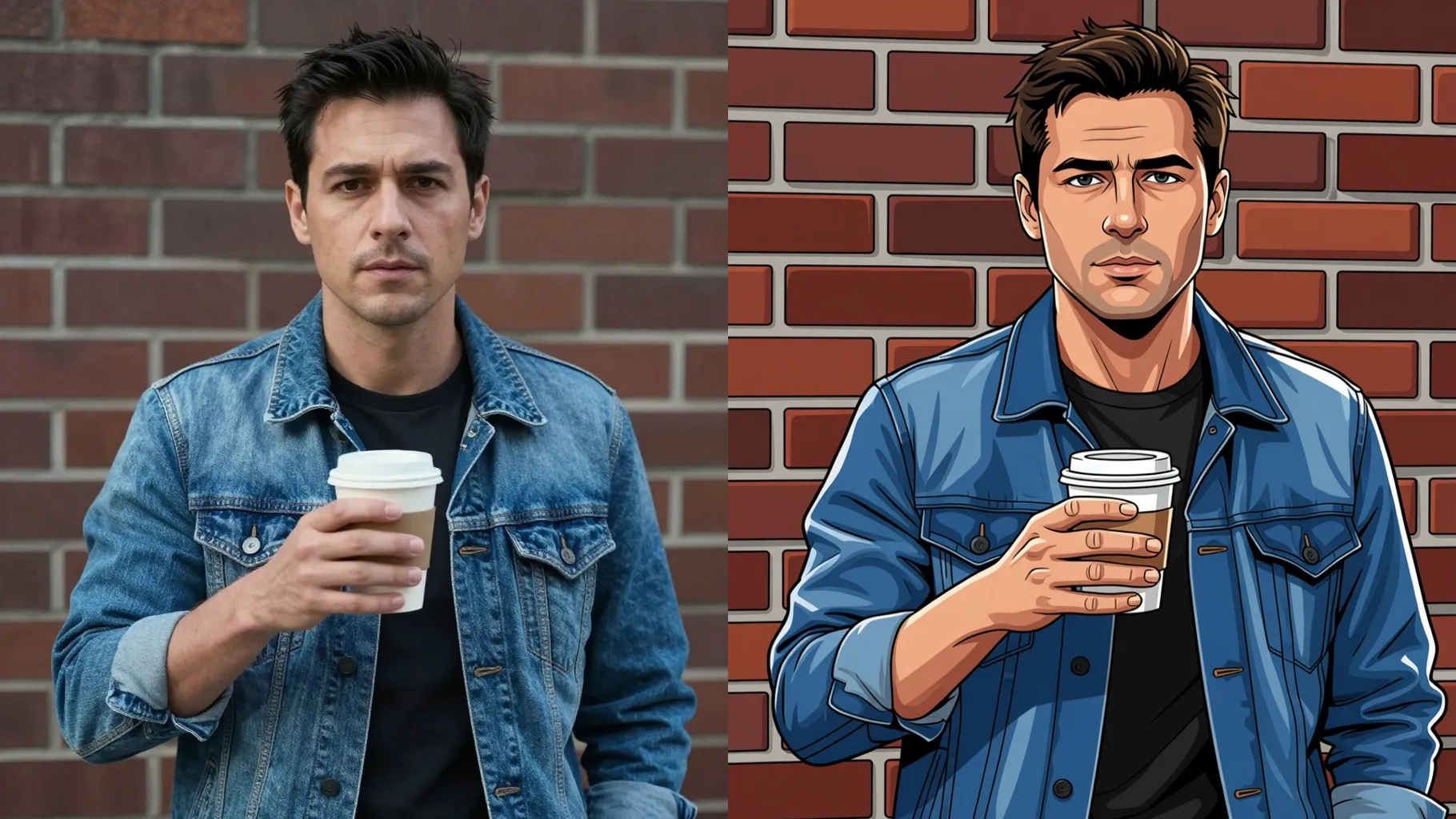
Balanced light, smooth gradients, and subtle bloom make the render social-ready without extra editing.
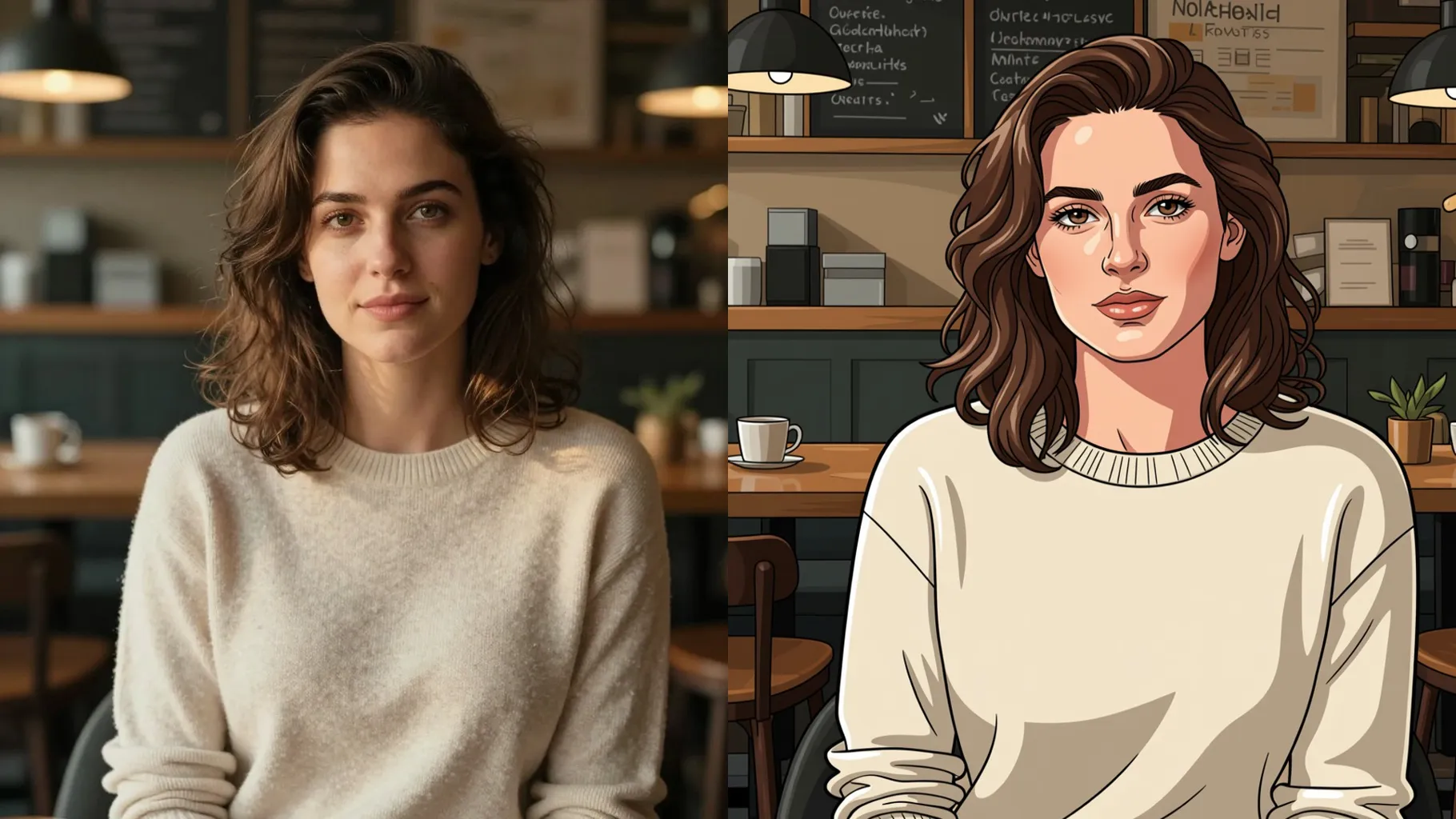
Face-forward shots with room around the head help the 3D shading stay clean.
Mention outfit vibes, colors, or props you want in the comic render—keep it concise.
Review the 3D comic preview, pick your favorite frame, and save it instantly.
This template works with one photo per render to keep the comic shading stable.
A short prompt helps set outfits or mood, but keep it brief so the likeness stays true.
Aspect ratio is fixed for consistent framing. Crop before upload if you need a different shape.
Model switching is disabled to maintain the 3D comic lighting and shading style.
Yes, it keeps key facial features while adding cel-shaded depth and clean highlights.
Generation time depends on the model, image size, and queue. Check the task status on this page.
JPG, PNG, or WebP under 10MB process fastest with clear detail.
The template outputs a clean background automatically; no extra masking needed.
Single subjects work best. Multiple people may merge when converted to comic form.
No. This is an image-to-image template and needs one uploaded photo to start.

Generation time depends on the model, image size, and queue. Check the task status on this page.