
1. How many photos can I upload per render?
This template supports one photo at a time for the best room composition.
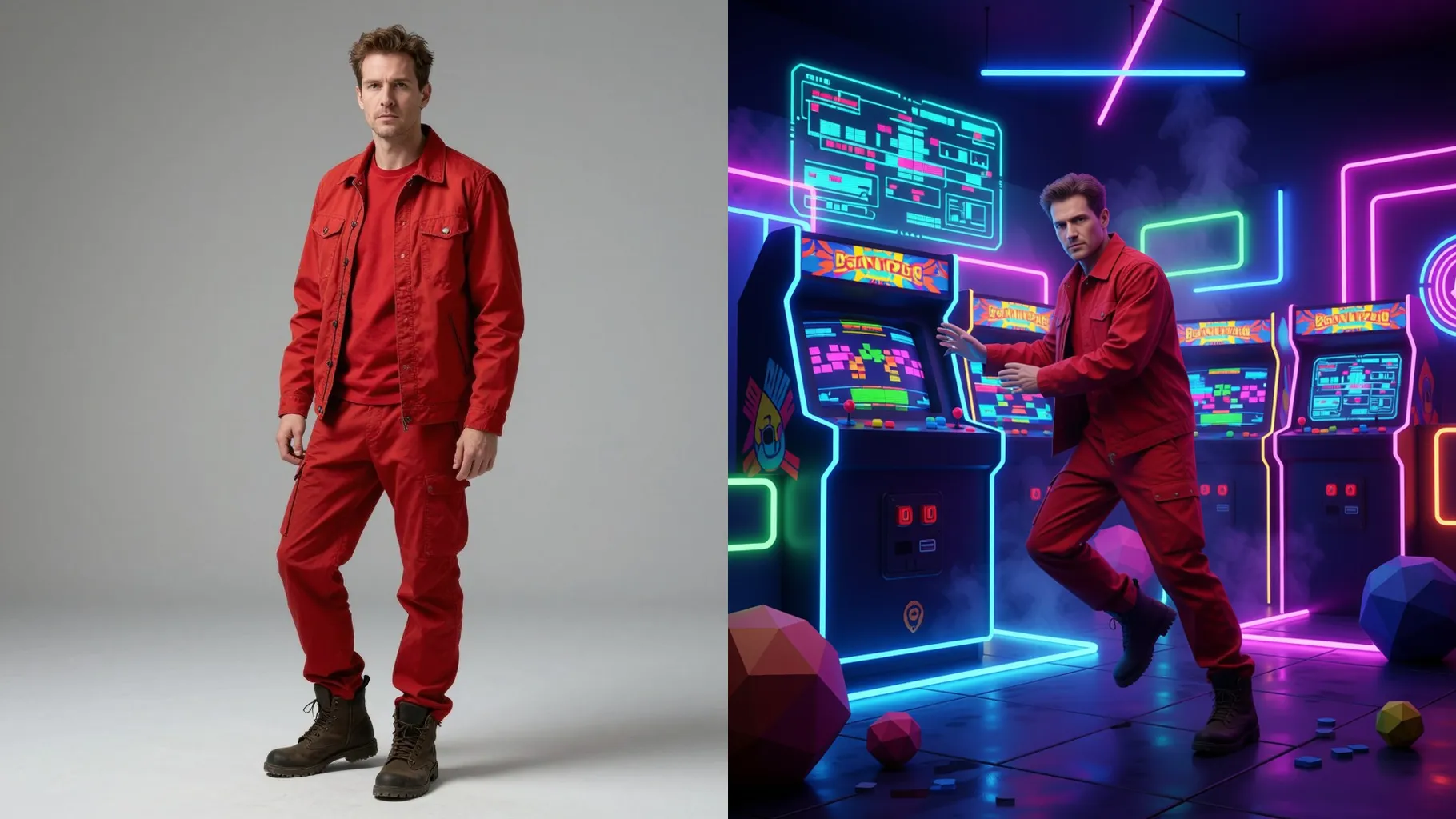
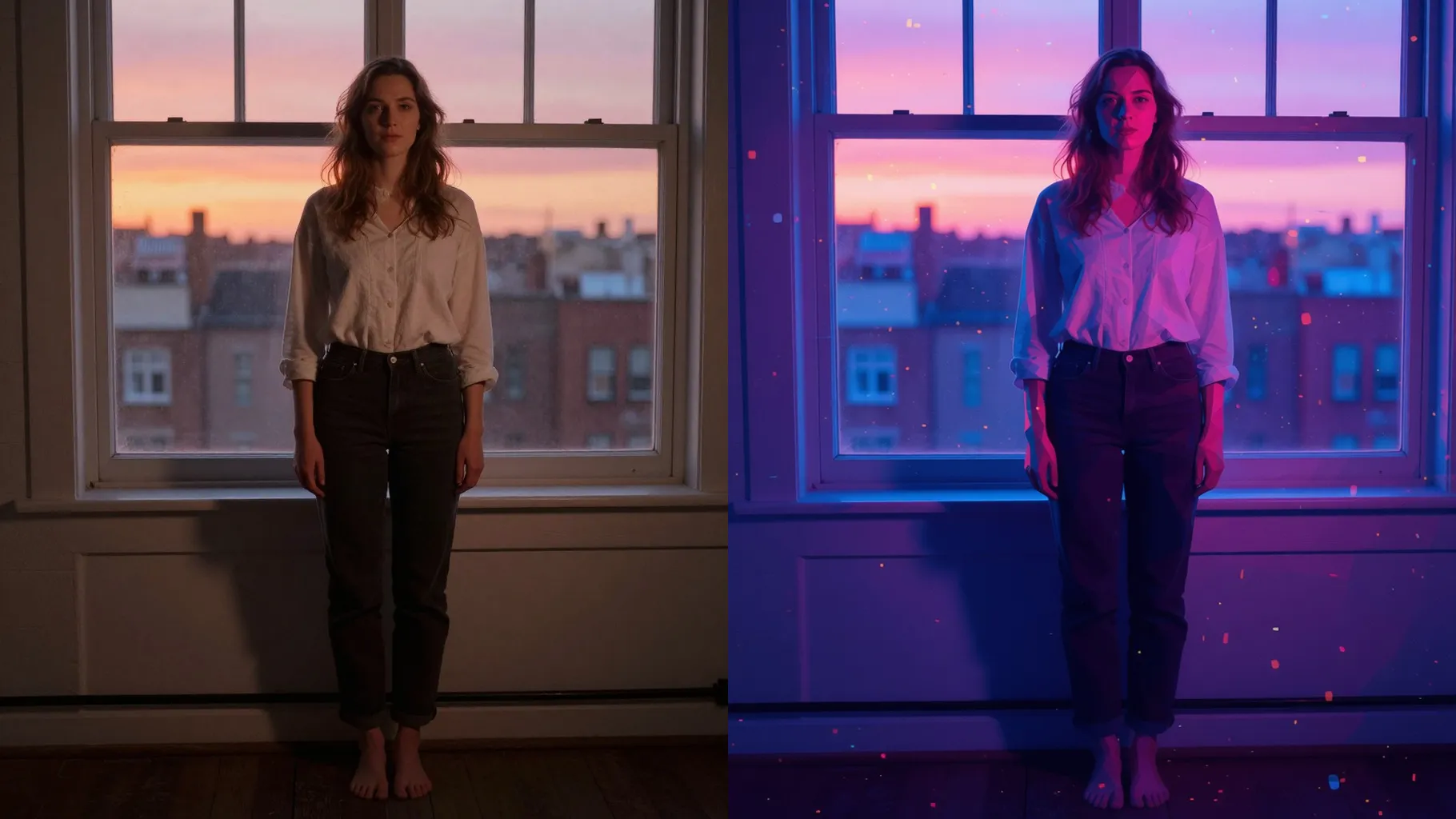
Turn one photo into a VHS-lit 90s bedroom with CRT glow, neon edges, and nostalgic decor.
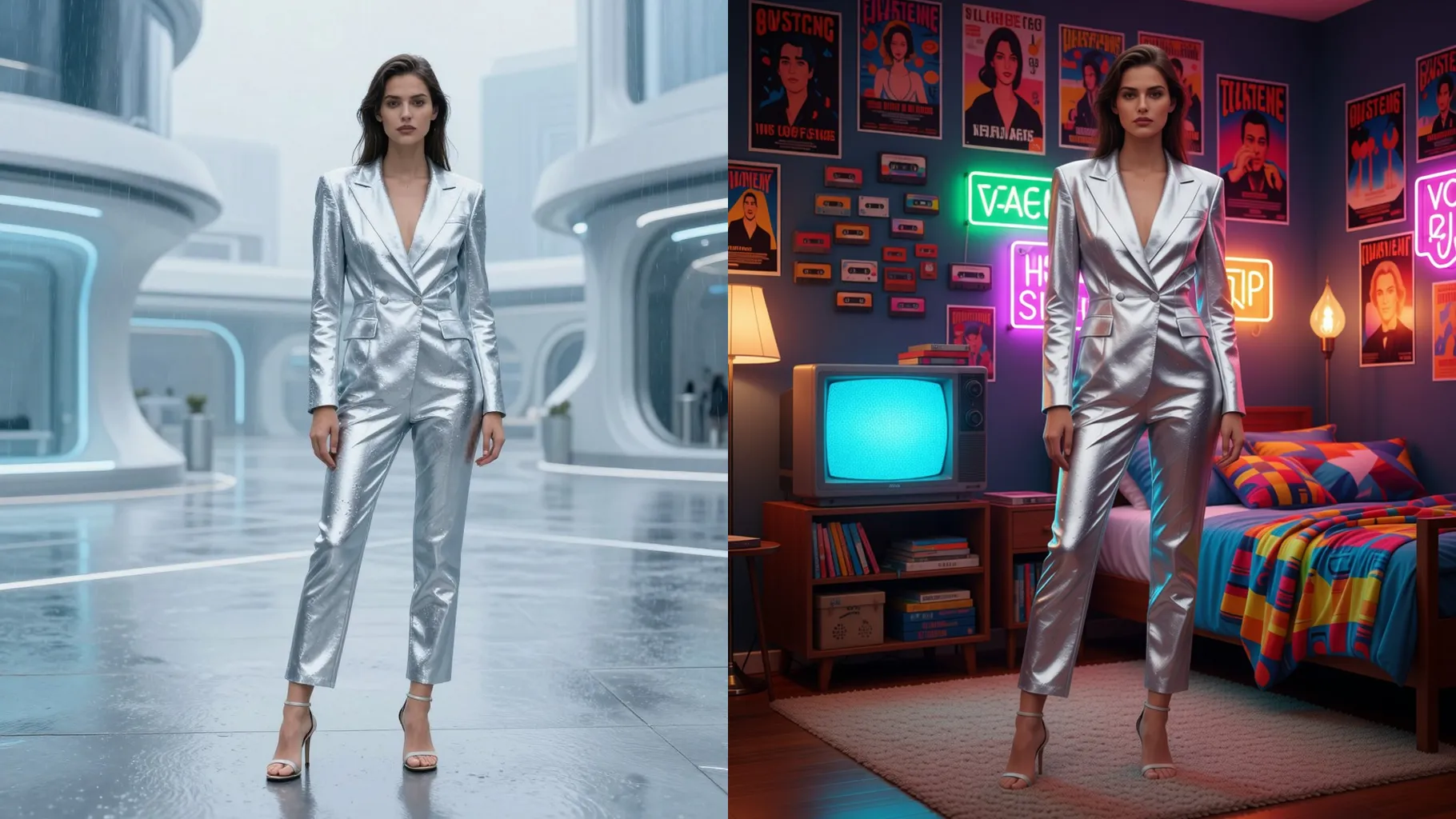
Wrap one photo in a VHS-lit 90s bedroom with CRT glow, neon edges, and warm grain.
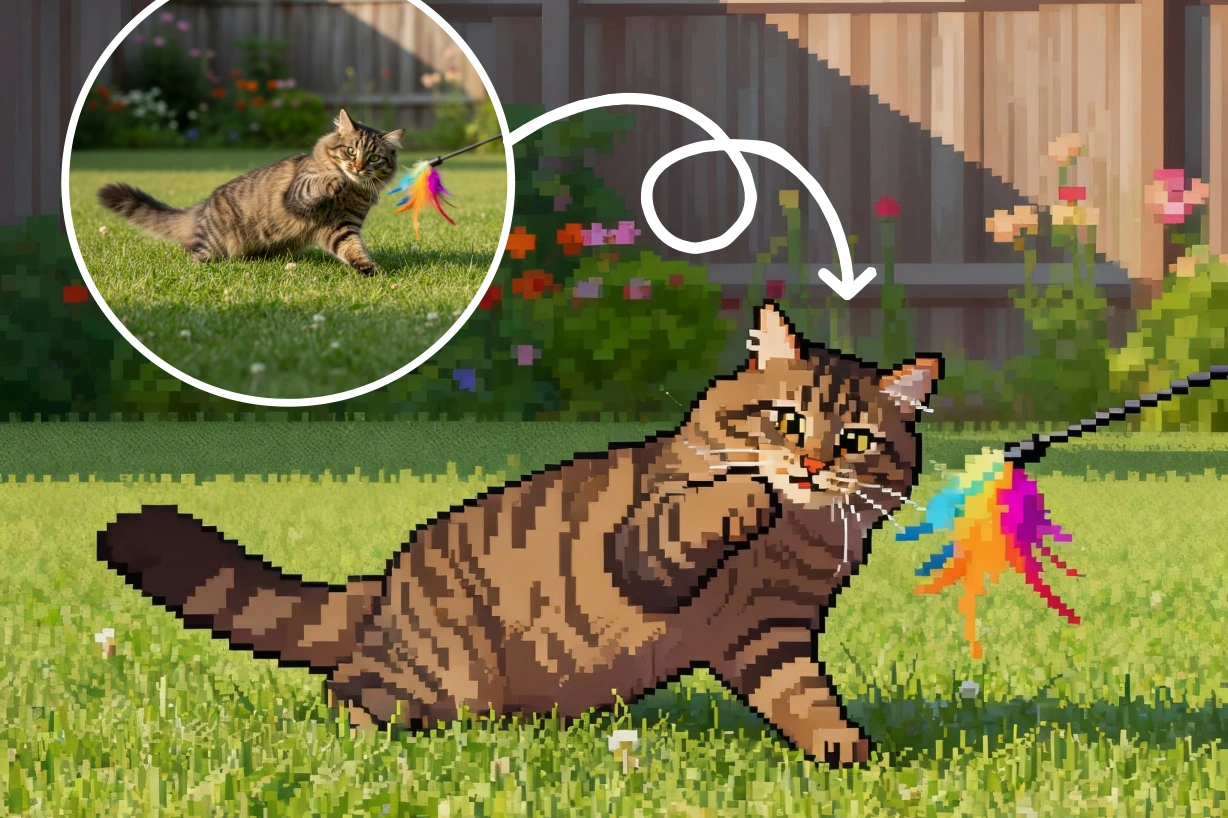
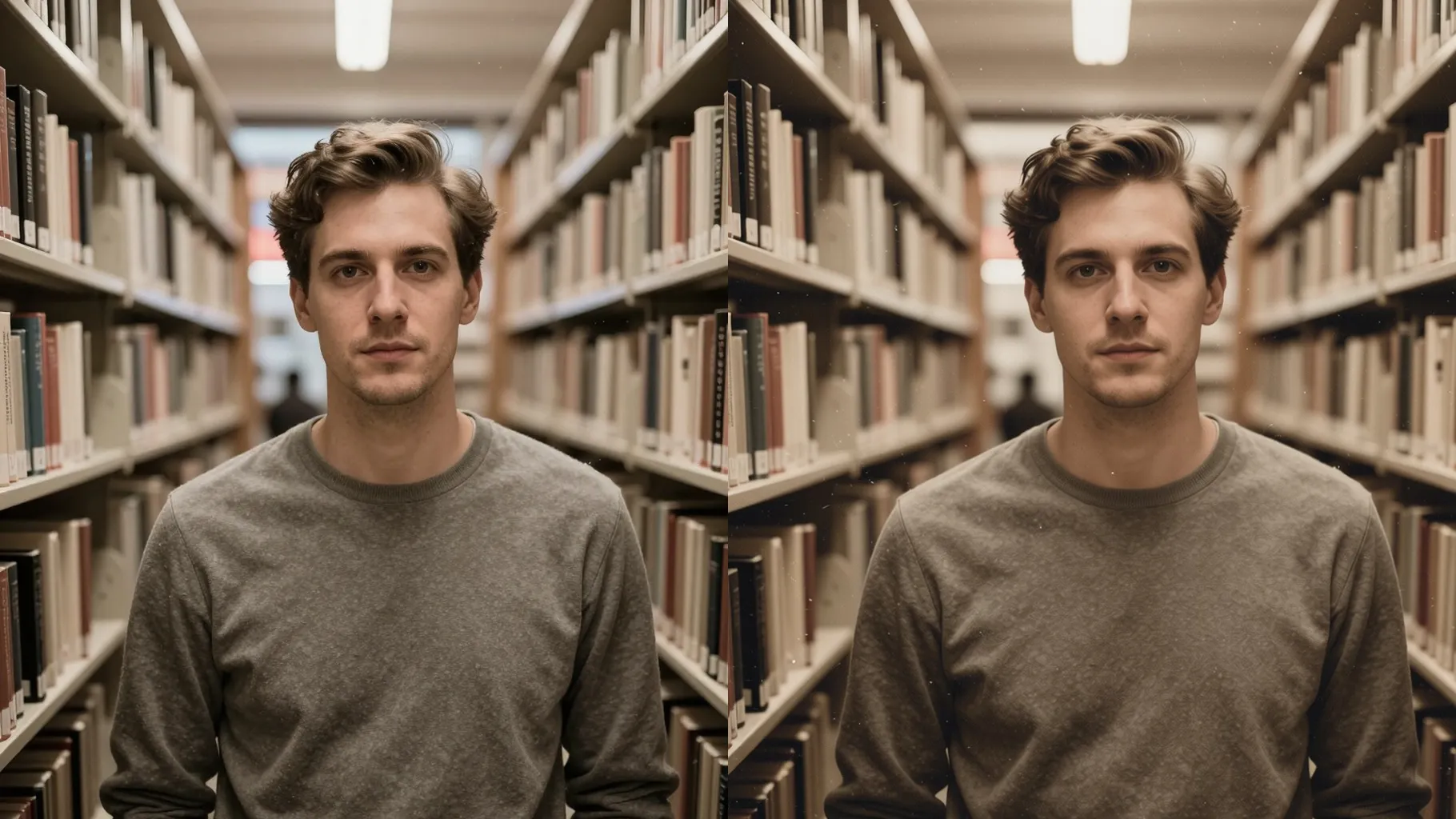
Examples show the target style. Your result depends on the chosen model and reference photo.
Upload one photo to get CRT TV light, VHS grain, neon signs, and throwback decor around you.
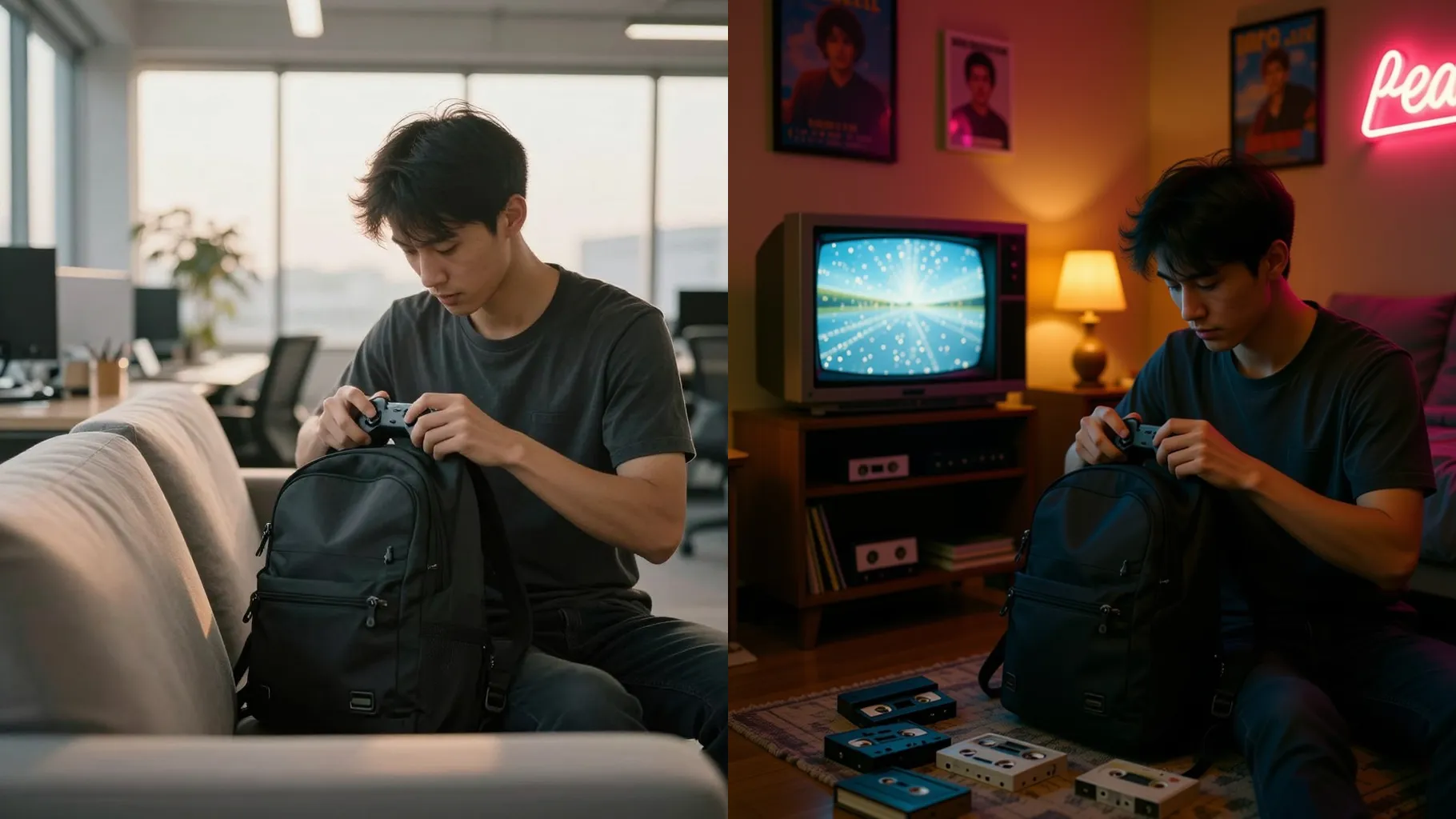
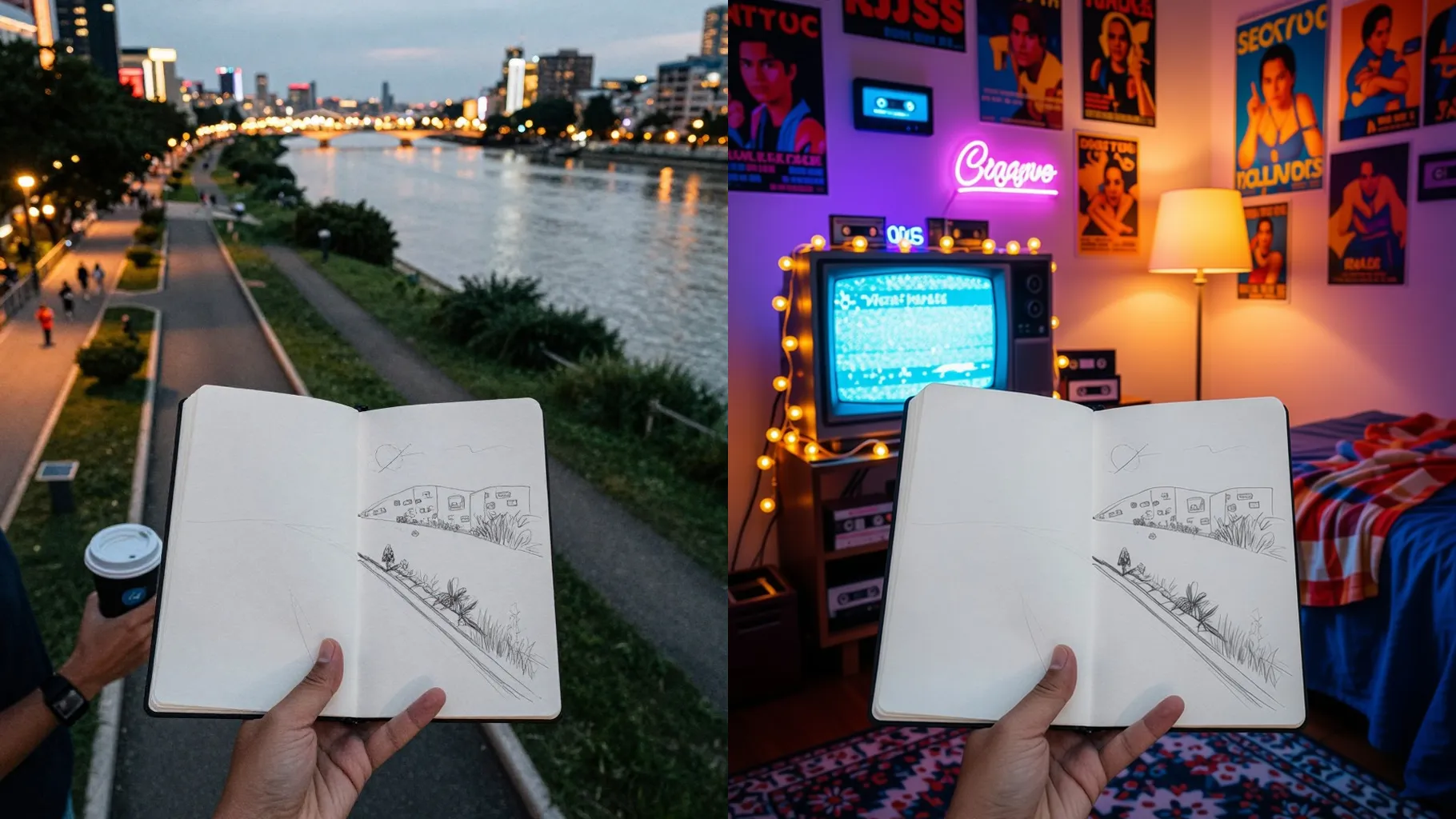
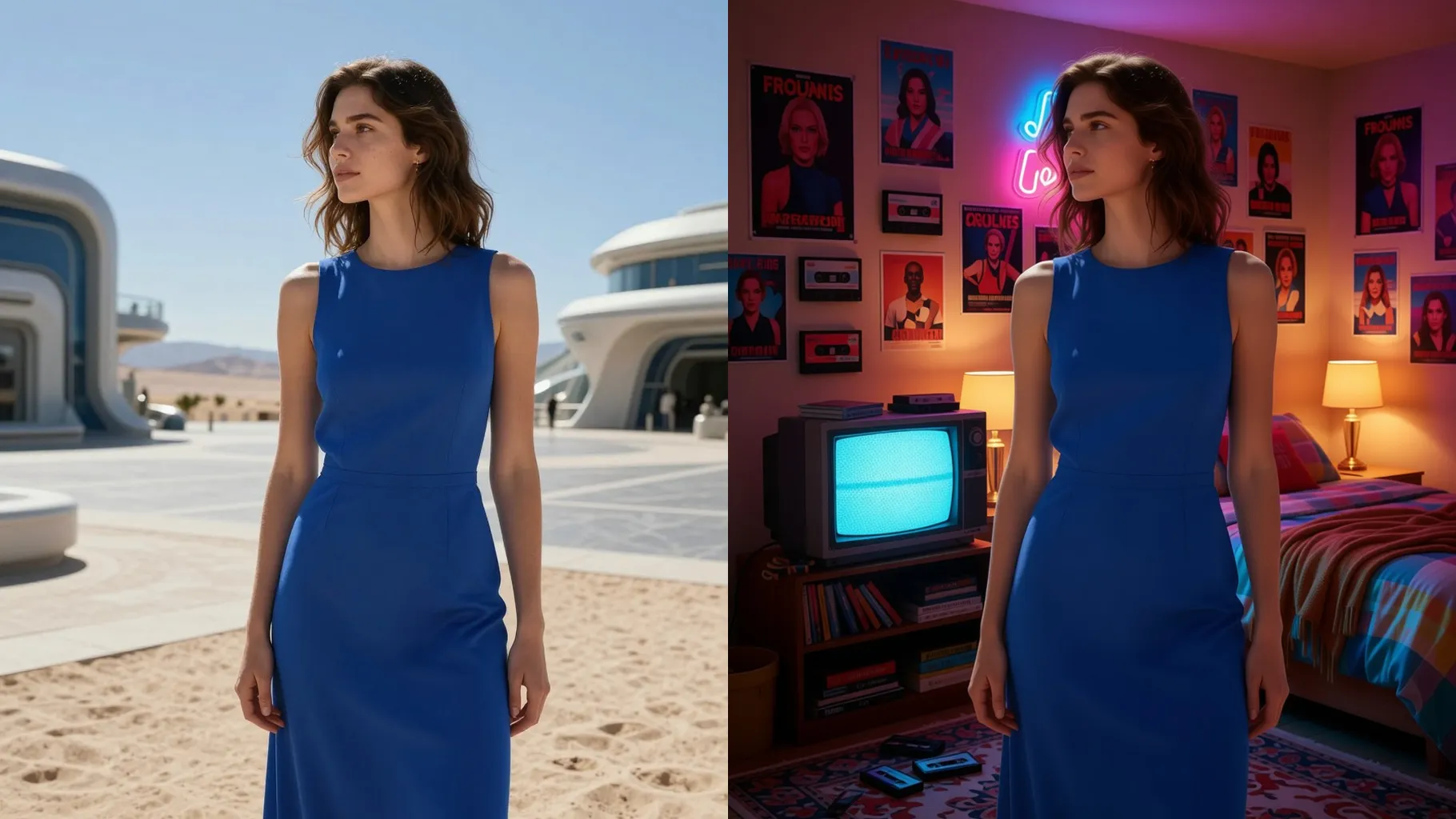
Adds tube TV bloom, color fringing, and gentle noise so your shot looks like a 90s still.
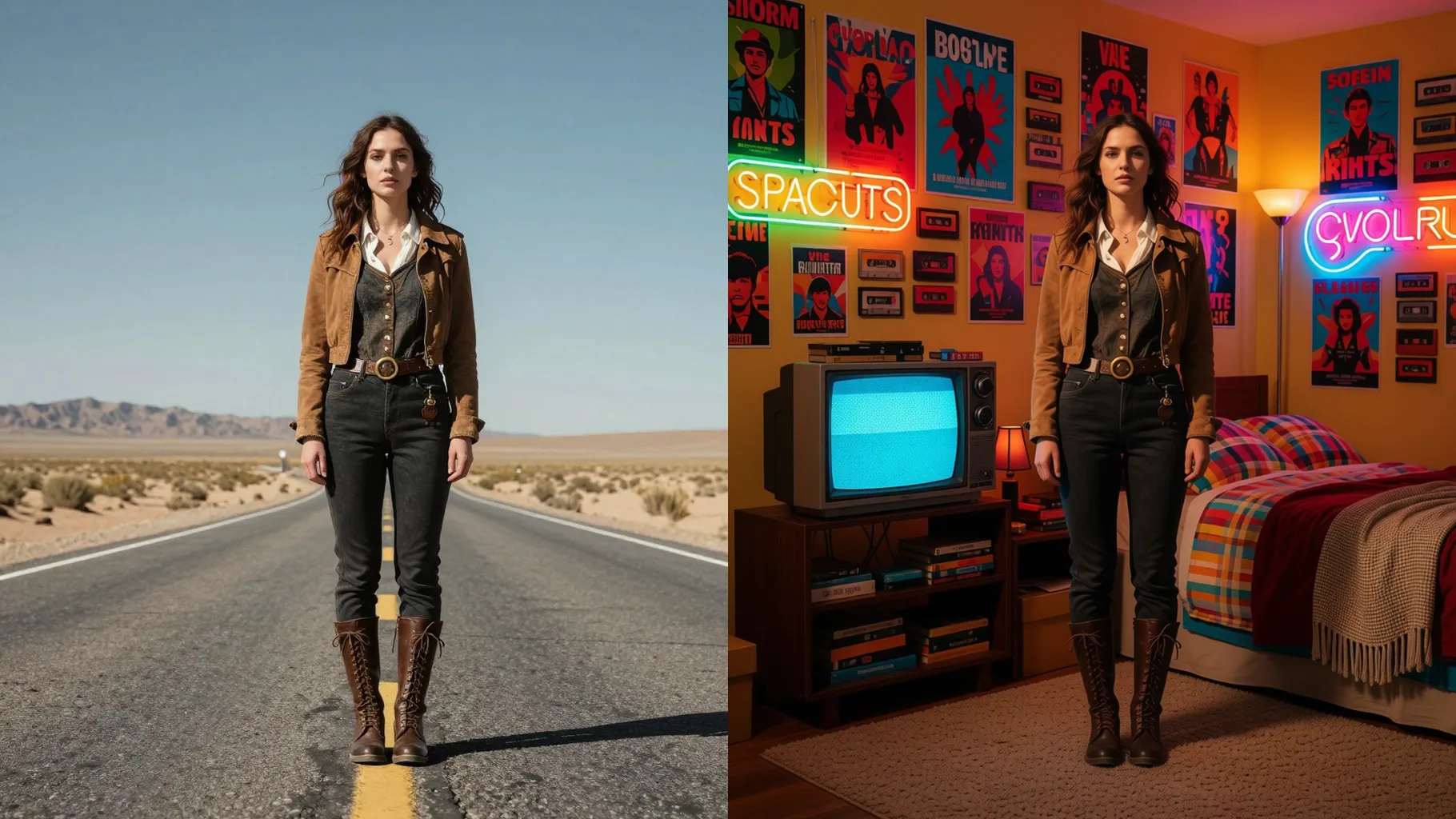
Keeps your pose and outfit while layering posters, cassette piles, lava lamps, and neon tubes.
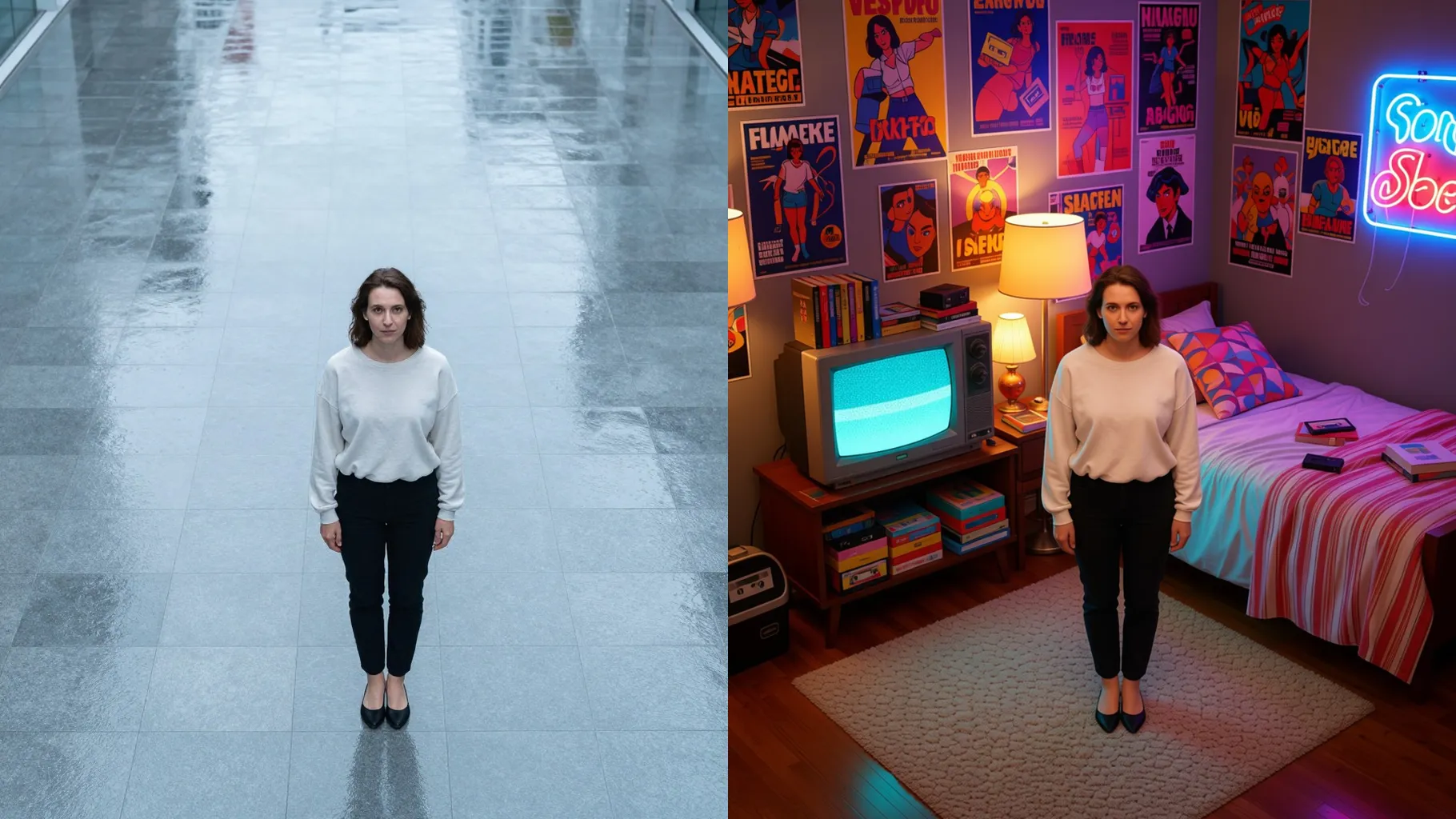
Front or half-body shots with balanced light keep the CRT glow clean.
Optional: mention neon colors, posters, or props in one line to guide the render.
Review the 90s room look, rerun if needed, then download your favorite frame.
This template supports one photo at a time for the best room composition.
A short prompt is optional; mention colors, posters, or props you want in the room.
Aspect ratio control is off to avoid warping the retro framing; crop before upload if needed.
Model switching is disabled to keep the VHS-style shading consistent.
Yes. It keeps your likeness and clothing while adding retro decor and lighting.
Yes, but centered subjects with clear edges give the cleanest room render.
Use JPG, PNG, or WebP under 10MB for smooth rendering.
No. This effect needs one uploaded photo to build the retro room.

Generation time depends on the model, image size, and queue. Check the task status on this page.