
1. How many images can I upload per render?
Upload one image at a time so the JoJo-style ink and shading stay consistent.
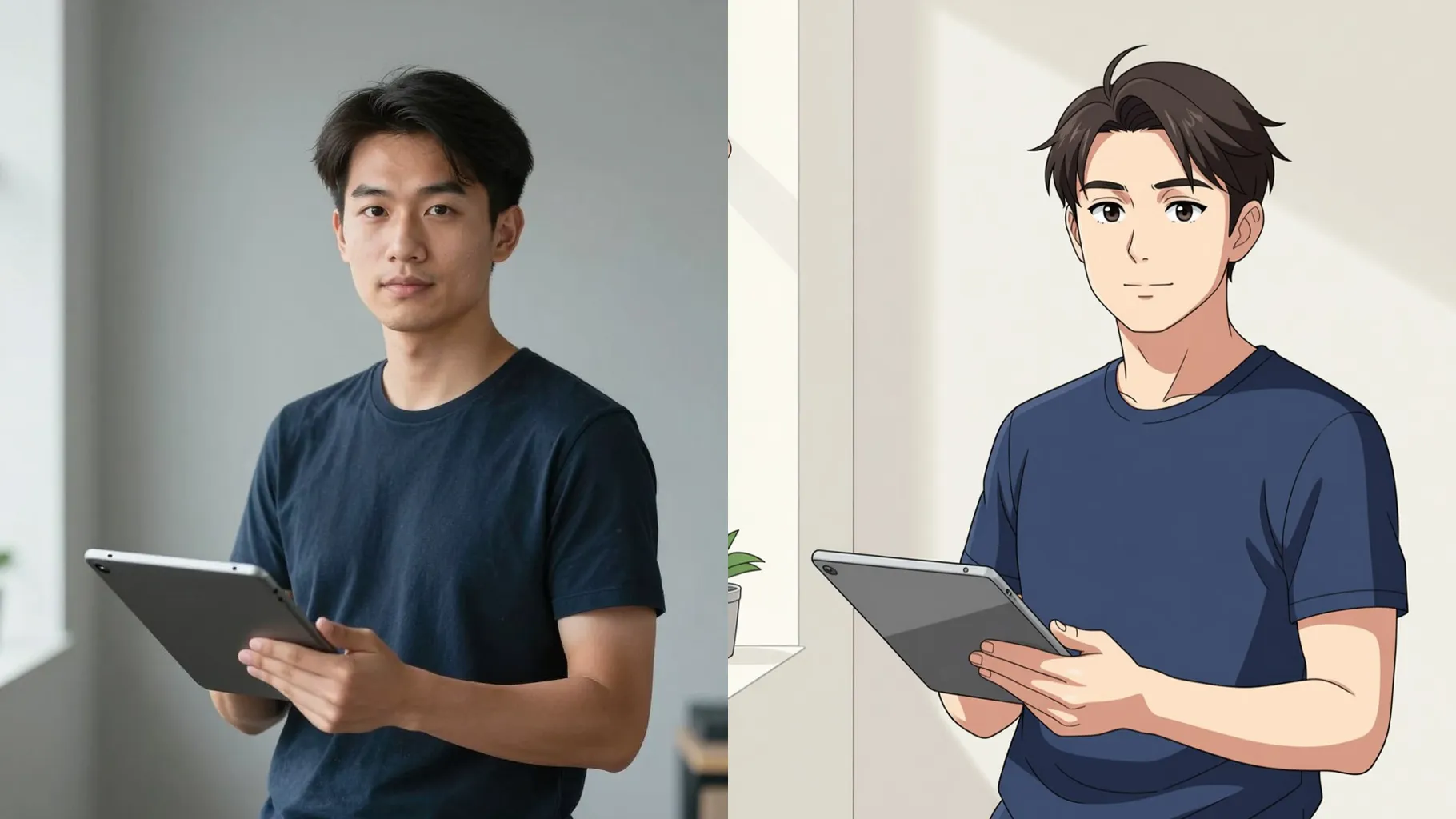
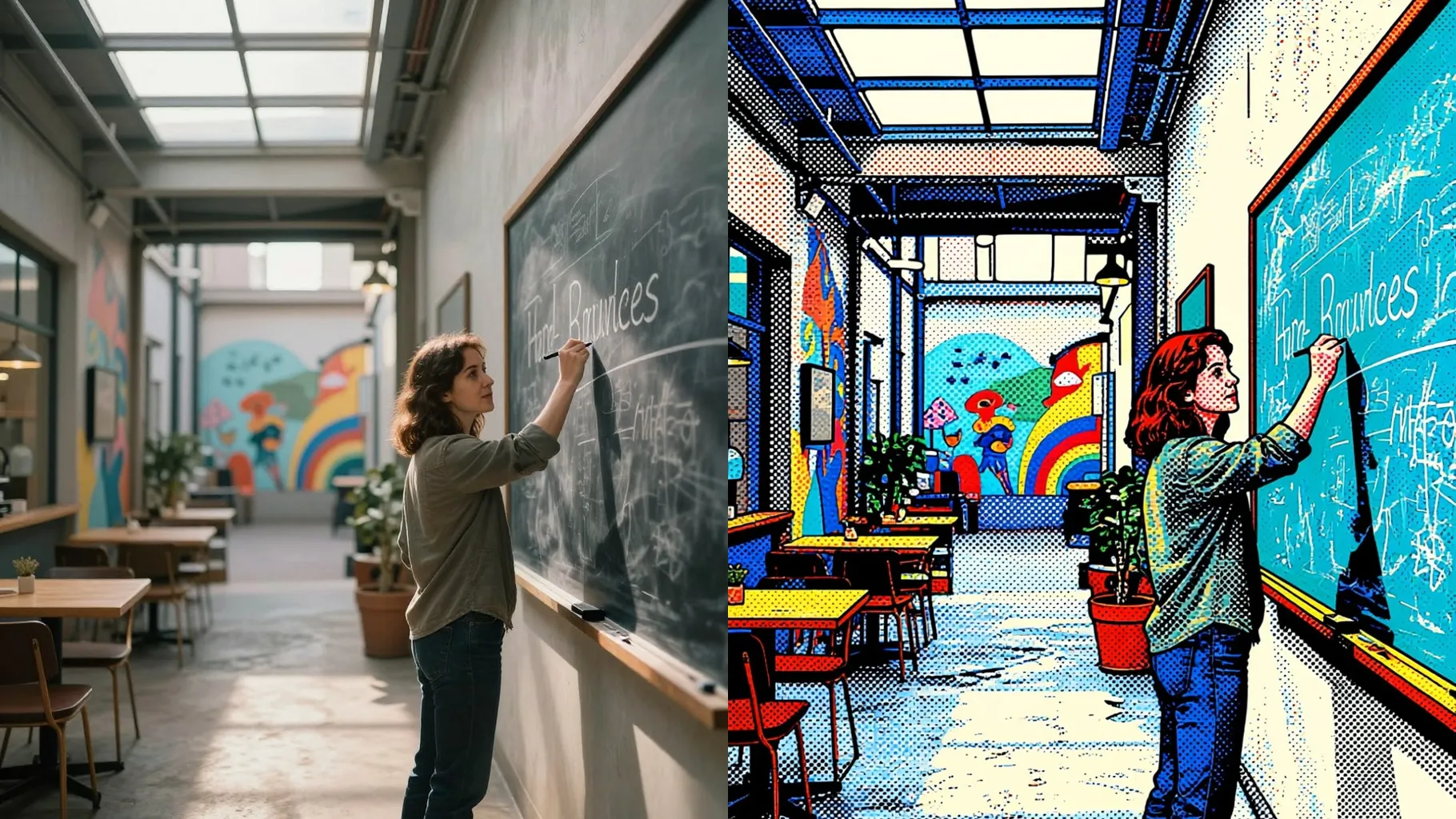
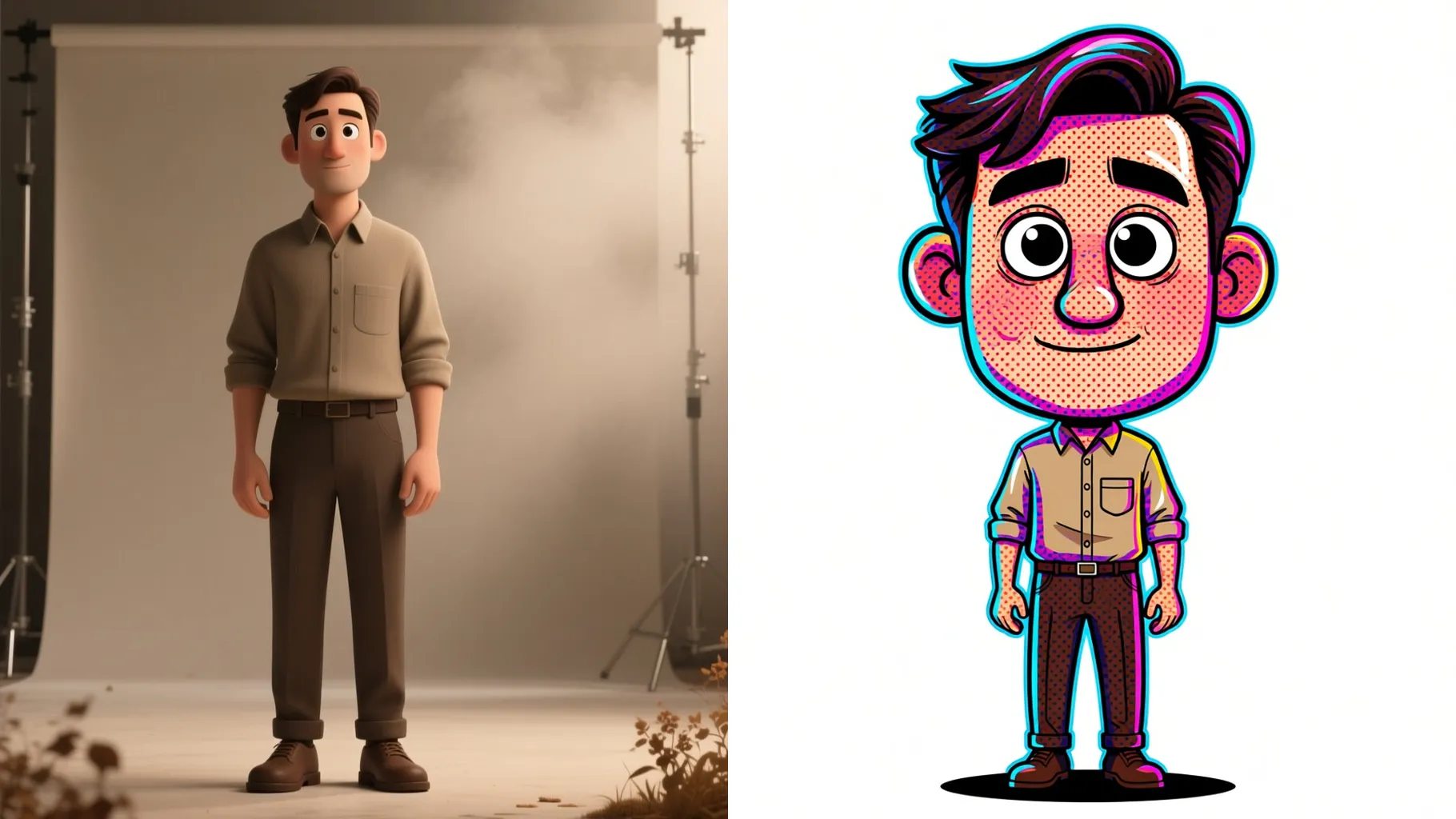
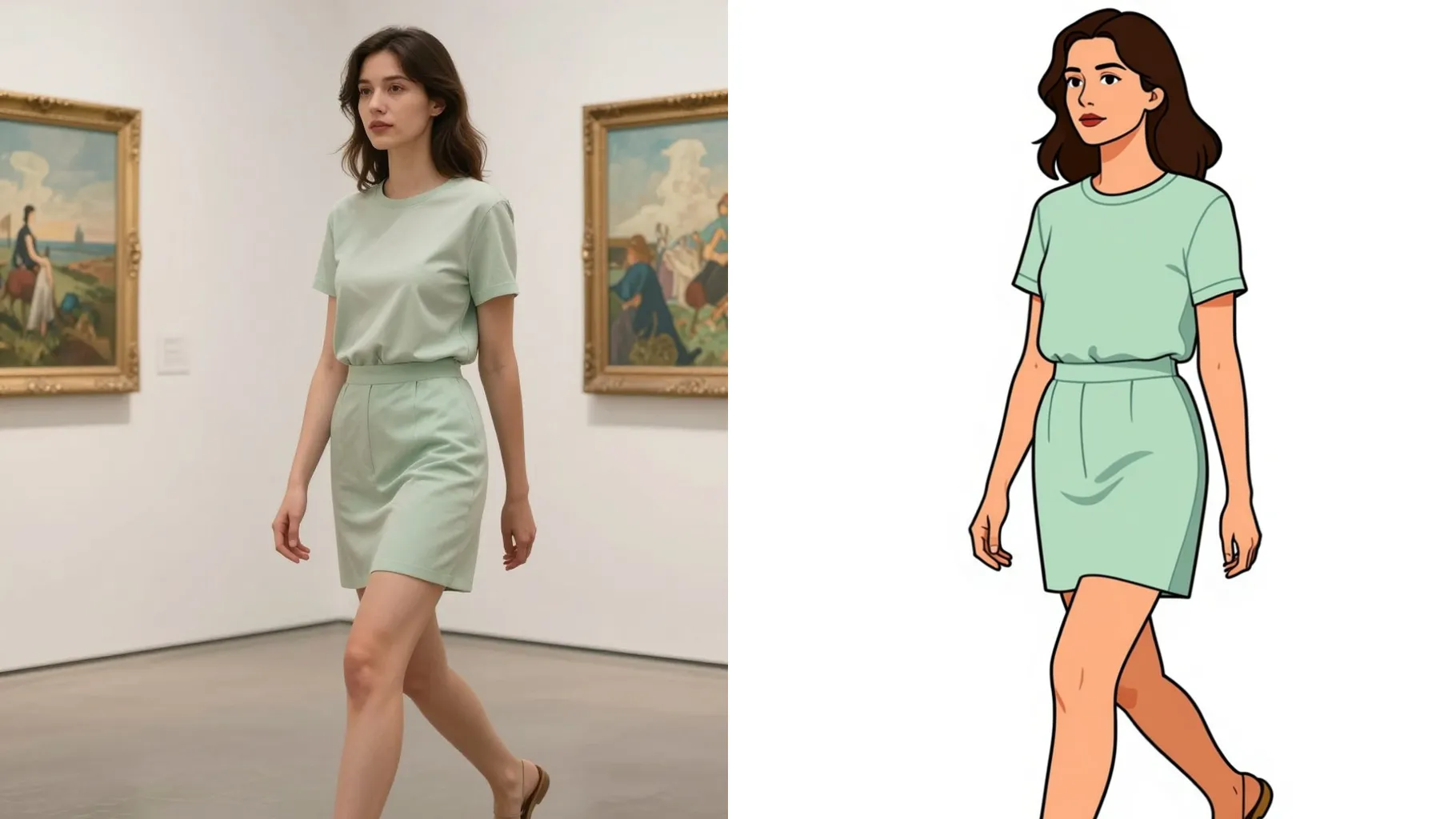
Turn one photo into a JoJo-style manga panel with bold ink, halftone shading, neon rim light, and speed lines.
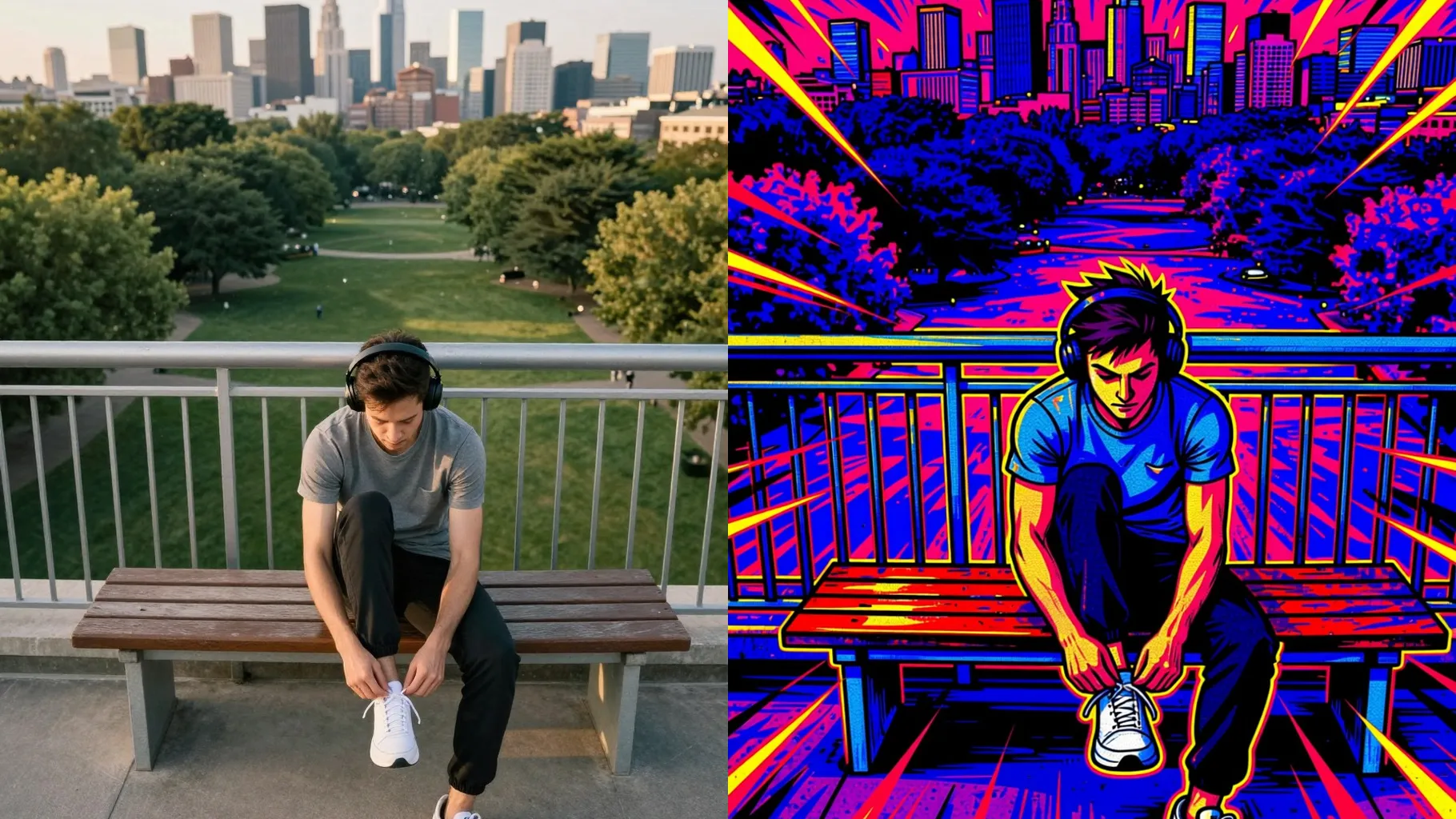
Thick outlines, cel shading, and manga halftone keep your features sharp while matching JoJo panel styling.
Examples show the target style. Your result depends on the chosen model and reference photo.
Upload one image to turn into JoJo-style manga art with bold shading, halftone texture, and dramatic lighting.
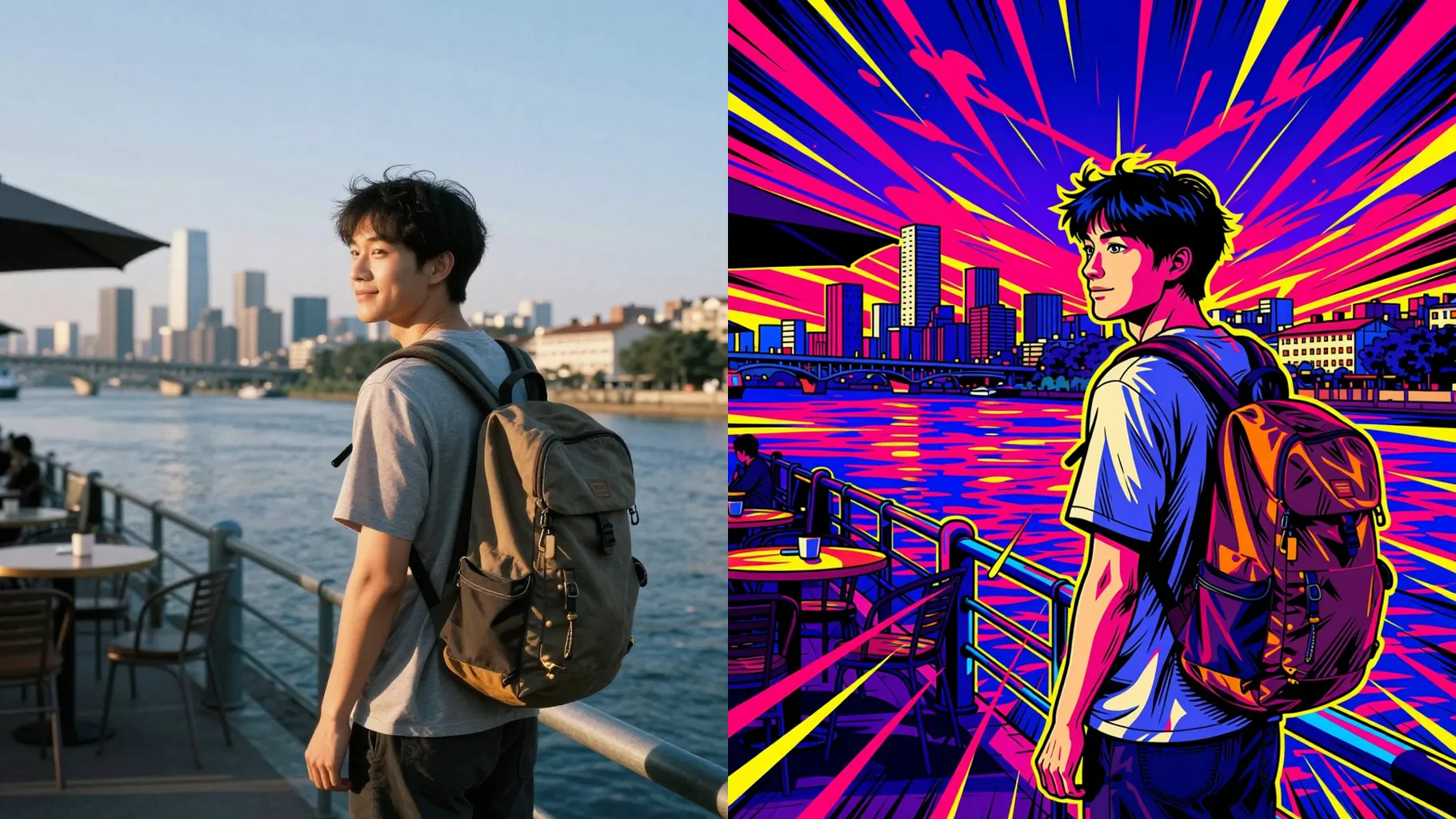
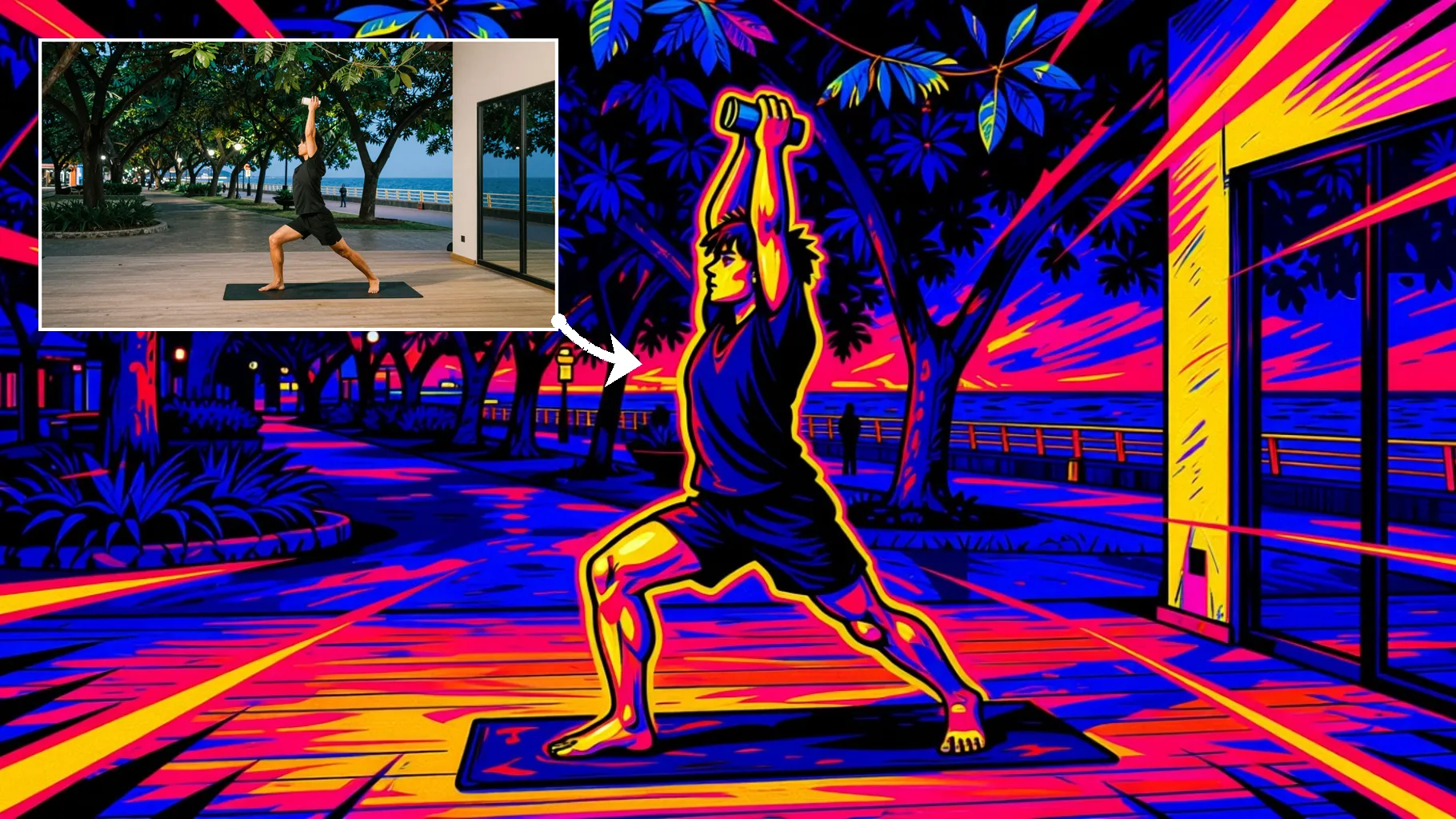
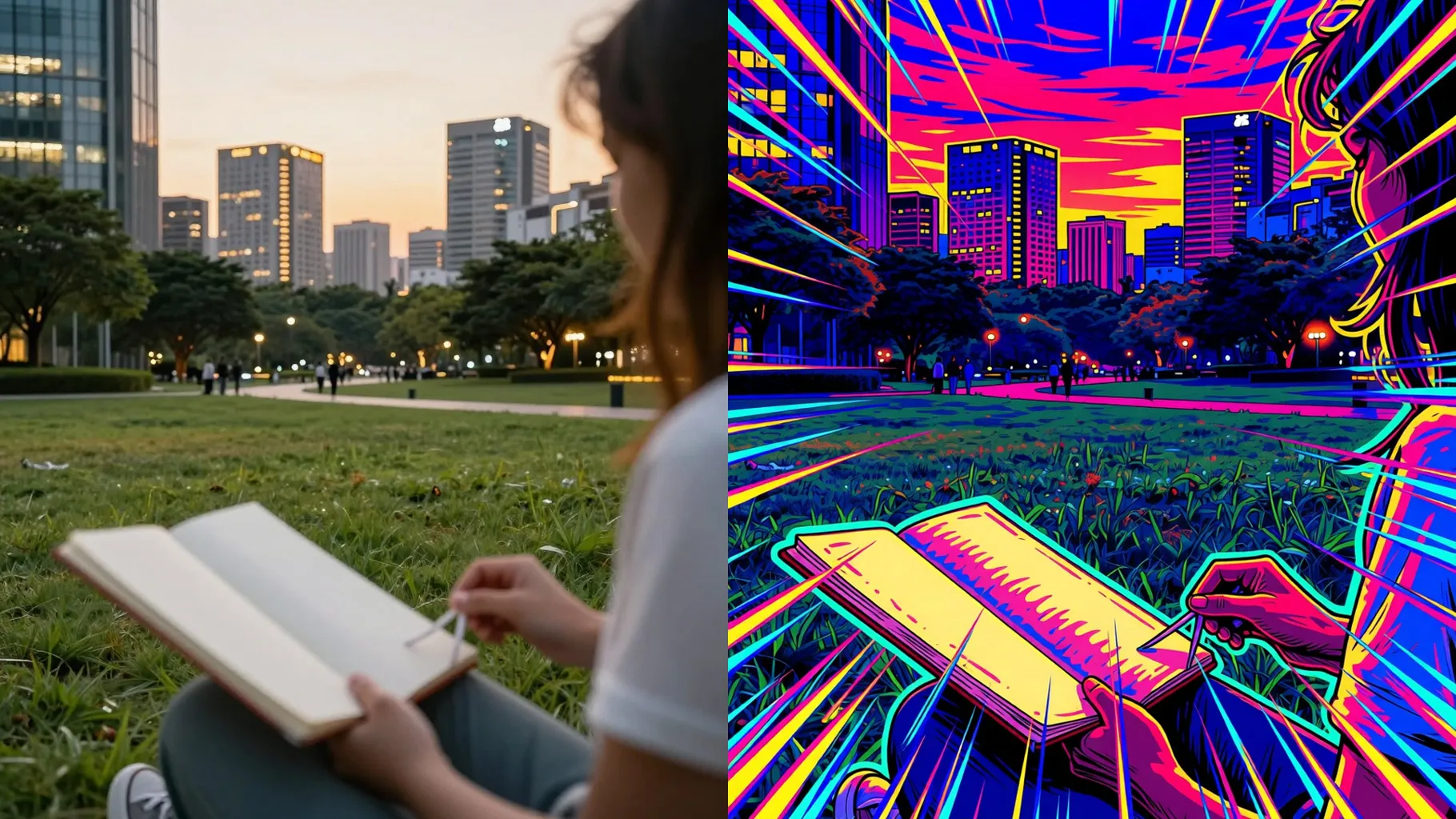
Thick outlines, cel shading, and halftone shadows keep faces crisp while adding JoJo-style intensity.
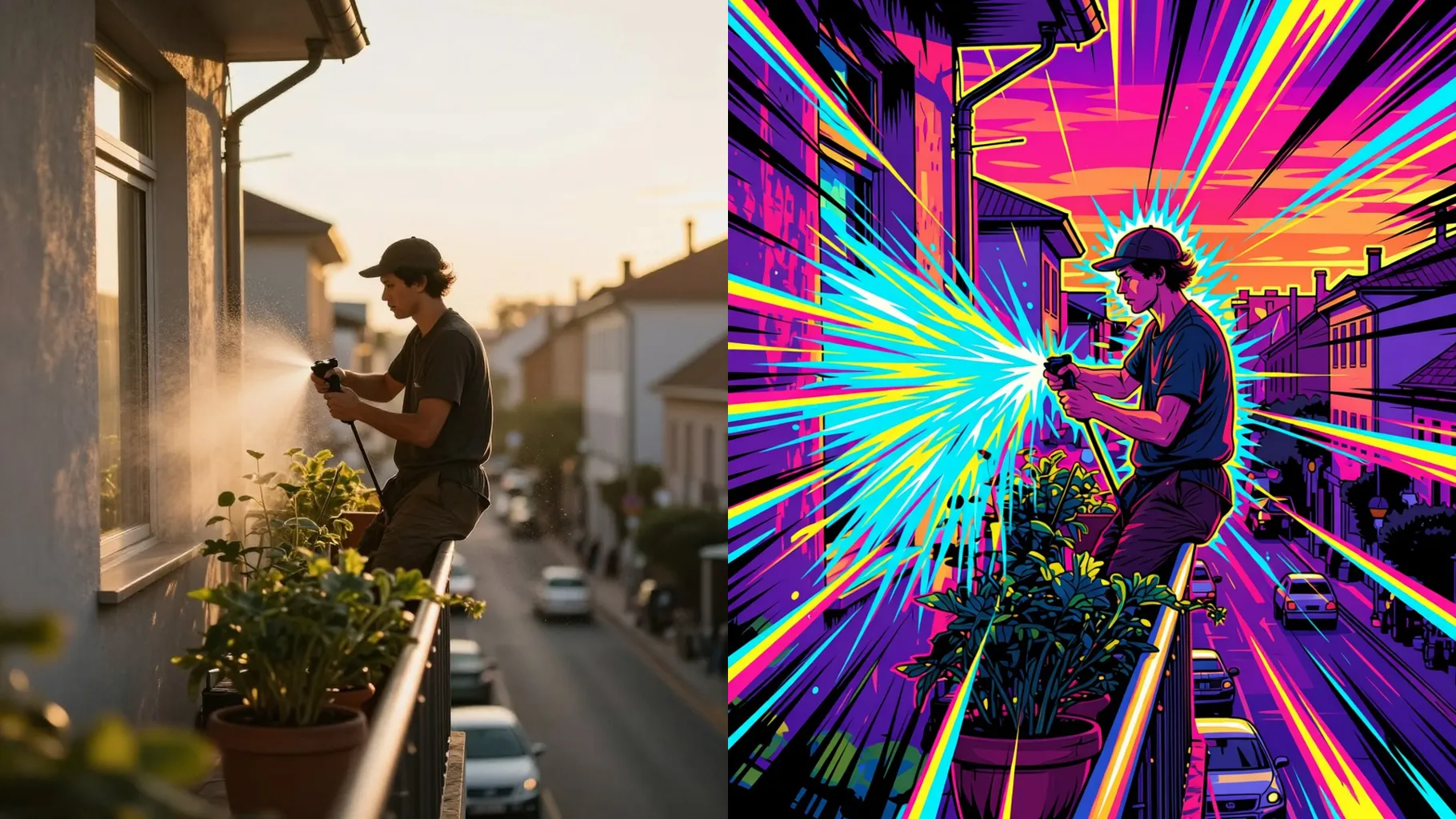
Prompt for poses, auras, or colors to get kinetic JoJo panels without manual editing or masking.
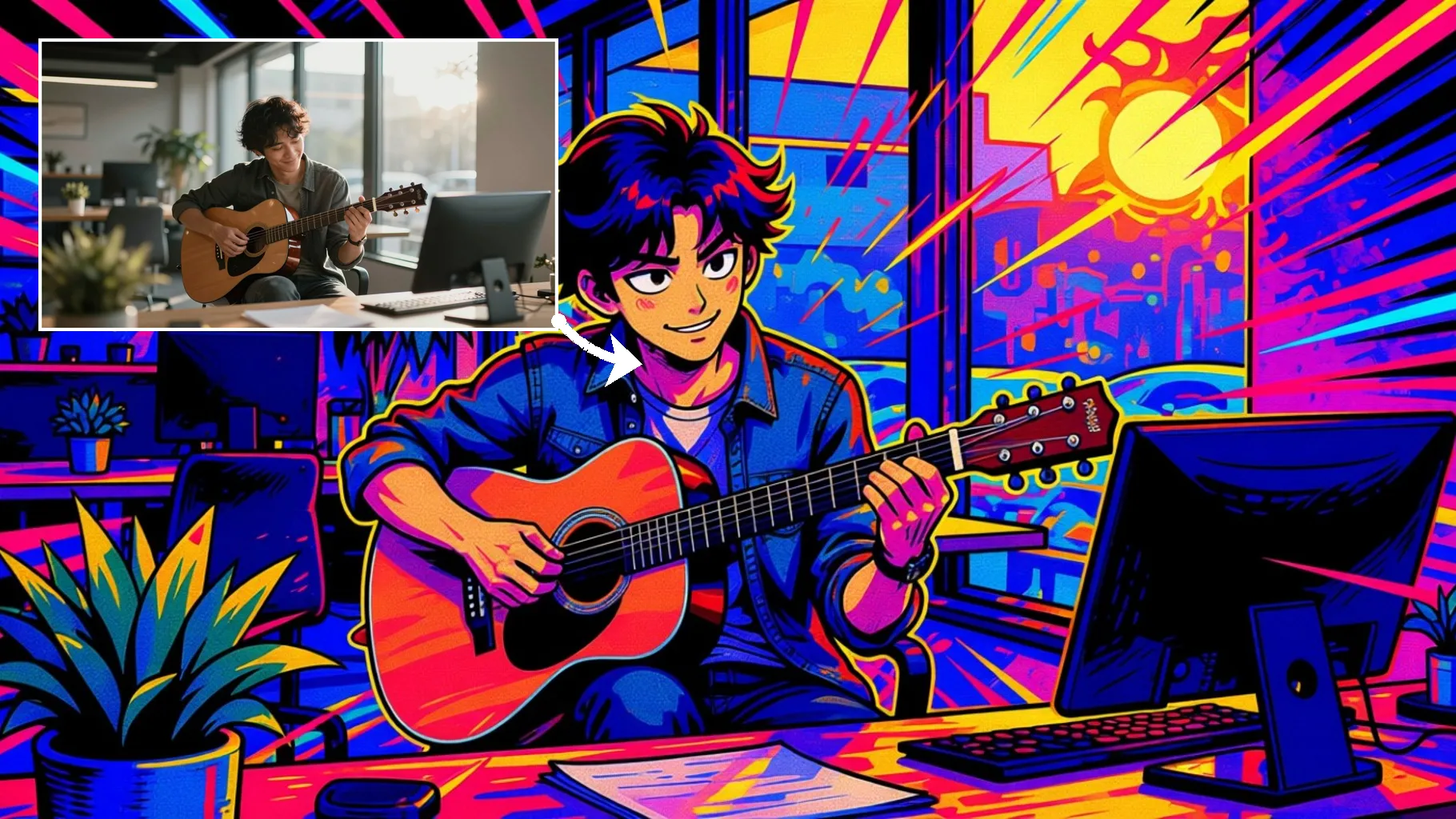
Front-facing or half-body shots with good lighting keep the line art sharp.
Mention aura color, background energy, or pose to steer the JoJo vibe.
Preview the render, rerun for new takes, then save the JoJo panel instantly.
Upload one image at a time so the JoJo-style ink and shading stay consistent.
Prompts are optional. A short hint about aura color, pose, or background helps the effect.
Clear portraits with one subject and even lighting give the cleanest JoJo-style lines.
Aspect ratio control is disabled for this template. Crop first if you need a specific frame.
Model switching is off to preserve the JoJo-inspired shading and textures.
Yes. Single-subject pet or object shots also stylize well with JoJo manga shading.
Generation time depends on the model, image size, and queue. Check the task status on this page.
Upload JPG, PNG, or WebP under 10MB for the fastest results.

Generation time depends on the model, image size, and queue. Check the task status on this page.