
1. How many images can I upload?
This template uses one image per render so your hero stays consistent across all panels.
Generation time depends on the model, image size, and queue. Check the task status on this page.
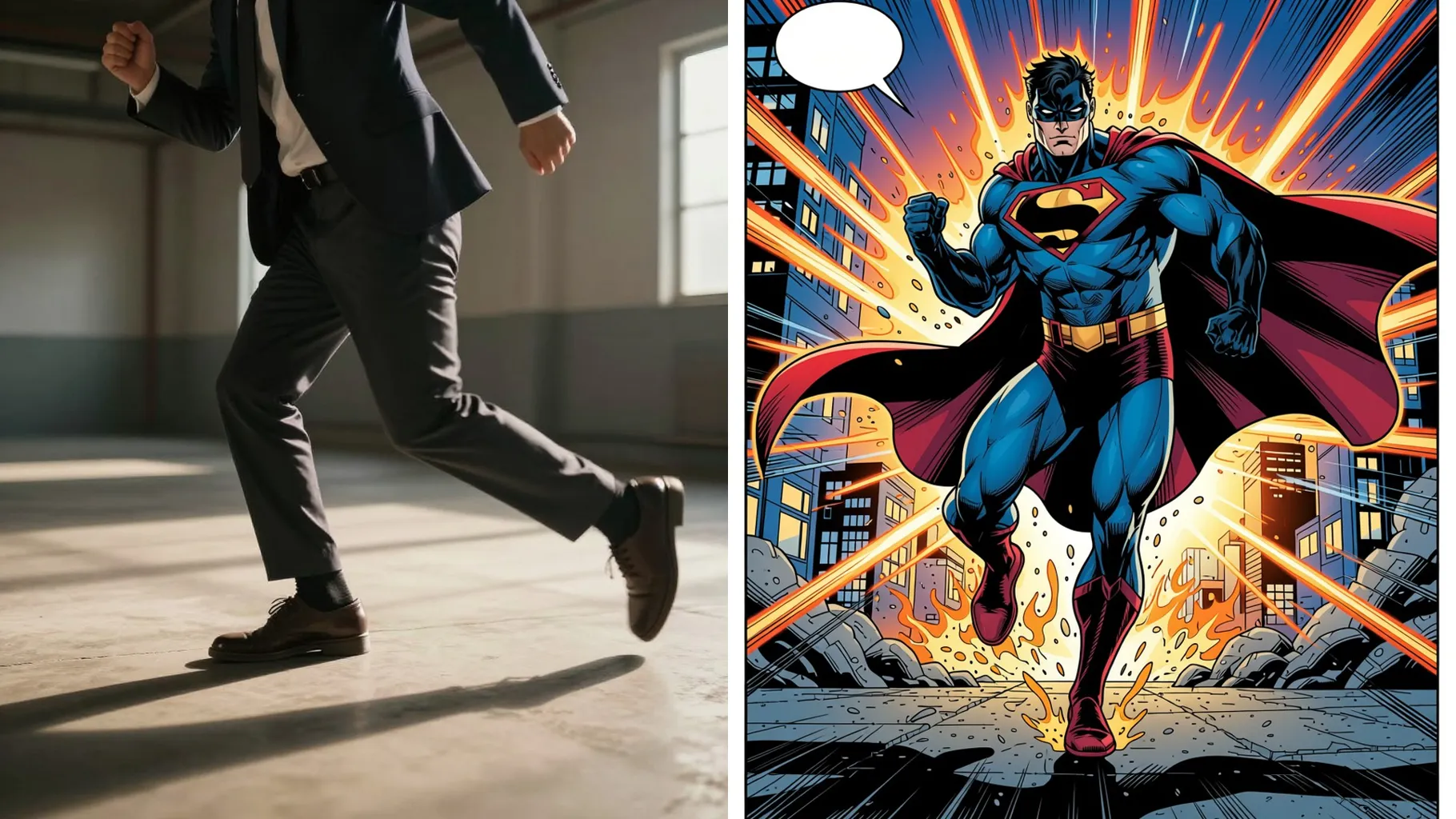
Your upload becomes a four-panel superhero story with consistent costume, expressions, and city scenes.
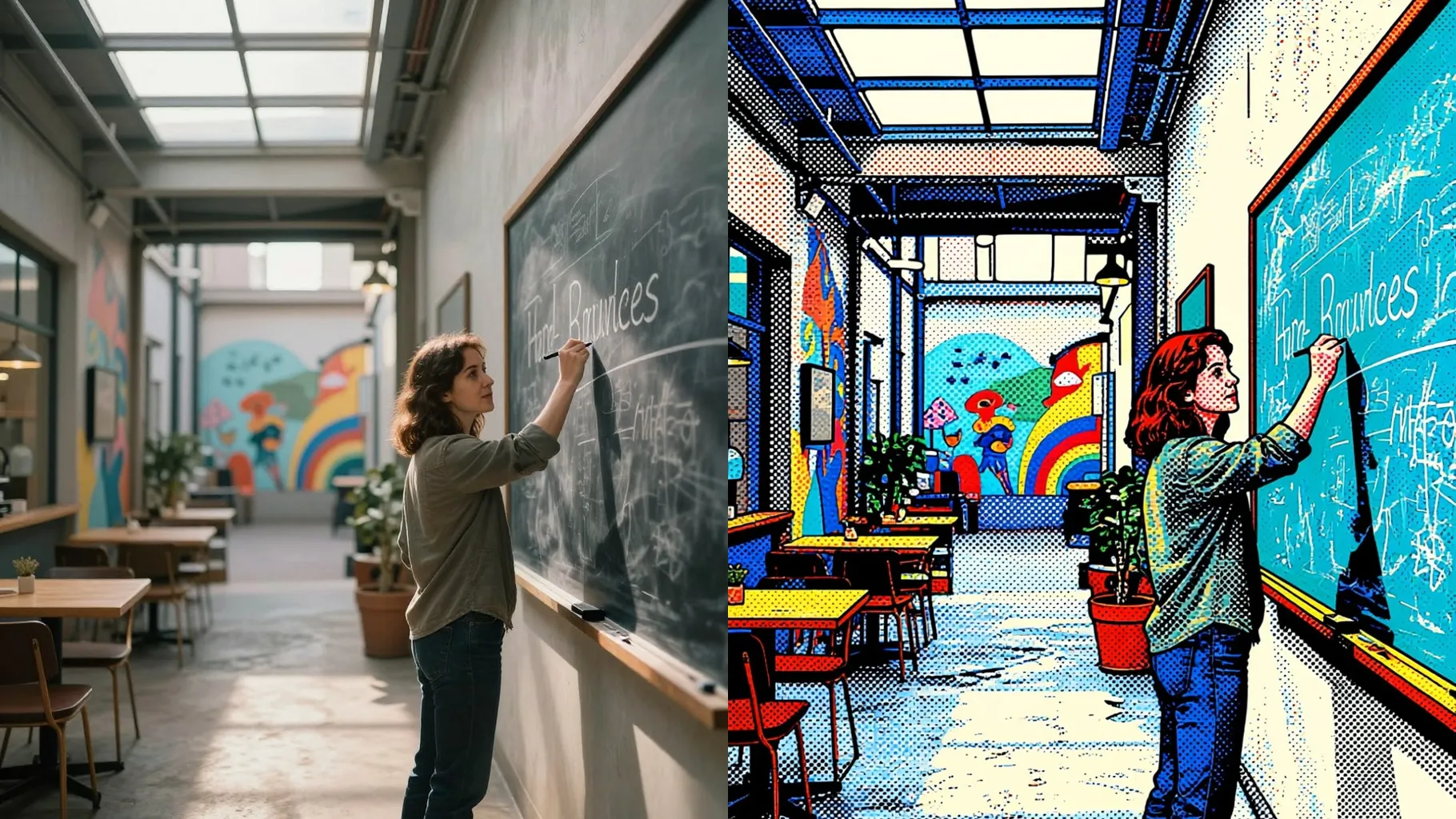
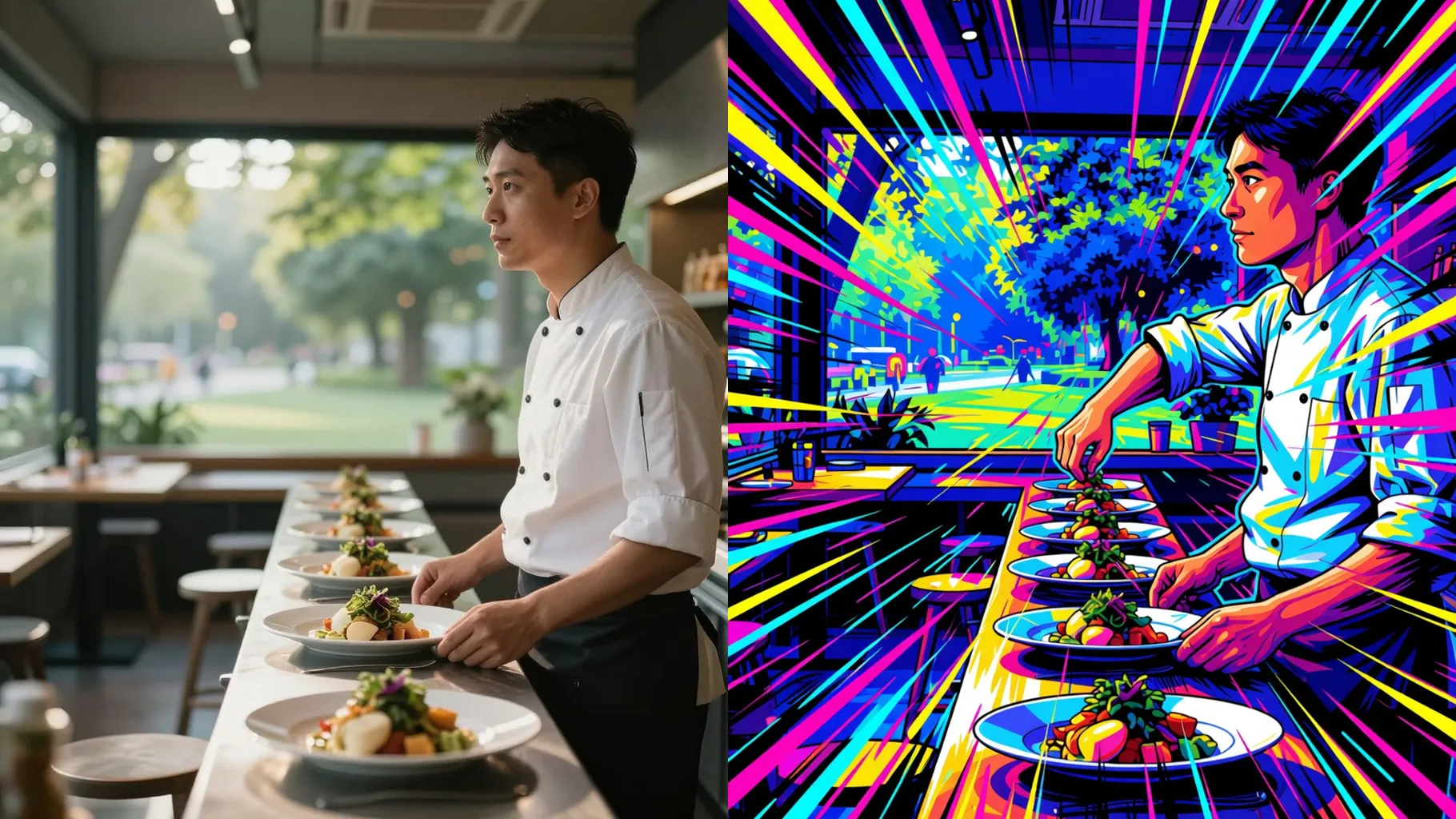
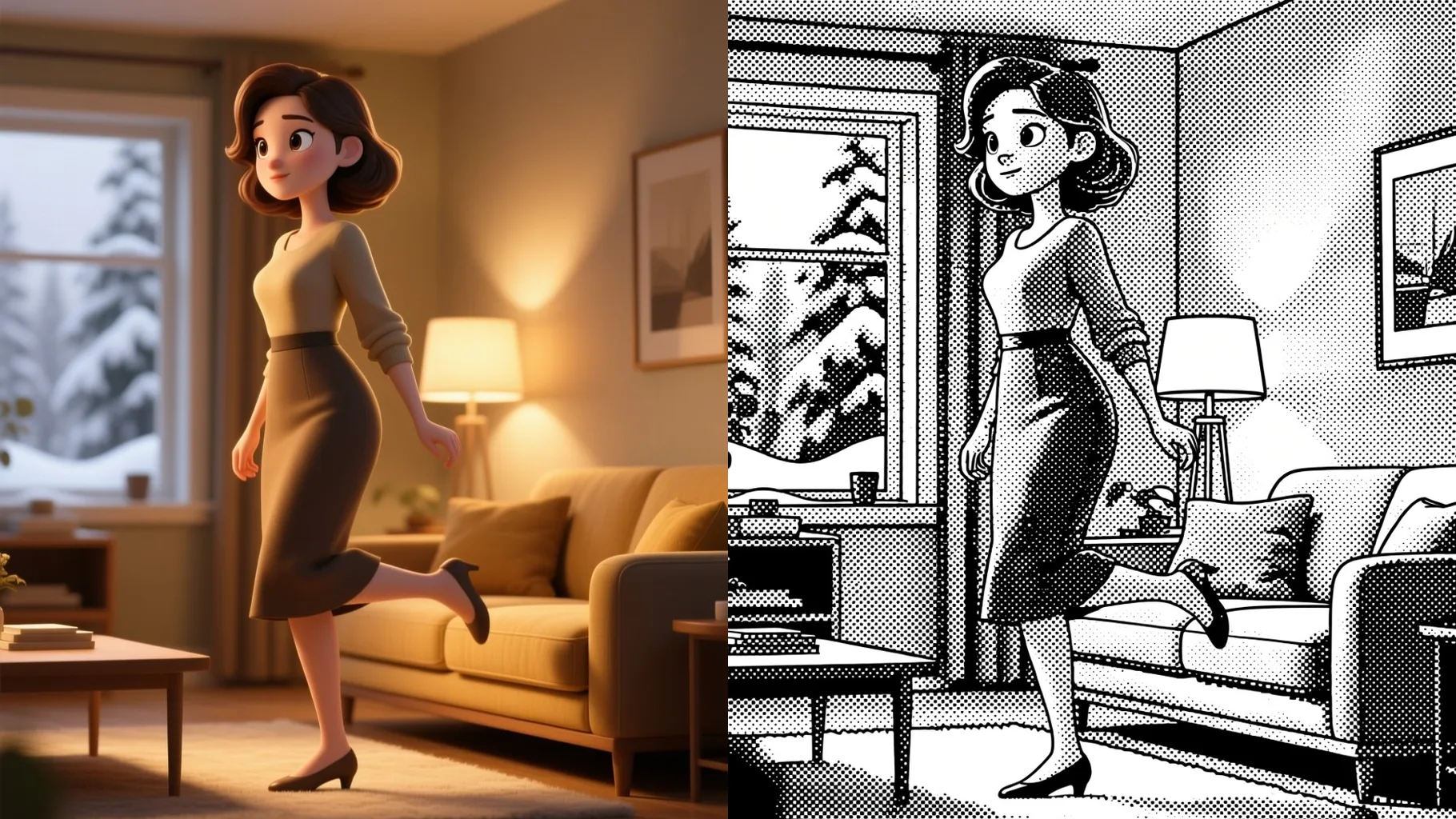
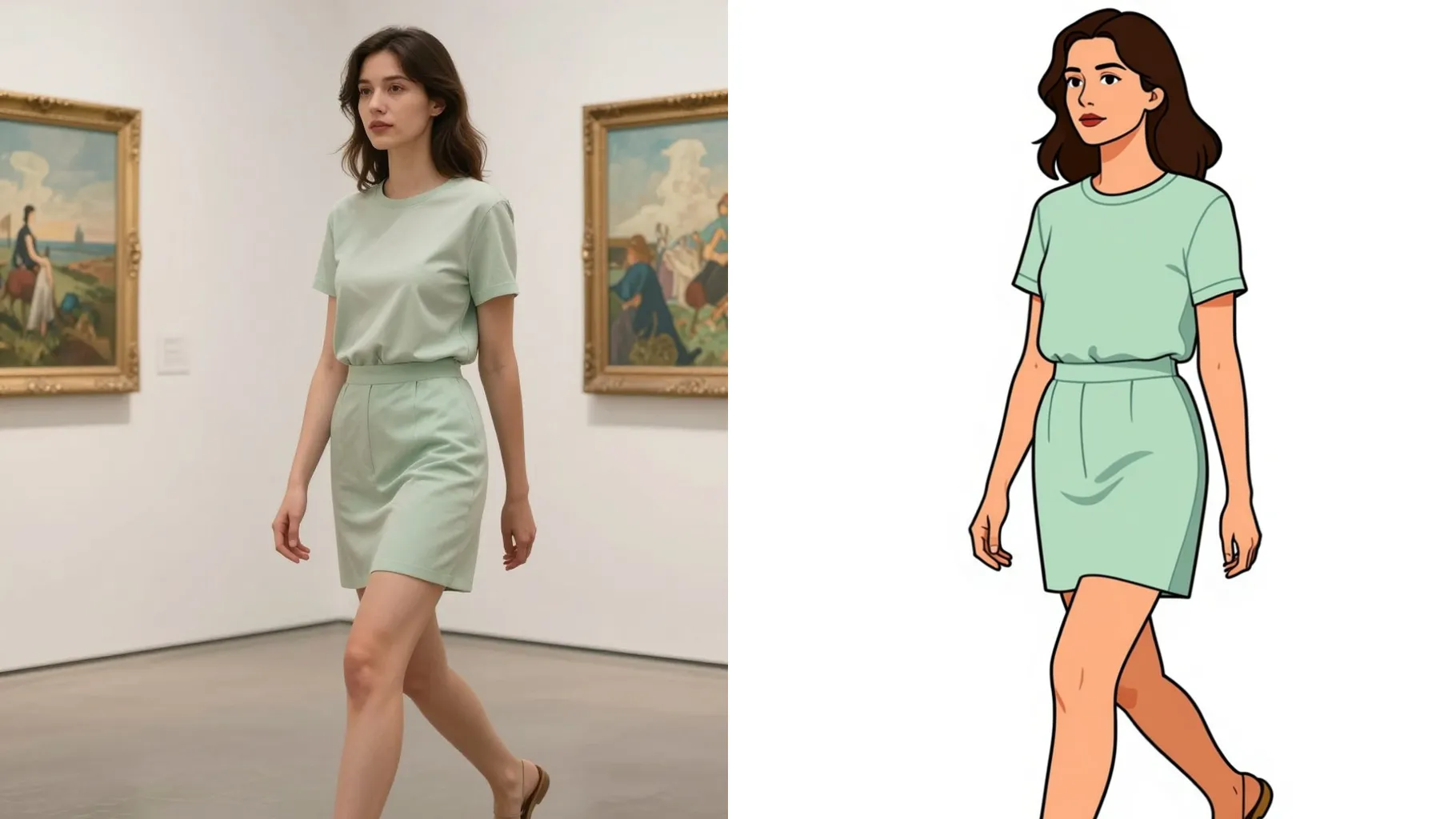
Examples show the target style. Your result depends on the chosen model and reference photo.
Upload one portrait to turn into a fast-paced superhero comic strip with dynamic angles and dialog bubbles.
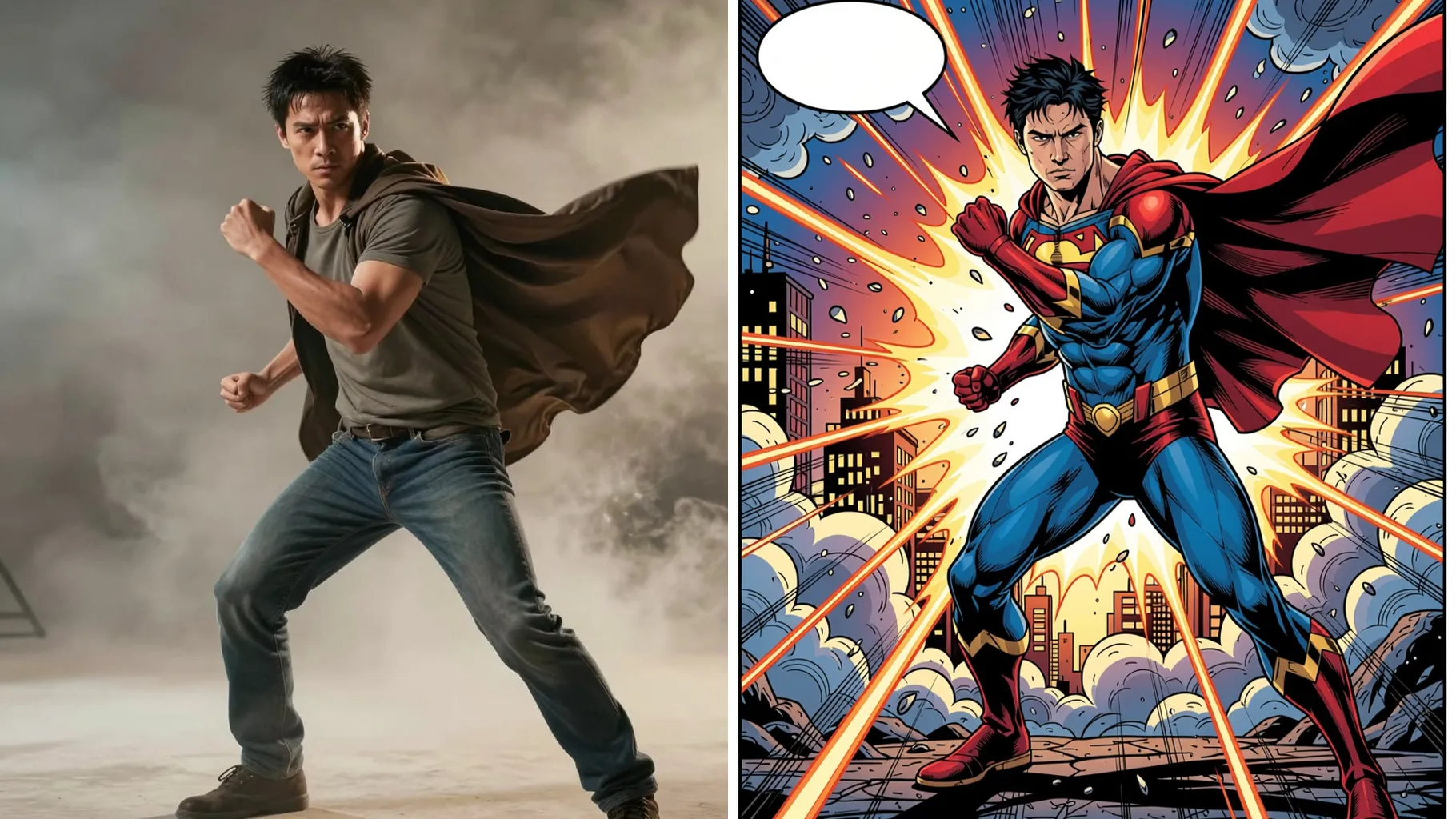
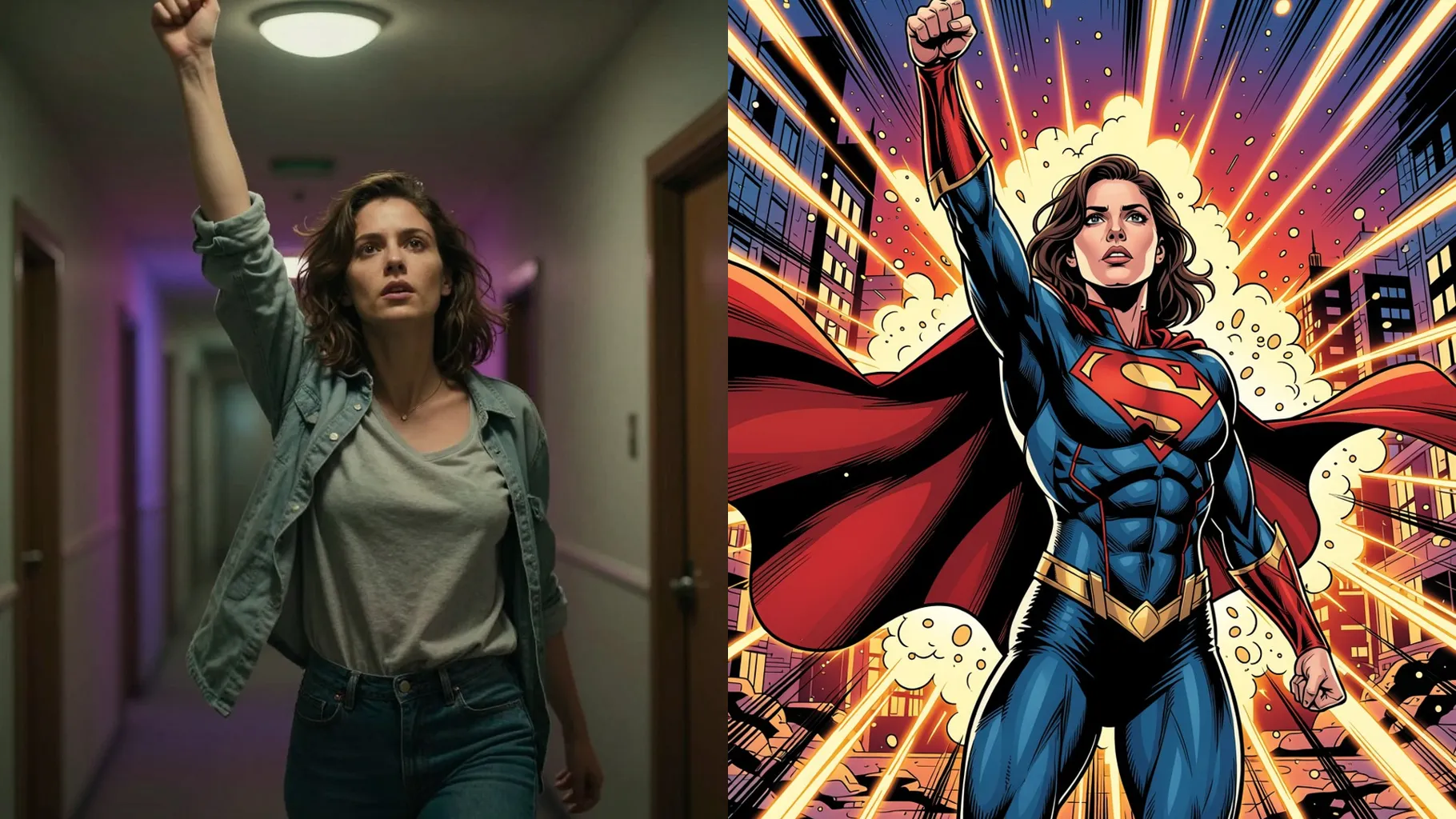
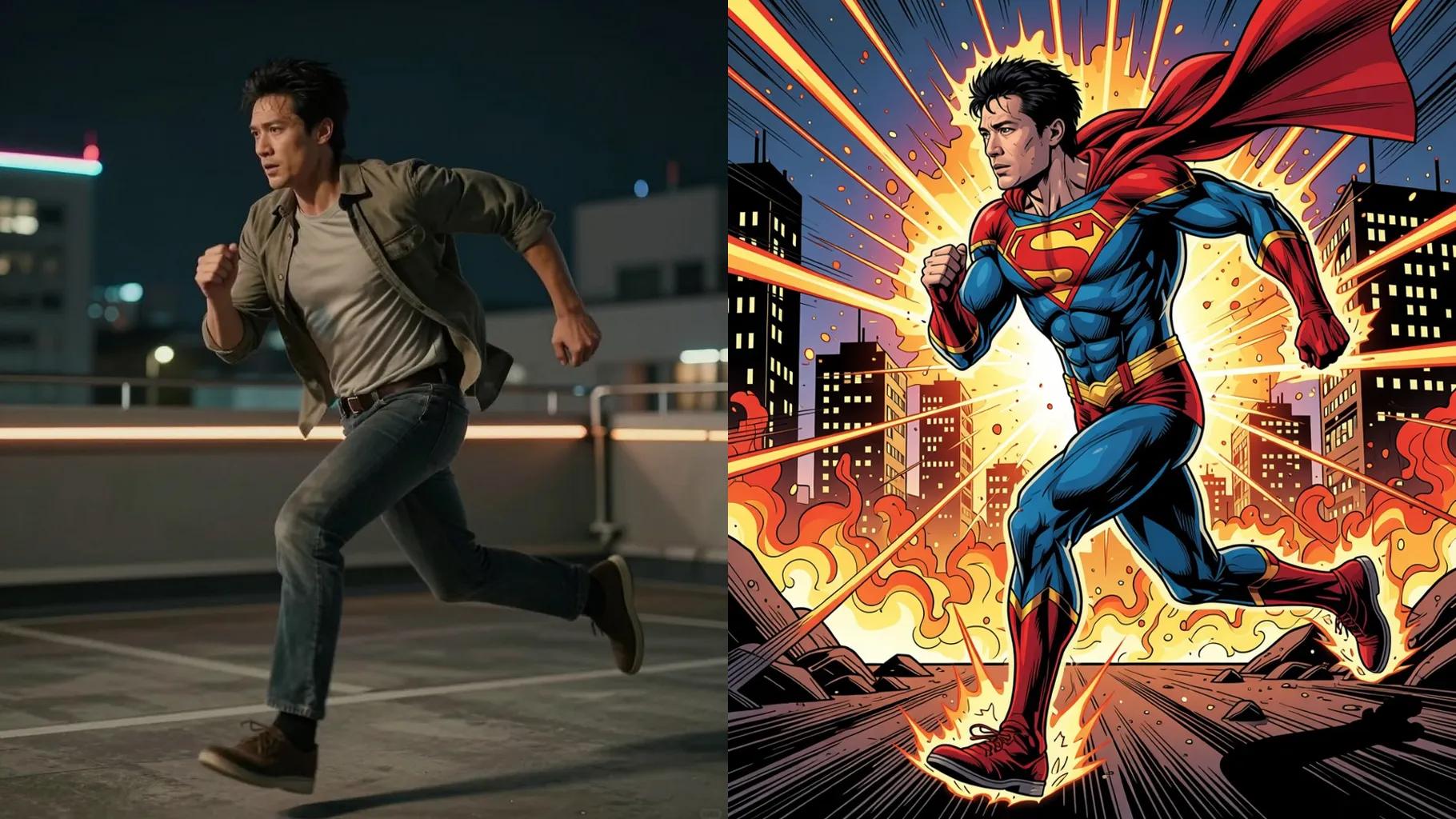
One upload renders into multiple frames that keep your face, costume, and action beats consistent across the strip.
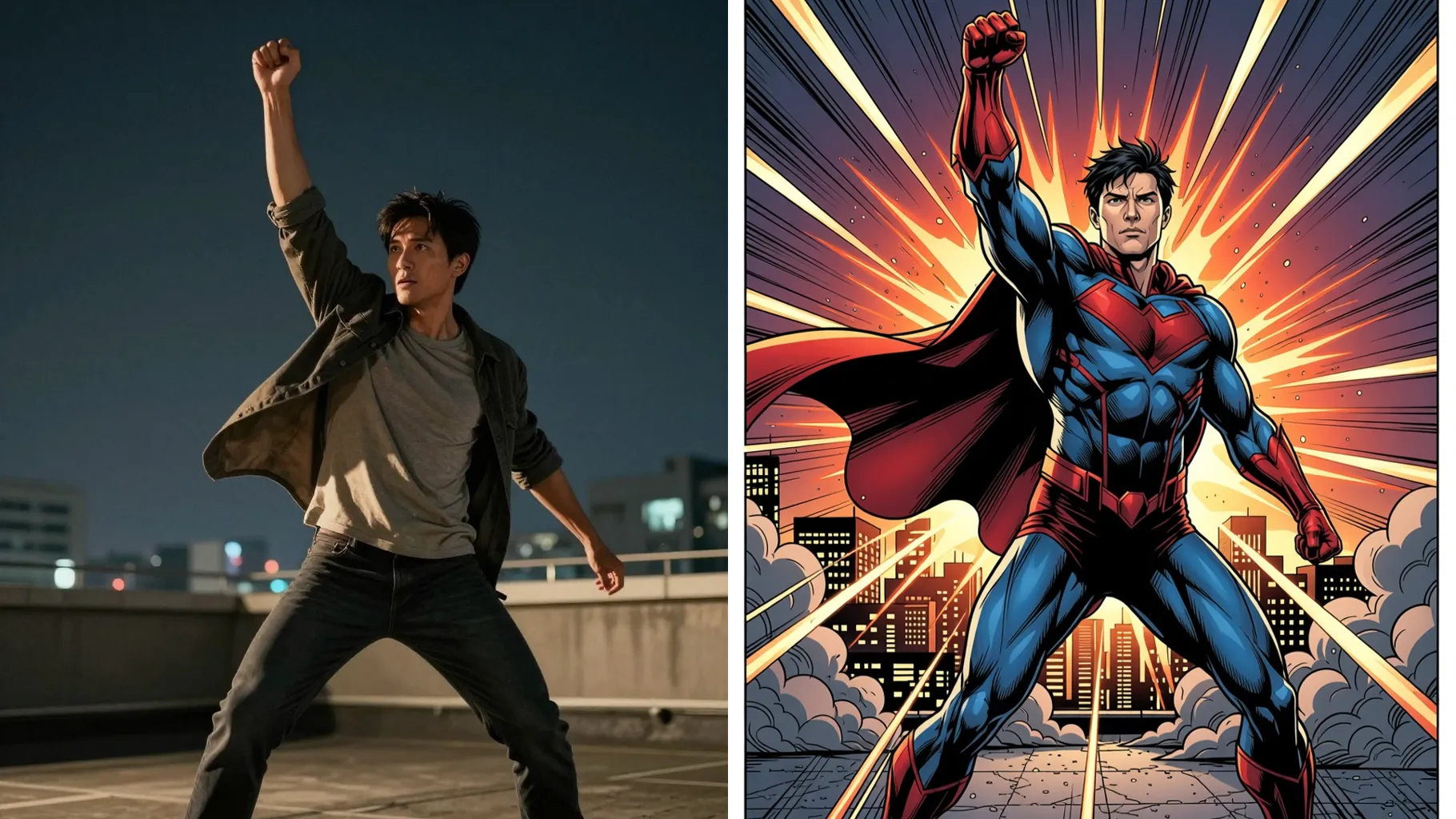
Halftone dots, speed lines, and saturated colors give the strip a glossy superhero issue vibe without manual editing.
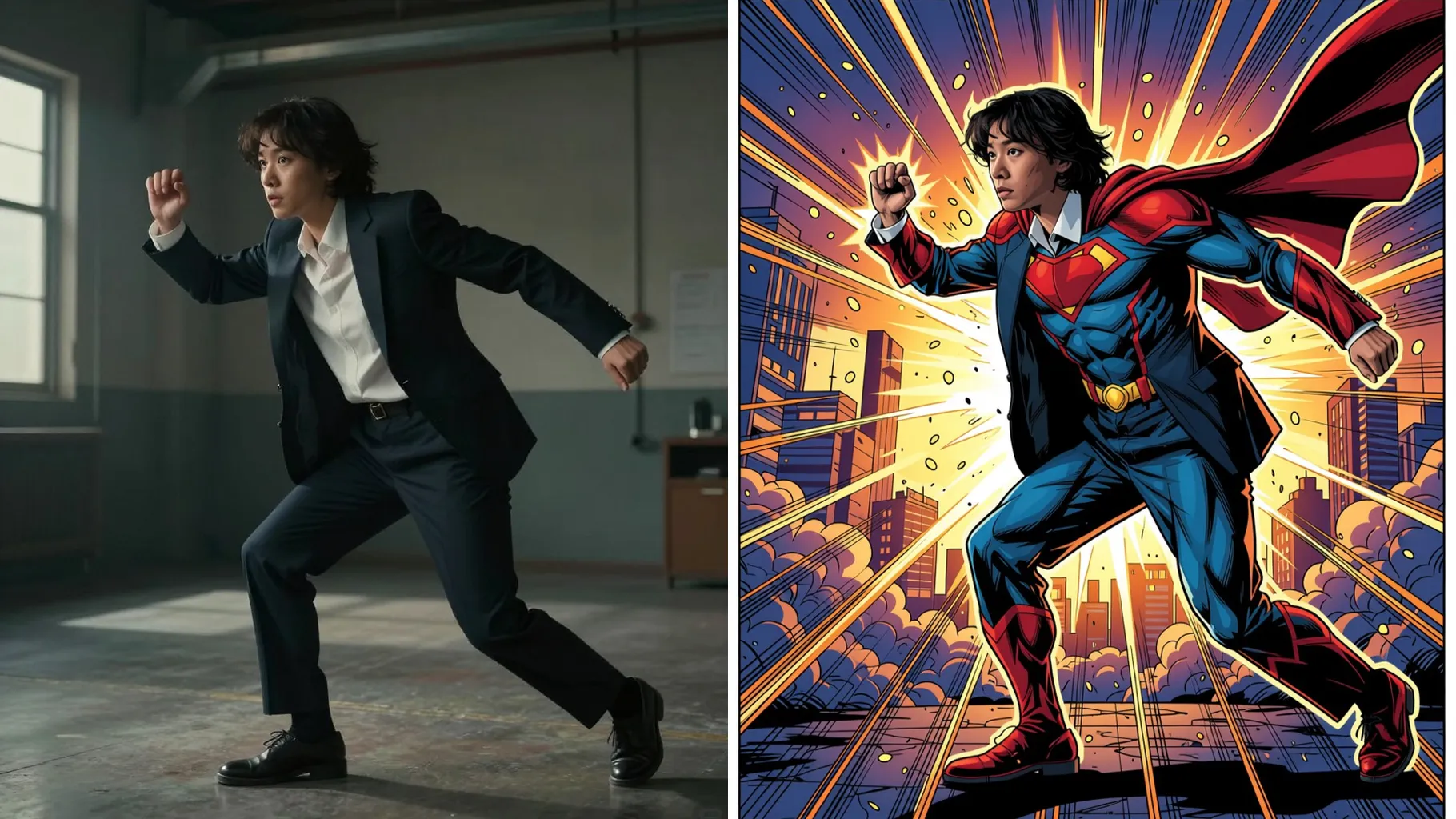
Front-facing or slightly angled portraits keep your hero consistent in every panel.
Mention the hero name, city, or action you want to see to guide the storyline.
Preview the four-panel strip, rerun if you need tweaks, then save the comic instantly.
This template uses one image per render so your hero stays consistent across all panels.
Prompts are optional. A short line about the scene or power helps shape the comic action.
Aspect ratio control is disabled to keep the multi-panel layout balanced automatically.
Model switching is off to maintain the same inking style and halftone texture across frames.
Yes. Upload a clear photo and the panels maintain your costume details, colors, and pose coherence.
Speech bubbles are AI-generated. Rerun with an updated prompt if you want different text energy.
Generation time depends on the model, image size, and queue. Check the task status on this page.
Use a JPG, PNG, or WebP under 10MB with one subject and good lighting for the cleanest comic lines.

Upload one image, add a quick prompt, and get a downloadable comic strip with bold inking and action-ready panels.