
1. How many photos can I upload at once?
Upload one image per run to keep the cover layout balanced and faces clean.
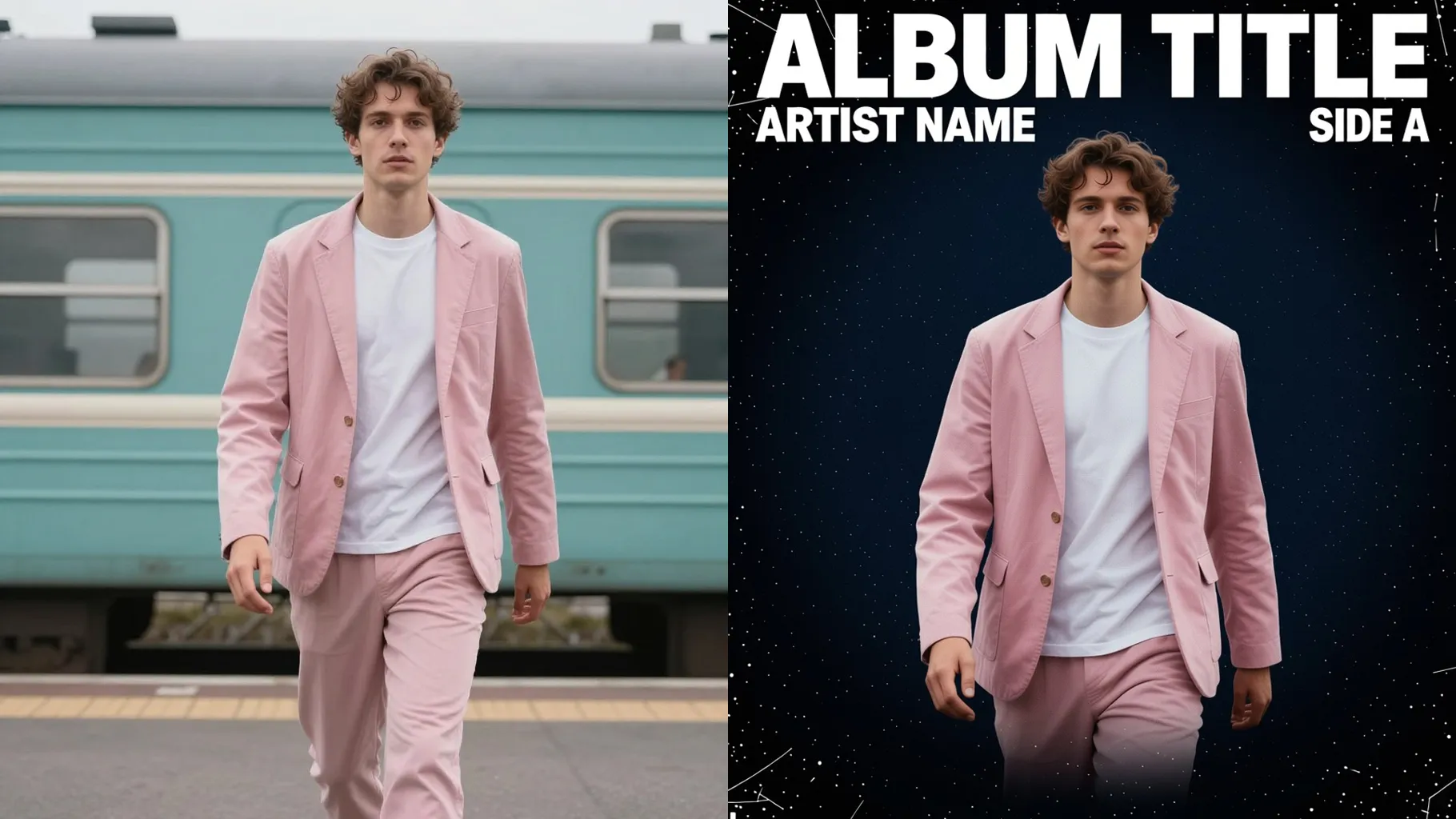
Design a glossy magazine cover from one photo with editorial lighting and headline spacing.
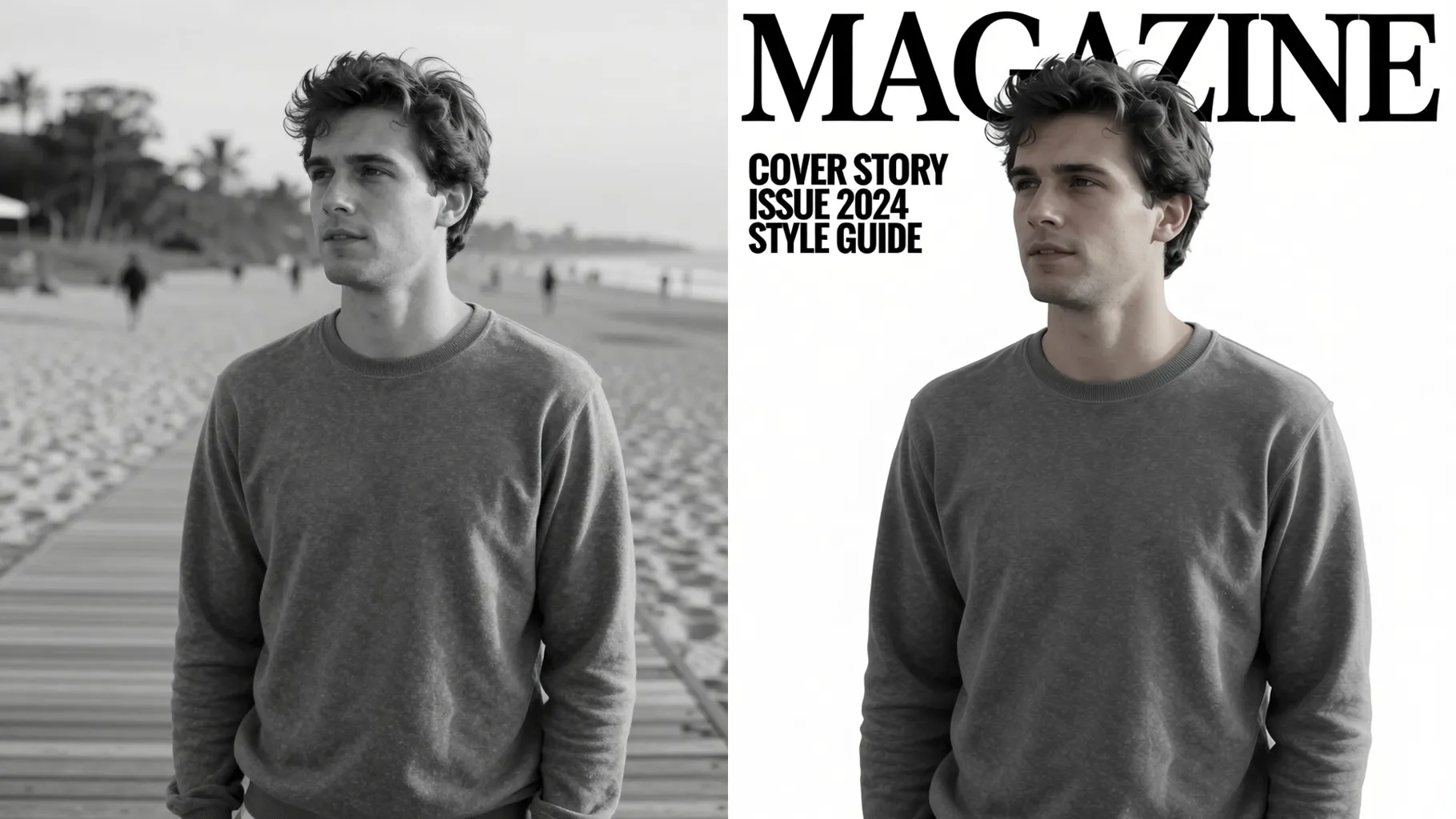
Turn portraits into editorial magazine covers with crisp lighting and headline-friendly framing.
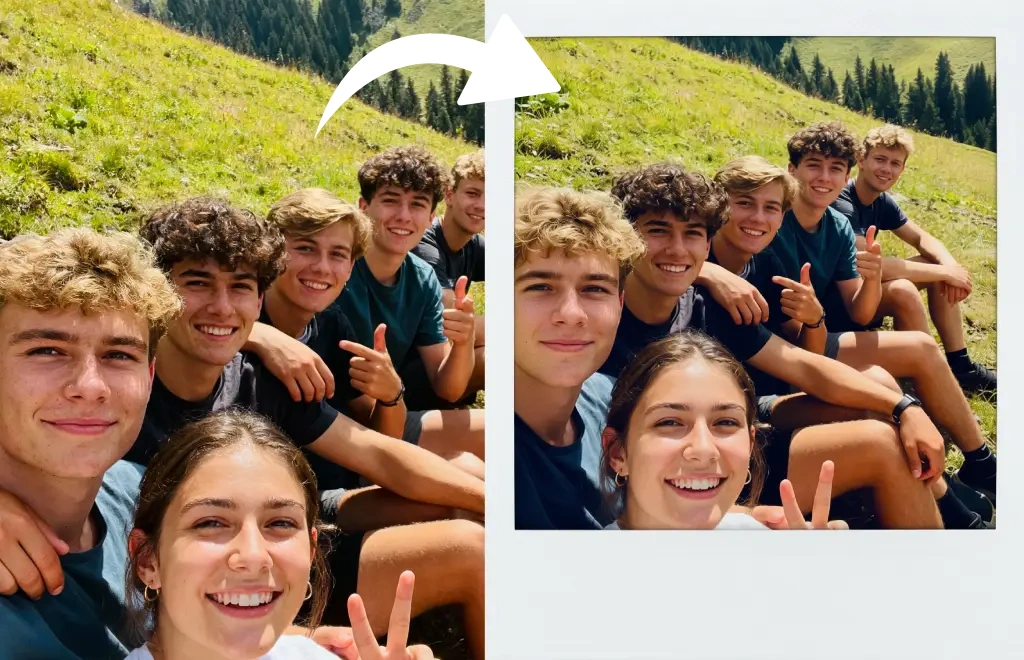
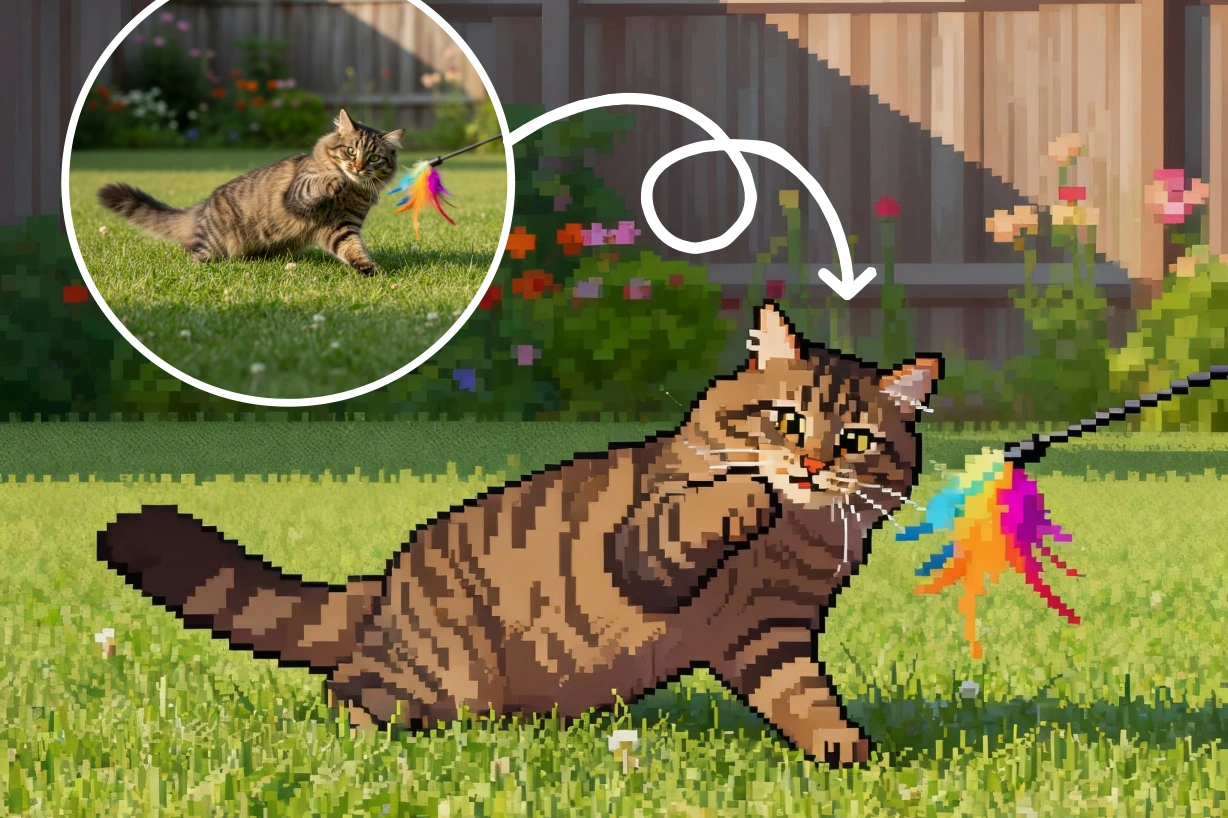
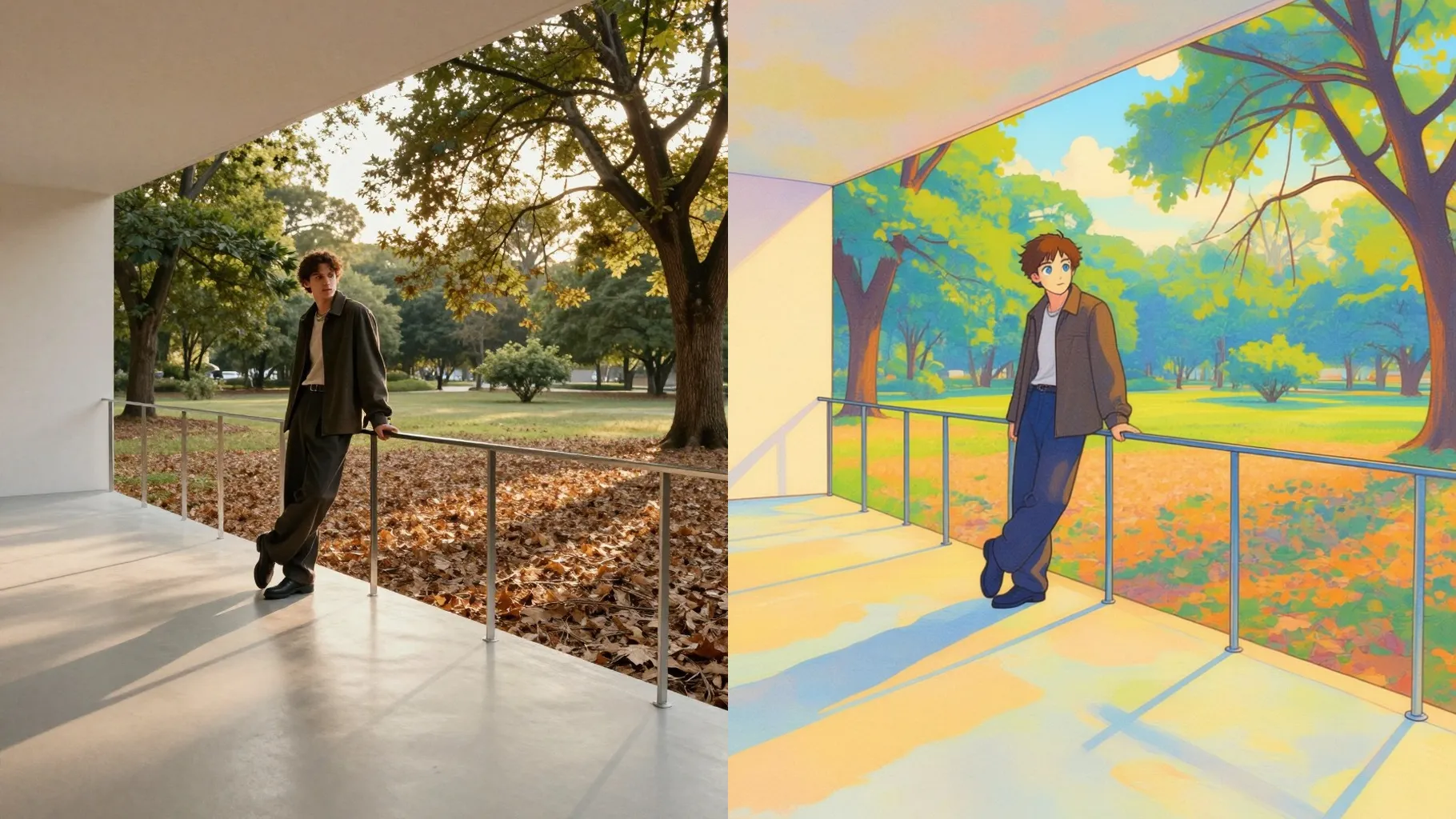
Examples show the target style. Your result depends on the chosen model and reference photo.
Upload one photo to turn it into a glossy magazine cover with editorial lighting, headline spacing, and bold color blocks.
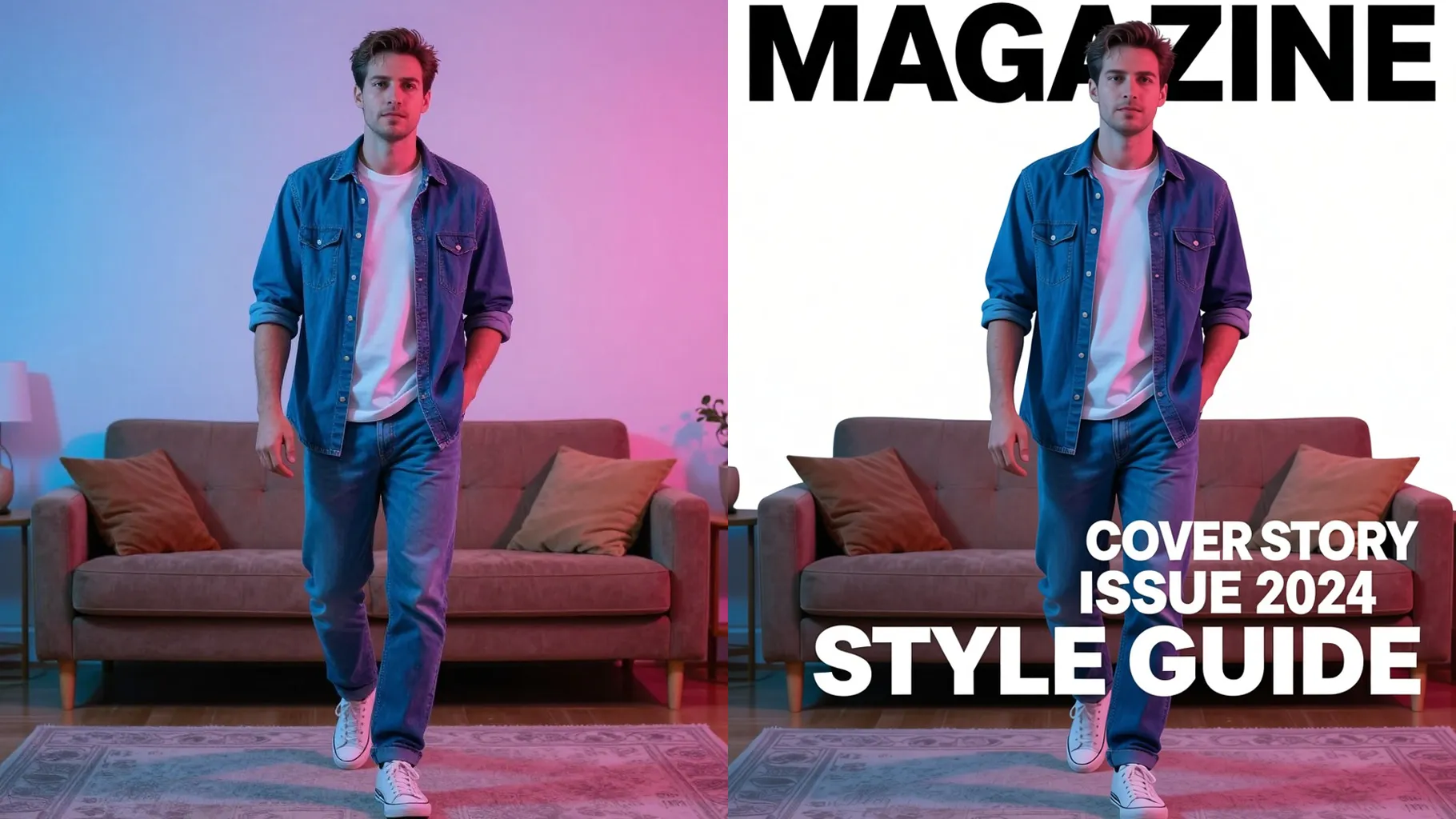
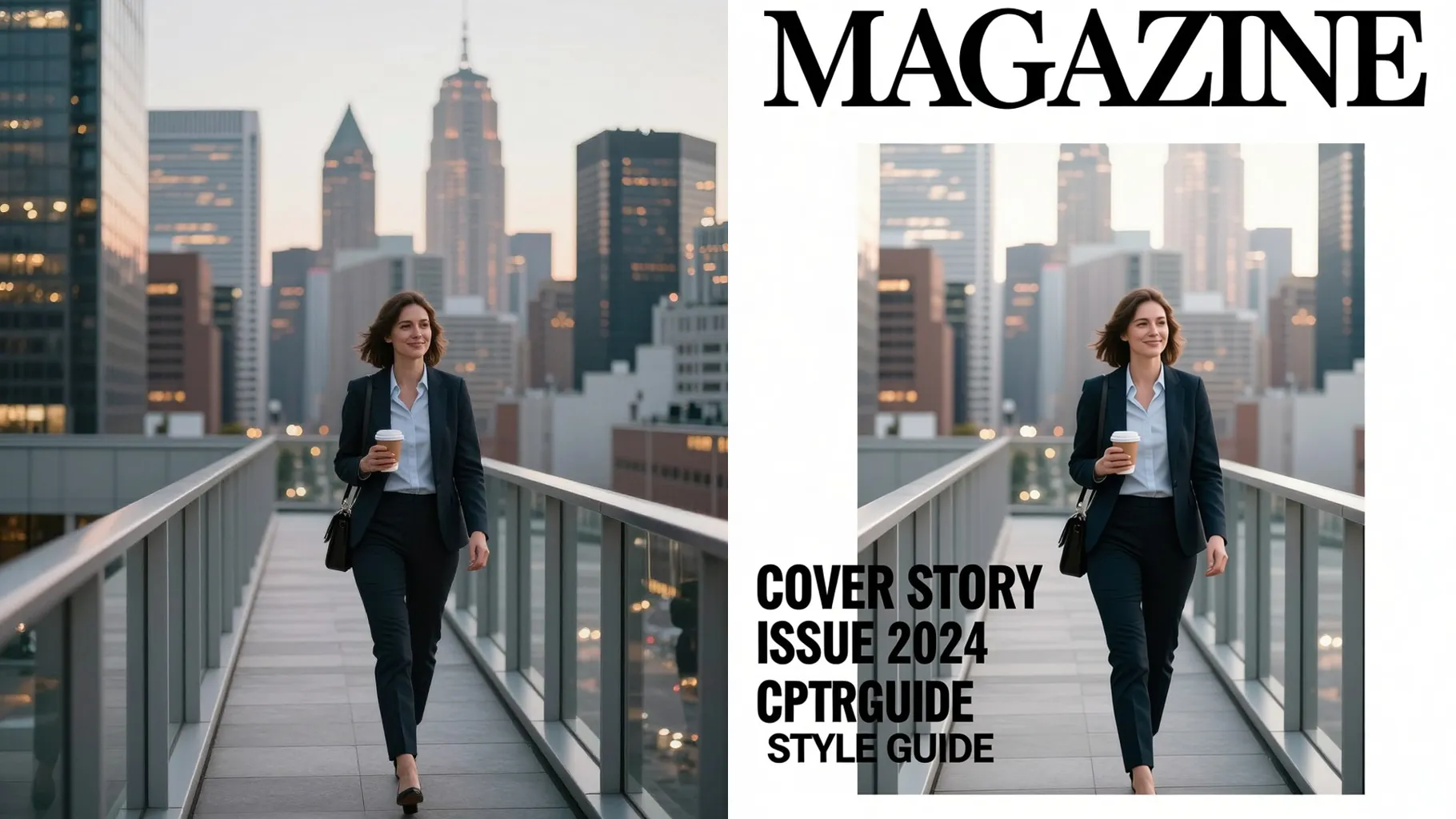
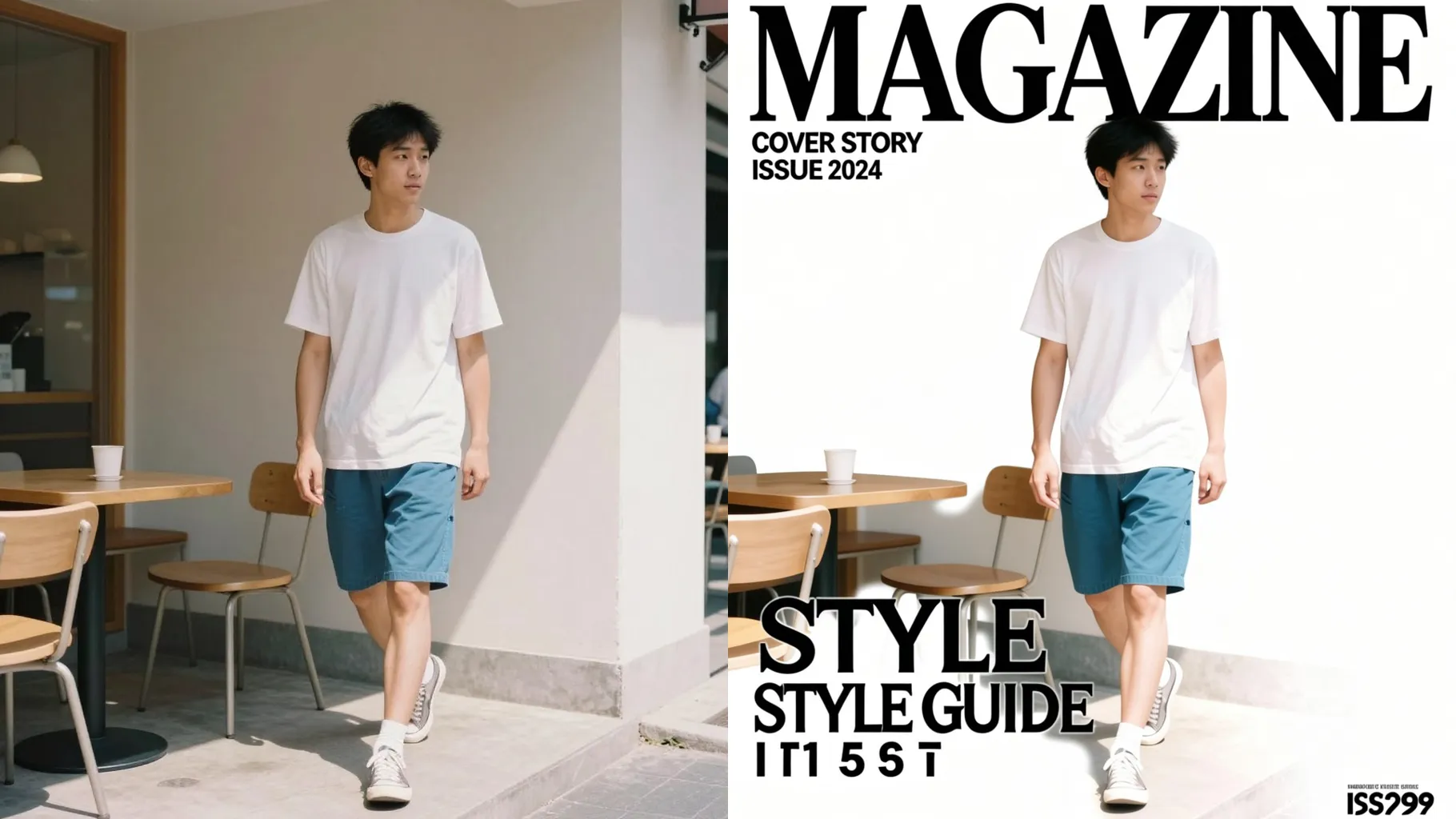
Keep the subject crisp while adding rim light, soft shadows, and breathing room for mastheads or cover lines.
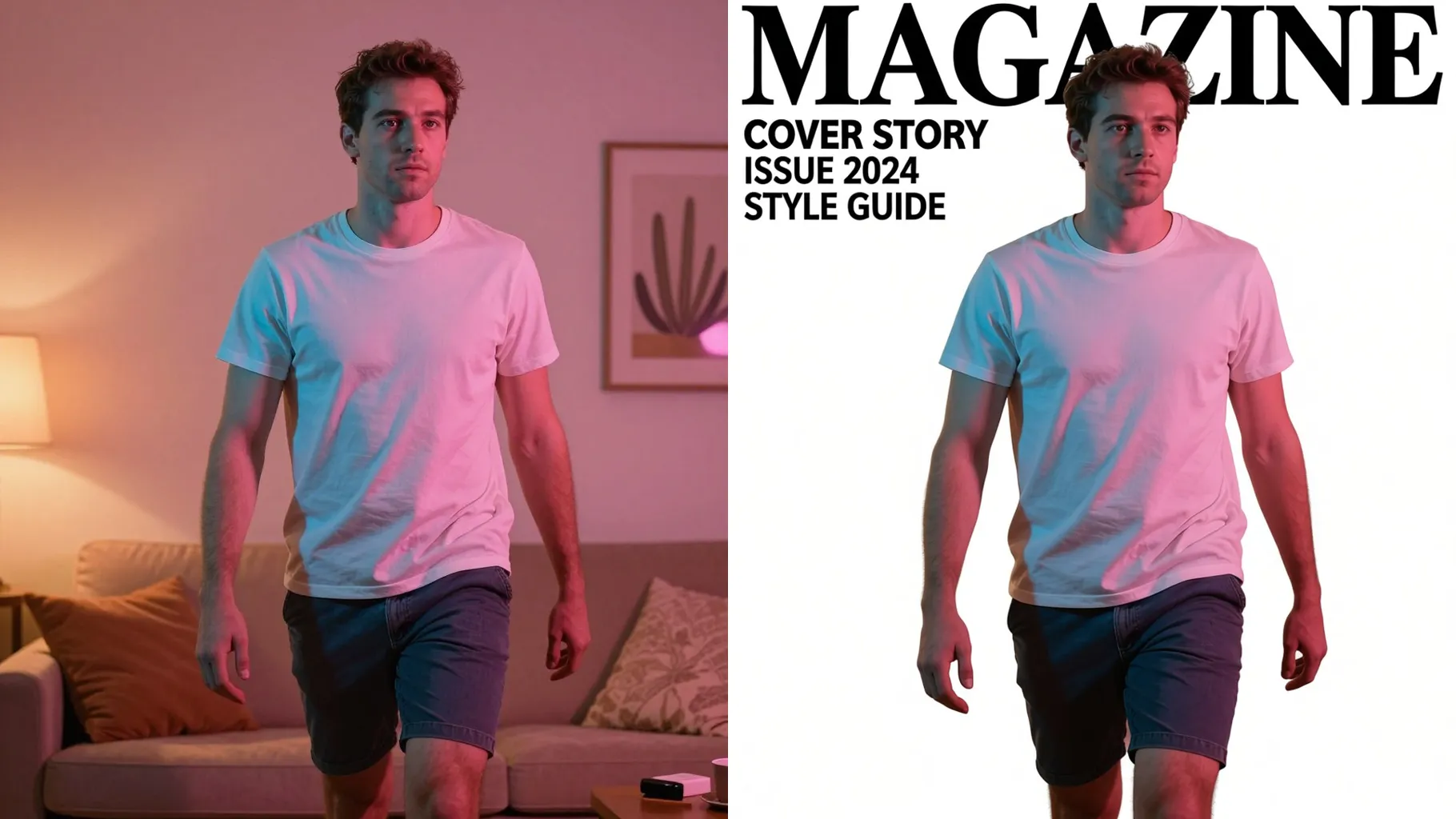
Layer subtle grain, gradient overlays, and bold borders so your cover looks polished and press-ready.
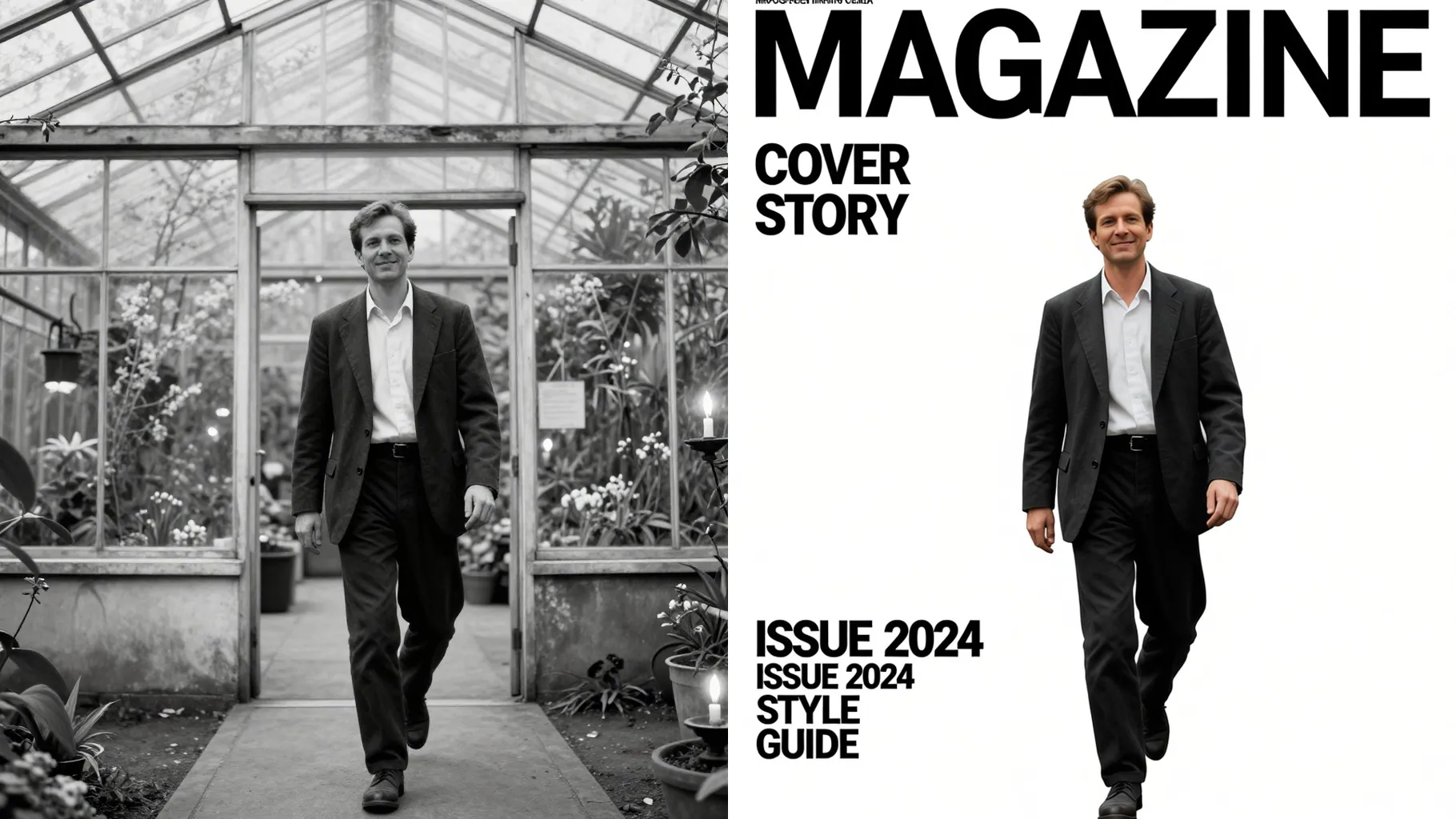
Use a centered, well-lit shot with space above the head so mastheads stay readable.
Mention magazine genre, headline tone, or color mood in a short prompt to steer styling.
Preview the cover render, then save the version that fits your story or announcement.
Upload one image per run to keep the cover layout balanced and faces clean.
A short theme works best—mention genre, colors, or headline vibe instead of a long paragraph.
Use JPG, PNG, or WebP under 10MB for faster processing and sharper details.
This template keeps a default frame for stability; crop your photo first if you need a specific ratio.
Model switching is disabled here to maintain consistent magazine styling and lighting.
It leaves space for mastheads and cover lines but keeps text off the render so results stay clean.
Yes. It stylizes lighting and texture while preserving key facial proportions from your upload.
Generation time depends on the model, image size, and queue. Check the task status on this page.
Single-subject images give the most stable cover framing. Multiple faces may compete for focus.
No. This effect is image-to-image and needs one photo to build the magazine layout.

Upload one photo, add a quick editorial direction, and download a glossy magazine-style cover ready to share.