

1. How many photos can I upload at once?
Upload one image per run to keep the billboard placement clean and faces detailed.
Turn one photo into a Times Square billboard selfie with neon city lights and cinematic reflections.

Put your photo on a vivid Times Square LED billboard with neon glow, reflections, and city depth.
Examples show the target style. Your result depends on the chosen model and reference photo.
Upload one photo to place yourself on a Times Square LED billboard with neon glow, street reflections, and a lively crowd atmosphere.
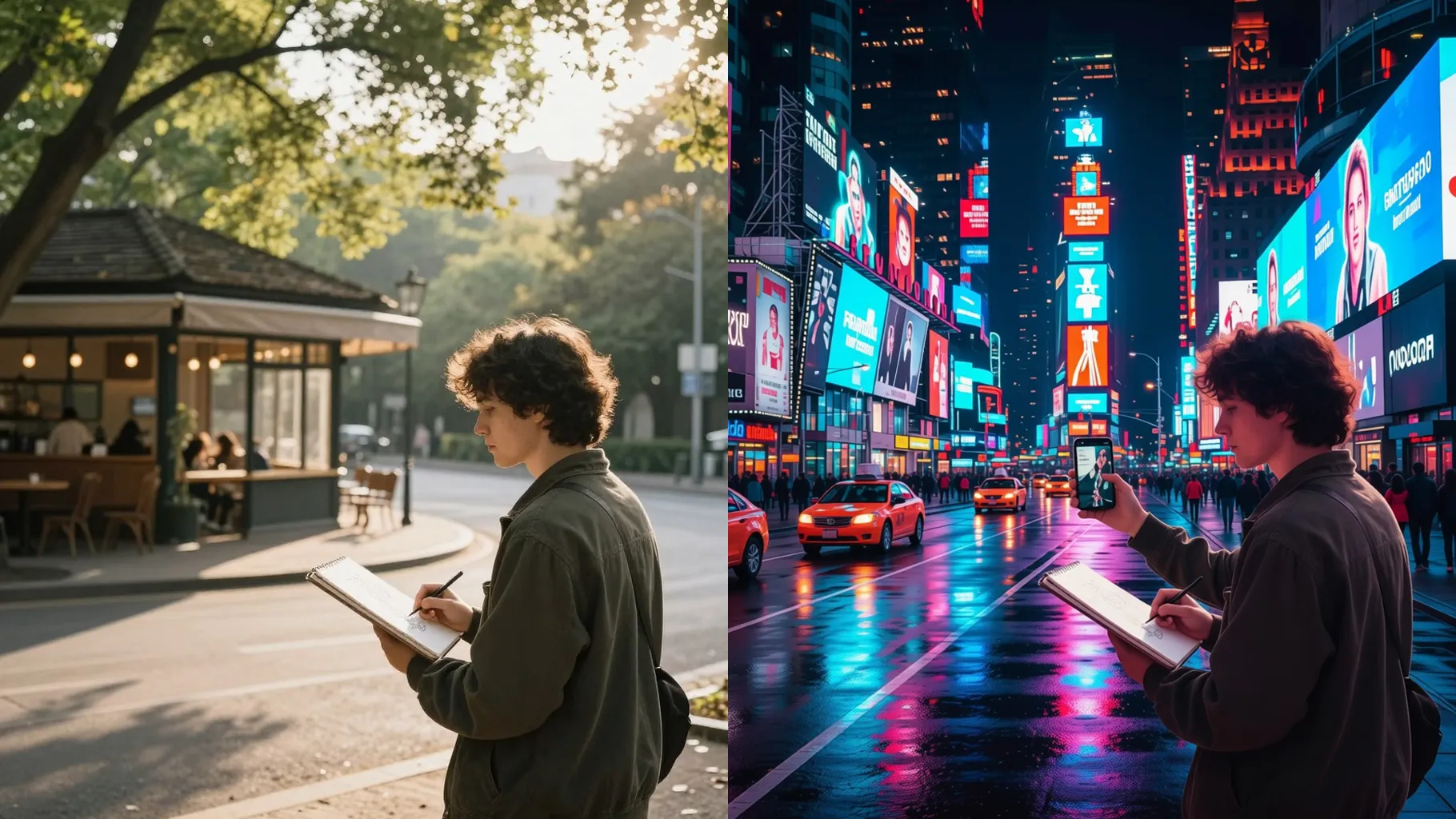

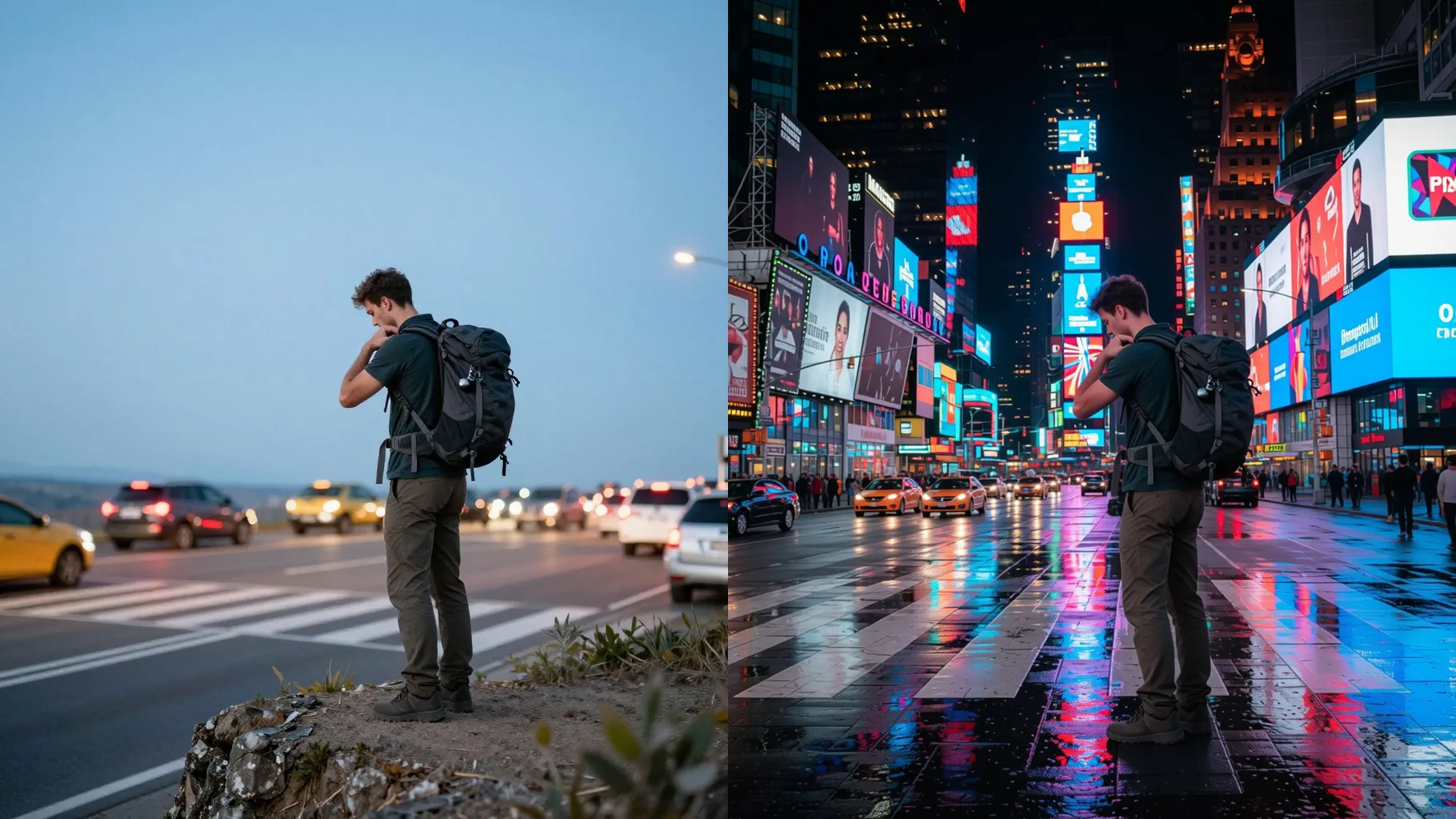
Keep faces clear while adding billboard-level brightness, screen glow, and crisp contrast so your selfie reads like an ad.
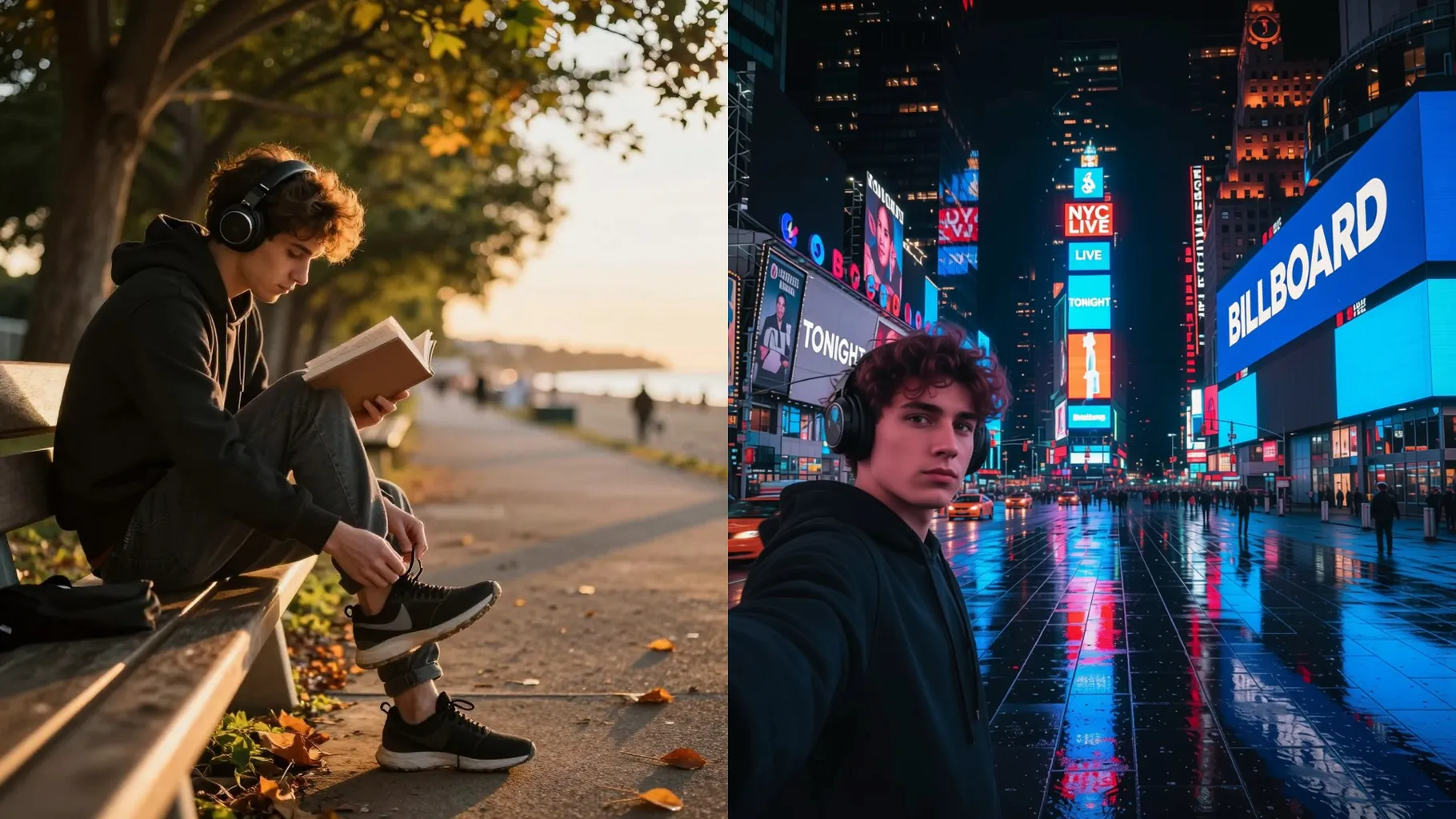
Blend taxis, signs, and wet pavement reflections for an authentic Midtown look without hiding your main subject.
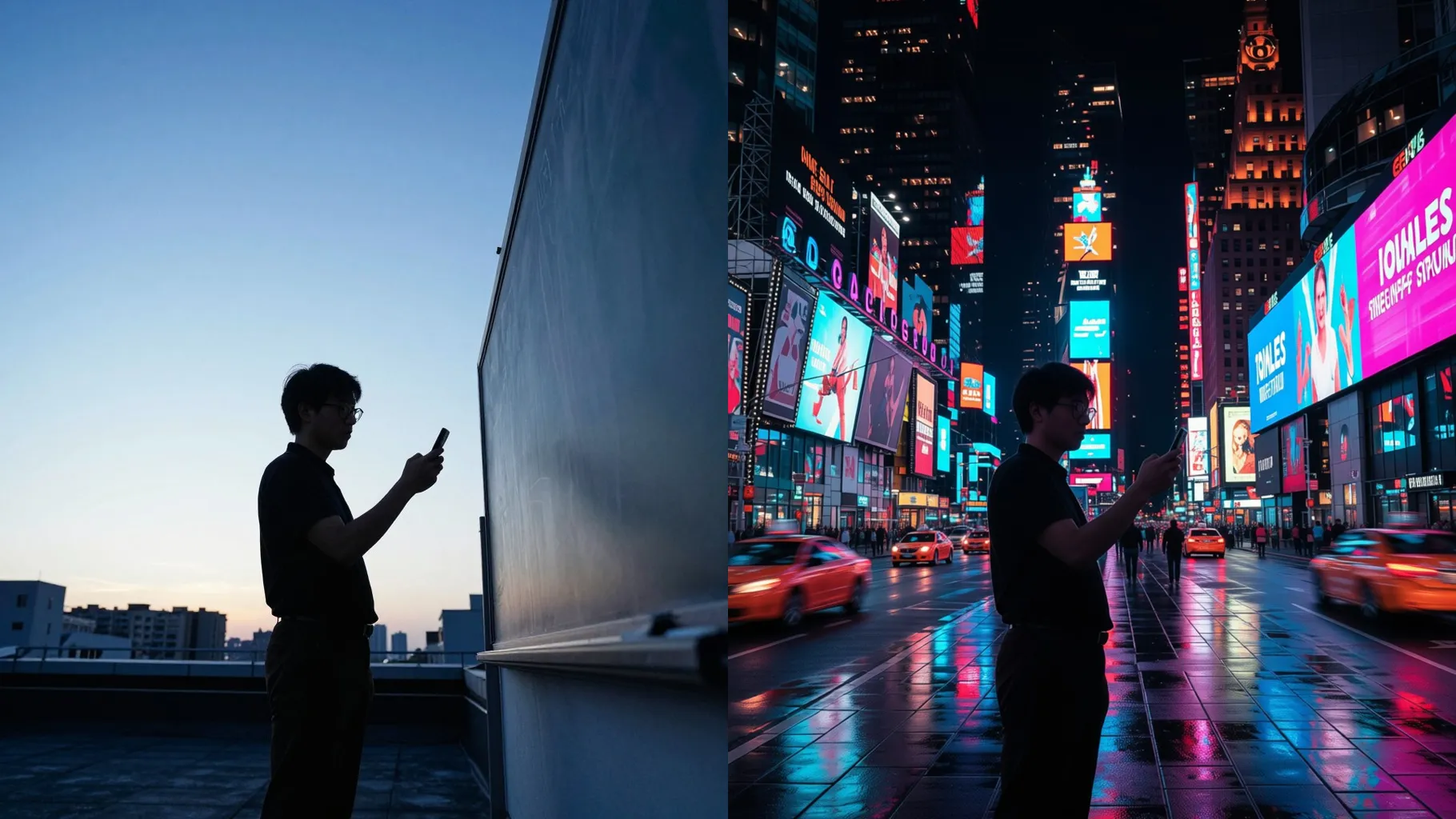
Use a centered, well-lit photo so your face stays sharp when placed on the billboard.
Mention time of day, weather, or a short slogan to steer the Times Square mood.
Preview the billboard render, then save the version that feels most cinematic.
Upload one image per run to keep the billboard placement clean and faces detailed.
A short line about mood or headline works best. Keep it concise so the NYC style stays consistent.
Use JPG, PNG, or WebP under 10MB for faster processing and crisp billboard texture.
Ratio switching is off to maintain the billboard frame. Crop your photo first if you need a specific shape.
Model switching is disabled here to keep the Times Square billboard look stable.
It focuses on visuals and leaves text abstract to avoid messy lettering on the billboard.
Single-subject portraits give the clearest billboard results. Multiple faces may compete for focus.
Generation time depends on the model, image size, and queue. Check the task status on this page.
No. This is an image-to-image effect and needs one upload to place on the billboard.
Even lighting with some contrast helps the neon reflections look natural on your face.

Upload one photo, add a quick headline or mood, and get a Times Square billboard selfie ready to share.