
1. How many photos can I upload at once?
Upload one portrait per run to keep the piercing placement accurate.
Preview studs, hoops, or septum rings on your own photo while keeping skin texture, lighting, and face shape natural.
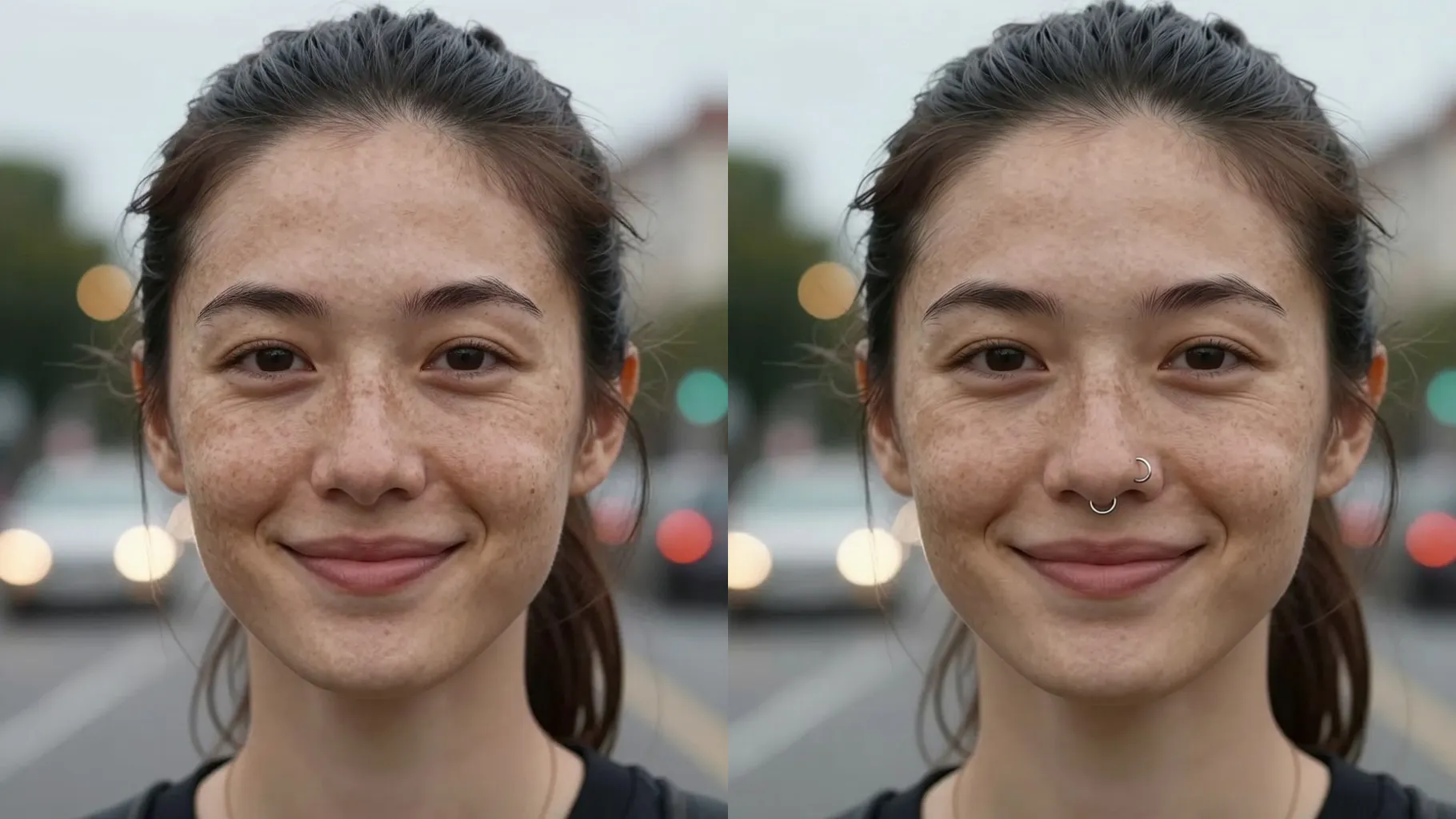
Adds a subtle stud or hoop to your nose while keeping pores, freckles, and natural lighting intact from one upload.
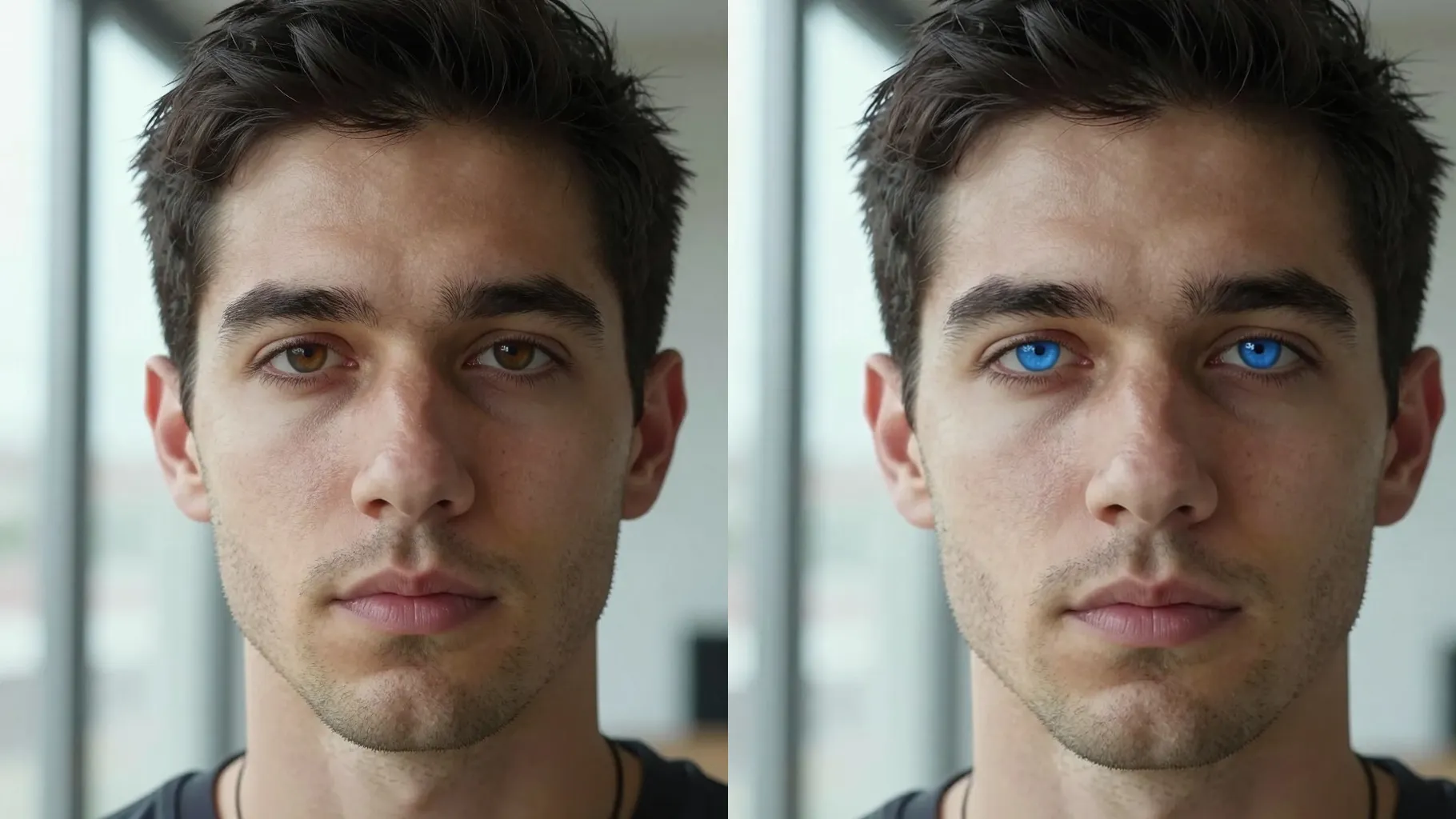
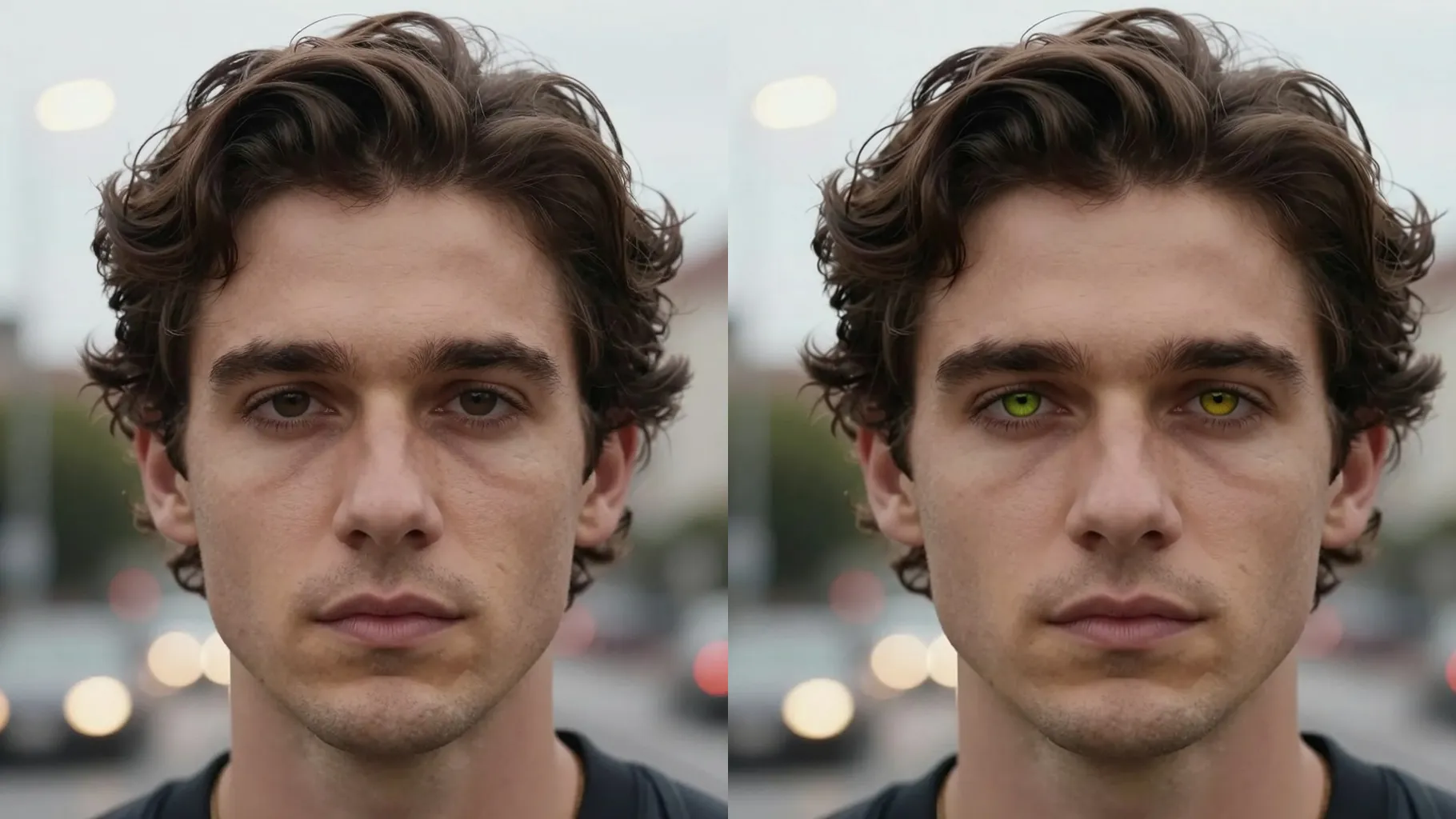
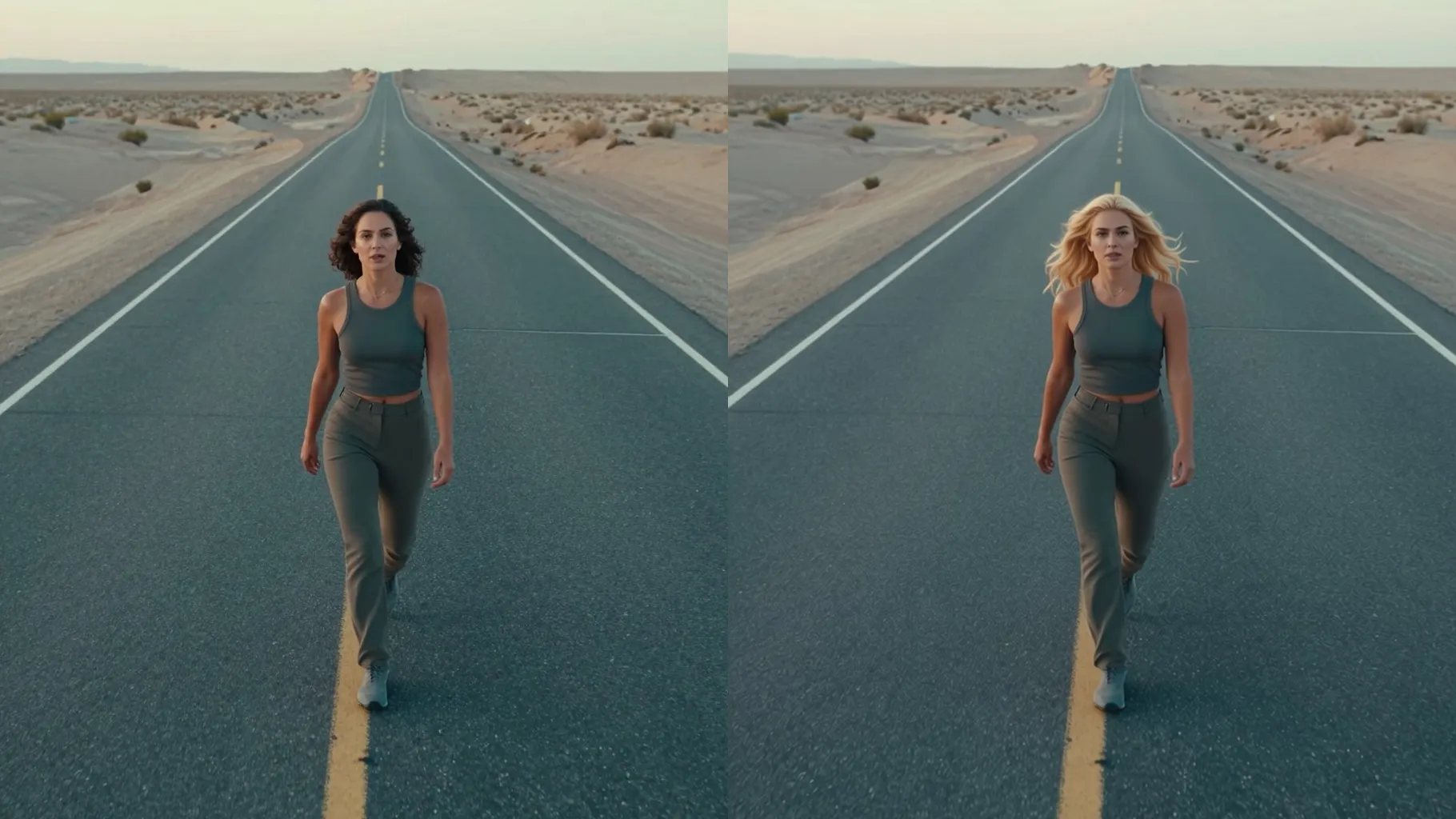
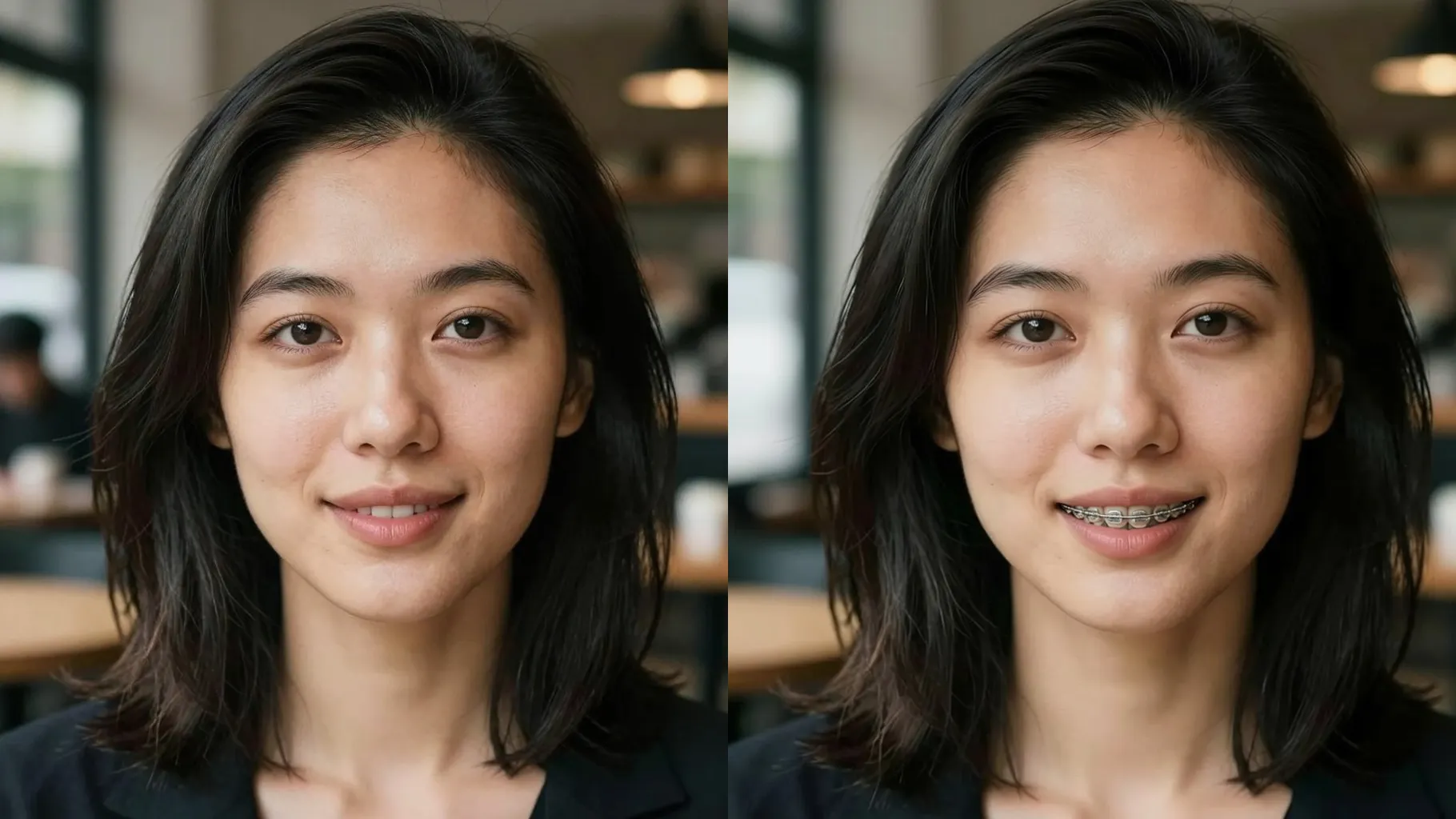
Examples show the target style. Your result depends on the chosen model and reference photo.
Upload one portrait to see studs or hoops on your nose with realistic metal shine and untouched skin texture.
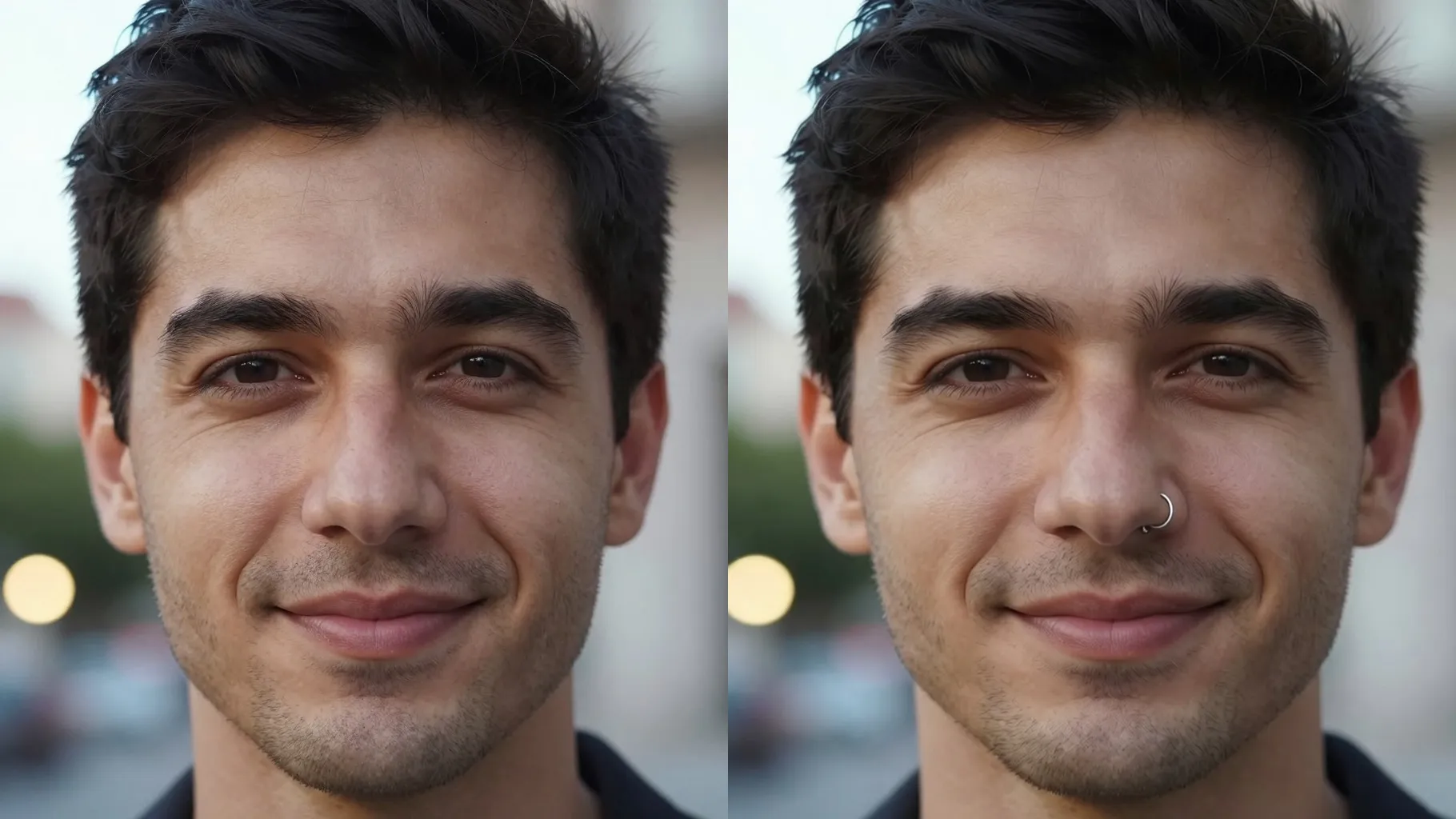
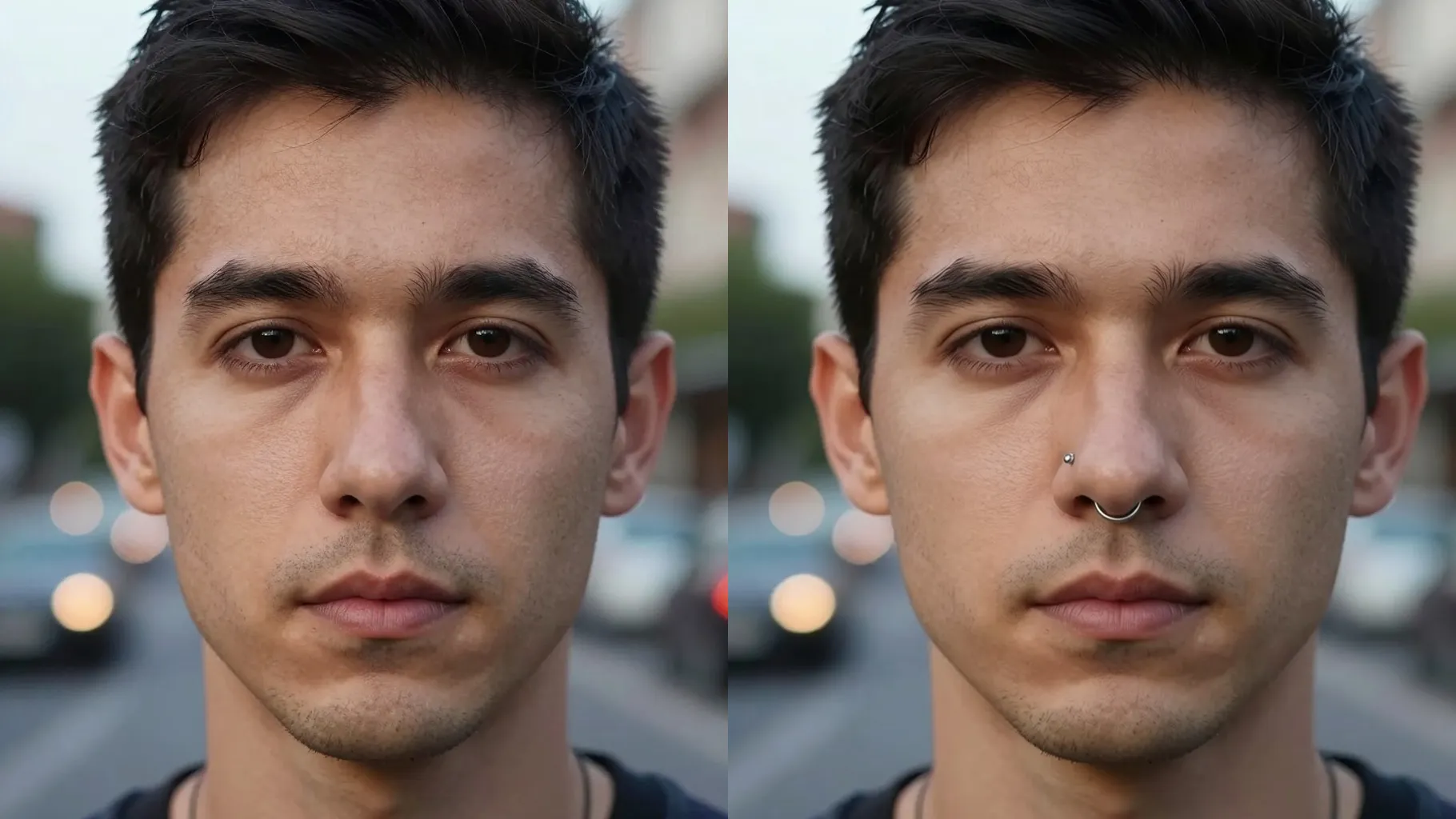
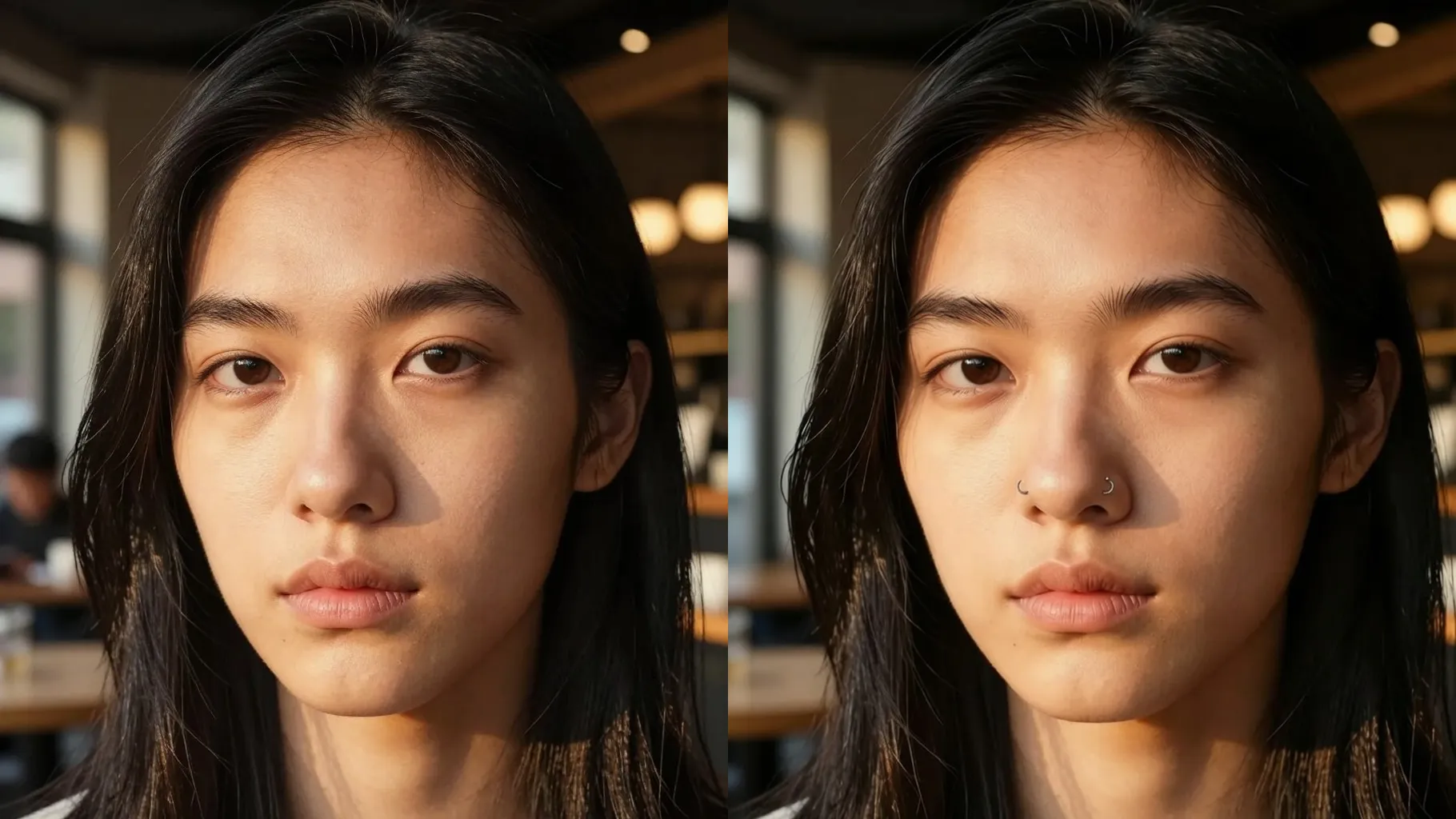
Places a stud or hoop along your nostril with shadows and reflections that match your lighting without warping your nose.
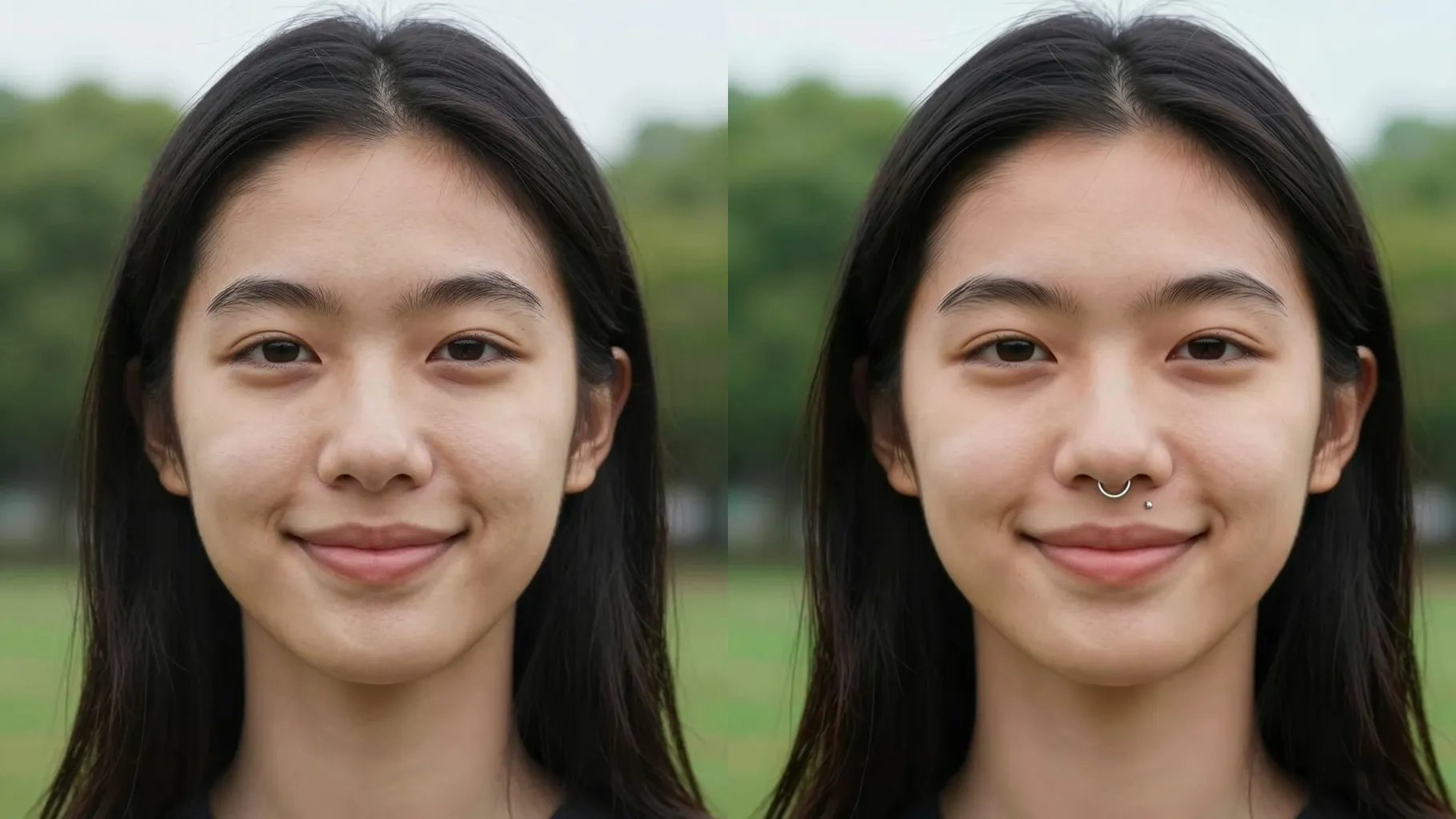
Keeps pores, freckles, foundation, and highlight intact while only adding the piercing so the preview feels real.
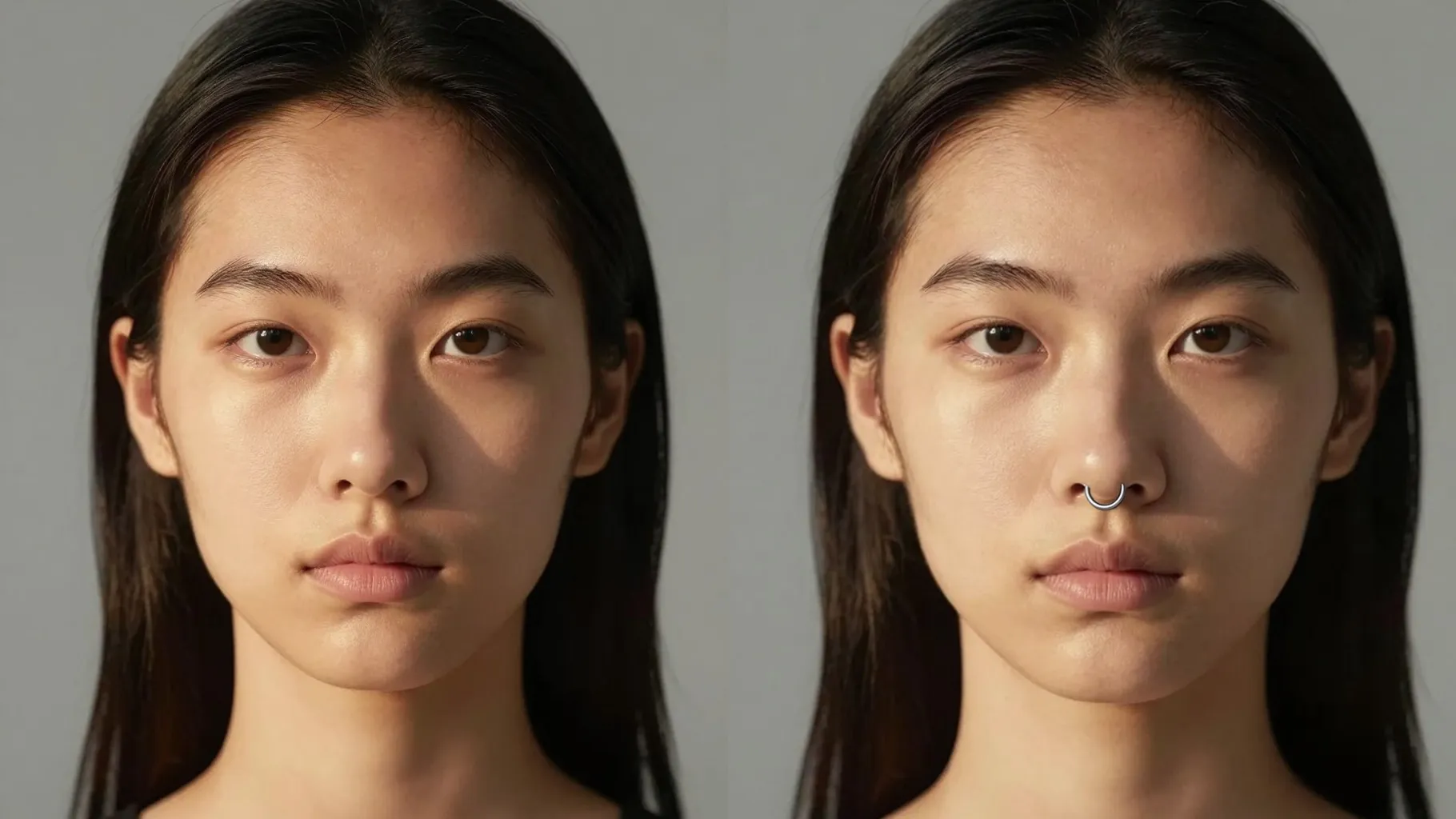
Face the camera or a slight angle with your nose visible; remove glasses or objects blocking the nose.
Mention stud, hoop, gold, silver, or septum ring plus lighting or mood notes to guide the render.
Run the filter, review different piercing looks, rerun for variations, and save your favorite image.
Upload one portrait per run to keep the piercing placement accurate.
Add a short note with stud, hoop, or septum ring preferences; default uses a small nostril stud.
No. The filter keeps your skin tone, freckles, and makeup while only adding jewelry and subtle shadows.
Yes. Include “septum ring” or “double hoop” in the prompt to try those piercing styles.
JPG, PNG, or WebP under 10MB with good lighting gives the metal texture and shadows the most detail.
Aspect ratio and model switching are off to keep piercing results consistent.

Upload one selfie, pick stud or hoop notes, and preview a realistic piercing instantly.