
1. How many photos can I upload?
This template uses one image per run to keep the trainer pose clean.
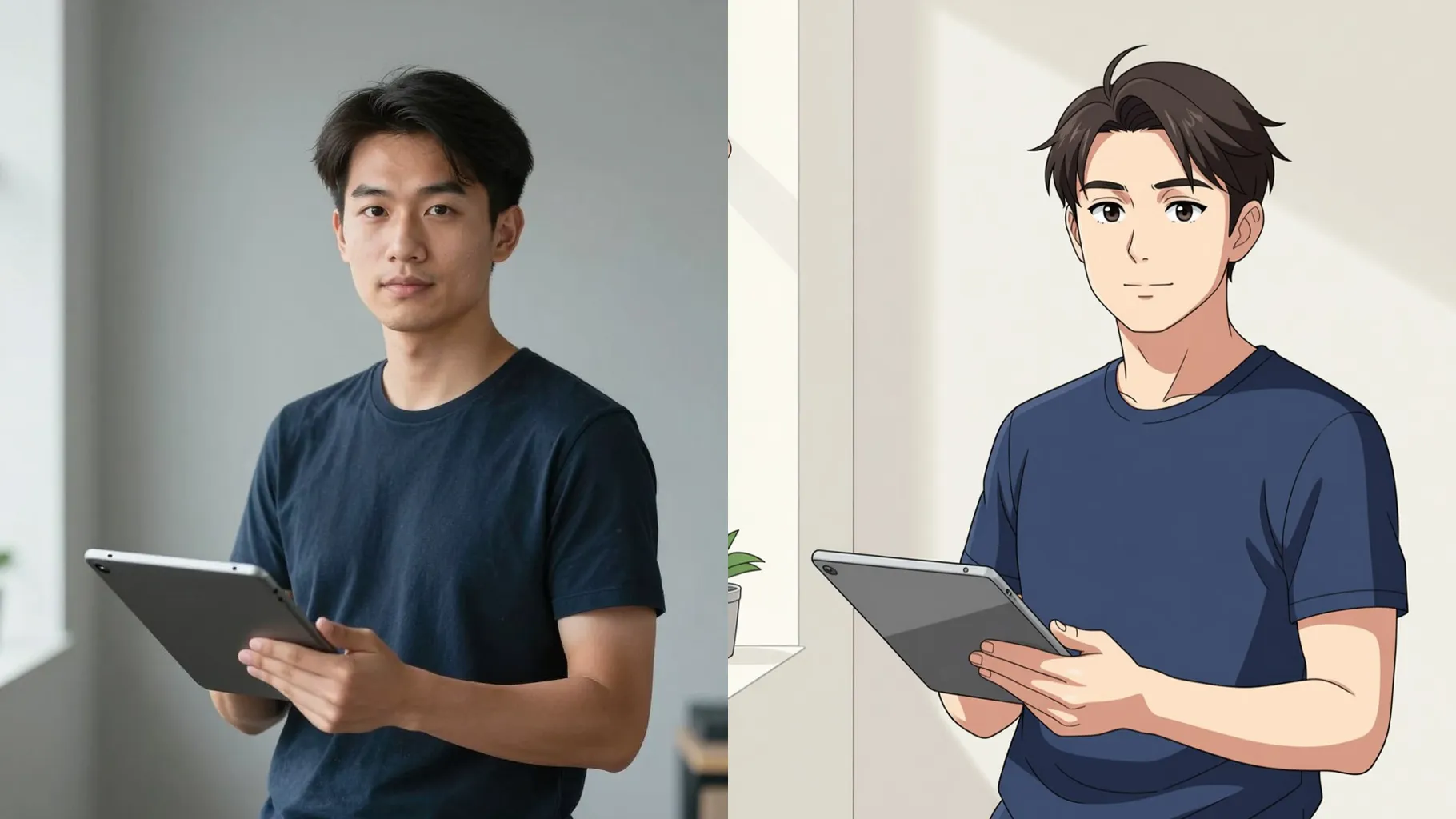
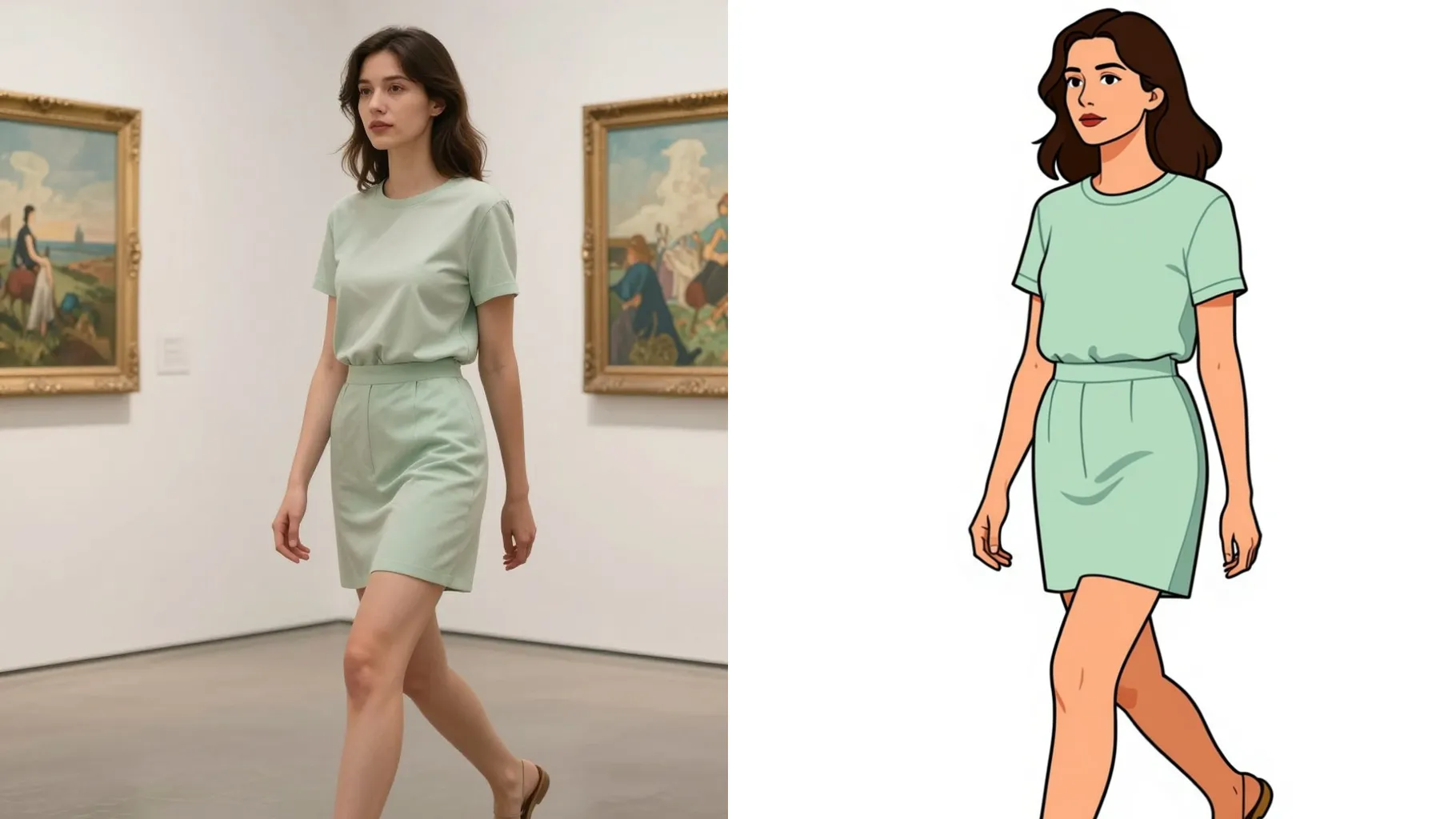
Transform a single photo into a Pokemon-style trainer portrait with clean anime lines and cel shading.
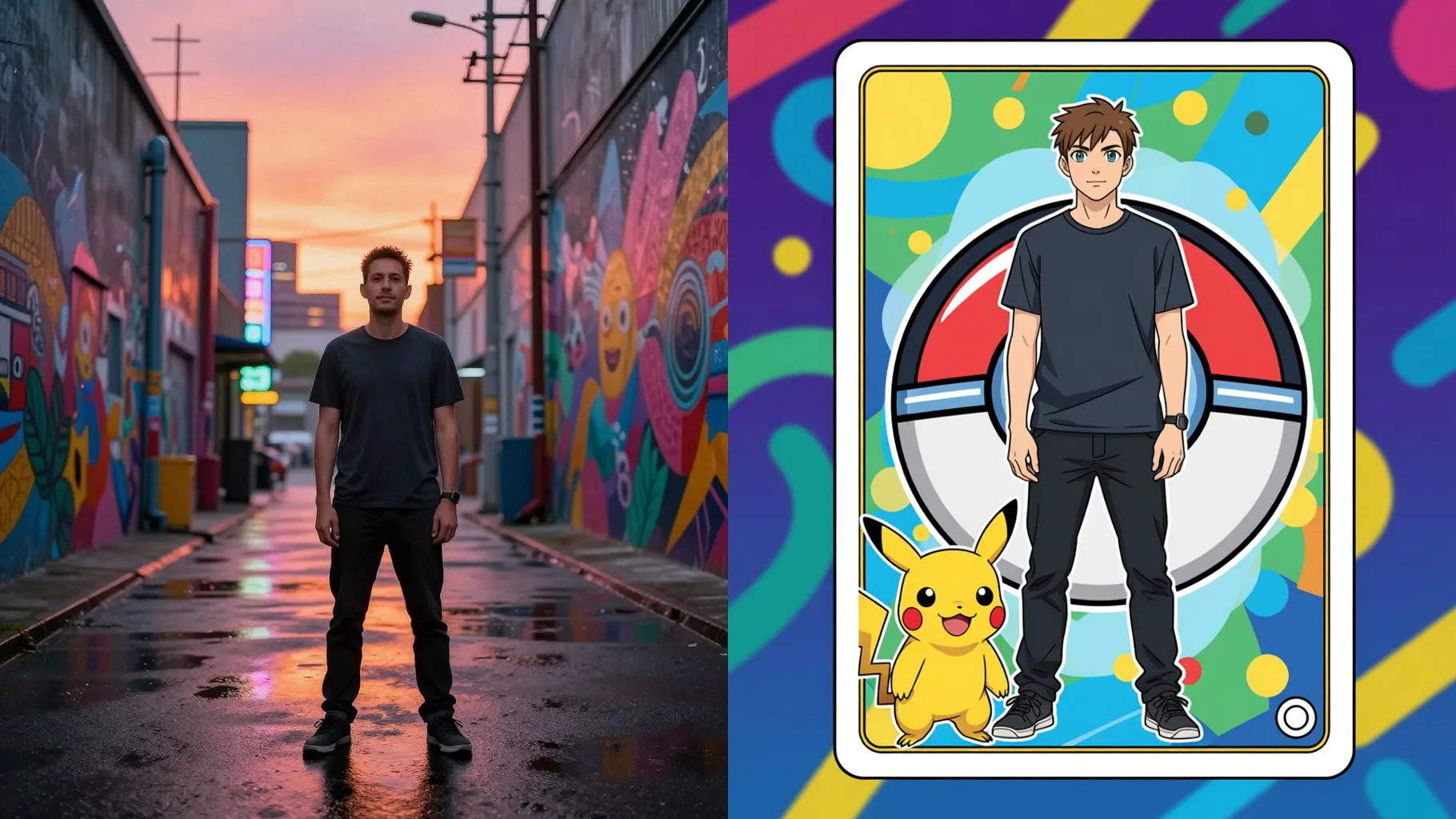
Upload one photo to turn yourself into a Pokemon-style trainer with clean anime lines and bright cel shading.
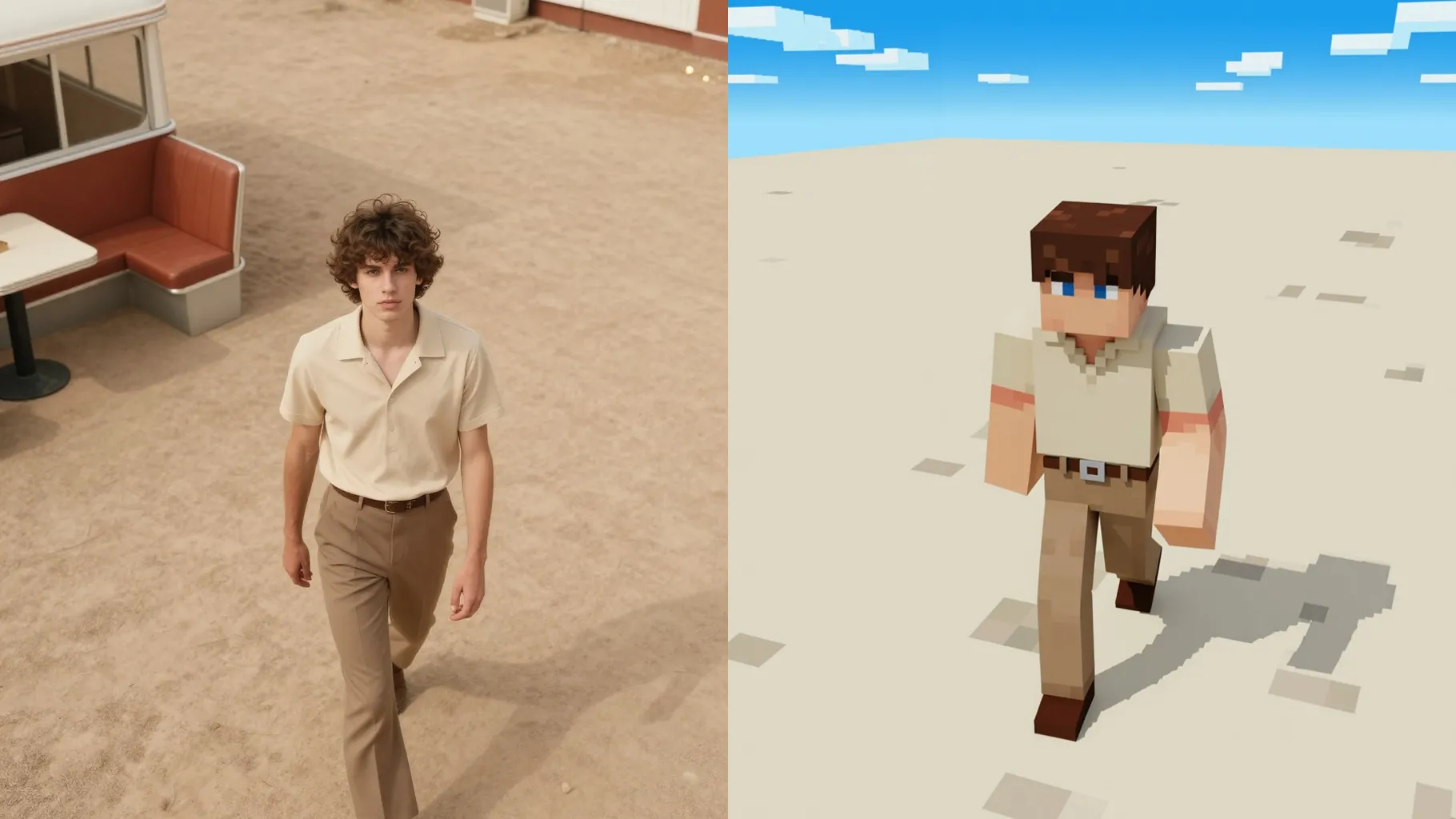
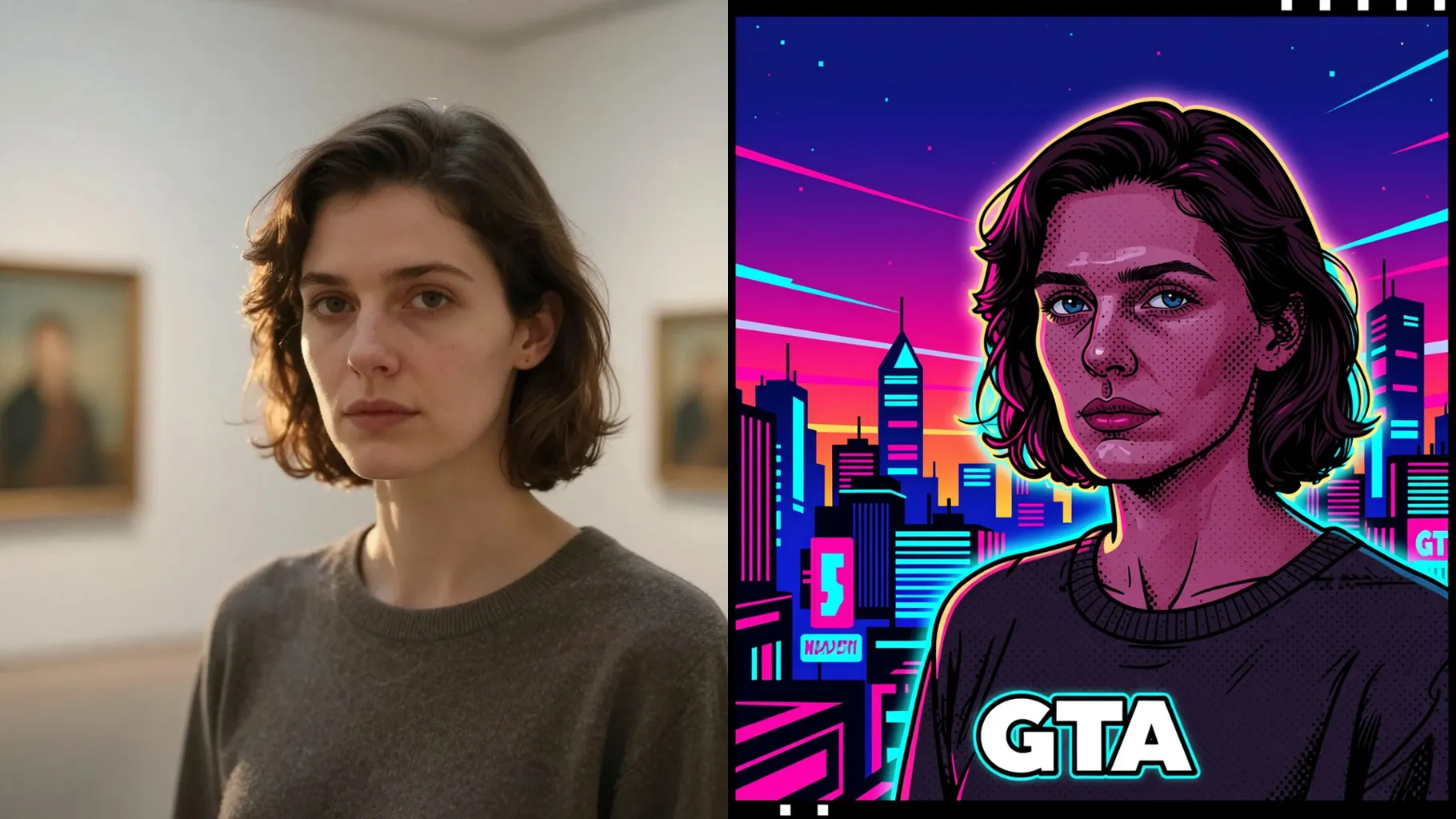
Examples show the target style. Your result depends on the chosen model and reference photo.
Turn one photo into a Pokemon-inspired trainer look with crisp outlines, cel shading, and bright backgrounds.
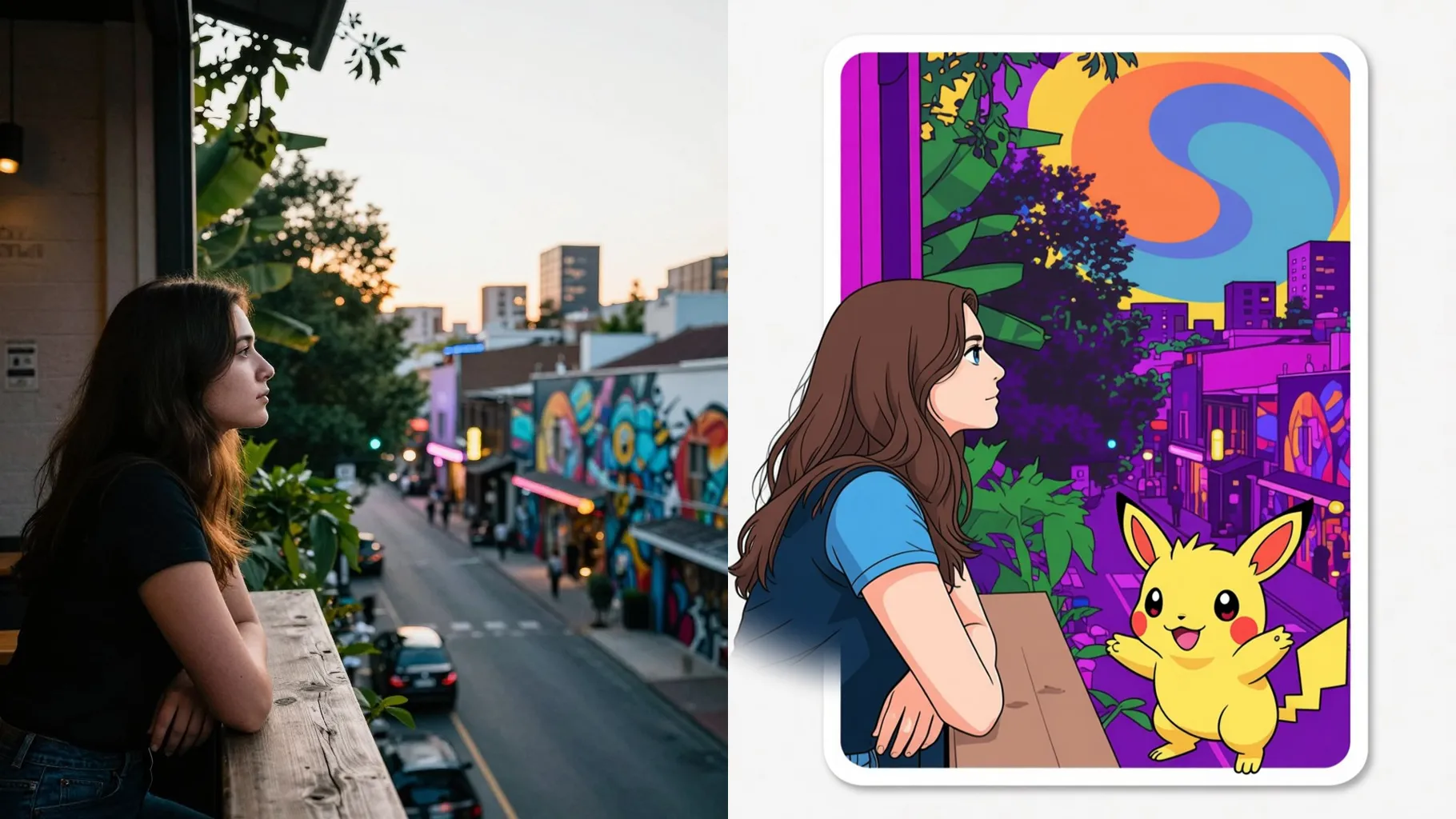
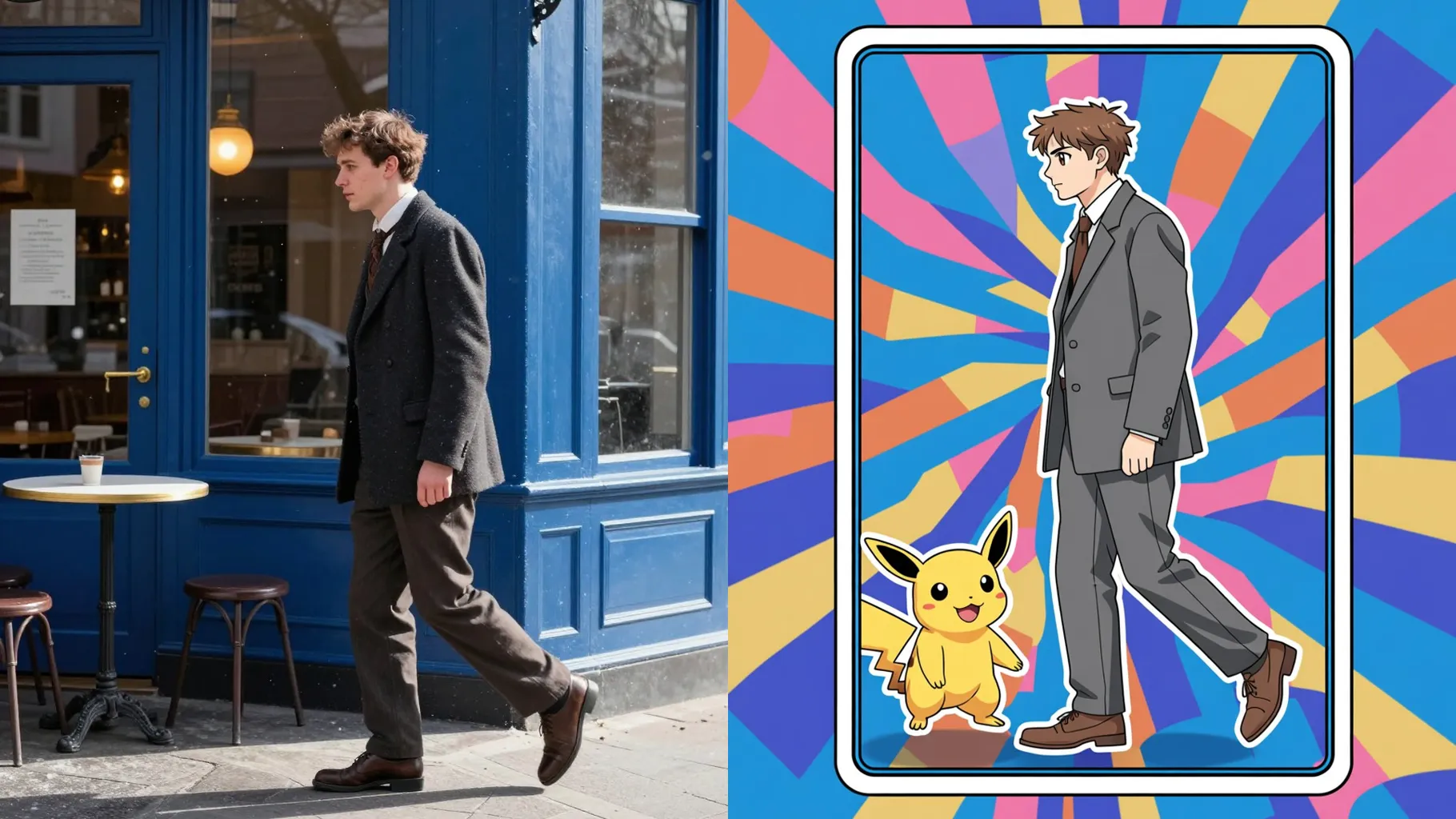
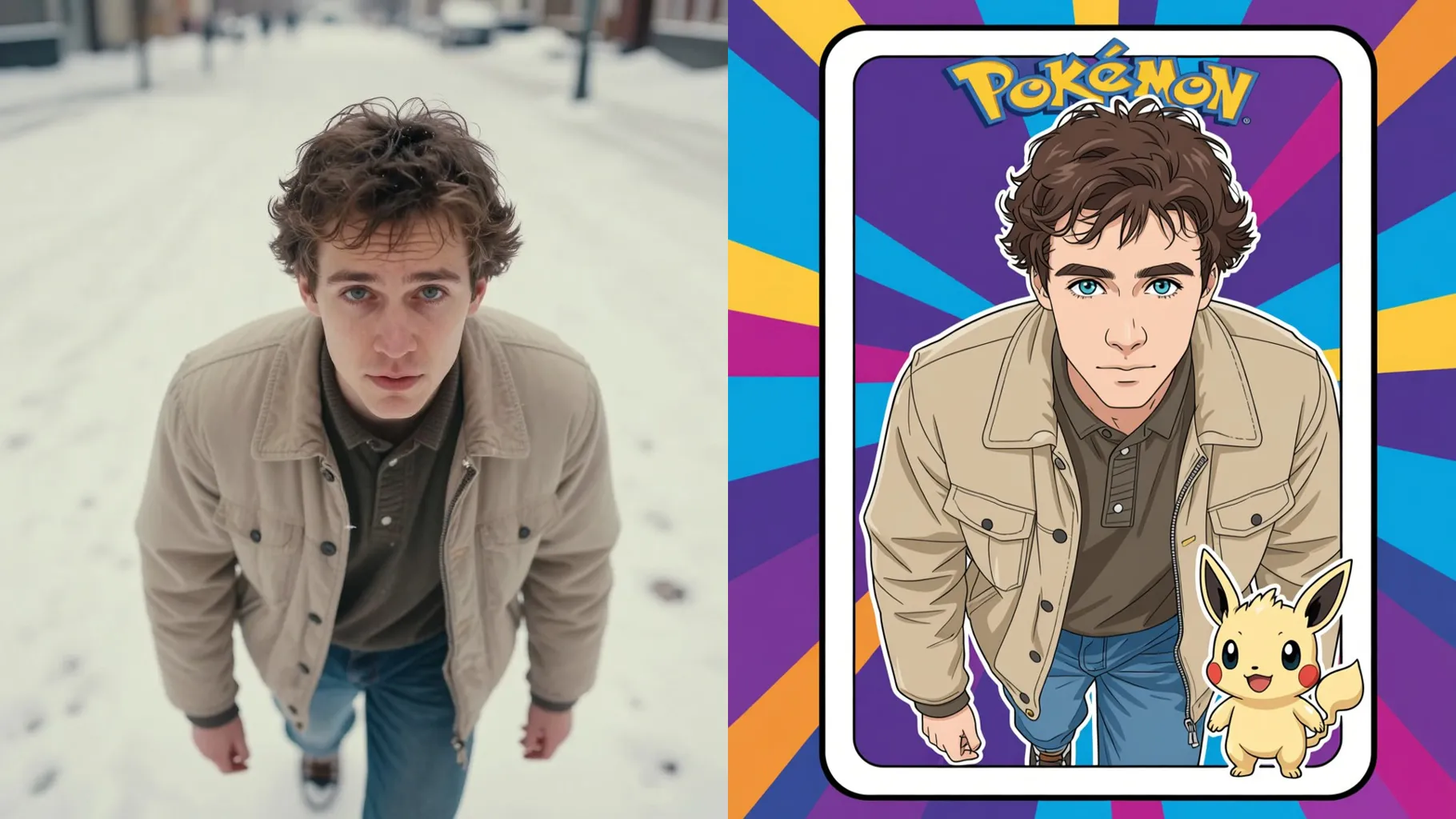
Preserves pose, hair, and outfit while redrawing them with anime lines, highlights, and game-world palettes.
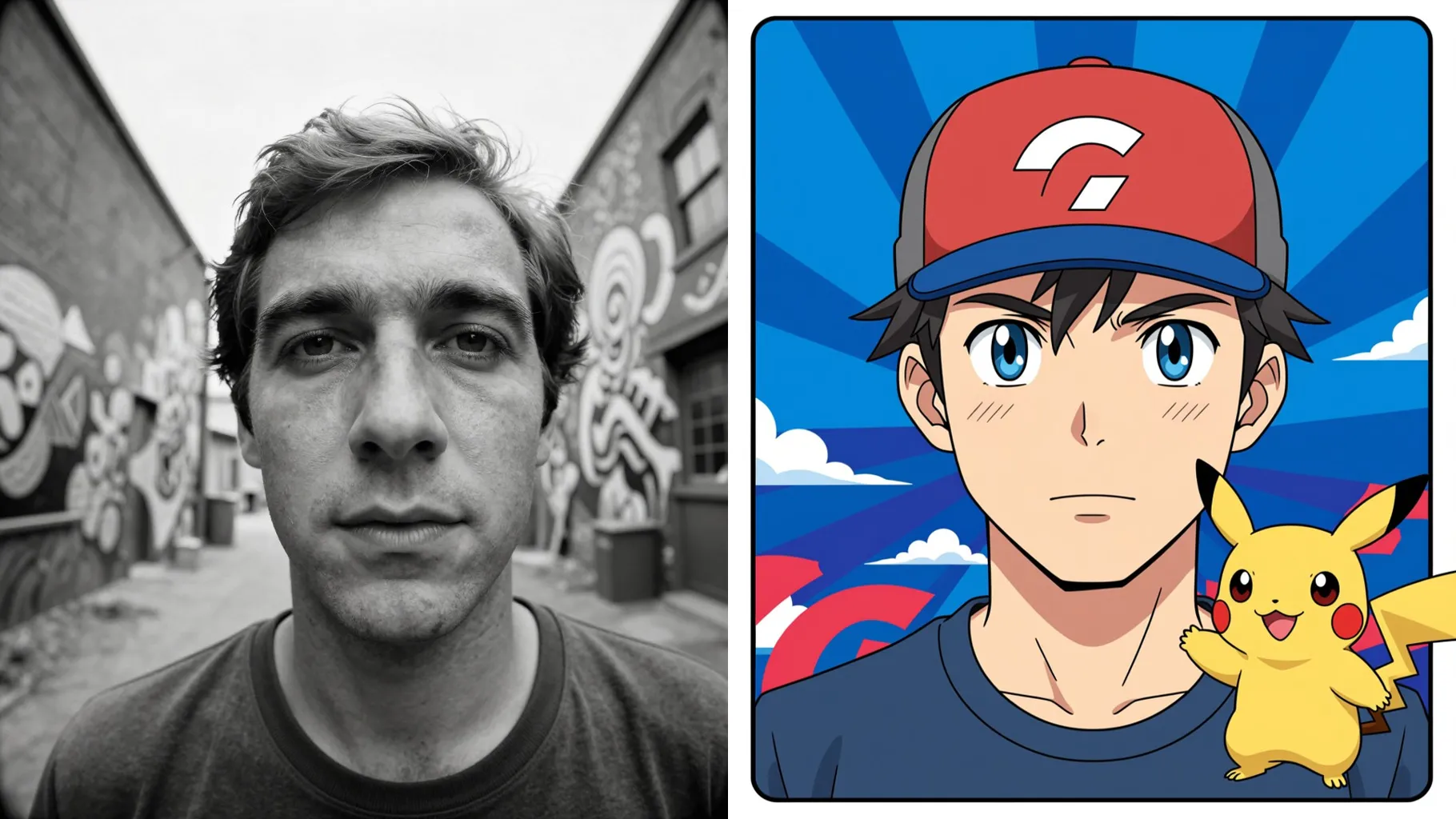
Adds bold gradients, soft glow, and creature-friendly props so the render feels like a game card.
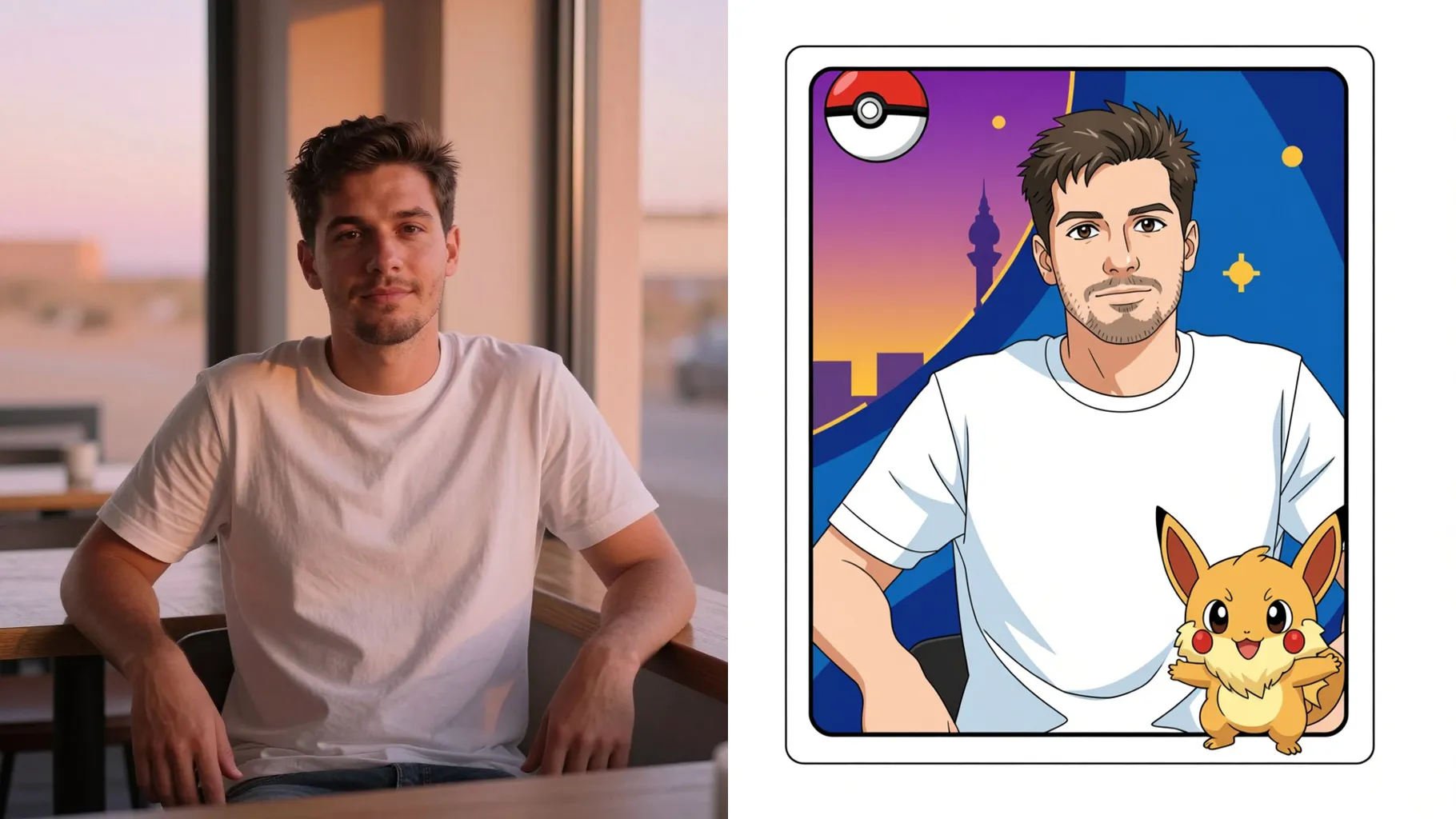
Use a front-facing selfie or waist-up shot with good light for clean outlines.
Mention region, companion, or color mood like "fire type" or "forest trainer".
Render the trainer look, rerun for variations, and save your favorite card-ready image.
This template uses one image per run to keep the trainer pose clean.
A short prompt is optional but helps pick region, type, or companion.
Yes. It keeps your expression and clothing while restyling lines and colors.
Aspect ratio control is off to avoid stretching the card frame; crop before upload if needed.
Model switching is disabled to preserve the Pokemon-style look.
No. It is an image-to-image filter and needs one uploaded photo to start.

Upload one photo, add a quick prompt, and get a trainer-style image with cel shading and bright colors.