
1. How many images can I upload per run?
This preset uses one photo at a time to keep the likeness accurate.
Upload one photo to turn yourself into a Simpsons-style cartoon with yellow skin and bold outlines.
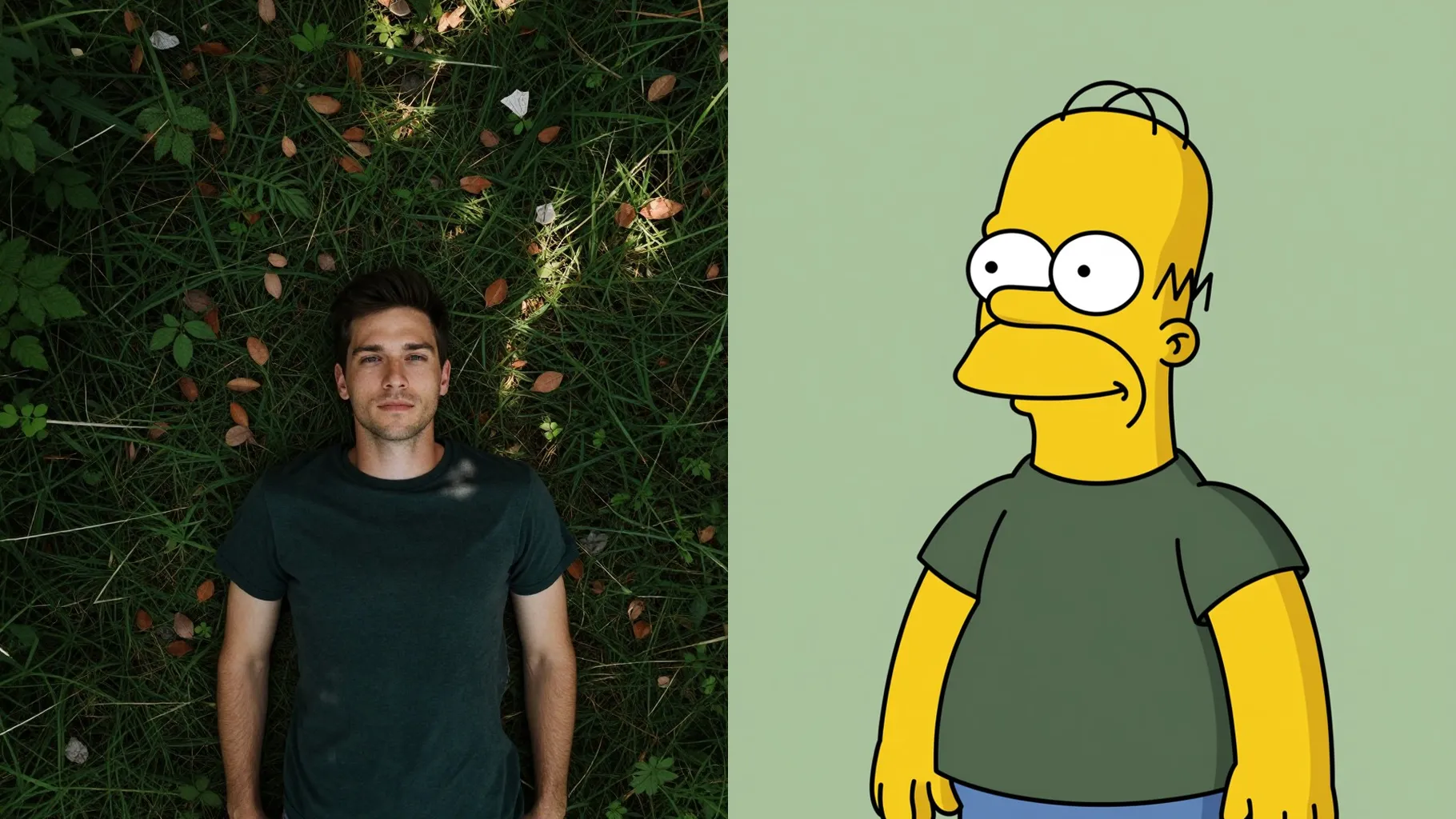
One selfie becomes a Simpsons-style portrait with yellow skin and crisp black lines.
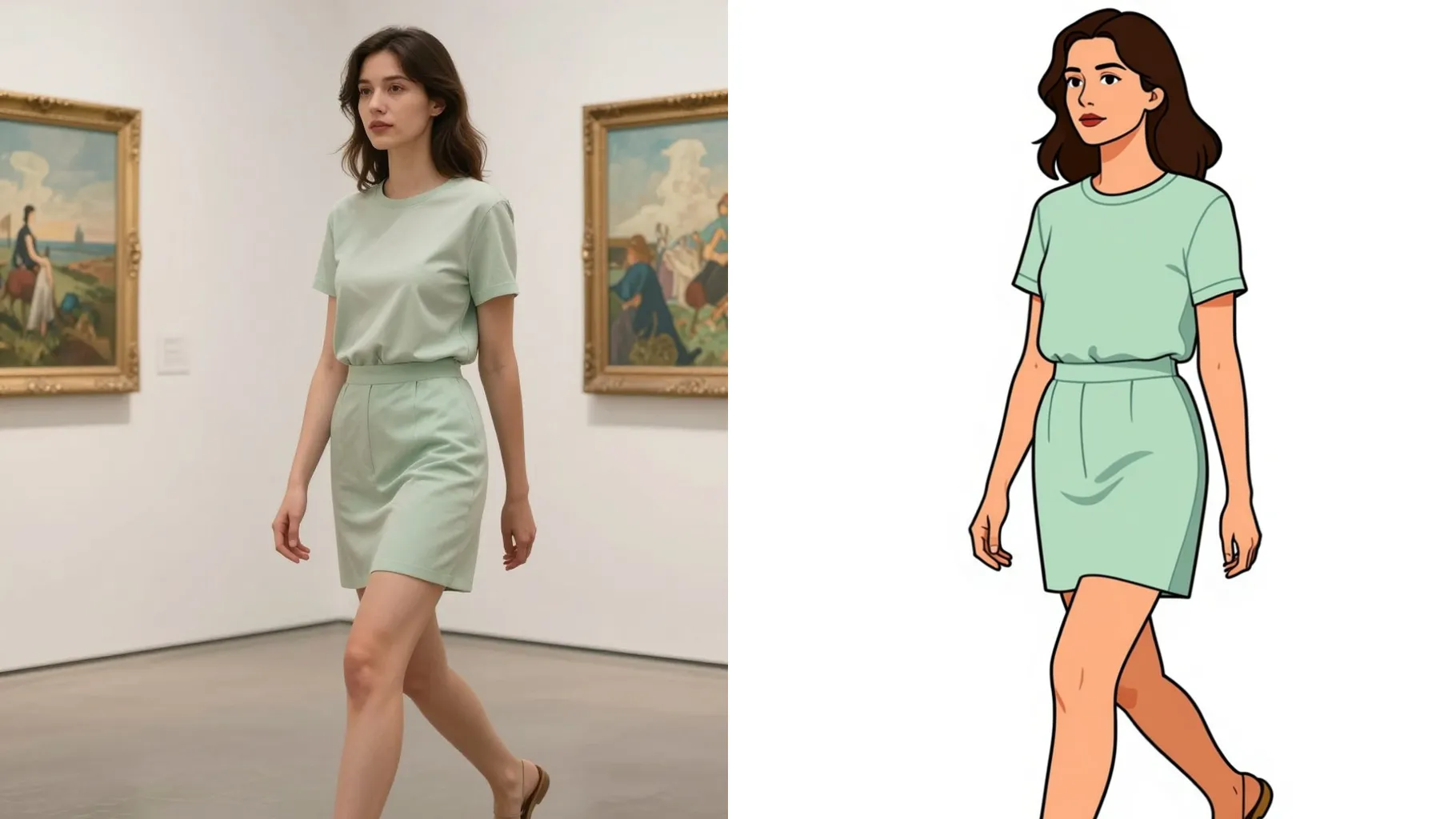
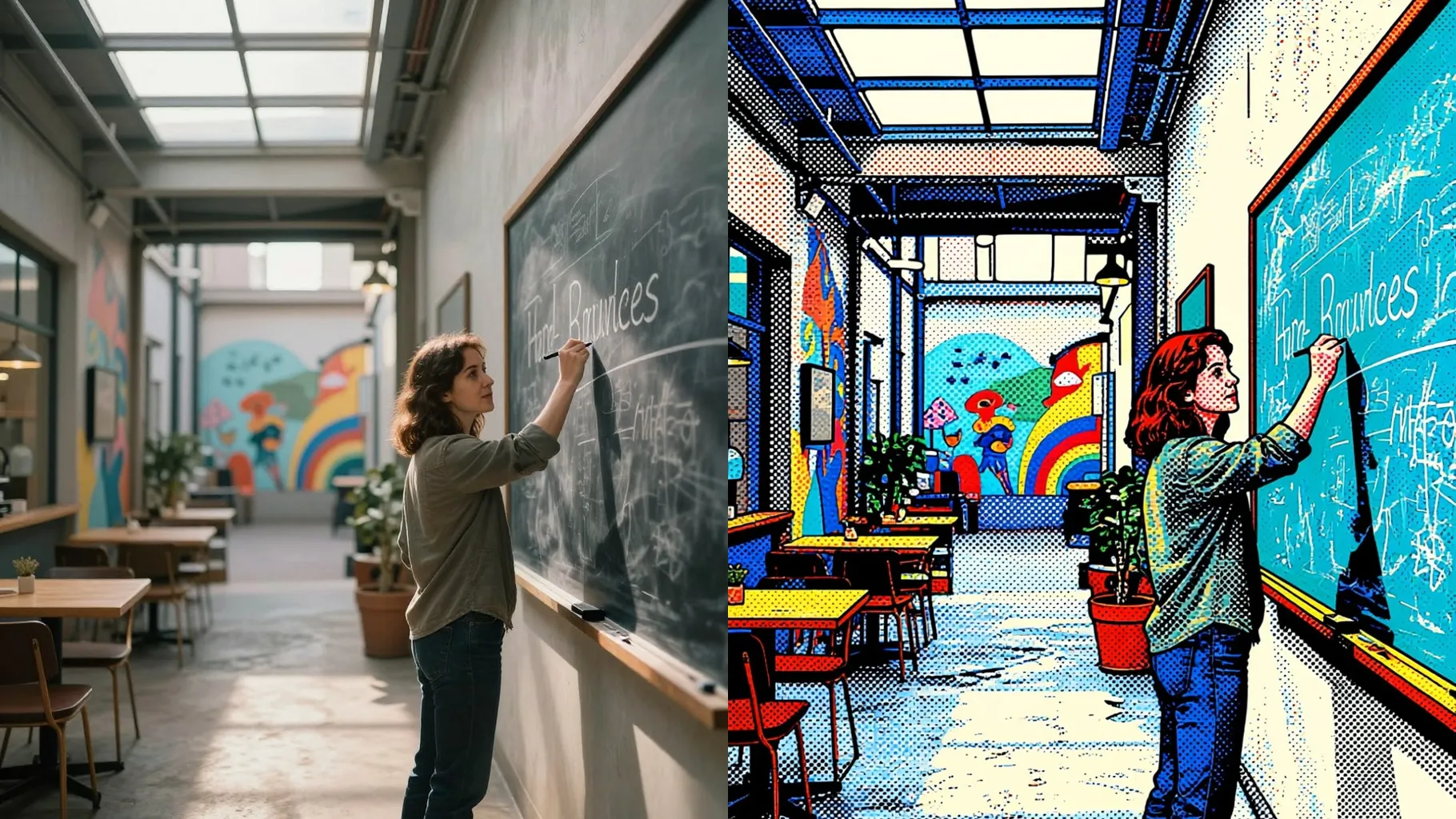
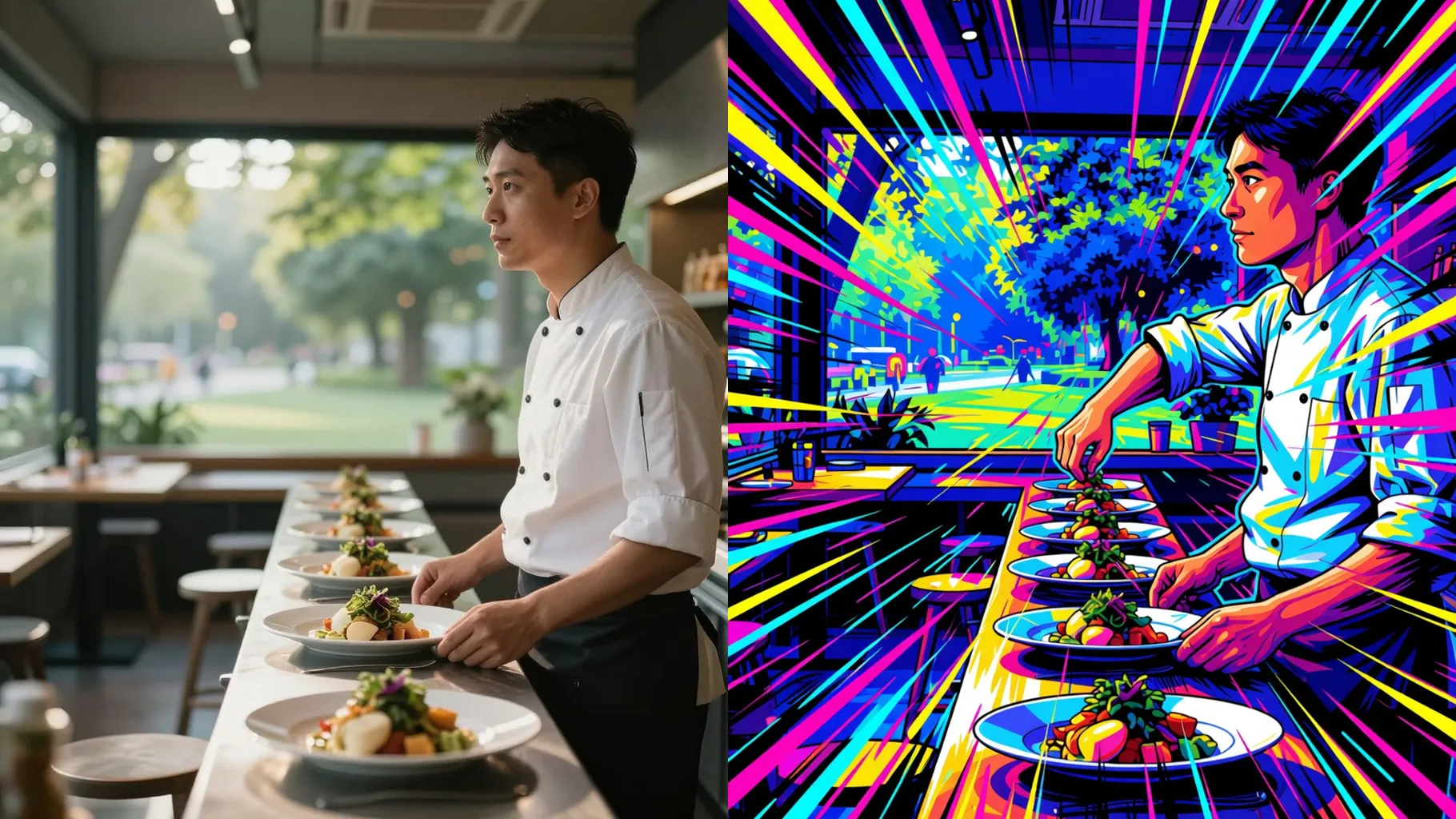
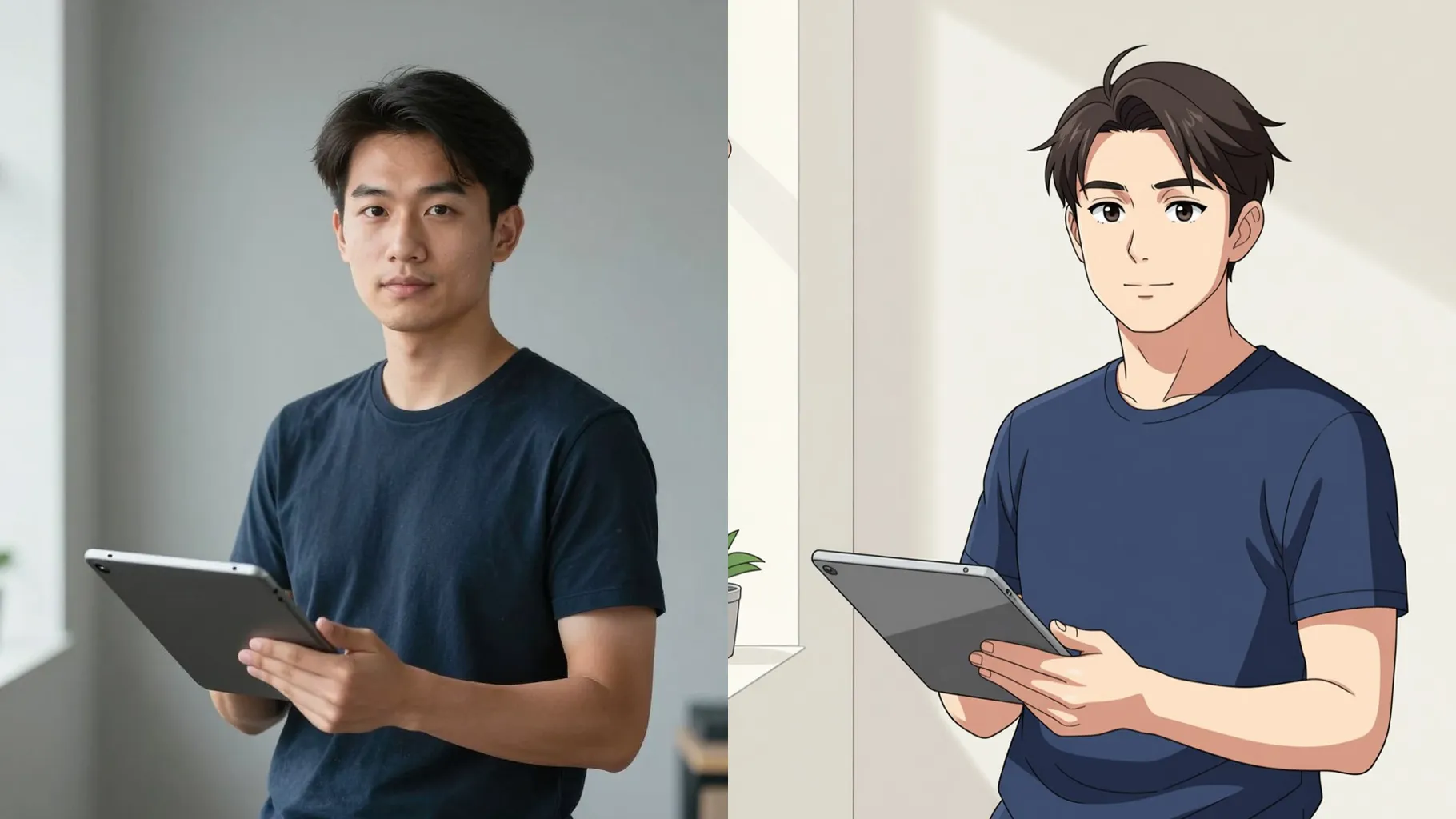
Examples show the target style. Your result depends on the chosen model and reference photo.
Upload one photo to get yellow skin, flat shading, and bold outlines like a Springfield cartoon shot.
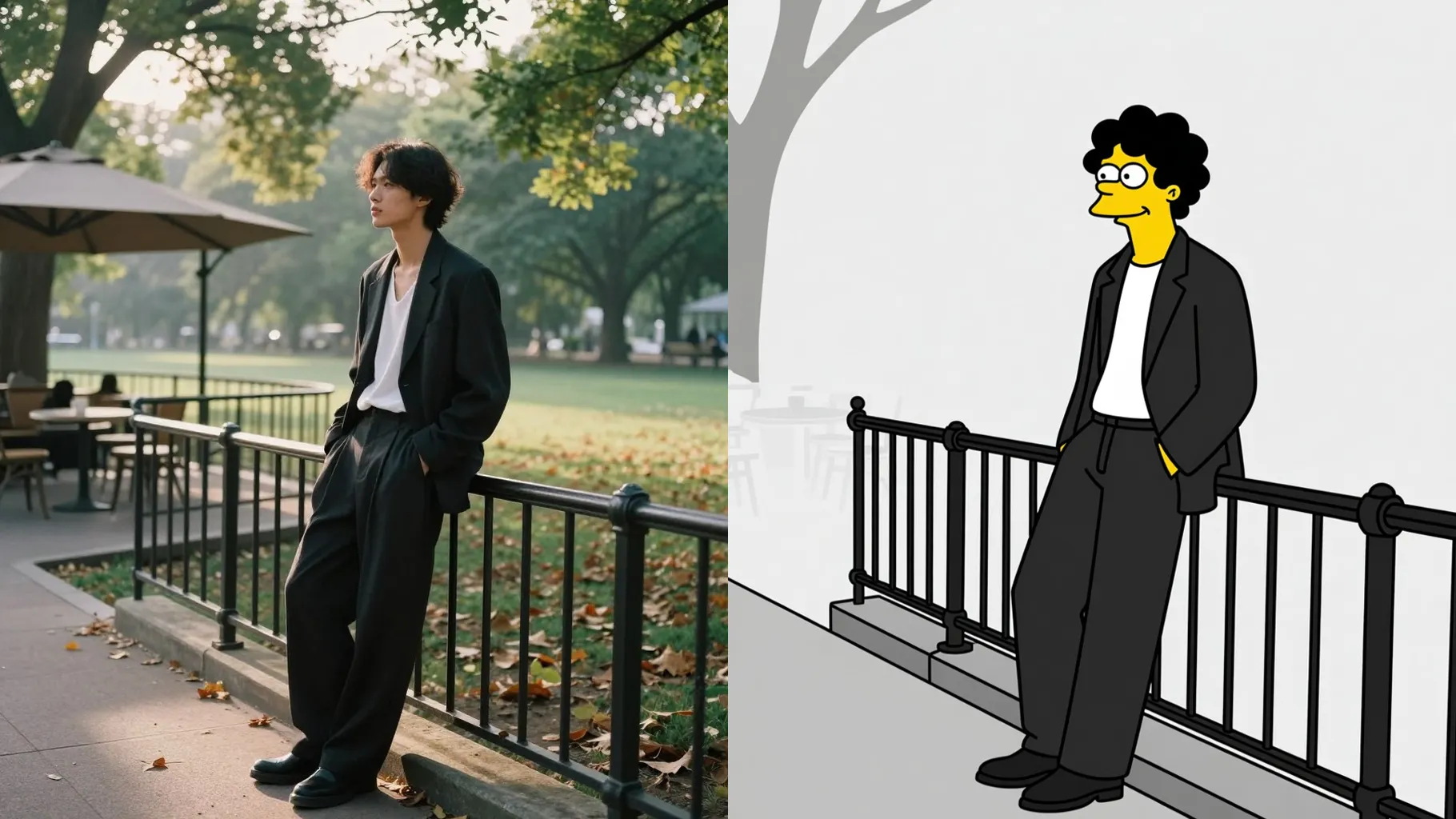
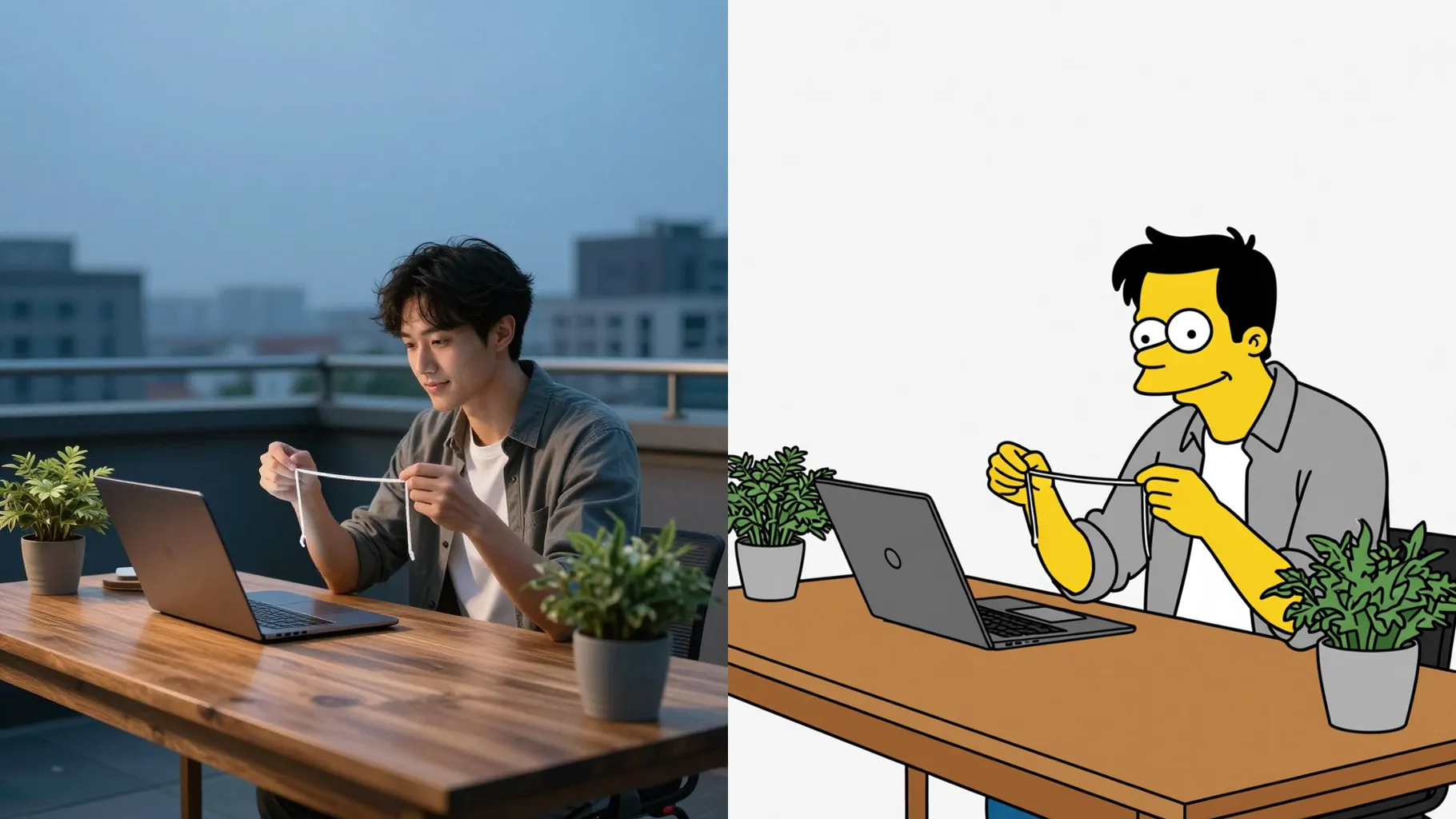
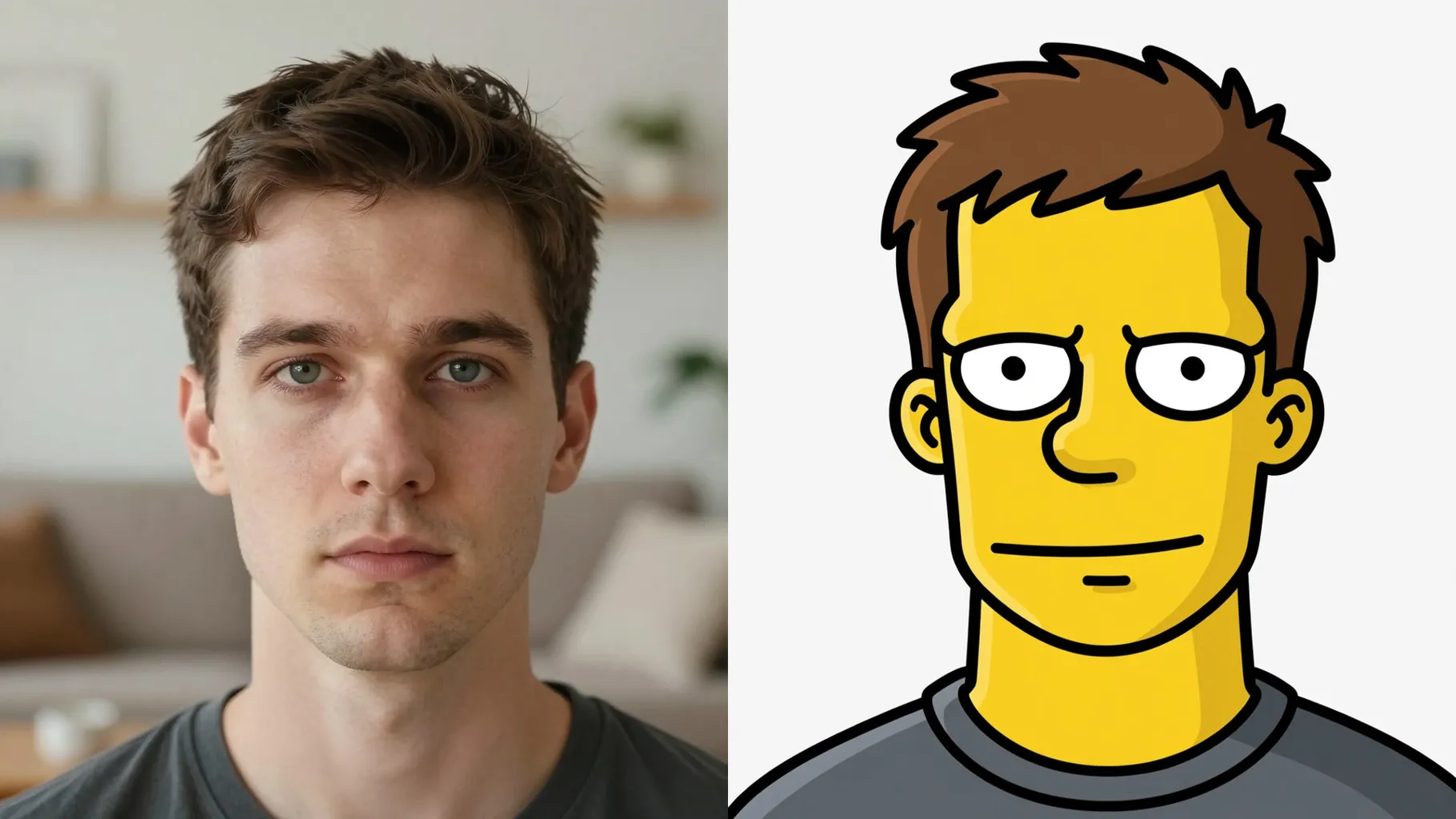
Retains facial proportions while adding Simpsons colors and cel shading so friends recognize you.
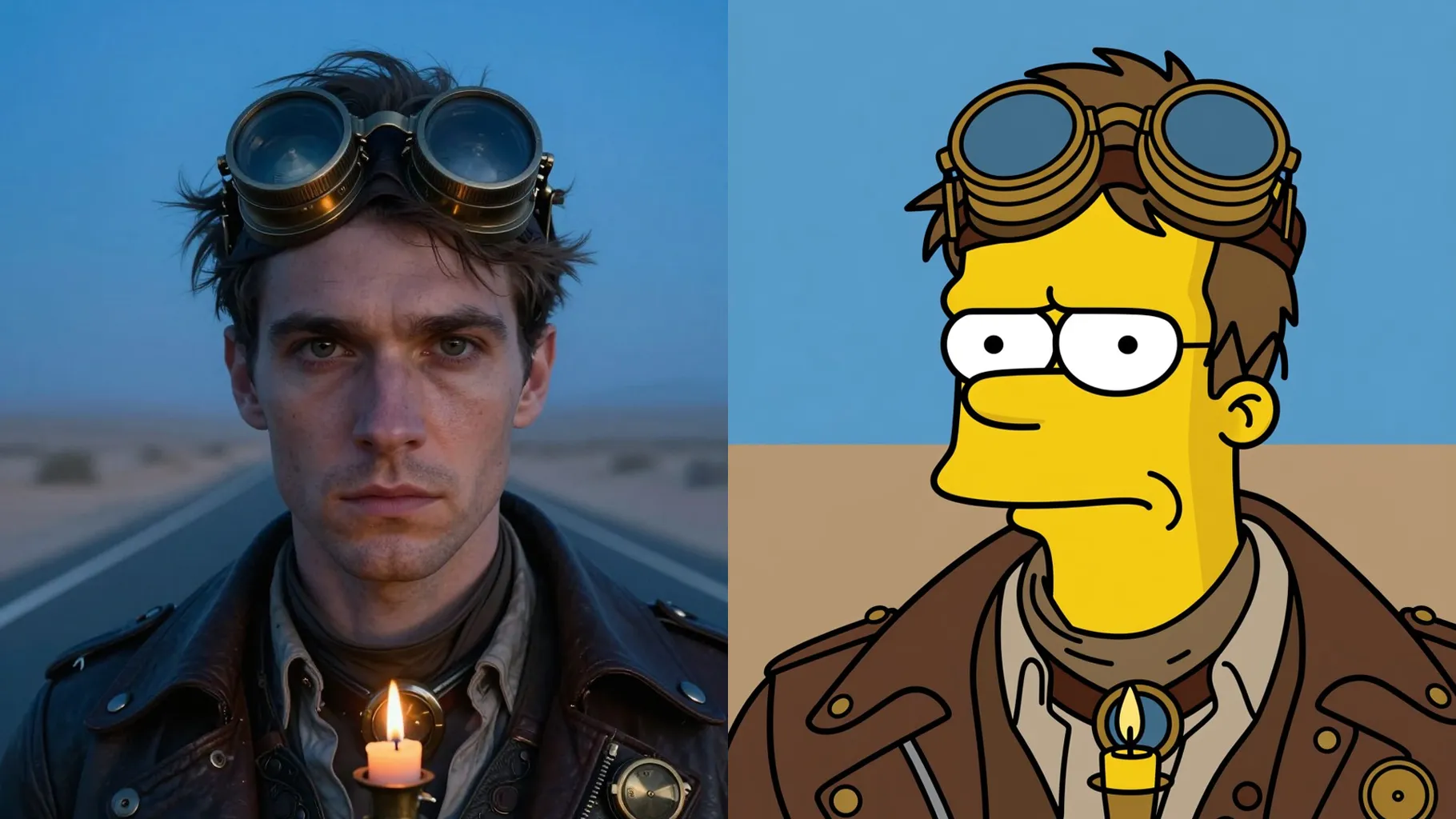
Short prompts change outfits or put you in classic Springfield locations without manual editing.
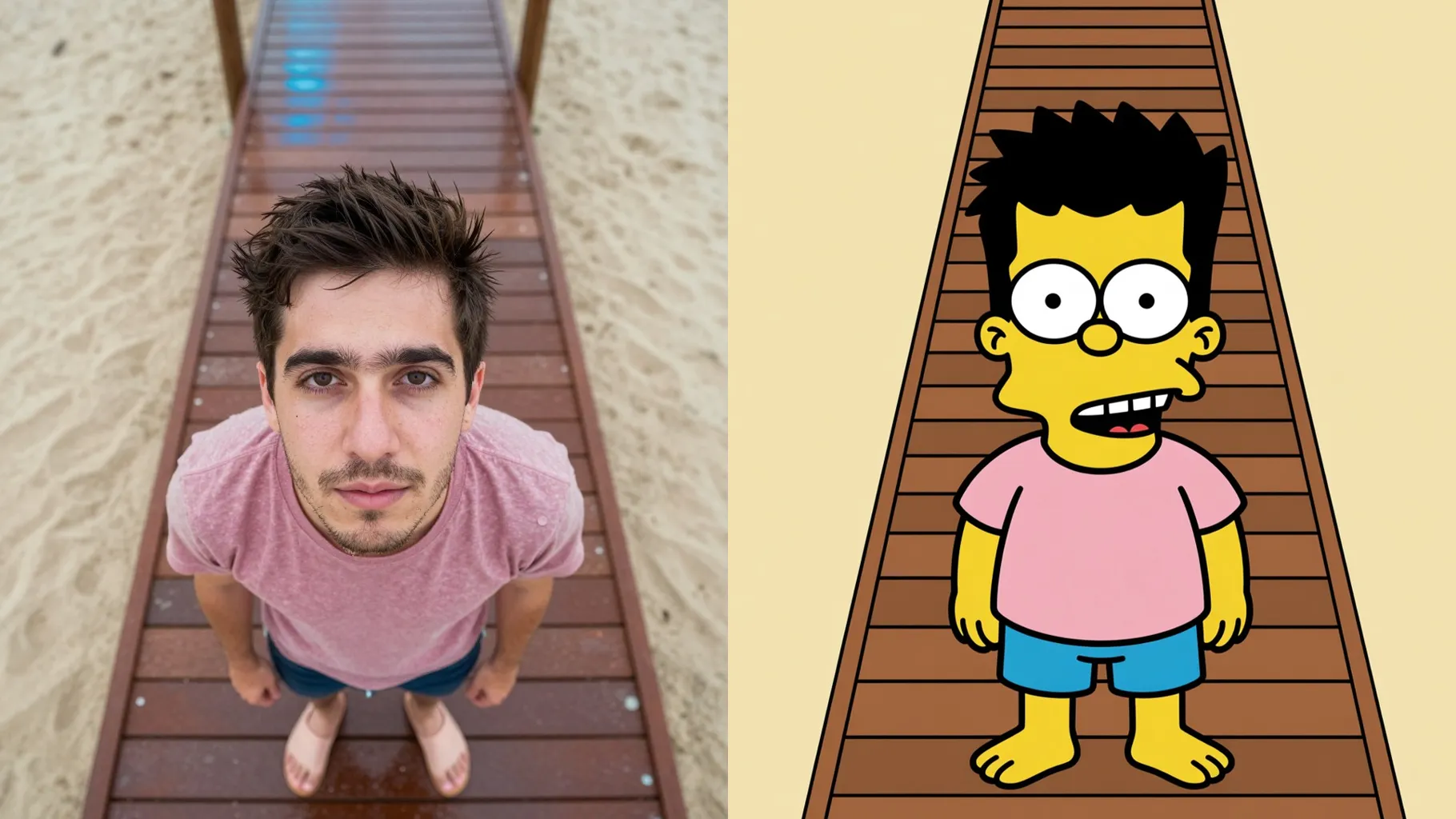
Face the camera with even light so outlines stay clean and eyes stay sharp.
Mention outfit, job, or background like "at Moe's bar" to steer the render.
Review the cartoon result, rerun if you want variations, then save your favorite.
This preset uses one photo at a time to keep the likeness accurate.
A short prompt is optional but helps set outfits or backgrounds; avoid long stories.
Aspect ratio control is disabled; crop your image before uploading if you need a specific frame.
Model switching is off to keep the Simpsons palette and style consistent.
Use a front-facing photo with clear facial features and simple background for clean outlines.

Generation time depends on the model, image size, and queue. Check the task status on this page.