
1. How many images can I upload per render?
This preset uses one photo at a time to keep your facial likeness accurate.
Upload one photo to turn yourself into a South Park-style character with flat shapes and bold outlines.
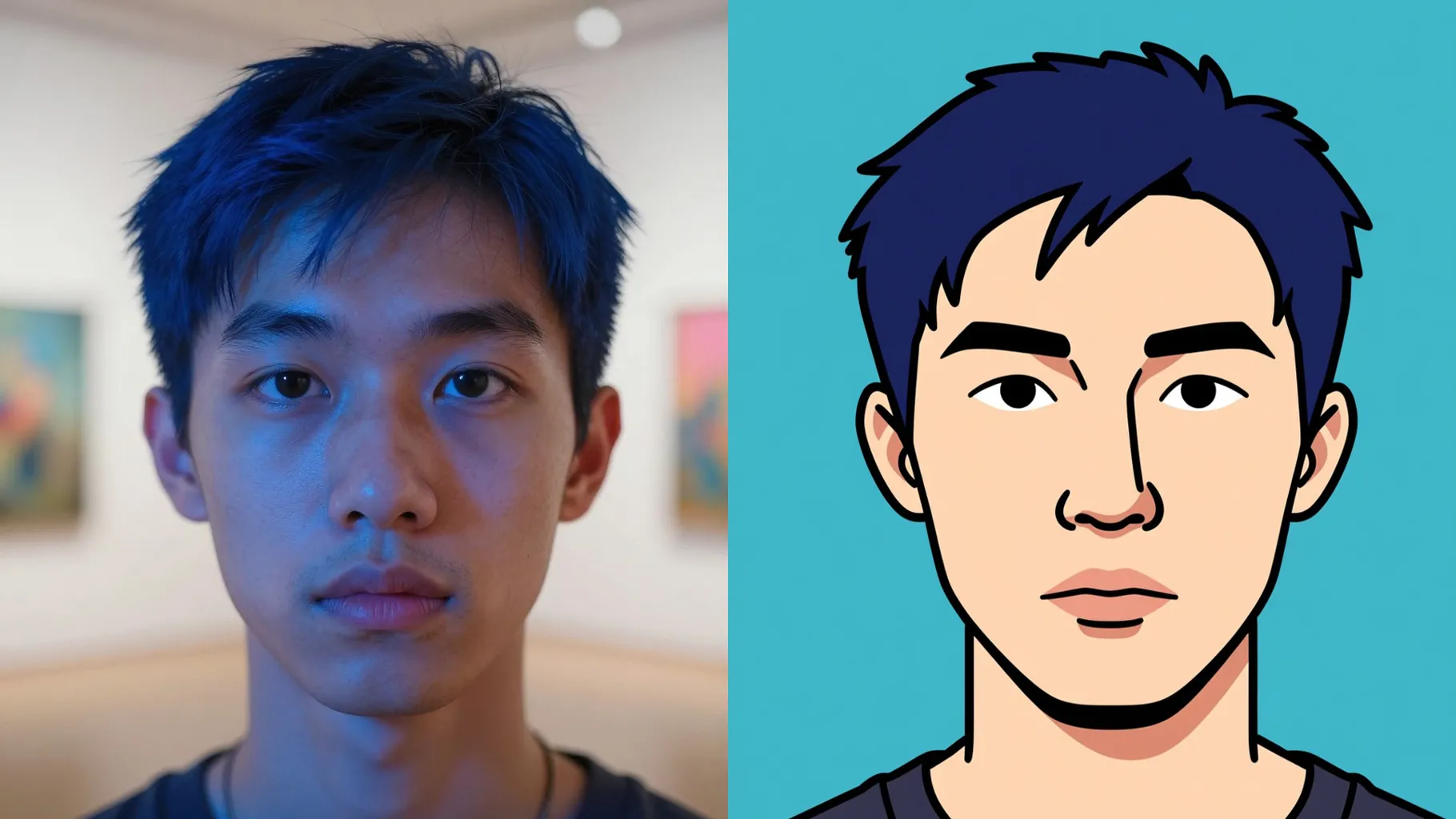
One selfie becomes a South Park-style cartoon with flat colors and thick outlines.
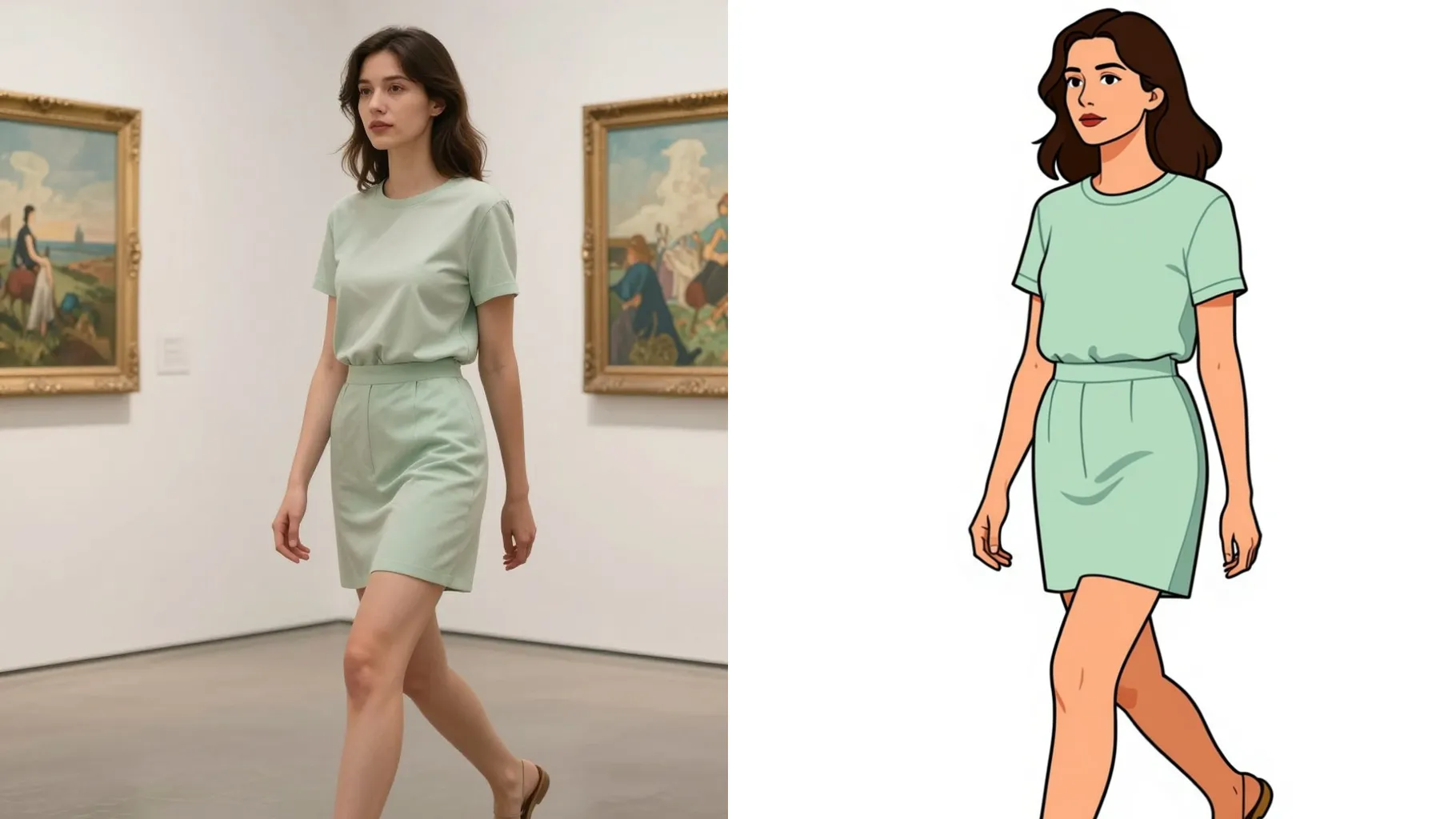
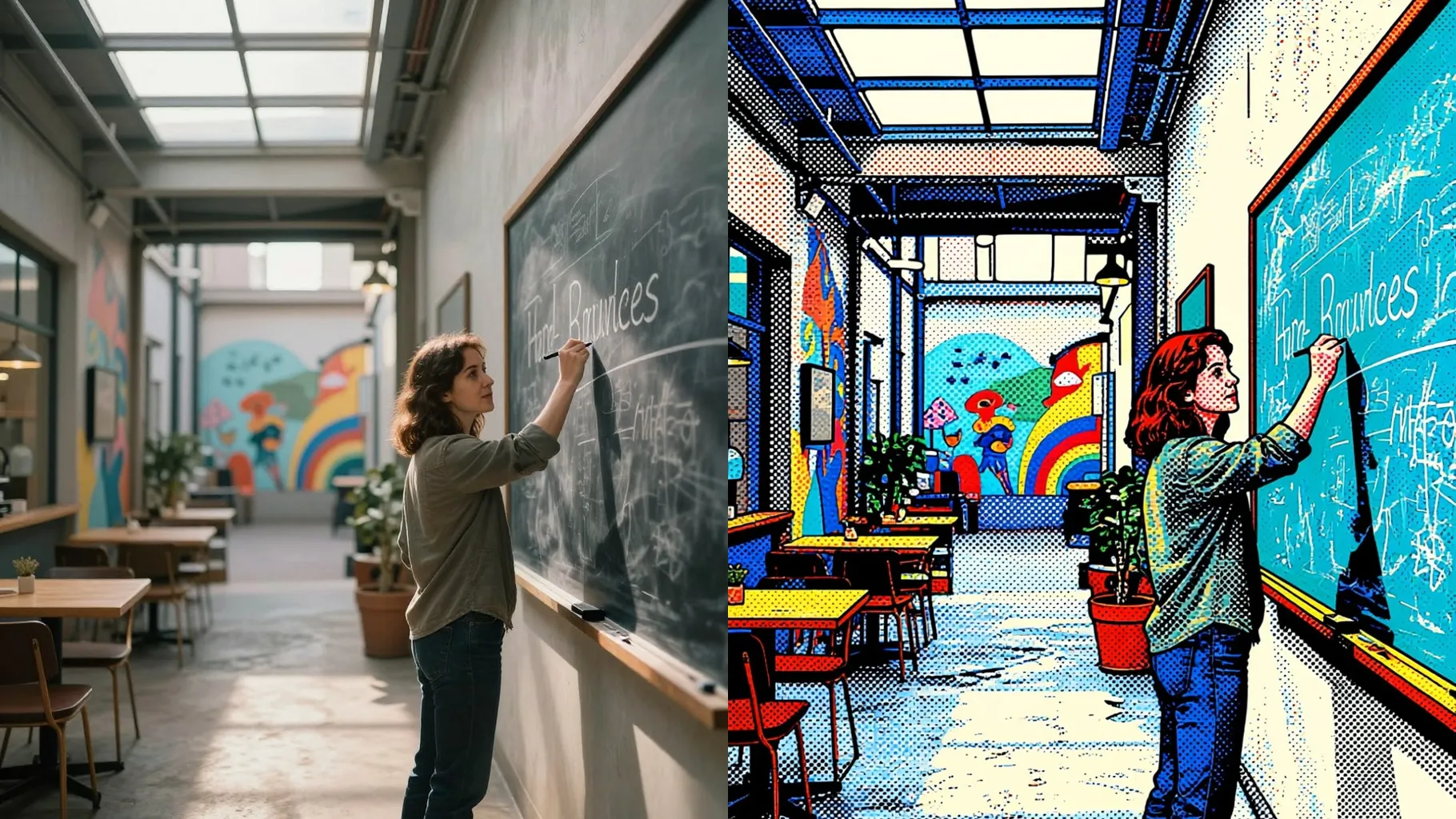
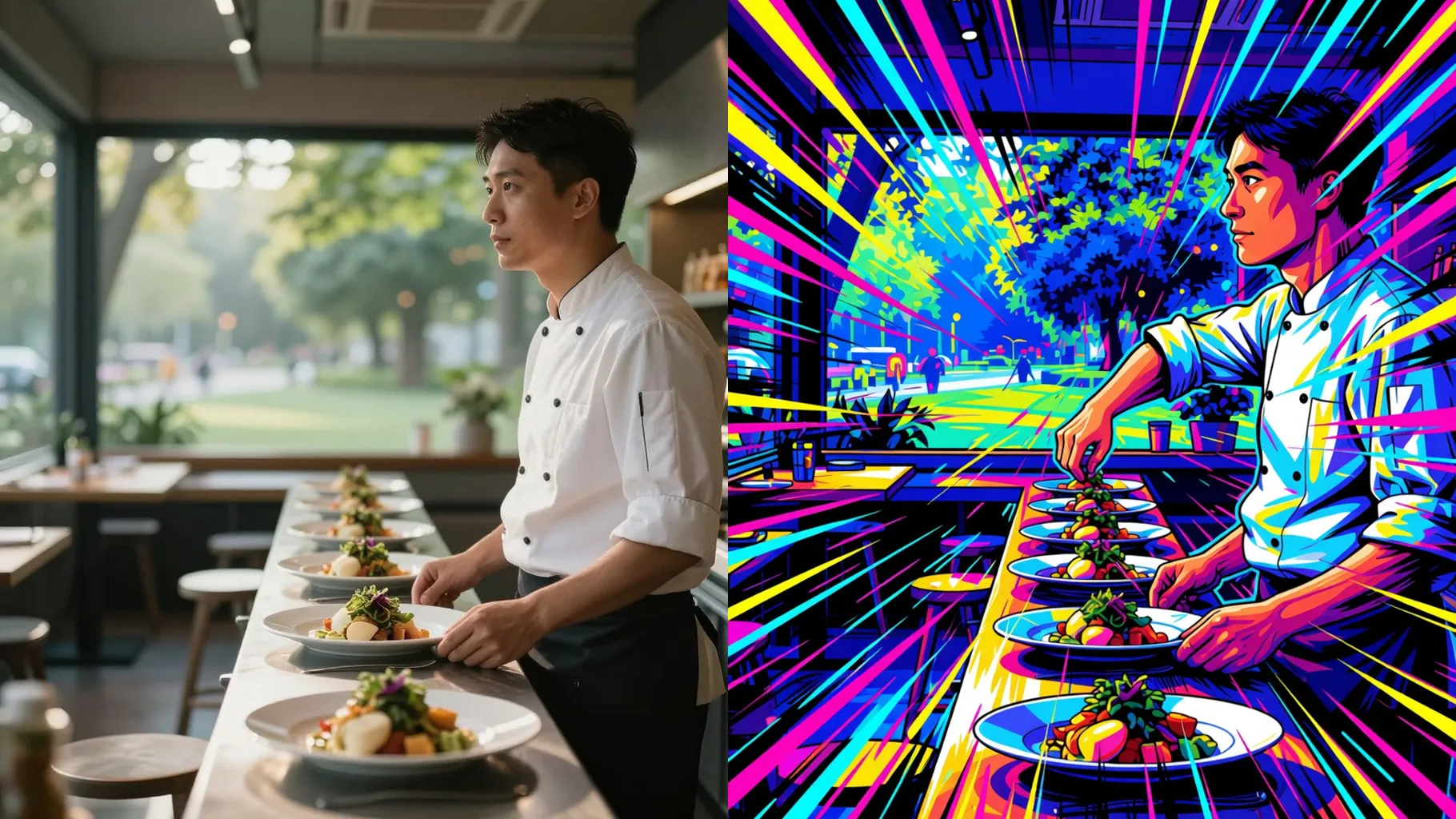
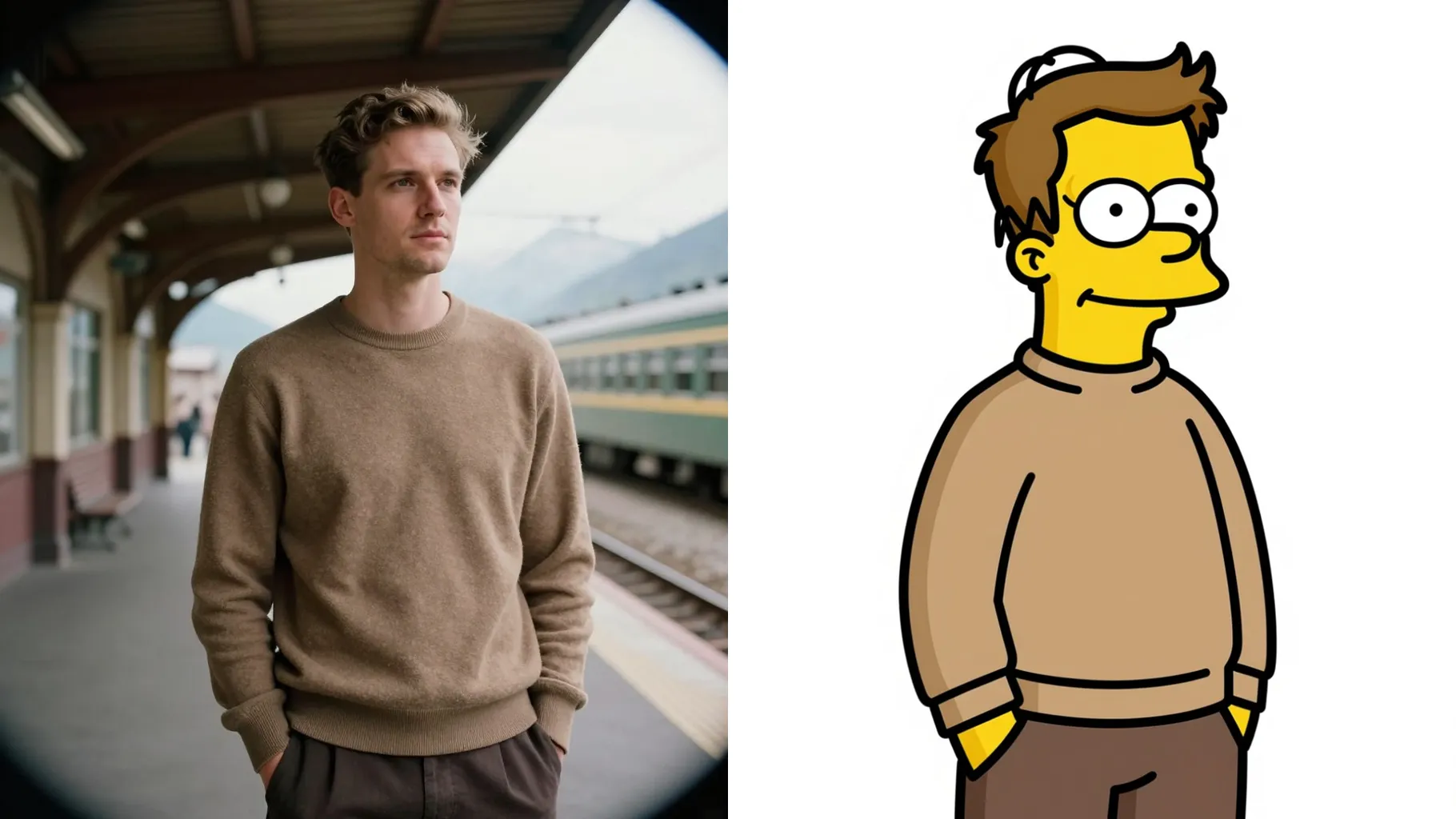
Examples show the target style. Your result depends on the chosen model and reference photo.
Upload one photo to get a flat cutout cartoon look with thick lines and bold shapes inspired by South Park.
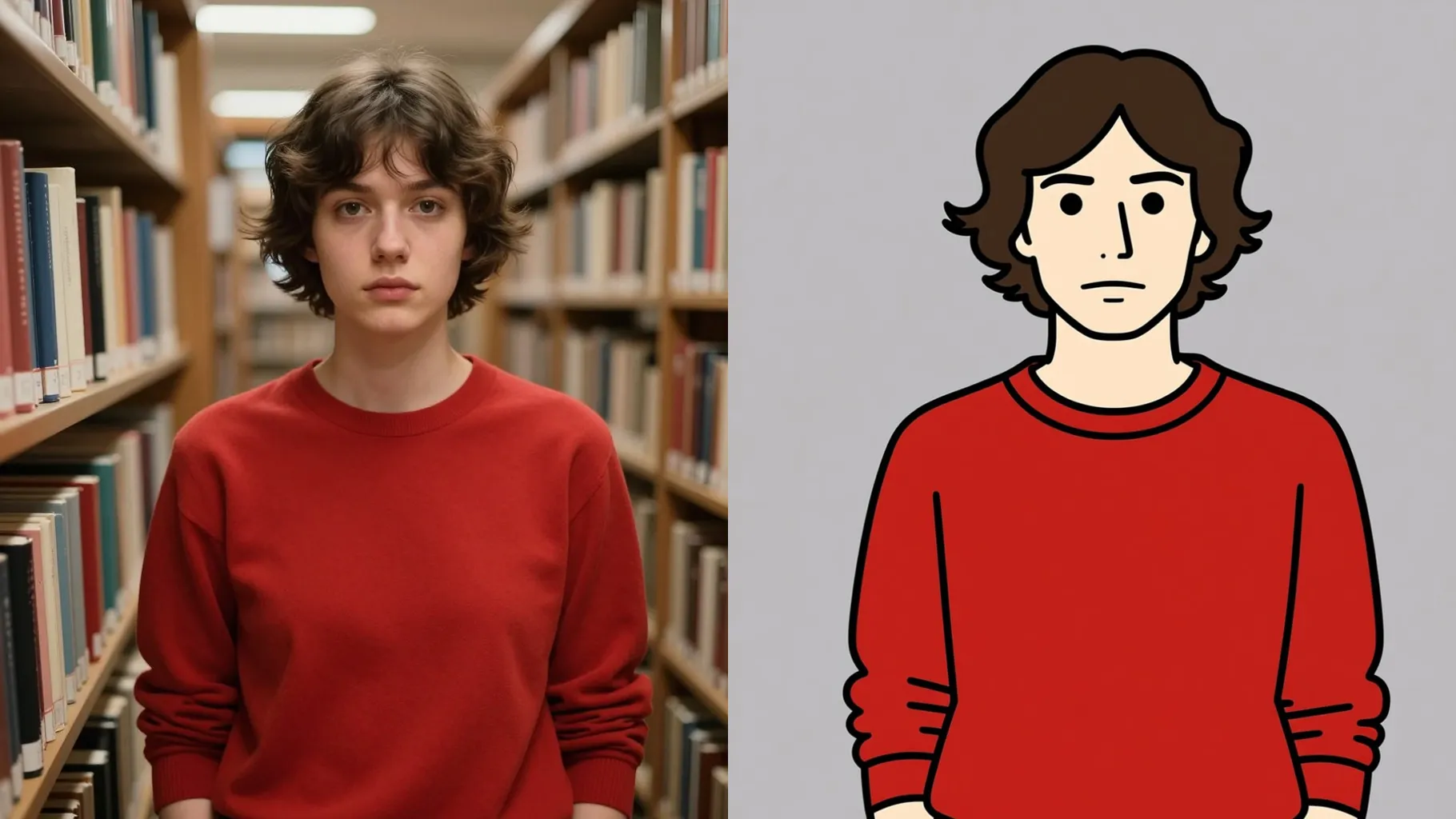
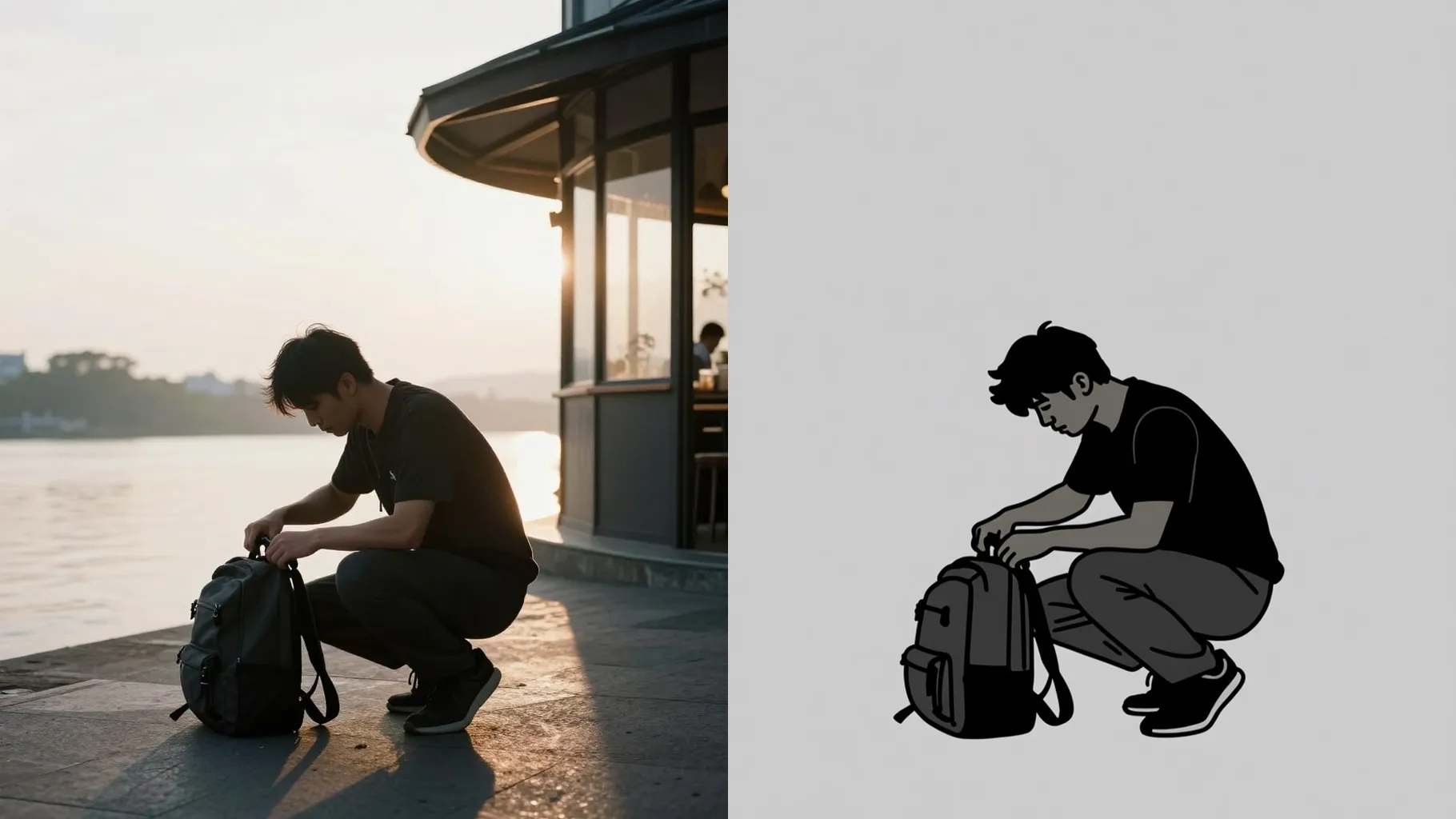
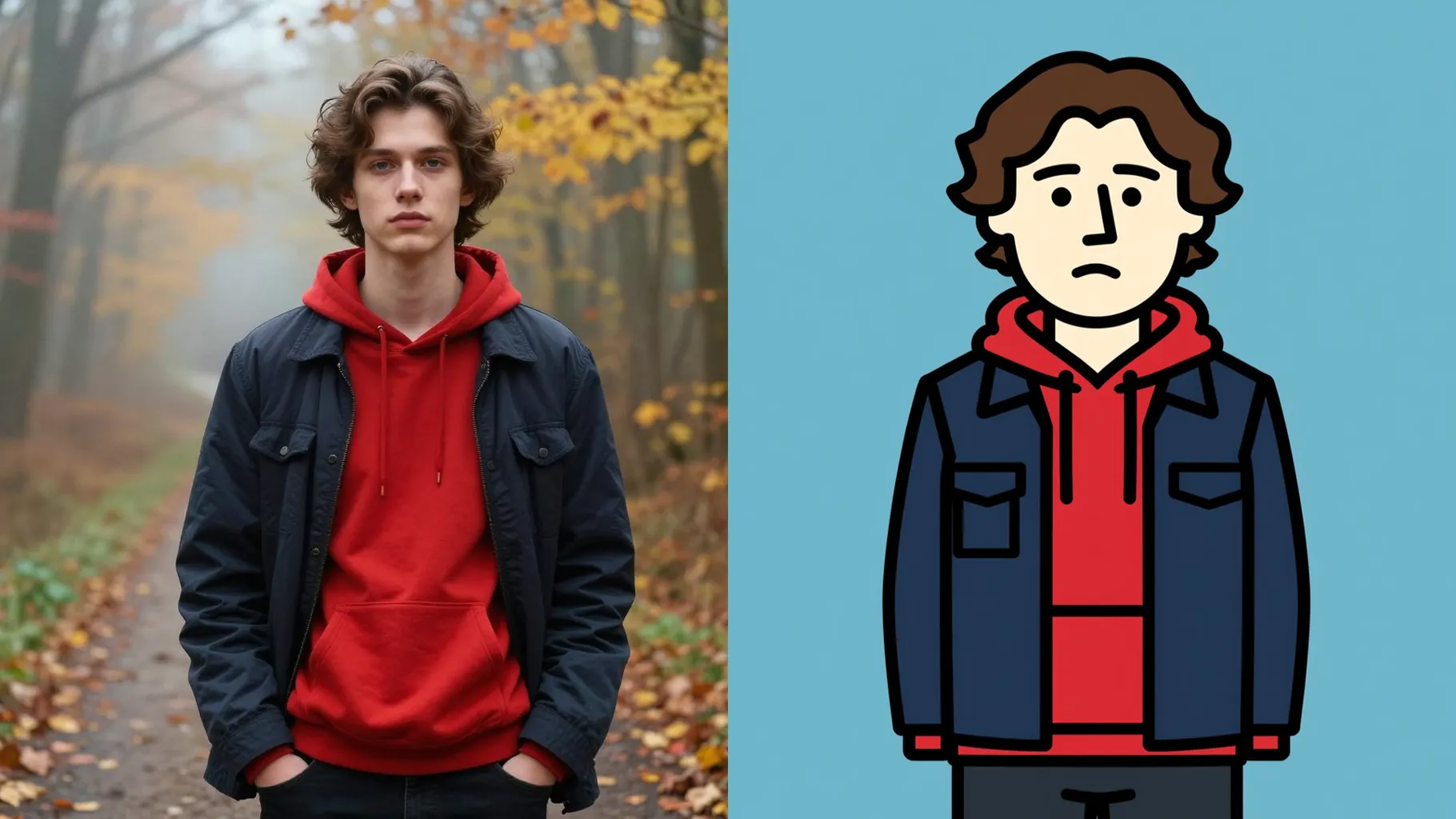
Preserves face proportions while applying the South Park palette and minimal shading so friends still recognize you.
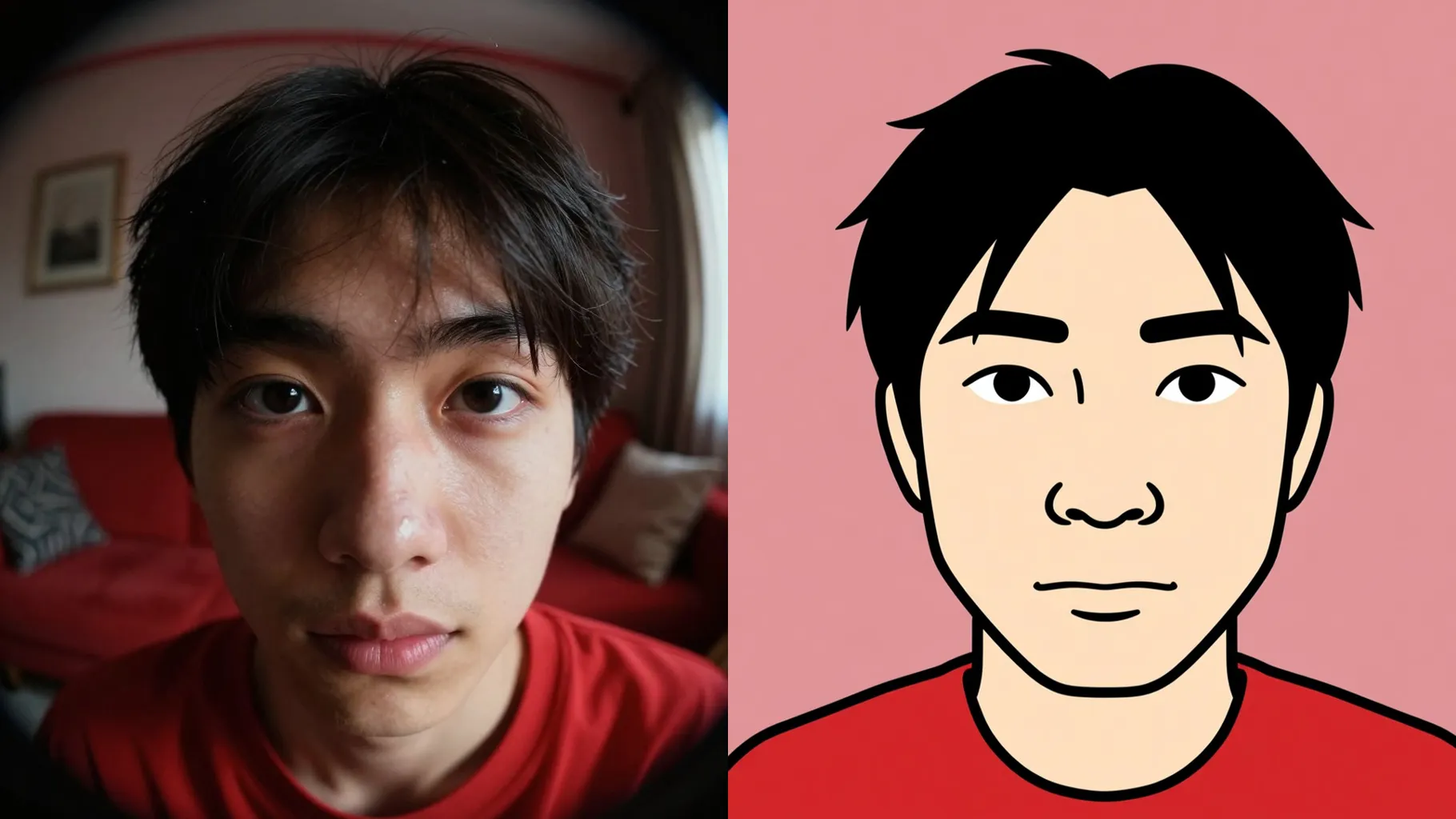
Short prompts swap outfits or place you in snowy streets, classrooms, or couch scenes without manual editing.
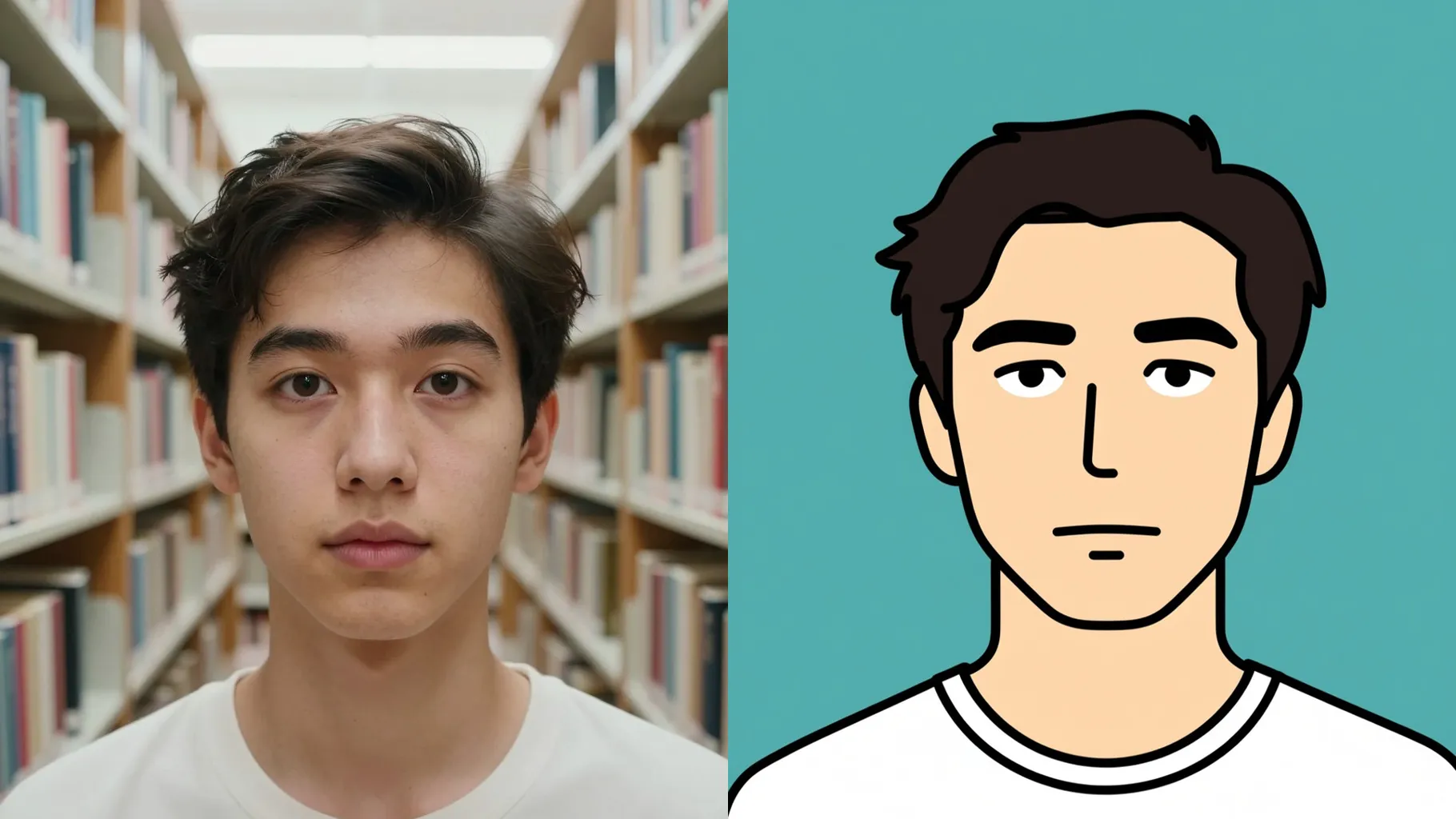
Face the camera with even light so outlines stay clean and eyes stay sharp.
Mention outfit, scene, or props like \"winter coat on snowy street\" to guide the render.
Review the cartoon result, rerun for variations, then save your favorite image.
This preset uses one photo at a time to keep your facial likeness accurate.
Prompts are optional but help set outfits, scenes, or props. Keep them short for best results.
Aspect ratio control is disabled; crop your image beforehand if you need a specific frame.
Model switching is off to keep the South Park palette and flat shading consistent.
Use a front-facing photo with simple background and clear facial features for clean cutout lines.

Generation time depends on the model, image size, and queue. Check the task status on this page.