
1. How many images can I upload per run?
One photo at a time; the shuffle is tuned for single-image uploads.
Shuffle one photo through pastel, neon, and manga-inspired anime looks while keeping your face consistent.
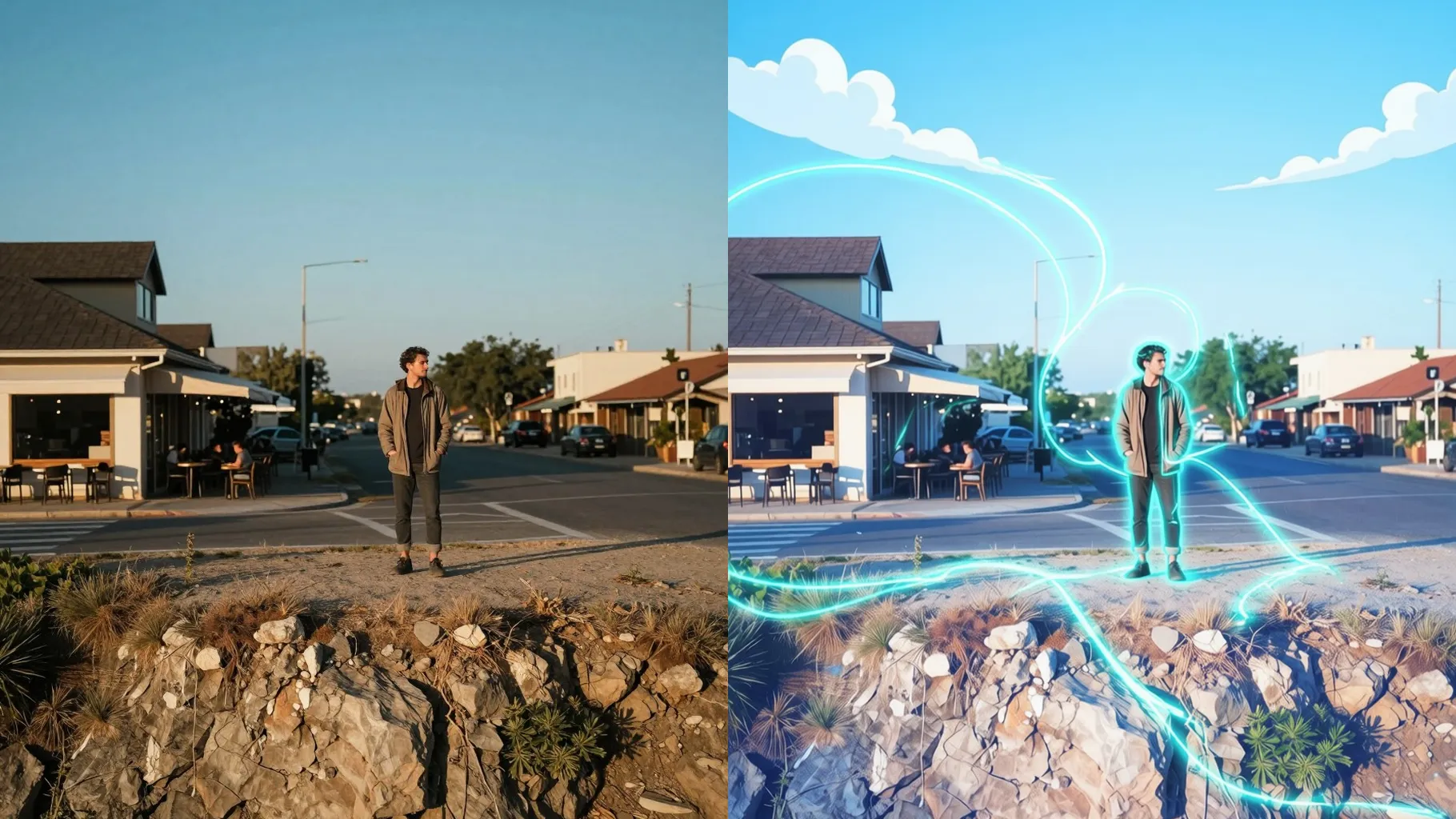
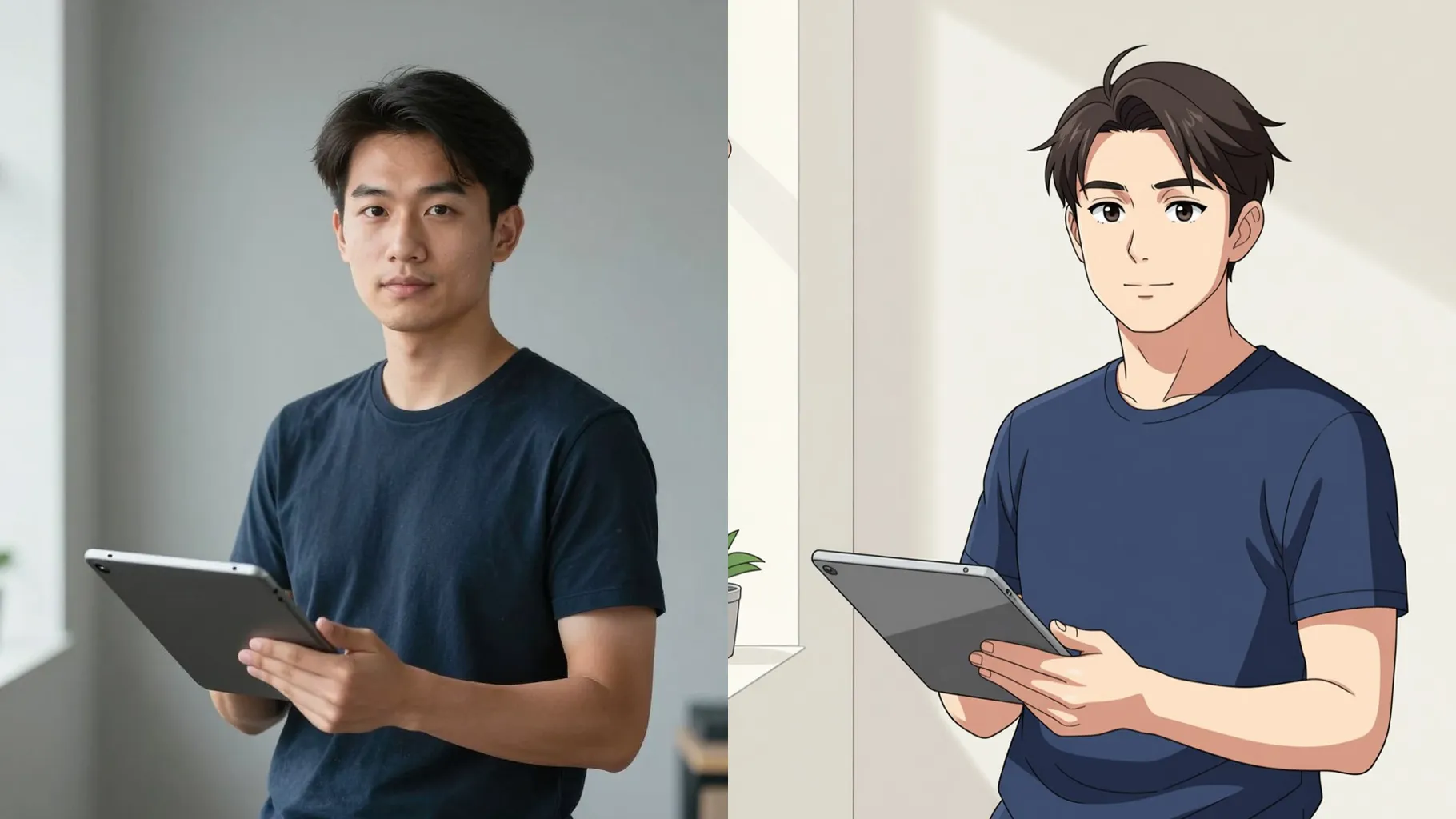
Shuffle a selfie into soft pastel anime with glowing backlight and clean line art.
Examples show the target style. Your result depends on the chosen model and reference photo.
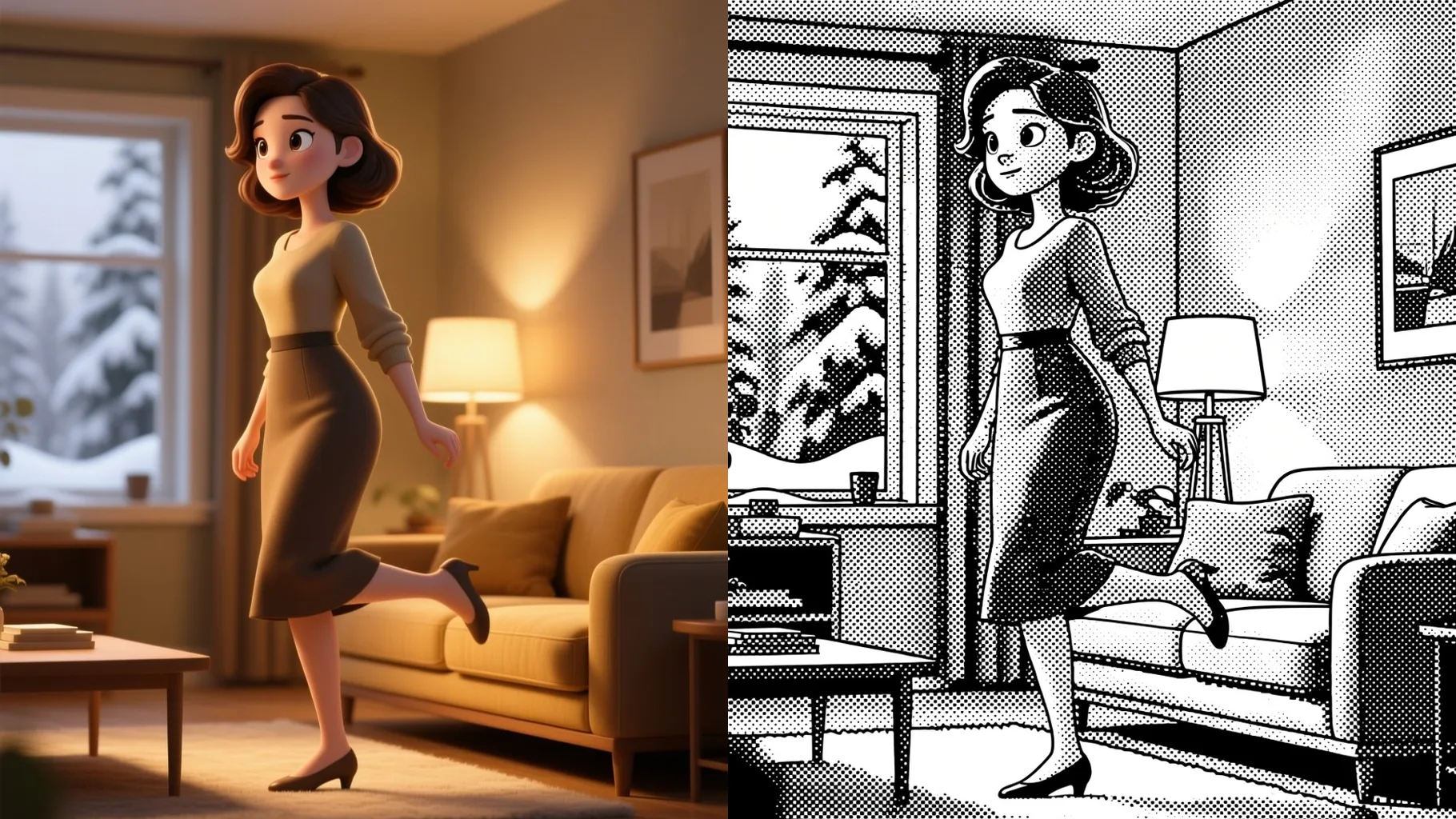
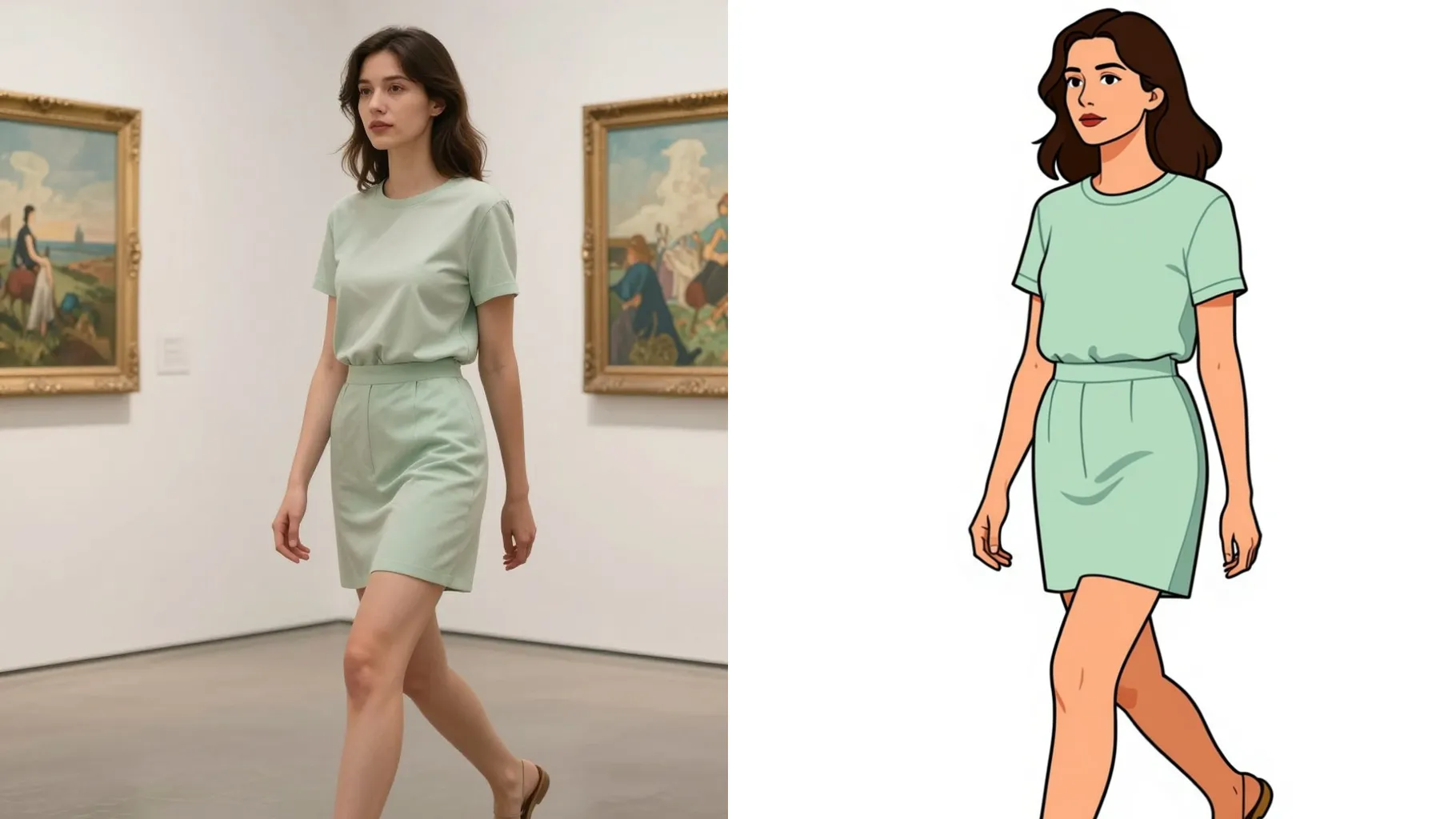
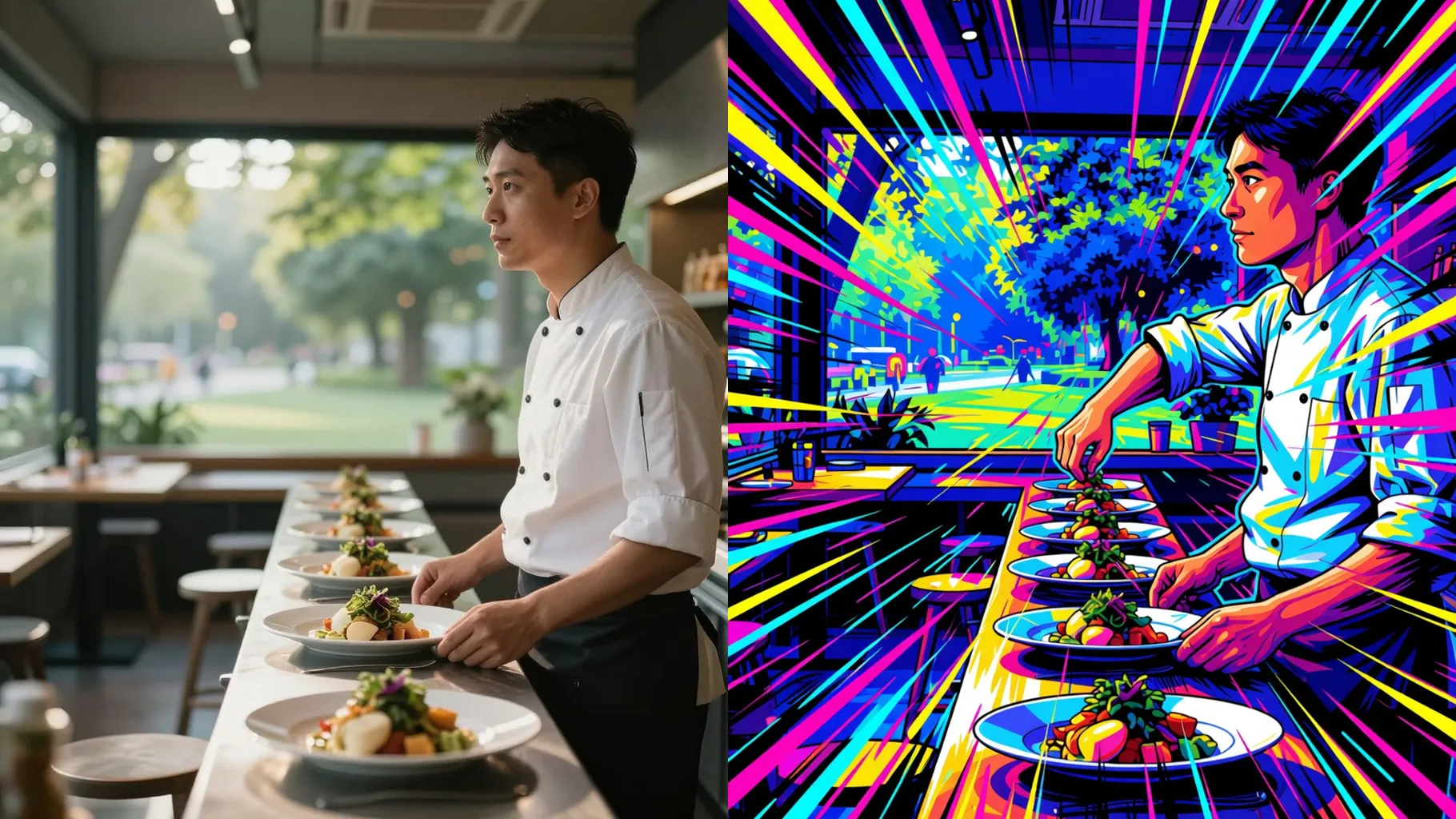
Upload one clear photo and let the AI shuffle it through pastel slice-of-life, neon action, and dreamy watercolor anime moods.
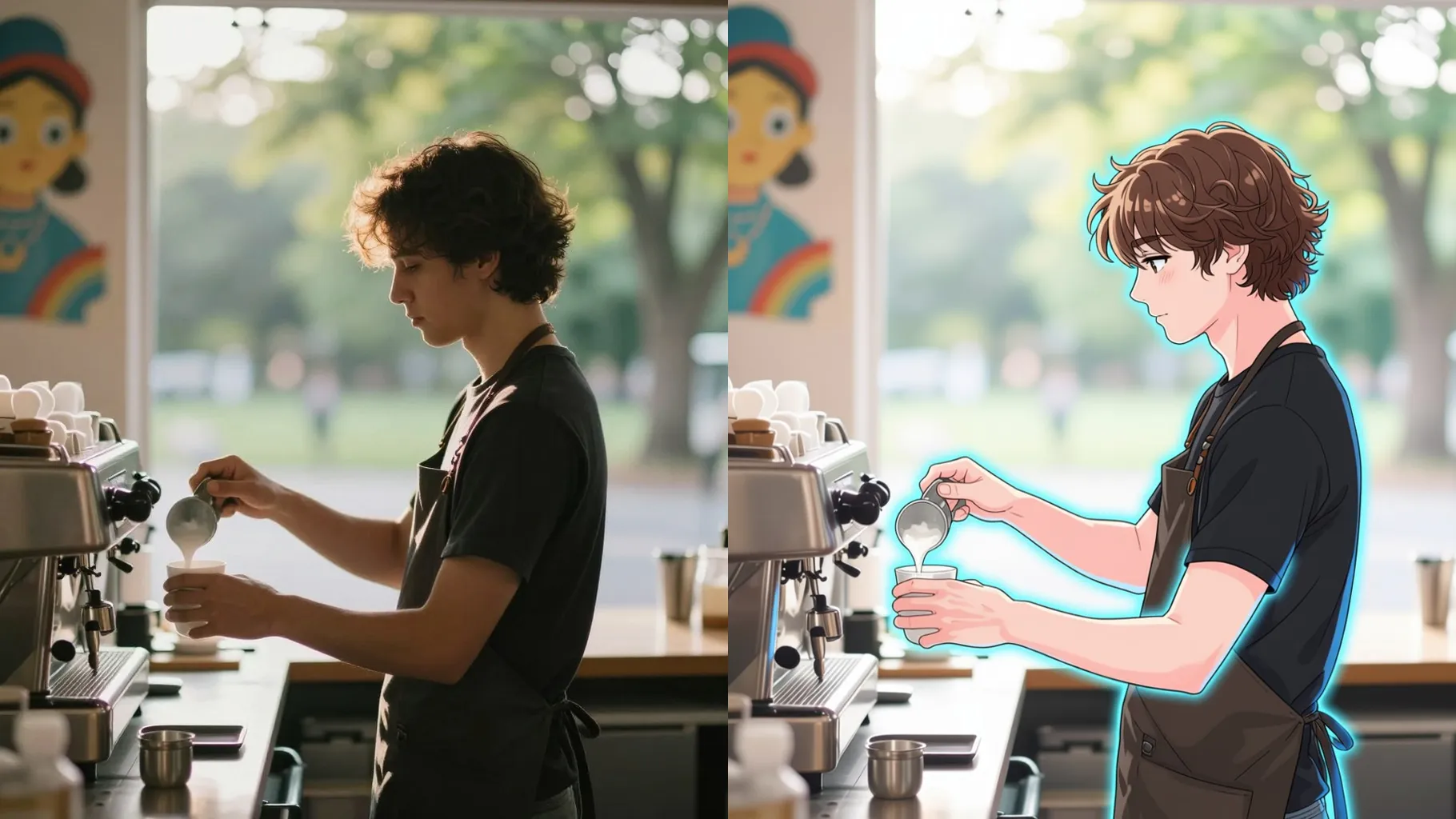
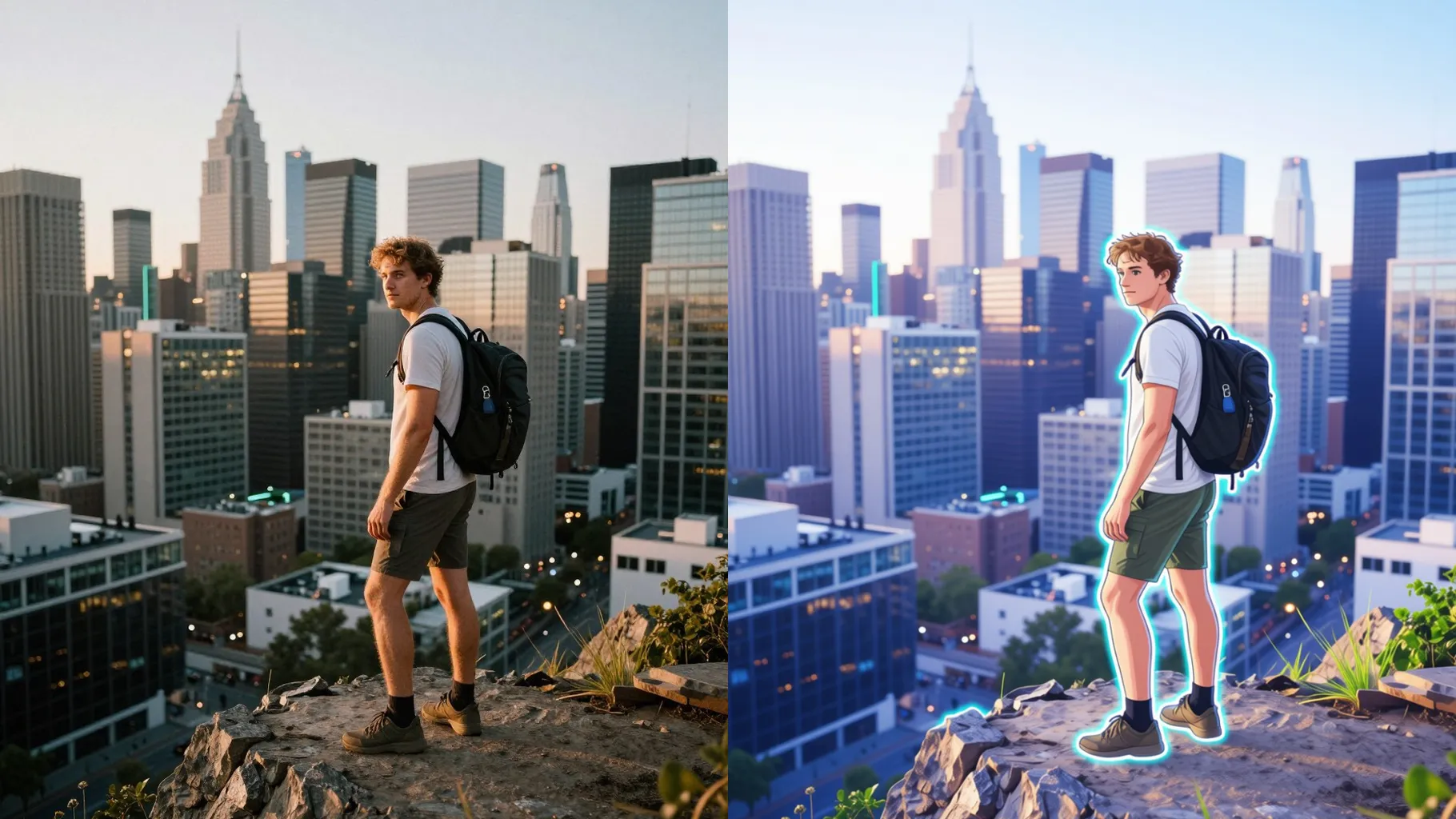
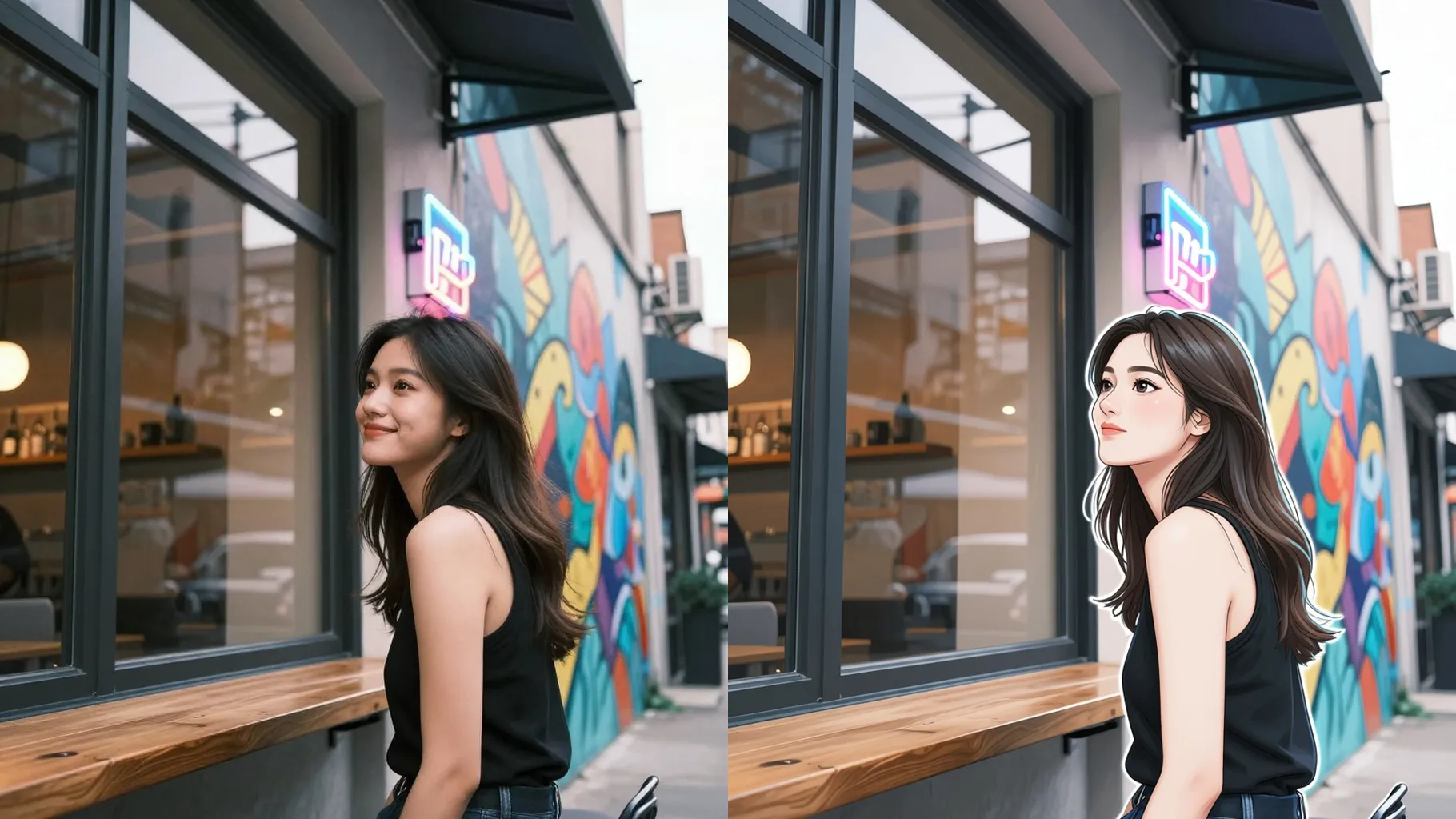
Each run delivers varied palettes and shading so you can pick a slice-of-life glow, manga ink, or cyber neon without re-uploading.
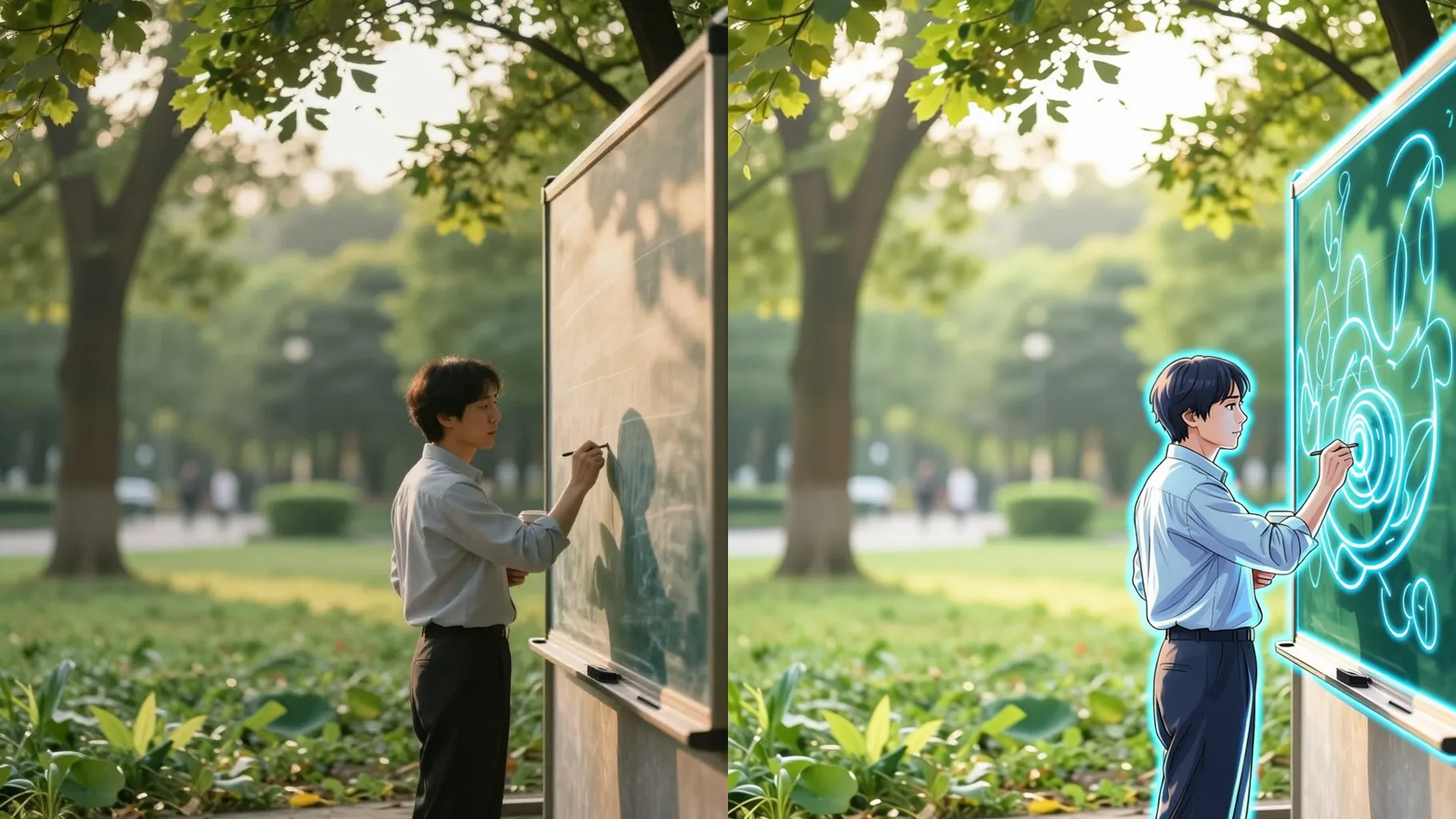
Facial proportions stay stable while backgrounds, lighting, and colors rotate, so results feel fresh but still look like you.
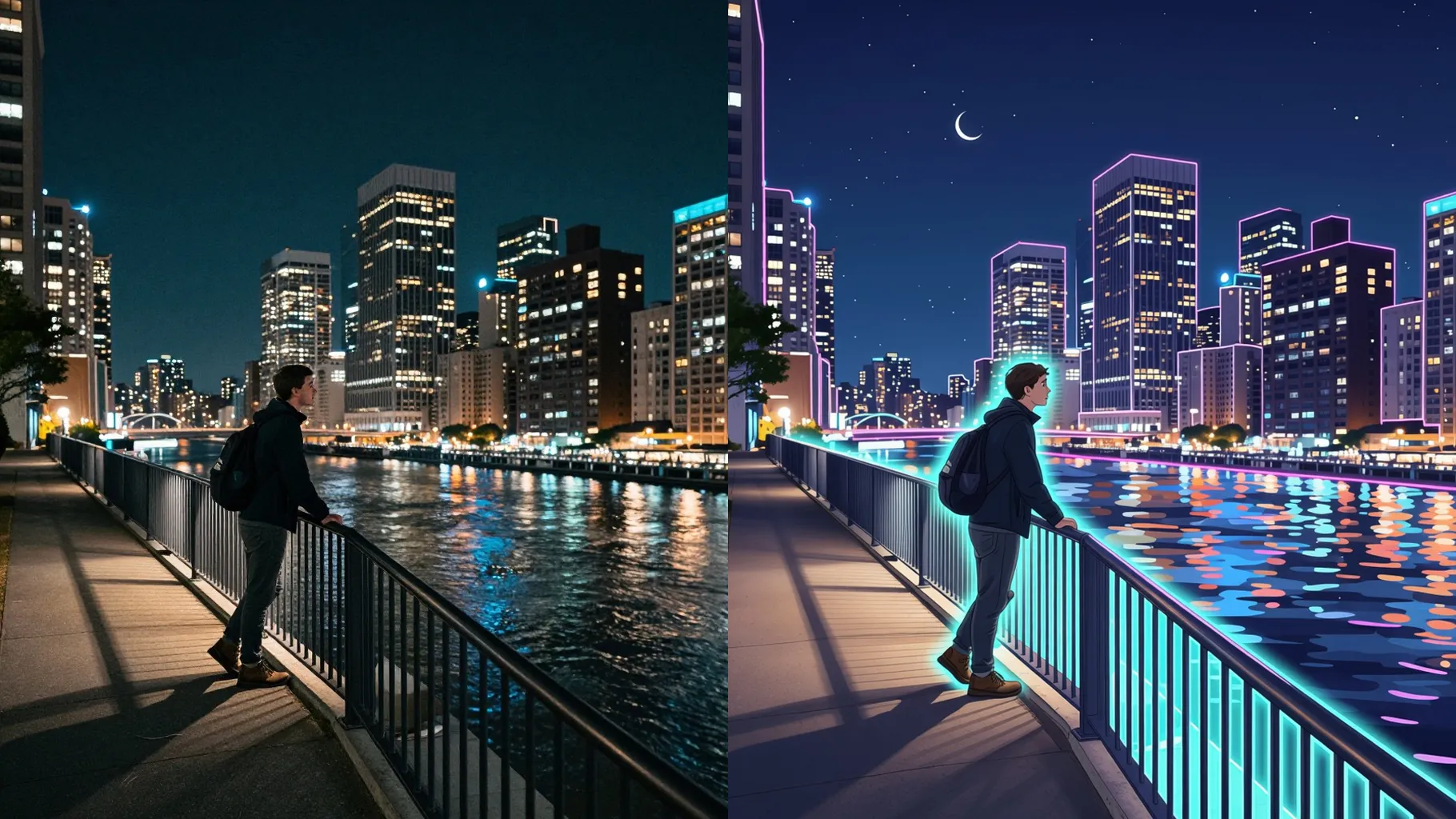
Use a front-facing shot with good lighting so line art stays sharp across styles.
Mention mood, setting, or colors; keep it brief to let the shuffle vary naturally.
Cycle through outputs, rerun if you want another mix, then download your favorite.
One photo at a time; the shuffle is tuned for single-image uploads.
Yes. This is an image-to-image effect - please upload one picture to start.
Expect pastel slice-of-life tones, neon action lighting, manga ink accents, and soft watercolor backgrounds.
Short prompts work best. A few words about mood or setting help guide the shuffle without locking it down.
Aspect ratio control is off for this template; crop your image beforehand if you need a specific frame.
Model switching is disabled to keep the anime palettes and line work consistent.
Upload JPG, PNG, or WebP under 10MB for faster processing and stable edges.
Generation time depends on the model, image size, and queue. Check the task status on this page.

Upload one image, add a quick note, and spin through multiple anime looks until you find the one you like.