
1. How many photos do I upload?
Just one. The template builds the birthday card around a single image for best alignment.
Turn one photo into a festive birthday card with confetti, pastel colors, and clean greeting text.
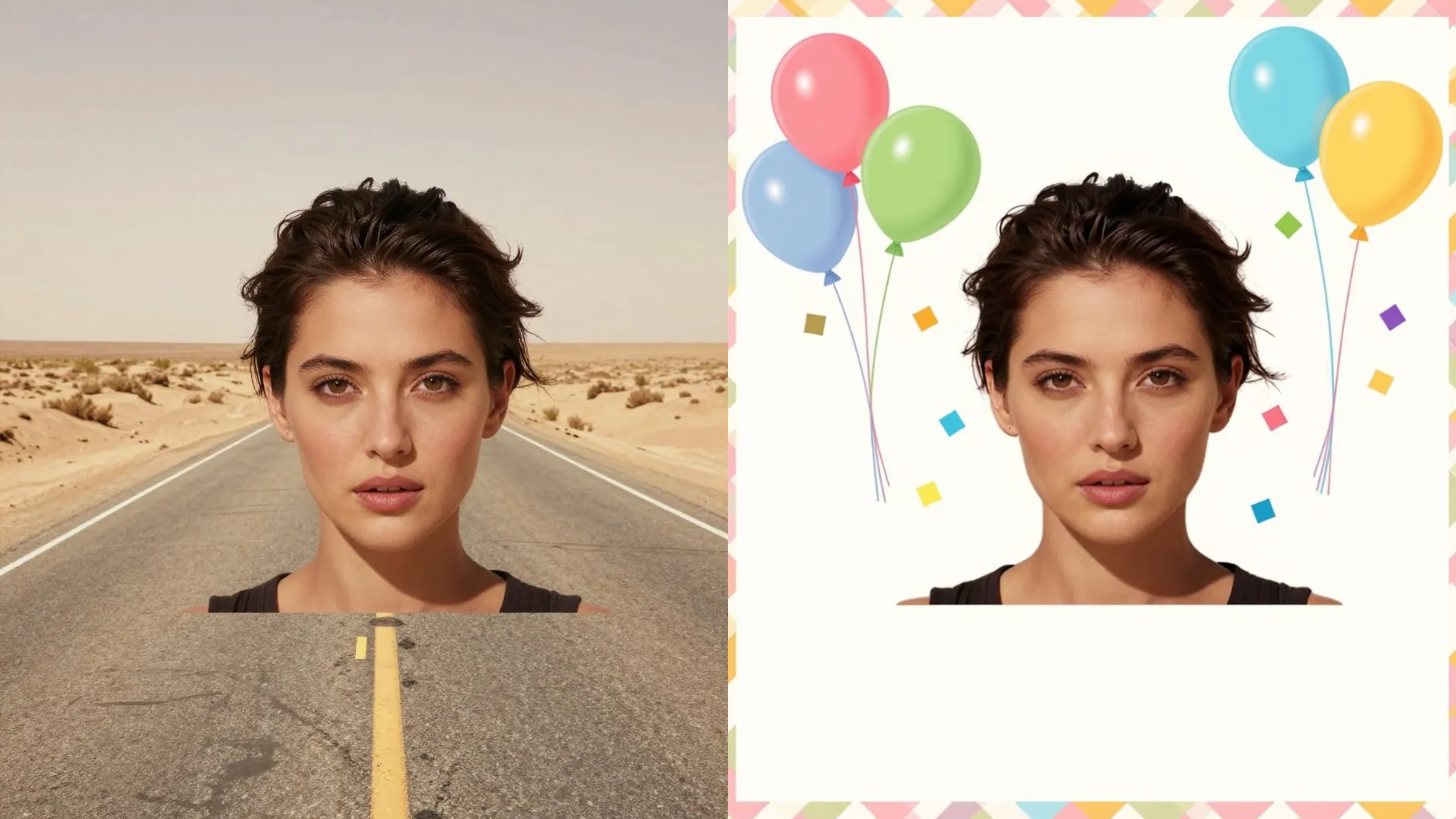
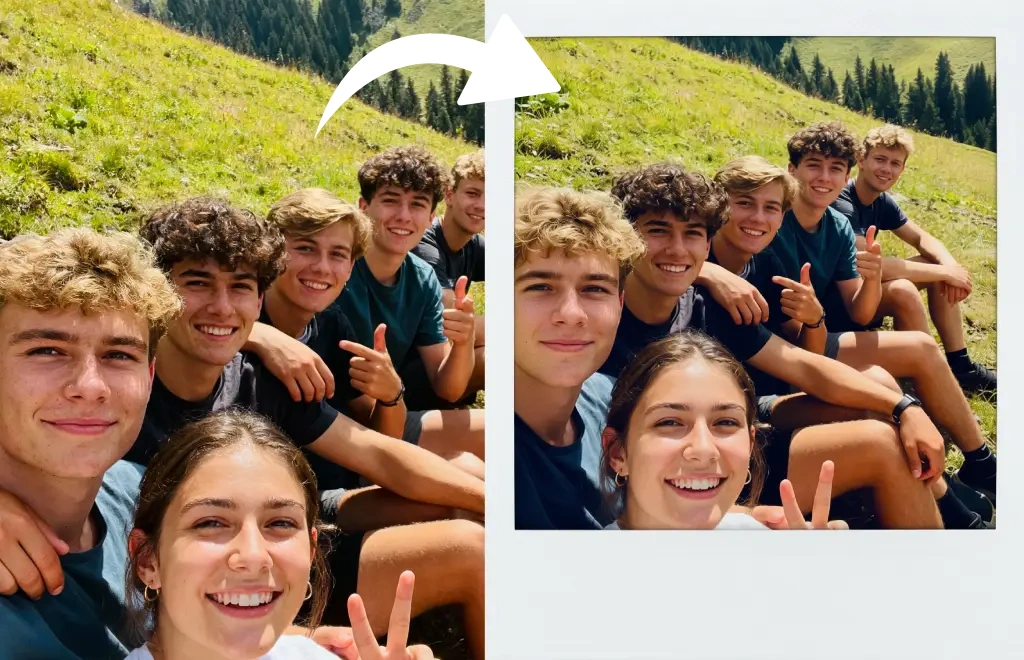
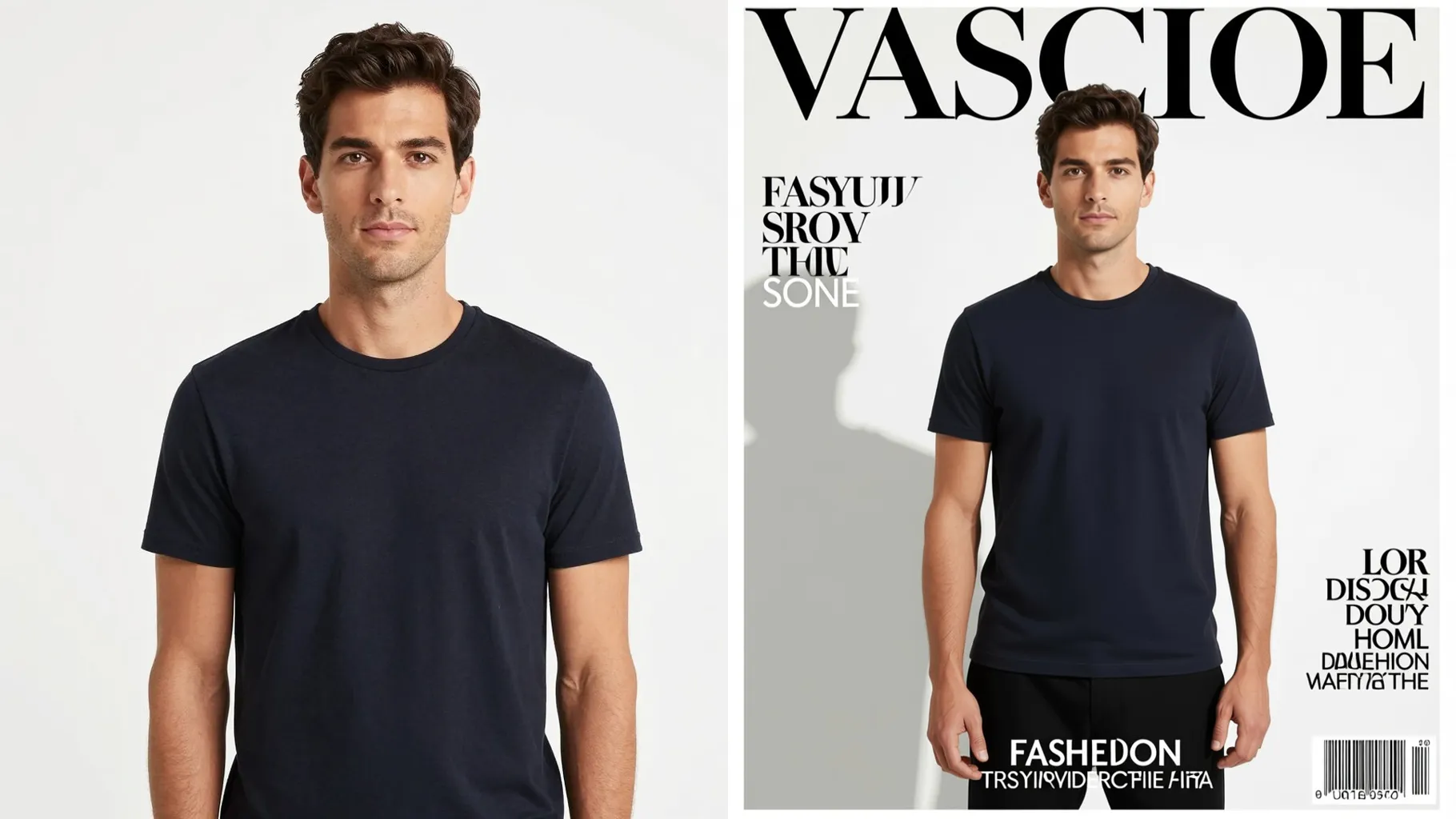
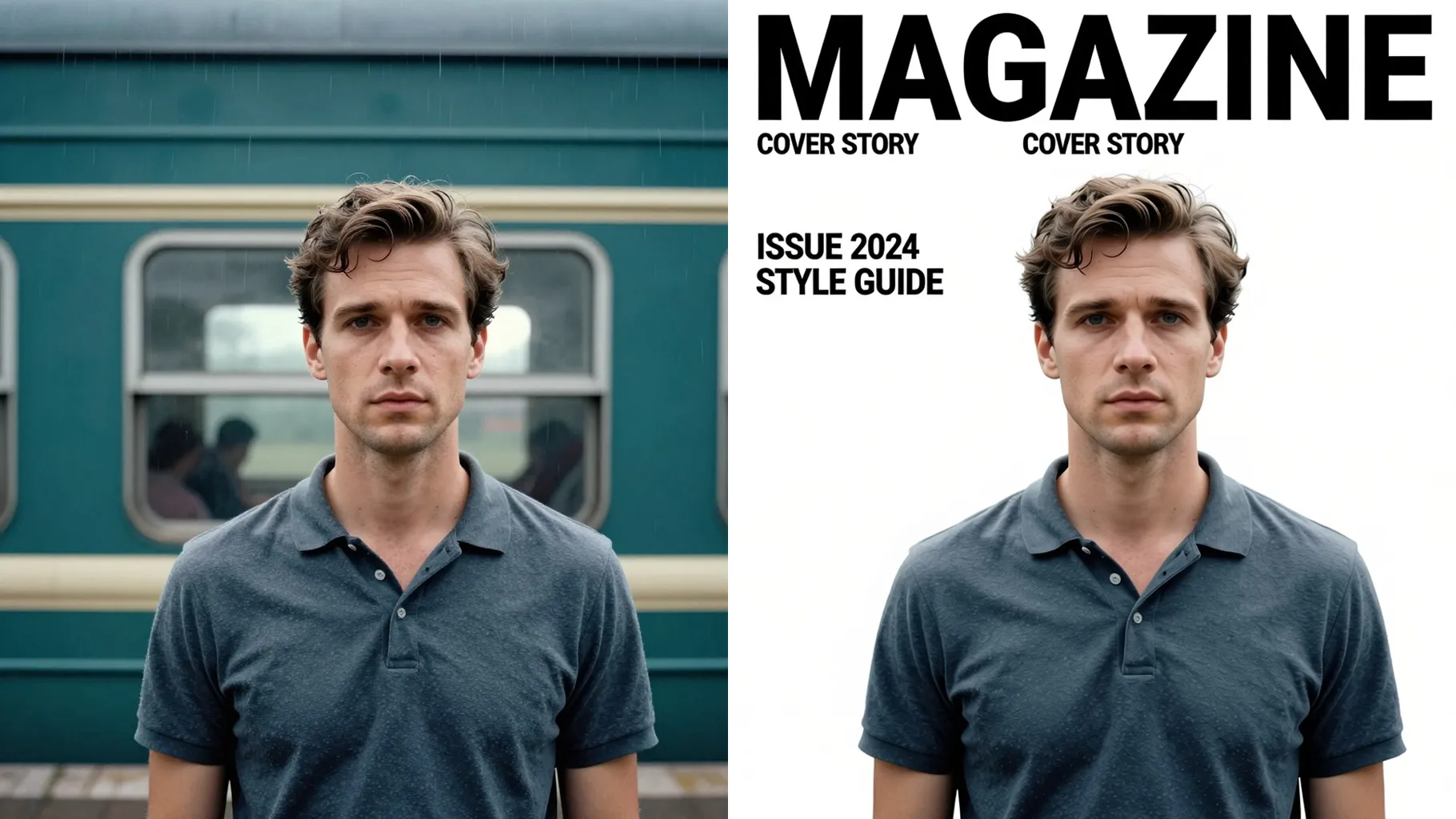
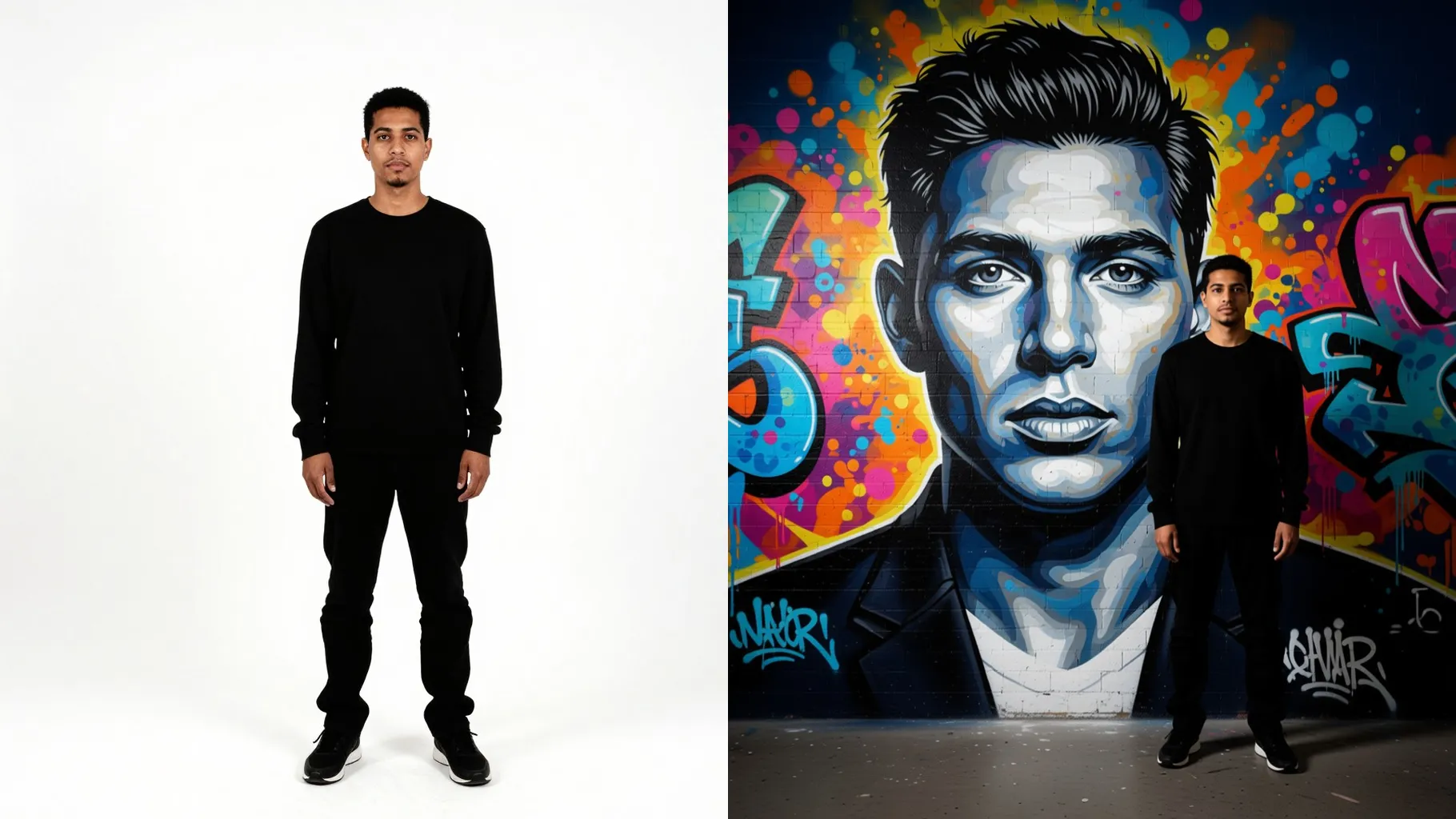
Portrait placed into a festive birthday card with confetti, pastel shapes, and crisp lettering while keeping focus and color balance.
Examples show the target style. Your result depends on the chosen model and reference photo.
Upload one photo to wrap it in a confetti-filled birthday card with pastel accents and clean greeting text.
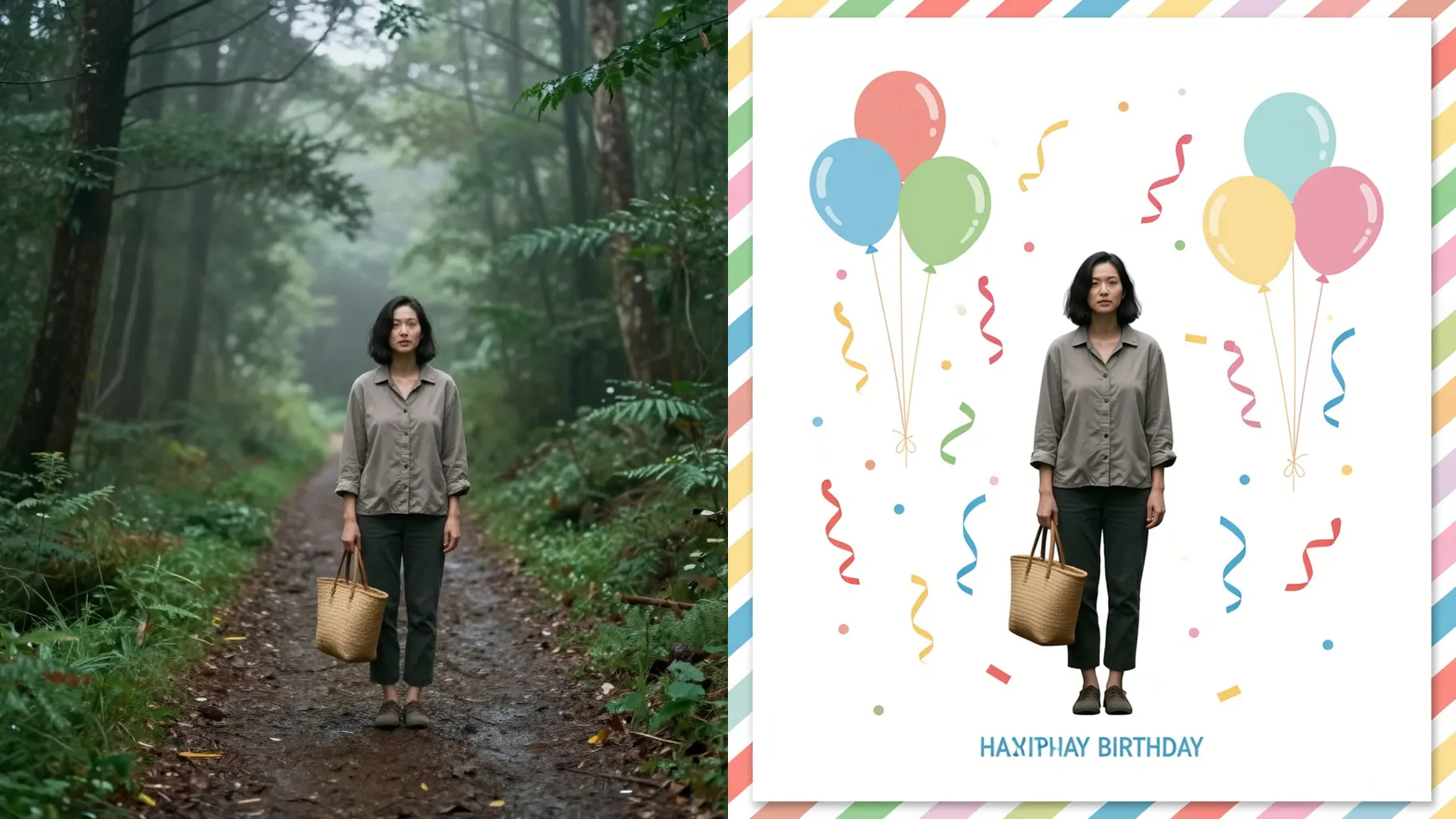
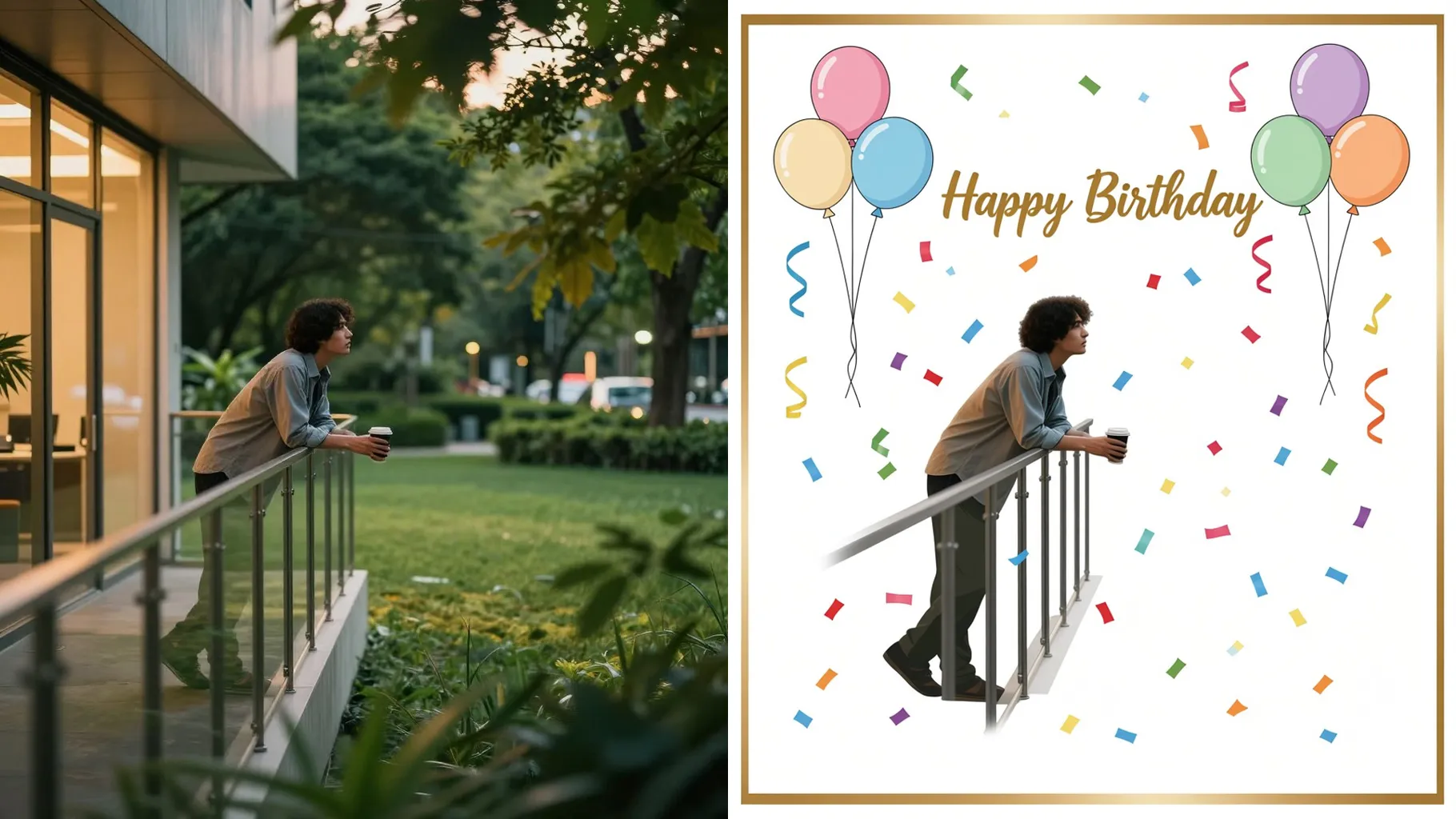
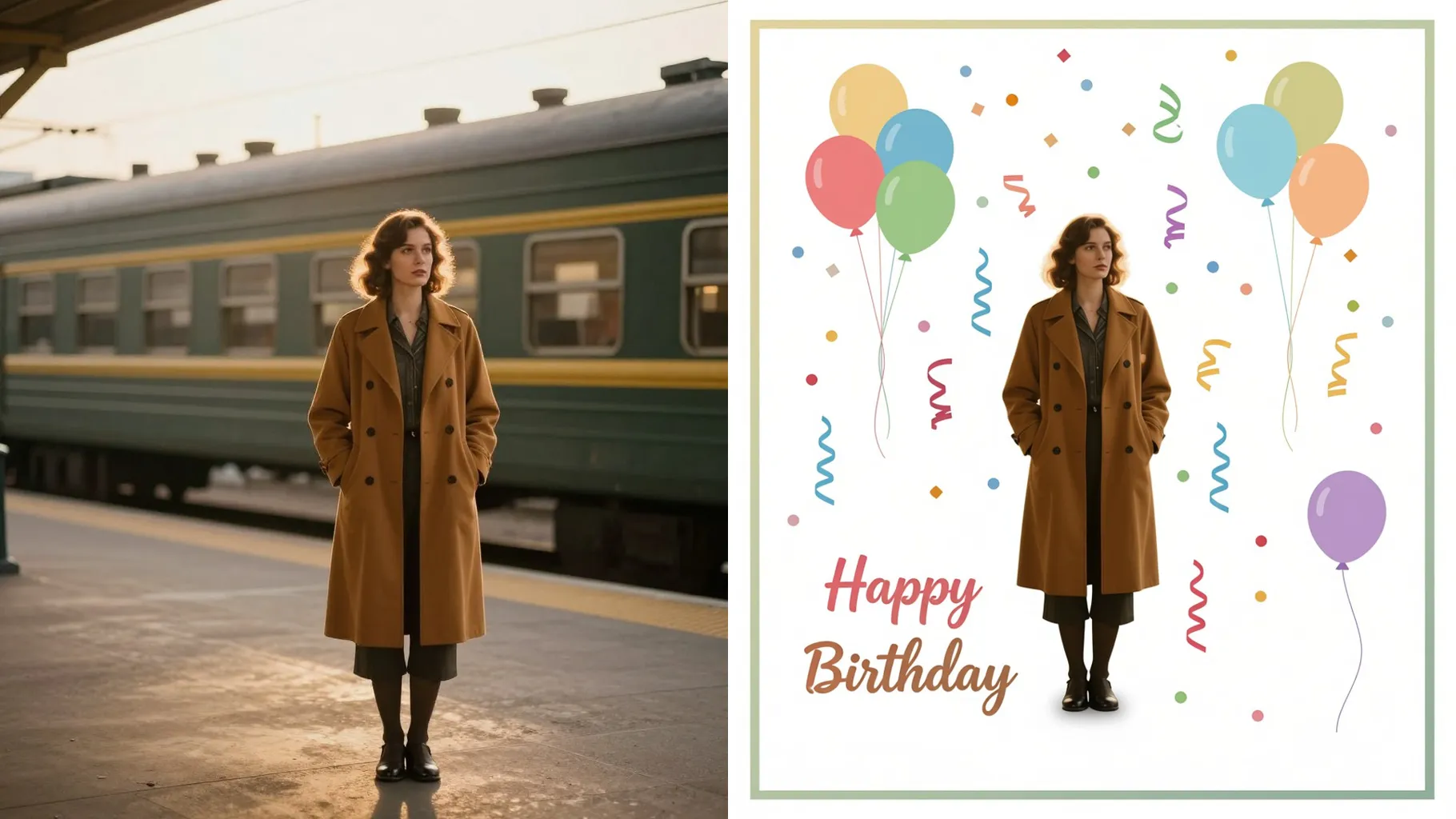
One upload keeps proportions and lighting while adding balloons, ribbons, and crisp borders that feel like a printed greeting.
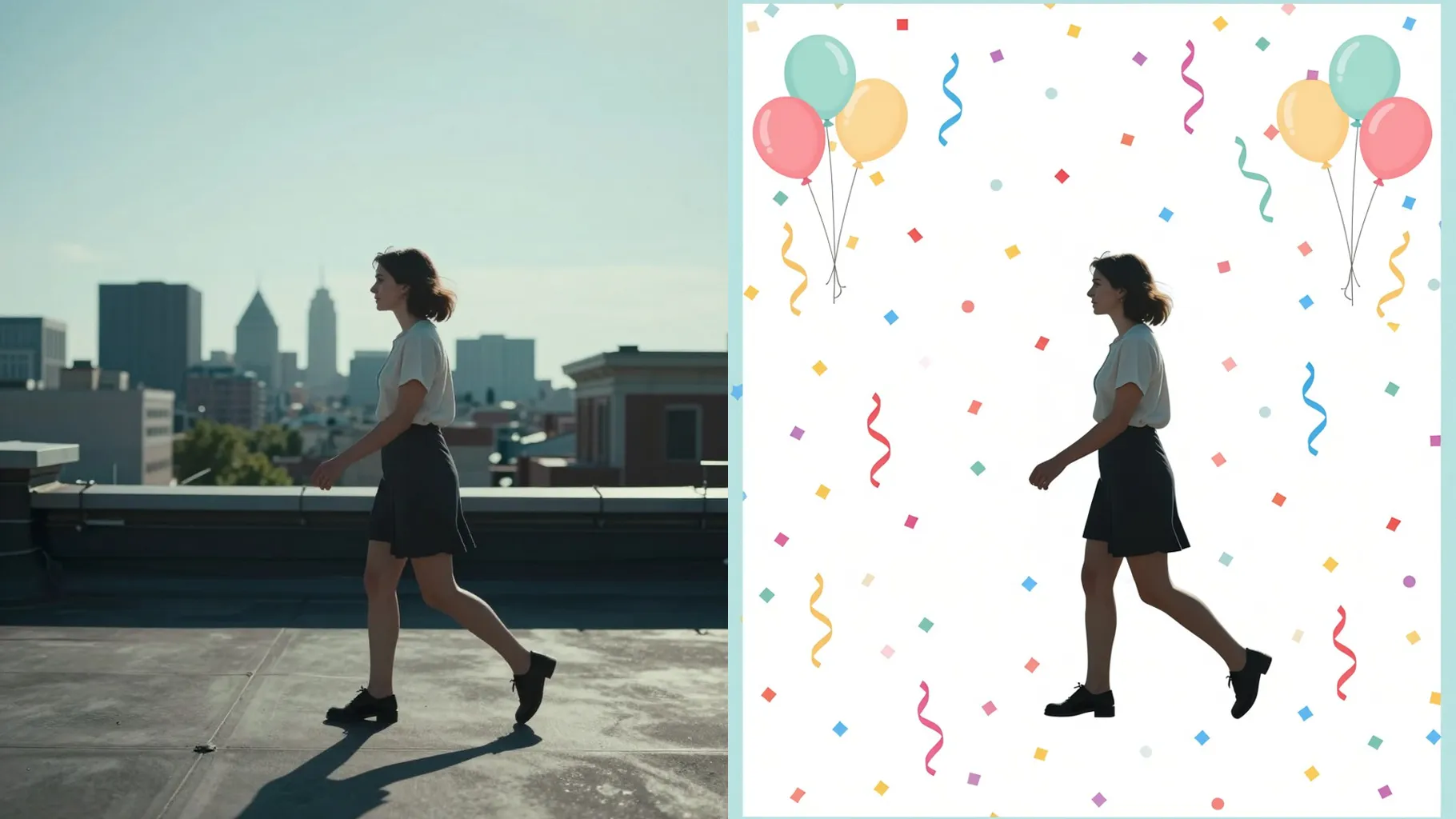
Type a short prompt for tone like sweet, playful, or elegant, and the layout adapts colors and text placement without distorting the subject.
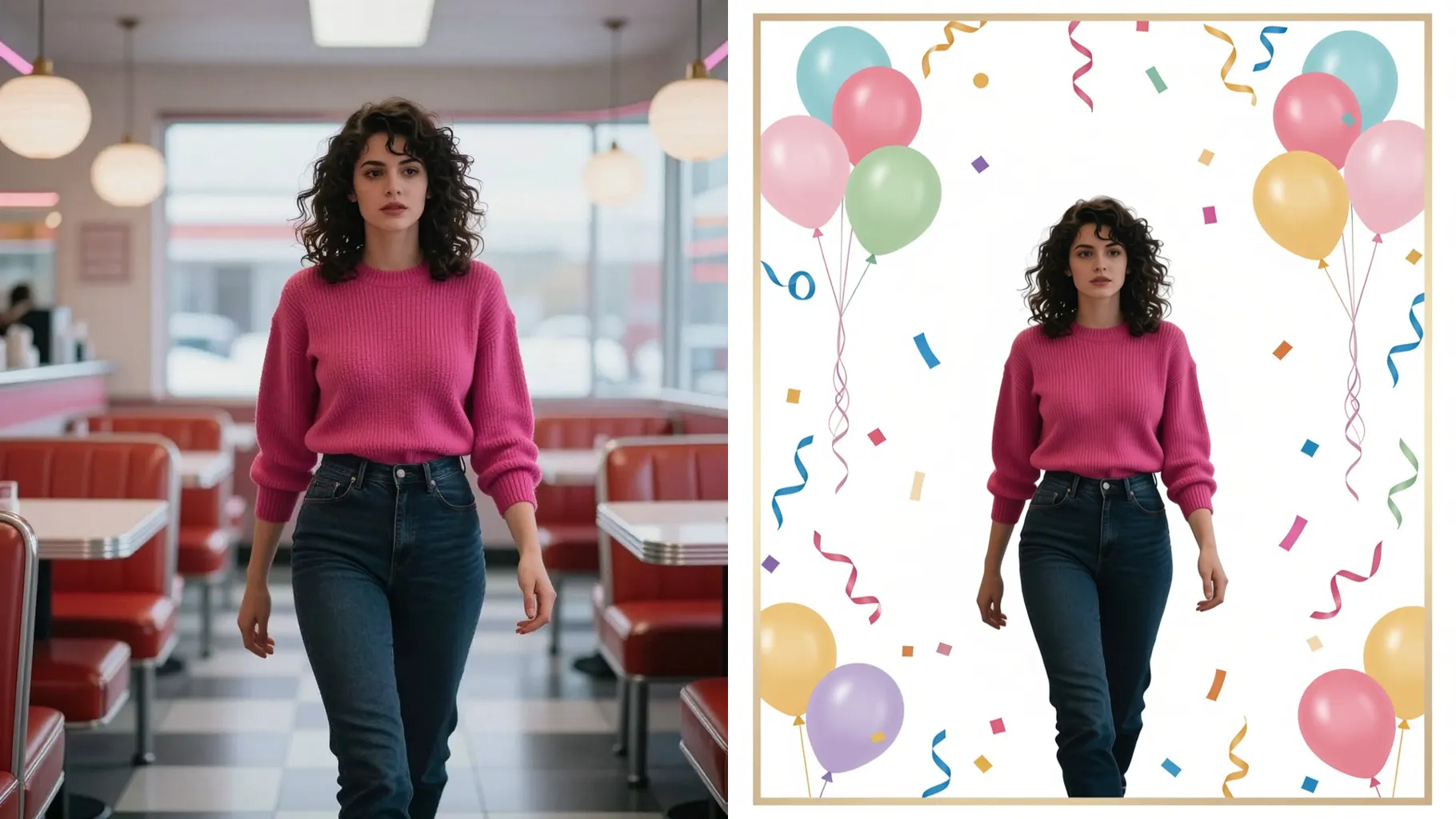
Centered portraits or product shots keep the card frame balanced and edges clean.
Mention colors, theme, or who it is for; short prompts steer typography and decorations.
Preview the card, rerun for another style, then save a shareable WebP for prints or posts.
Just one. The template builds the birthday card around a single image for best alignment.
This is an image-to-image card maker, so upload a picture to place inside the design.
Prompts are optional. Leaving it blank gives a default festive card; a short note customizes colors or message.
Ratio and model switching stay off for stability. Crop your photo beforehand if you need a specific size.
The AI renders the greeting directly. For tweaks, rerun with a revised prompt until the wording fits.
Yes. You get a high-res WebP suitable for sharing or printing; use thick paper for best results.

Upload one photo, add a quick note, and download a confetti-filled birthday card ready to send.