
1. How many photos do I upload?
Just one portrait. The template builds multiple poses and expressions from a single reference.
Turn one uploaded portrait into a clean character style sheet with consistent poses, outfits, and expressions.
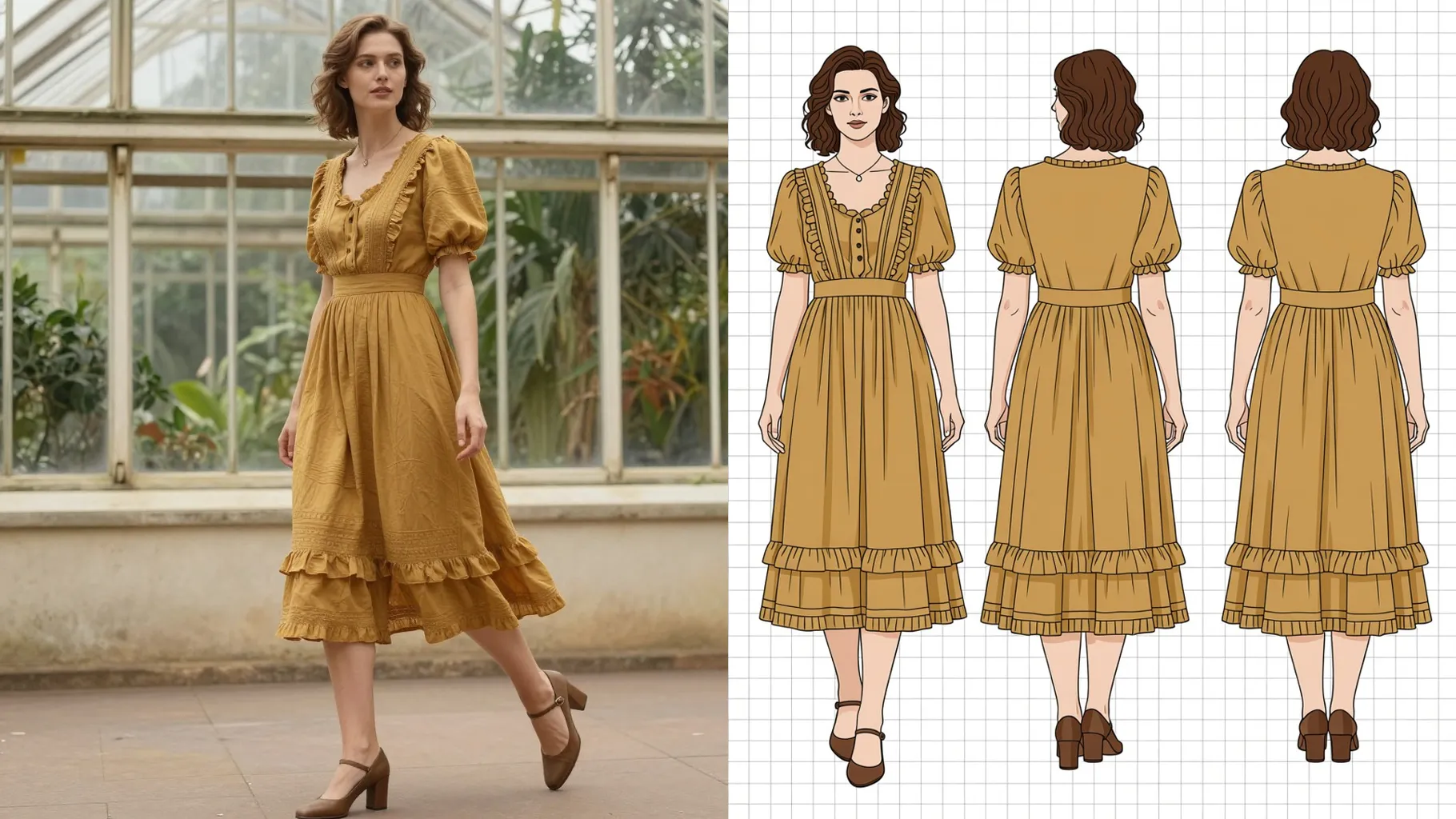
One portrait becomes a clean character sheet with consistent outfit, multiple poses, and matching expressions on a neutral background.
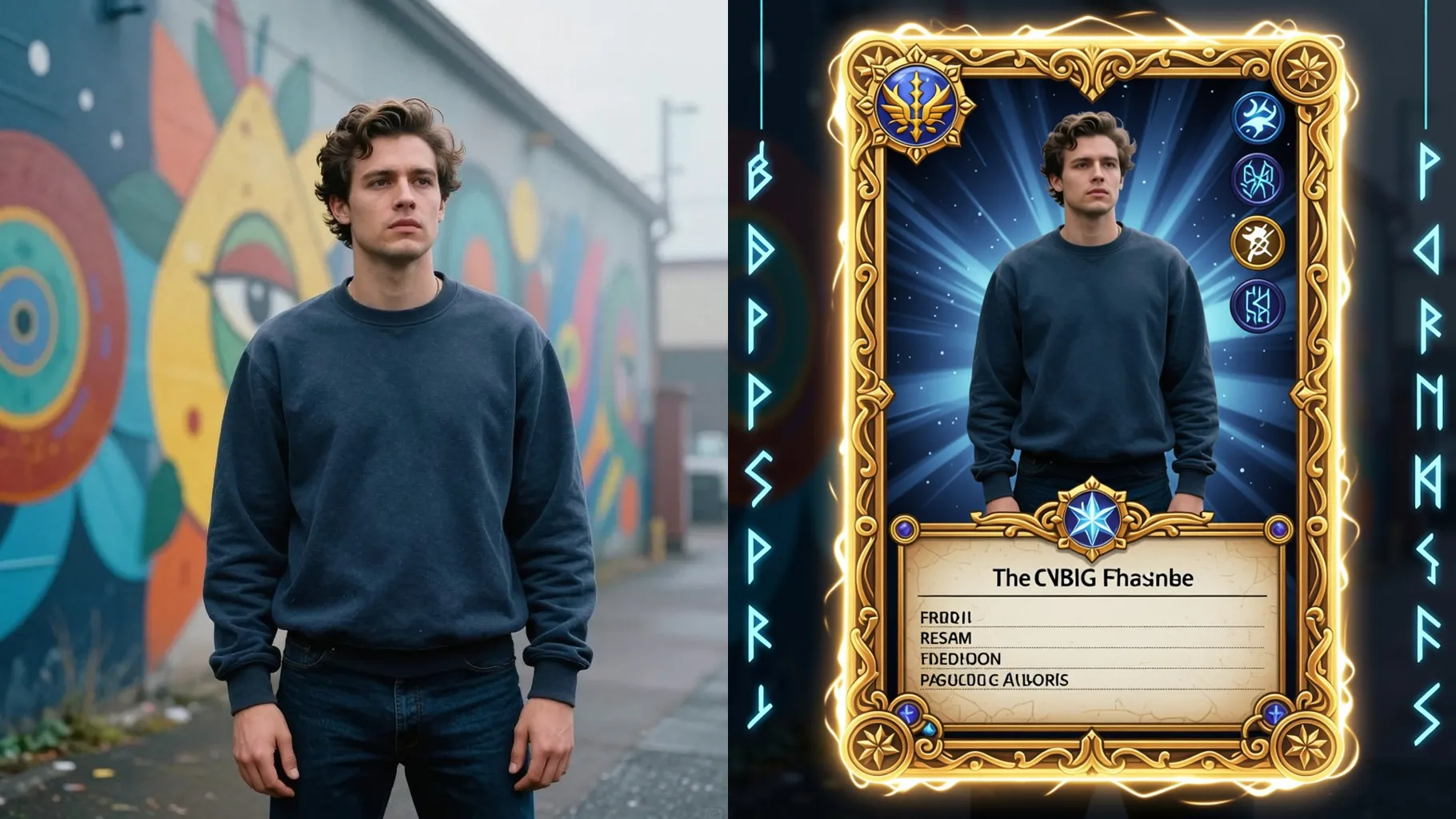
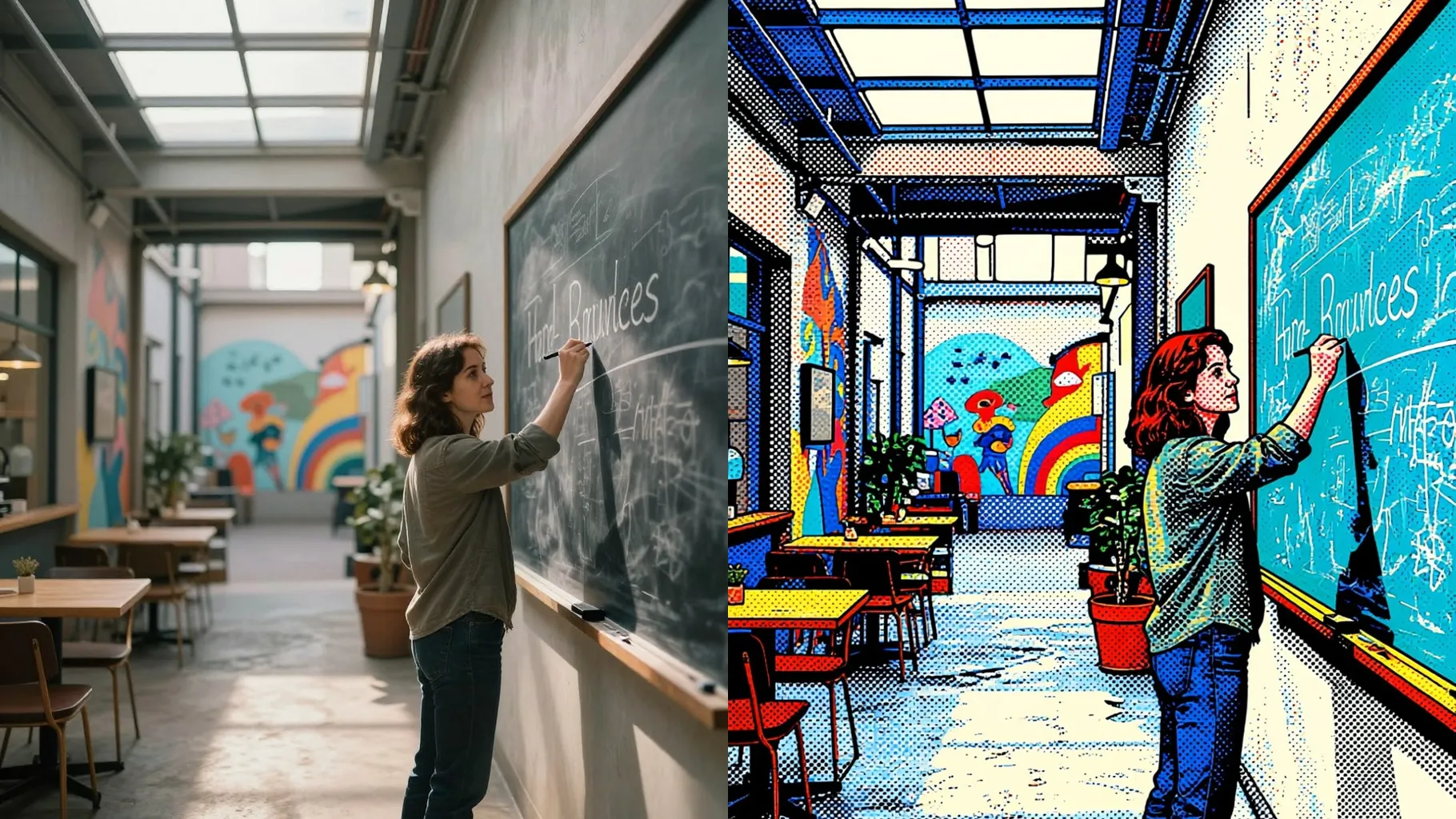
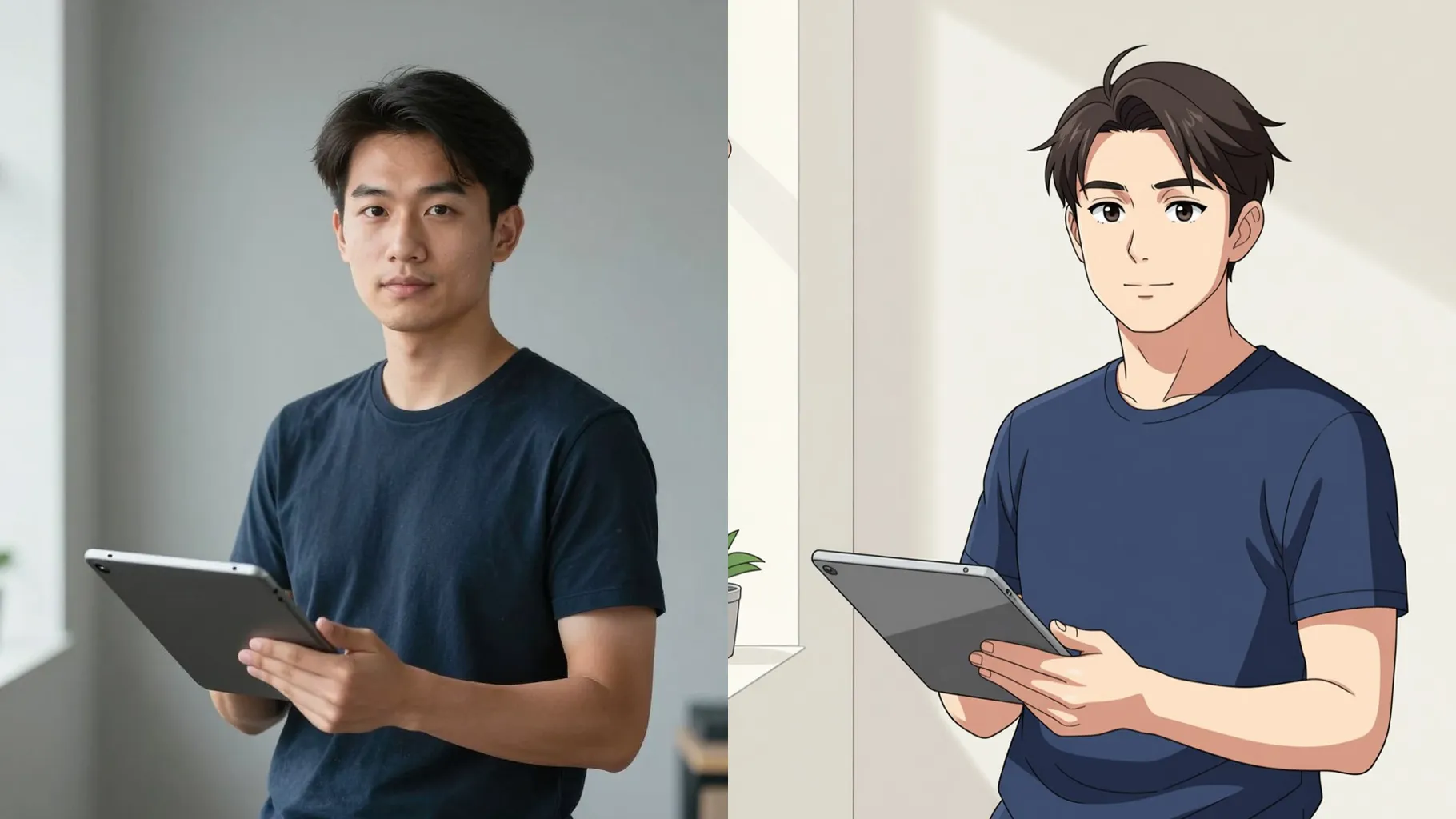
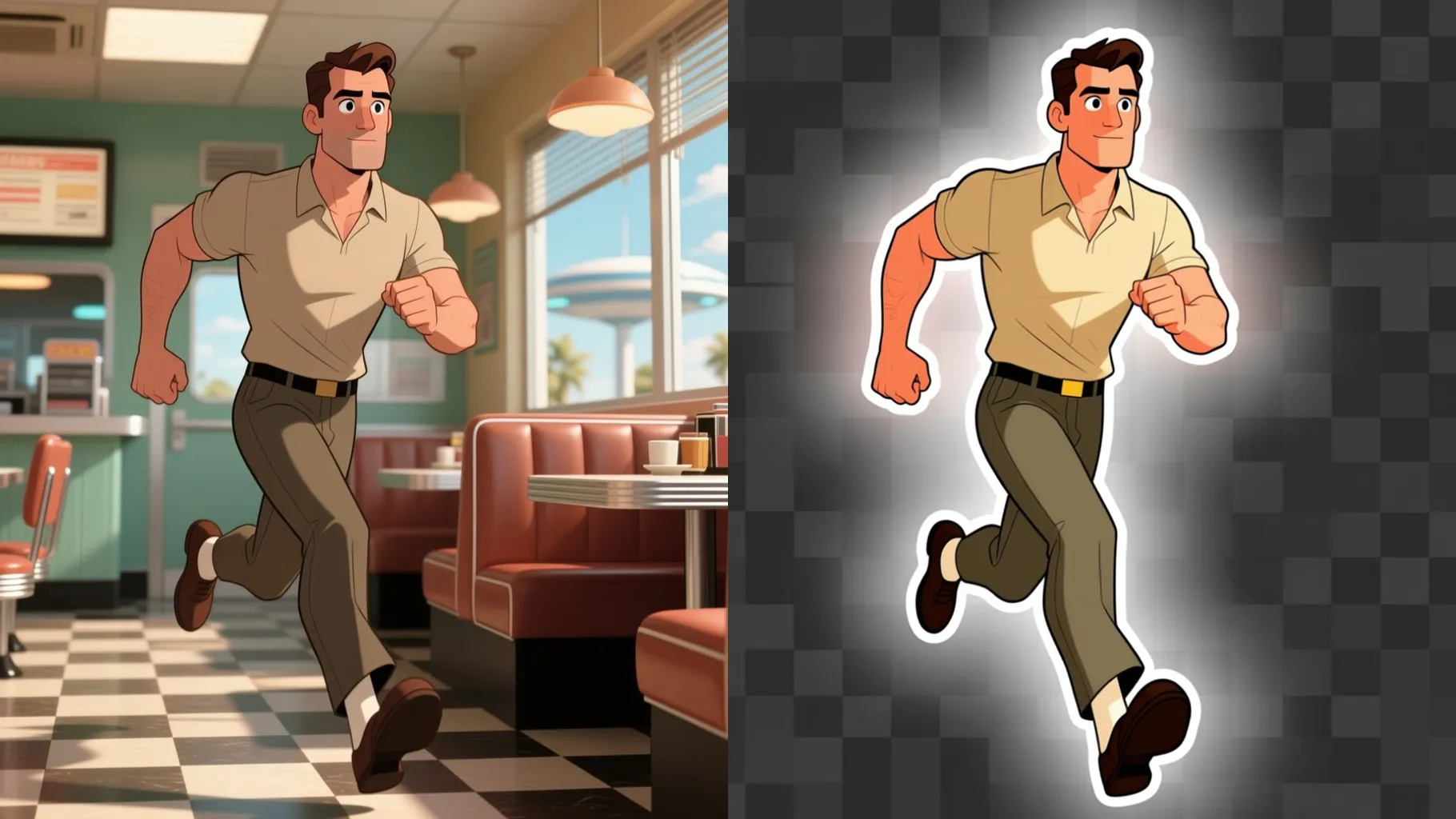
Examples show the target style. Your result depends on the chosen model and reference photo.
Upload one portrait to get a sheet of matching poses, outfits, and expressions ready for story pitches, comics, or game docs.
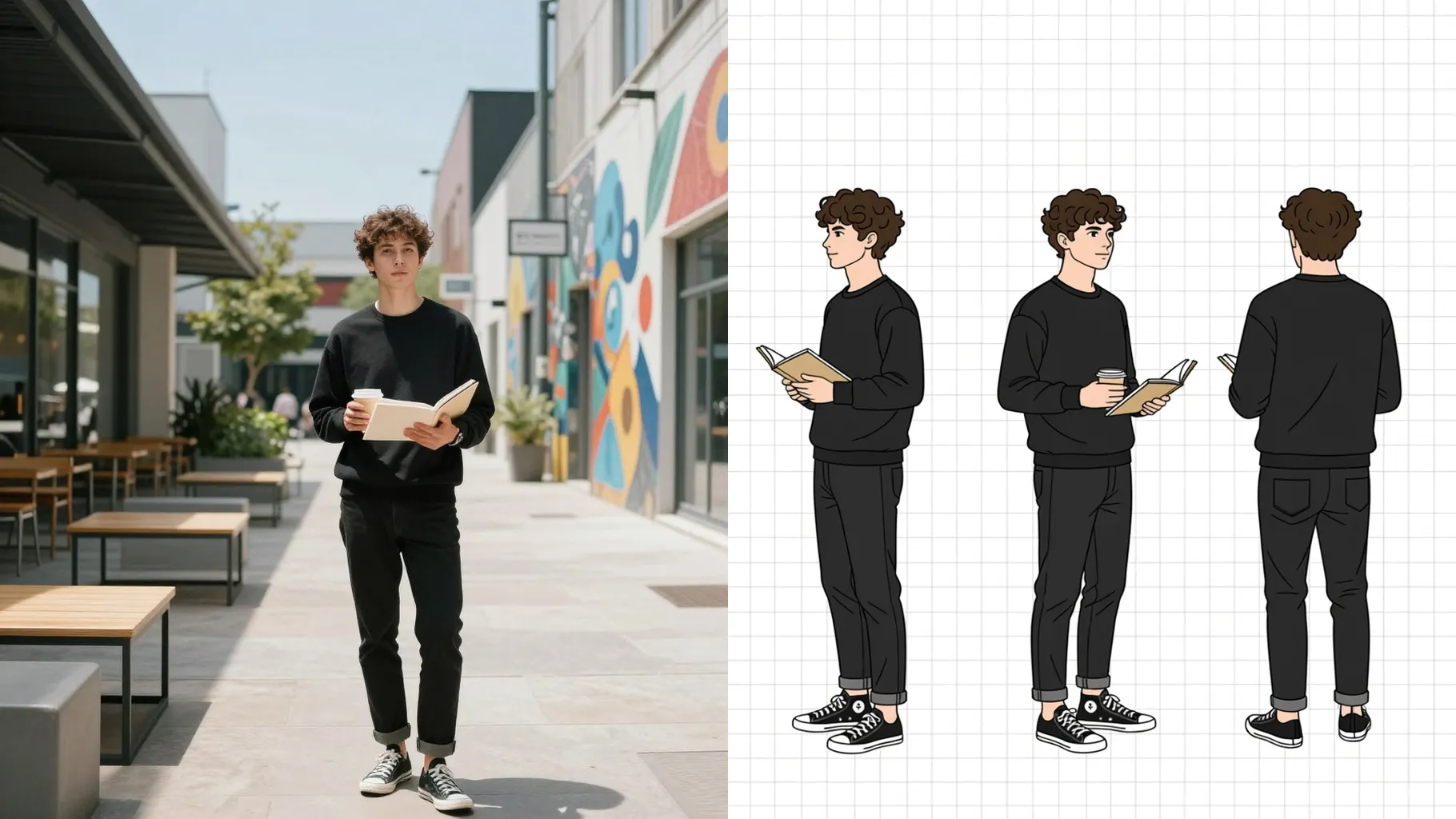
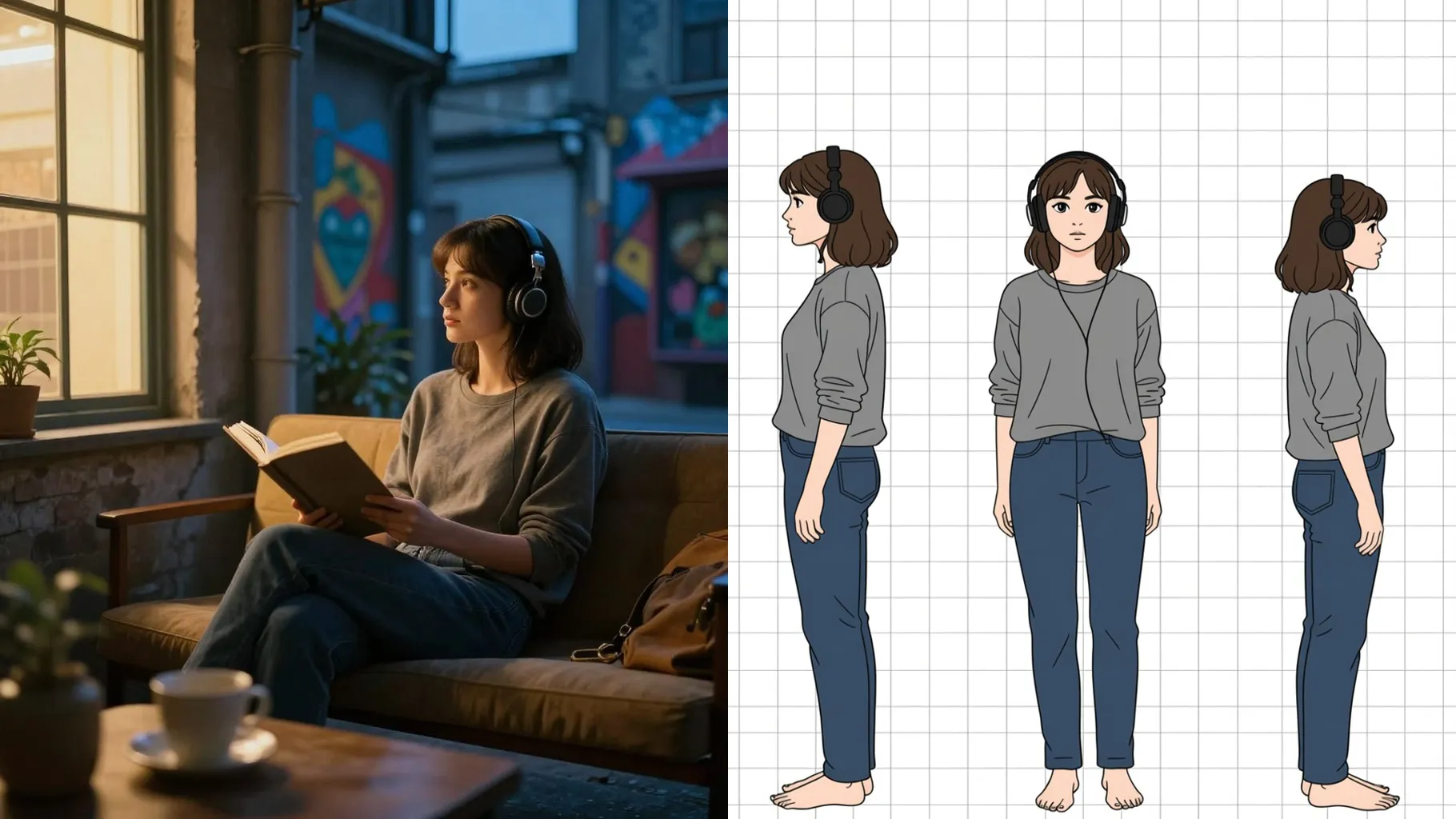
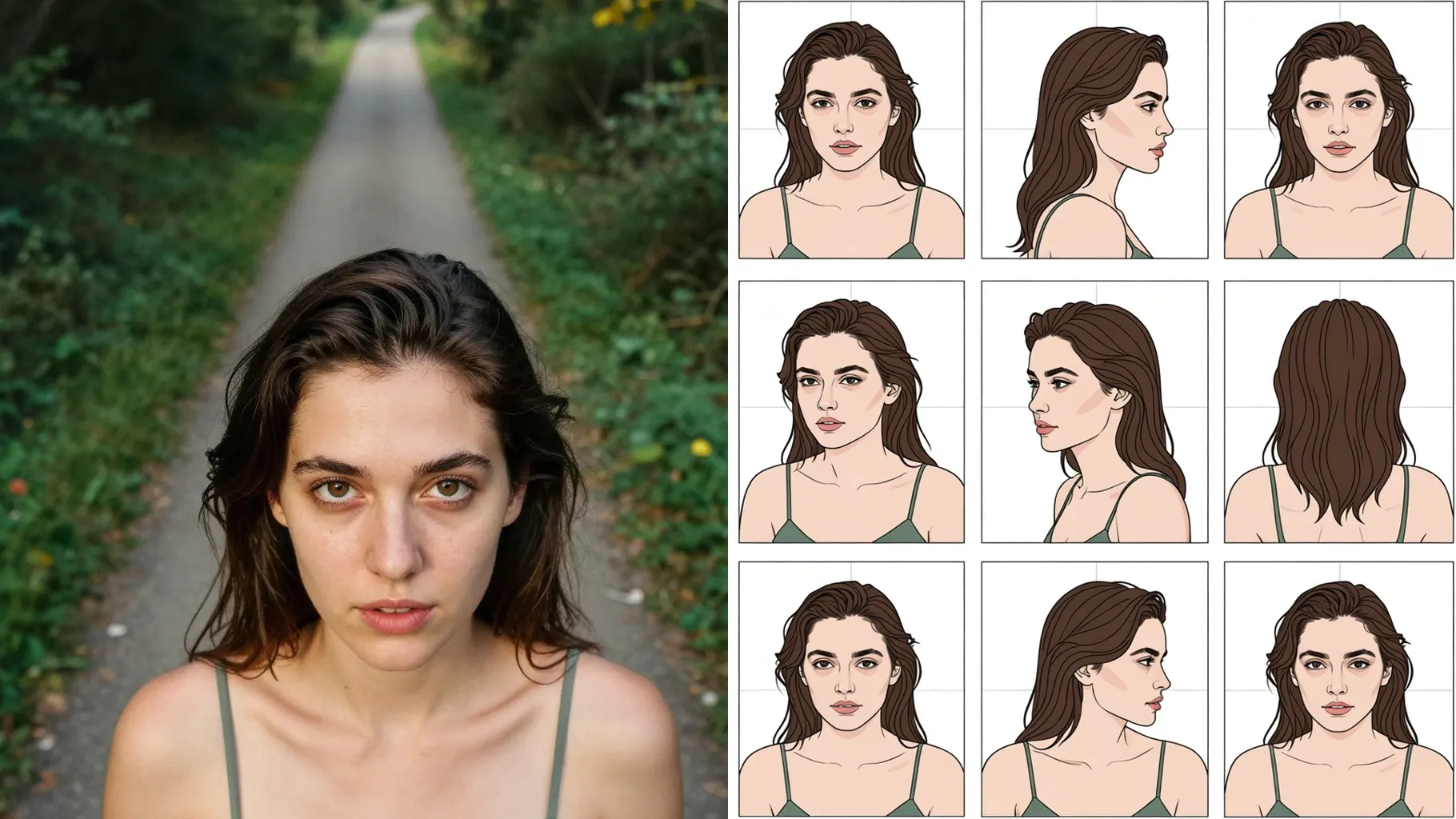
The generator keeps facial likeness and outfit details while laying out front, side, and action poses on a clean grid.
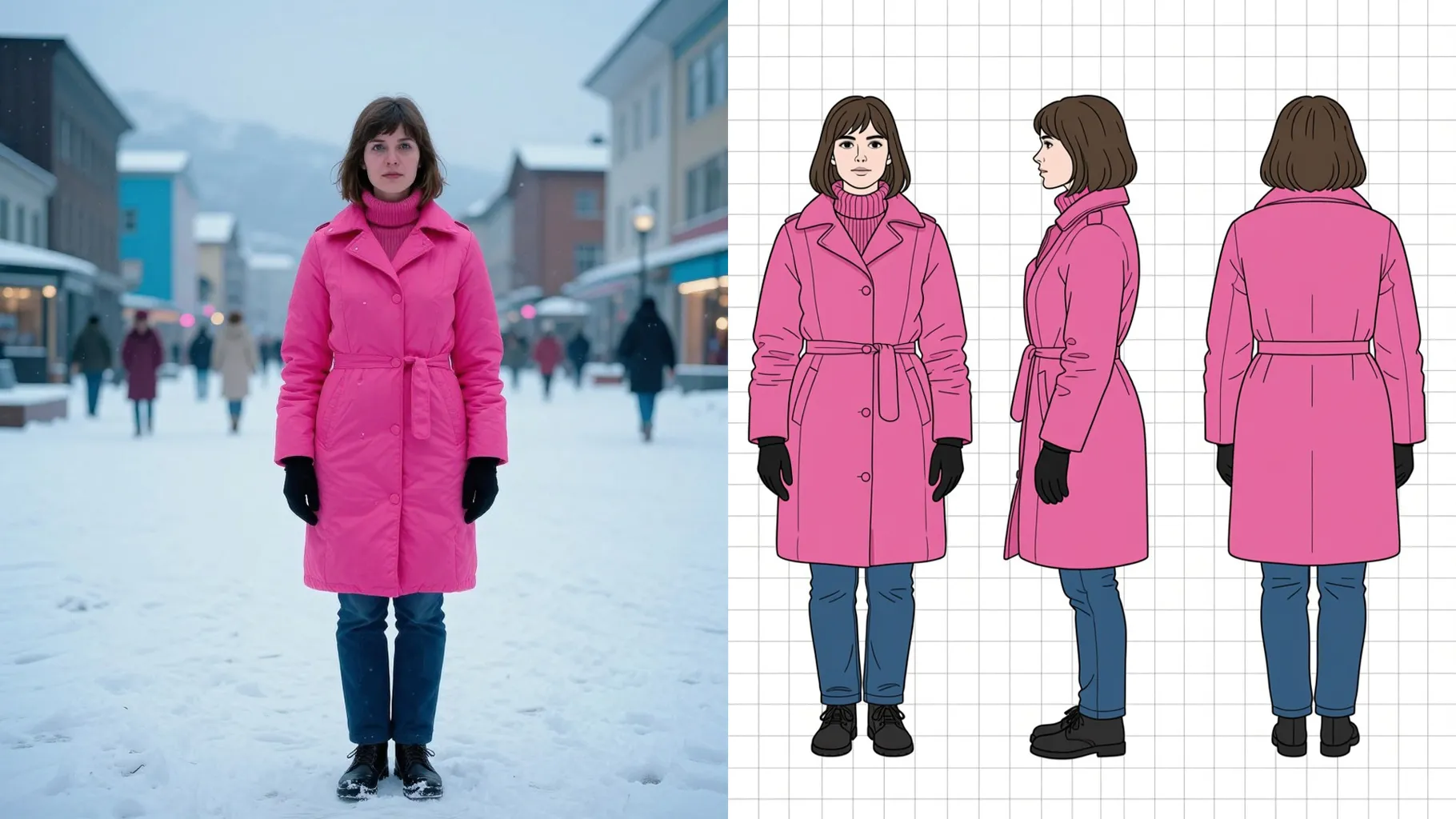
Add hints like cyberpunk, fantasy, or slice-of-life to set props, color palette, and expression notes without losing the subject.
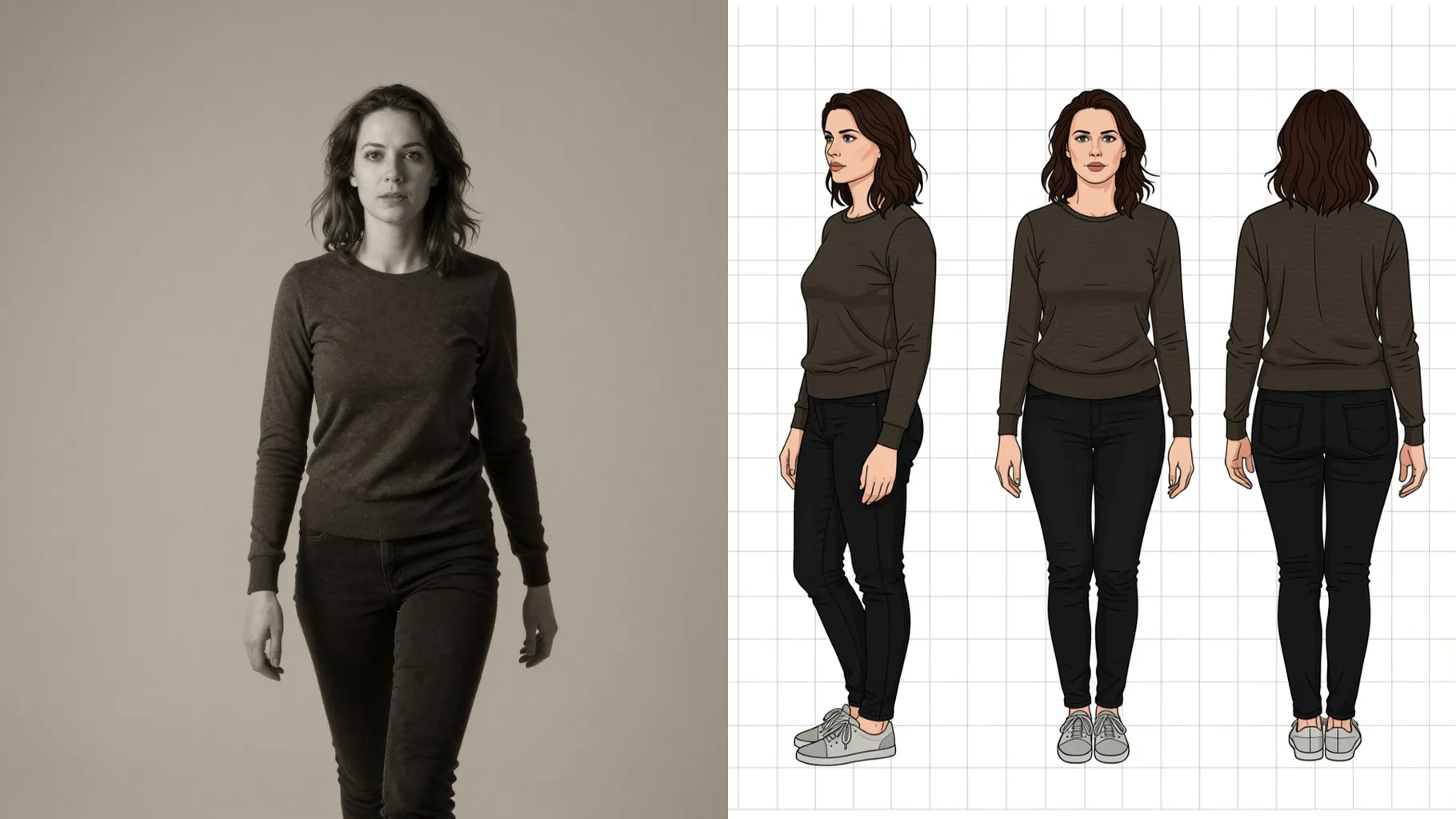
Centered face or half-body works best to keep proportions consistent across poses.
Mention style cues, props, or mood; keep it short to avoid clutter.
Preview the sheet, rerun for variations, then save the WebP for briefs or social posts.
Just one portrait. The template builds multiple poses and expressions from a single reference.
It needs one photo to keep the character consistent; text-only generation is off for this template.
Prompts are optional. Leaving it blank gives a neutral sheet; a short note sets genre or props.
Ratio and model switching stay off to keep the sheet layout stable and panels aligned.
Backgrounds stay light and clean for legibility. Download and remove it later if you need transparency.
This sheet focuses on one character per run. Upload another photo to create a second sheet.

Upload one portrait, set a quick vibe, and download a consistent sheet of poses and expressions.