
1. How many photos can I upload?
Upload one image per run so the poster framing and lighting stay consistent.
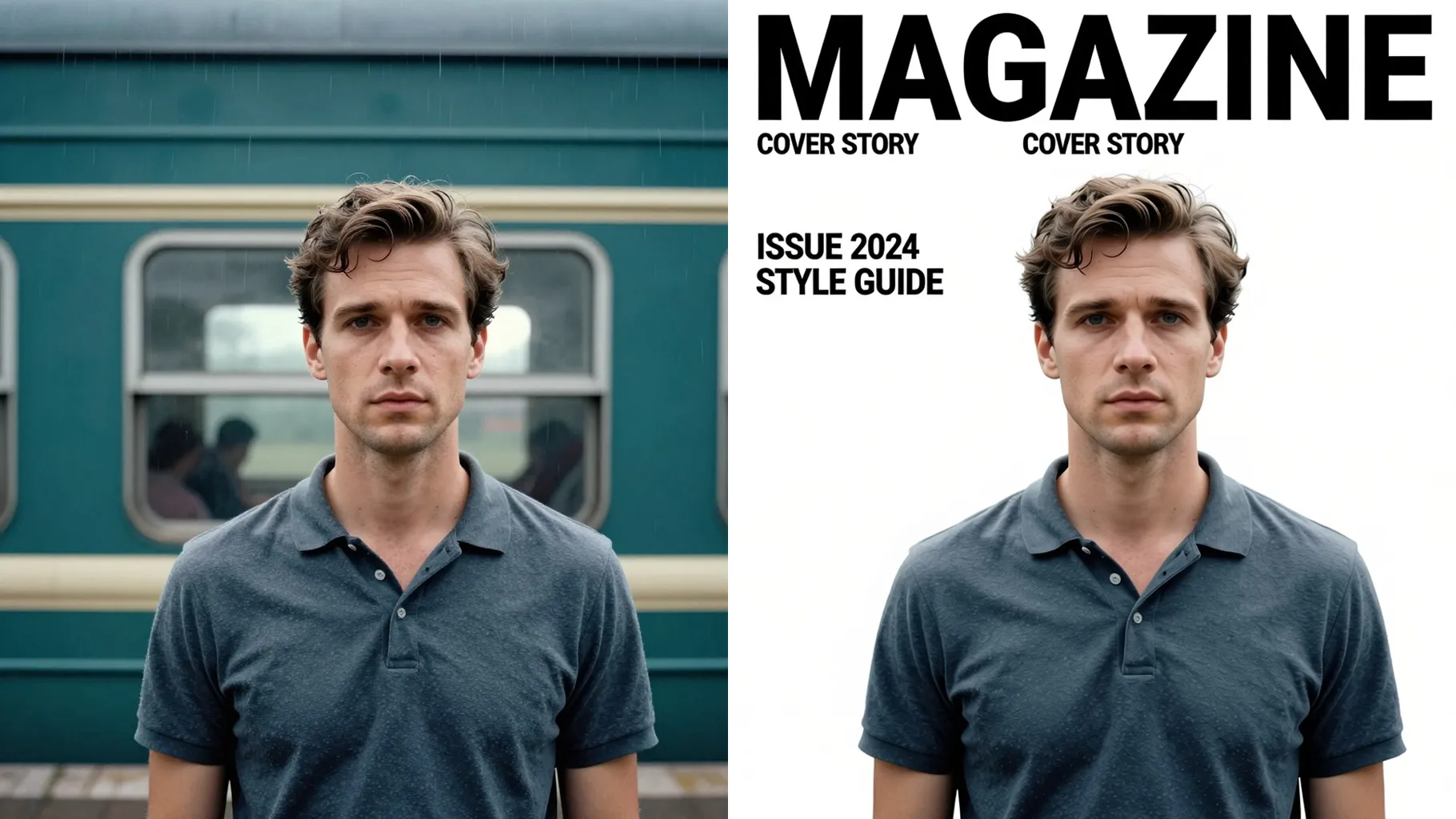
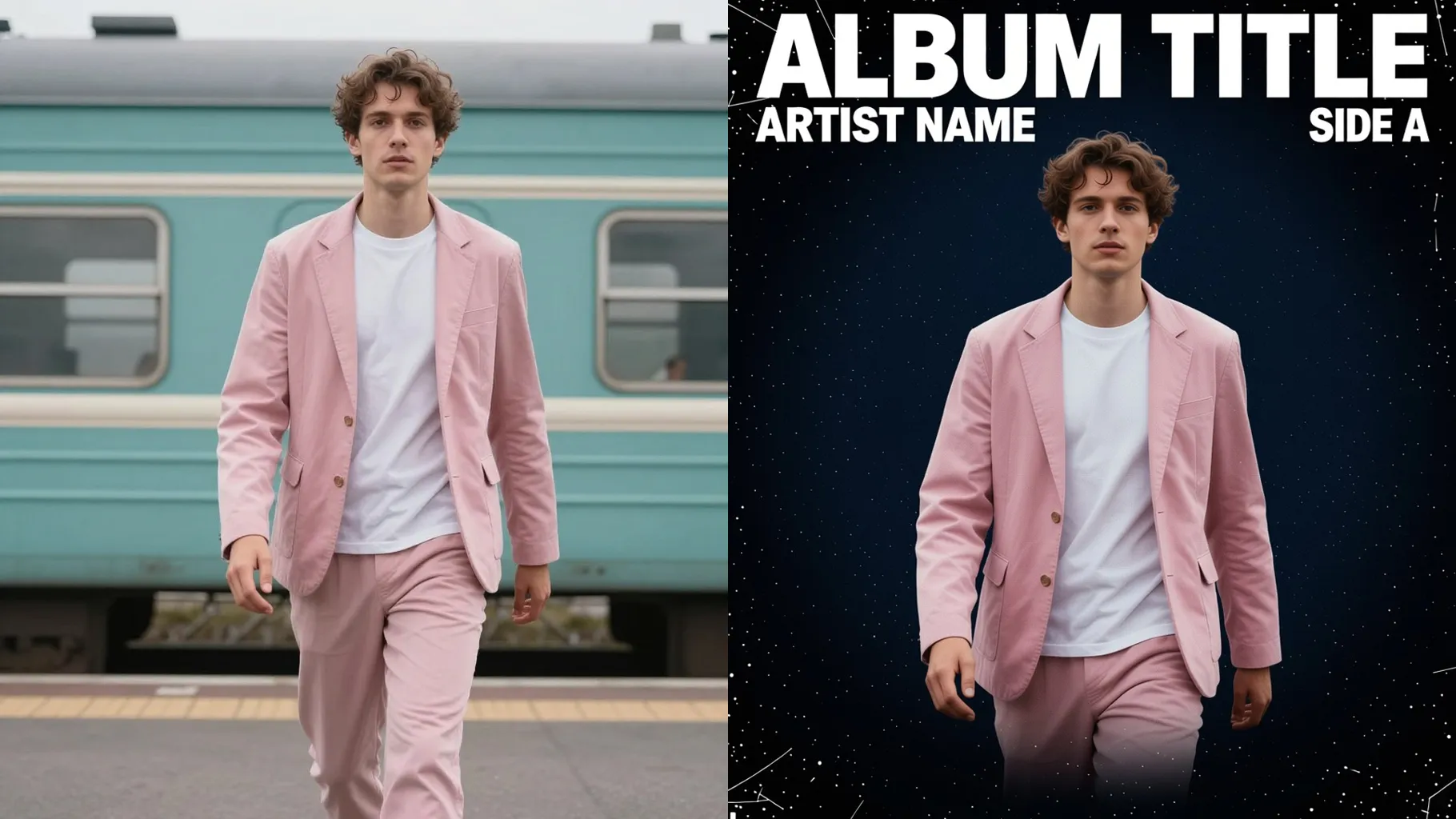
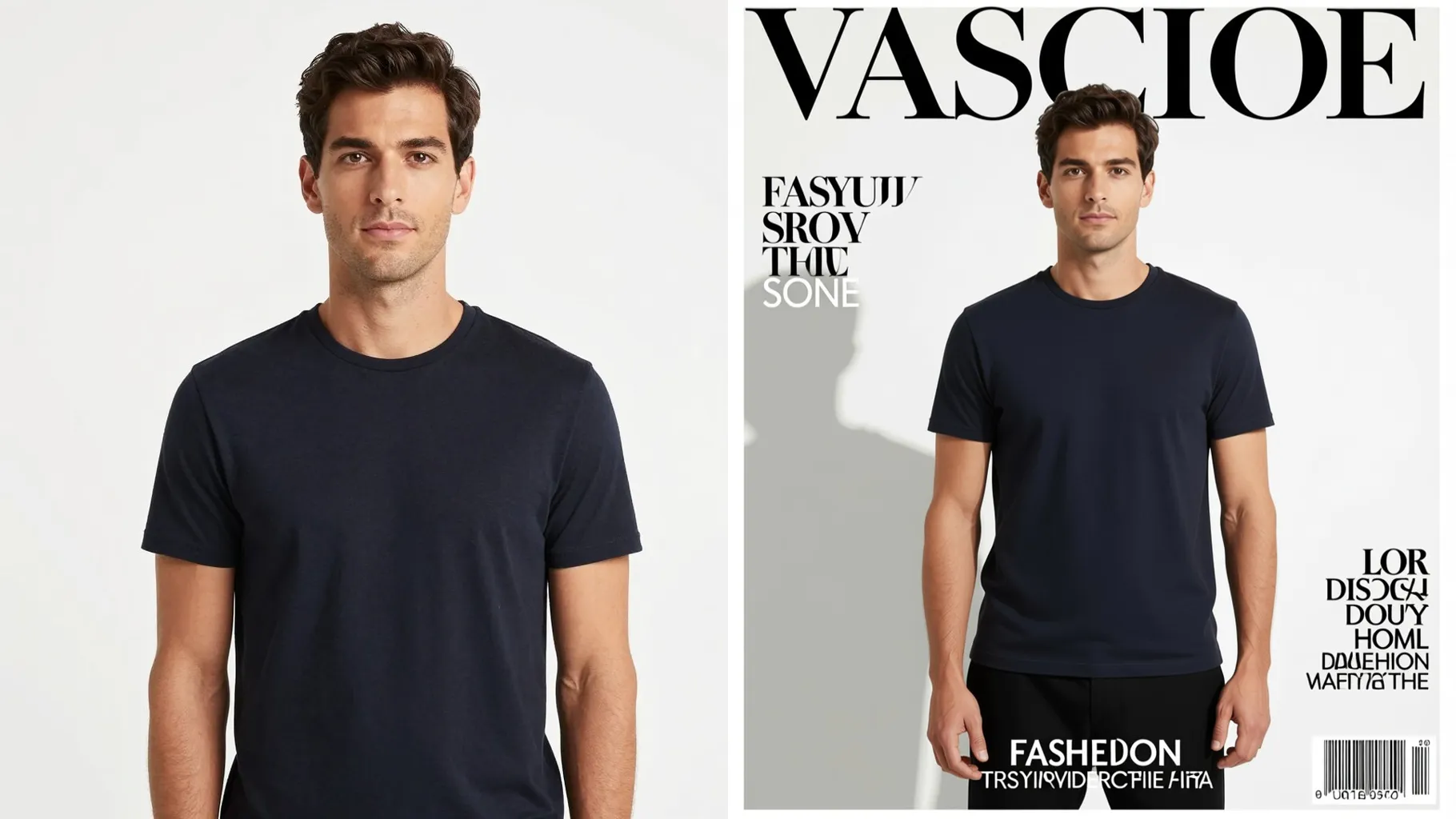
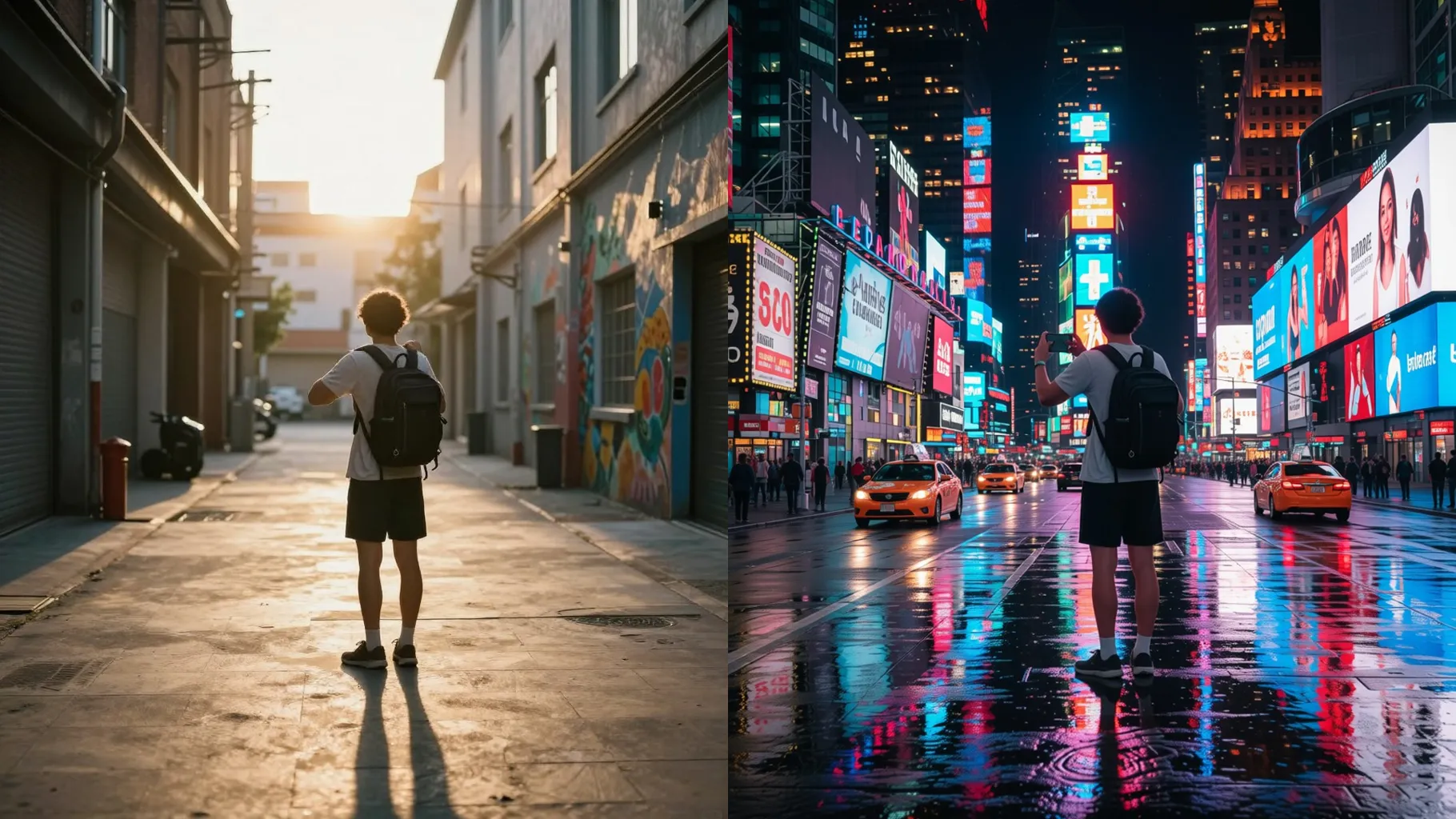
Turn one photo into a cinematic Hollywood movie poster with dramatic lighting and bold titles.
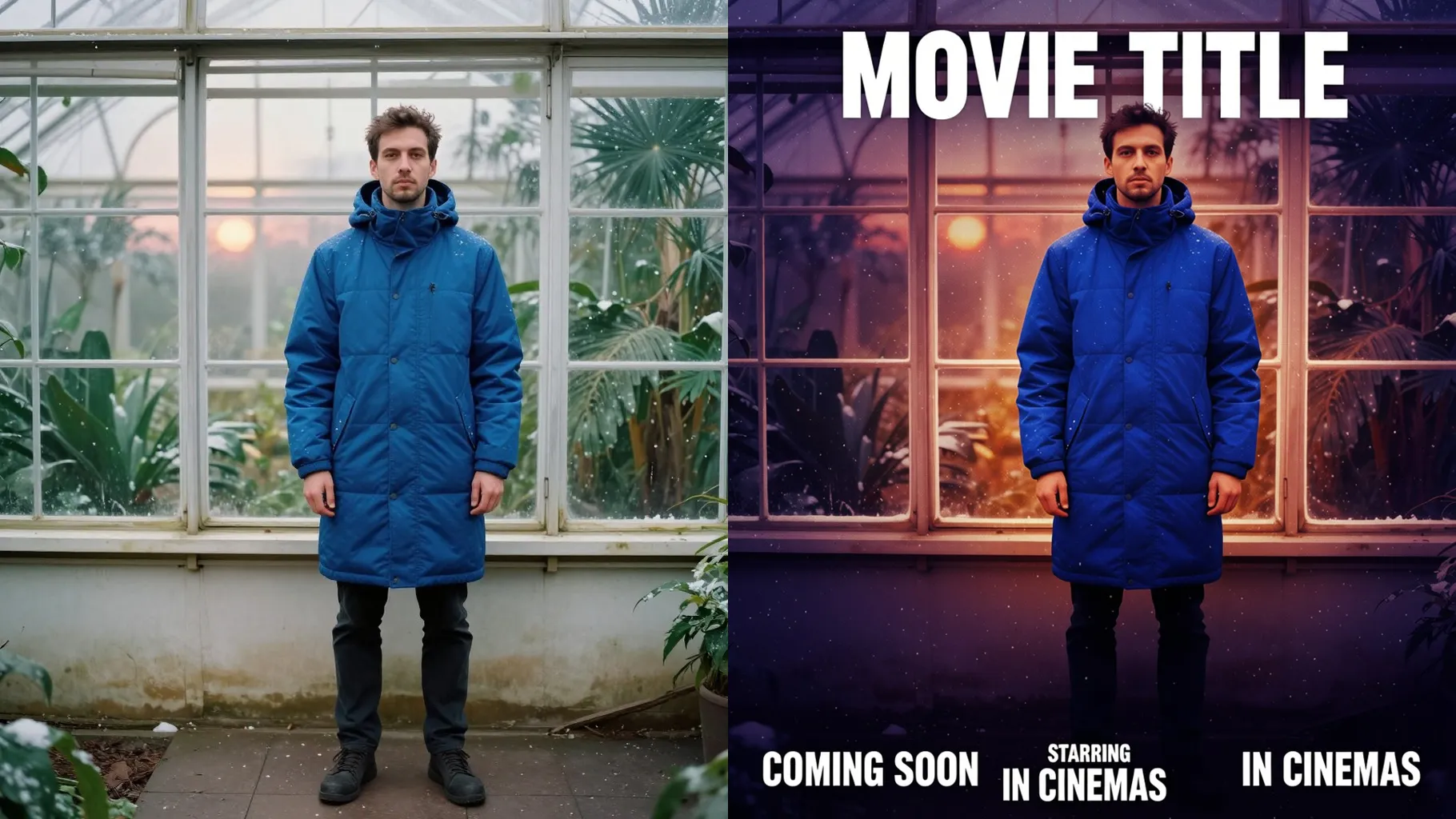
Transform one photo into a cinematic Hollywood-style movie poster with dramatic lighting and title spacing.
Examples show the target style. Your result depends on the chosen model and reference photo.
Upload one photo to turn it into a Hollywood movie poster with cinematic lighting, bold titles, and polished film grain.
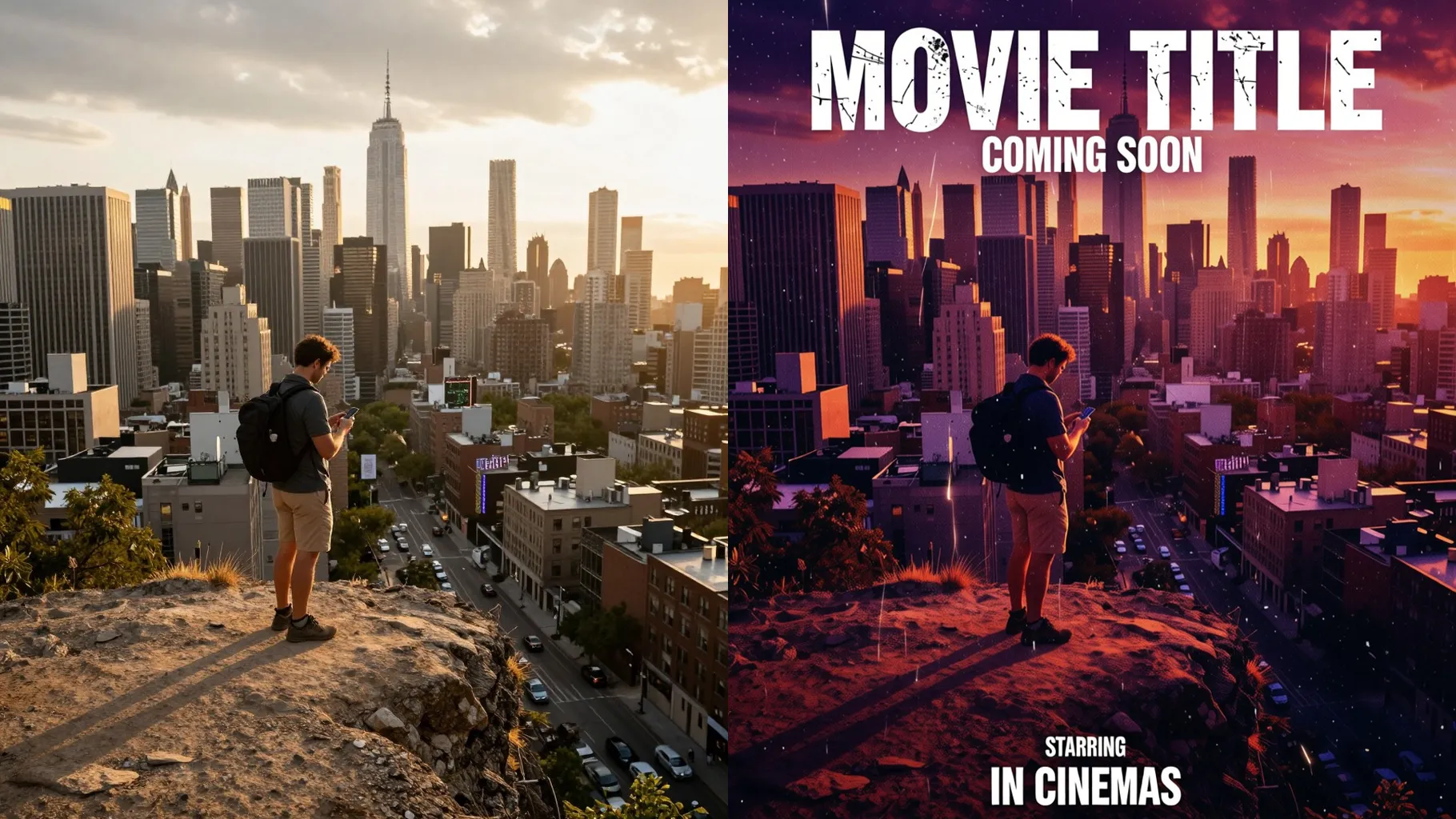
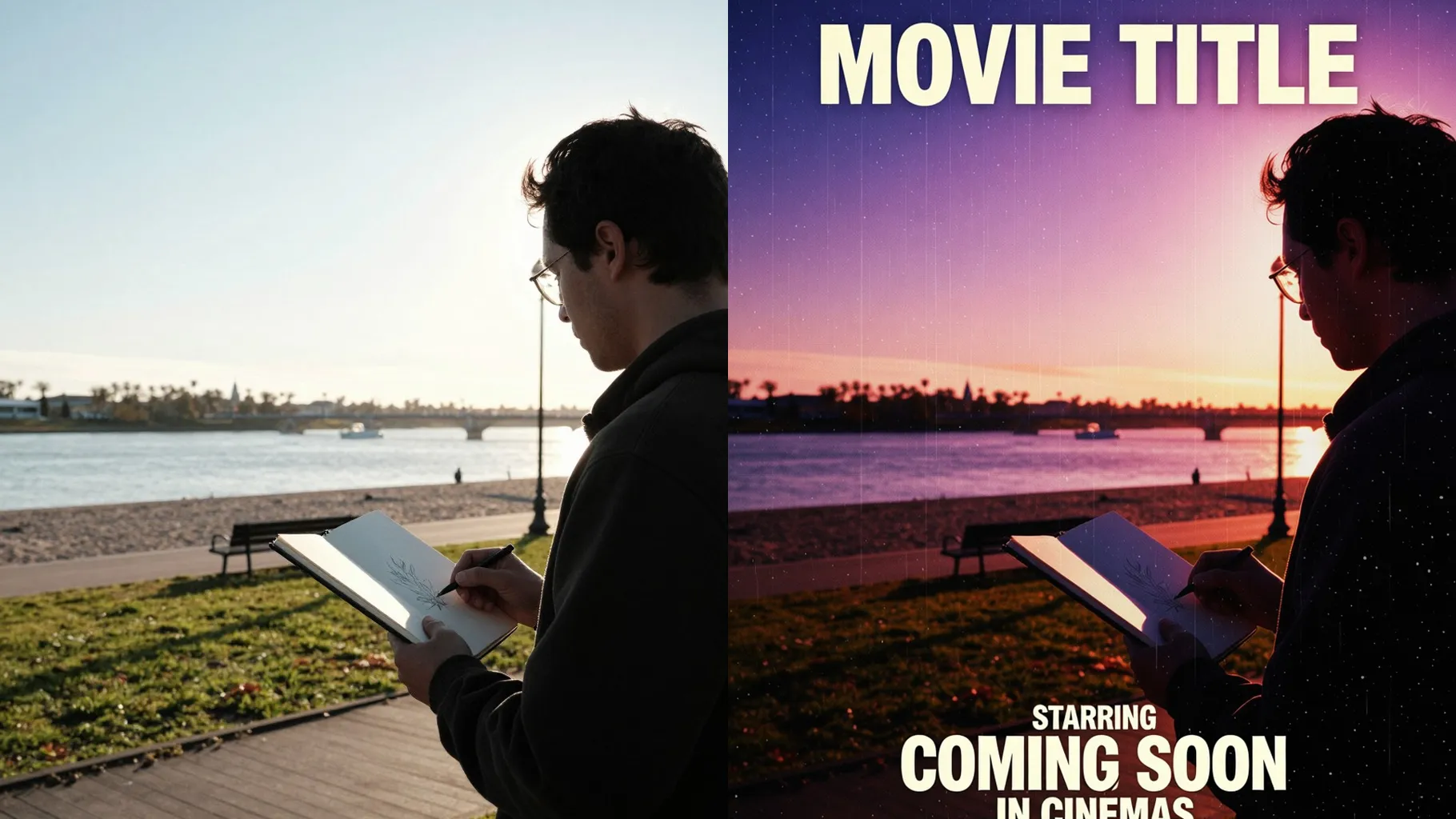
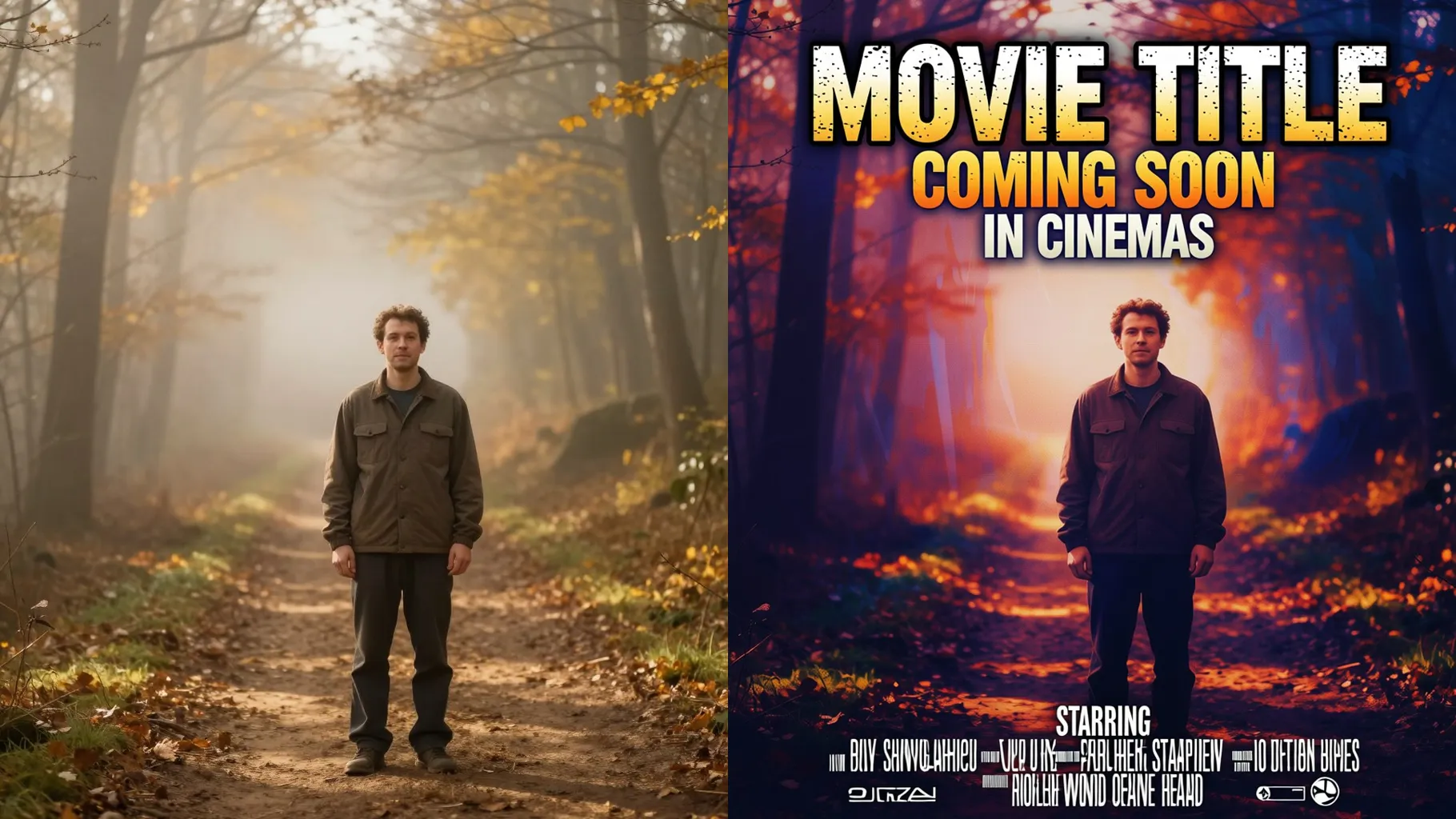
Keep faces sharp while adding dramatic rim light, lens glow, and centered framing that matches Hollywood key art.
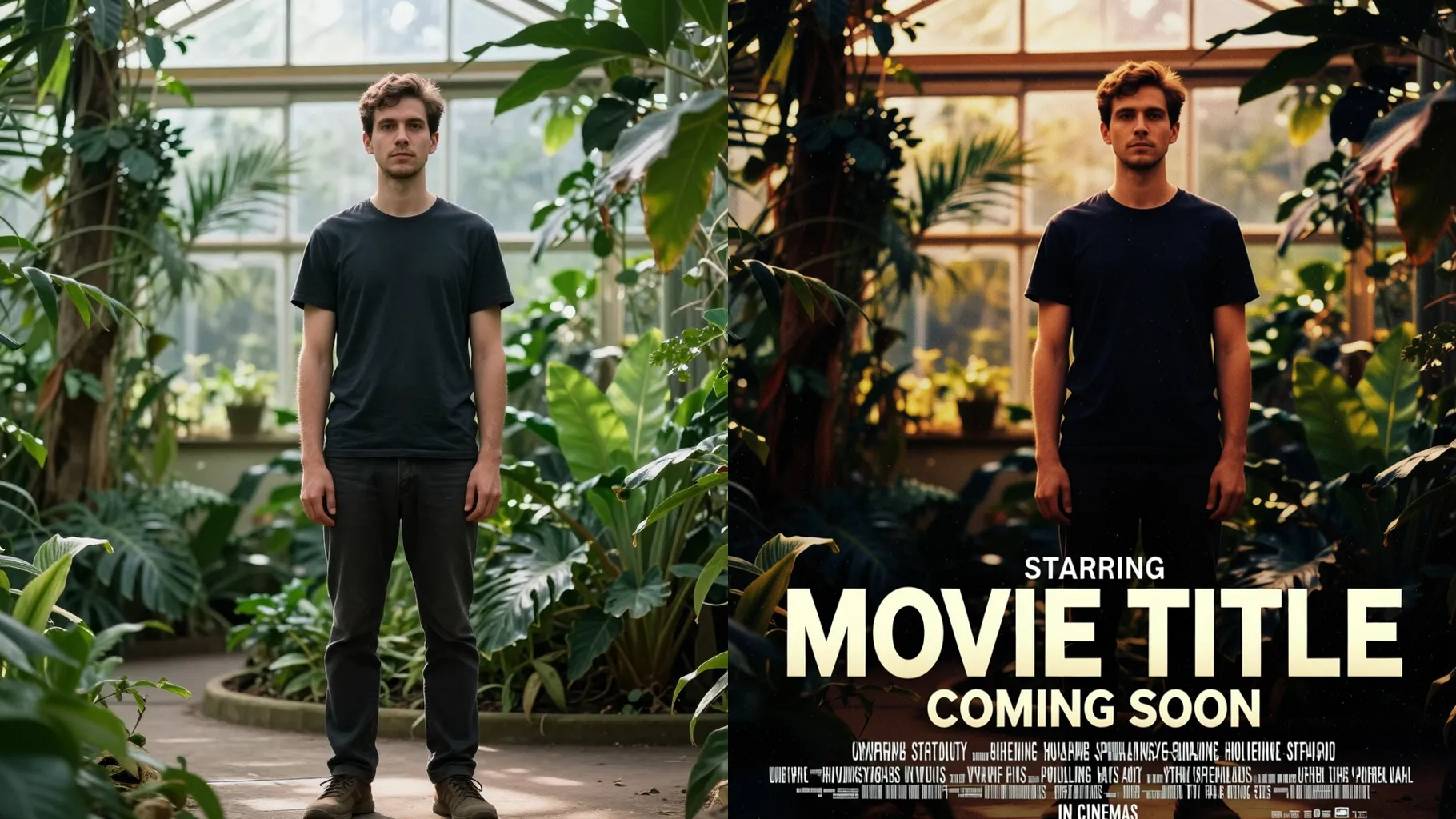
Leave clear headline areas, add subtle grain, and balance foreground and background color grading for a finished poster.
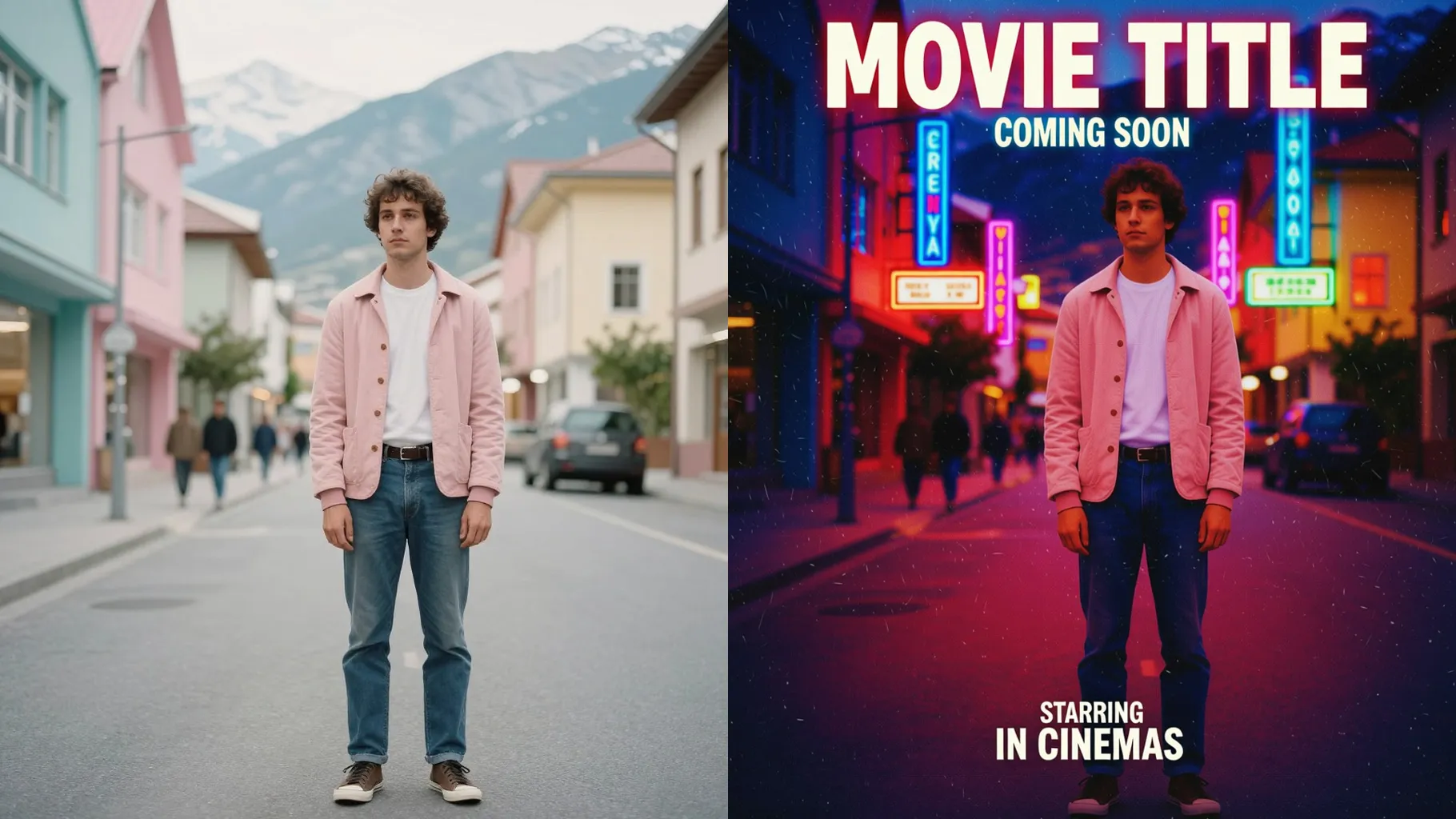
Use a well-lit photo with space around the subject so the poster framing stays readable.
Mention genre, mood, and any hero props in a short prompt to steer the poster vibe.
Preview the poster render, keep the version with the best contrast, and save it to share.
Upload one image per run so the poster framing and lighting stay consistent.
Keep it short—mention genre, lighting mood, or headline tone to get a clean cinematic result.
Use JPG, PNG, or WebP under 10MB for faster, sharper poster renders.
Ratio switching is off to keep a stable poster frame; crop your photo first if you need a custom size.
Model switching is disabled to preserve the Hollywood poster look.
It leaves space and styling for titles but keeps text off the render so you can add your own later.
Yes. It stylizes lighting and texture while keeping your facial structure recognizable.
Generation time depends on the model, image size, and queue. Check the task status on this page.
Single-subject photos produce the most balanced poster composition.
No. This template is image-to-image and needs one photo to build the poster layout.

Upload one photo, add a quick movie direction, and download a cinematic poster ready to share.