
1. How many images can I upload?
This template supports one image at a time to keep the Snoopy lines clean.
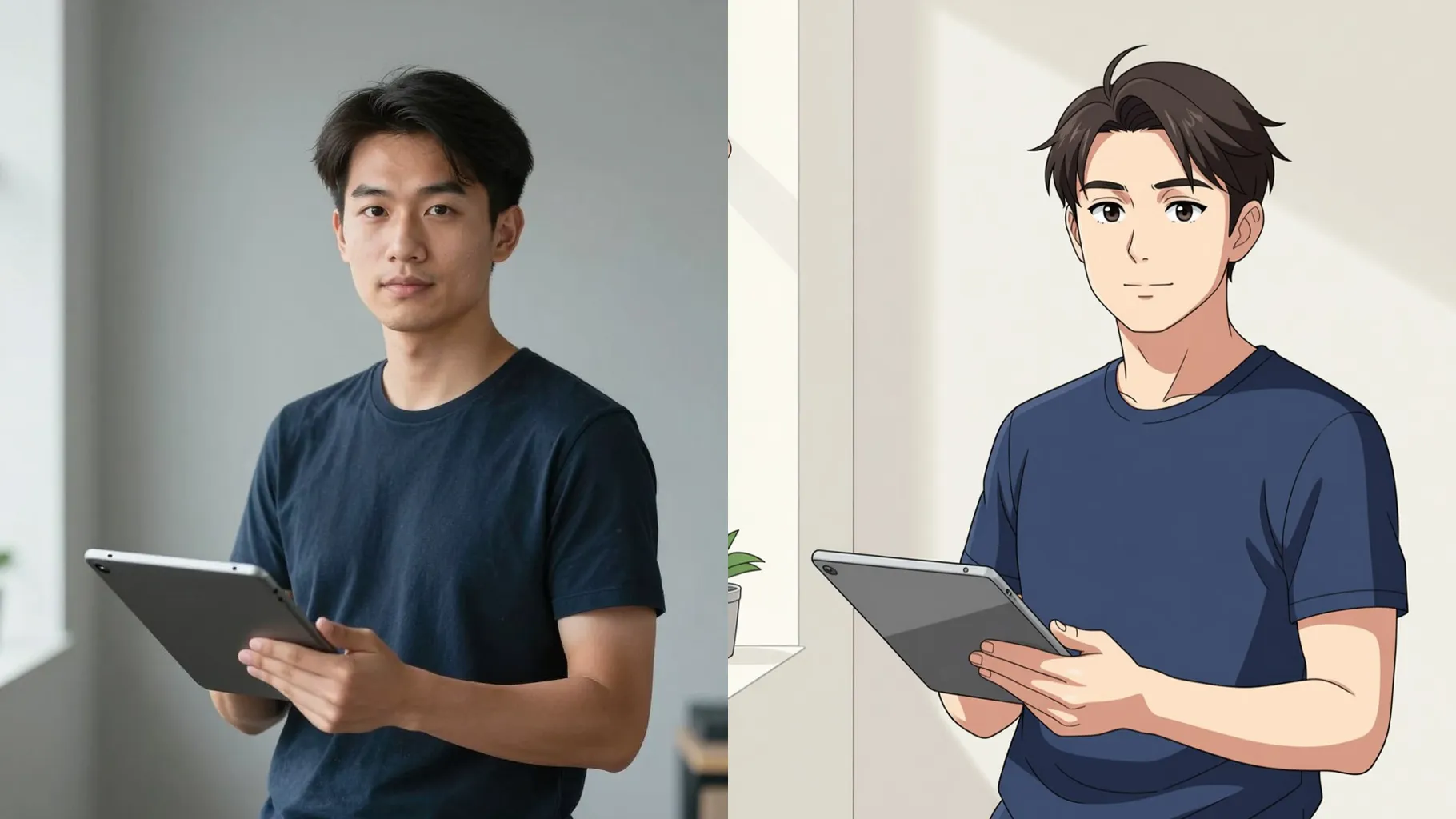
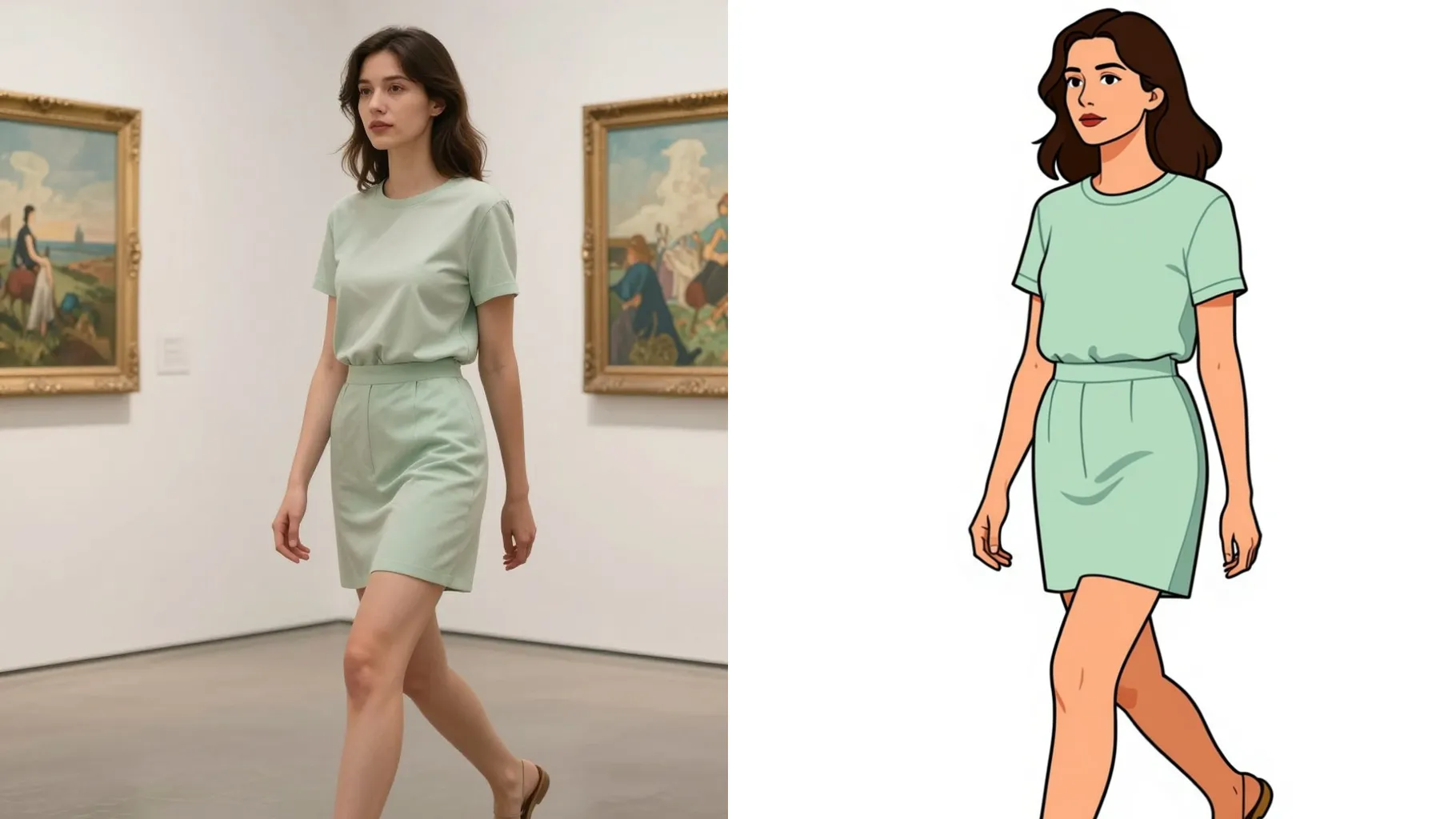
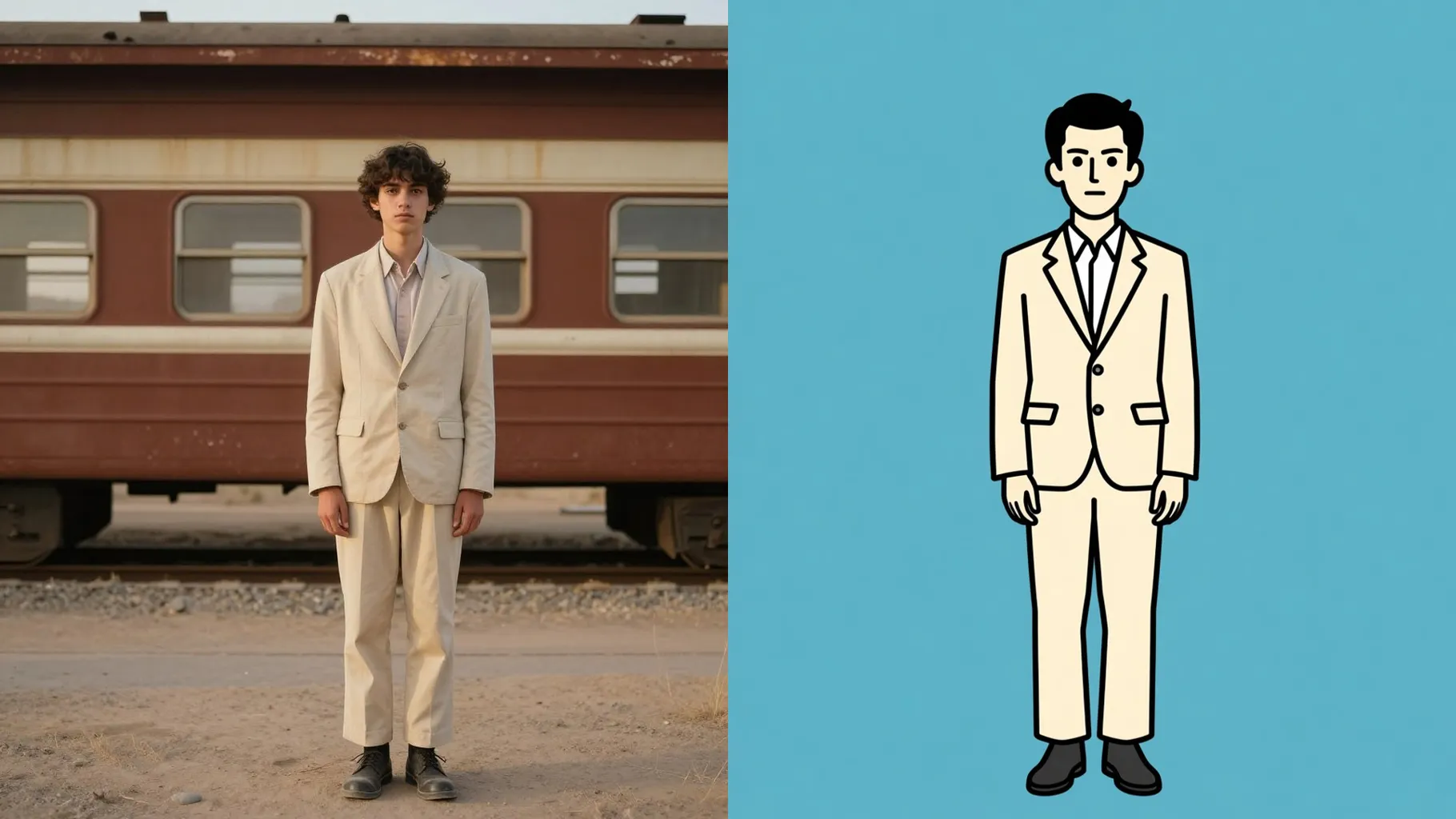
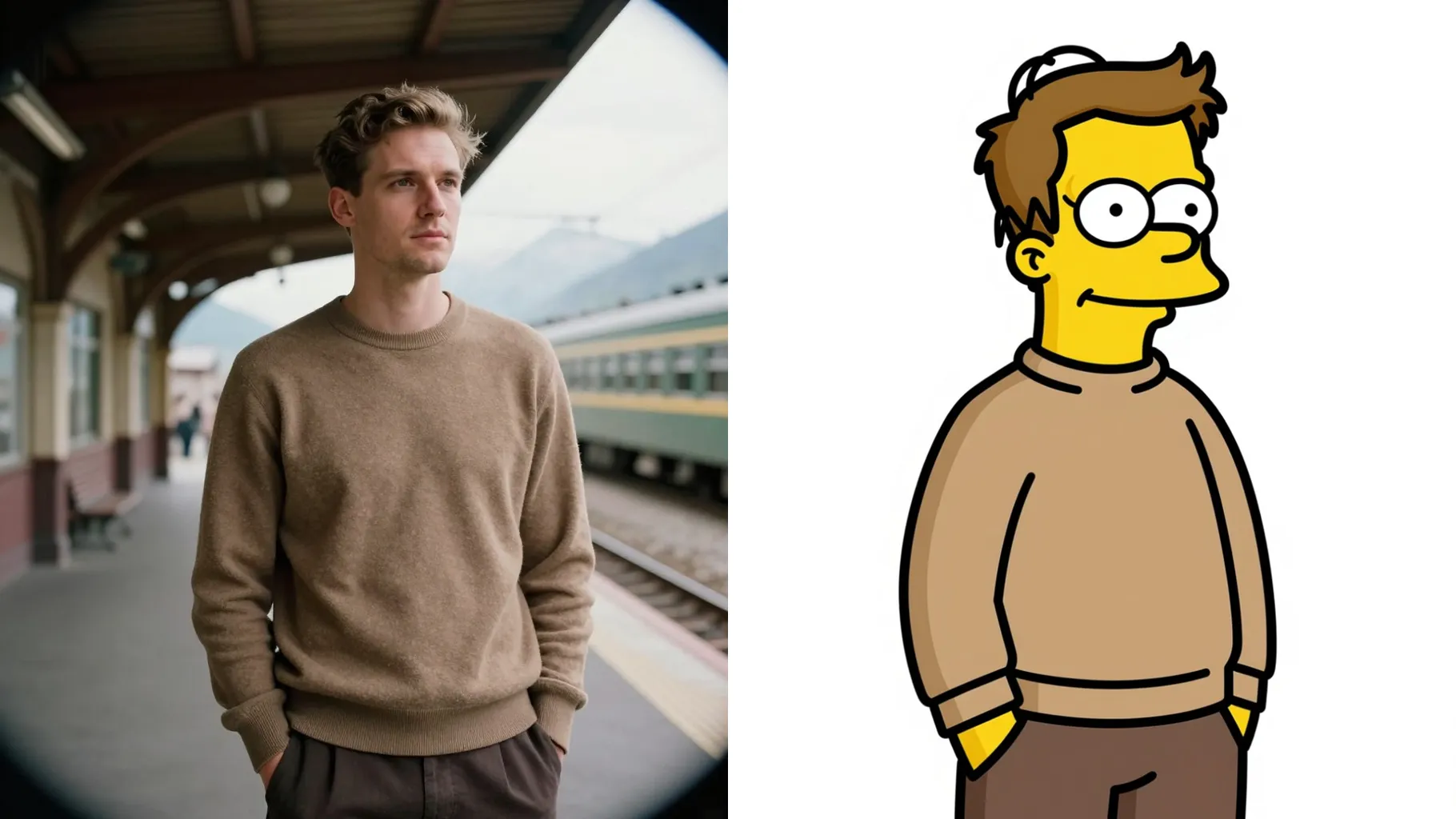
Turn one photo into Peanuts-style cartoon art with clean outlines and pastel panels.
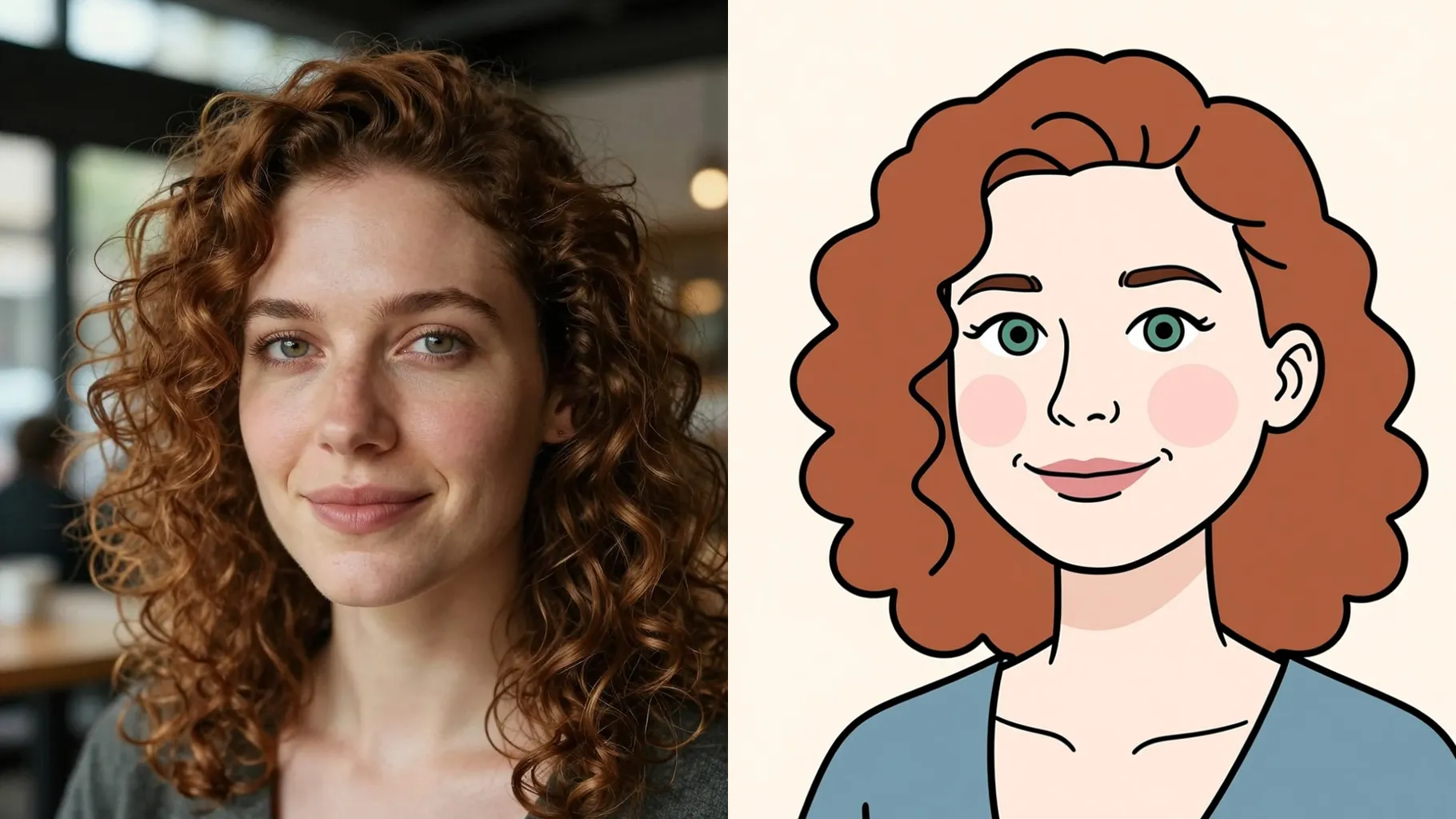
Turn your photo into Snoopy-style line art with flat pastel color fills.
Examples show the target style. Your result depends on the chosen model and reference photo.
Upload one photo to get a Snoopy-inspired Peanuts comic portrait with clean outlines and soft pastel colors.
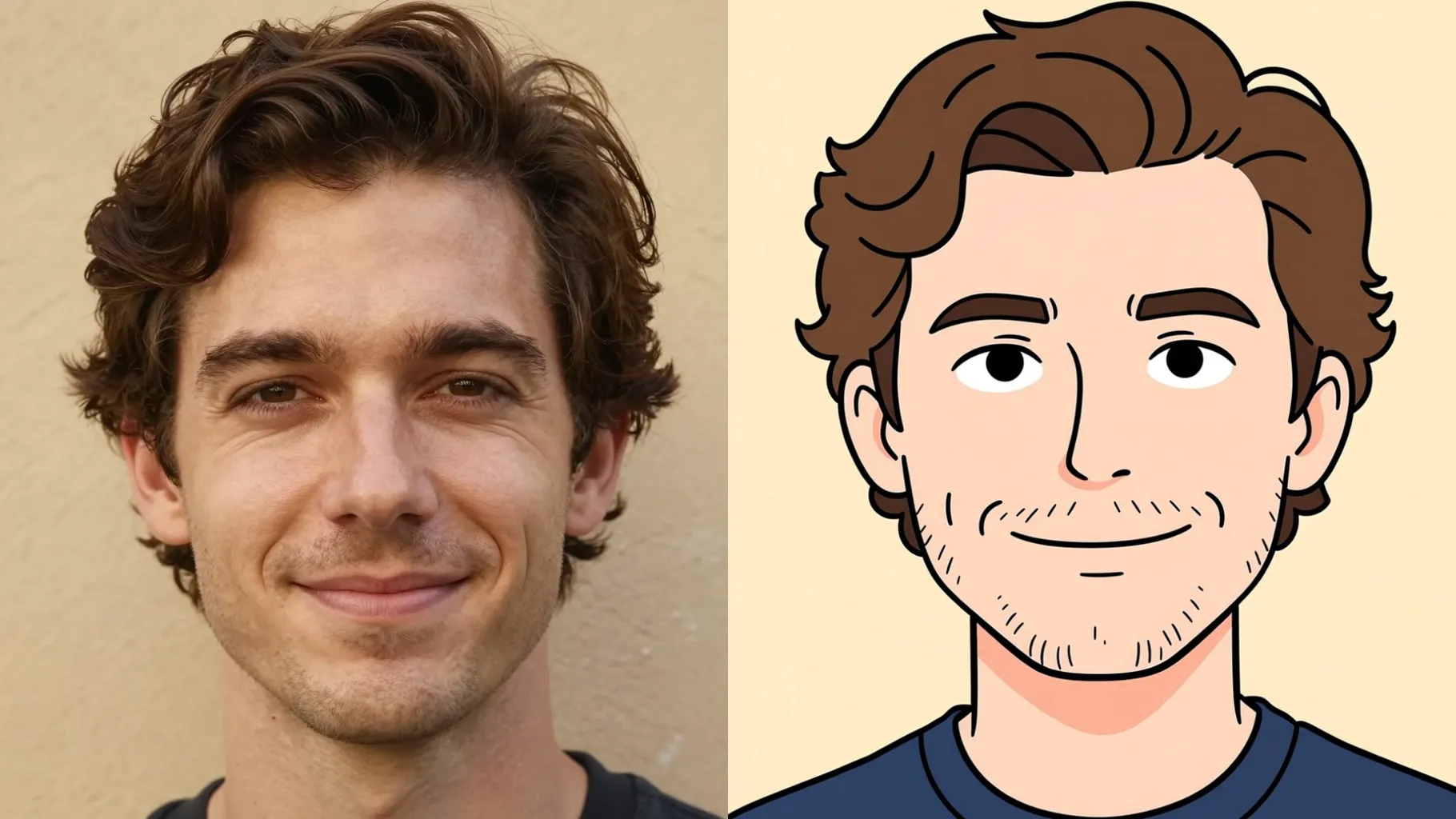
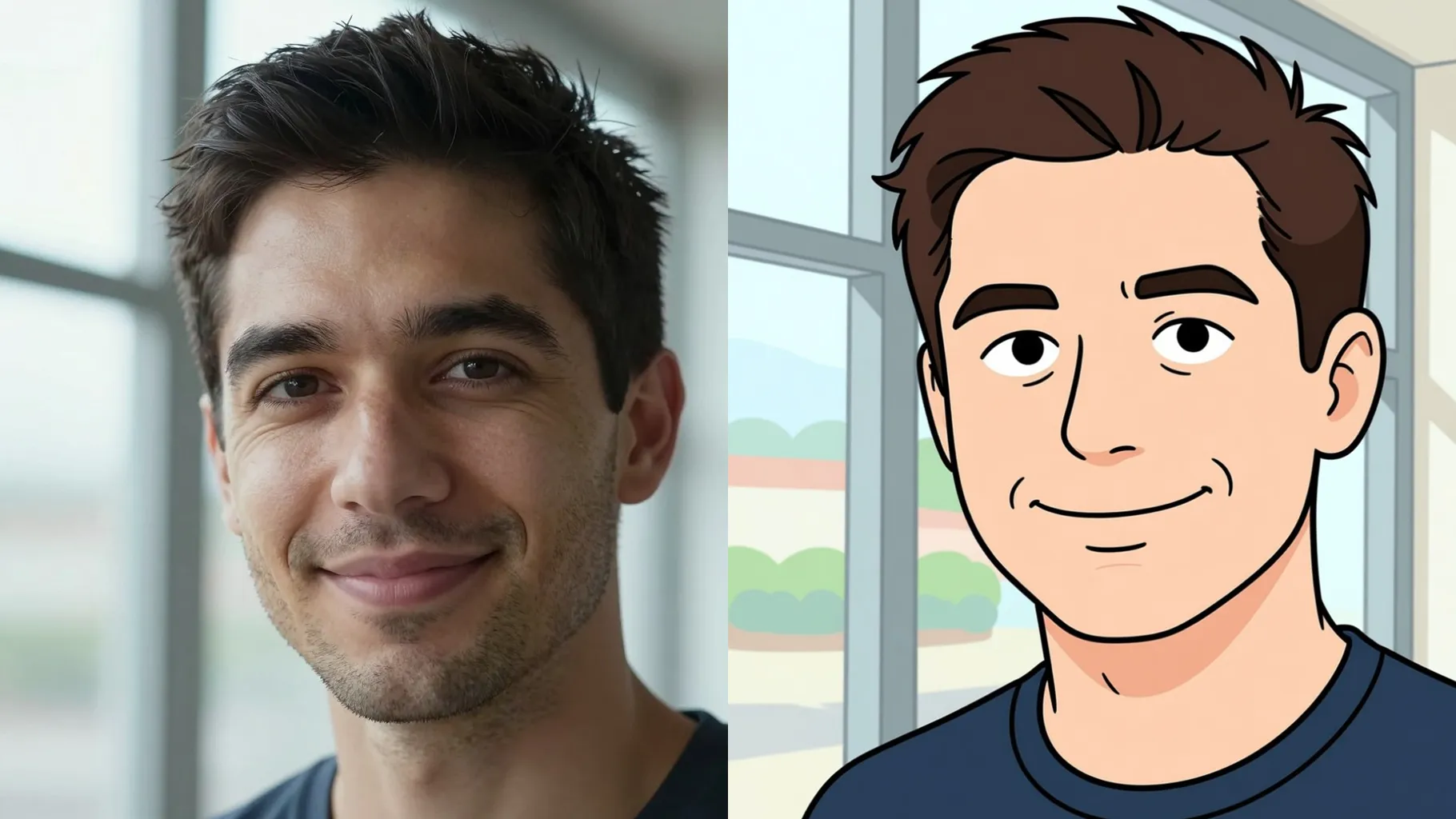
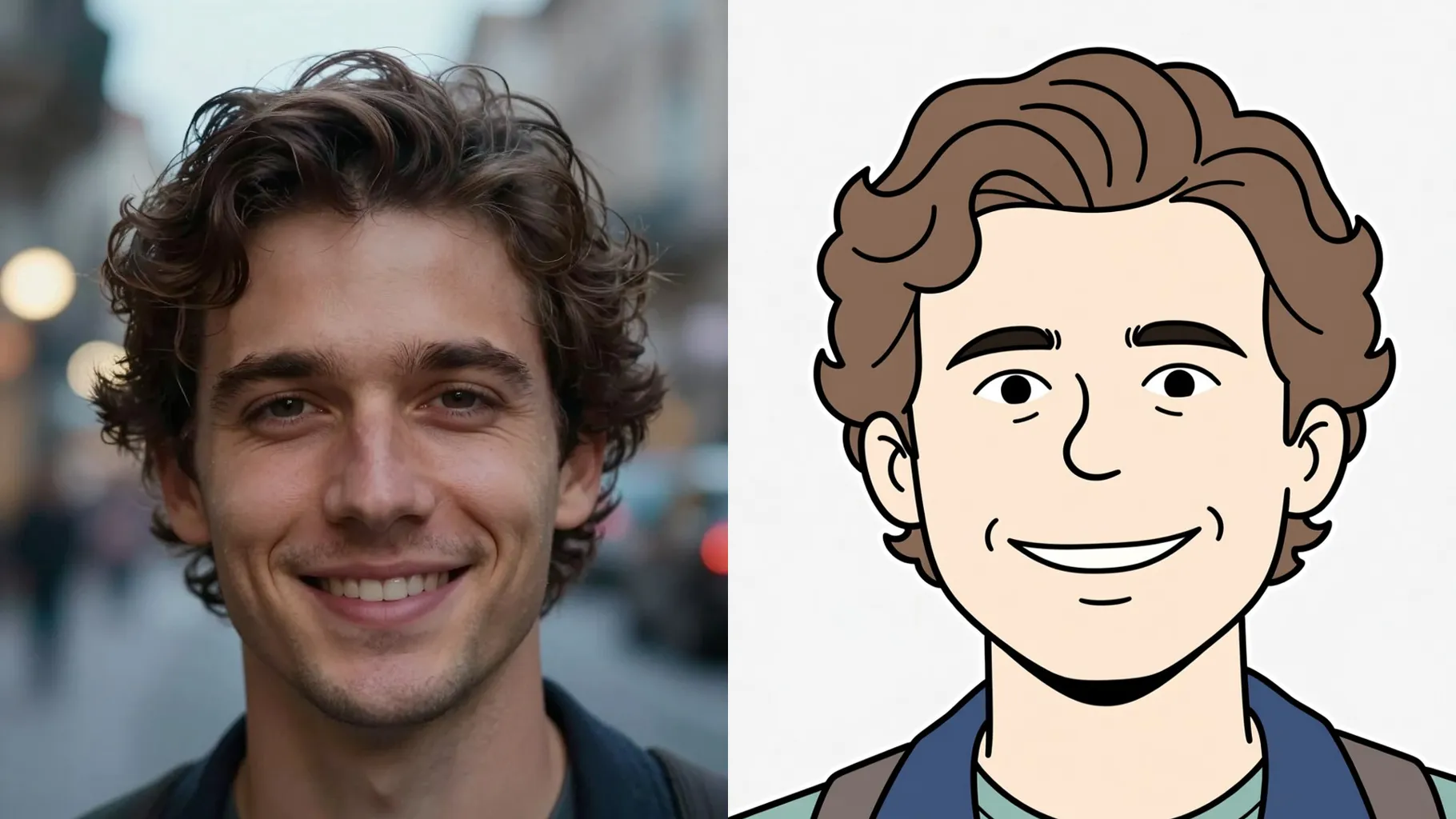
Keeps your face or pet on-model while adding Schulz-style ink lines, flat shading, and a minimal backdrop.
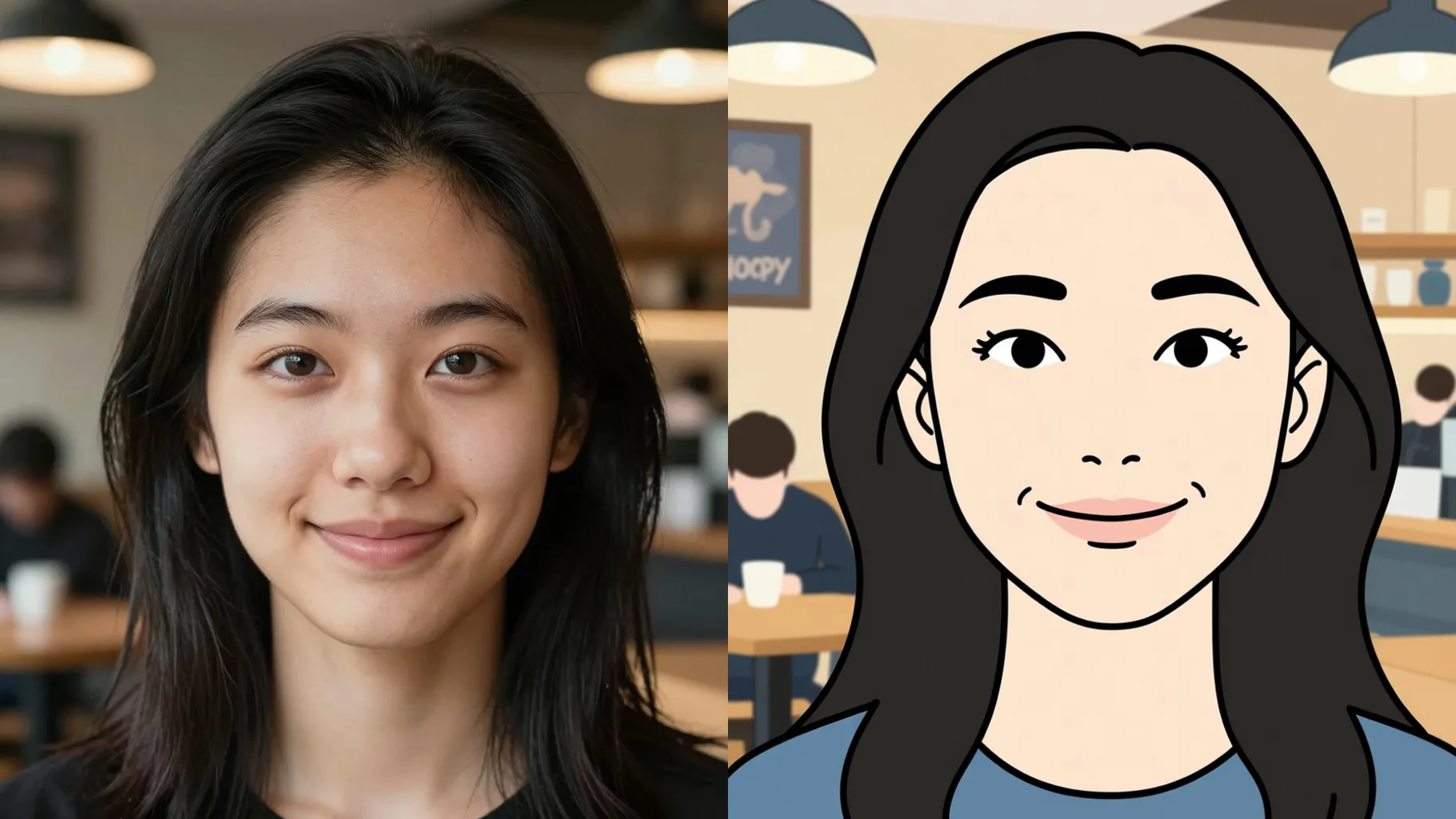
Add a short prompt for outfit, mood, or setting to nudge the Snoopy comic vibe before you generate.
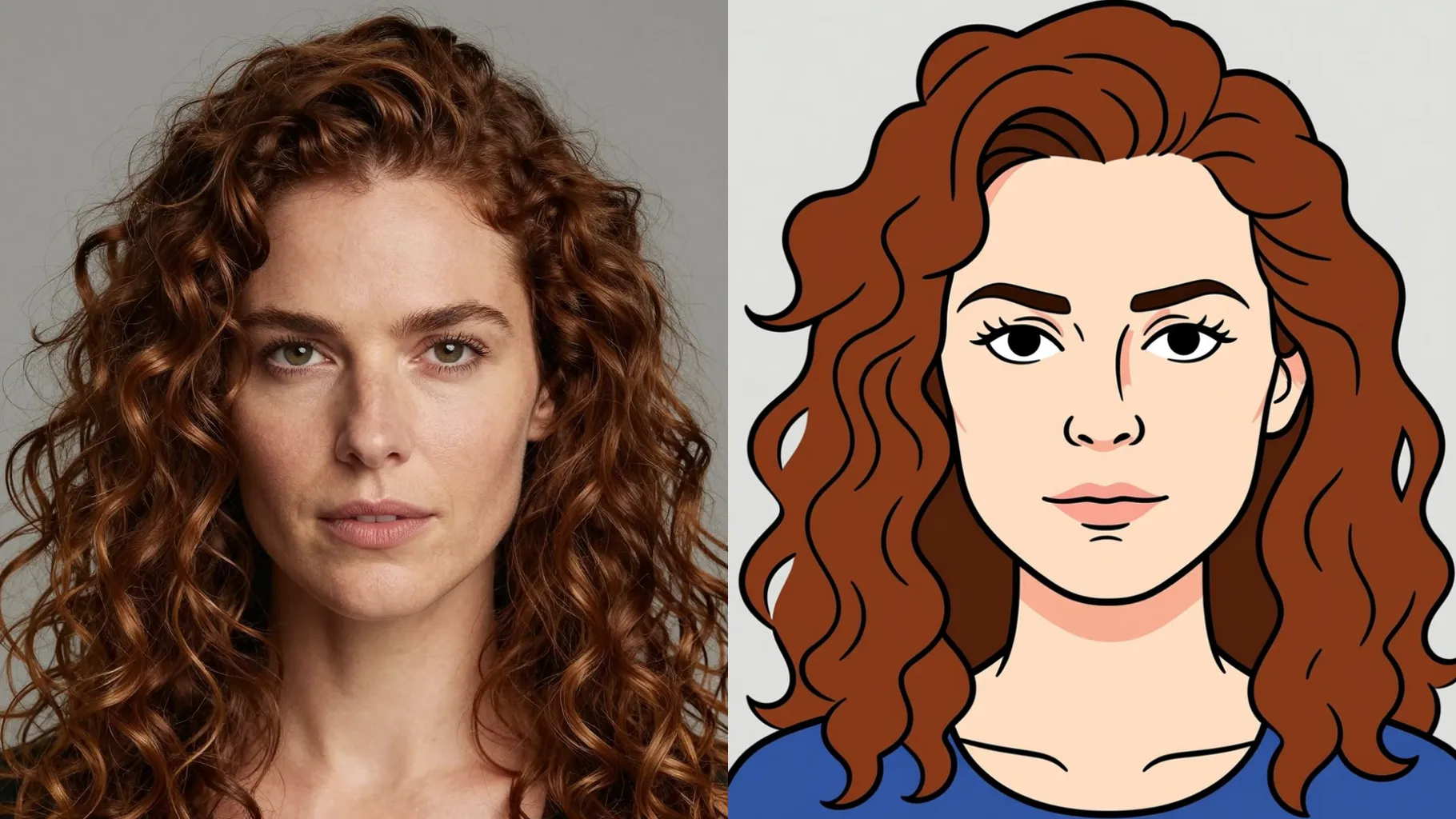
Front-facing selfies or pet shots with simple backgrounds give the cleanest outlines.
Mention outfit, pose, or activity to guide the Peanuts-style scene.
Preview the pastel line art, rerun if needed, and save your favorite panel.
This template supports one image at a time to keep the Snoopy lines clean.
Prompts are optional, but a short hint for pose, outfit, or mood improves the Peanuts vibe.
Aspect ratio control is off; crop your photo first if you need a specific frame.
Model switching is disabled to keep the Snoopy comic look consistent.
Centered subjects, even lighting, and uncluttered backgrounds produce the cleanest outlines.
Yes. Pets, toys, or objects render well as long as the subject is clear and well lit.

Generation time depends on the model, image size, and queue. Check the task status on this page.