
1. How many photos should I upload?
Use one photo per render. The model places you into a movie scene using that single image.
Upload one photo to drop yourself into cinematic scenes with film-grade lighting and grading.
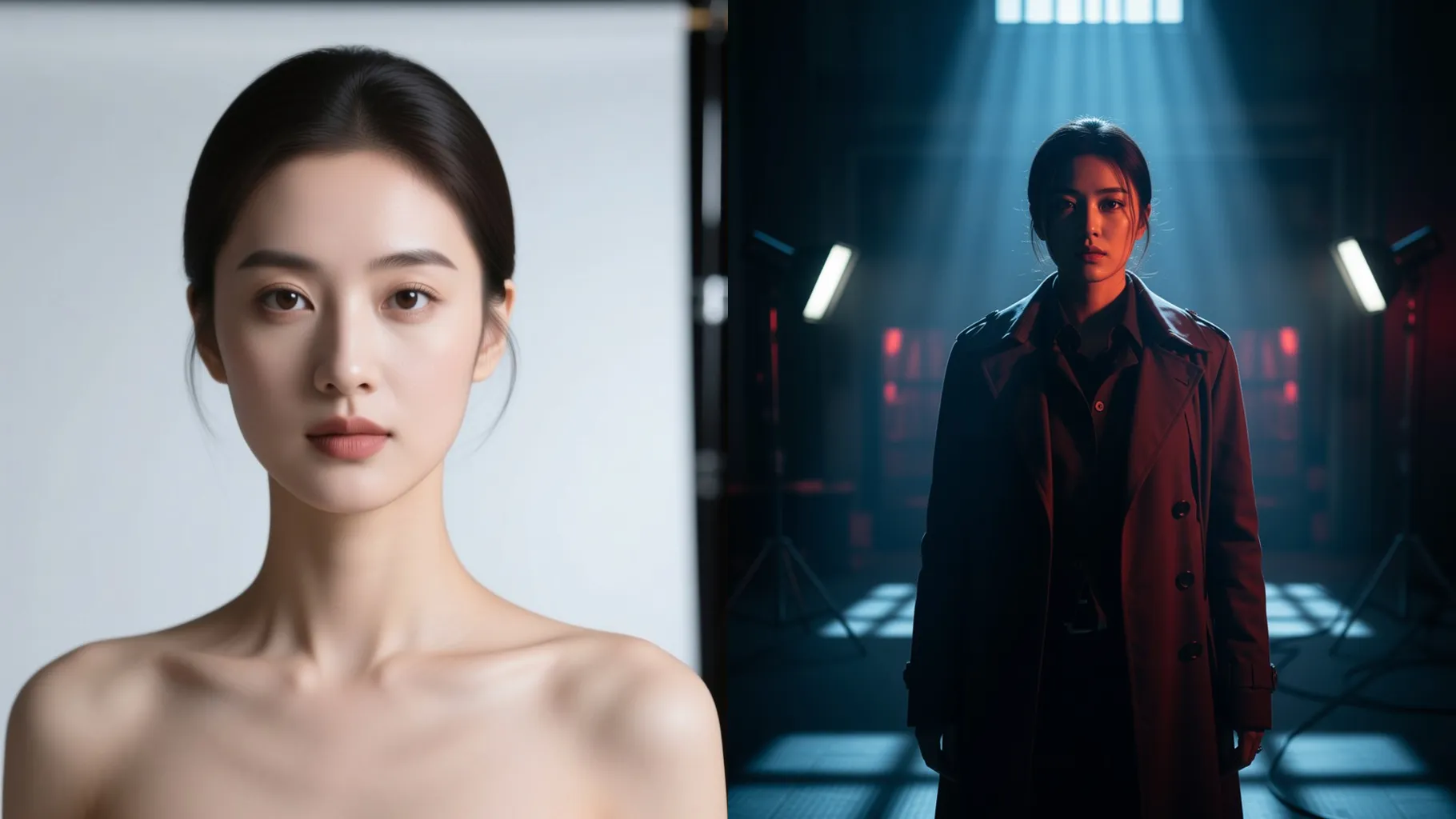
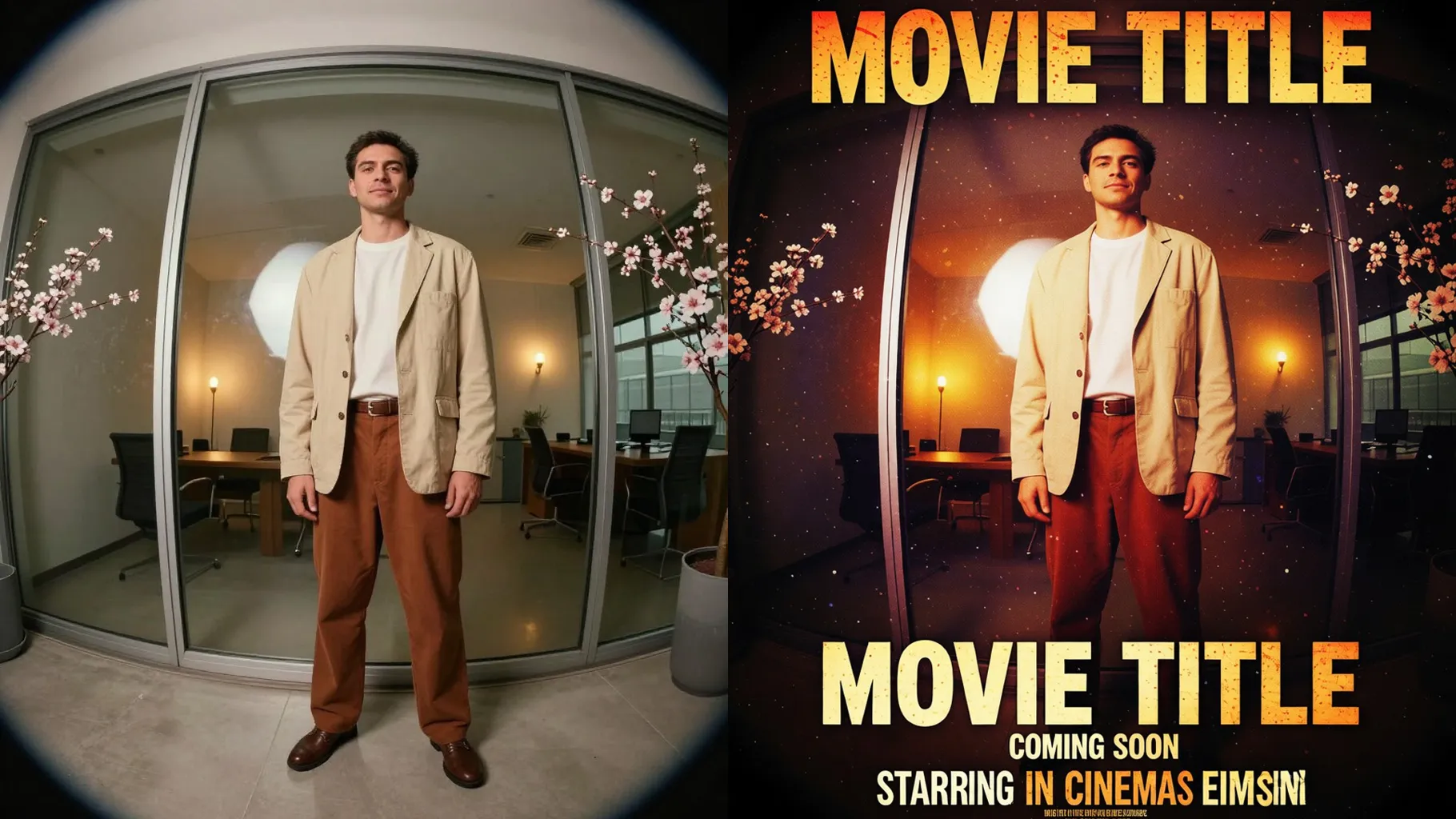
Drop one portrait into a cinematic movie still with dramatic lighting, film grain, and matching set design.
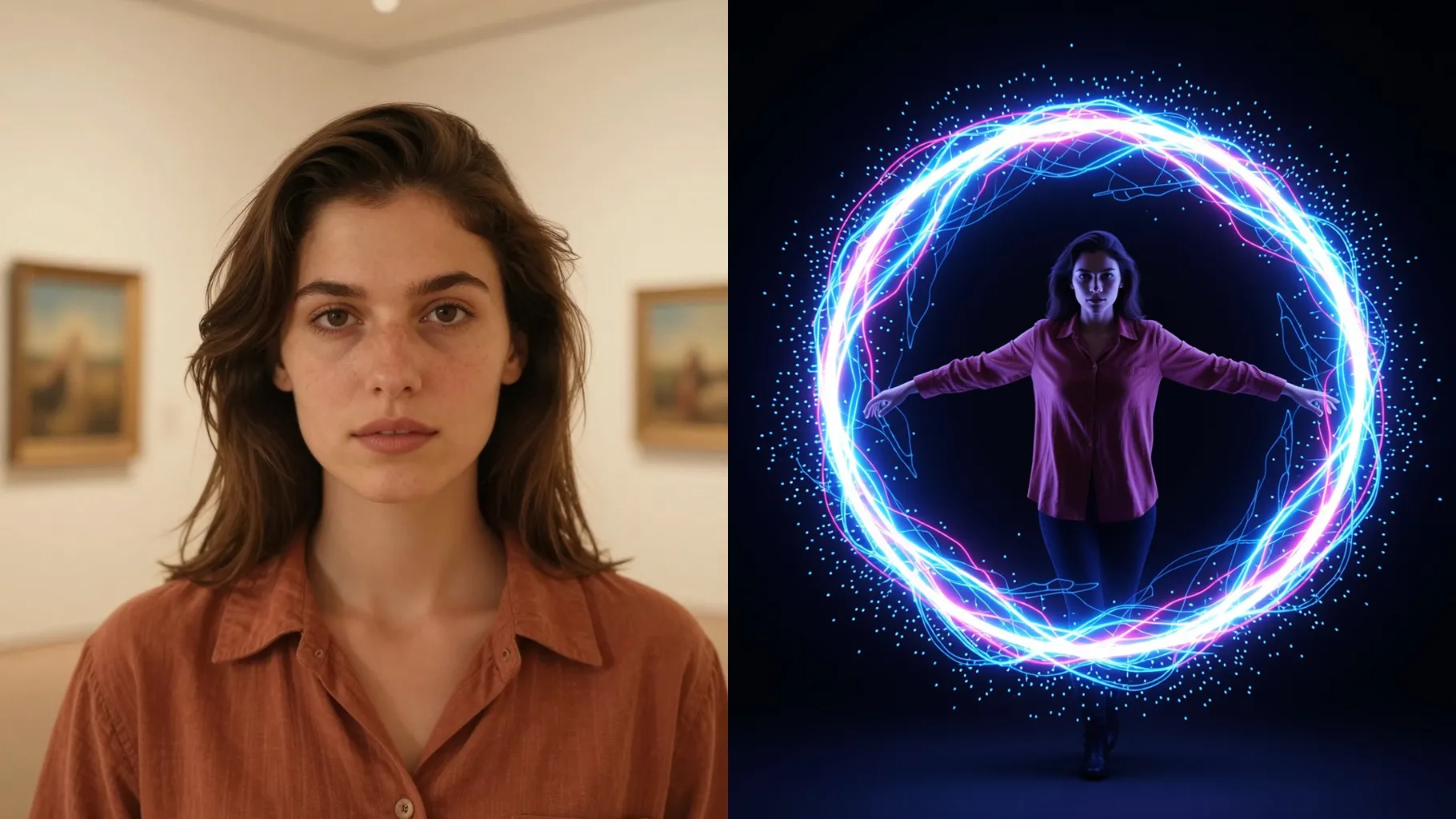
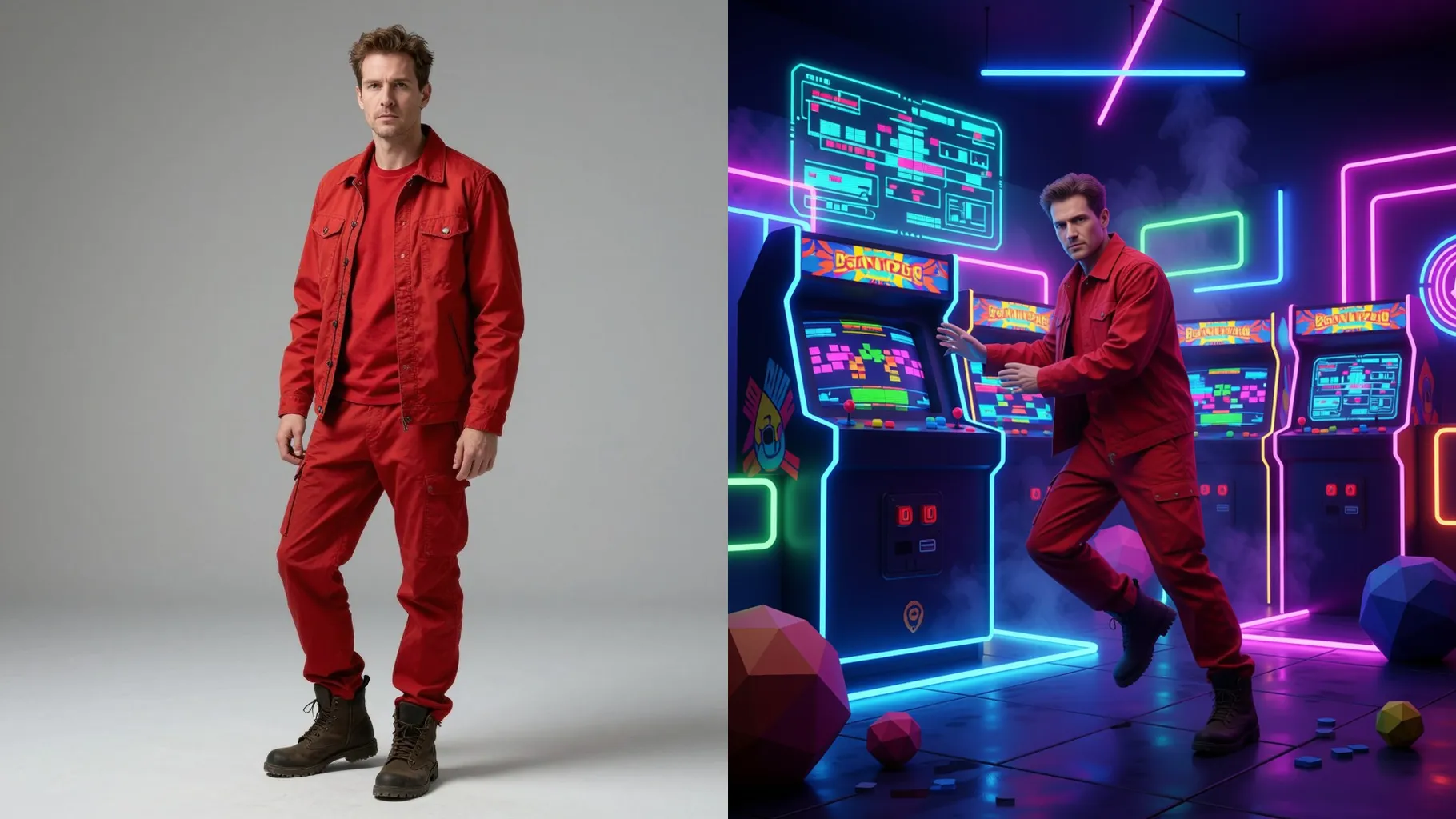
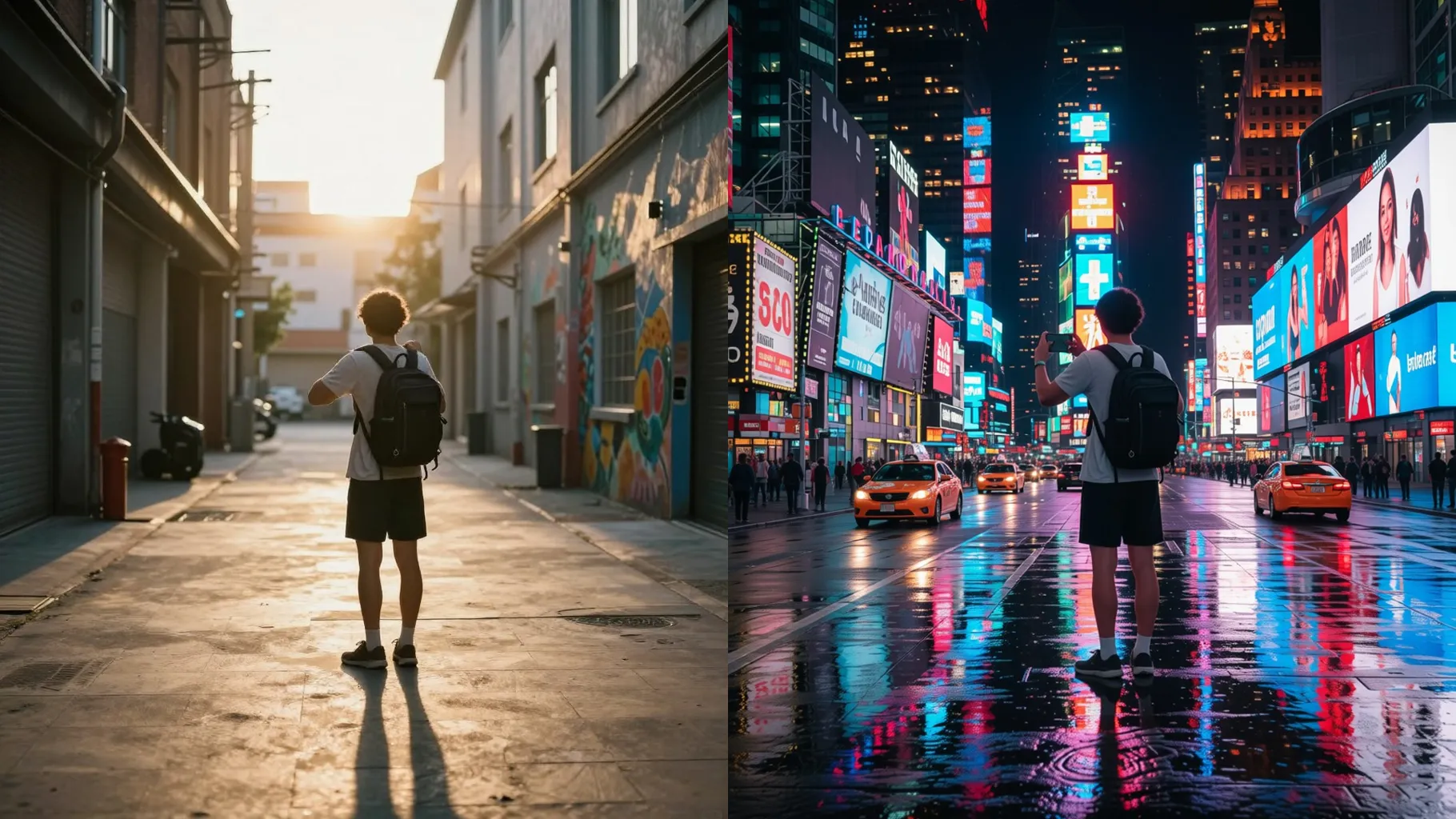
Examples show the target style. Your result depends on the chosen model and reference photo.
Upload one photo to see yourself composited into cinematic movie scenes with filmic lighting, set design, and crisp facial detail.
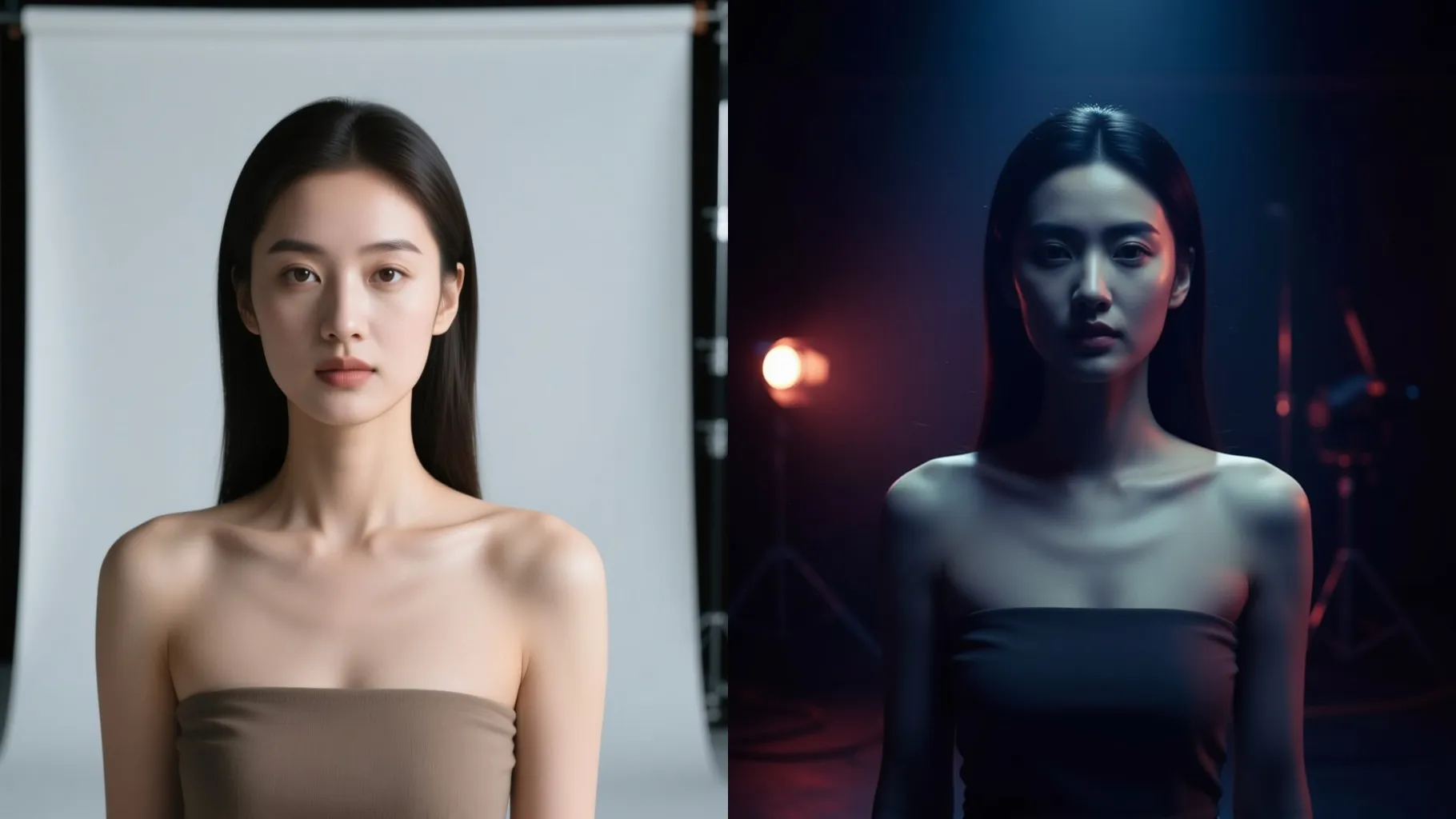
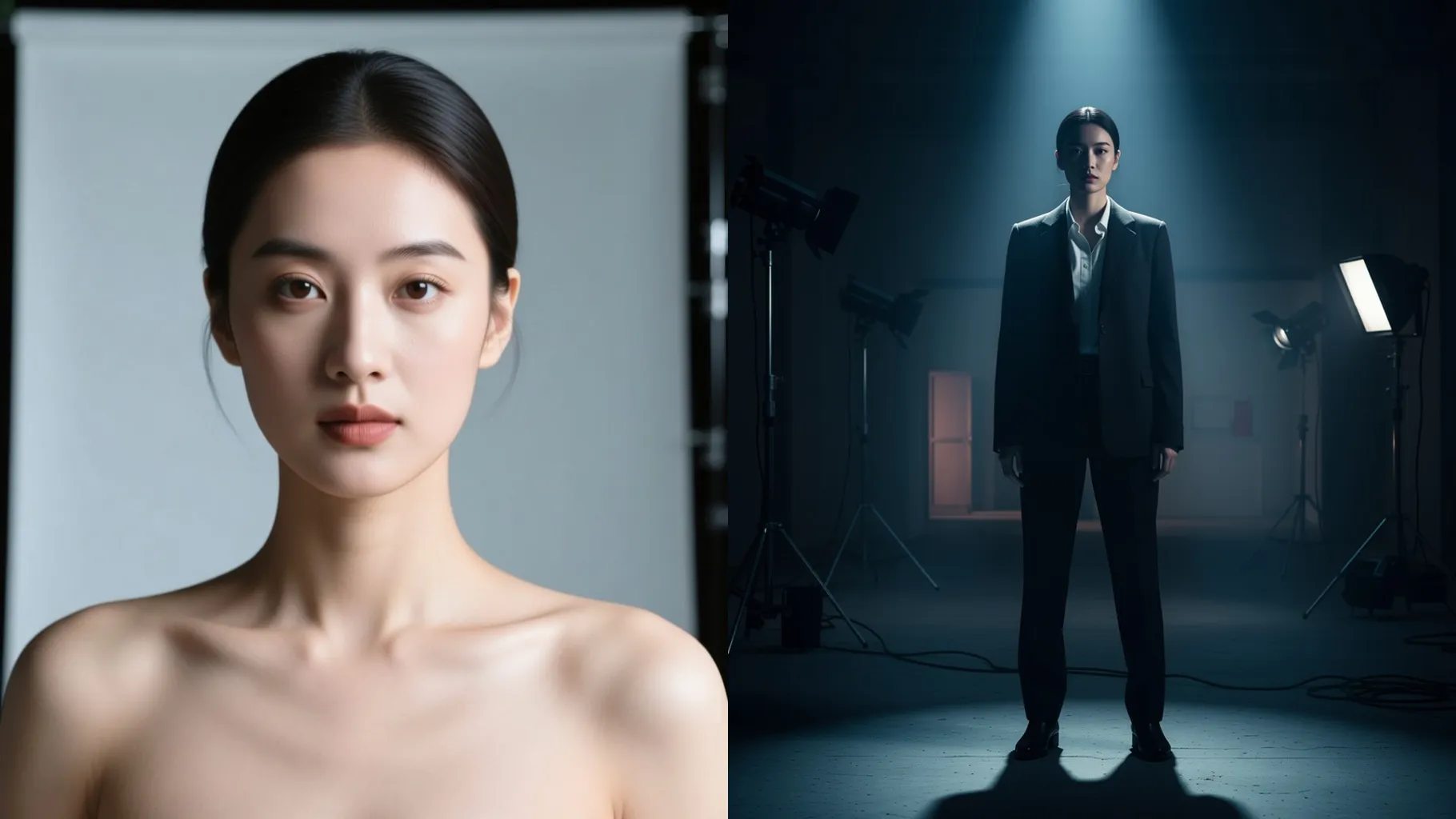
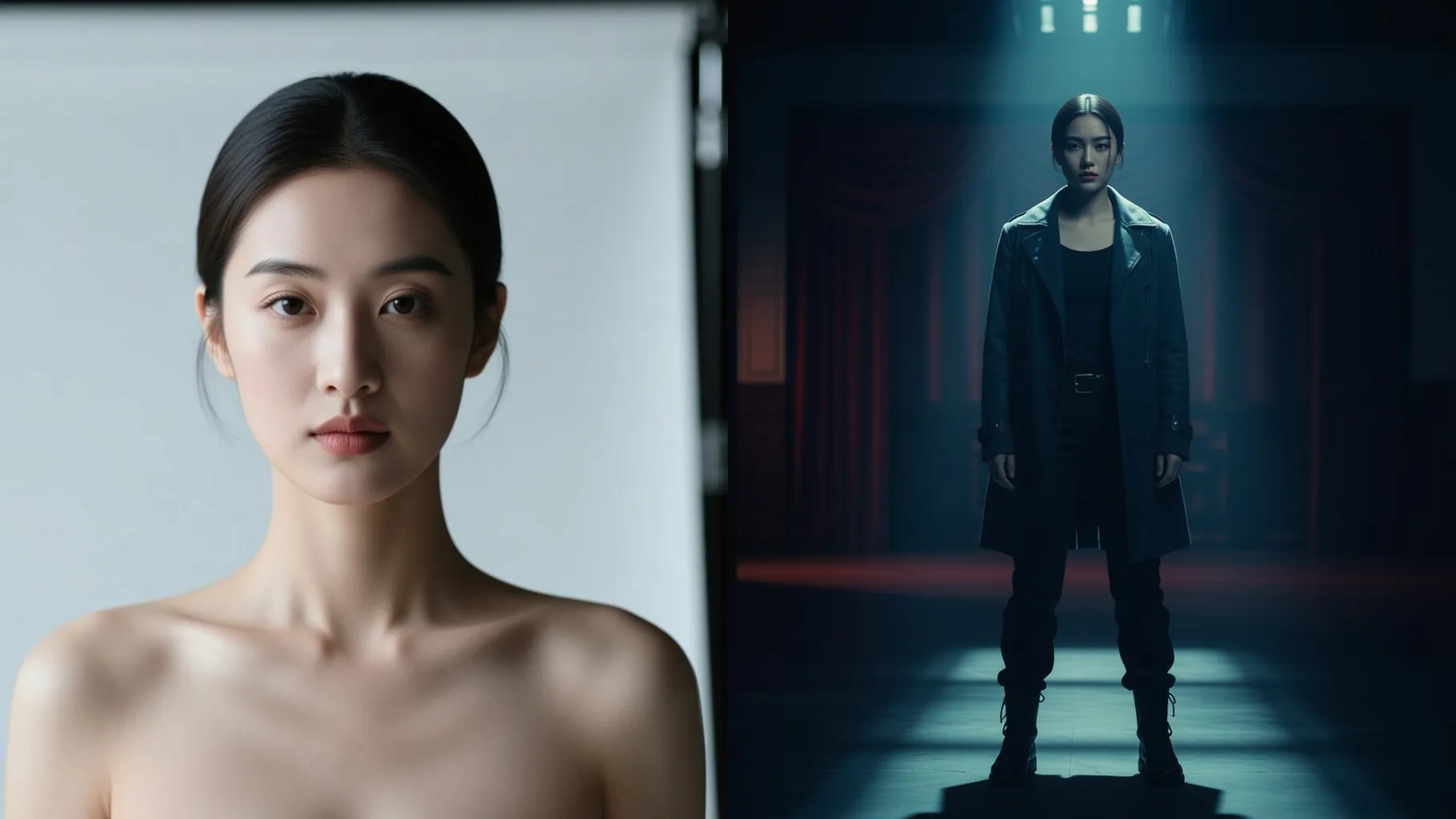
Keeps your face clear while rebuilding the background, lighting, and camera angle so it feels like a real film still.
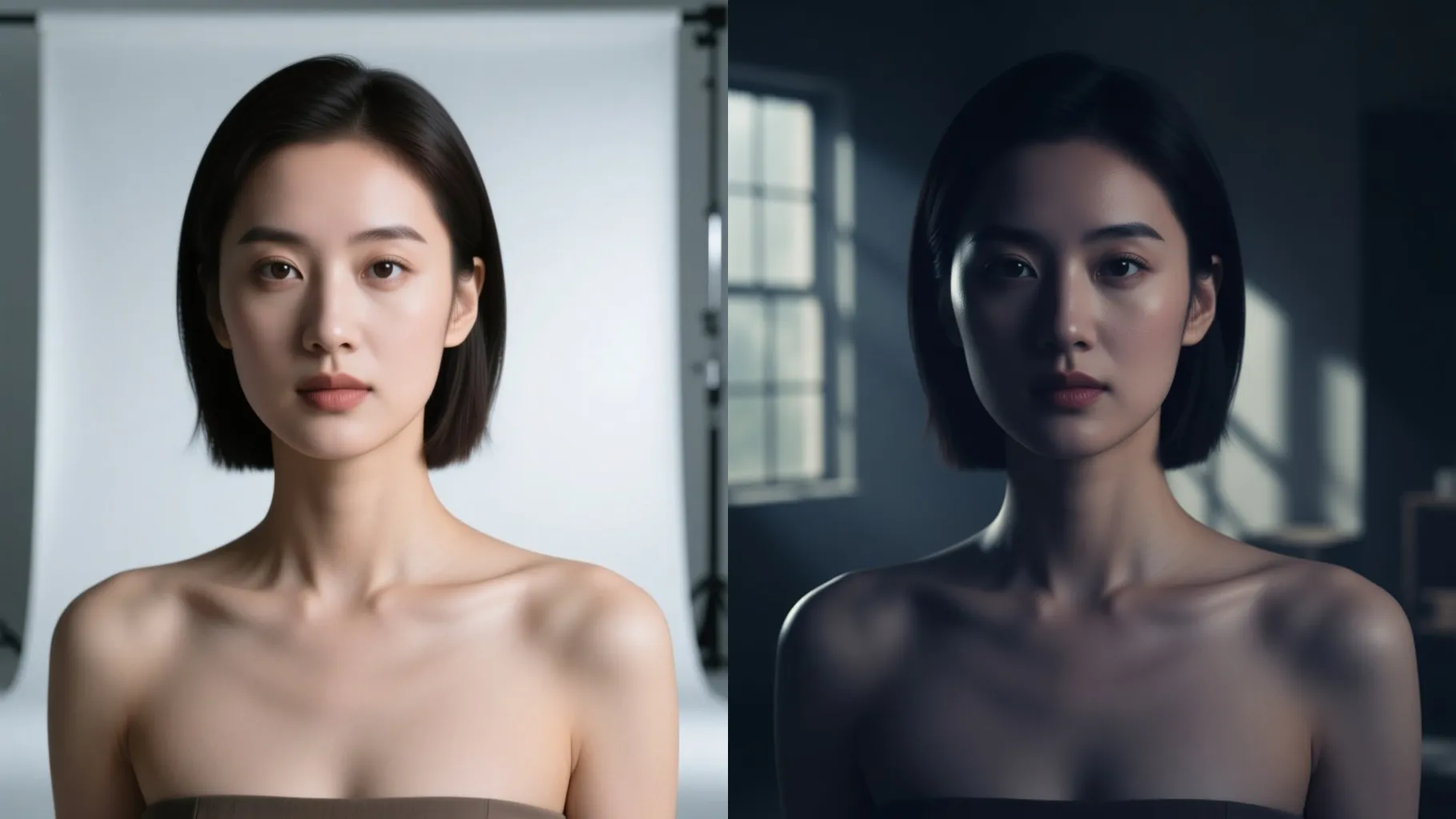
Add a few words like sci-fi city, fantasy castle, or noir detective to steer props, outfits, and color grading.
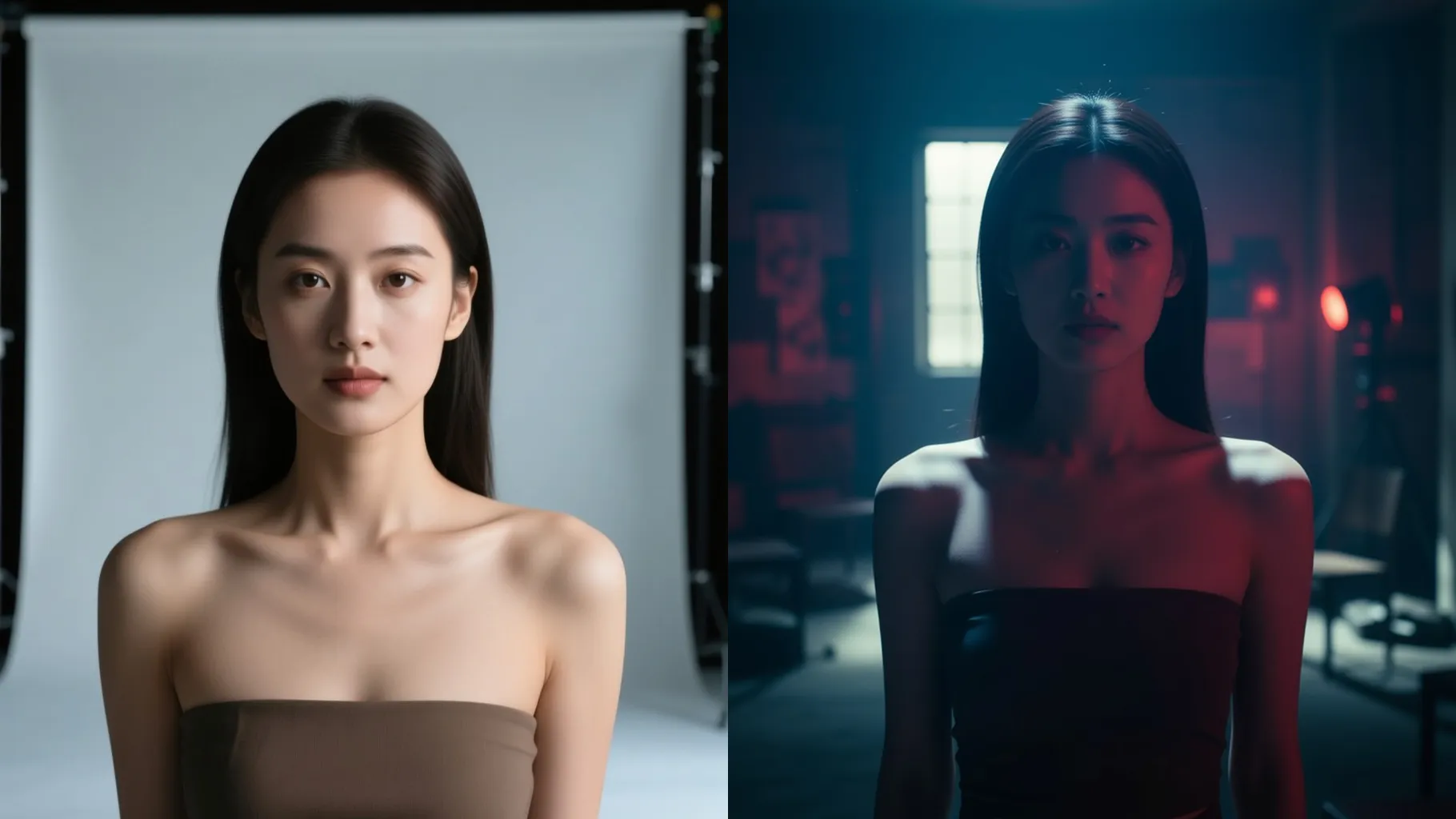
Centered bust or full-body shots with some background space keep the composite clean and cinematic.
Mention the movie style, location, or props you want, or leave it blank to let the AI pick.
Render the still, rerun for alternate movie vibes, and save the version you like best.
Use one photo per render. The model places you into a movie scene using that single image.
No. A few words about genre or location are enough, and leaving it blank still works.
Ratio and model switching stay off to keep framing and film style consistent.
Well-lit single-subject shots with space around the head and shoulders look the most natural.
Yes. It can adapt outfits and props to match the movie vibe while keeping your face recognizable.
No. This template is img2img and needs one uploaded photo to build the scene.
Single-person photos work best; multiple people may merge or shift within the movie scene.

Upload one photo, pick a genre vibe, and get a cinematic frame showing which movie you are in.