
1. How many photos do I need?
The selected effect uses 1 reference photo(s). The upload area shows the limit. Replace the sample before you generate a personal clip. Use clear, well lit photos with the subject in view.
Loading available models...
Upload a photo to create a AI Nap video. Preview the effect and choose an available video model.
Example video. Your result uses the selected model and may vary.
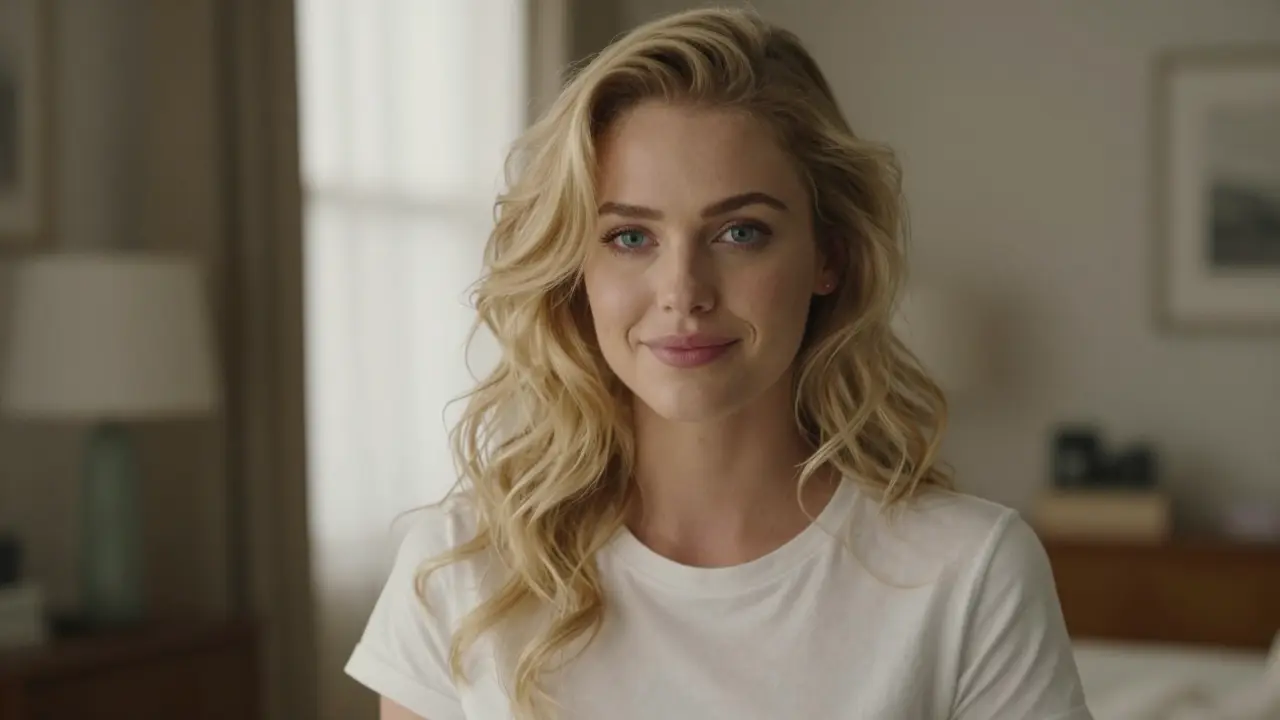
Create a quiet nap scene from a photo. This template focuses on a relaxed pose and gentle movement rather than fast action. It can work as a calm reaction, a short story beat or a light joke about needing a break.
Use one clear photo with a single main subject. Keep the face or pet in view, with room for movement around the body. Replace the sample in the tool with your own photo. A busy scene or a cropped face may make the effect harder to follow.
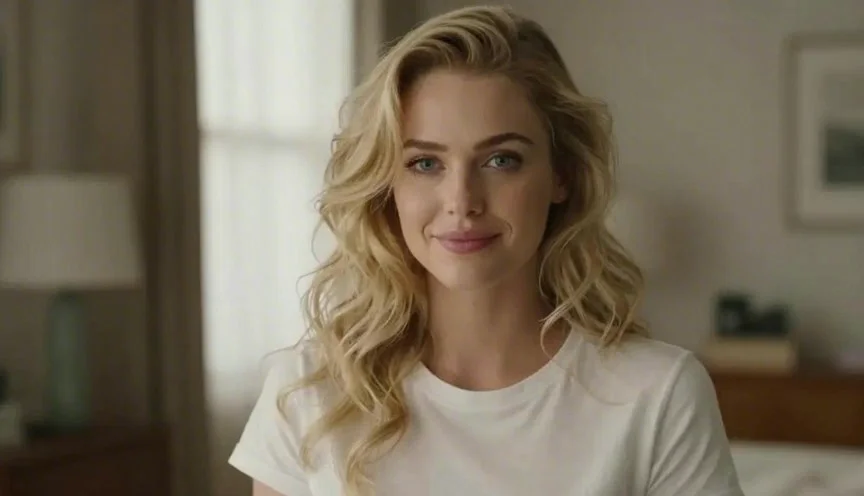
Start with a calm pose and ask for subtle motion. Keep the camera steady and avoid large body moves or fast cuts. Short, simple directions give you a clearer way to judge the breathing, face and small changes in the scene.
Browse the short video templates above and pick an effect. Check its example and photo guide before you start. You can also write your own scene without a template.
Upload your own photo and review the filled prompt. Choose a model, frame shape and length. The parameter menu shows the options that model supports.
Check Free or the credit quote on Generate. Sign in and continue when asked. Your task and result appear below the tool. Play the clip before you download it.
The selected effect uses 1 reference photo(s). The upload area shows the limit. Replace the sample before you generate a personal clip. Use clear, well lit photos with the subject in view.
No. The preview shows the target effect, not a promise of the same result. Models can differ in motion, faces and scene detail. Review your model choice and quote before you generate. A free trial is available only when your account is eligible.
The task appears below the input box. When it is ready, play it there or open the larger preview. Completed results keep their download action. Check the task message if generation fails.
Return to the tool, add your photo and check the quote. Your selected effect stays in place. You can browse the full short video template library if you want a different scene.