
01
Start with a reference photo
Choose an image you have permission to use. Describe what should move and which details should stay clear.
Video studio
Animate a reference photo with a clear motion prompt. Upload your starting image, describe what moves, and generate a short clip while keeping the main scene in focus.
Your next scene starts here
A completed video appears here after generation. Keep the task link to return to the result.
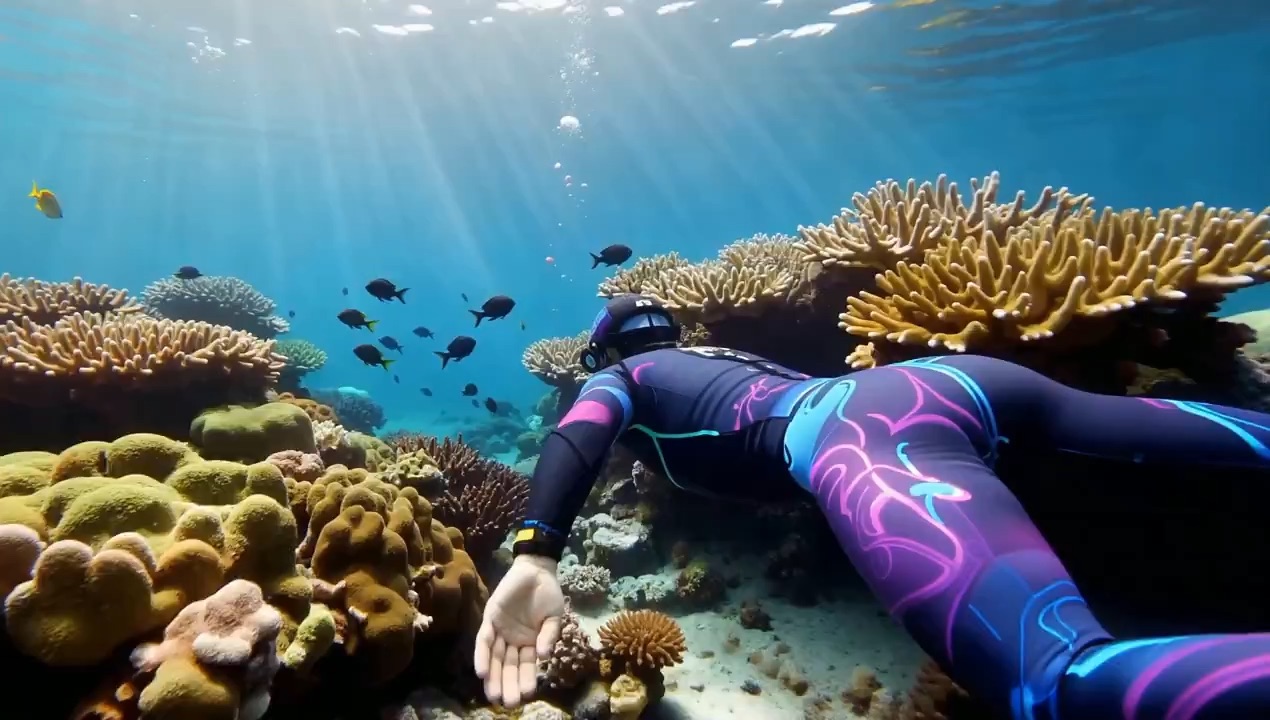
01
Choose an image you have permission to use. Describe what should move and which details should stay clear.
02
Review the model, frame shape, and credit cost. Your prompt is checked before the generation model is called.
03
Play the completed clip and open the file to save it. The task link lets you return after a refresh.