
01
Describe one clear scene
Name the subject and its action. Add a setting, light, and a camera move that fits the story.
Video studio
Turn a scene description into a short video. Write your subject, action, and camera move, choose the frame shape, and review the credit cost before generating.
Your next scene starts here
A completed video appears here after generation. Keep the task link to return to the result.
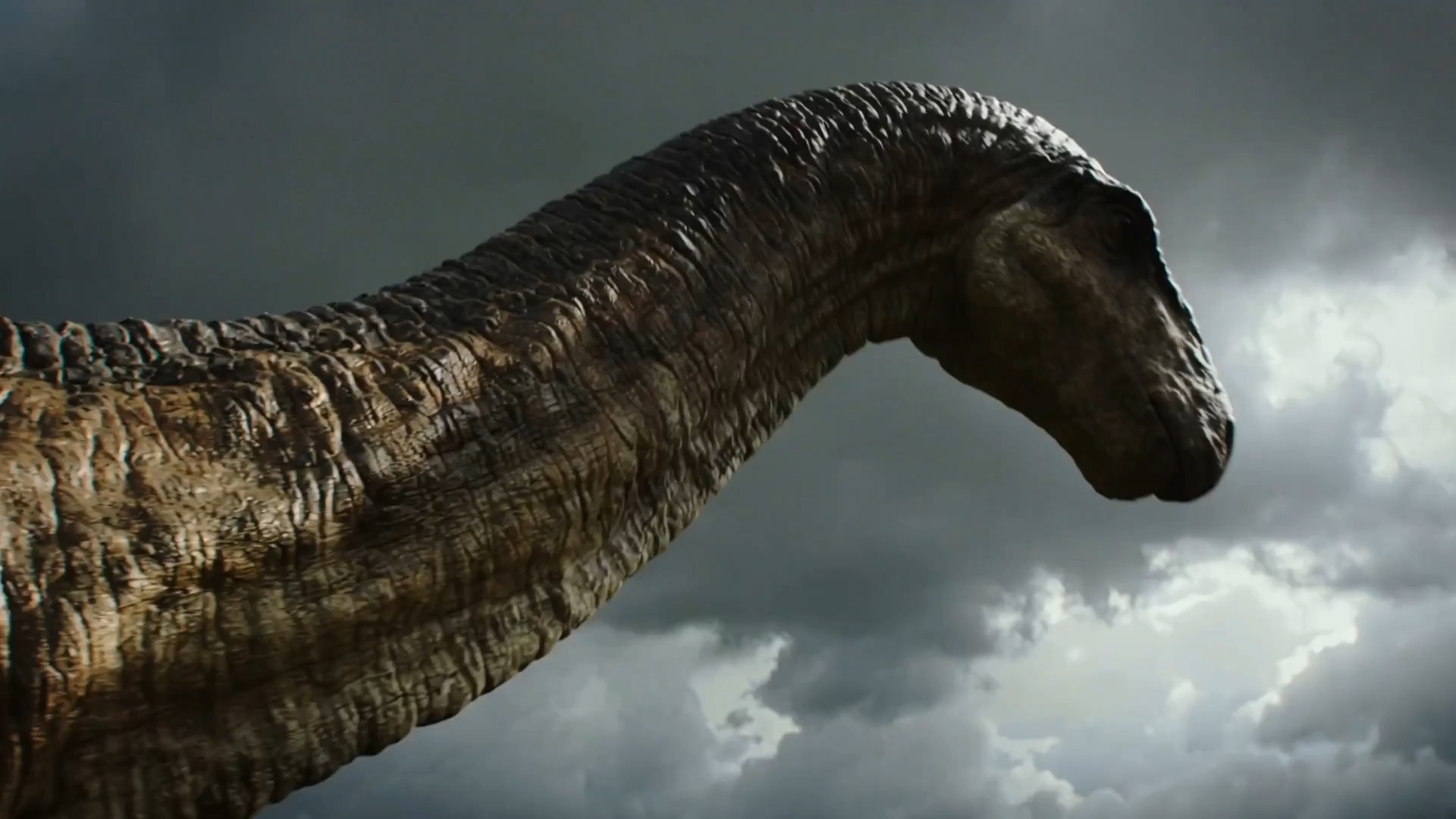
01
Name the subject and its action. Add a setting, light, and a camera move that fits the story.
02
Review the model, frame shape, and credit cost. Your prompt is checked before the generation model is called.
03
Play the completed clip and open the file to save it. The task link lets you return after a refresh.