
1. How many images can I upload?
This template is single-upload; one photo per run keeps the chibi outfit consistent and avoids mixing styles.
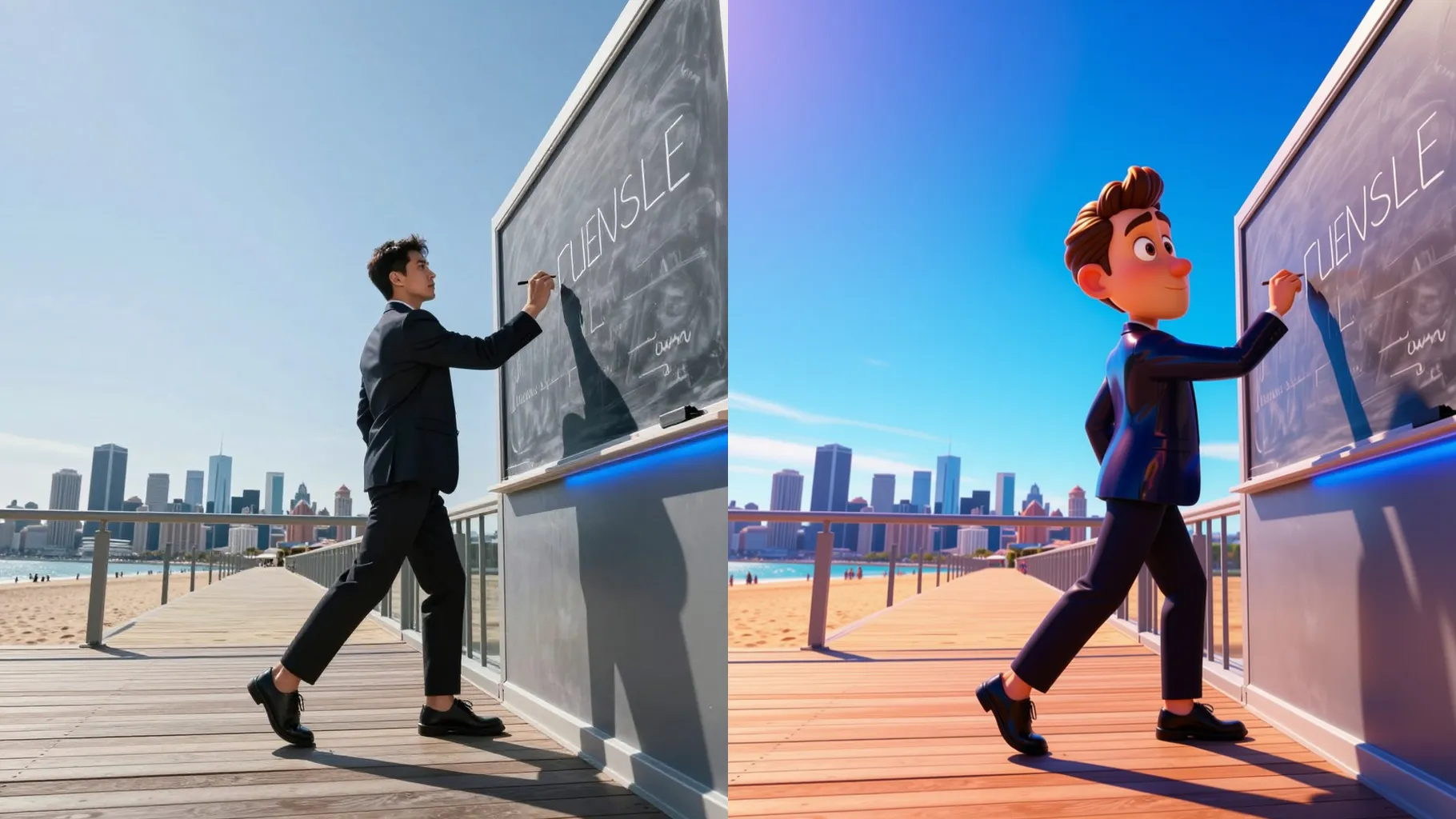
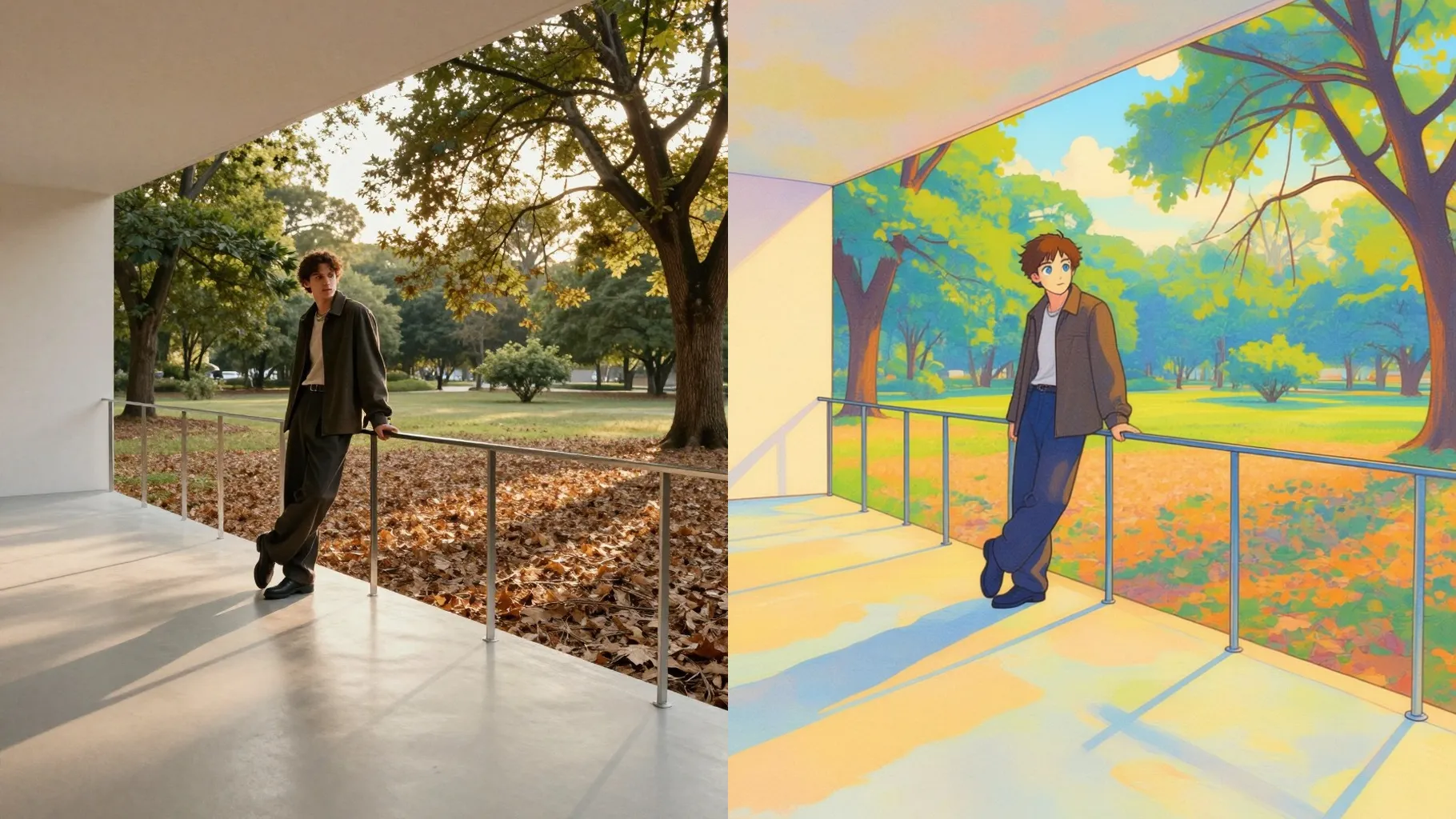
Turn one outfit photo into a polished 3D chibi render with pastel lighting and glossy finish.
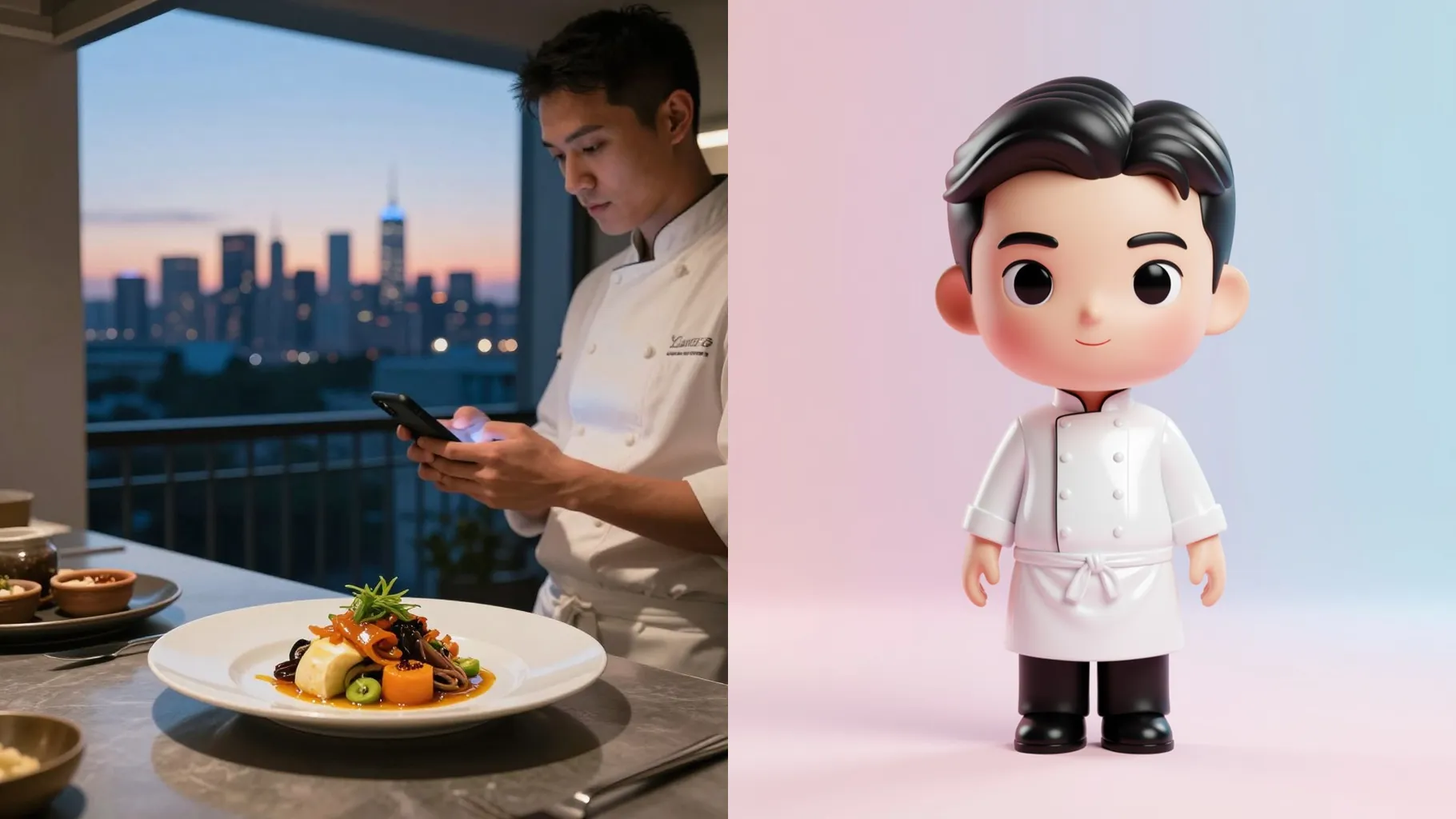
Transform a single selfie into a glossy 3D chibi character that keeps your outfit colors, pose, and accessories front and center.
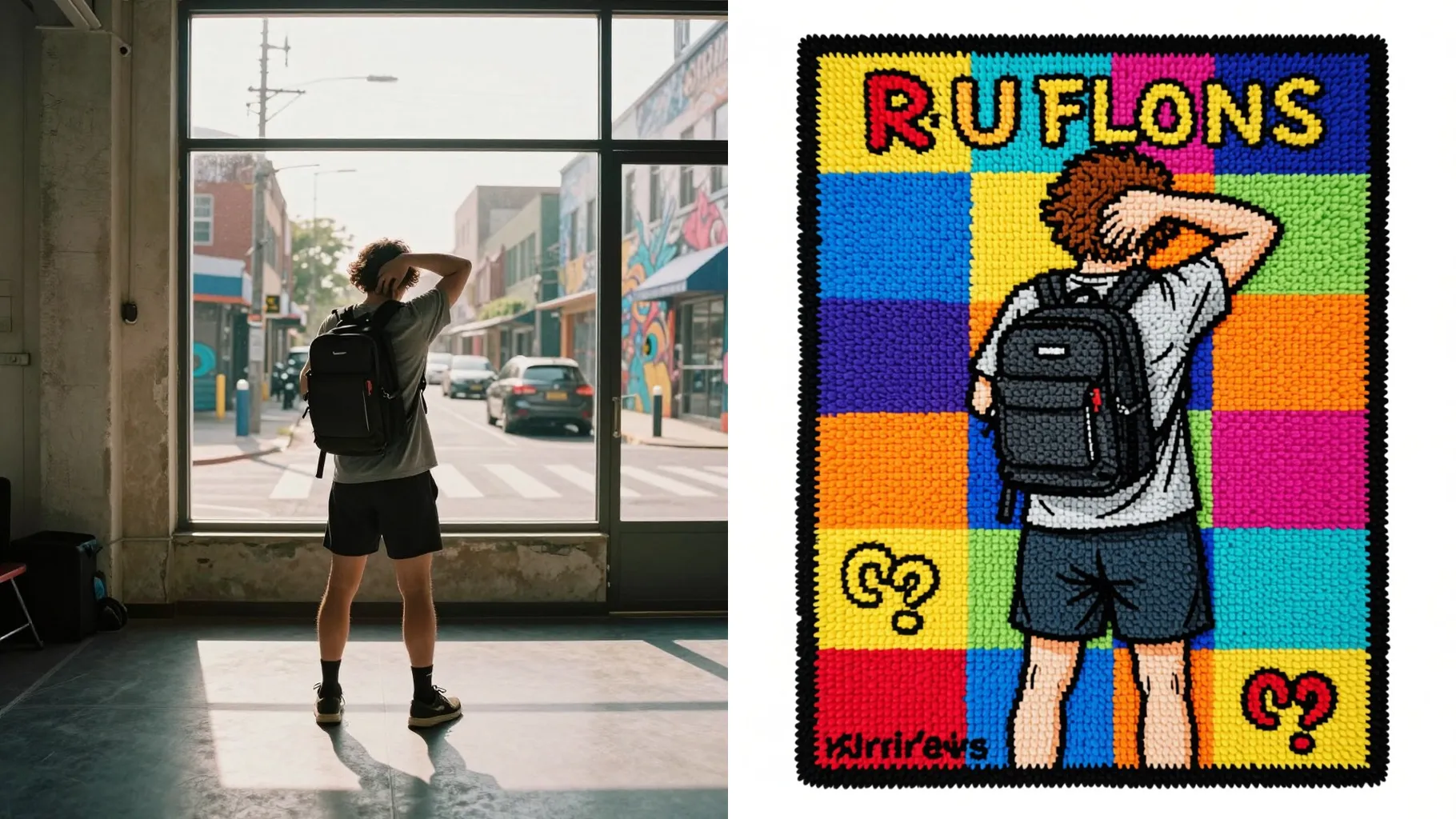
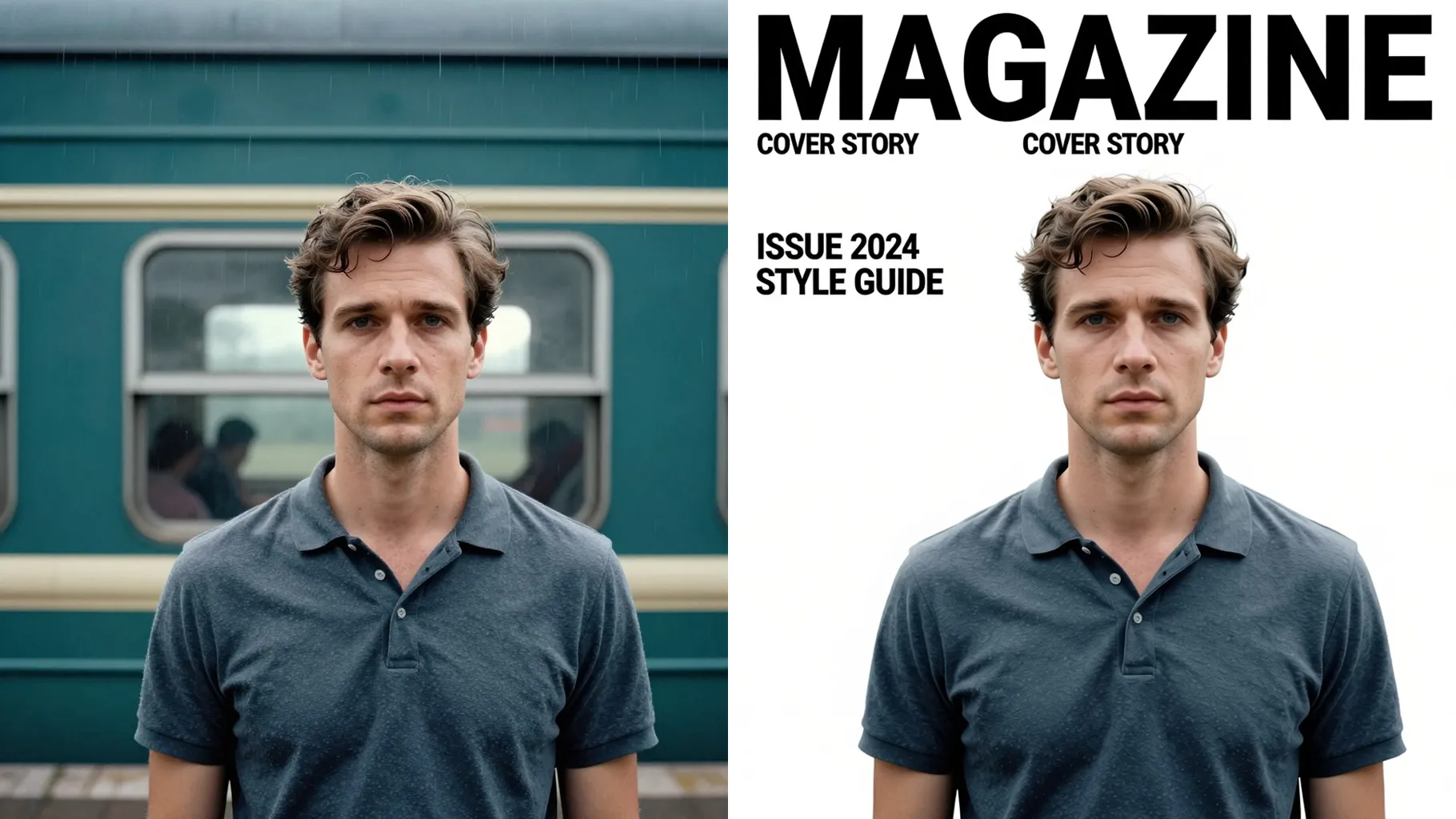
Examples show the target style. Your result depends on the chosen model and reference photo.
Upload one photo to turn your outfit into a glossy 3D chibi render with big-eyed proportions, soft lighting, and pastel backgrounds ready to share.
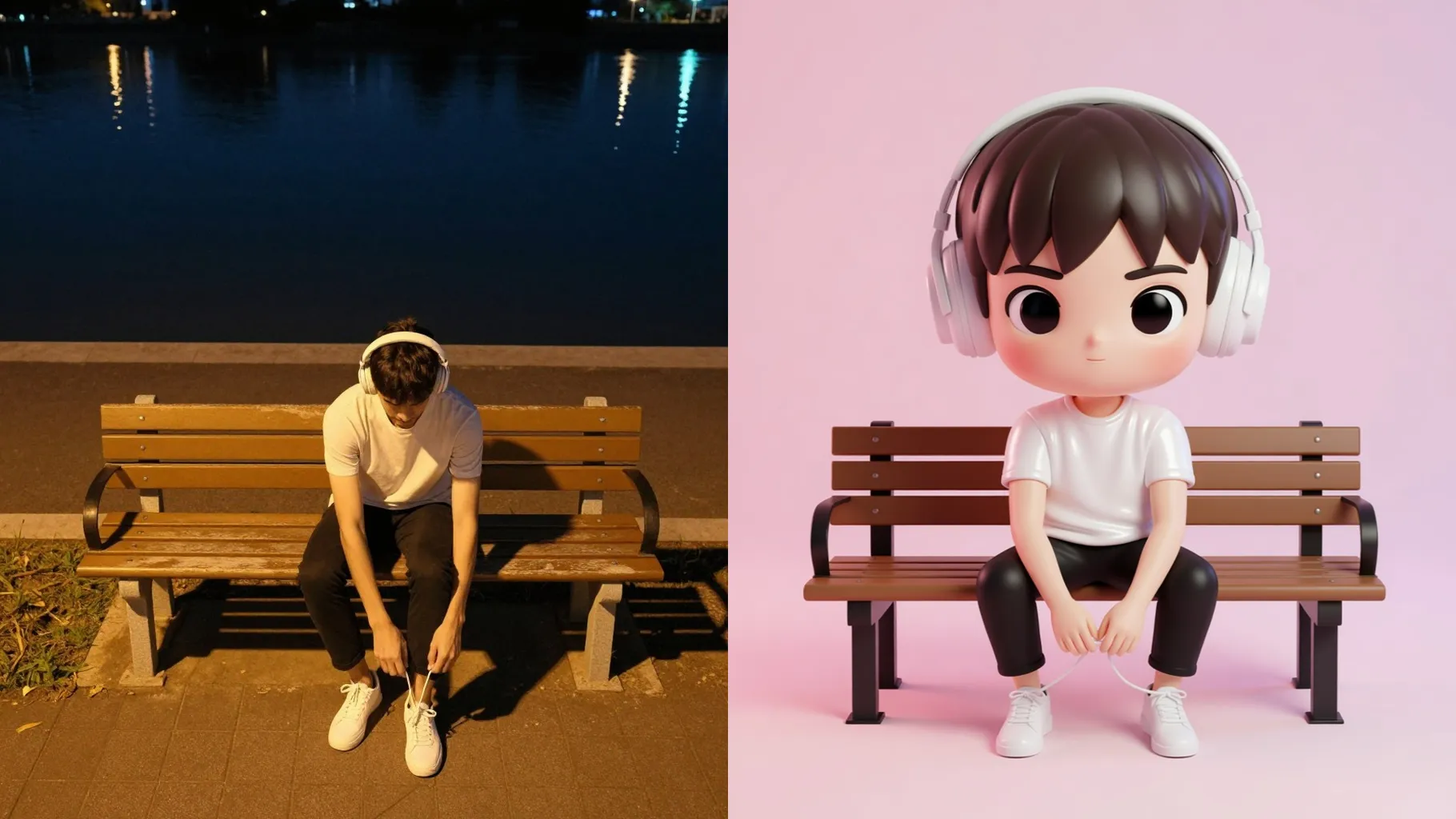
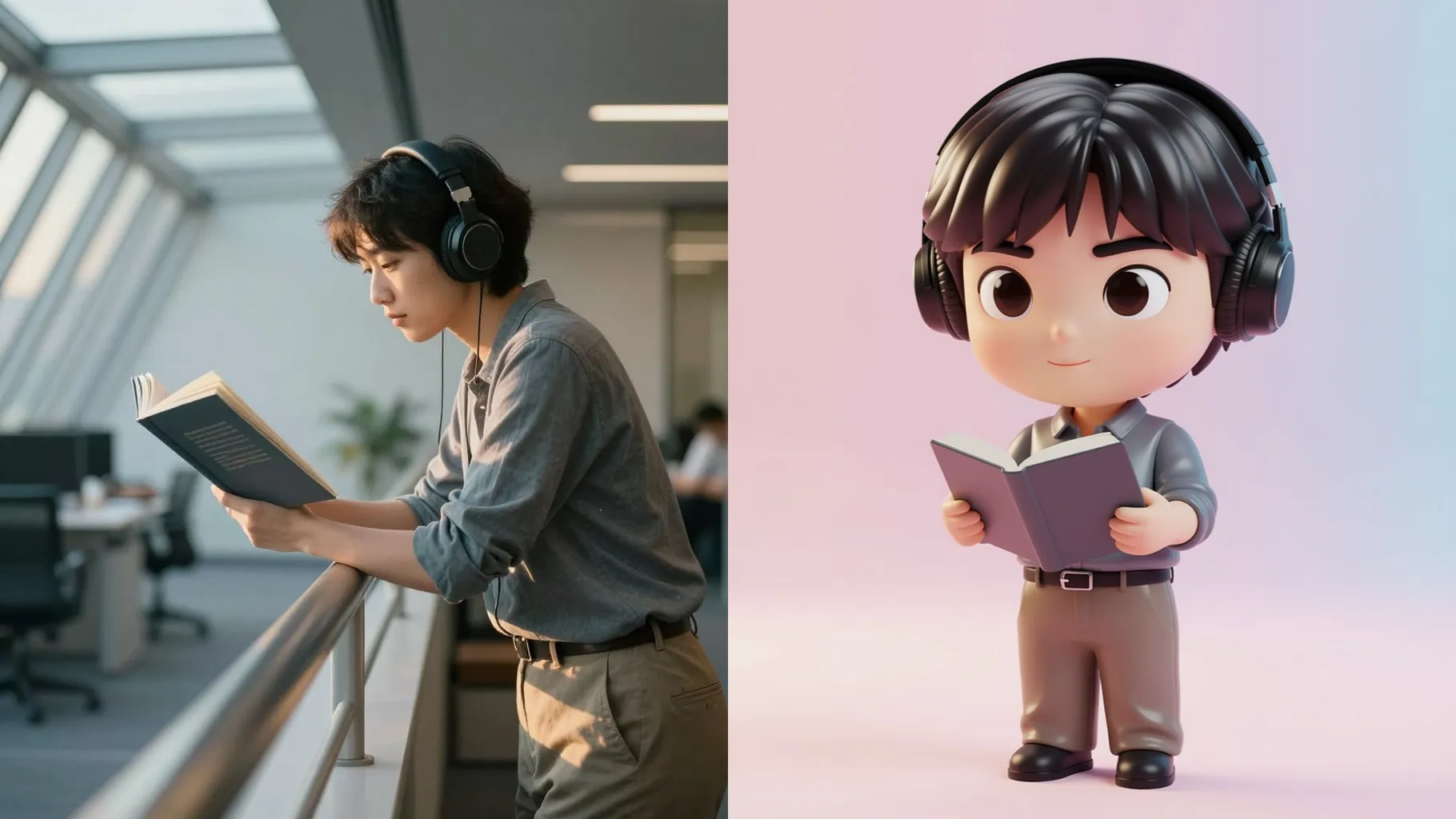
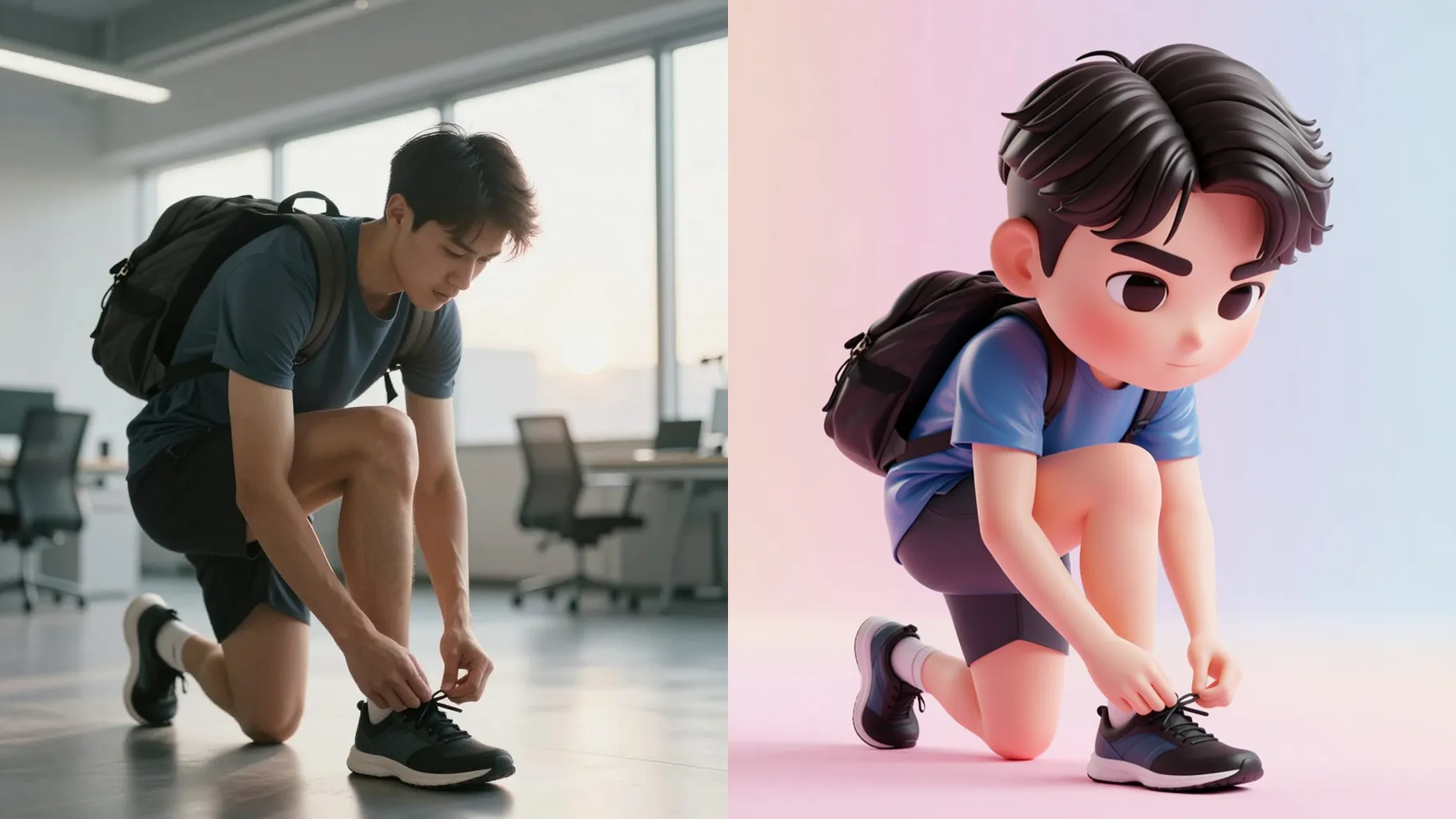
Keeps clothing colors, patterns, and accessories while shrinking proportions into a chibi silhouette so the outfit stays the hero.
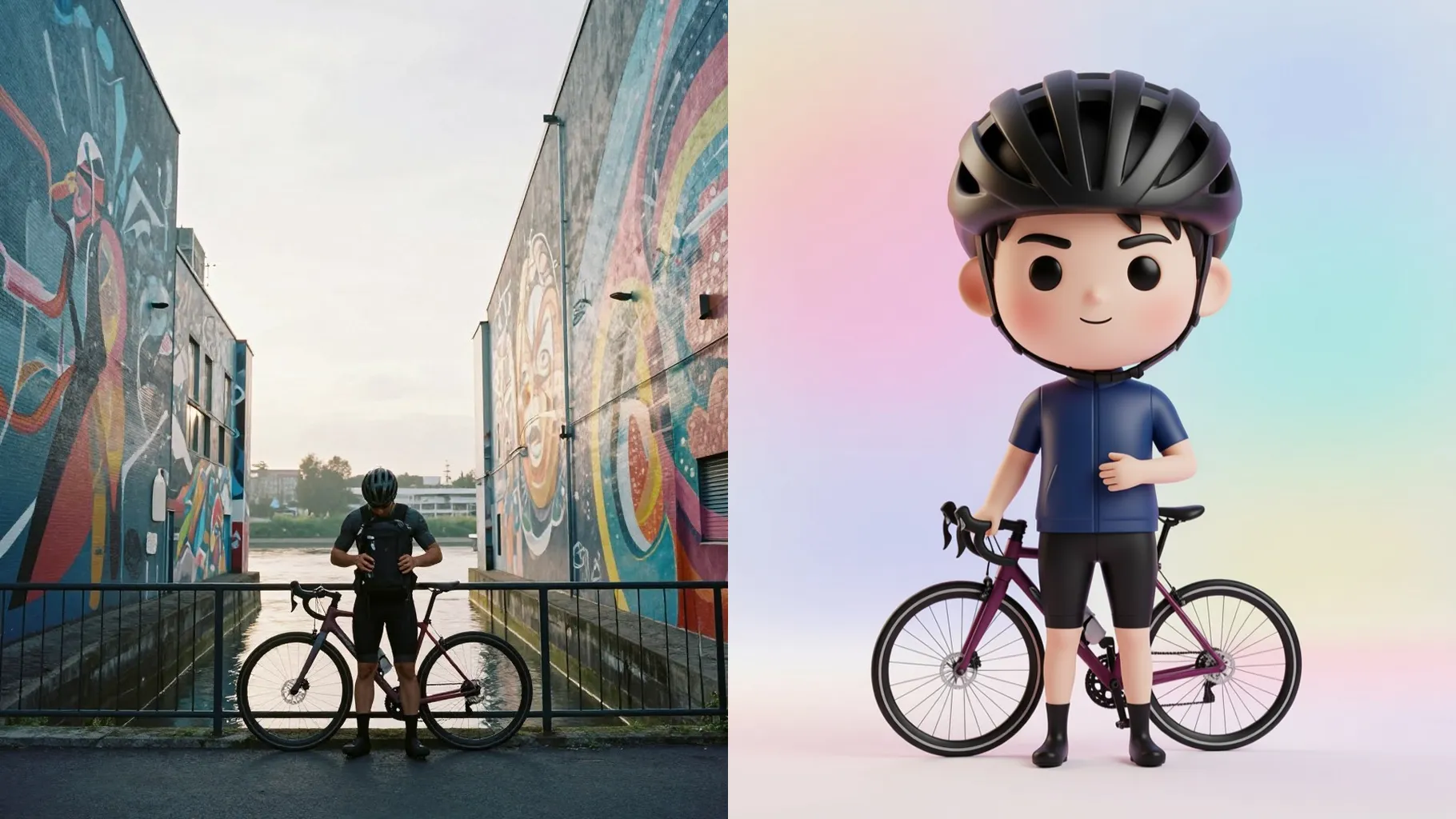
Adds subtle rim light, clean shadows, and depth so your chibi look reads like a figurine photoshoot without manual editing.
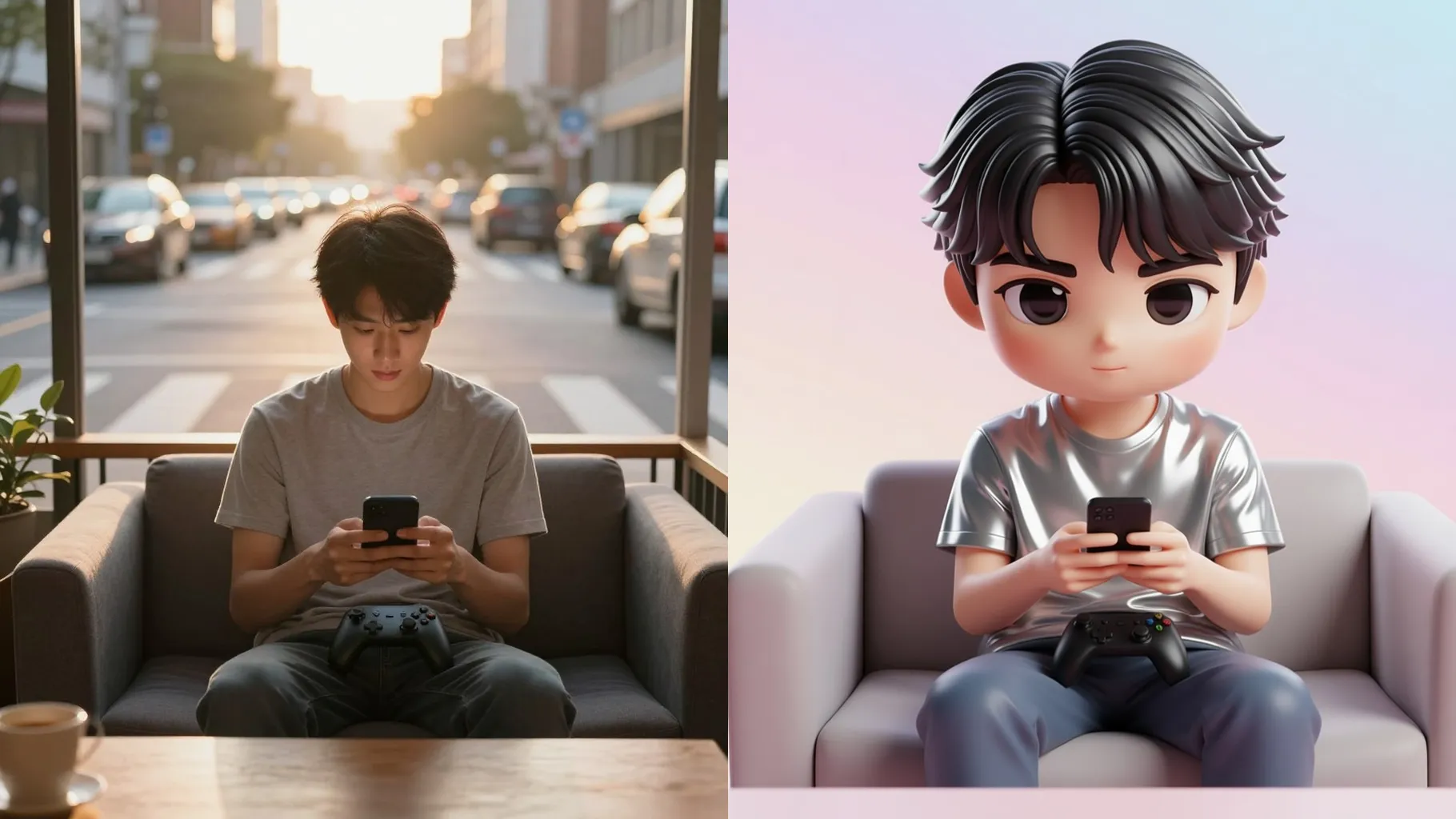
Use a full-body or waist-up shot with your outfit visible; avoid heavy filters so textures stay crisp.
Describe pose, background, or mood in a brief line; keep it concise for stable chibi proportions.
Review the 3D render, pick your favorite output, and save it for social posts or lookbook entries.
This template is single-upload; one photo per run keeps the chibi outfit consistent and avoids mixing styles.
One short line about vibe or background is enough; long prompts can over-style small details on the miniature character.
JPG, PNG, or WebP under 10MB process fastest while keeping fabric textures readable.
Around 1024px on the long side balances speed and clarity; very small files may blur accessories.
Aspect ratio is fixed to center the character; crop your photo first if you need a different frame.
Model switching is disabled here to keep the 3D chibi shading and proportions stable.
Yes, it preserves your likeness and outfit palette while stylizing everything into a miniature 3D figure.
Single subjects work best; multiple people may merge because the chibi style prioritizes one main figure.
Generation time depends on the model, image size, and queue. Check the task status on this page.
No. This is an image-to-image effect and needs one photo to start.

Upload one photo, add a quick direction, and download a polished 3D OOTD render.