
1. How many photos can I upload?
This template uses one image per render to match your face and outfit with the pixel sprite.
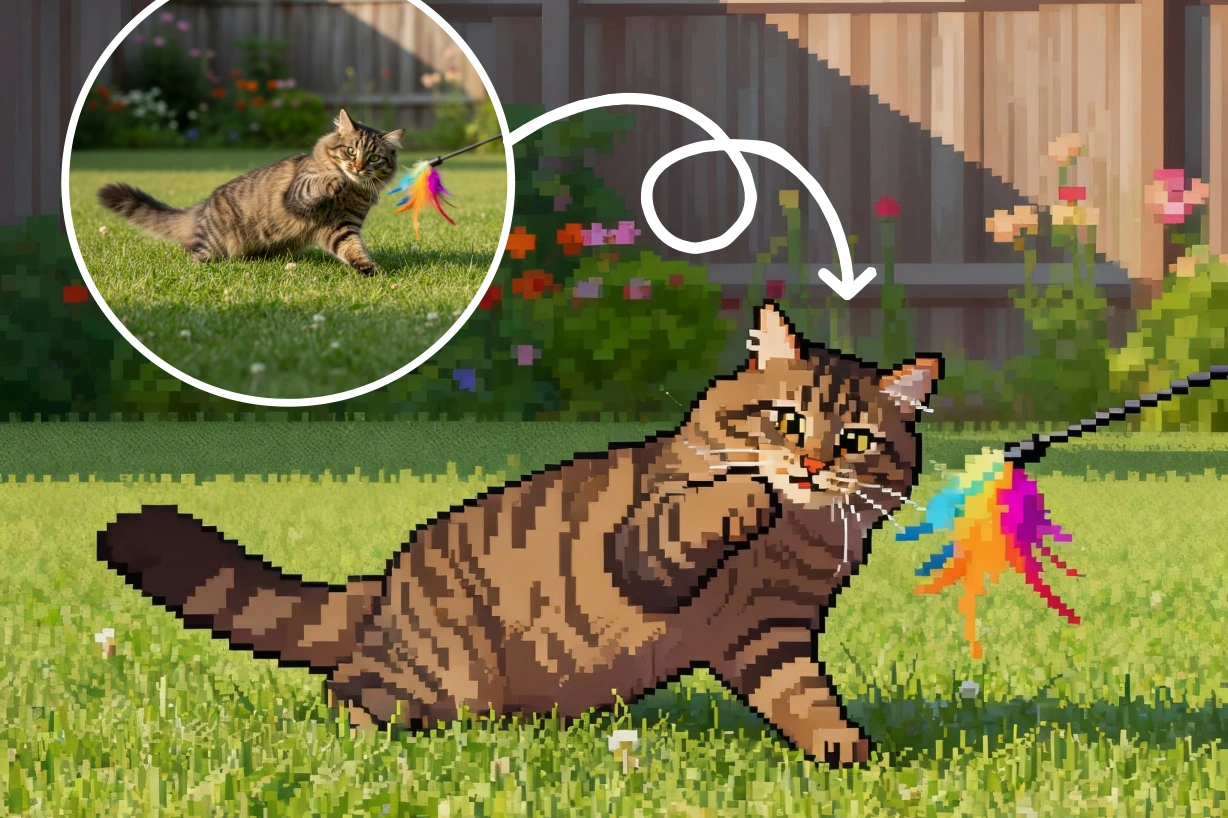
Turn one photo into a cozy Stardew Valley-style pixel character with warm farm lighting.
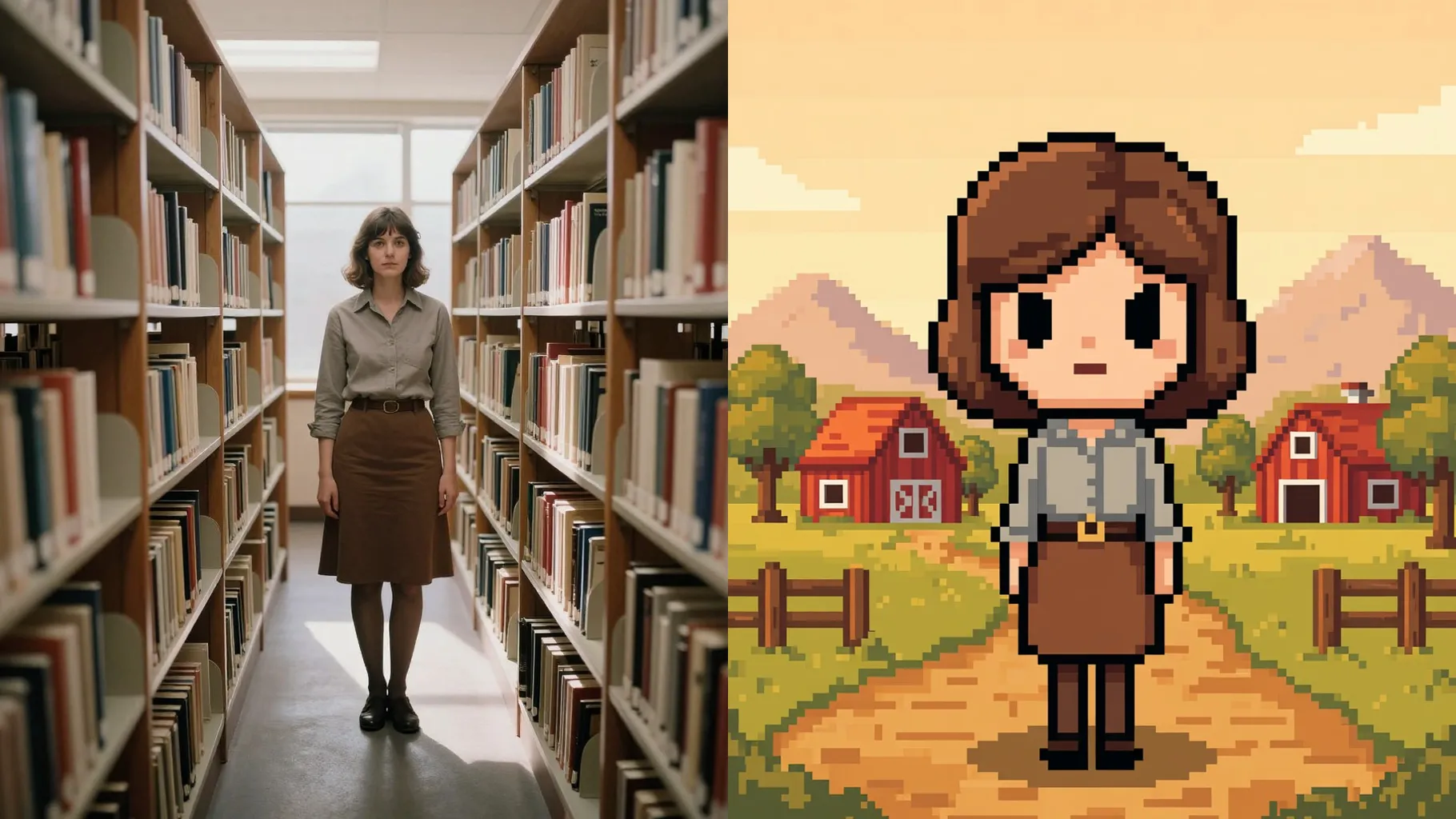
Upload one selfie to turn it into a Stardew Valley-style pixel farmer with warm colors and soft outlines.
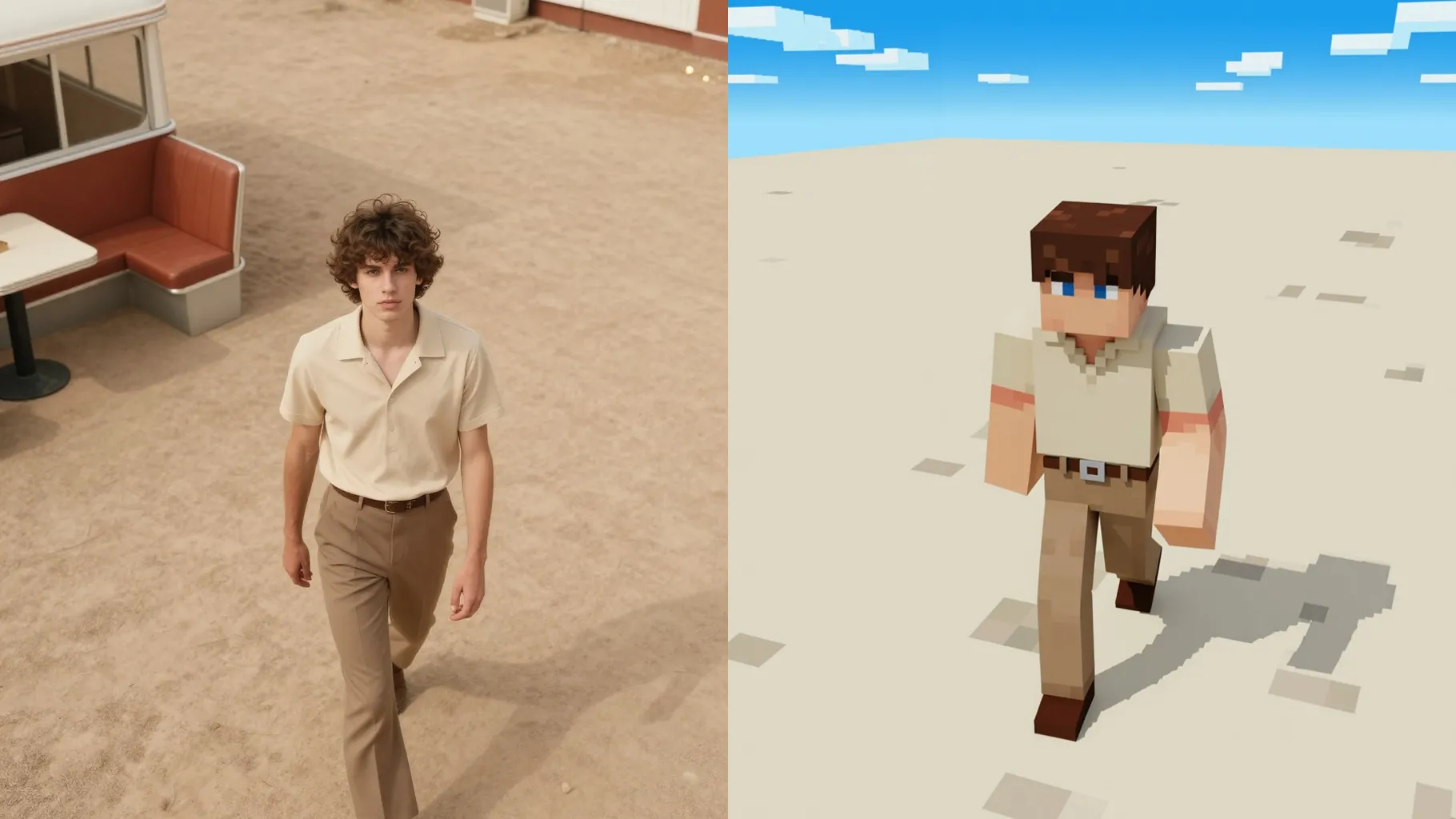
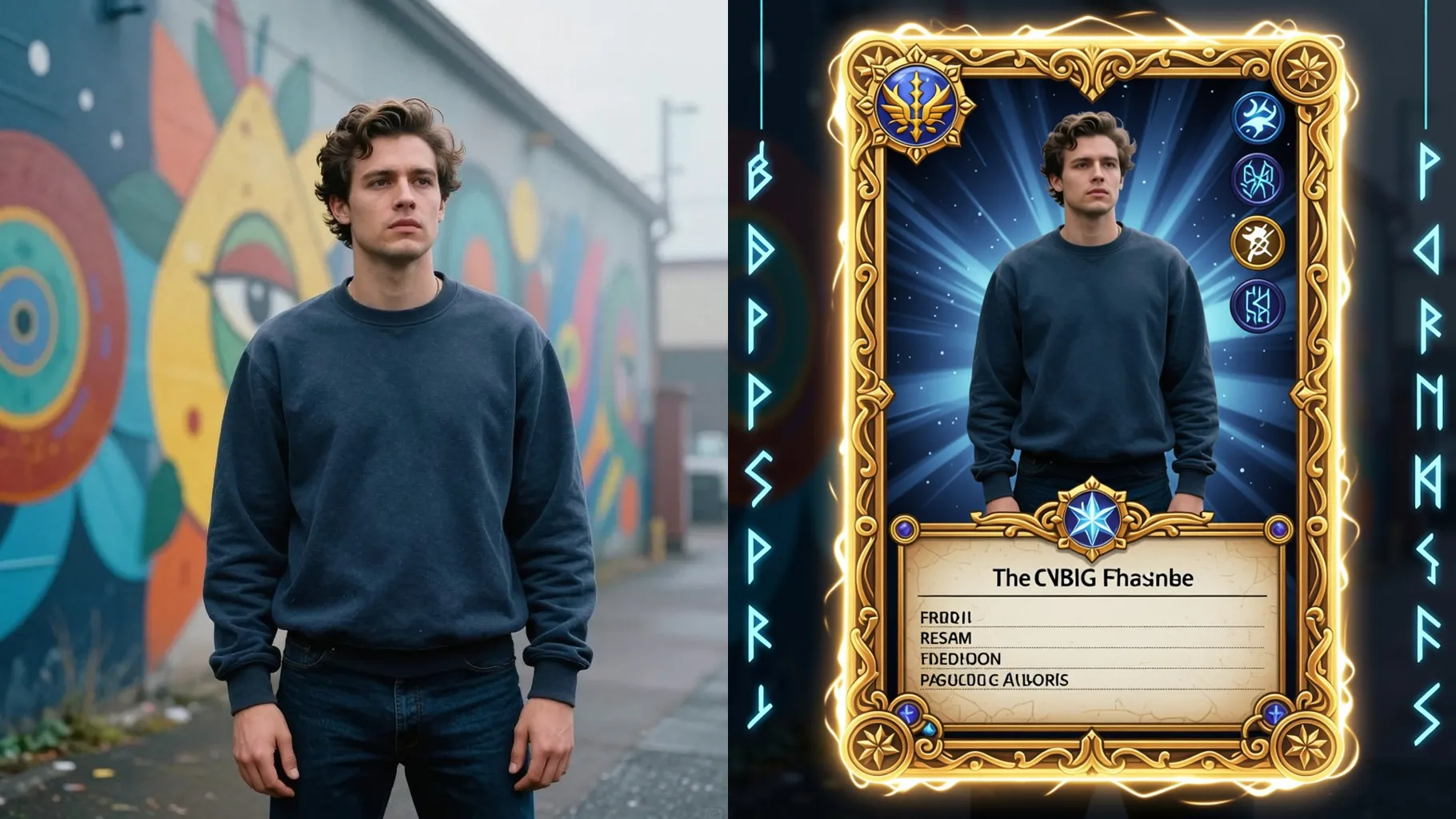
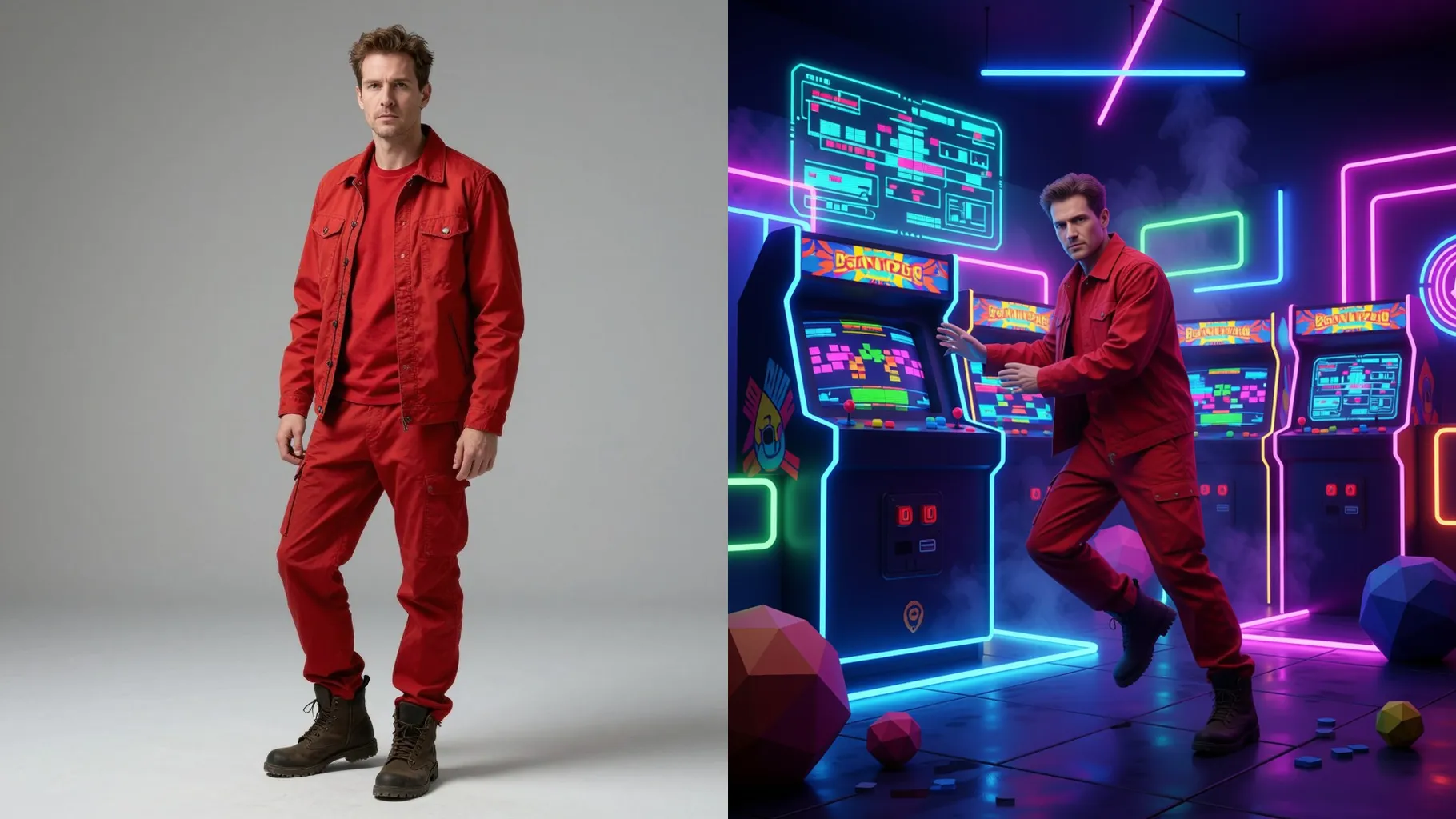
Examples show the target style. Your result depends on the chosen model and reference photo.
Transform one photo into a cozy pixel farmer with warm palettes, soft outlines, and gentle farm lighting.
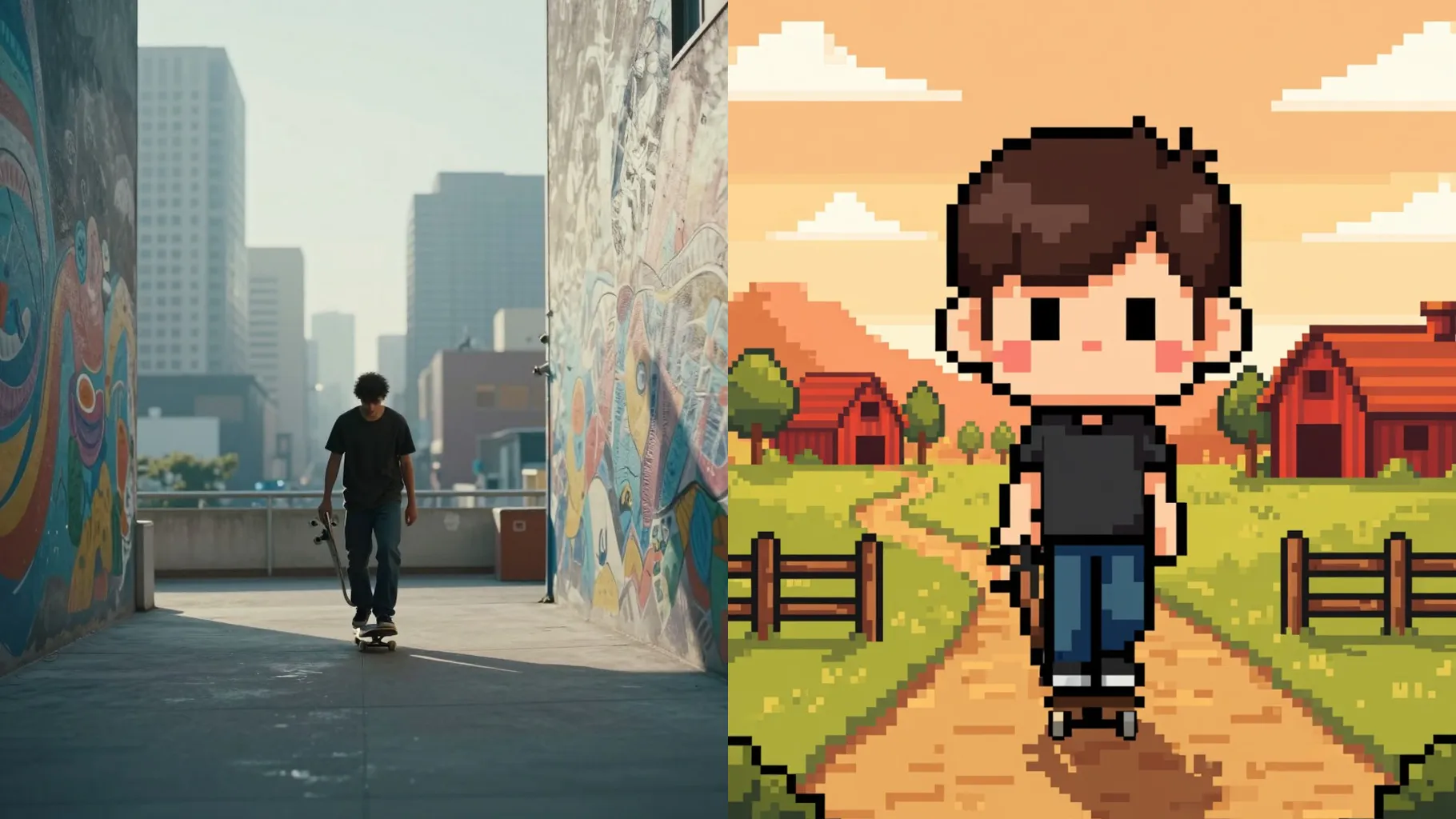
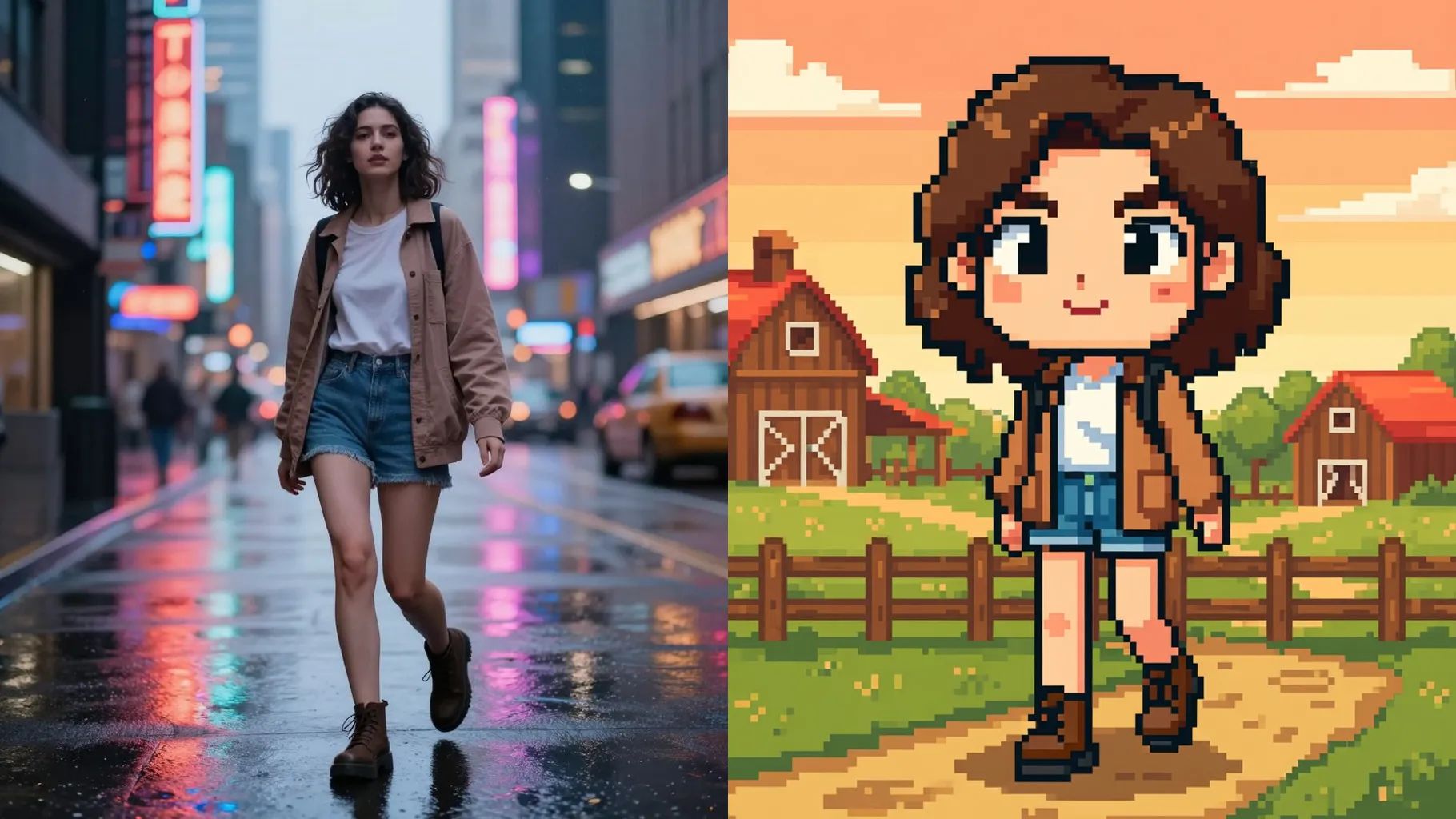
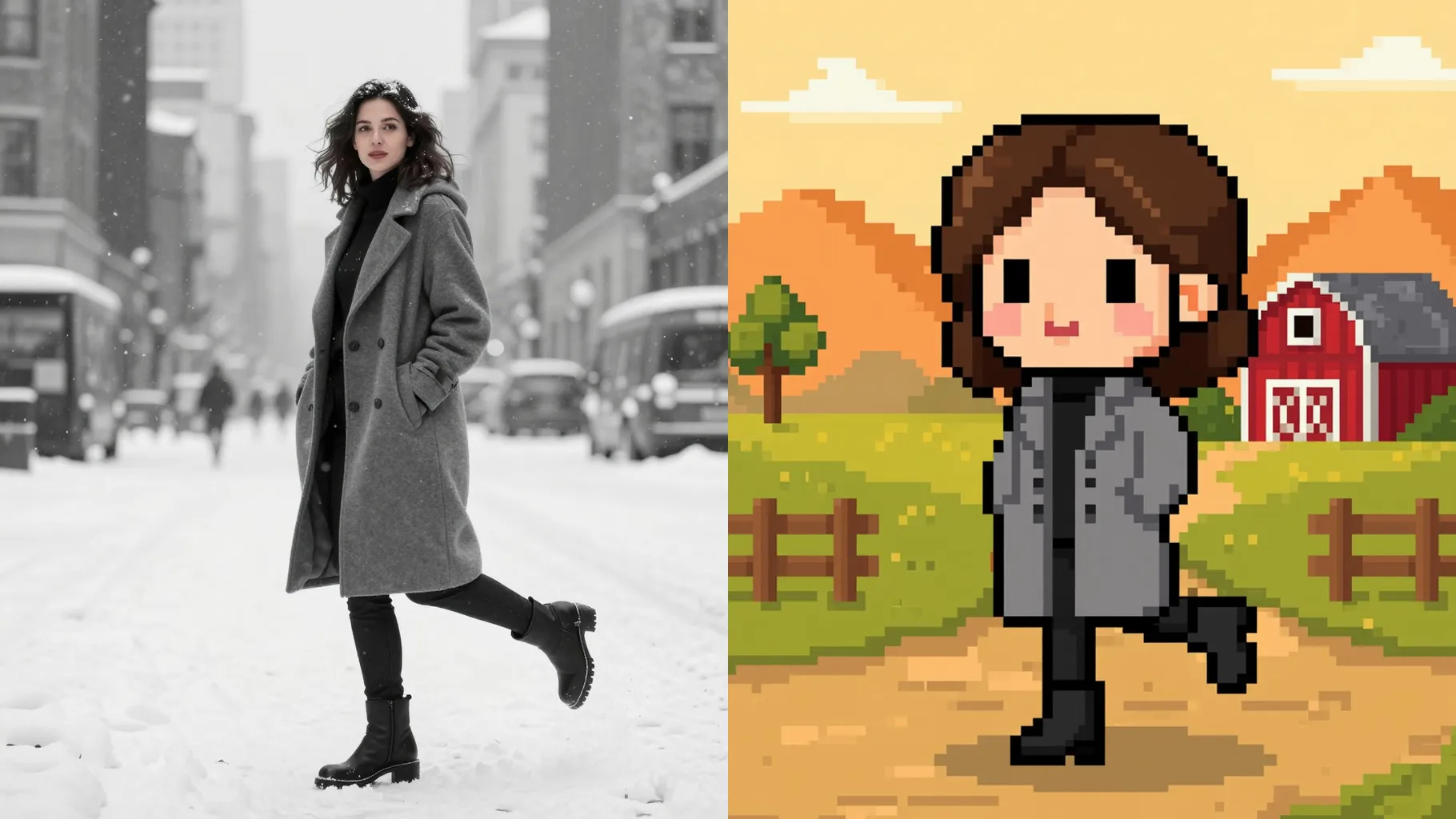
Adds Stardew-inspired palettes, soft dithering, and gentle gradients while keeping your silhouette and outfit.
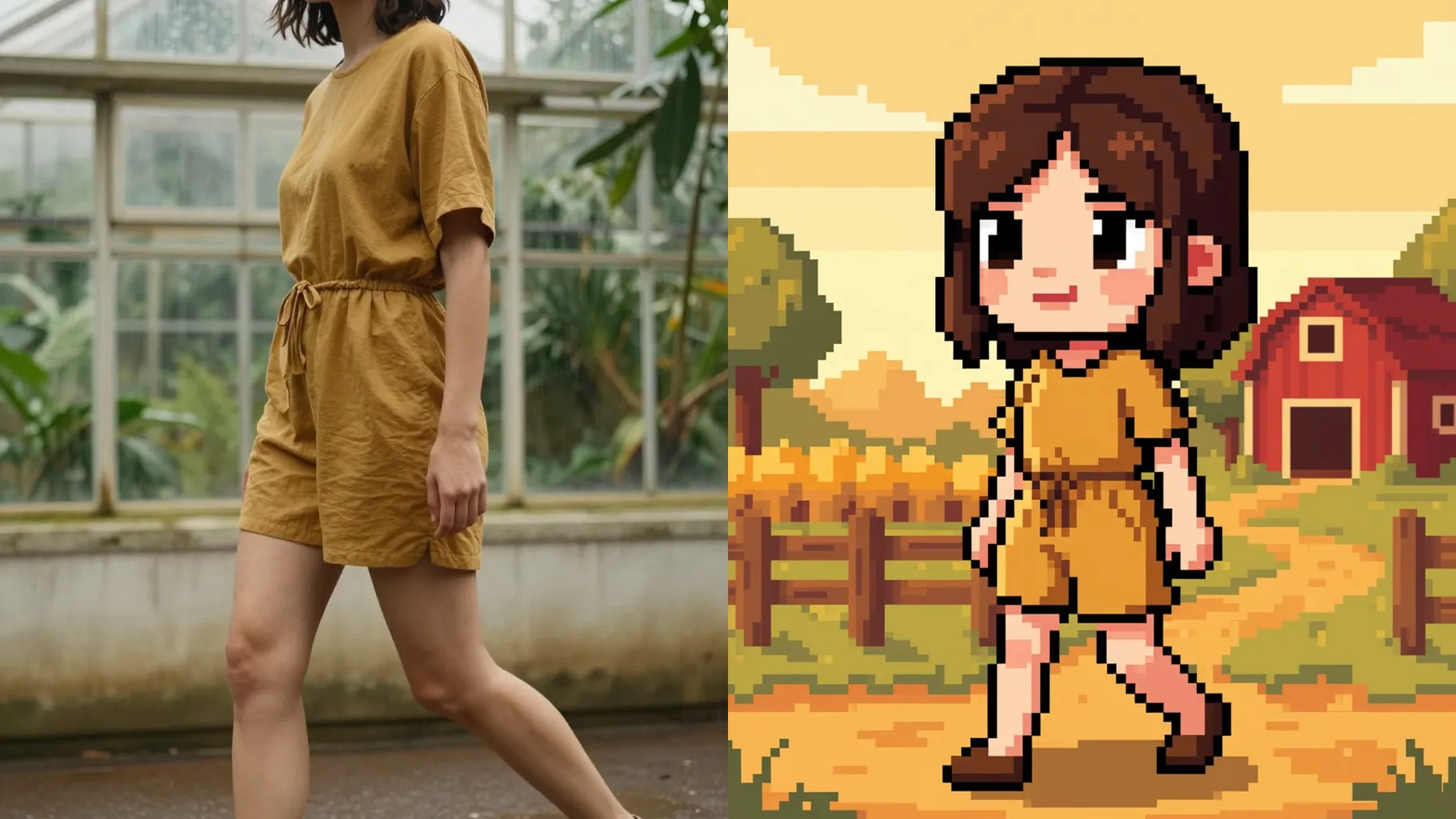
Preserves expressions and accessories, then rebuilds them as chibi proportions fit for Pelican Town.
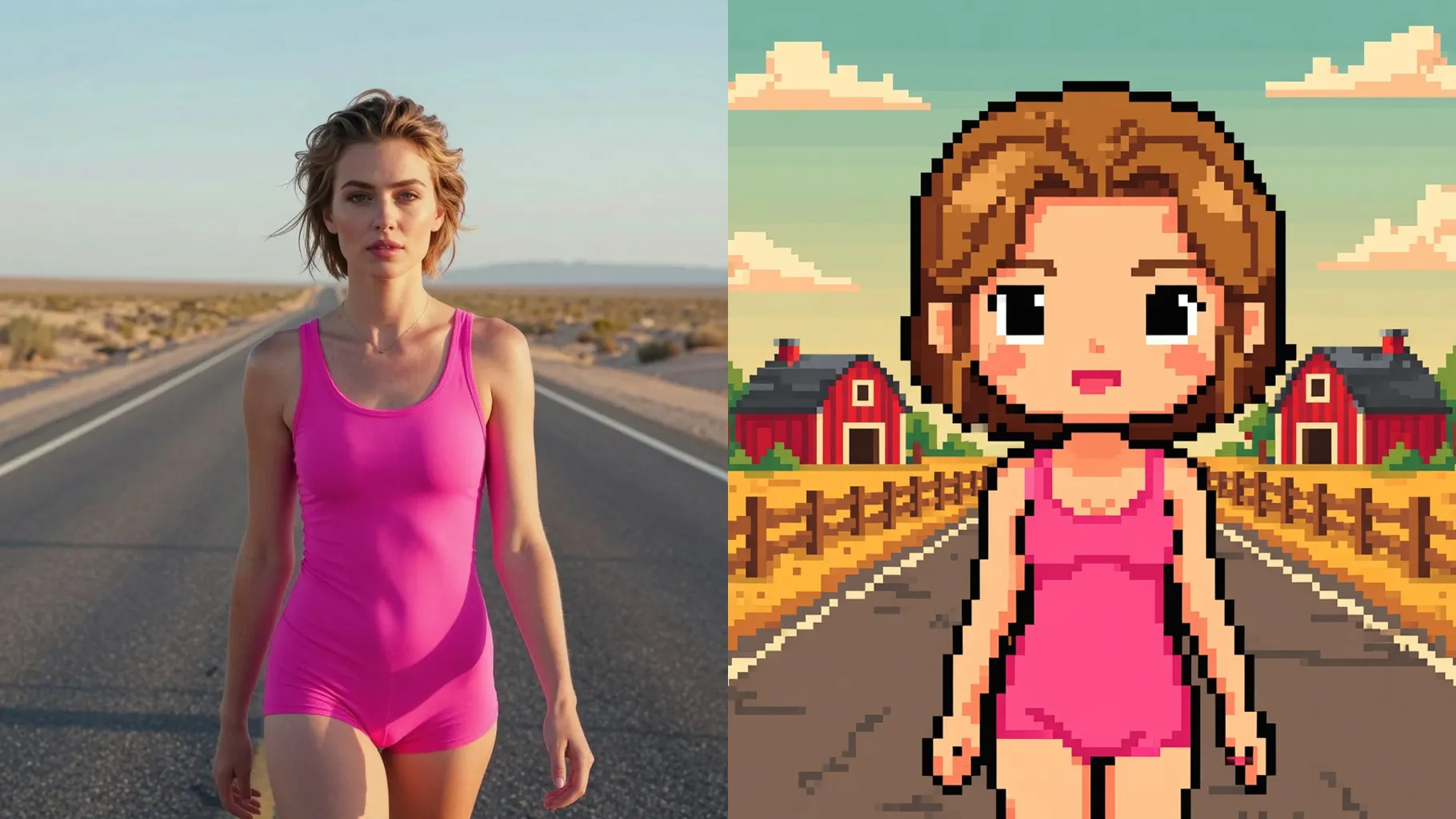
Front-facing portraits with simple backgrounds convert best into crisp pixel sprites.
Mention crops, tools, or settings like vineyard owner, fisherman at the dock, or autumn festival.
Render the pixel look, rerun for variations, then save the sharpest valley-style portrait.
This template uses one image per render to match your face and outfit with the pixel sprite.
A prompt is optional—one line helps pick tools, crops, or season vibes for the farm scene.
Yes. It keeps your expression, hair, and accessories while redrawing them as soft, low-res pixels.
Aspect ratio control is off to avoid stretching the sprite; crop your upload first if you need a specific frame.
Model switching is disabled so the Stardew Valley-style palette and outlines stay consistent.
JPG, PNG, or WebP under 10MB render quickly and keep edges clean for pixel shading.
It works with one uploaded photo; keep subjects centered and separated for the cleanest sprite lines.
No. It is an image-to-image effect and needs one uploaded photo to start.

Upload one photo, add a quick farm prompt, and get a cozy pixel avatar ready for Pelican Town.