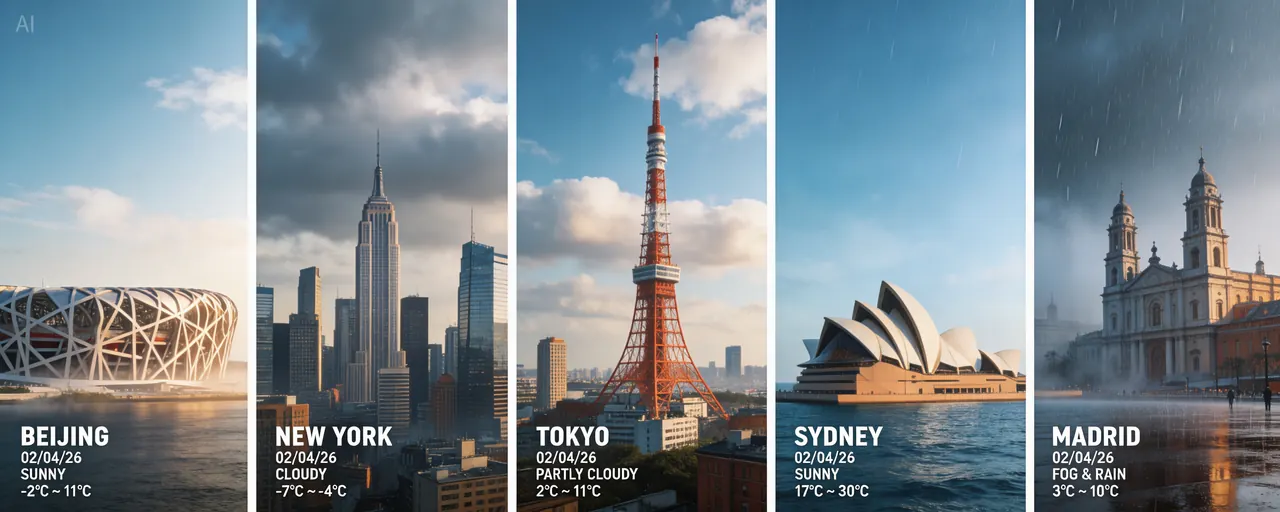
Choose 2K or 4K for the Draft
This Seedream 5 page uses the Lite model. Pick an available size in the tool, then choose the frame. The base credit estimate is the same for its two size choices here; review the final draft at the size you need.
Build a new picture from a clear brief, or upload a photo and explain an edit. Seedream 5 Lite gives you a place to try scenes, layouts, and details with text or reference images. Choose the frame and output size, then review the credits before you generate. Start with one useful change and judge the draft at Everygen AI.
Use photos you own or have permission to edit. No impersonation, intimate deepfakes, or sexualized depictions of children. Content rules · Report misuse
Credits are returned for confirmed technical failures. A completed result you dislike is not automatically a technical failure; generating again uses more credits. Refund policy
Uploads are sent to the selected AI service for processing. Your work is not automatically added to the public gallery, but anyone with a file link may access it. Download results promptly. Storage and privacy details
Write the change you want in plain words. These tasks show ways to use Seedream 5 Lite with a subject, a setting, and a clear plan. Name what should stay, add the details that matter, and review the result before using it in a larger project.
This Seedream 5 page uses the Lite model. Pick an available size in the tool, then choose the frame. The base credit estimate is the same for its two size choices here; review the final draft at the size you need.
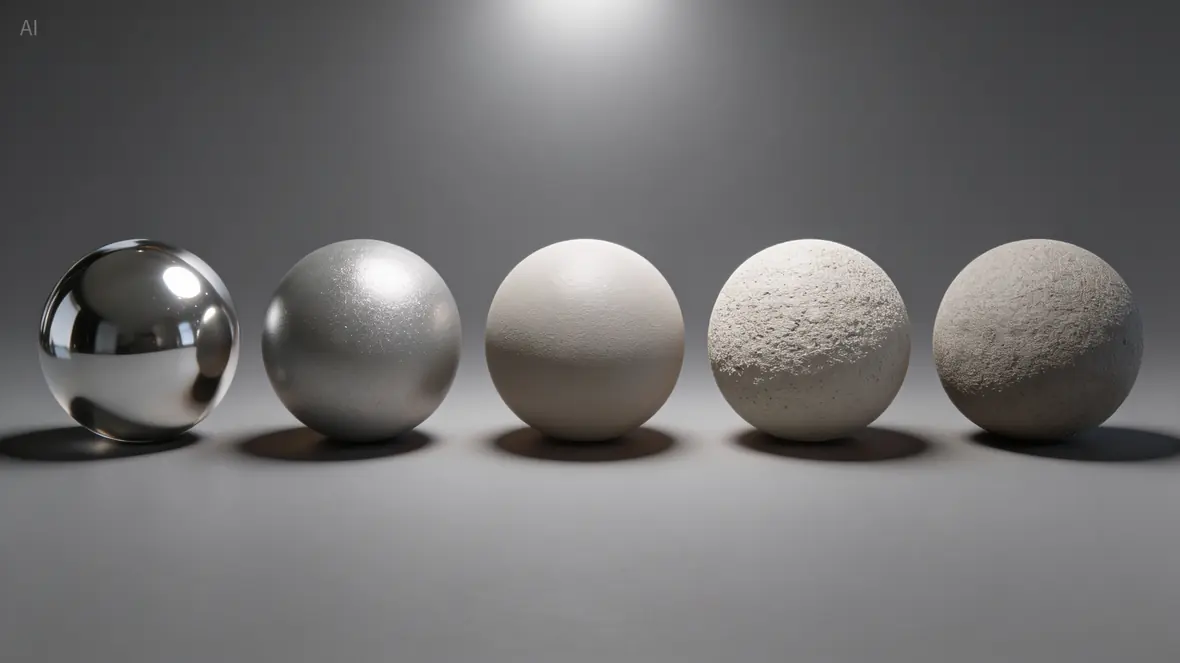
Describe fabric, wood, glass, or stone with concrete details. Use the light to explain how the surface should appear. A few well-chosen textures often make the scene clearer than a long list of style words.
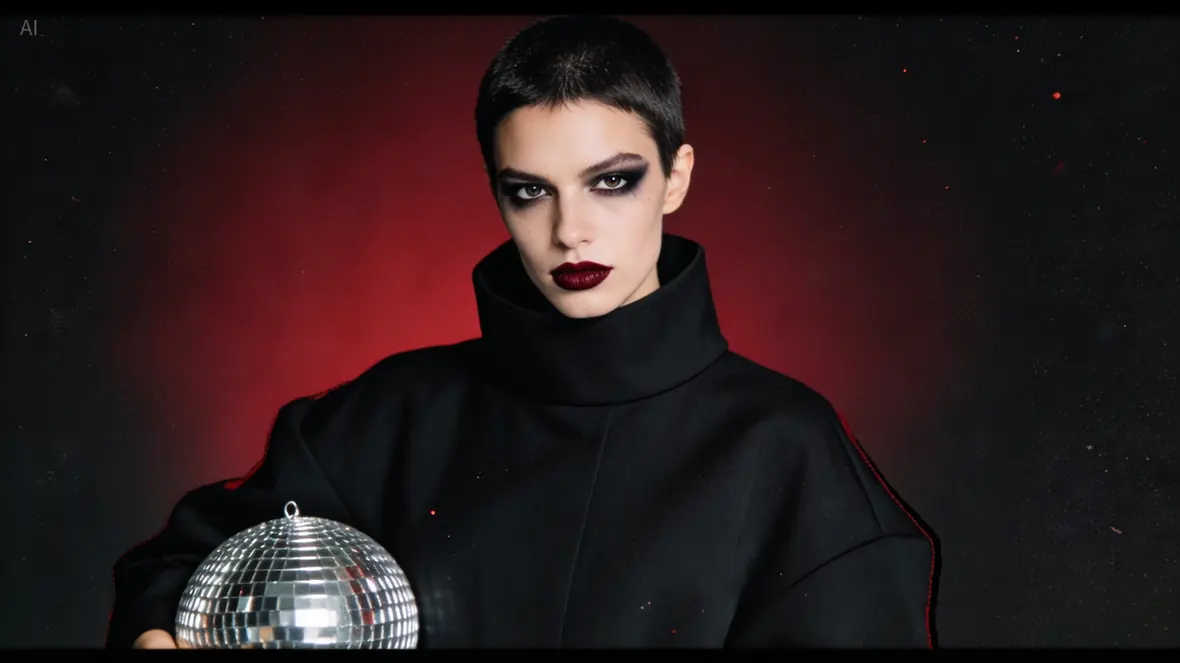
Set the time of day and the key light source. Keep the palette small so the subject stands out. You can try a new color mood while keeping the same layout in your written brief.
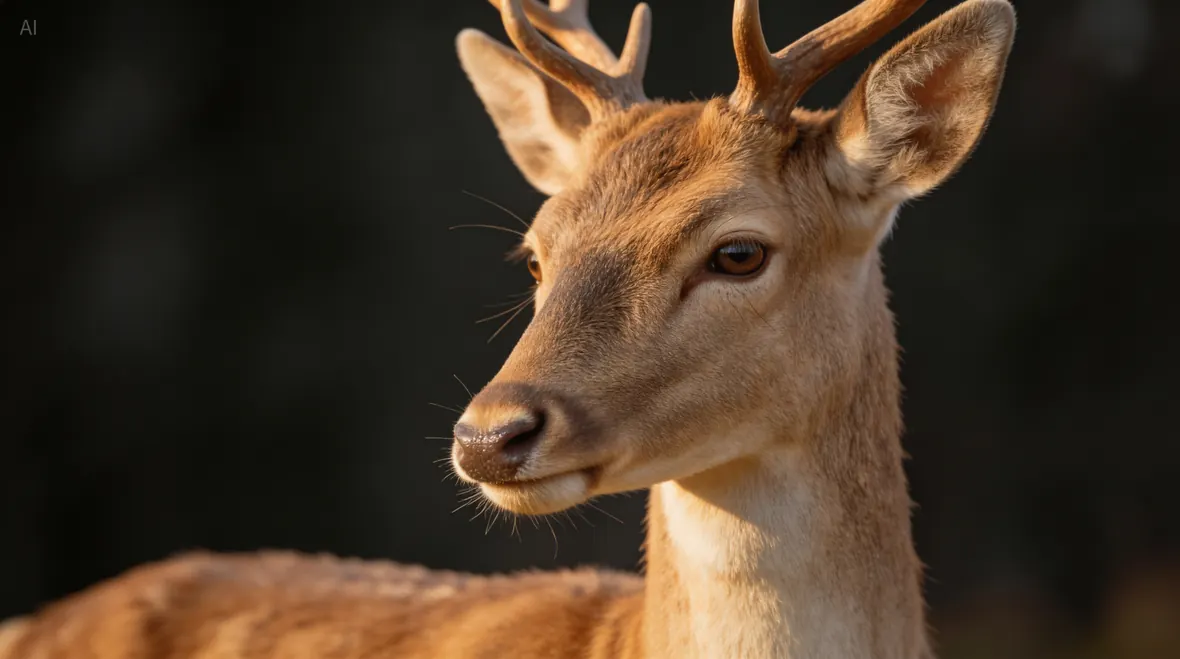
Choose whether the subject or the environment should lead the image. For a portrait, state the pose and background. For a product, name the form and finish to keep. A reference picture can guide the edit when those details matter.
Pricing
Create images, edit references, and generate videos with one credit balance. Buy credits when you need them, or subscribe for a monthly allowance.
Annual discount badges compare the cost per credit with the same monthly plan. Annual plans also include more monthly credits. Billed upfront, with credits released monthly. Unused subscription credits do not roll over.
A monthly allowance for ideas, edits, and occasional videos.
$240.00/year
Equivalent to $20.00/month
Save $118.80 over 12 monthly payments
350 credits / month
Approx. 75% more monthly credits than the monthly plan
Monthly plan: $29.90/month · 200 credits/month
Up to 70 basic clips/month (5s, 480P)
Up to 87 images with lower-cost settings
Billed annually at $240.00 · Renews yearly until cancelled. Credits arrive monthly and expire at the end of each allocation period.
More room for regular image and video projects.
$420.00/year
Equivalent to $35.00/month
Save $178.80 over 12 monthly payments
800 credits / month
Approx. 100% more monthly credits than the monthly plan
Monthly plan: $49.90/month · 400 credits/month
Up to 160 basic clips/month (5s, 480P)
Up to 200 images with lower-cost settings
Billed annually at $420.00 · Renews yearly until cancelled. Credits arrive monthly and expire at the end of each allocation period.
A larger allowance for frequent creation and higher-cost models.
$720.00/year
Equivalent to $60.00/month
Save $478.80 over 12 monthly payments
1600 credits / month
Approx. 78% more monthly credits than the monthly plan
Monthly plan: $99.90/month · 900 credits/month
Up to 320 basic clips/month (5s, 480P)
Up to 400 images with lower-cost settings
Billed annually at $720.00 · Renews yearly until cancelled. Credits arrive monthly and expire at the end of each allocation period.
For high-volume image and video production.
$948.00/year
Equivalent to $79.00/month
Save $1,440.00 over 12 monthly payments
2400 credits / month
Approx. 20% more monthly credits than the monthly plan
Monthly plan: $199.00/month · 2000 credits/month
Up to 480 basic clips/month (5s, 480P)
Up to 600 images with lower-cost settings
Billed annually at $948.00 · Renews yearly until cancelled. Credits arrive monthly and expire at the end of each allocation period.
Checking sign-in status…
Payments are handled by our payment providers. We do not store full card numbers.
Prices are listed in USD. Confirm the payment method, currency, and final amount at checkout.
Credits for one image at the selected resolution, using the same prices as the generator. Editing may add reference-image credits; review the final quote before you generate.
| Model | 1K | 2K | 4K |
|---|---|---|---|
| GPT Image 2.5 Sunburst | 30 | 50 | 80 |
| Nano Banana 2.1 | 20 | 30 | 60 |
| Seedream 5 Pro | 7 | 14 | — |
| GPT Image 2.5 Flare | 20 | 35 | 55 |
Text-to-video examples at the duration shown, using the same quote as submission. Higher resolutions, longer clips, or image-to-video settings can cost more. A dash means this combination is unavailable.
| Model | Duration | 480P | 540P | 720P | 768P | 1080P | 2K | 4K |
|---|---|---|---|---|---|---|---|---|
| Seedance 2.5 | 5s | 20 | — | 40 | — | 60 | — | 200 |
| Veo 3.1 | 8s | — | — | 80 | — | 100 | — | 200 |
| Kling 3.0 | 5s | — | — | 15 | — | 20 | — | 50 |
| MiniMax H3 | 5s | 10 | — | — | 10 | — | — | — |
Answers about Seedream 5 Lite prompts, reference files, output options, and the credit estimate at Everygen AI.
Seedream 5 Lite creates an image from text and supports edits guided by pictures. Describe the scene or the change, choose the options shown in the tool, and generate one result. The maker is ByteDance; the workbench displays the models currently enabled for your account.
Start with the main subject and its setting. Add the light, layout, and the exact words that should appear in the image. For edits, name both the change and the details to keep. A focused brief is easier to review than several unrelated goals.
Use JPEG, PNG, or WebP. You can add up to ten pictures, with a limit of 10 MB for each file and 30 MB in total. The source images are added to the request when you choose Generate. Pick files you have permission to use.
The model menu and settings show the choices available for the selected model. The comparison table below this tool lists base sizes and credits. Pick a supported size before generating; actual pixel dimensions vary with the frame you choose.
Check the estimate on the Generate button after choosing the model, size, and files. Some models charge for added references. A reference example only fills the draft; it starts a paid request when you choose Generate. Each request makes one output.
You can read the guide and try the draft controls before signing in. Generation needs an account, enough credits, and an enabled model. Your task result and its download use the same account that created the request.
Name the details that should stay, such as a face, outfit, label, or product shape. Then describe one change to the setting or light. Add a source image when it helps guide the result. Compare the finished draft with your reference before choosing to download it.
Yes. The comparison table lists the available output sizes, base credits, and reference charges for each model. Open a model page to try its draft controls. Review the estimate after choosing your files and settings; the server verifies the final charge when you submit the request.