
Turn Your Idea into a Story, One Shot at a Time
Paid accounts can use AI storyboarding and shot optimization when available. Manual storyboards and editing remain free.
Start with an Idea
Story covers show a visual direction. Select one to load its English brief and reference image; no video is generated yet.
Watch a Story Reference
See how an opening, an action and an ending can connect into a story.
Reference films from the source gallery, shown for creative inspiration. This workspace generates individual shots; it does not automatically assemble these films or reproduce their soundtracks.
What Is an AI Director Workspace?
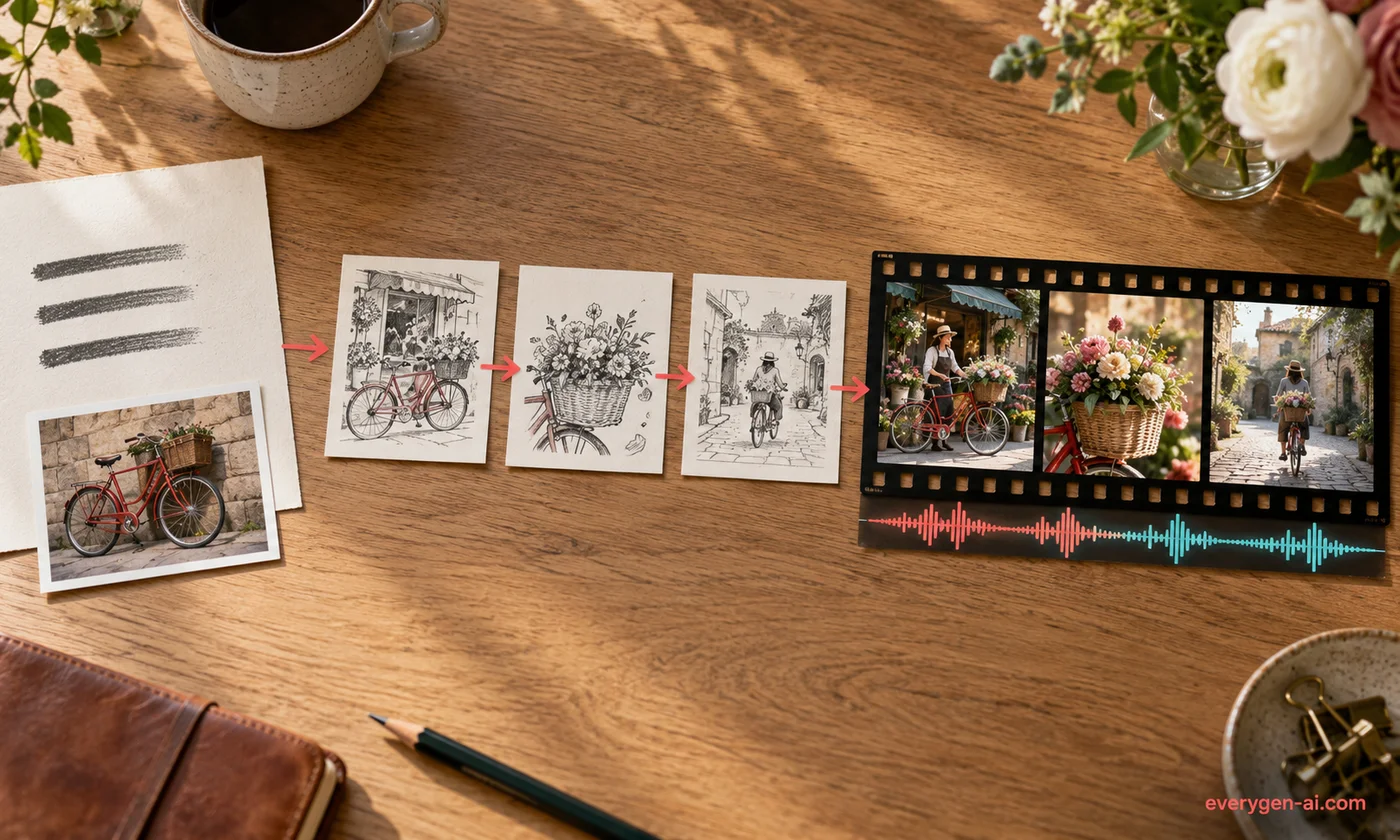
AI Director brings the planning for a short video into one workspace. Start with a brief or a story template, arrange an editable shot list, and use the existing video models to generate the individual clips. It is built for creators who want to decide what happens in each scene before spending credits.
Keep the story’s subject, setting and look close at hand while you work. A shared reference image can anchor the starting frame, while each shot prompt controls its action. Completed clips remain separate files for your final edit.
- Planning
- Editable outline; no generation charge
- Formats
- 16:9 landscape or 9:16 vertical
- Generation
- Confirm one shot at a time
- Delivery
- Individual clips and an exportable shot list
How it works
From a Brief to Your First Video Shot
Four steps with a clear decision before every paid generation.
- 01
Describe the story
Write your subject, setting, style and ending. Choose a template for a starting direction, or paste one scene per line for your own shot list.
- 02
Review the storyboard
Edit each shot’s title and English prompt. Add or remove unsubmitted shots, and keep the reference image consistent where that helps the story.
- 03
Approve a video shot
Choose a supported model, duration, resolution and format. Read the credit quote and confirm the selected shot. Other shots do not start automatically.
- 04
Check and download
Play the returned clip, compare saved versions, and download the result. Export your shot list to carry prompts and task references into the final edit.
Make the Important Decisions Before Rendering
A Clear Job for Every Shot
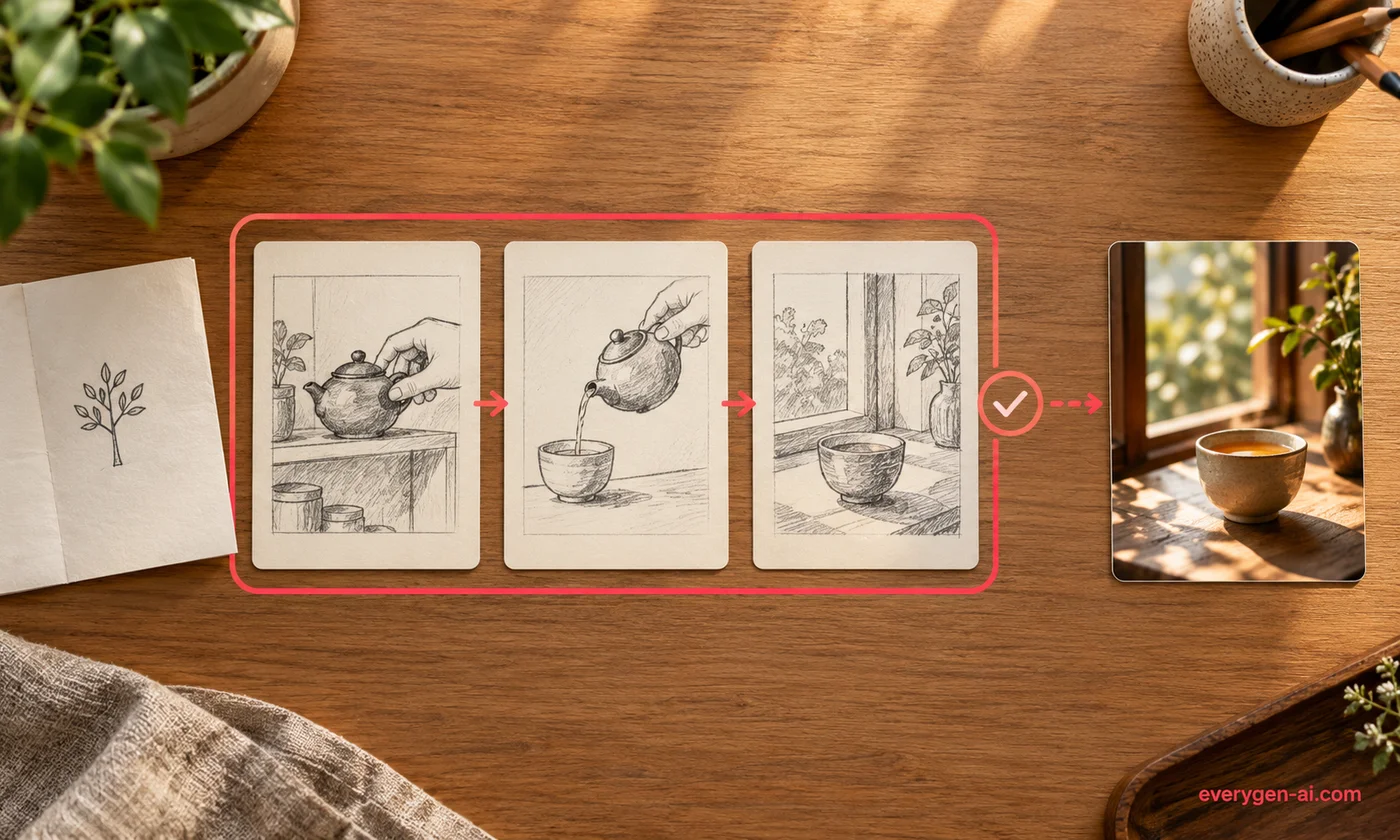
A strong short video usually has a readable opening, an action that moves it forward and a final image that resolves the idea. Break that sequence into shots you can inspect and revise independently.
Paid accounts can turn a brief into AI-assisted shots and optimize one shot while keeping the rest. Manual outlines remain available. Review each prompt before confirming video generation.
Keep Your Visual References Together
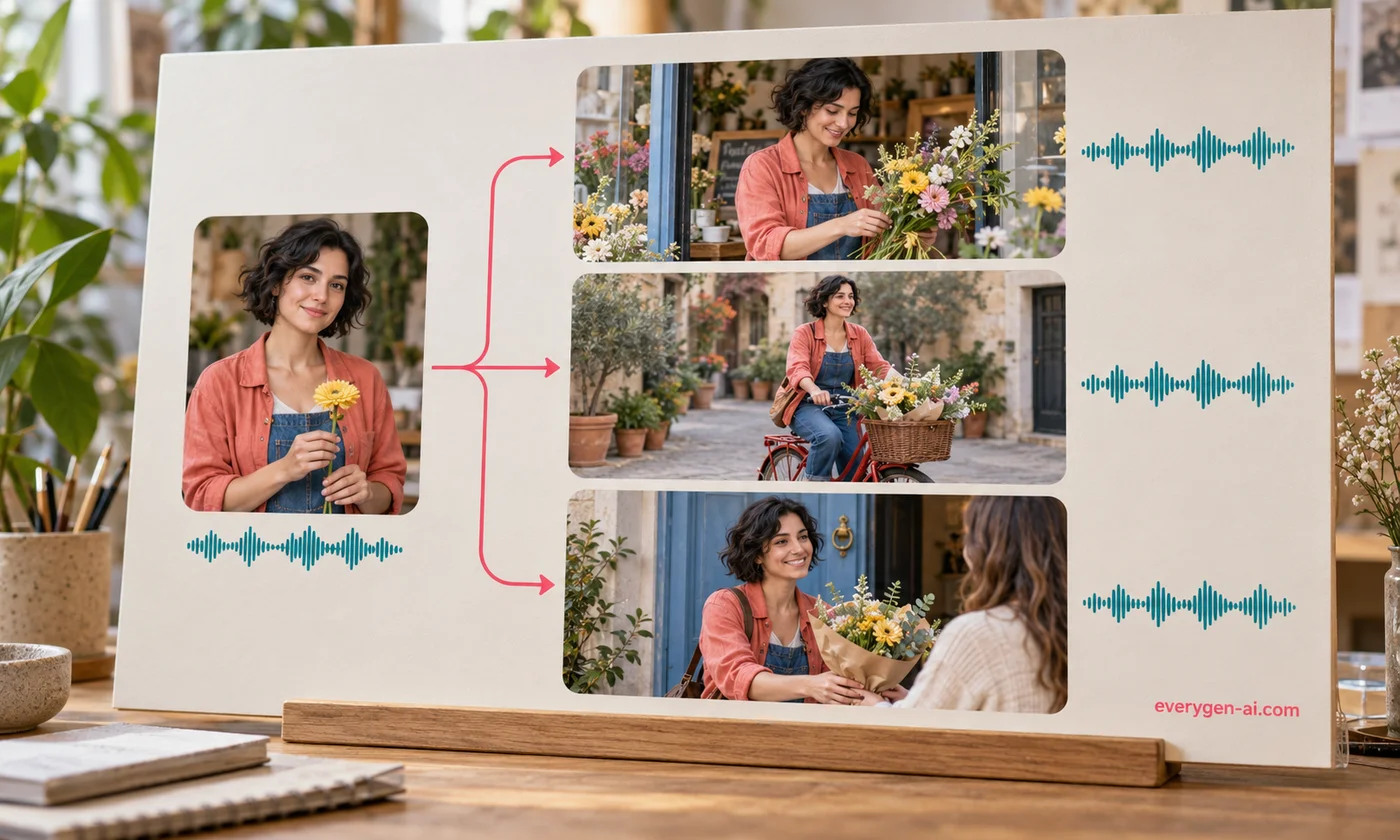
A recurring character needs more than a name. Reuse details such as clothing, colors, proportions and lighting, and add a clear reference image when the model supports image-to-video.
A shared start image helps guide the look, but it does not guarantee identity or voice consistency. Check faces, hands, logos and movement in every returned clip before including it in your edit.
Keep Earlier Versions While You Refine
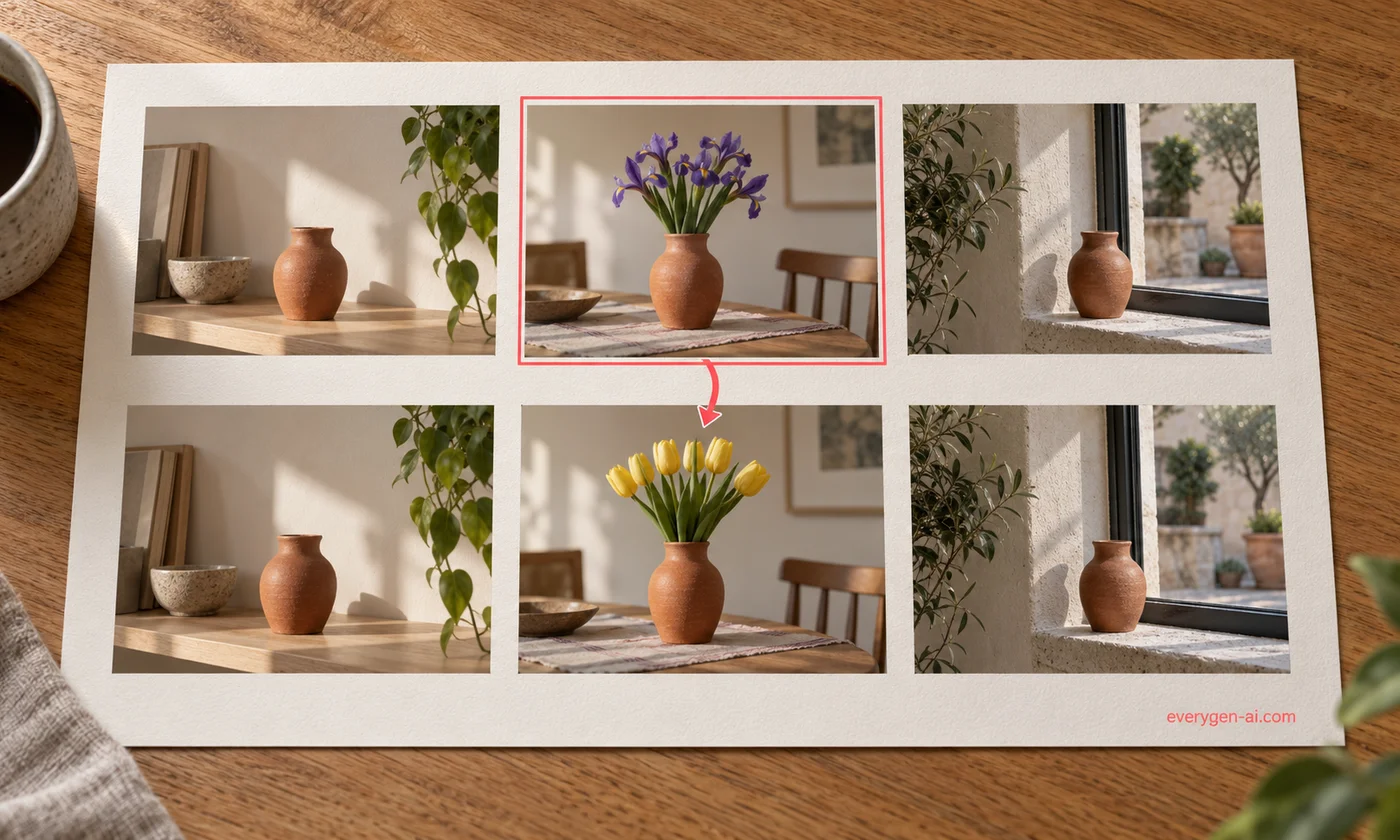
Select the shot that needs another take and change its prompt. A new generation creates a separate version; the earlier submitted task stays linked to the storyboard. You can switch between versions to check which one works.
A slow or uncertain response is not permission to charge again. The workspace retains the original request ID and offers a status refresh before you decide what to do next.
Choose a Story Direction, Then Make It Yours
Explore 3D, clay, watercolor, cut-paper and hand-drawn story starters. Each template loads an English brief, a visual reference and an editable three-shot outline. Covers are starting references, not finished videos.
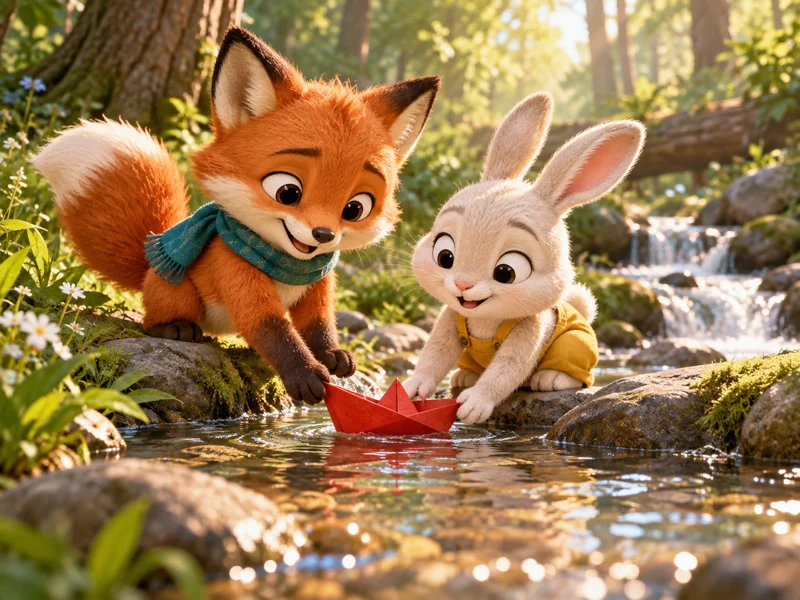
The Little Boat of Friendship
Warm original 3D: two friends help a paper boat set sail.
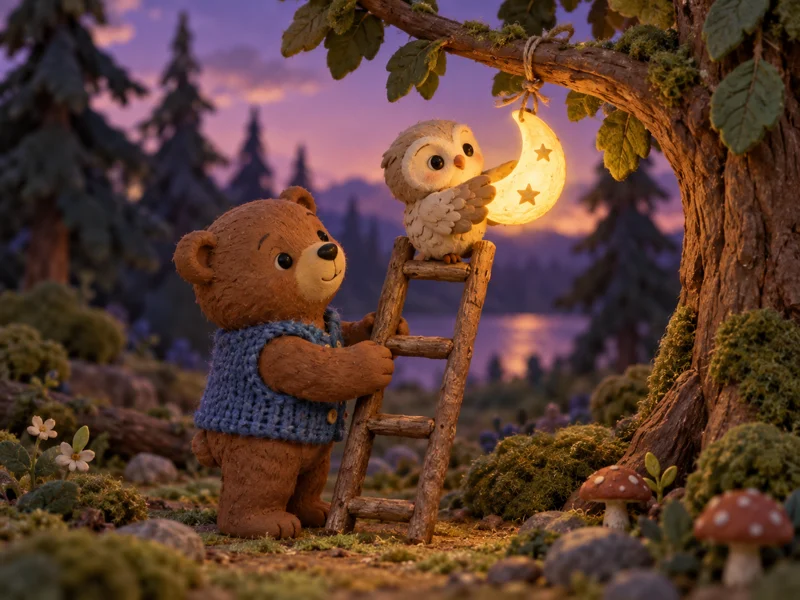
A Ladder to the Moon
Handmade clay: a bear and an owl help a moon back into the sky.
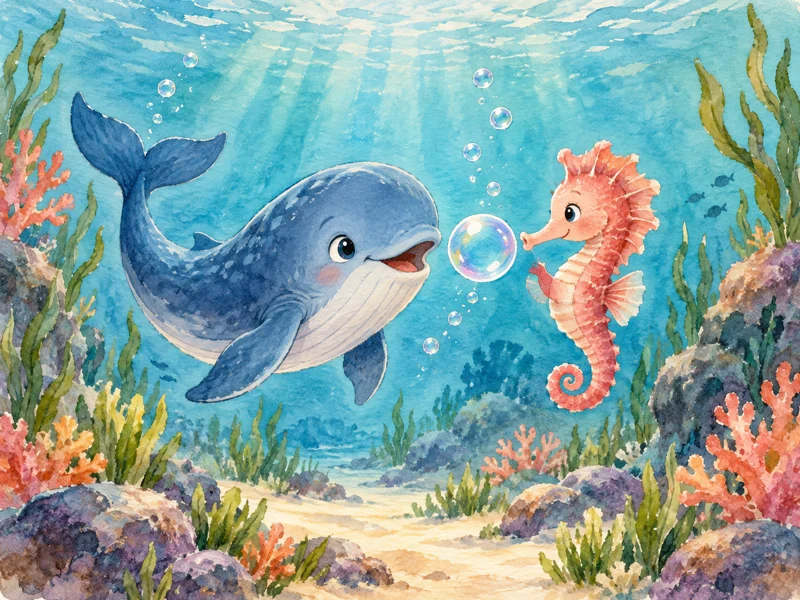
The Whale Who Found a Song
Watercolor animation: a shy whale finds confidence with a friend.
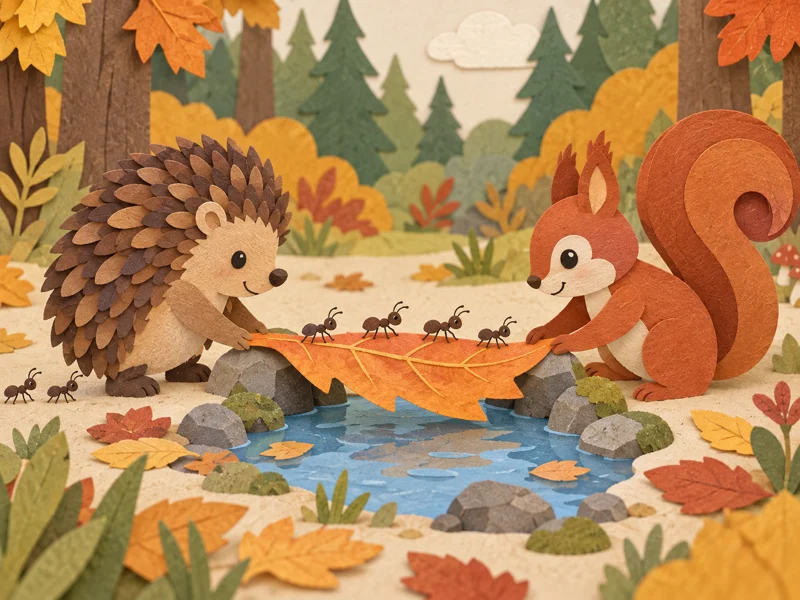
A Bridge for Tiny Friends
Layered cut-paper: woodland friends build a small leaf bridge.
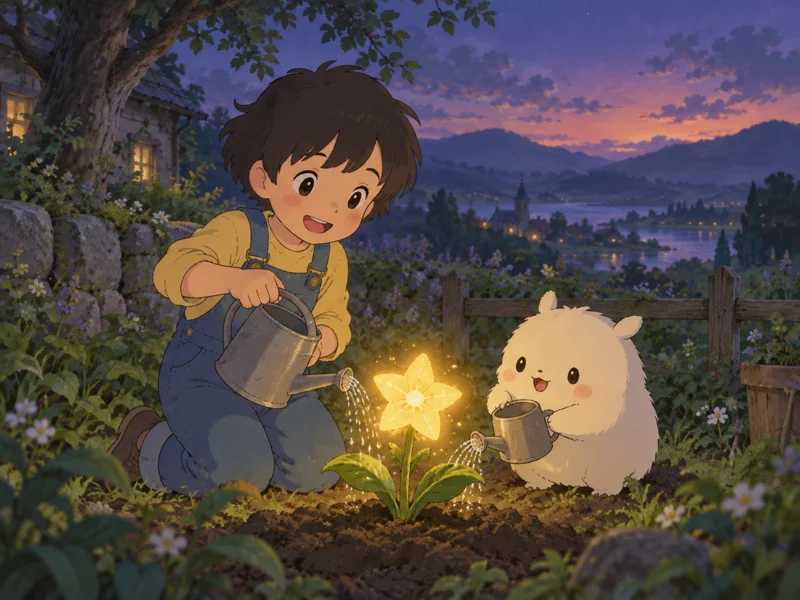
The Little Star Gardener
Gentle hand-drawn animation: friends care for a glowing star flower.
Plan Videos Around a Real Creative Task
Use the same shot-by-shot workflow for different stories and destinations.
Children’s story sequences
Build a simple beginning, problem and cooperative ending. Check that every action is readable and each character remains recognizable across clips.
Character-led animation
Keep a compact character description beside every shot. Use a shared image to guide the starting look, then inspect expressions and movement in the result.
Product ads and promos
Plan a visual hook, a product detail and a final hero shot. Supply your own product image and verify packaging, labels and claims before publishing.
Short films with a twist
Separate the setup, reveal and reaction into individual shots. Change the framing of one scene without replacing the clips you have already approved.
Music-video visuals
Develop a repeating color palette or visual motif across the sequence. Export the clips and align them to your licensed soundtrack in your editor.
A storyboard from your own script
Paste one scene per line and revise the resulting shot list. Make each prompt self-contained so the video model receives the information that shot needs.
A Storyboard Workspace or a Single-Clip Generator?
Choose the workflow around how many connected shots you need to manage. Both use the existing video generation system.
| Task | AI Director | Single-clip tools |
|---|---|---|
| Planning | One brief with an editable shot list | One prompt for one clip |
| Reference | Shared start image across a storyboard | Reference selected for the current clip |
| Cost | Confirm and pay per shot | Confirm and pay per generation |
| Revisions | Keep task versions grouped under each shot | Individual tasks in My creations |
| Delivery | Separate clips plus an exportable shot list | One clip to download |
Plan Freely, Pay for the Shots You Confirm
Creating and editing the starter storyboard does not consume generation credits. Each video shot uses your existing credit balance, with the model, length, resolution and charge shown before submission.
Revisions that generate new footage are separate paid tasks. If the balance is insufficient, review the existing checkout options from the task page. Check task details for the final status of a failed or interrupted generation.
See plans and creditsFollow the Complete Storyboard Workflow
Read the practical guide to writing a brief, splitting scenes, choosing a reference, checking costs and reviewing the clips. It also covers local project storage and what to do when a result is uncertain.
Read the AI Director guideFAQ
AI Director FAQ
What to know before you plan your first sequence.
Paid accounts can use a language model to split a brief into editable shots and optimize individual shot prompts when the service is available. Templates keep their authored starting shots. Review the plan before generating footage; AI planning does not generate a finished film.
Manual storyboard creation and editing are free after signing in. AI planning and shot optimization are included for accounts with a completed paid purchase, subject to request limits and service availability. Video generation is charged separately for each confirmed shot.
The duration selector shows the supported lengths for the chosen video model. A storyboard can contain up to eight shots. They are delivered as separate clips; this version does not export a stitched three-minute film.
Use the same reference image and repeat the relevant character details in each prompt. This guides the model but does not guarantee identical faces, clothing or voices. Check continuity in every result.
Storyboard drafts and their shot lists are saved in this browser and scoped to your account. They do not sync between devices. Export the shot list for a portable record; submitted generation tasks remain in My creations.
Reopen the storyboard and refresh the saved version. The original request ID is retained. Status checks do not start a new video; do not create another version until you know the first task’s state.
This release focuses on planning and generating individual shots. Audio depends on the selected model. Automatic film assembly, fixed character voices, subtitles and a mixed soundtrack are not included; use an editor to finish those steps.
The displayed films are reference examples from the source gallery. They demonstrate storytelling directions and are labeled separately from your generated results. The illustrations and template covers are not evidence of a completed generation.
Give Your Next Story a Clear Shot List
Start with an idea. Review the scenes. Generate only the shots you are ready to make.
Create a storyboard