
Wan 3.0 AI Video Generator

Build a text-to-video scene with Wan 3.0 in Everygen AI. Describe a readable action, setting, and camera route, then choose the supported parameters and review the current credit quote.

Wan Text to Video Video Examples Prompt Control
AI ImageAI Video
0/2000
More creative powerSAVE UP TO 67%Choose annual billing for more image and video credits.Explore plans

Prompt Ideas for Wan 3.0

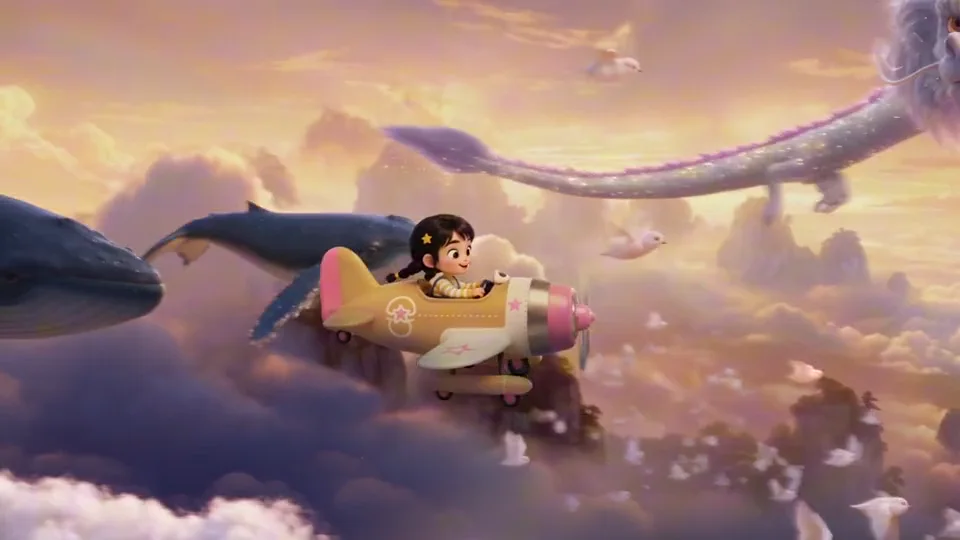
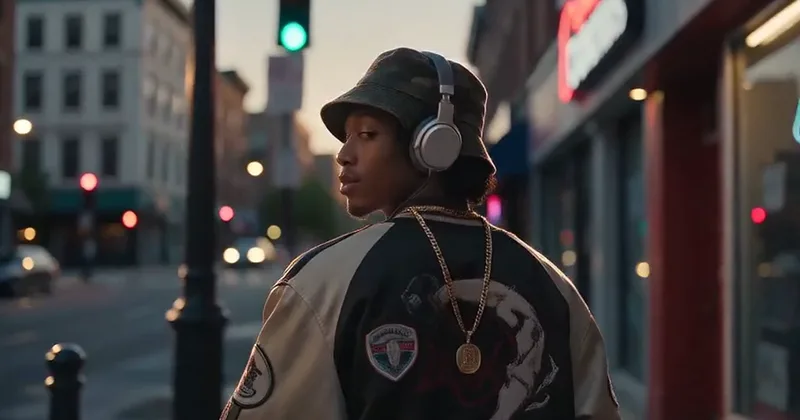
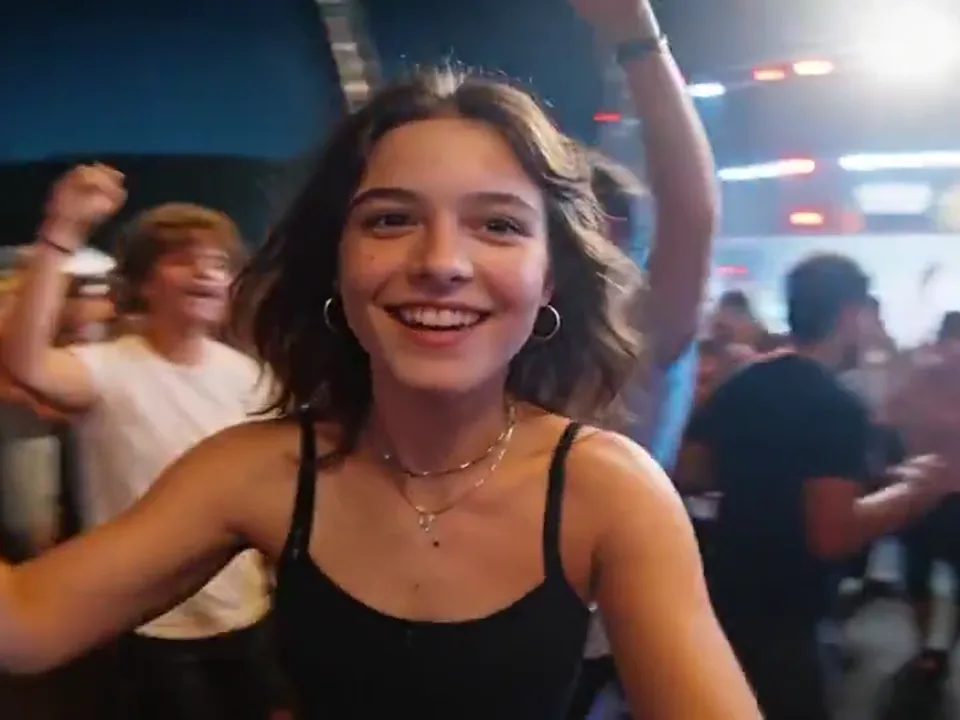
Use this illustrative reference gallery to study composition, camera movement, and scene pacing before trying your own prompt with Wan 3.0.

Develop Your Wan 3.0 Video Brief

Use the reference scenes to plan movement, framing, and visual continuity. These suggestions guide your written brief; actual options and availability are shown by the generator.

Keep the Scene Connected through Movement

A continuous scene needs the subject and camera to share a readable path through the environment. Describe the beginning, movement, and final view before adding details. Review the result for abrupt changes, since the example is a visual reference rather than a continuity guarantee.

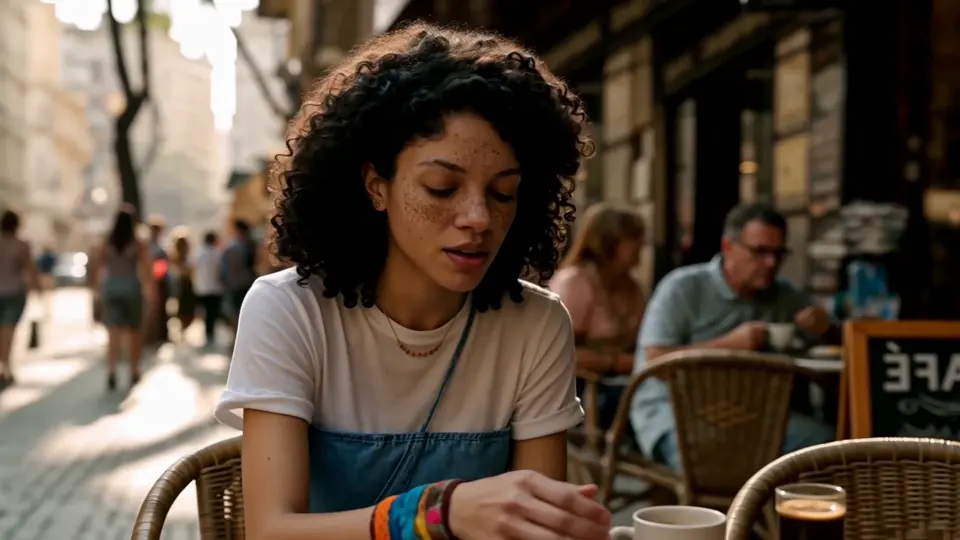
Make Dynamic Action Easy to Follow

Action works best when its direction and spatial relationships stay clear. Keep the main subject identifiable and explain where the camera sits relative to it. Start with a manageable sequence, then inspect the motion and surroundings before combining several fast events in one prompt.

Describe a Camera Move with Purpose

The examples use forward movement, following, and changing distance to reveal a scene. Name the camera's start, travel direction, and intended stopping point. An ambitious movement should serve the visible action, not compete with several conflicting camera requests in the same shot.

Use Original Characters and Review Carefully

Choose original characters or materials you are entitled to use, and follow our Acceptable Use Policy. Review the clip before sharing it, especially when a face or recognizable identity appears. The platform does not promise that every generated result is automatically cleared for publication.

Pricing

Choose Your Plan

Create images, edit references, and generate videos with one credit balance. Buy credits when you need them, or subscribe for a monthly allowance.

Need a few more credits?

One payment, no recurring subscription. Use these credits across image and video tools; credit packs do not expire.

One video

Pay once. No subscription.

10 credits

$9.90

One generation with eligible video settings

  • ✓ Never expires

Duo Pack

41%

A small top-up for your next creation.

50 credits

$29.00

Up to 25 basic clips (5s, 480P)

Up to 12 images with lower-cost settings

  • ✓ Never expires
Most Popular

Crew Pack

71%

Keep exploring images and short videos.

350 credits

$99.00

Up to 175 basic clips (5s, 480P)

Up to 87 images with lower-cost settings

  • ✓ Never expires

Studio Pack

78%

Extra credits for a series of creative projects.

900 credits

$199.00

Up to 450 basic clips (5s, 480P)

Up to 225 images with lower-cost settings

  • ✓ Never expires

Label Pack

83%

A larger reserve for ongoing production.

3000 credits

$499.00

Up to 1500 basic clips (5s, 480P)

Up to 750 images with lower-cost settings

  • ✓ Never expires

Create every month

Choose monthly billing or pay annually. Credits arrive each month, and the generator shows the cost for your selected model before you start.

Most Popular

Basic

A monthly allowance for ideas, edits, and occasional videos.

34 credits / month

$8.33mo

Up to 17 basic clips/month (5s, 480P)

Up to 8 images with lower-cost settings

Billed annually at $100.00

  • ✓ Access to supported image and video models
  • ✓ Download your generated images and videos
  • ✓ Use prompts and reference images

Pro

More room for regular image and video projects.

334 credits / month

$41.67mo

Up to 167 basic clips/month (5s, 480P)

Up to 83 images with lower-cost settings

Billed annually at $500.00

  • ✓ Access to supported image and video models
  • ✓ Download your generated images and videos
  • ✓ Credits work across image and video tools

Studio

A larger allowance for frequent creation and higher-cost models.

500 credits / month

$50.00mo

Up to 250 basic clips/month (5s, 480P)

Up to 125 images with lower-cost settings

Billed annually at $600.00

  • ✓ Access to supported image and video models
  • ✓ Download your generated images and videos
  • ✓ Credits work across image and video tools

Payments are handled by our payment providers. We do not store full card numbers.

Prices are listed in USD. Confirm the payment method, currency, and final amount at checkout.

Image credit usage

Credits for one image at the selected resolution, using the same prices as the generator. Editing may add reference-image credits; review the final quote before you generate.

Model1K2K4K
GPT Image 2.5 Sunburst305080
Nano Banana 2.1203060
Seedream 5 Pro714—
GPT Image 2.5 Flare203555

Video credit usage

Text-to-video examples at the duration shown, using the same quote as submission. Higher resolutions, longer clips, or image-to-video settings can cost more. A dash means this combination is unavailable.

ModelDuration480P540P720P768P1080P2K4K
Seedance 2.55s20—40—60—200
Veo 3.18s——80—100—200
Kling 3.05s——15—20—50
MiniMax H35s10——10———

Wan 3.0: Your Questions Answered

Learn how to use Wan 3.0 with the shared video tool, select parameters, check credits, and review your result in Everygen AI.

How do I use Wan 3.0 here?

This page selects Wan 3.0 in our shared text-to-video tool. Enter a prompt and review the displayed settings. The tool shows whether generation is available before you continue.

What should I include in the prompt?

Describe the subject, action, setting, light, and camera direction. Keep the sequence focused and explain any important visual change. Use the gallery as illustrative inspiration rather than expecting an identical result.

How do I choose the right edition?

Choose Wan 3.0 by its full label in the model menu. Other editions have their own settings and quotes. The page will not present a different named version as the same choice.

Which quality, duration, and aspect ratio can I select?

Use the supported combinations shown in the toolbar. Changing a parameter can also update other valid choices and the credit quote. Reference-file dimensions do not define the output settings.

Do I need an image for this page?

No. This page starts with text-to-video. Describe the scene in words. For supported image animation, open the separate Image to Video tool and follow the inputs actually provided there.

Can I control audio in this tool?

The current T2V toolbar has no audio switch, uploaded soundtrack input, or lip-sync control. A returned clip depends on the generation service, and a specific soundtrack or spoken line is not guaranteed.

How are credits and failed tasks handled?

Review the quote beside Generate before submitting or paying. Confirmed failed generation tasks return deducted generation credits. For payment questions or an unresolved task, use Support Tickets; no fixed cost is inferred from this gallery.

Do I need an account, and can I download the result?

Sign in to continue generation and follow any payment prompt shown for your draft. When the video is ready, the tool provides playback and access to the returned file for download.

Put Your Wan 3.0 Idea into Motion

Open the video generator