
MiniMax H3 AI Video Generator

Study MiniMax H3 examples for character scenes, product detail, and animated interfaces. This specific edition is not yet available for generation in Everygen AI.

MiniMax Text to Video Video Examples Prompt Control
AI ImageAI Video
0/2000
More creative powerSAVE UP TO 67%Choose annual billing for more image and video credits.Explore plans

MiniMax H3 Ideas in Motion

Browse a character scene, a detailed close-up, a layered street sequence, and an animated game menu. Reuse the visual ideas in your own prompts.

A Closer Look at MiniMax H3

Look at scene planning, surface detail, atmosphere, and interface movement. These reference examples do not establish quality guarantees or additional controls in the current generator.

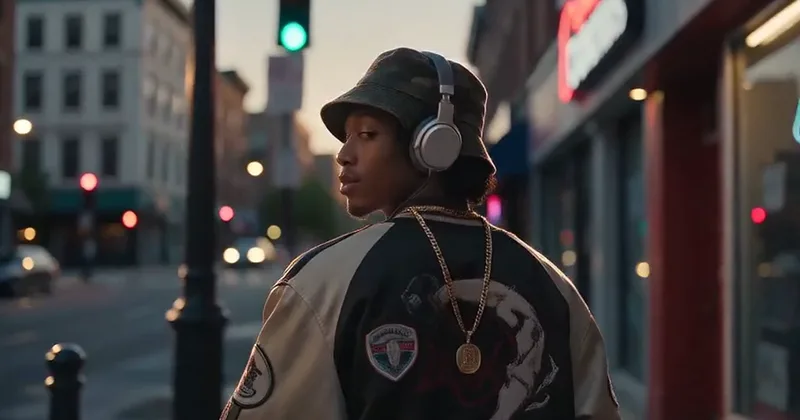
Describe How a Scene Fits Together

The character example places subject, setting, and camera direction into one visual brief. Explain what each element contributes and keep the action simple. This page accepts text rather than a collection of uploaded image, motion, and audio references.
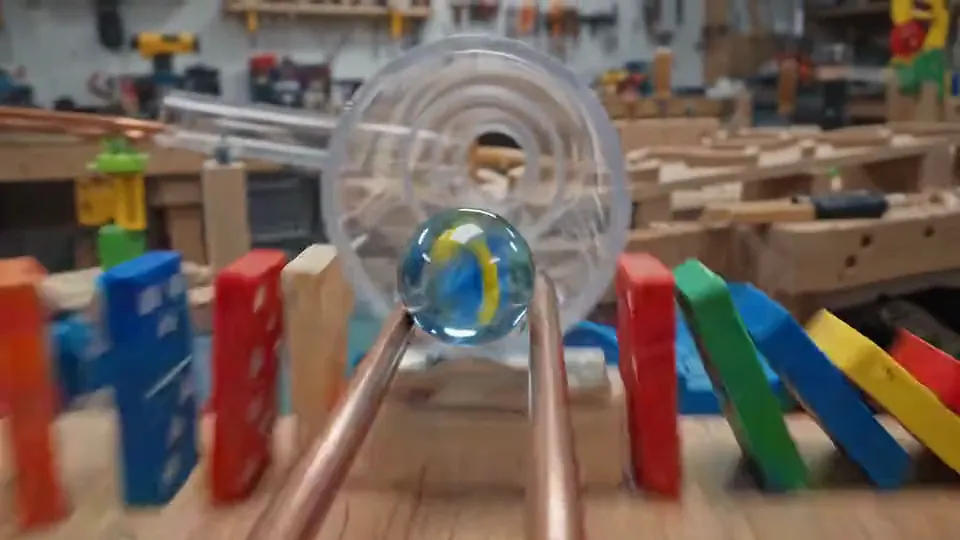
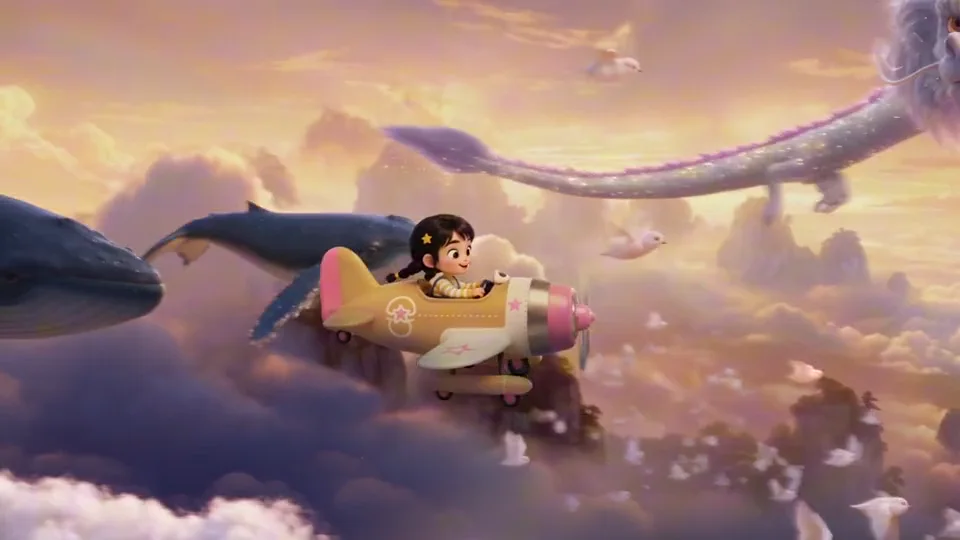
Read the Detail in a Close-Up

The product example draws attention to texture, packaging, and changing reflections during a controlled camera move. Use a clear focal point and restrained motion to make details visible. This page does not promise the source's resolution tier or exact lettering accuracy.

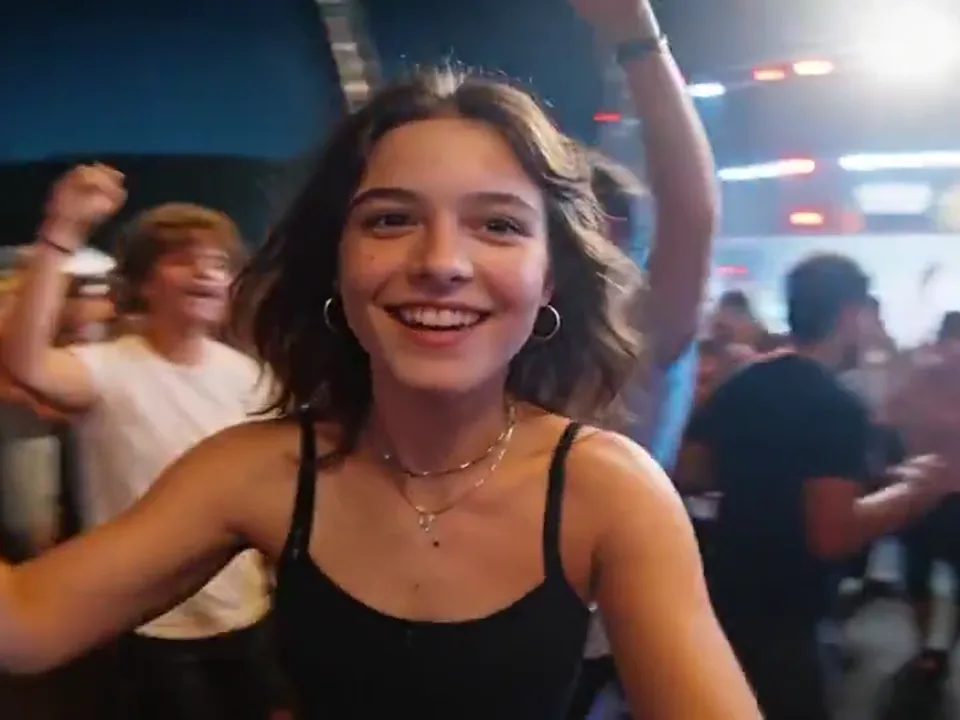
Build Atmosphere through Depth and Light

The night sequence layers nearby action with distant traffic and changing storefront light. Explain where subjects sit in the frame and how the camera reveals them. Audio controls are not exposed here, so evaluate the example as a visual direction.

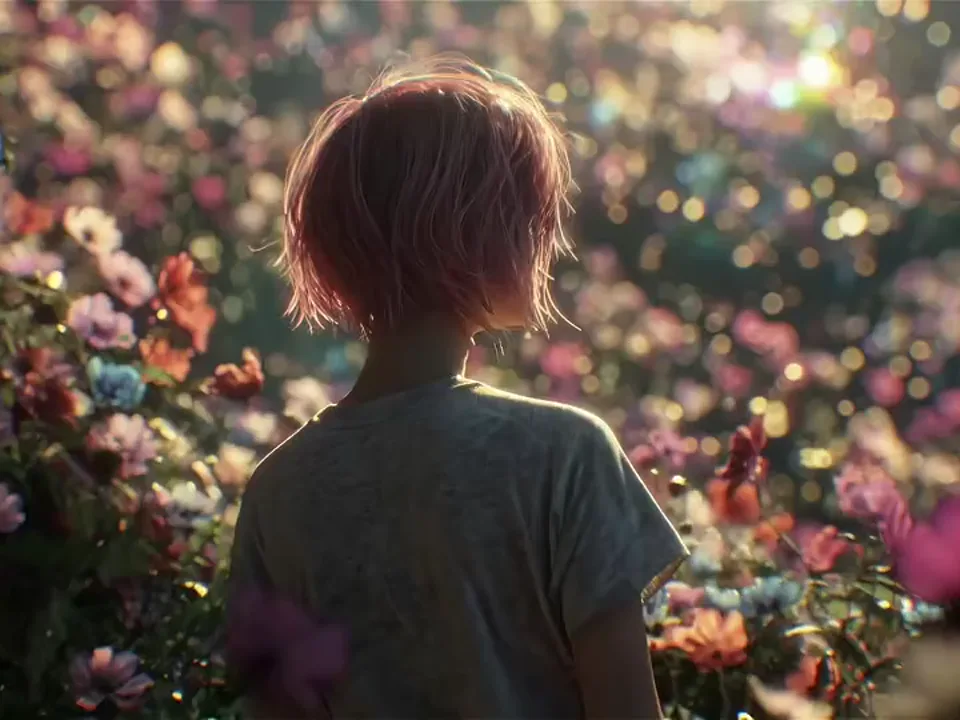
Add Motion without Losing the Interface

The game-menu scene uses movement around a stable central layout. Keep the character, palette, and button placement explicit, then restrict animation to a few areas. Check or replace generated interface text before using the clip as a finished product mockup.

Pricing

Choose Your Plan

Create images, edit references, and generate videos with one credit balance. Buy credits when you need them, or subscribe for a monthly allowance.

Need a few more credits?

One payment, no recurring subscription. Use these credits across image and video tools; credit packs do not expire.

One video

Pay once. No subscription.

10 credits

$9.90

One generation with eligible video settings

  • ✓ Never expires

Duo Pack

41%

A small top-up for your next creation.

50 credits

$29.00

Up to 25 basic clips (5s, 480P)

Up to 12 images with lower-cost settings

  • ✓ Never expires
Most Popular

Crew Pack

71%

Keep exploring images and short videos.

350 credits

$99.00

Up to 175 basic clips (5s, 480P)

Up to 87 images with lower-cost settings

  • ✓ Never expires

Studio Pack

78%

Extra credits for a series of creative projects.

900 credits

$199.00

Up to 450 basic clips (5s, 480P)

Up to 225 images with lower-cost settings

  • ✓ Never expires

Label Pack

83%

A larger reserve for ongoing production.

3000 credits

$499.00

Up to 1500 basic clips (5s, 480P)

Up to 750 images with lower-cost settings

  • ✓ Never expires

Create every month

Choose monthly billing or pay annually. Credits arrive each month, and the generator shows the cost for your selected model before you start.

Most Popular

Basic

A monthly allowance for ideas, edits, and occasional videos.

34 credits / month

$8.33mo

Up to 17 basic clips/month (5s, 480P)

Up to 8 images with lower-cost settings

Billed annually at $100.00

  • ✓ Access to supported image and video models
  • ✓ Download your generated images and videos
  • ✓ Use prompts and reference images

Pro

More room for regular image and video projects.

334 credits / month

$41.67mo

Up to 167 basic clips/month (5s, 480P)

Up to 83 images with lower-cost settings

Billed annually at $500.00

  • ✓ Access to supported image and video models
  • ✓ Download your generated images and videos
  • ✓ Credits work across image and video tools

Studio

A larger allowance for frequent creation and higher-cost models.

500 credits / month

$50.00mo

Up to 250 basic clips/month (5s, 480P)

Up to 125 images with lower-cost settings

Billed annually at $600.00

  • ✓ Access to supported image and video models
  • ✓ Download your generated images and videos
  • ✓ Credits work across image and video tools

Payments are handled by our payment providers. We do not store full card numbers.

Prices are listed in USD. Confirm the payment method, currency, and final amount at checkout.

Image credit usage

Credits for one image at the selected resolution, using the same prices as the generator. Editing may add reference-image credits; review the final quote before you generate.

Model1K2K4K
GPT Image 2.5 Sunburst305080
Nano Banana 2.1203060
Seedream 5 Pro714—
GPT Image 2.5 Flare203555

Video credit usage

Text-to-video examples at the duration shown, using the same quote as submission. Higher resolutions, longer clips, or image-to-video settings can cost more. A dash means this combination is unavailable.

ModelDuration480P540P720P768P1080P2K4K
Seedance 2.55s20—40—60—200
Veo 3.18s——80—100—200
Kling 3.05s——15—20—50
MiniMax H35s10——10———

MiniMax H3: Your Questions Answered

Find practical answers about MiniMax H3, the examples on this page, and the generation options currently offered by Everygen AI.

What does MiniMax H3 refer to?

MiniMax H3 names this example collection; Hailuo 3 is another name associated with the same generation. The exact H3 edition is not enabled for generation in Everygen AI yet.

Can I turn audio on or off?

There is no audio toggle in the text-to-video tool. The source's sound controls are not available here. These H3 examples explore visual ideas while the exact edition remains unavailable.

How much would an H3 generation cost?

There is no active H3 quote because the edition is not open. When you explicitly select an available model, the toolbar shows that model's current credit requirement before submission.

Are reference files charged separately?

This page has no multimodal-reference workflow and does not apply the source's reference-file fees. Supported generation costs come from the current quote shown by Everygen AI.

Can I upload an audio reference?

No audio-reference input is provided here. Describe the visual atmosphere in the prompt. Separate soundtrack, dialogue, or mixing work would need an editor outside this generator.

What references does this page accept?

This page accepts a written prompt, not collections of images, video, or audio references. You can explore supported image animation separately through the Image to Video tool.

Which quality and length can I choose?

The exact H3 edition has no active settings here yet. For an available model, choose only combinations offered in the toolbar. Example file dimensions do not guarantee future output sizes.

Is H3 Turbo interchangeable with H3?

No. They are separate editions and this page will not substitute one for the other. Each has its own examples; availability must be checked for the exact edition.

Turn an Example into Your Next Idea

Explore available video models