

Seedance 1.0 Pro Fast AI Video Generator

Explore Seedance 1.0 Pro Fast examples for nature, performance, space, and fantasy montages. This exact edition is not yet open for generation in Everygen AI.

Seedance Text to Video Video Examples Prompt Control
AI ImageAI Video
0/2000
More creative powerSAVE UP TO 67%Choose annual billing for more image and video credits.Explore plans

Seedance 1.0 Pro Fast Ideas in Motion

Study four montages that connect flower fields, theater scenes, storms, space, and imagined worlds. Each sequence suggests a different way to organize a visual brief.

A Closer Look at Seedance 1.0 Pro Fast

These clips explore product motion, alternative compositions, floating subjects, and action framing. They do not establish fixed generation times, discount percentages, or active settings for this edition.

Make a Short Product Reveal Readable

Make a Short Product Reveal Readable

The soda-can scene uses a quick movement and a clean composition to reveal the product. Name the focal object, its motion, and the final frame rather than relying on a vague request for speed. No fixed rendering-time comparison is promised for this unavailable edition.


Explore More than One Composition

Explore More than One Composition

The sneaker example shows how a simple product can support different colors, camera angles, and motion ideas. Change one detail at a time when drafting variations. Pricing comes from available models in the toolbar, not a percentage comparison copied from another platform.

Give a Small Subject Believable Motion

Give a Small Subject Believable Motion

The paper-boat clip focuses on recognizable shape, water contact, and a camera moving close to the surface. Describe these relationships directly in text. This page has no first-frame upload input, so the prompt creates a scene rather than locking an existing photograph.

Frame the Action before Adding Detail

Frame the Action before Adding Detail

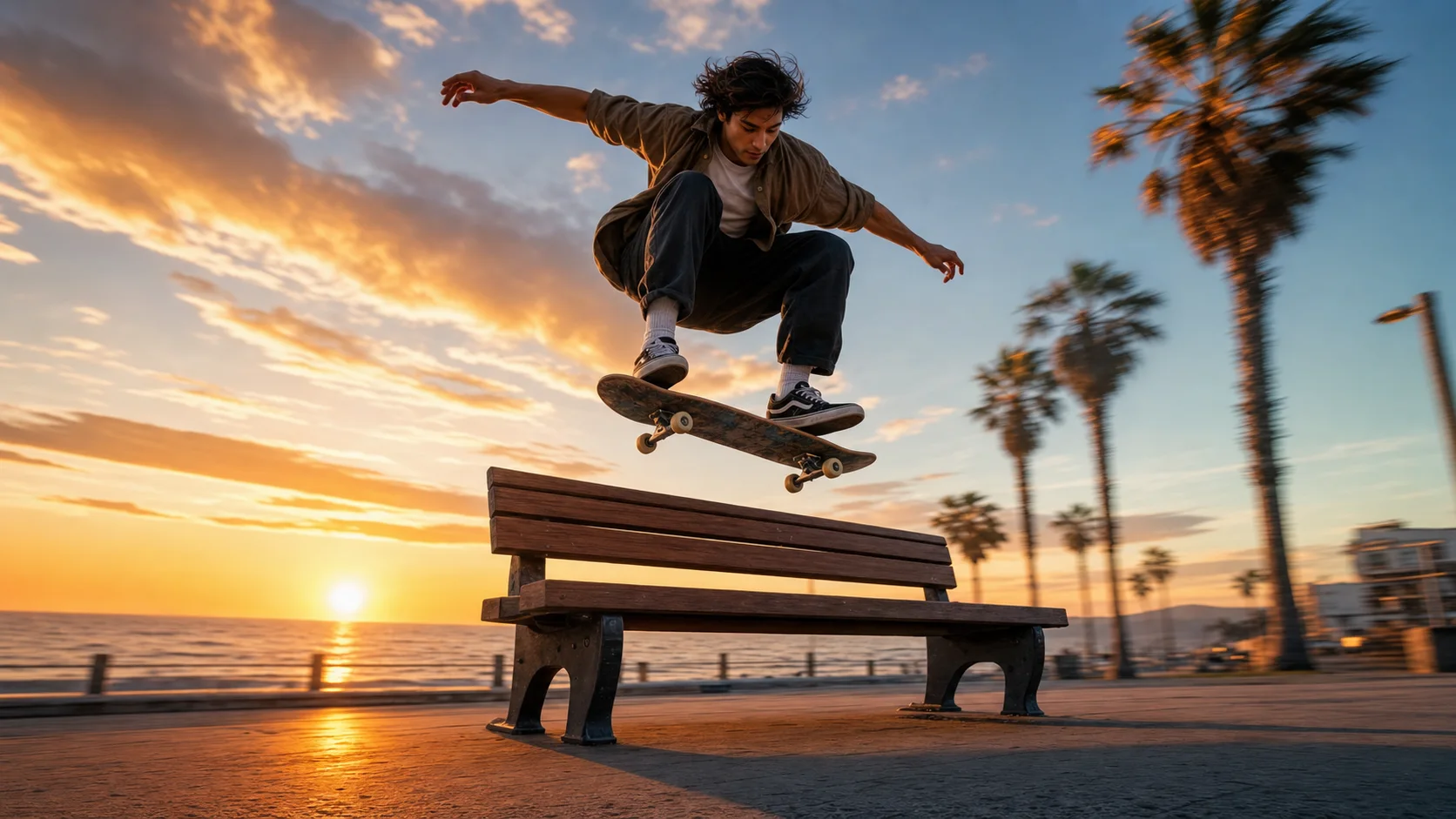
The skateboard scene keeps one clear action at the center of the frame. Describe the approach, jump, and landing while preserving the board and body position. Review movement continuity and choose a supported model before relying on any duration or quality option.

Pricing

Choose Your Plan

Create images, edit references, and generate videos with one credit balance. Buy credits when you need them, or subscribe for a monthly allowance.

Need a few more credits?

One payment, no recurring subscription. Use these credits across image and video tools; credit packs do not expire.

One video

Pay once. No subscription.

10 credits

$9.90

One generation with eligible video settings

  • ✓ Never expires

Duo Pack

41%

A small top-up for your next creation.

50 credits

$29.00

Up to 25 basic clips (5s, 480P)

Up to 12 images with lower-cost settings

  • ✓ Never expires
Most Popular

Crew Pack

71%

Keep exploring images and short videos.

350 credits

$99.00

Up to 175 basic clips (5s, 480P)

Up to 87 images with lower-cost settings

  • ✓ Never expires

Studio Pack

78%

Extra credits for a series of creative projects.

900 credits

$199.00

Up to 450 basic clips (5s, 480P)

Up to 225 images with lower-cost settings

  • ✓ Never expires

Label Pack

83%

A larger reserve for ongoing production.

3000 credits

$499.00

Up to 1500 basic clips (5s, 480P)

Up to 750 images with lower-cost settings

  • ✓ Never expires

Create every month

Choose monthly billing or pay annually. Credits arrive each month, and the generator shows the cost for your selected model before you start.

Most Popular

Basic

A monthly allowance for ideas, edits, and occasional videos.

34 credits / month

$8.33mo

Up to 17 basic clips/month (5s, 480P)

Up to 8 images with lower-cost settings

Billed annually at $100.00

  • ✓ Access to supported image and video models
  • ✓ Download your generated images and videos
  • ✓ Use prompts and reference images

Pro

More room for regular image and video projects.

334 credits / month

$41.67mo

Up to 167 basic clips/month (5s, 480P)

Up to 83 images with lower-cost settings

Billed annually at $500.00

  • ✓ Access to supported image and video models
  • ✓ Download your generated images and videos
  • ✓ Credits work across image and video tools

Studio

A larger allowance for frequent creation and higher-cost models.

500 credits / month

$50.00mo

Up to 250 basic clips/month (5s, 480P)

Up to 125 images with lower-cost settings

Billed annually at $600.00

  • ✓ Access to supported image and video models
  • ✓ Download your generated images and videos
  • ✓ Credits work across image and video tools

Payments are handled by our payment providers. We do not store full card numbers.

Prices are listed in USD. Confirm the payment method, currency, and final amount at checkout.

Image credit usage

Credits for one image at the selected resolution, using the same prices as the generator. Editing may add reference-image credits; review the final quote before you generate.

Model1K2K4K
GPT Image 2.5 Sunburst305080
Nano Banana 2.1203060
Seedream 5 Pro714—
GPT Image 2.5 Flare203555

Video credit usage

Text-to-video examples at the duration shown, using the same quote as submission. Higher resolutions, longer clips, or image-to-video settings can cost more. A dash means this combination is unavailable.

ModelDuration480P540P720P768P1080P2K4K
Seedance 2.55s20—40—60—200
Veo 3.18s——80—100—200
Kling 3.05s——15—20—50
MiniMax H35s10——10———

Seedance 1.0 Pro Fast: Your Questions Answered

Find practical answers about Seedance 1.0 Pro Fast, the examples on this page, and the generation options currently offered by Everygen AI.

What does Seedance 1.0 Pro Fast mean here?

It is the exact model edition featured in this example collection. It is not enabled for generation in Everygen AI yet; newer Seedance versions are separate choices and will not be substituted automatically.

Is generation guaranteed to be faster?

We do not promise a fixed speed multiplier from the source's comparison. Waiting time depends on the selected available model and service conditions, and this exact edition has no active generation workflow yet.

Does this page offer a fixed cost discount?

No discount is inferred from the model's Fast name or the reference site's comparison. Actual Everygen AI pricing and the selected model's quote determine what a supported generation costs.

How are per-video credits shown?

Select an available model and supported parameters to see the credit number beside Generate. This exact edition is unavailable, so the page does not display a made-up per-second rate for it.

What is the minimum generation cost?

The lowest quote depends on the available model and its supported settings. Check the toolbar after choosing a model. There is no active minimum quote for Seedance 1.0 Pro Fast here.

Which clip lengths can I use?

Only durations listed for an available model can be submitted. This edition is not open here; ranges described on the source site do not become controls in our generator.

Can I animate a first-frame image?

Use the separate Image to Video tool for supported image tasks. This page uses text-to-video and has no first-frame input. Availability must be checked for the exact model edition.

Can I control whether a clip has audio?

The current page has no audio toggle. It does not expose this exact edition's generation path or promise its audio behavior. If you need a specific soundtrack, plan a separate editing step.

When should I select higher quality?

For an available model, raise quality after the composition and motion suit your brief. Inspect the updated quote before submitting. A higher setting does not remove the need to review fine detail and continuity.

Turn an Example into Your Next Idea

Explore available video models